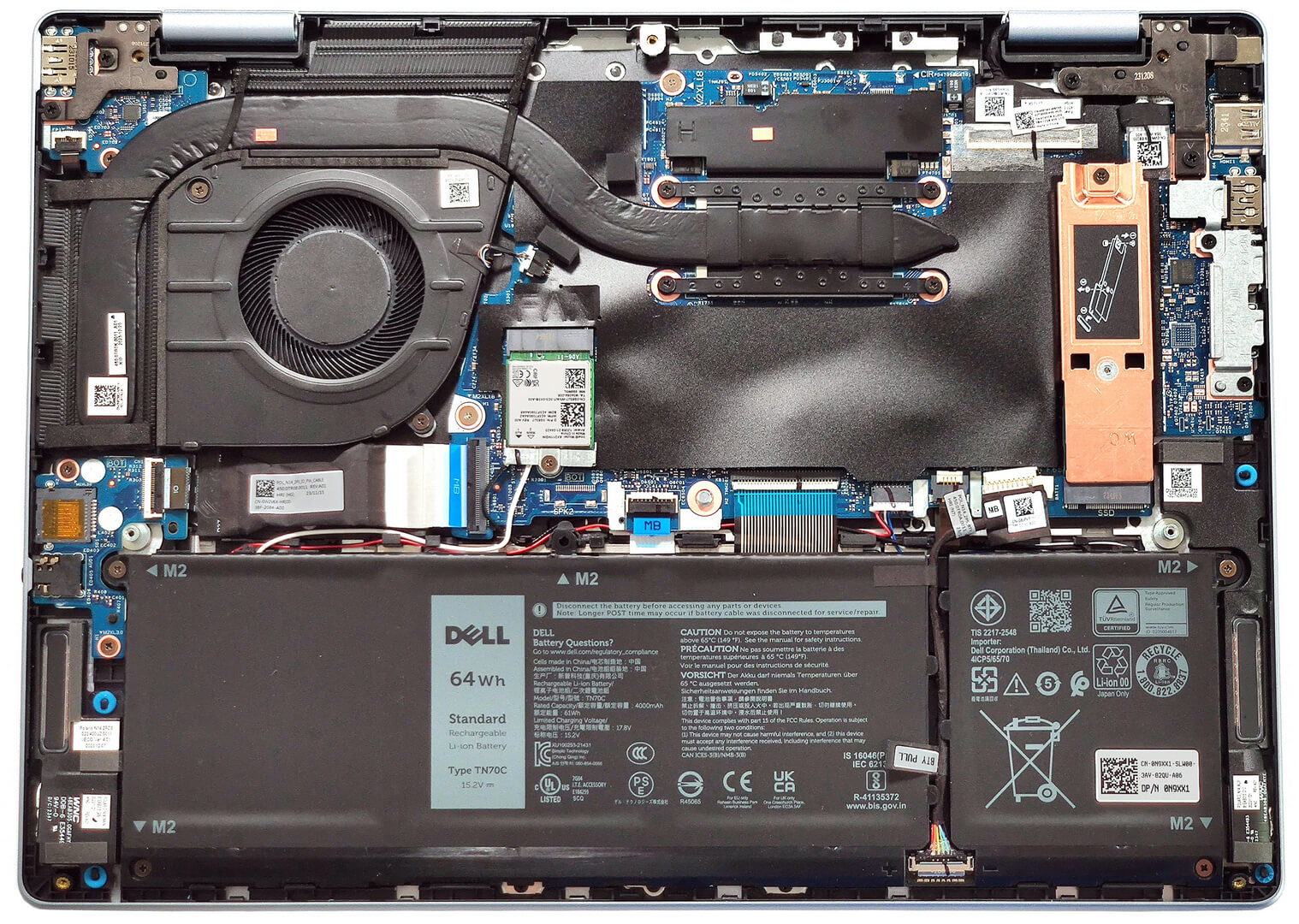
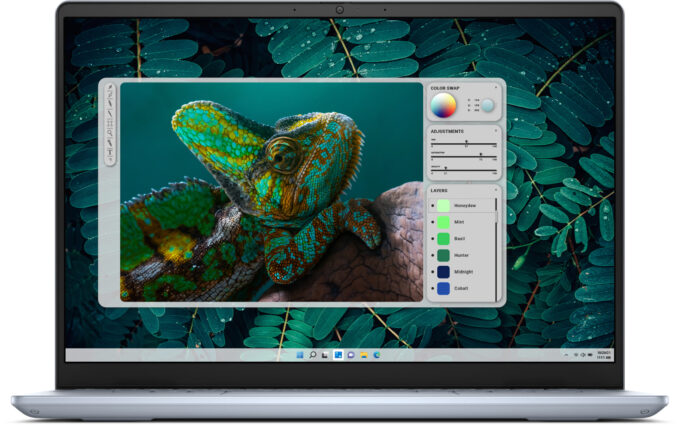
Dell Inspiron 7440


- Date Published: 26 Feb 2025
- Intel Core Ultra 7 155H
- Intel Arc (8-Cores)
- 14.0″, 2.2K (2240 x 1400), IPS
- 1000GB SSD
- 16GB RAM
- 1.77 kg (3.9 lbs)
Specs
- Display

- HDD/SSD
- 1000GB SSD
- M.2 Slot
- 1x 2230 / 2280 M.2 NVMe PCIe 4.0 x4 See photo
- RAM
- 16GB RAM
- OS
- Windows 11 Home
- Body Material
- Aluminum
- Dimensions
- 314 x 226.56 x 15.99 - 17.06 mm (12.36" x 8.92" x 0.63")
- Weight
- 1.77 kg (3.9 lbs)
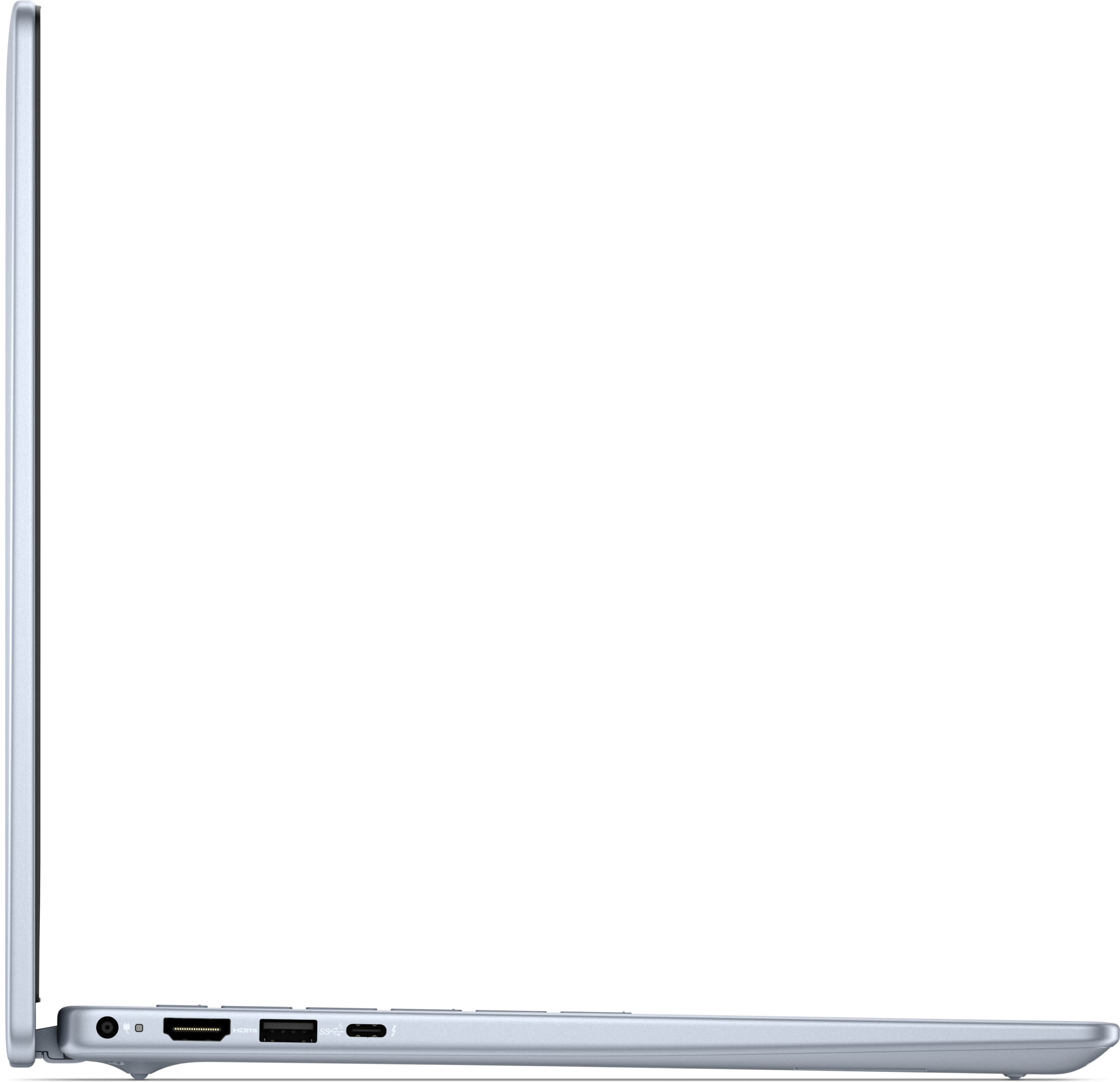
- Ports and connectivity
- 2x USB Type-A
- 3.2 Gen 1 (5 Gbps)
- 1x USB Type-C
- Thunderbolt 4, Power Delivery (PD), DisplayPort
- HDMI
- 1.4
- Card Reader
- microSD (microSD, microSDHC, microSDXC)
- Ethernet LAN
- Wi-Fi
- 802.11be
- Bluetooth
- 5.4
- Audio jack
- 3.5mm Combo Jack
- Features
- Fingerprint reader
- Web camera
- FHD
- Backlit keyboard
- Speakers
- 2x 2.5W Stereo Speakers
- Security Lock slot
Portability
Review
Dell Inspiron 7440 in-depth review
The Inspiron 14 Plus 7440 is a small laptop that offers powerful hardware fitted inside а thin chassis. The Dell device stands its ground among the competition with a decent cooling solution and a lid with a lever design that definitely enhances the capabilities of the thermal system. This machine is offered with a plethora of CPU options including 12th Gen, 13th Gen (based on the Alder Lake architecture), and Core Ultra chips. Read the specs carefully before buying because the CPU choice is tied to different memory configurations, displays, battery capacity, and even Bluetooth versions.The Alder and Raptor Lake-based devices have a base 1200p 60Hz display but you can opt for an optional 1400p unit (that is also available for all notebooks no matter the processor variant). The machines[...]
Read the full review
Pros
- Clean design
- Compact and light
- High P and E core clocks during full CPU loads, especially for a 14-incher
- The fan isn't noisy
- Aluminum chassis
- PWM-free (AUO73AB)
- High max brightness + 92% sRGB coverage (AUO73AB)
- Good color accuracy with our "Design and Gaming" profile (AUO73AB)
- Thunderbolt 4 port
- Great battery life
- Comfortable keyboard with optional backlight
- Optional fingerprint reader
- Snappy performance
- 1080p Web camera with a privacy shutter
Cons
- Soldered memory and only one M.2 slot
- High CPU temperatures in short and medium loads
- The port selection is a bit limited
Disassembly, maintenance and upgrade options
Opening the DeviceUndo the 7 Phillips-head screws securing the bottom panel. Note that the screws in the top two corners are captive and will lift the panel up. Pop the zones behind the hinges with a lever tool. Fully pry the rear and then work your way around the sides and the front with a thin plastic tool to remove the bottom panel.More info: Here's how the bottom plate looks on the inside.Battery RemovalUnplug the battery connector from the motherboard. Undo the 4 Phillips-head screws securing the battery. Lift the battery to remove it from the d[...]
Read more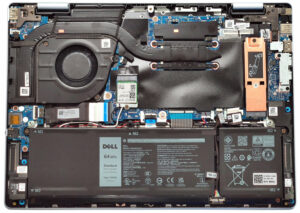


![[June 2026] Best-Selling Laptop Brands on Amazon Global – Apple’s Unrivaled Dominance in Units and Revenue](https://laptopmedia.com/wp-content/uploads/2026/07/GLOBAL-Best-Brands-400x225.jpg)
![[June 2026] Amazon Global: Top 10 Best-Selling Laptops – Apple’s New MacBook Neo Storms to #1, Reshaping the Market with Affordability](https://laptopmedia.com/wp-content/uploads/2026/07/Best-Selling-Laptops-GLOBAL-Top-10-400x225.jpg)
![[June 2026] Amazon Global: Top 10 Best-Selling Gaming Laptops – Acer’s Nitro V 16S AI Dominates Sales, While ASUS Leads Overall Revenue](https://laptopmedia.com/wp-content/uploads/2026/07/Best-Selling-Gaming-Laptops-GLOBAL-Top-10-400x225.jpg)
![[June 2026] Global Ranking of Best-Selling Laptop GPUs on Amazon – NVIDIA RTX 5060 is the Top-Selling Dedicated GPU](https://laptopmedia.com/wp-content/uploads/2026/07/Best-Selling-GPUs-GLOBAL-Top-10-400x225.jpg)
![[June 2026] Global Ranking of Best-Selling Laptop CPUs on Amazon – Apple M5 Dominates, AMD Ryzen 7 260 Gets Solid Premium Share](https://laptopmedia.com/wp-content/uploads/2026/07/Best-Selling-CPUs-GLOBAL-Top-10-400x225.jpg)