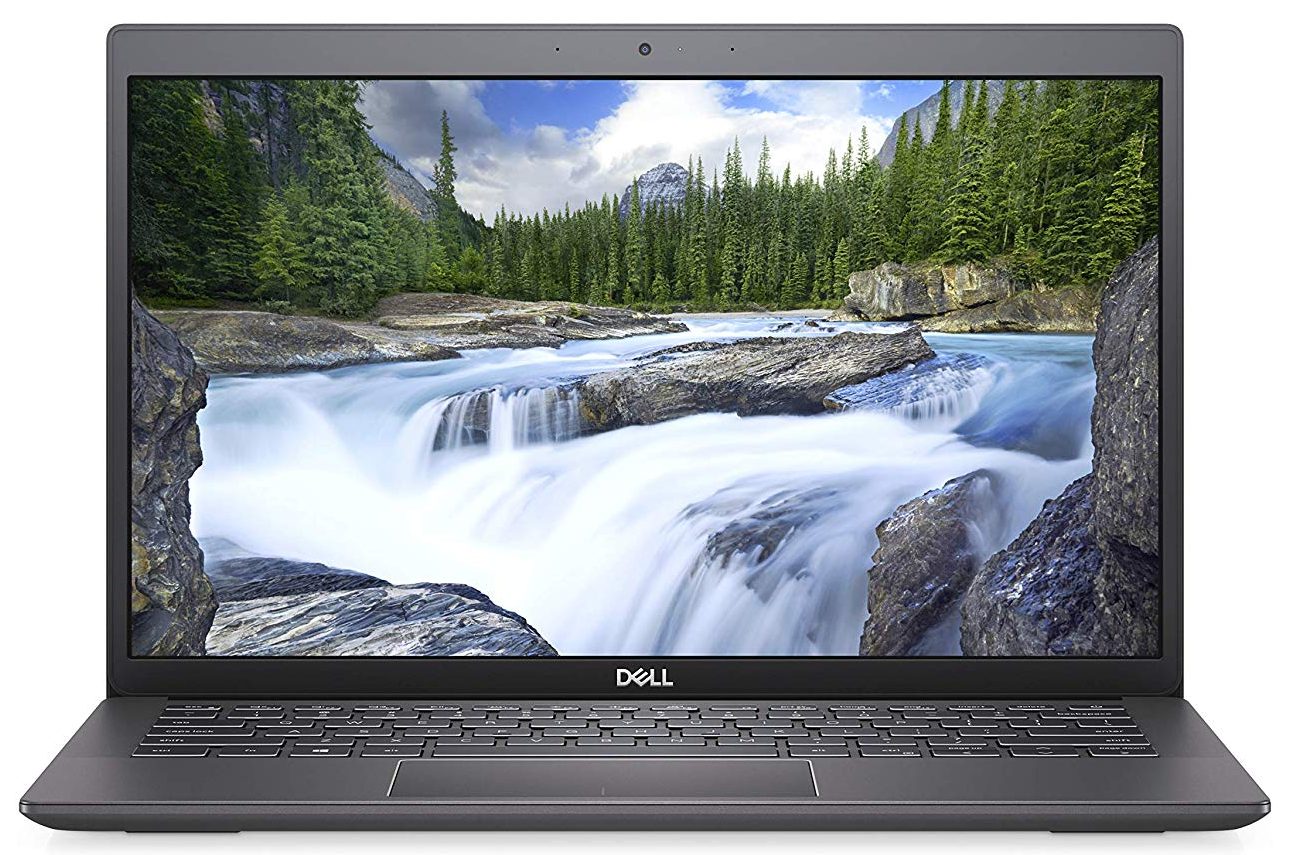
Dell Latitude 13 3301
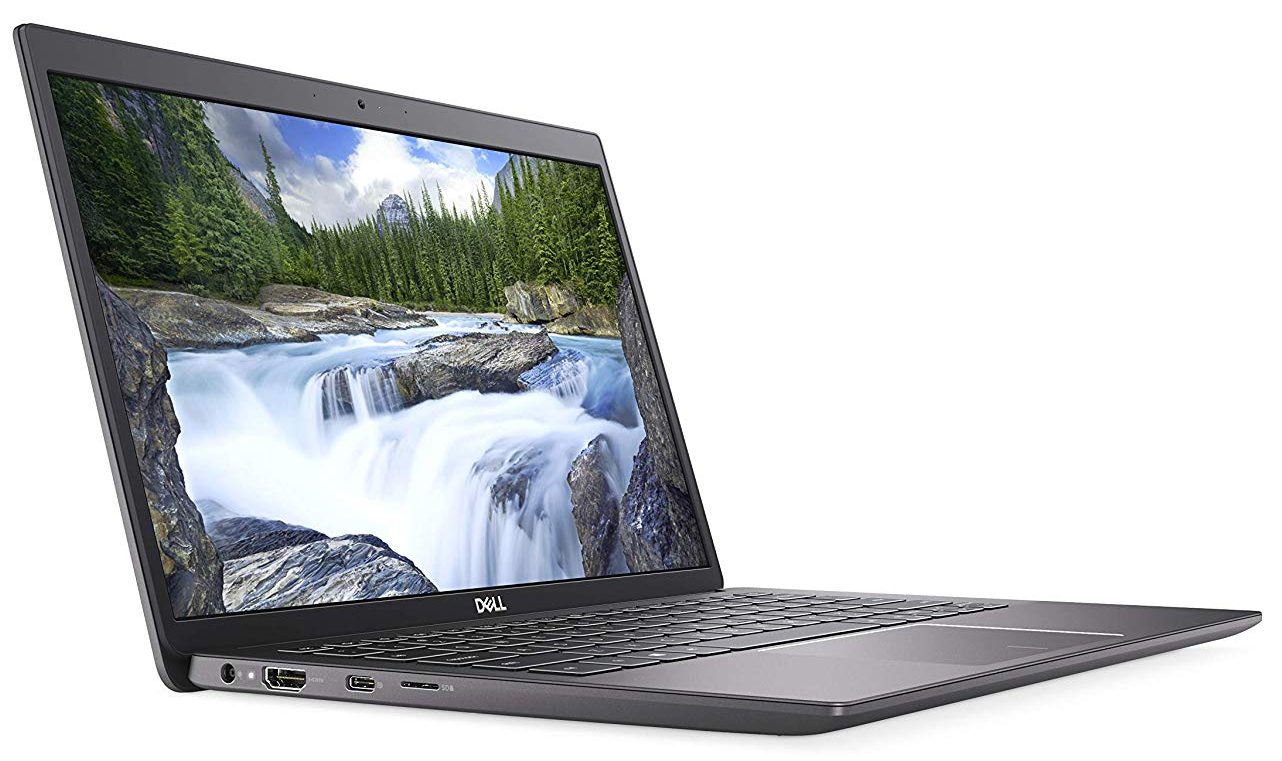
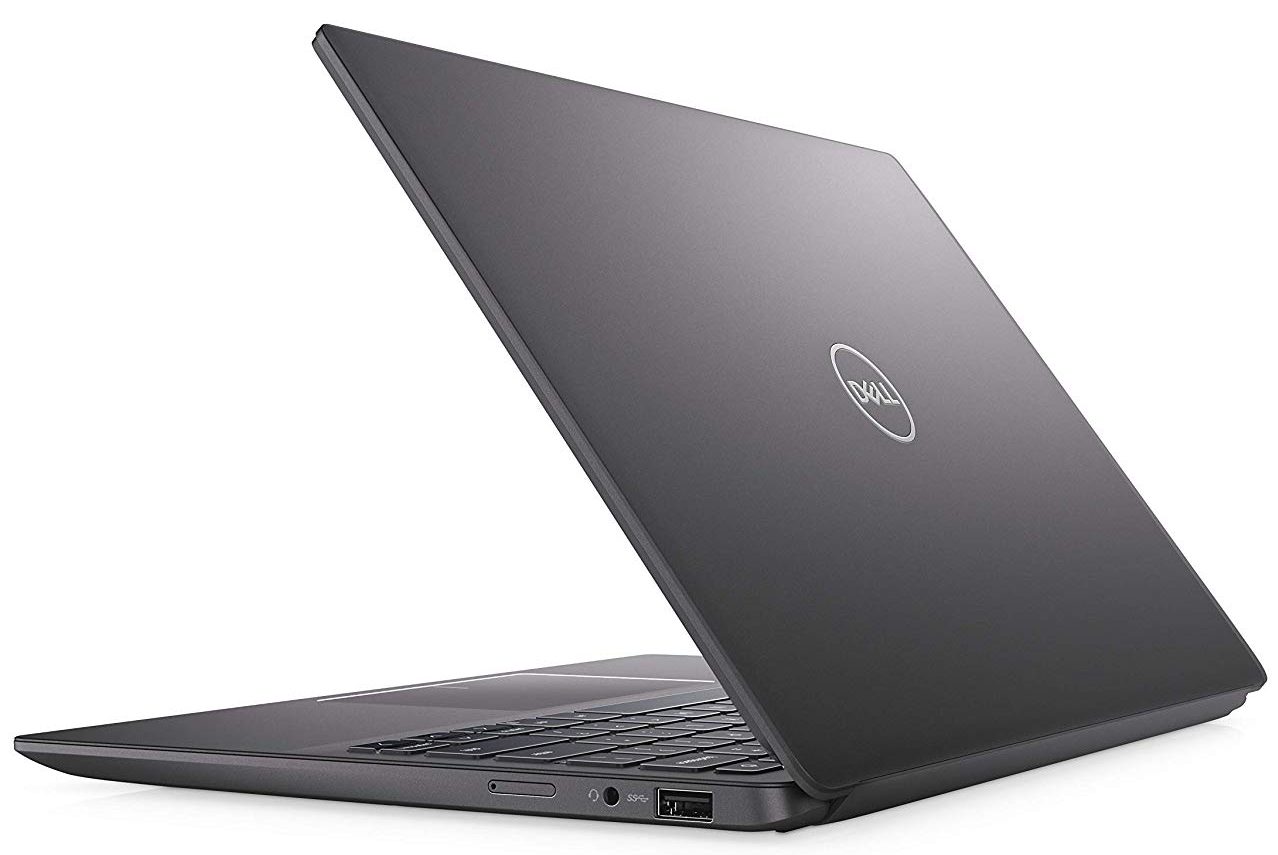
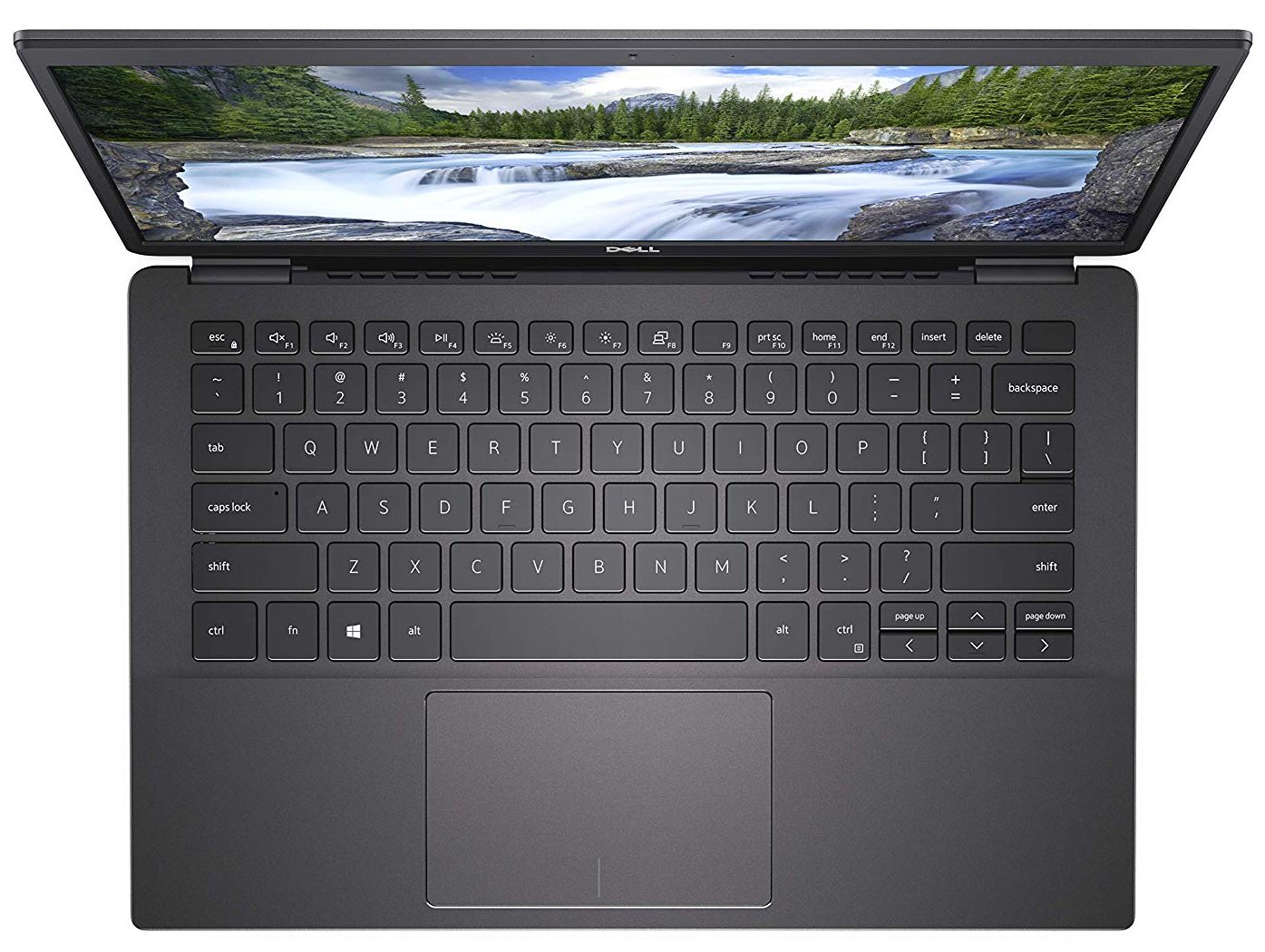
- Date Published: 16 Sep 2025
- Intel Core i3-8145U
- Intel UHD Graphics 620
- 13.3”, HD (1366 x 768), TN
- 256GB SSD
- 4GB RAM
- 1.18 kg (2.6 lbs)
Review
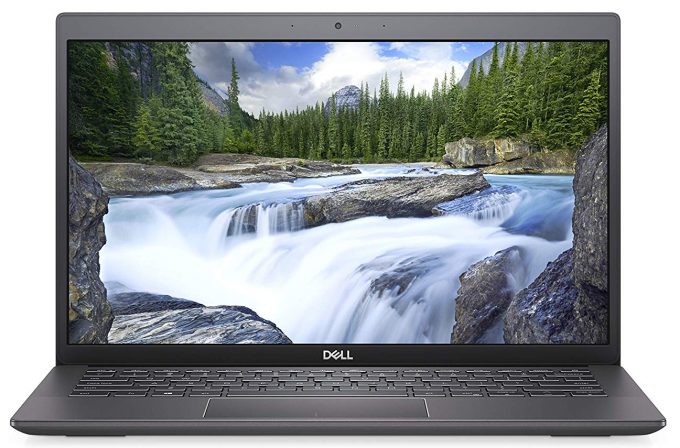
Dell Latitude 13 3301 in-depth review
What do you value most in your laptop? The gamers would answer - performance. Content creators would probably say, that it is a brilliant display they are after. However, in the business realm, there is no single thing that qualifies as "most important". People look for battery life, security, usability, and not on the last place - style.Well, the laptop we're going to review today clearly doesn't lack the latter. It has an aluminum body, which is incredibly lightweight. It also features a potentially striking pair of Whiskey Lake processors and an optional GeForce MX250. Let's waste no more time, and check if this laptop works as well as it looks!You can check the prices and configurations in our Specs System: https://laptopmedia.com/series/dell-latitude-13-3301/Specs S[...]
Read the full review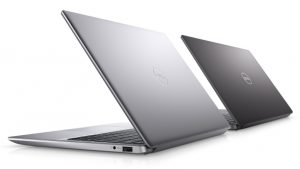
Pros
- Very good battery life
- Very fast fingerprint reader
- USB Type-C can output DisplayPort and has a MicroSD card reader
- Its display has comfortable viewing angles and good contrast ratio (BOE BOE07A0)
- Covers 89% of sRGB (BOE BOE07A0)
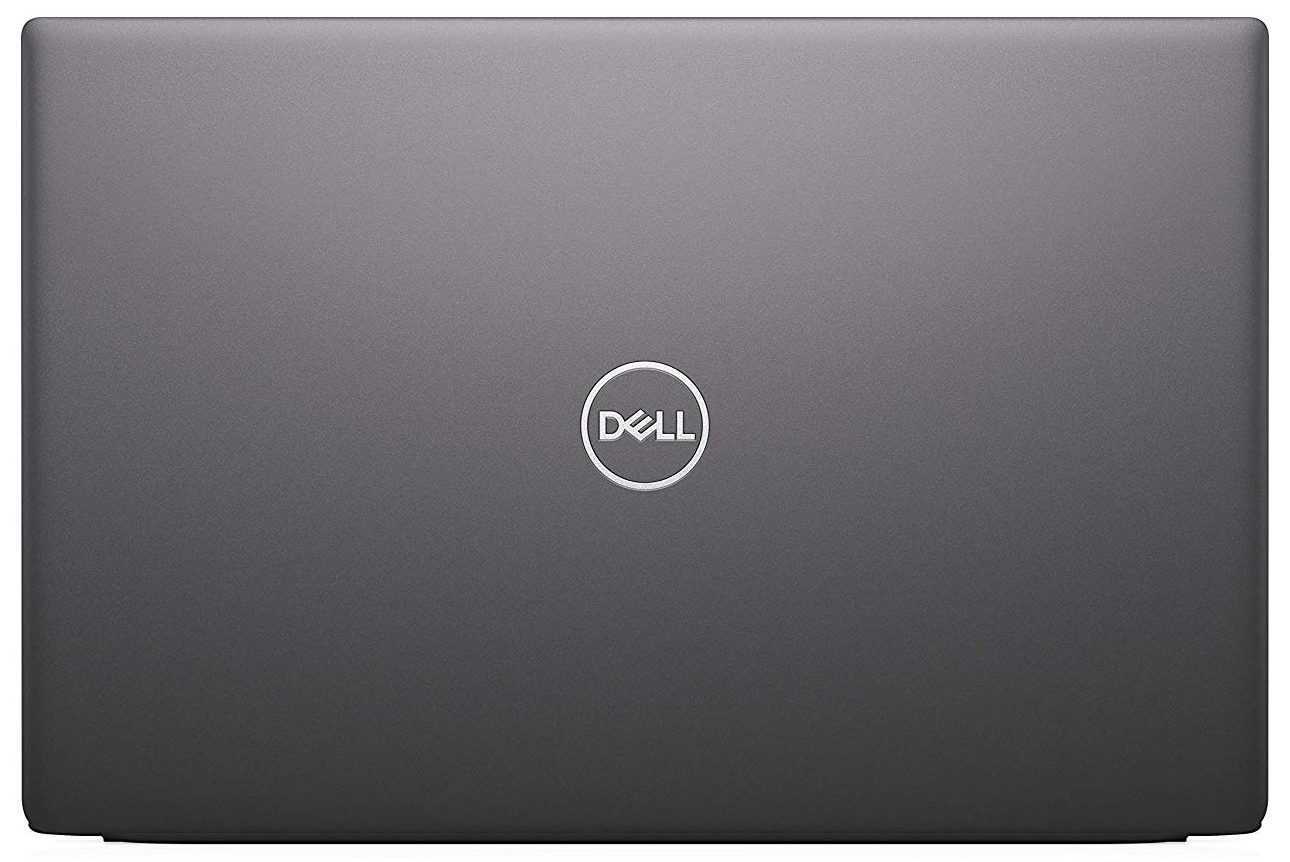
- Has an ultralightweight all-aluminum body
Cons
- Below-average performance and insufficient cooling
- Uses harmful PWM to adjust its brightness level (BOE BOE07A0) (our Health-Guard profile fixes this issue)
- Memory is soldered to the motherboard
Disassembly, maintenance and upgrade options
One of the smallest ultrabooks on the market, the Latitude 3301 surprises with a lot of things. Let's see if the upgradability is one of them.Check out all Dell Latitude 3301 prices and configurations in our Specs System or read more in our In-Depth review.1. Remove the bottom plate This laptop is extremely easy to take apart. You only need to remove 7 Phillips-head screws, which by the way, stay attached to the bottom panel after you unscrew them. Then, just pop the plate out of the way with the help of a plastic pry tool.2. Battery While the battery size is not huge, it[...]
Read more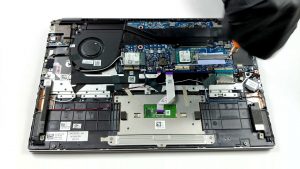


![[June 2026] Best-Selling Laptop Brands on Amazon Global – Apple’s Unrivaled Dominance in Units and Revenue](https://laptopmedia.com/wp-content/uploads/2026/07/GLOBAL-Best-Brands-400x225.jpg)
![[June 2026] Amazon Global: Top 10 Best-Selling Laptops – Apple’s New MacBook Neo Storms to #1, Reshaping the Market with Affordability](https://laptopmedia.com/wp-content/uploads/2026/07/Best-Selling-Laptops-GLOBAL-Top-10-400x225.jpg)
![[June 2026] Amazon Global: Top 10 Best-Selling Gaming Laptops – Acer’s Nitro V 16S AI Dominates Sales, While ASUS Leads Overall Revenue](https://laptopmedia.com/wp-content/uploads/2026/07/Best-Selling-Gaming-Laptops-GLOBAL-Top-10-400x225.jpg)
![[June 2026] Global Ranking of Best-Selling Laptop GPUs on Amazon – NVIDIA RTX 5060 is the Top-Selling Dedicated GPU](https://laptopmedia.com/wp-content/uploads/2026/07/Best-Selling-GPUs-GLOBAL-Top-10-400x225.jpg)
![[June 2026] Global Ranking of Best-Selling Laptop CPUs on Amazon – Apple M5 Dominates, AMD Ryzen 7 260 Gets Solid Premium Share](https://laptopmedia.com/wp-content/uploads/2026/07/Best-Selling-CPUs-GLOBAL-Top-10-400x225.jpg)
