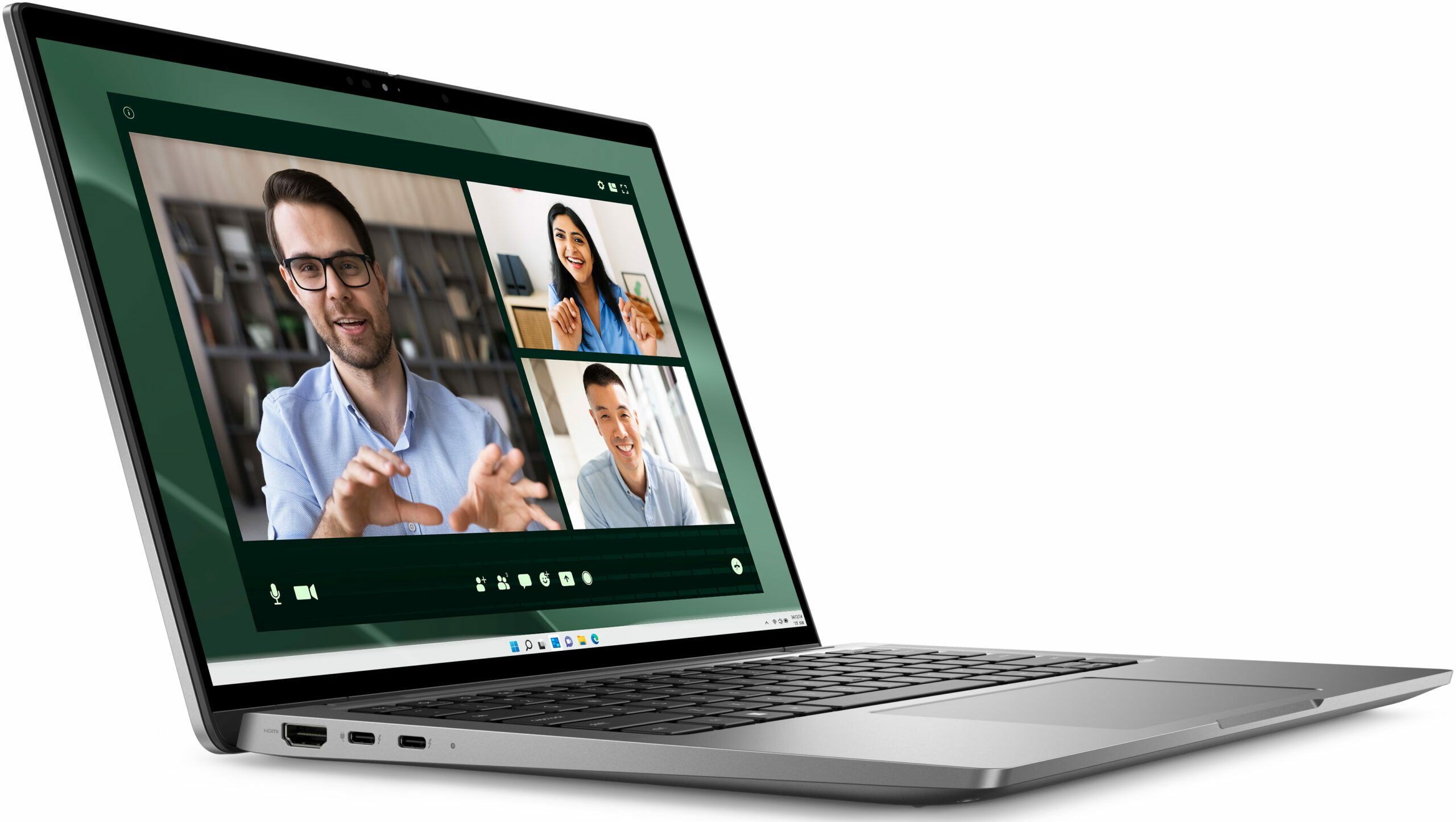
Dell Latitude 14 7450
- Date Published: 16 Oct 2025
- Intel Core Ultra 7 165U
- Intel Graphics (4-Cores)
- 14.0”, WQXGA (2560 x 1600), IPS
- 512GB SSD
- 16GB RAM
- 1.33 kg (2.9 lbs)
Specs
- Display
- HDD/SSD
- 512GB SSD
- M.2 Slot
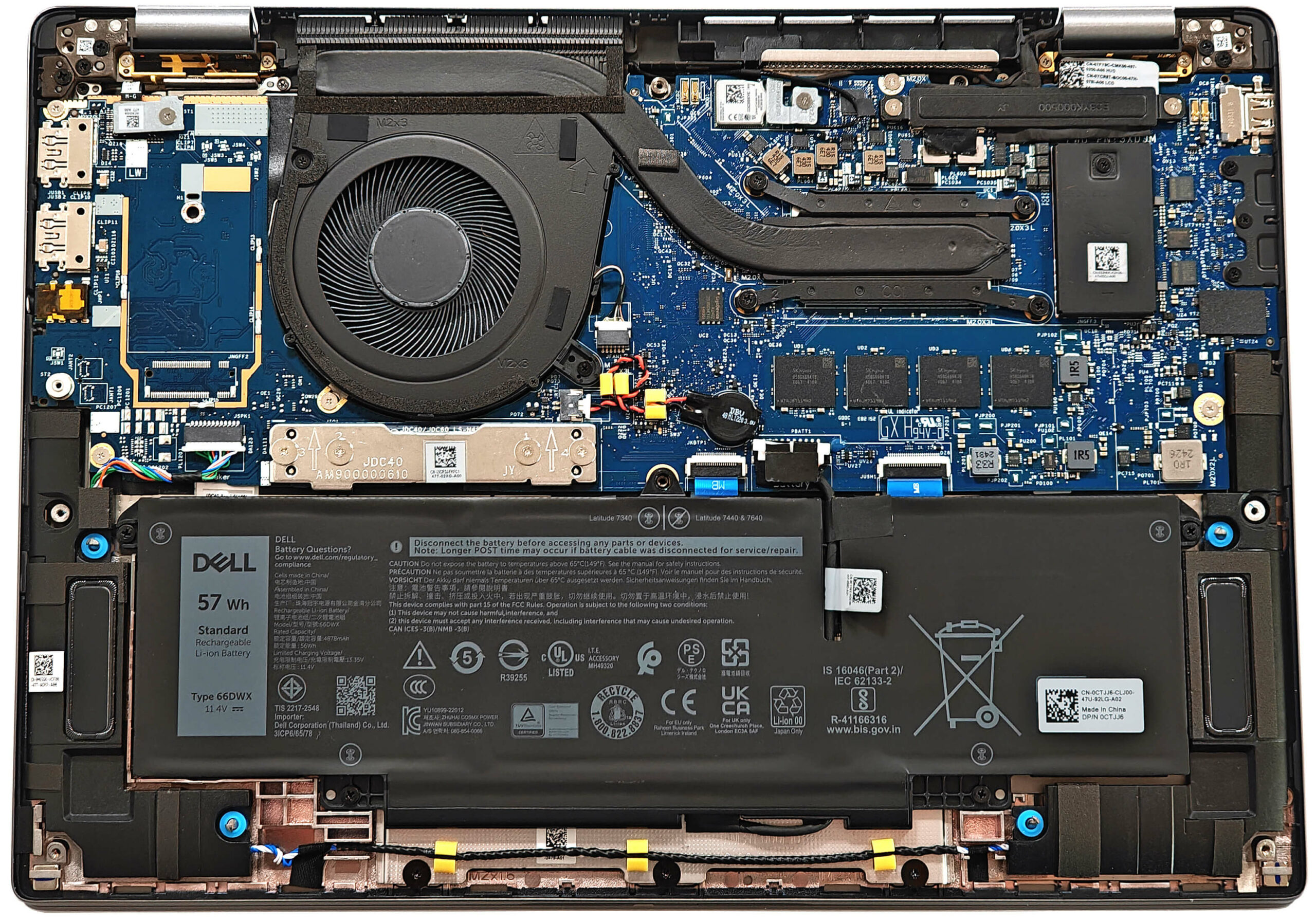
- 1x 2230 M.2 NVMe PCIe 4.0 x4 See photo
- RAM
- 16GB RAM
- OS
- Windows 11 Pro
- Body Material
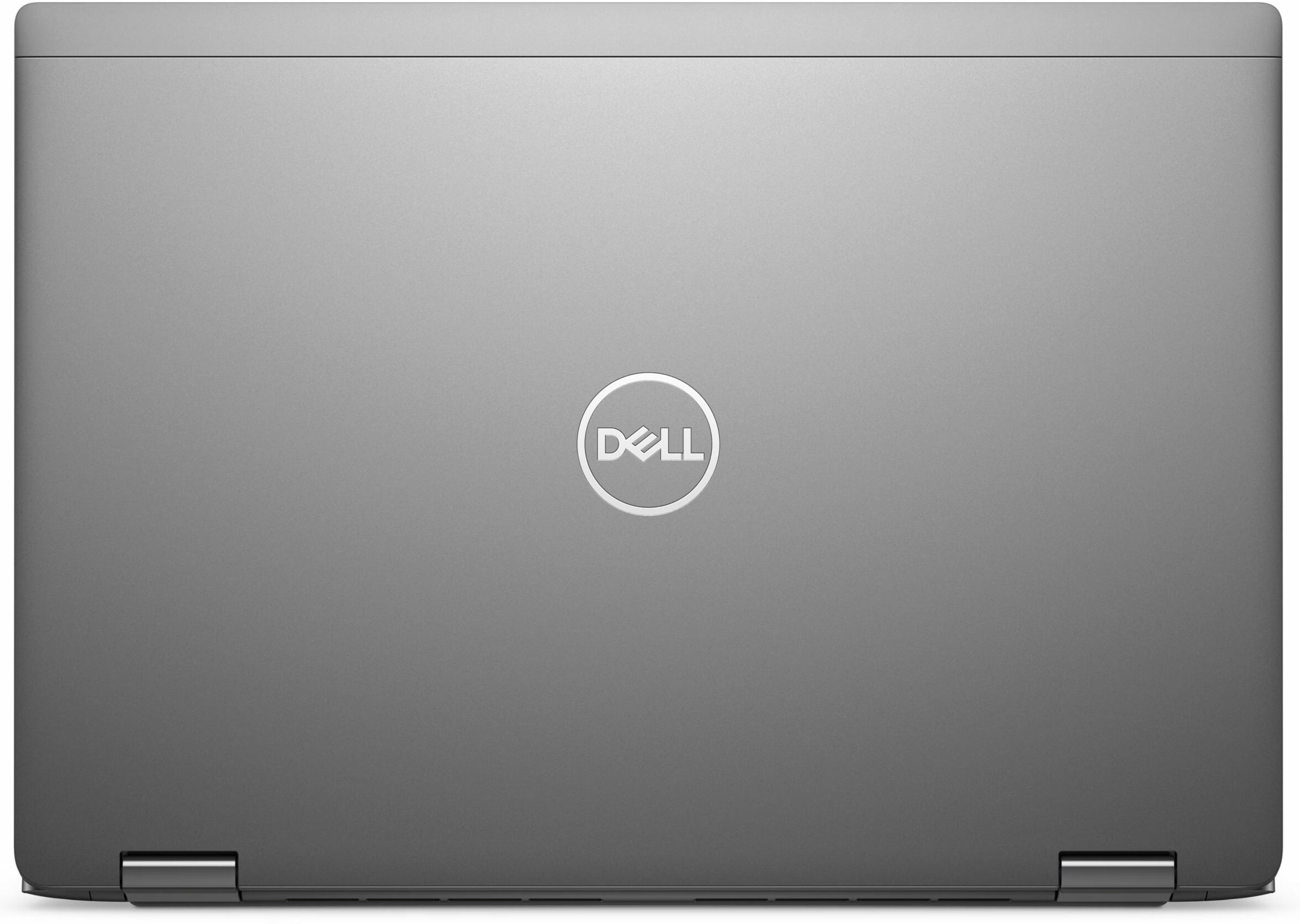
- Aluminum
- Dimensions
- 313 x 222.75 x 17.10 - 18.21 mm (12.32" x 8.77" x 0.67")
- Weight
- 1.33 kg (2.9 lbs)
- Ports and connectivity
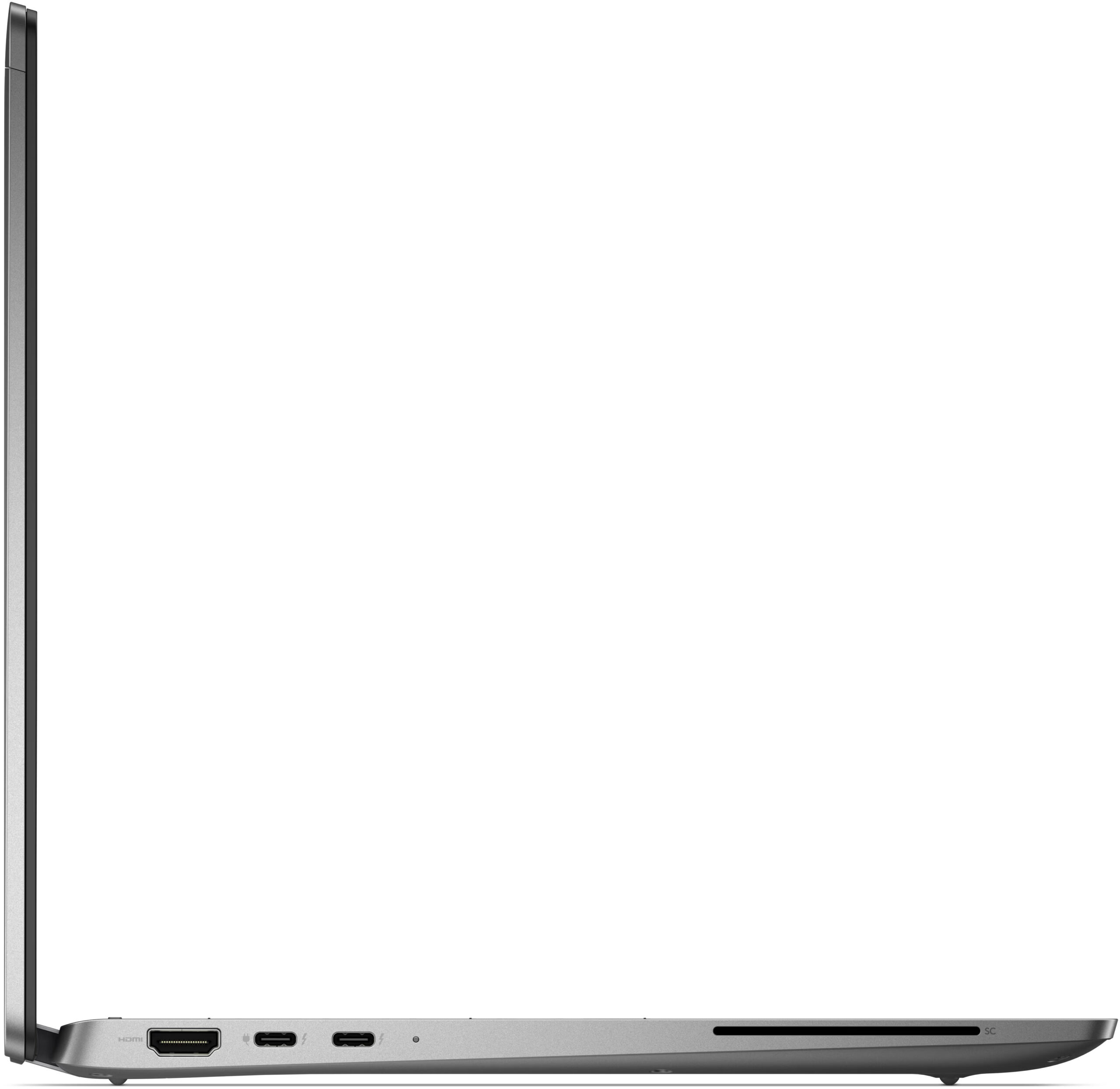
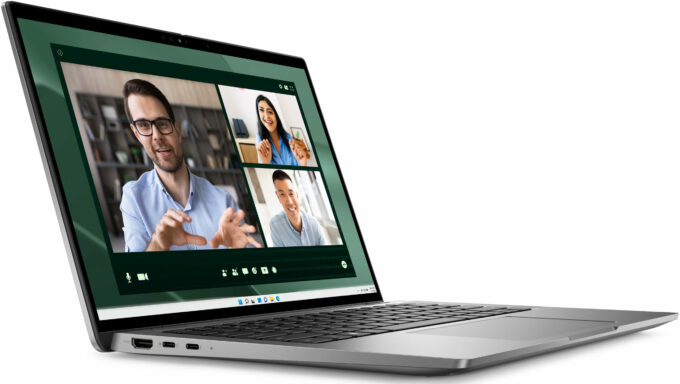
- 2x USB Type-A
- 3.2 Gen 1 (5 Gbps)
- 2x USB Type-C
- 4.0, Thunderbolt 4, Power Delivery (PD), DisplayPort
- HDMI
- 2.1
- Card Reader
- Ethernet LAN
- Wi-Fi
- 802.11be
- Bluetooth
- 5.4
- Audio jack
- 3.5mm Combo Jack
- Features
- Fingerprint reader
- Web camera
- FHD IR
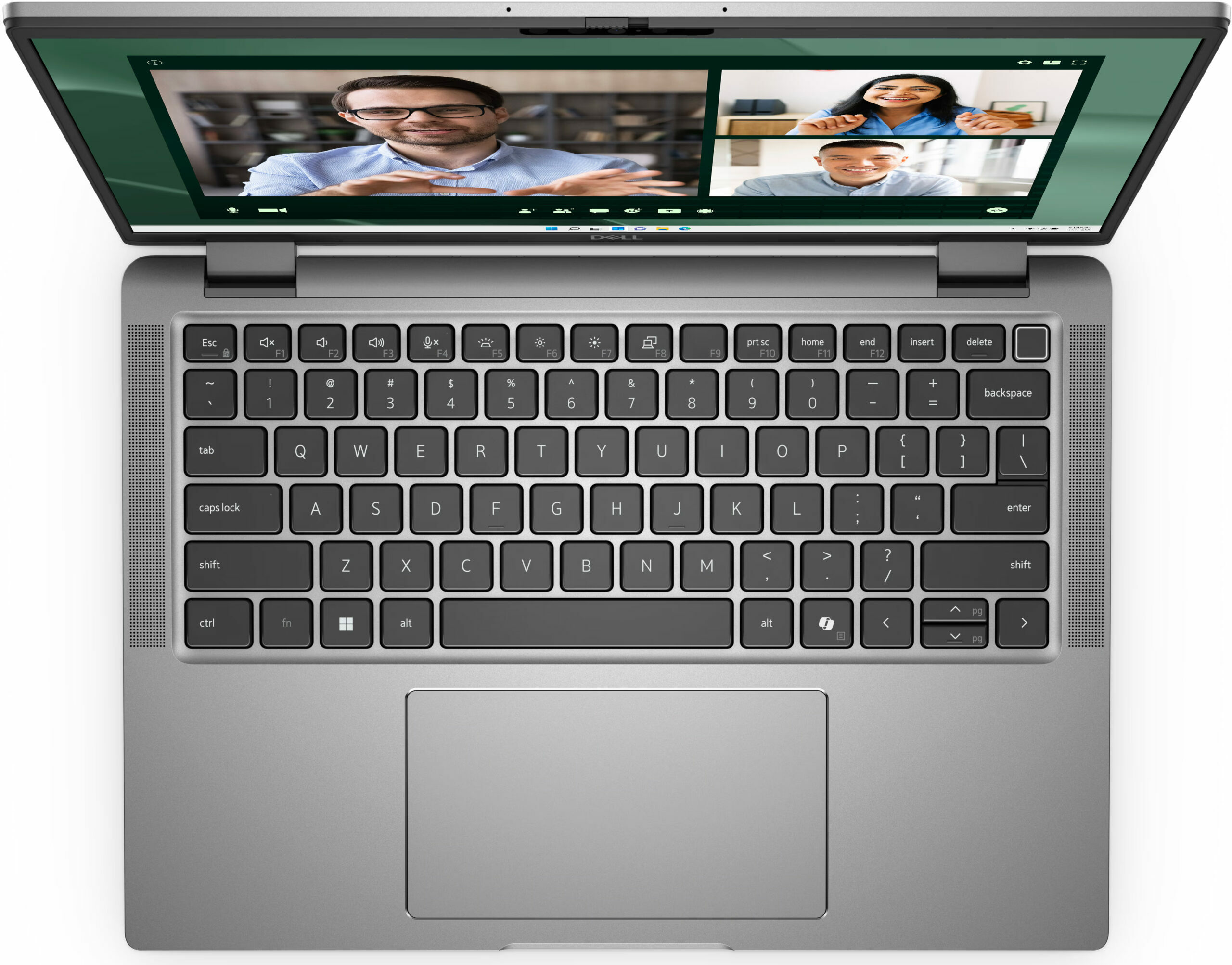
- Backlit keyboard
- Microphone
- Speakers
- 4x 2.5W Stereo Speakers
- Security Lock slot
- Wedge Lock
Portability
Review
Dell Latitude 14 7450 in-depth review
The Dell Latitude 7450 is available in Mainstream, Ultralight, and 2-in-1 configurations. We bought the former with a Core Ultra 7 165U, 32GB LPDDR5x RAM, and a 1200p IPS screen. It has enough power for daily or office tasks and even light gaming. As we already hinted, this machine is offered with 15W Intel Meteor Lake-U or 28W H-series processors. The upgradability may be limited but on the other hand, that's a feature-rich machine since it has a good port selection, a 4-speaker audio setup, and the latest Wi-Fi 7 + Bluetooth 5.4 connectivity.You get a choice of four 60Hz 16:10 displays - three 1200p units (one of which supports touch function) with different max brightness and color gamut coverage. The top-tier panel is a 1600p touchscreen. HP claims that the latter is capable of 100[...]
Read the full review
Pros
- The fan isn't noisy in "Ultra Performance" mode
- Solid built quality
- Great input devices
- No PWM (BOE0A2A)
- Wide viewing angles (BOE0A2A)
- 299 nits of max brightness (BOE0A2A)
- 4x USB ports
- Long battery life (~ 11 hours of videos)
- Privacy shutter
- Fingerprint reader, NanoSIM slot, IR Web camera, NFC, and SmartCard reader (all are optional)
- The CPU can sustain 3.24 GHz / 2.71 GHz P and E-core clock in long loads
- Great "Optimized" mode ~ 2.65 GHz / 2.25 GHz P and E-core frequency in long CPU stress alongside quiet fan
- Up to 64GB LPDDR5x RAM
- Good comfort during max CPU loads
- Fast 2230 SSD (512GB SK Hynix BC901)
- Wi-Fi 7 + Bluetooth 5.4
- Good sound quality
Cons
- Just one M.2 slot + soldered memory
- Tons of optional goodies
- Low sRGB coverage (BOE0A2A)
- No high refresh rate display options
Disassembly, maintenance and upgrade options
Opening the Device Hint: Ensure the laptop is powered off and disconnected from any power source before starting.Undo the eight captive Phillips-head screws on the bottom panel of the laptop. Use a lever tool to pop the zones behind the hinges. Start your prying process from the top left corner and work your way around the device. Before fully lifting the panel away, ensure you disconnect the LED strip ribbon cables. Carefully remove the back panel to expose the internal components.More info: The inside of the bottom plate features a rubberized-like material th[...]
Read more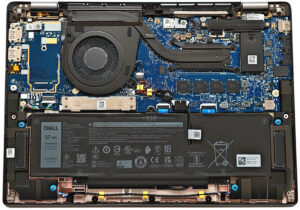


![[June 2026] Best-Selling Laptop Brands on Amazon Global – Apple’s Unrivaled Dominance in Units and Revenue](https://laptopmedia.com/wp-content/uploads/2026/07/GLOBAL-Best-Brands-400x225.jpg)
![[June 2026] Amazon Global: Top 10 Best-Selling Laptops – Apple’s New MacBook Neo Storms to #1, Reshaping the Market with Affordability](https://laptopmedia.com/wp-content/uploads/2026/07/Best-Selling-Laptops-GLOBAL-Top-10-400x225.jpg)
![[June 2026] Amazon Global: Top 10 Best-Selling Gaming Laptops – Acer’s Nitro V 16S AI Dominates Sales, While ASUS Leads Overall Revenue](https://laptopmedia.com/wp-content/uploads/2026/07/Best-Selling-Gaming-Laptops-GLOBAL-Top-10-400x225.jpg)
![[June 2026] Global Ranking of Best-Selling Laptop GPUs on Amazon – NVIDIA RTX 5060 is the Top-Selling Dedicated GPU](https://laptopmedia.com/wp-content/uploads/2026/07/Best-Selling-GPUs-GLOBAL-Top-10-400x225.jpg)
![[June 2026] Global Ranking of Best-Selling Laptop CPUs on Amazon – Apple M5 Dominates, AMD Ryzen 7 260 Gets Solid Premium Share](https://laptopmedia.com/wp-content/uploads/2026/07/Best-Selling-CPUs-GLOBAL-Top-10-400x225.jpg)