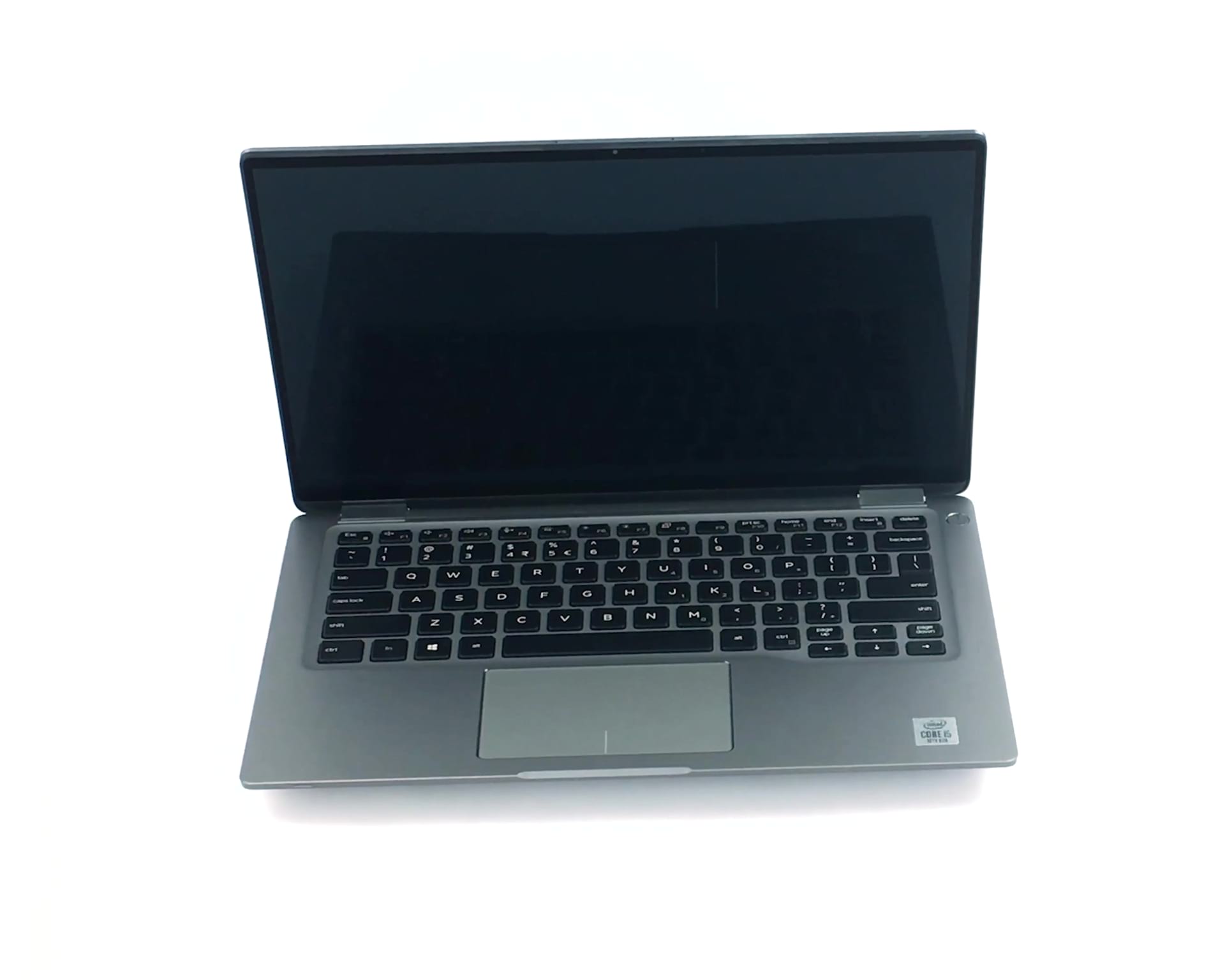
Dell Latitude 14 9410


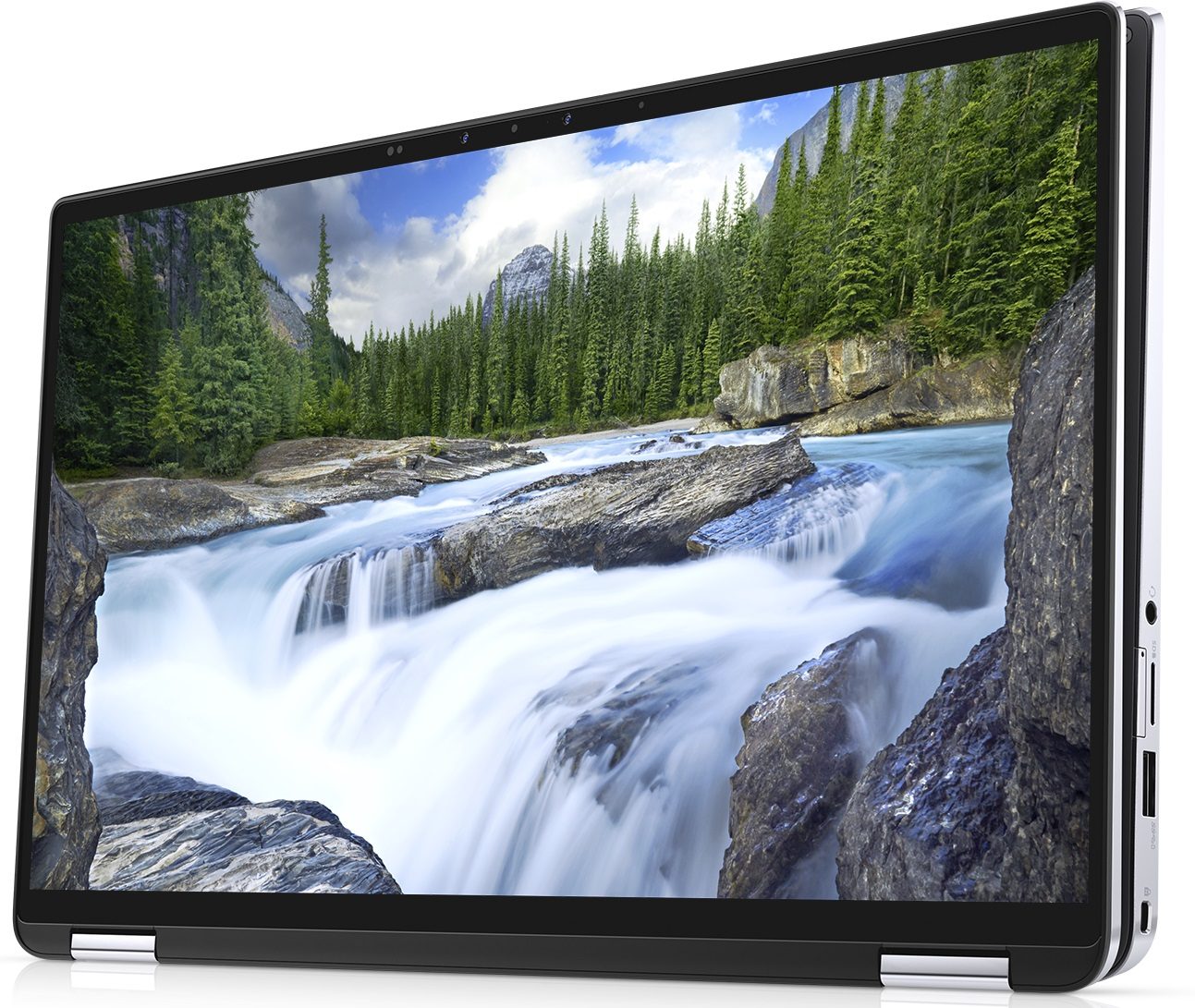
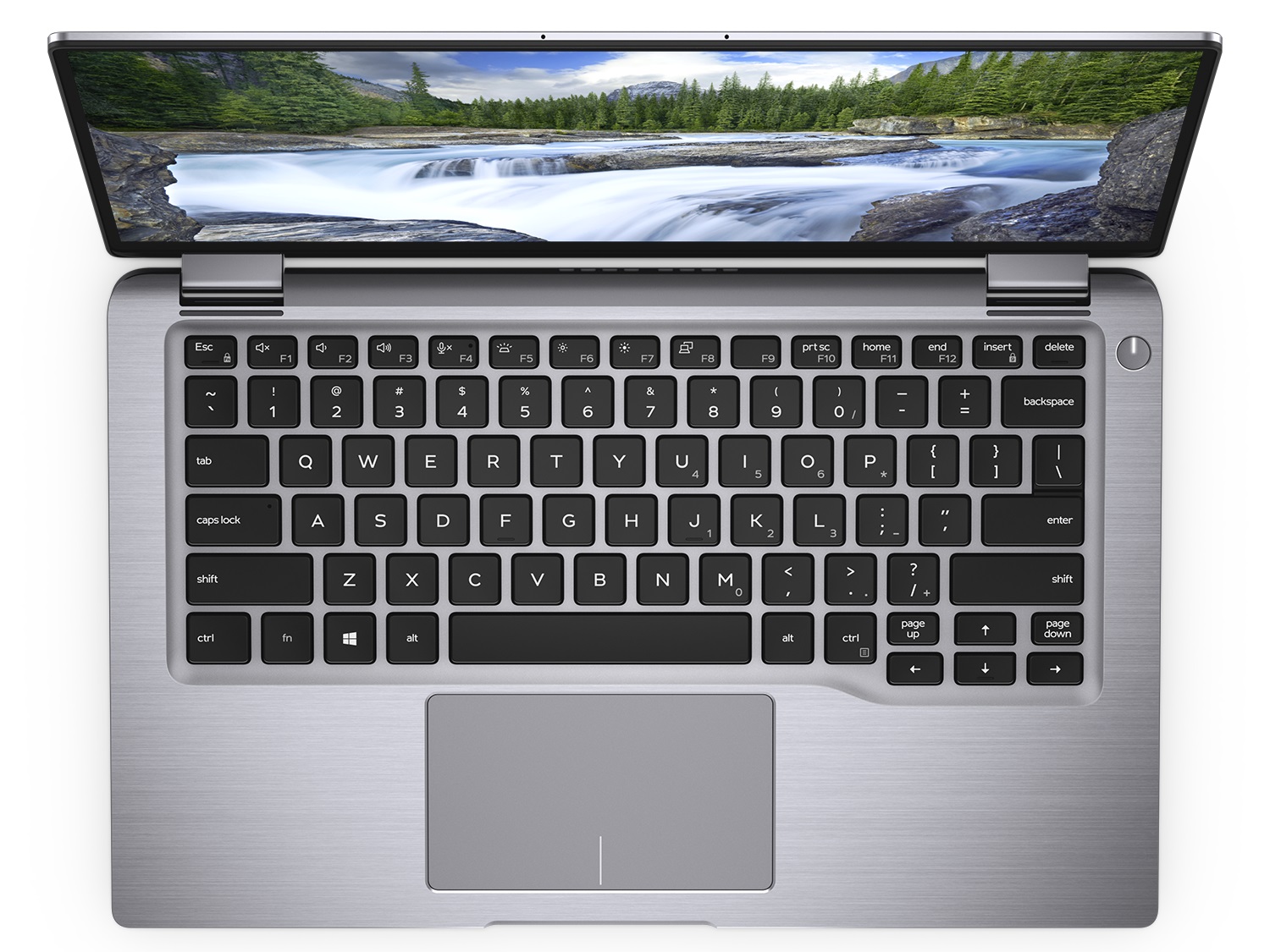
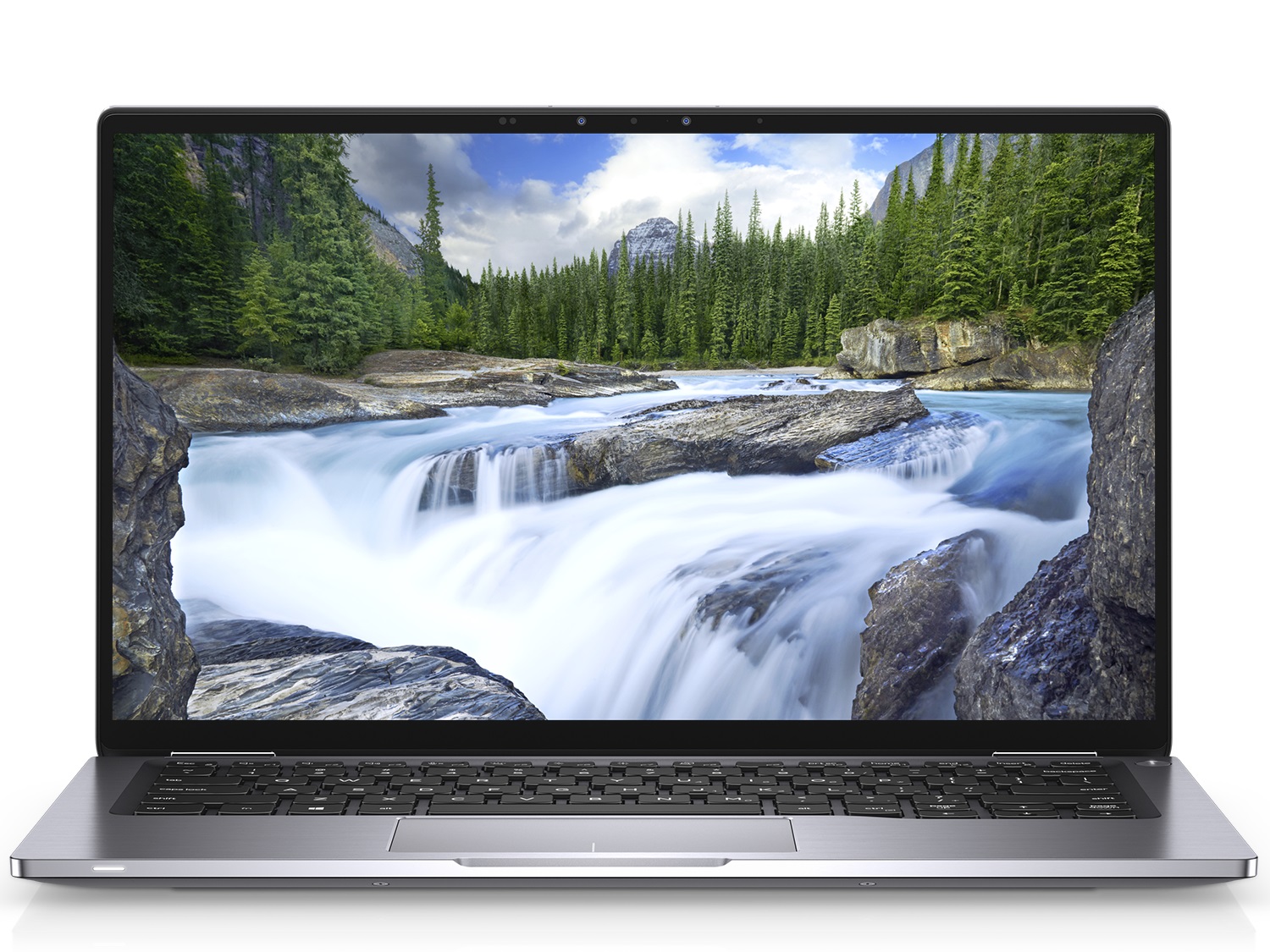
- Date Published: 08 May 2025
- Intel Core i5-10210U
- Intel UHD Graphics
- 14.0”, Full HD (1920 x 1080), IPS
- 1000GB SSD
- 16GB RAM
- 1.36 kg (3 lbs)
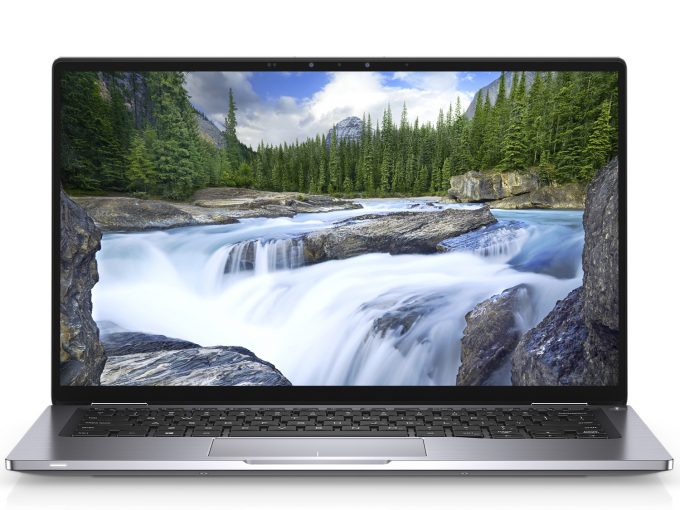
Specs

- HDD/SSD
- 1000GB SSD
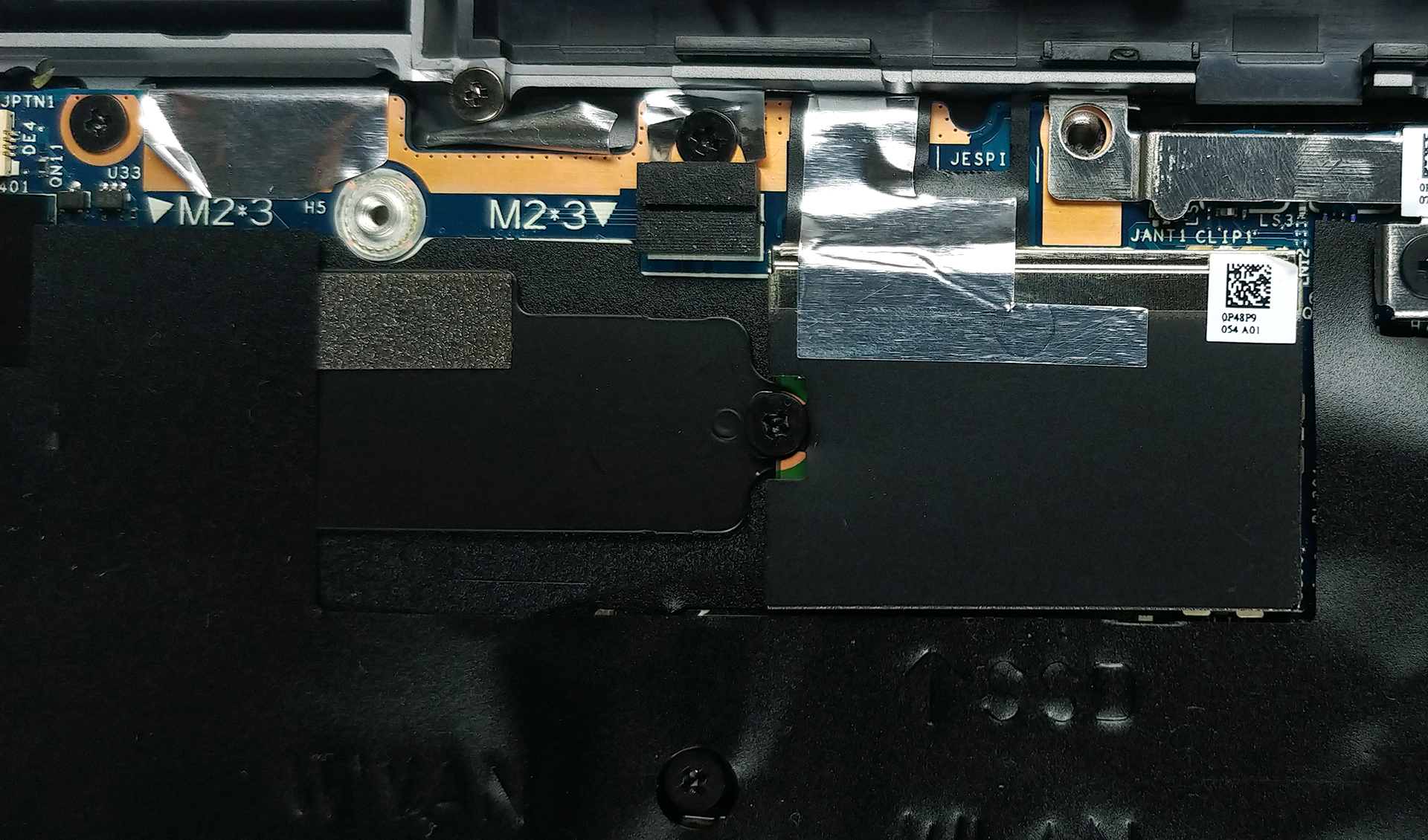
- M.2 Slot
- 1x 2280 PCIe NVMe 3.0 x4 See photo
- RAM
- 16GB RAM
- OS
- Windows 11 Home
- Body Material
- Aluminum
- Dimensions
- 319.8 x 199.9 x 8.5 ~ 14.9 mm (12.59" x 7.87" x 0.33")
- Weight
- 1.36 kg (3 lbs)
- Ports and connectivity
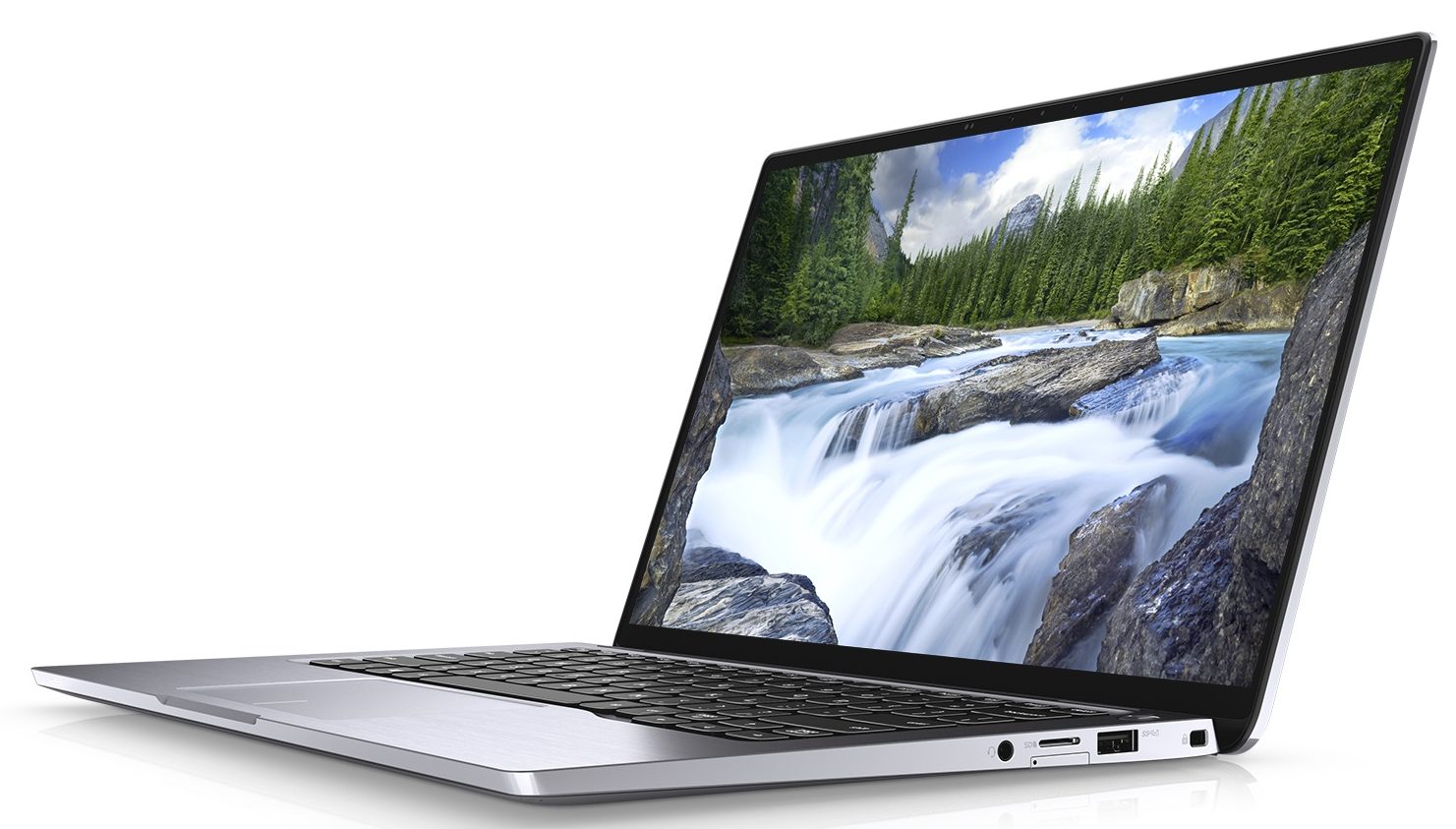
- 2x USB Type-A
- 3.2 Gen 1 (5 Gbps), Power Delivery (PD)
- 1x USB Type-C
- 3.2 Gen 2 (10 Gbps), Thunderbolt 3
- 1x USB Type-C
- 3.2 Gen 2 (10 Gbps), Thunderbolt 3, Power Delivery (PD)
- HDMI
- 2.0
- Card Reader
- MicroSD
- Wi-Fi
- 802.11ax
- Bluetooth
- 5.1
- Audio jack
- 3.5 Combo Jack
- Features
- Fingerprint reader
- Web camera
- HD
- Backlit keyboard
- Microphone
- Digital Array Microphones
- Speakers
- 2x 2W, MaxxAudio Pro
- Security Lock slot
Portability
Review
Dell Latitude 14 9410 in-depth review
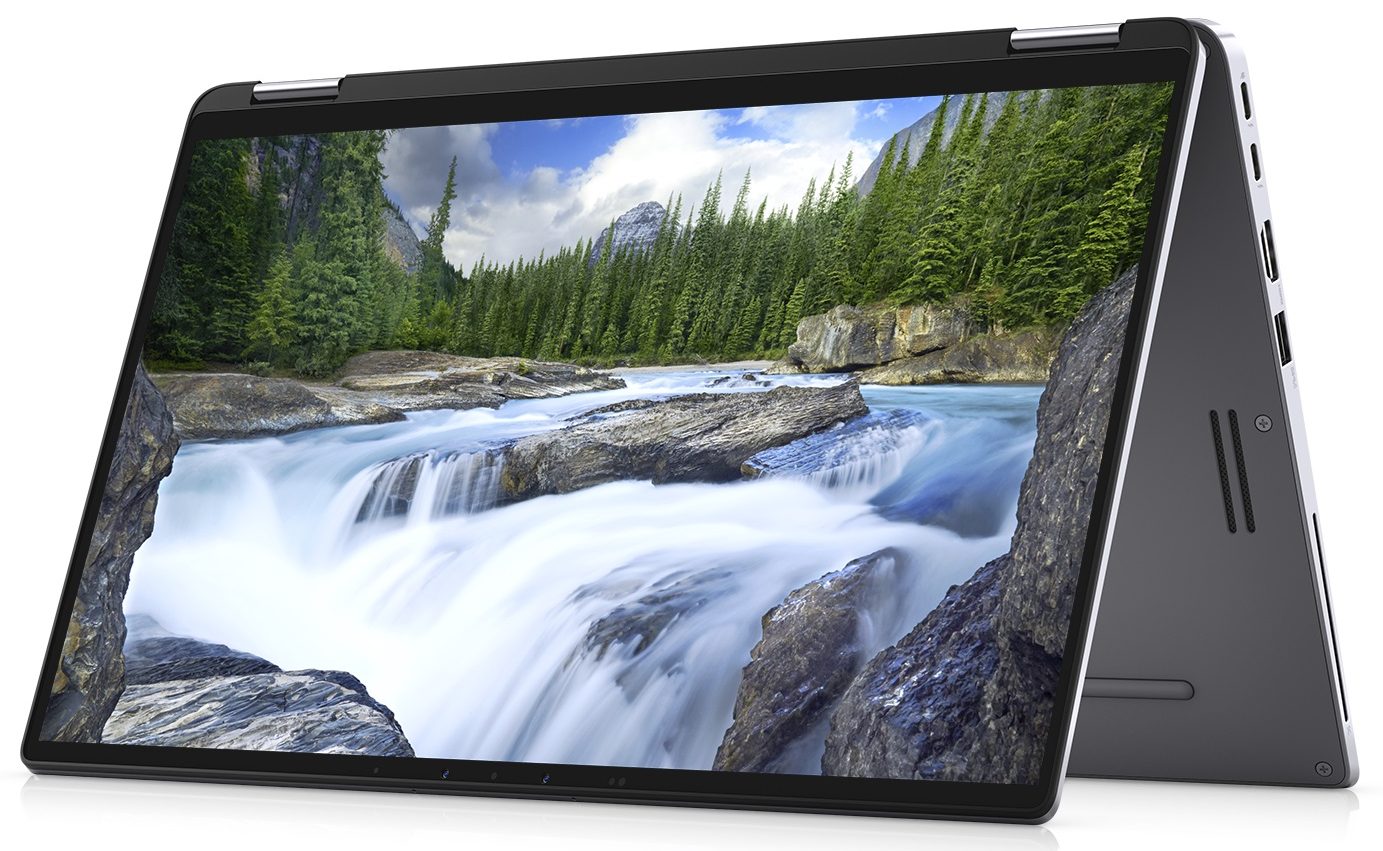
Premium convertible laptops are always a very interesting sight. However, how often do you encounter a premium 2-in-1, that is actually meant for business? This is exactly the values that Dell Latitude 14 9410 2-in-1 is poised to represent.Apart from the attention to detail that has gone in the building of this notebook, there are the expected security features, that pretty much every Latitude device provides. In terms of performance, you get Comet Lake-U processors, with the most powerful model being the Core i7-10810U - a processor with vPro support and a 6-core, 12-thread setup.Additionally, you get a Full HD IPS touchscreen display - something we're not surprised to see given the nature of the convertibles. Now, let's waste no more time, and check how good (or bad) of a job ha[...]
Read the full review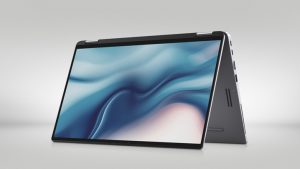
Pros
- Stylish and strong all-aluminum design and Gorilla Glass 5 screen protection
- Covers 95% of sRGB colors (SHP14D2) and has a great color accuracy when our Gaming and Web design profile is present
- Great battery life
- Two Thunderbolt 3.0 ports, a MicroSD card reader, and an optional LTE card slot
- Supports PCIe x4 M.2 SSDs
- Doesn't use aggressive PWM for brightness adjustment (SHP14D2)
- IR face recognition and fingerprint reader
Cons
- We didn't get a stylus inside the box, despite the price suggesting so
- Memory is soldered to the motherboard
- Gets pretty warm under heavy load
Disassembly, maintenance and upgrade options
Most convertibles on the market struggle with their upgrade options. This notebook is not an exception.Check out all Dell Latitude 14 9410 2-in-1 prices and configurations in our Specs System or read more in our In-Depth review.1. Remove the bottom plate There are 10 captive Phillips-head screws that hold the bottom panel to the chassis. Undo them, and then pry the panel with a plastic tool, and you're inside.2. Battery Preferably, the first thing you need to do, once you're inside, is to disconnect the battery plug. By the way, this notebook comes with a 52Wh pack.[...]
Read more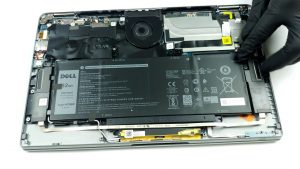


![[June 2026] Best-Selling Laptop Brands on Amazon Global – Apple’s Unrivaled Dominance in Units and Revenue](https://laptopmedia.com/wp-content/uploads/2026/07/GLOBAL-Best-Brands-400x225.jpg)
![[June 2026] Amazon Global: Top 10 Best-Selling Laptops – Apple’s New MacBook Neo Storms to #1, Reshaping the Market with Affordability](https://laptopmedia.com/wp-content/uploads/2026/07/Best-Selling-Laptops-GLOBAL-Top-10-400x225.jpg)
![[June 2026] Amazon Global: Top 10 Best-Selling Gaming Laptops – Acer’s Nitro V 16S AI Dominates Sales, While ASUS Leads Overall Revenue](https://laptopmedia.com/wp-content/uploads/2026/07/Best-Selling-Gaming-Laptops-GLOBAL-Top-10-400x225.jpg)
![[June 2026] Global Ranking of Best-Selling Laptop GPUs on Amazon – NVIDIA RTX 5060 is the Top-Selling Dedicated GPU](https://laptopmedia.com/wp-content/uploads/2026/07/Best-Selling-GPUs-GLOBAL-Top-10-400x225.jpg)
![[June 2026] Global Ranking of Best-Selling Laptop CPUs on Amazon – Apple M5 Dominates, AMD Ryzen 7 260 Gets Solid Premium Share](https://laptopmedia.com/wp-content/uploads/2026/07/Best-Selling-CPUs-GLOBAL-Top-10-400x225.jpg)