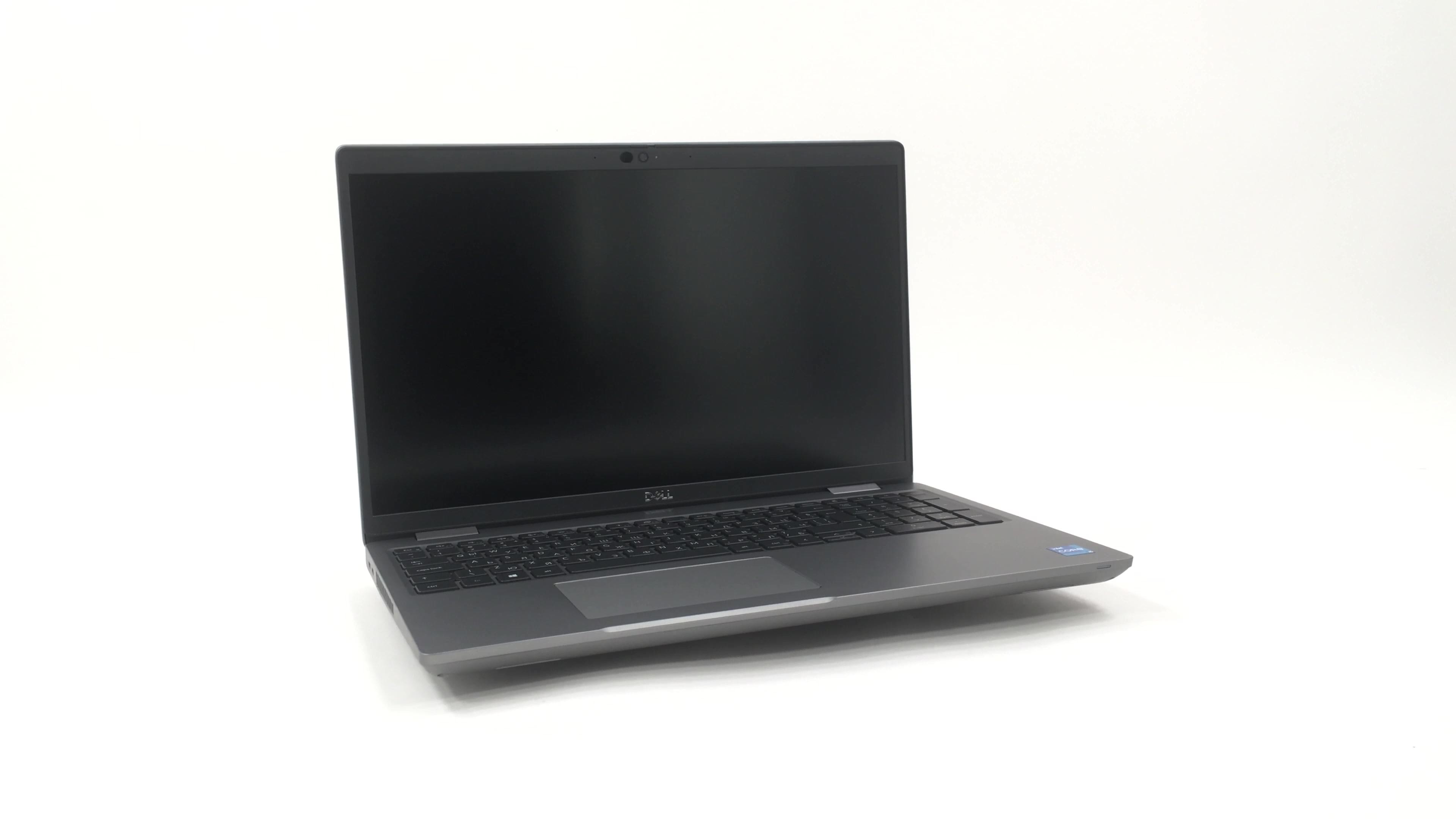
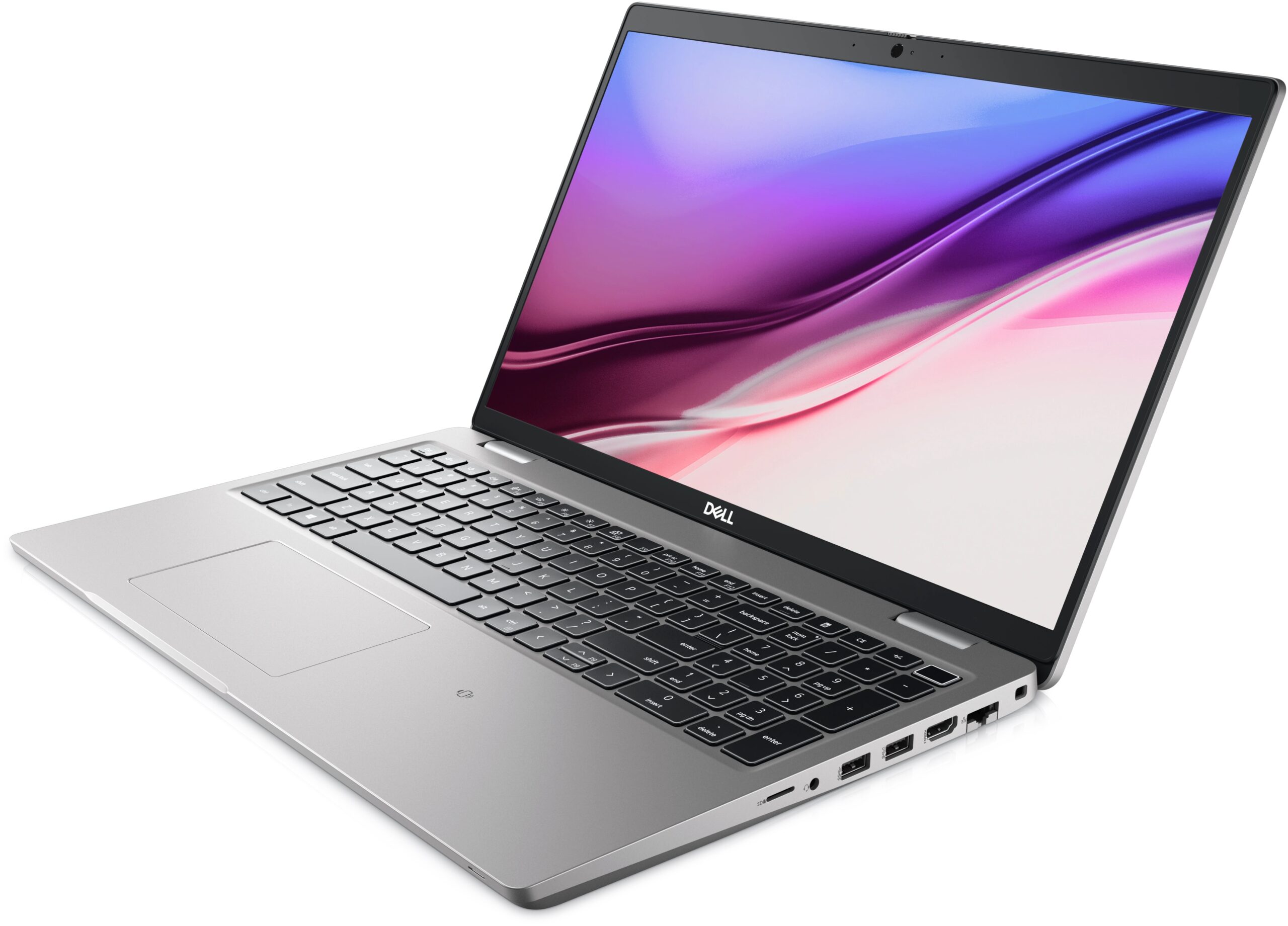
Dell Latitude 15 5521


- Date Published: 04 Jul 2025
- Intel Core i7-11850H
- Intel UHD Graphics Xe 750 (32EU)
- 15.6”, HD (1366 x 768), TN
- 1000GB SSD
- 32GB RAM
- 1.79 kg (3.9 lbs)
Review
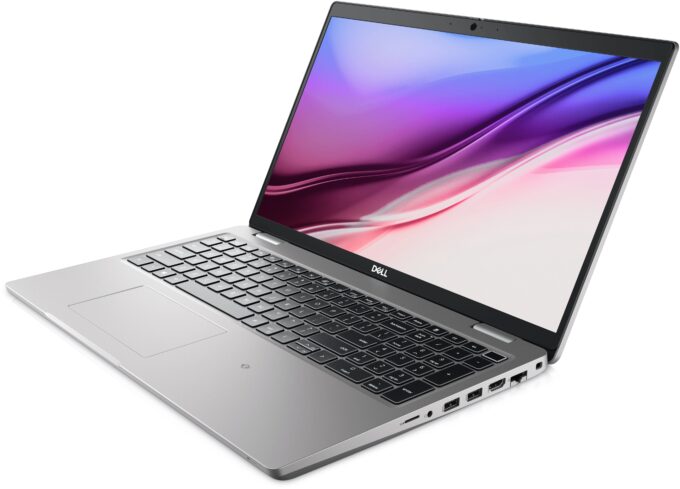
Dell Latitude 15 5521 in-depth review
One of the brands, synonymous with business computing is made by Dell. The Latitude lineup comes at all shapes and prices, with the 5000 series expectedly sitting in the middle ground. It's definitely not cheap but it won't cost an arm or a leg either.In particular, the Latitude 15 5521 comes in many different configurations. Interestingly, the display options include a 4K IPS panel, a 1080p IPS panel, and weirdly - a 768p TN one. If you are own a company, please, stay away from the last one, as it will make your employees' lives easier.On the other hand, this device differs from the Latitude 15 5520 from a performance standpoint. The 5521 comes with Tiger Lake-H45 processors, which is a significant uplift, compared to the Tiger Lake-U chips used by the 5520. The top configuration[...]
Read the full review
Pros
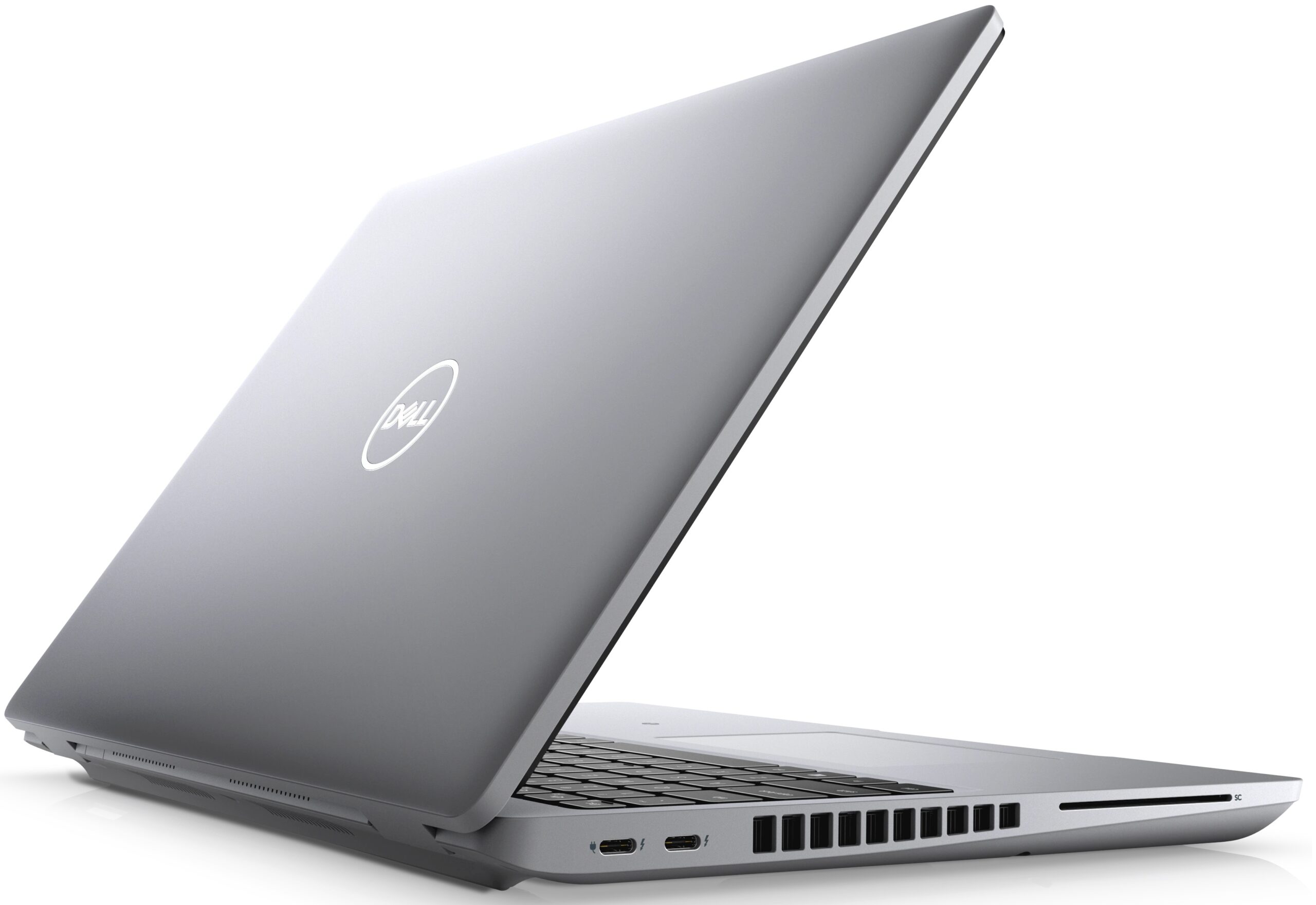
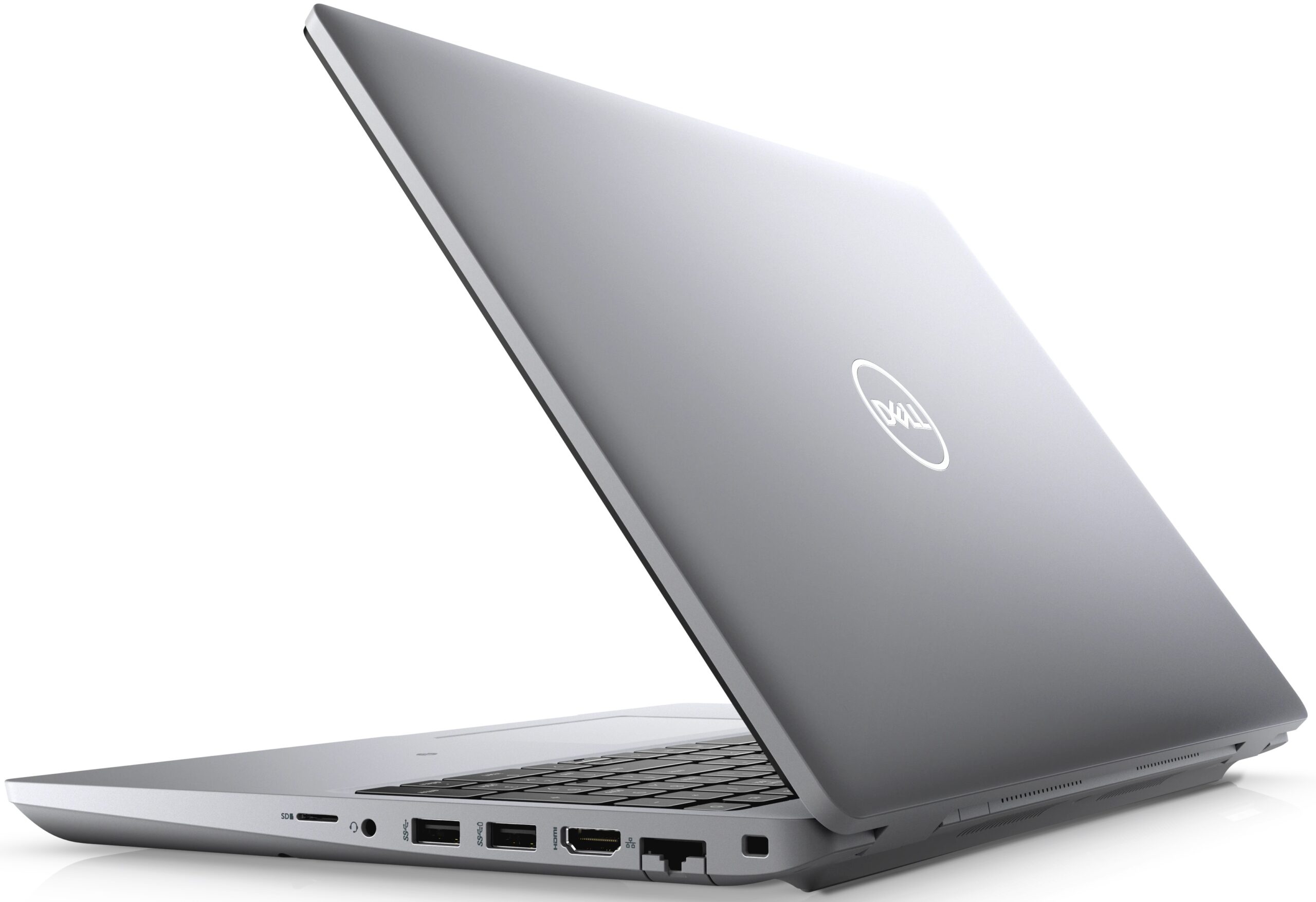
- Wide I/O, which includes a MicroSD card reader
- Two M.2 storage slots, one of which runs at 4.0 speeds + 2x RAM SODIMM slots + 2.5-inch SATA drive bay with the smaller battery
- Fingerprint reader embedded in the power button + optional IR face recognition
- Wi-Fi 6, PCIe x4, Thunderbolt 4
- No PWM for brightness adjustment (AUO MCX7D-B156HAN (AUO4599))
- Comfortable keyboard with a backlight
- Option for an efficient and powerful dGPU
Cons
- Covers only 53% of sRGB (AUO MCX7D-B156HAN (AUO4599))
- No dedicated touchpad buttons or trackpoint
Disassembly, maintenance and upgrade options
This laptop provides a good amount of upgradeability, as well as a decent performance, making it a good choice for power users.Check out all Dell Latitude 15 5521 prices and configurations in our Specs System or read more in our In-Depth review.1. Remove the bottom plate This machine's bottom panel is held in place by 9 captive Phillips-head screws. After you undo them, you need to pry the bottom panel. We found it the easiest to start from the back.2. Battery Inside, we found a 64Wh battery. By the way, some options include a larger 97Wh unit, which takes the space dedic[...]
Read more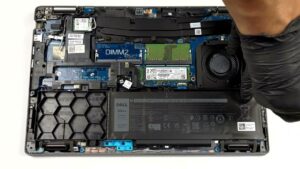


![[June 2026] Best-Selling Laptop Brands on Amazon Global – Apple’s Unrivaled Dominance in Units and Revenue](https://laptopmedia.com/wp-content/uploads/2026/07/GLOBAL-Best-Brands-400x225.jpg)
![[June 2026] Amazon Global: Top 10 Best-Selling Laptops – Apple’s New MacBook Neo Storms to #1, Reshaping the Market with Affordability](https://laptopmedia.com/wp-content/uploads/2026/07/Best-Selling-Laptops-GLOBAL-Top-10-400x225.jpg)
![[June 2026] Amazon Global: Top 10 Best-Selling Gaming Laptops – Acer’s Nitro V 16S AI Dominates Sales, While ASUS Leads Overall Revenue](https://laptopmedia.com/wp-content/uploads/2026/07/Best-Selling-Gaming-Laptops-GLOBAL-Top-10-400x225.jpg)
![[June 2026] Global Ranking of Best-Selling Laptop GPUs on Amazon – NVIDIA RTX 5060 is the Top-Selling Dedicated GPU](https://laptopmedia.com/wp-content/uploads/2026/07/Best-Selling-GPUs-GLOBAL-Top-10-400x225.jpg)
![[June 2026] Global Ranking of Best-Selling Laptop CPUs on Amazon – Apple M5 Dominates, AMD Ryzen 7 260 Gets Solid Premium Share](https://laptopmedia.com/wp-content/uploads/2026/07/Best-Selling-CPUs-GLOBAL-Top-10-400x225.jpg)
