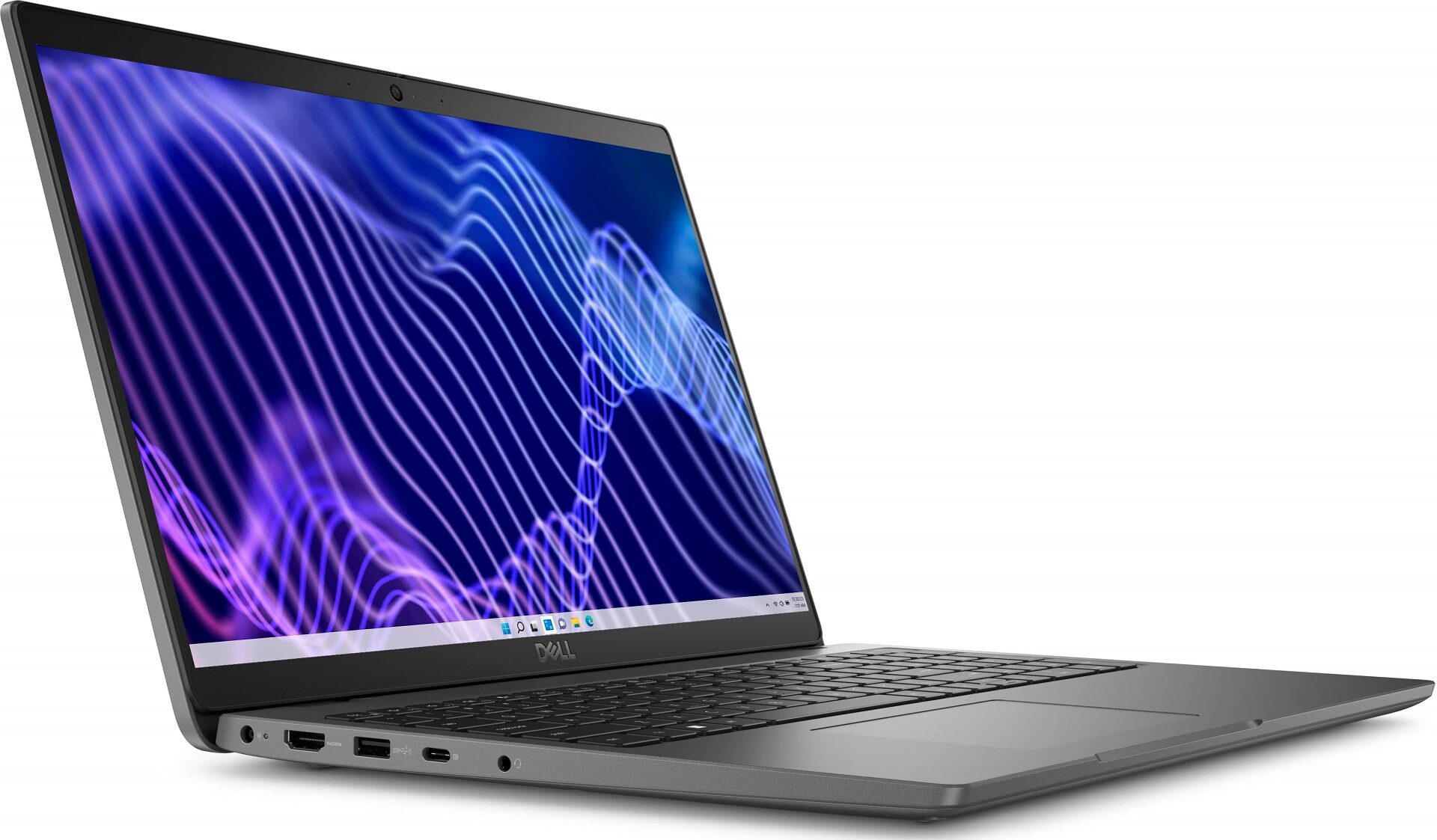
Dell Latitude 3540

- Date Published: 25 Jan 2024
- Intel Core i5-1335U
- Intel Iris Xe Graphics G7 (80EU)
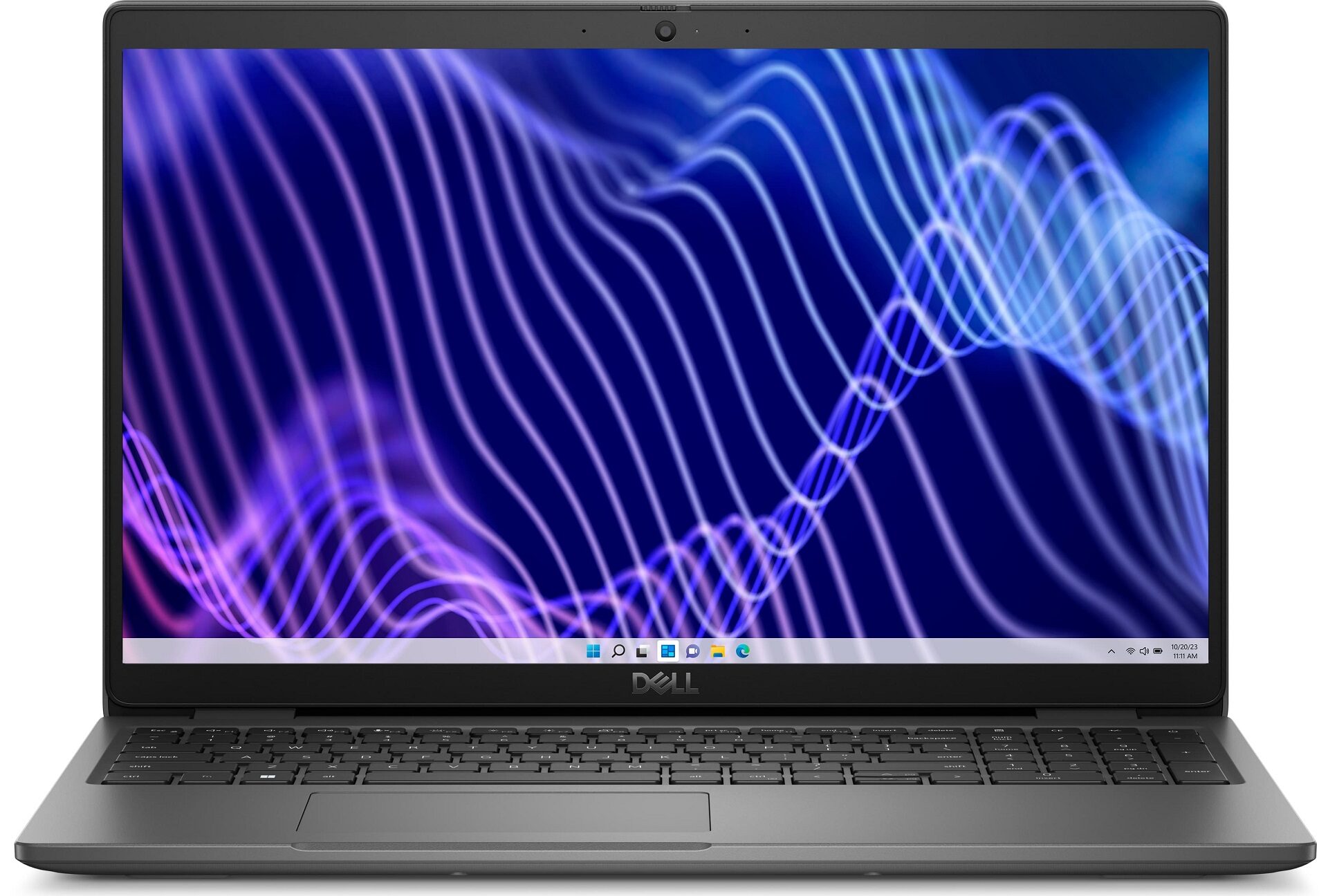
- 15.6”, Full HD (1920 x 1080), IPS
- 512GB SSD
- 16GB DDR4
- 1.81 kg (4 lbs)
Specs

- HDD/SSD
- 512GB SSD
- M.2 Slot
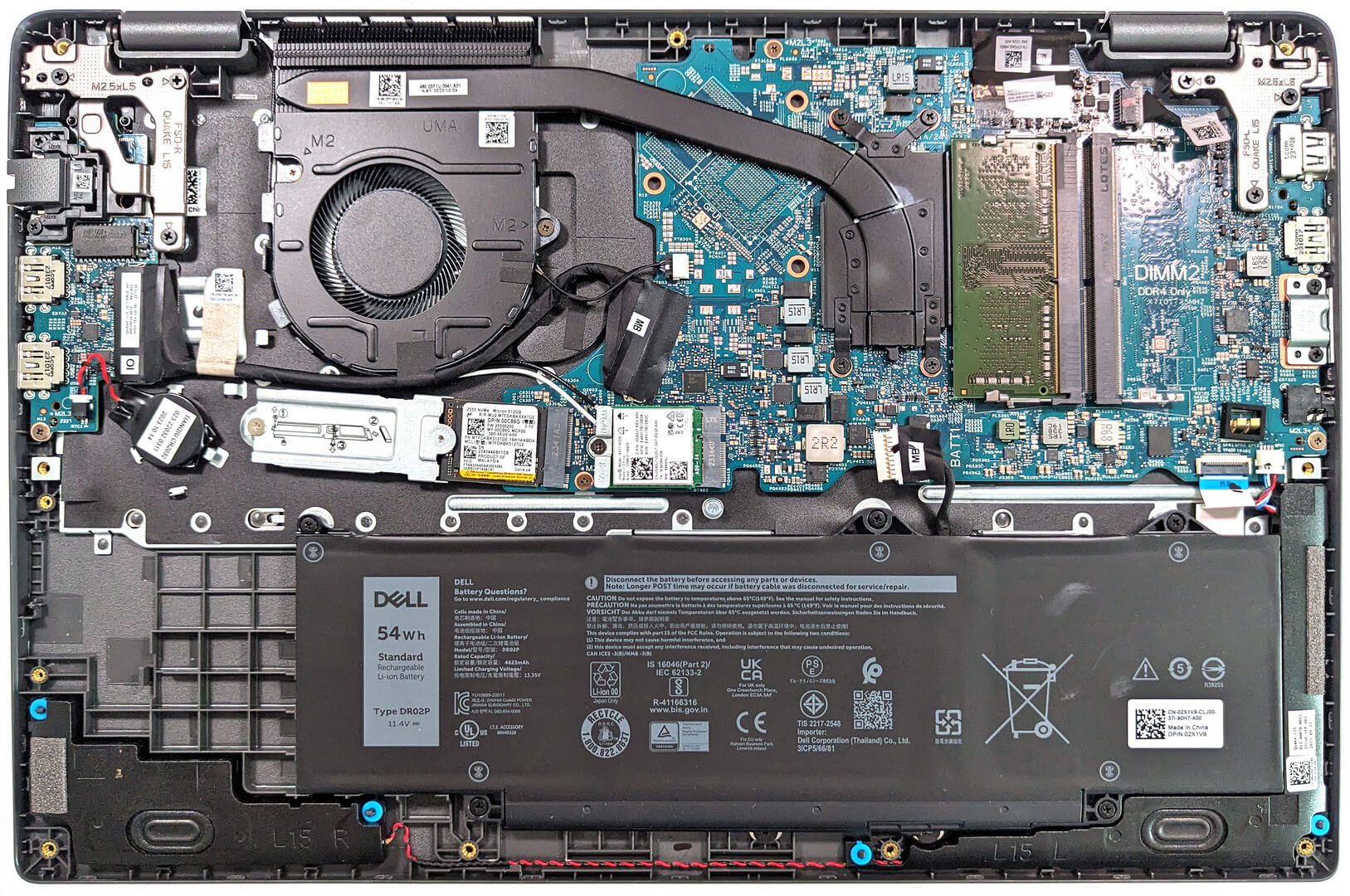
- 1x 2280 / 2230 M.2 NVMe PCIe 4.0 x4 See photo
- RAM
- 16GB DDR4
- OS
- Windows 11 Pro
- Body Material
- Plastic / Polycarbonate
- Dimensions
- 359 x 239.69 x 18.13 - 20.40 mm (14.13" x 9.44" x 0.71")
- Weight
- 1.81 kg (4 lbs)
- Ports and connectivity
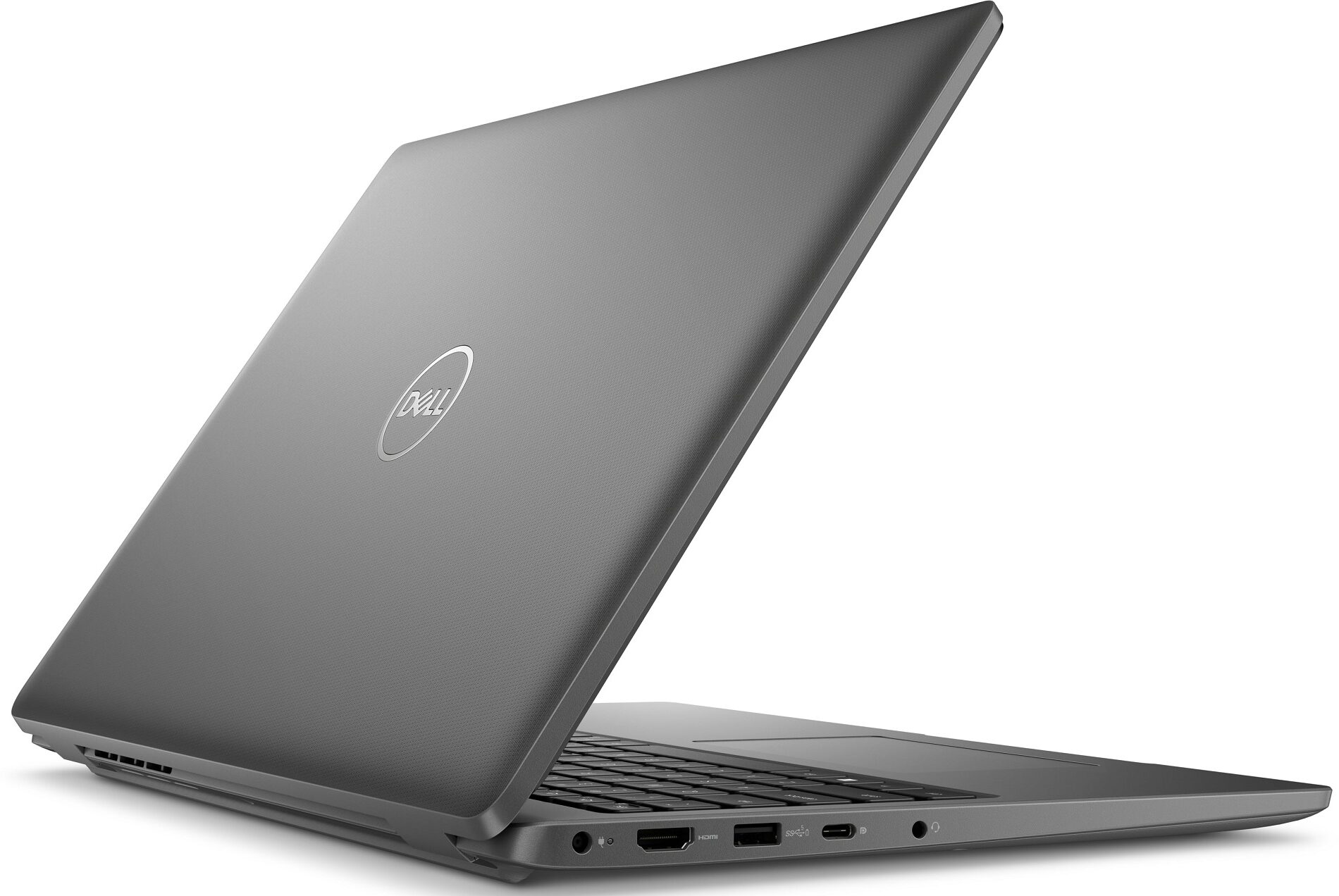
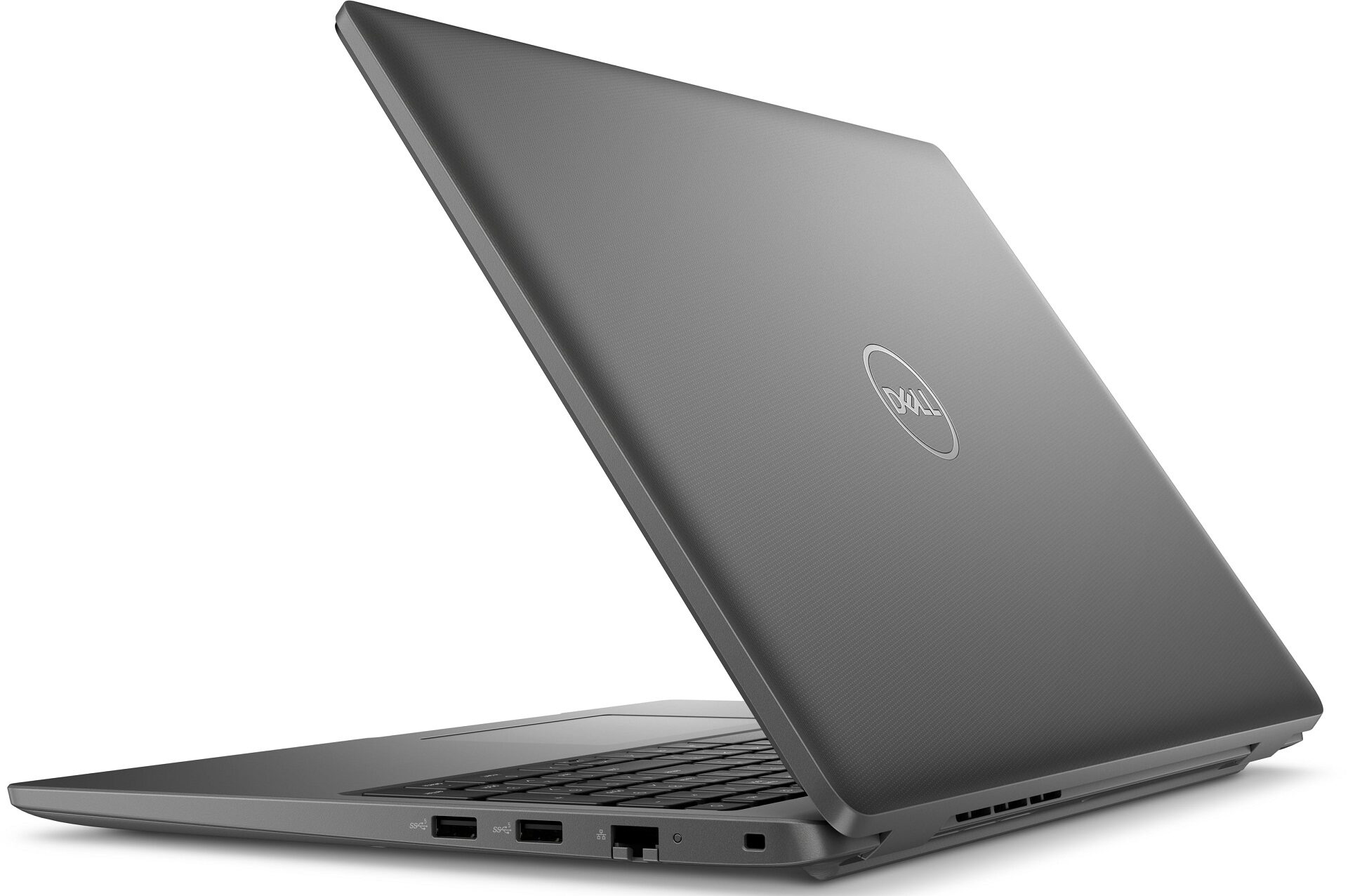
- 2x USB Type-A
- 3.2 Gen 1 (5 Gbps)
- 1x USB Type-A
- 3.2 Gen 1 (5 Gbps), Sleep and Charge
- 1x USB Type-C
- 3.2 Gen 2 (10 Gbps), Power Delivery (PD), DisplayPort
- HDMI
- 1.4
- Card Reader
- microSD (microSD, microSDHC, microSDXC)
- Ethernet LAN
- 10, 100, 1000 Mbit/s
- Wi-Fi
- 802.11ax
- Bluetooth
- 5.3
- Audio jack
- 3.5mm Combo Jack
- Features
- Fingerprint reader
- Web camera
- HD / FHD IR
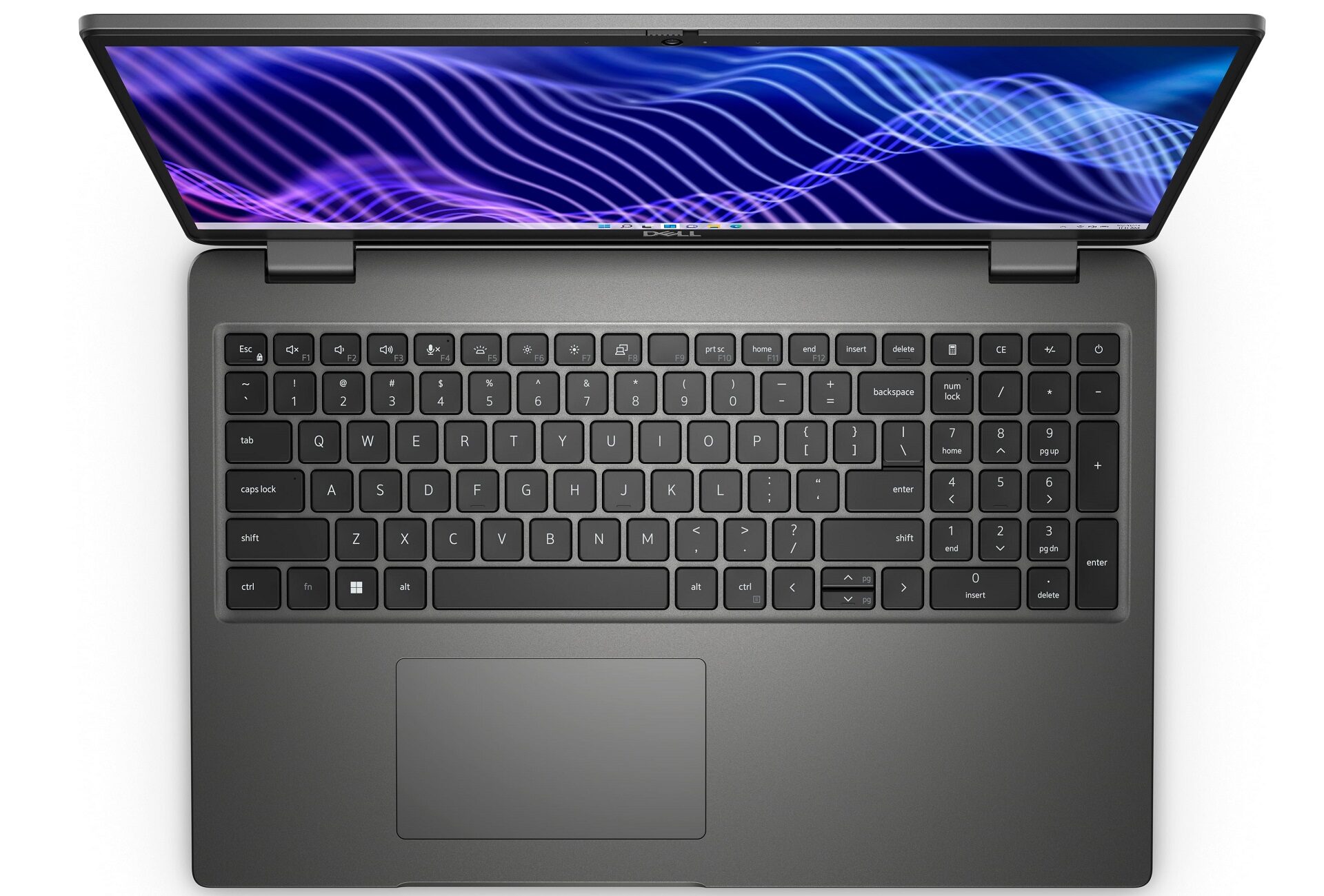
- Backlit keyboard
- Microphone
- Digital Array Microphones
- Speakers
- 2x 2.5W Stereo Speakers
- Optical drive
- Security Lock slot
- Wedge Lock
Portability
Review
Dell Latitude 3540 in-depth review
Nowadays, a lot of the standard devices for home or office usage are based on Intel 12th or 13th Gen hybrid CPUs with efficient and performance cores. These chips aren't power-hungry and their performance is enough for normal work. The Dell Latitude 15 3540 is a device for unpretentious daily or business tasks. The manufacturer offers this machine with a large variety of processor options including Alder Lake and Raptor Lake 15W U-series chips. There is even a Celeron 7305 in the mix which may be a bit underpowered for some users since it has just one P core and four E cores.If the iGPU inside the CPU isn't enough for your needs, you can get the optional NVIDIA GeForce MX550. With it, you can play some Dota 2 or other light games after work or during the lunch break. The presence of a [...]
Read the full review
Pros
- Good cooling
- Decently high P and E core clocks during full CPU load
- The fan isn't too noisy
- 2x SODIMM slots
- PWM-free (AUO MCX7D-B156HAN (AUO4599))
- Wide viewing angles (AUO MCX7D-B156HAN (AUO4599))
- Four USB ports + optional fingerprint reader
- Good battery life
- Comfortable keyboard with optional backlight
- Has a privacy shutter
- Offers optional IR camera and e-SIM functionality
Cons
- Just one M.2 slot
- Low sRGB coverage and unimpressive color accuracy (AUO MCX7D-B156HAN (AUO4599))
- The touchpad quality is average at best
Disassembly, maintenance and upgrade options
Step 1: Opening the Dell Latitude 15 3540Ensure the Dell Latitude 15 3540 is powered off and placed on a soft, clean surface to prevent scratches or damage. Remove the 9 captive Phillips-head screws from the bottom of the laptop. Use a thin plastic tool to gently pry the bottom panel off, starting from the sides and then working your way around the front and back.Hint: Begin prying near the top corners to create an initial gap, which will make it easier to lift the panel.Step 2: Removing the BatteryDisconnect the battery by pulling out its connector from the m[...]
Read more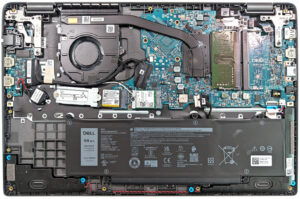


![[June 2026] Best-Selling Laptop Brands on Amazon Global – Apple’s Unrivaled Dominance in Units and Revenue](https://laptopmedia.com/wp-content/uploads/2026/07/GLOBAL-Best-Brands-400x225.jpg)
![[June 2026] Amazon Global: Top 10 Best-Selling Laptops – Apple’s New MacBook Neo Storms to #1, Reshaping the Market with Affordability](https://laptopmedia.com/wp-content/uploads/2026/07/Best-Selling-Laptops-GLOBAL-Top-10-400x225.jpg)
![[June 2026] Amazon Global: Top 10 Best-Selling Gaming Laptops – Acer’s Nitro V 16S AI Dominates Sales, While ASUS Leads Overall Revenue](https://laptopmedia.com/wp-content/uploads/2026/07/Best-Selling-Gaming-Laptops-GLOBAL-Top-10-400x225.jpg)
![[June 2026] Global Ranking of Best-Selling Laptop GPUs on Amazon – NVIDIA RTX 5060 is the Top-Selling Dedicated GPU](https://laptopmedia.com/wp-content/uploads/2026/07/Best-Selling-GPUs-GLOBAL-Top-10-400x225.jpg)
![[June 2026] Global Ranking of Best-Selling Laptop CPUs on Amazon – Apple M5 Dominates, AMD Ryzen 7 260 Gets Solid Premium Share](https://laptopmedia.com/wp-content/uploads/2026/07/Best-Selling-CPUs-GLOBAL-Top-10-400x225.jpg)