Dell Latitude 5420

- Date Published: 05 Aug 2021
- Intel Core i5-1145G7
- Intel Iris Xe Graphics G7 (80EU)
- 14.0”, Full HD (1920 x 1080), IPS
- 1000GB SSD
- 32GB DDR4, 3200 MHz
- 1.40 kg (3.1 lbs)
Specs

- HDD/SSD
- 1TB SSD
- M.2 Slot
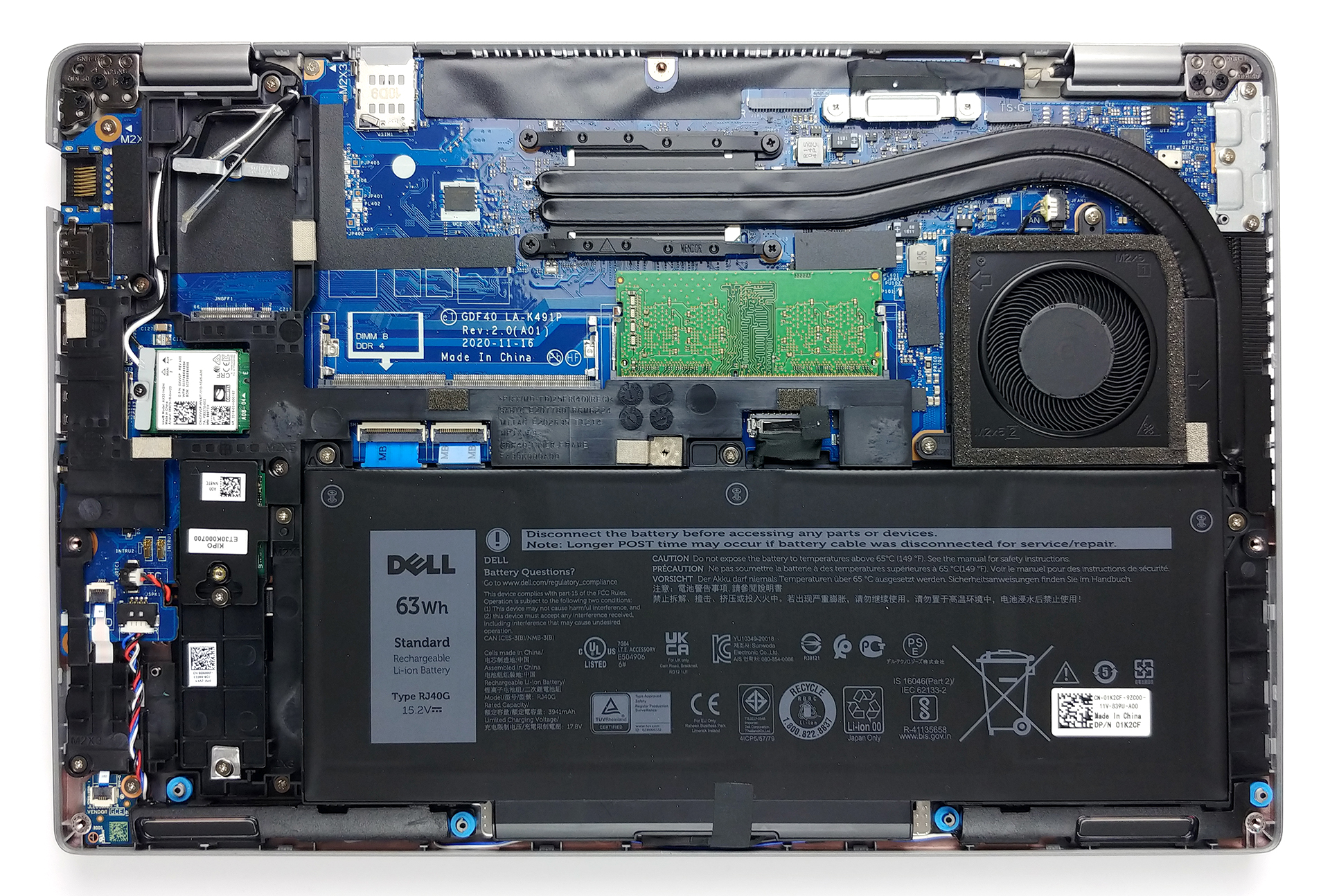
- 1x M.2 NVMe slot See photo
- RAM
- 32GB DDR4, 3200 MHz
- OS
- Windows 10 Pro
- Body Material
- Plastic / Polycarbonate
- Dimensions
- 321.3 x 212 x 20.9 mm (12.65" x 8.35" x 0.82")
- Weight
- 1.40 kg (3.1 lbs)
- Ports and connectivity
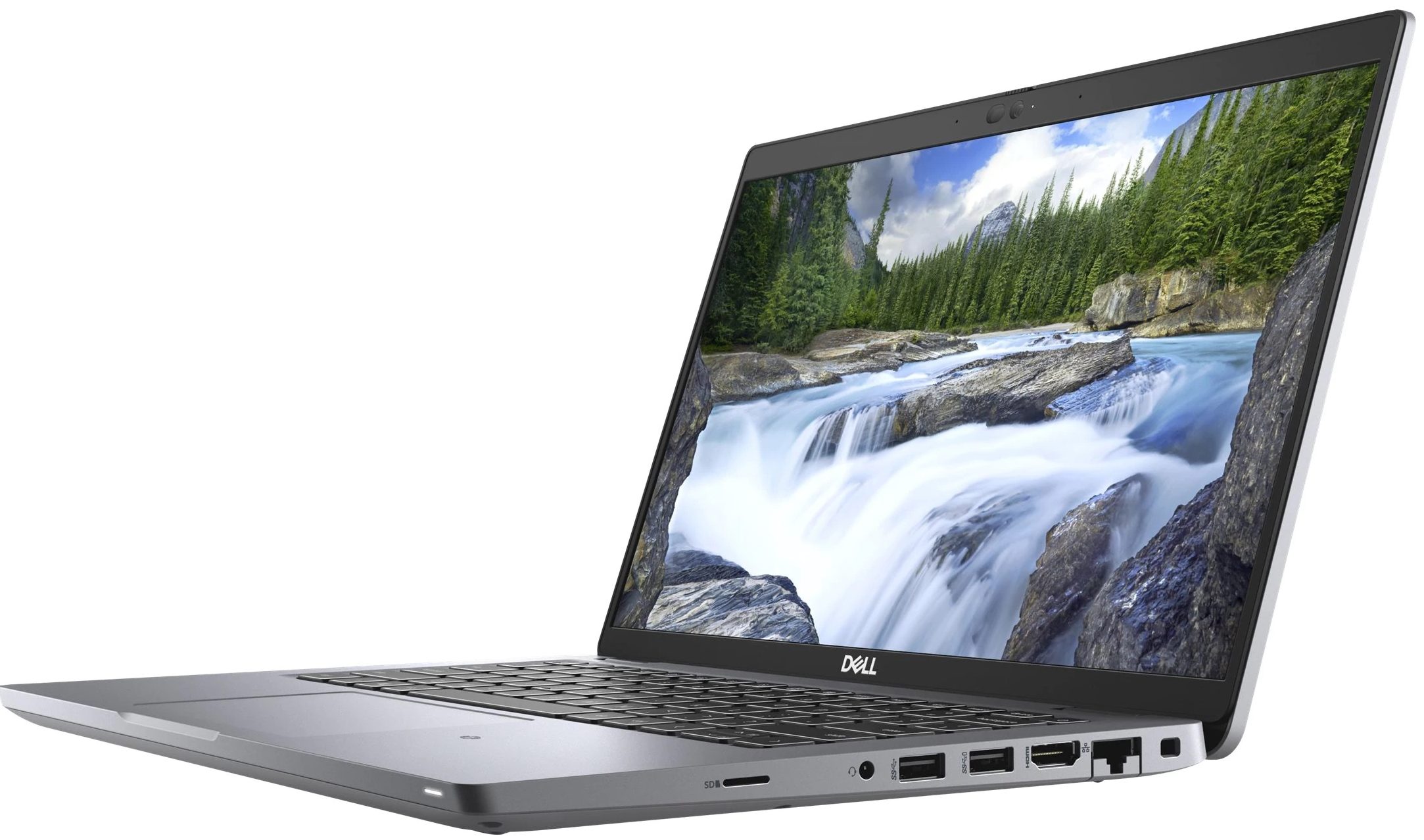
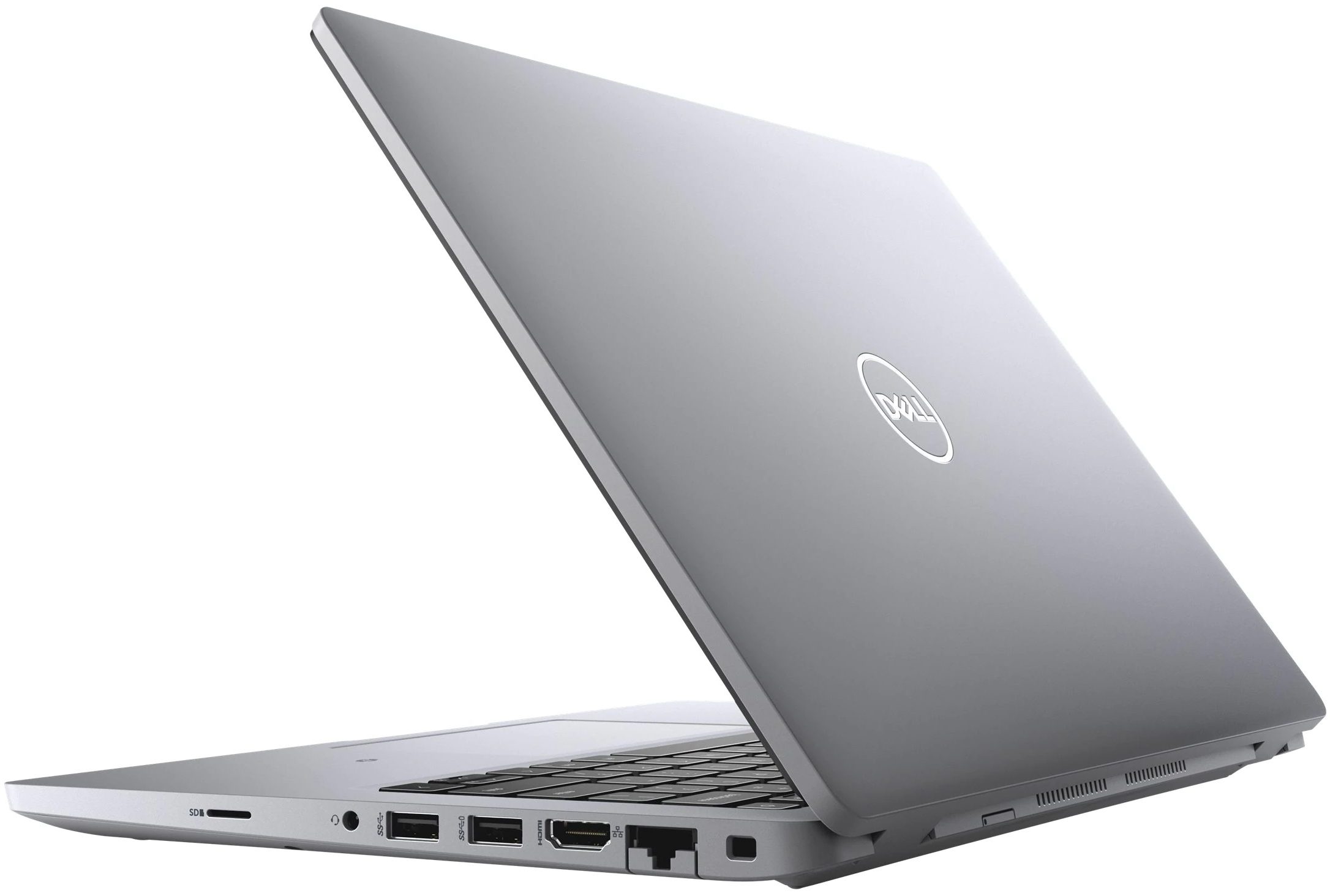
- 1x USB Type-A
- 3.2 Gen 1 (5 Gbps)
- 1x USB Type-A
- 3.2 Gen 1 (5 Gbps), Sleep and Charge
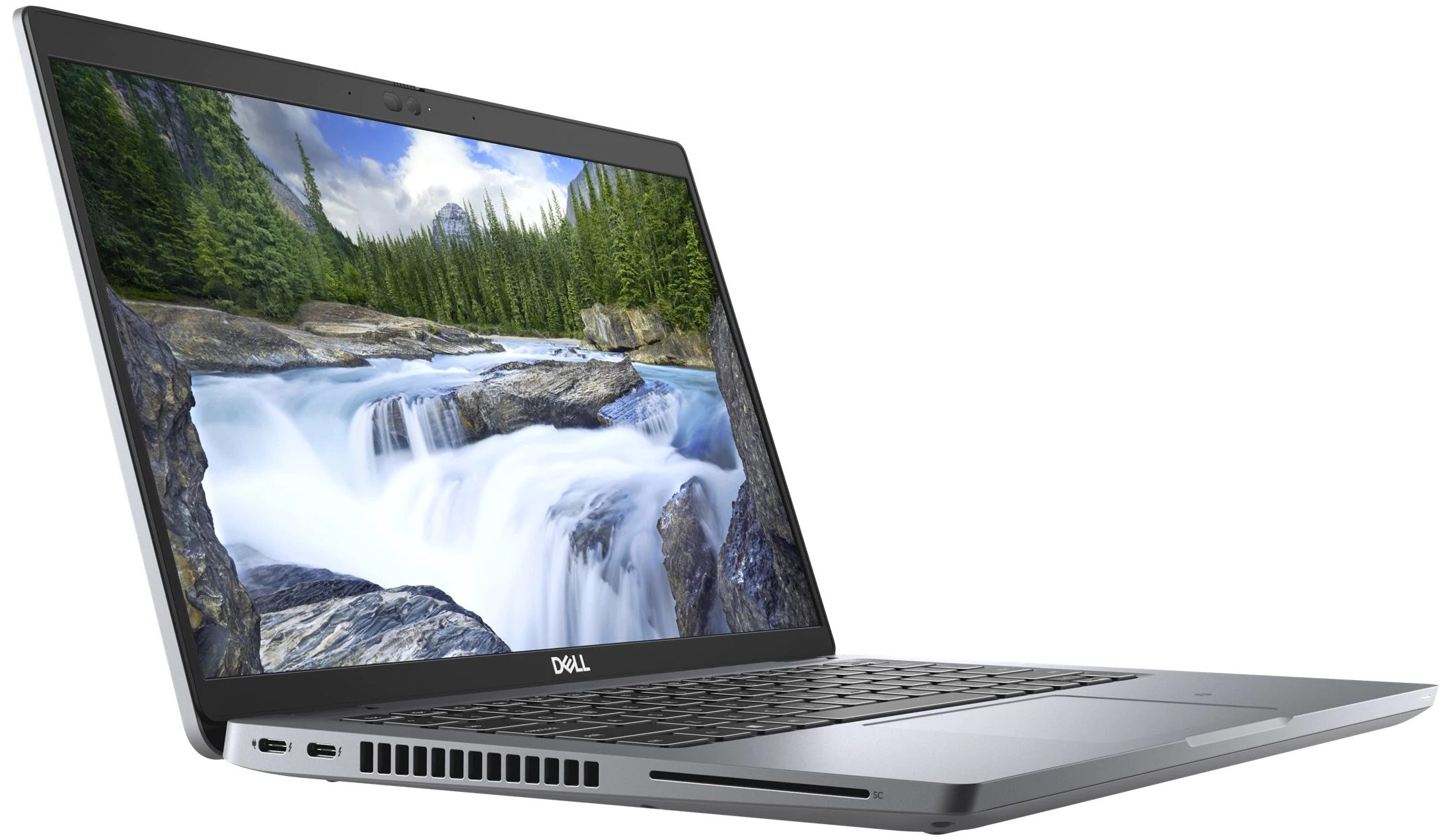
- 2x USB Type-C
- Thunderbolt 4, Power Delivery (PD), DisplayPort
- HDMI
- 2.0
- Card Reader
- microSD (SD/SDHC/SDXC)
- Ethernet LAN
- 10, 100, 1000 Mbit/s
- Wi-Fi
- 802.11ax
- Bluetooth
- 5.2
- Audio jack
- 3.5mm Combo Jack
- Features
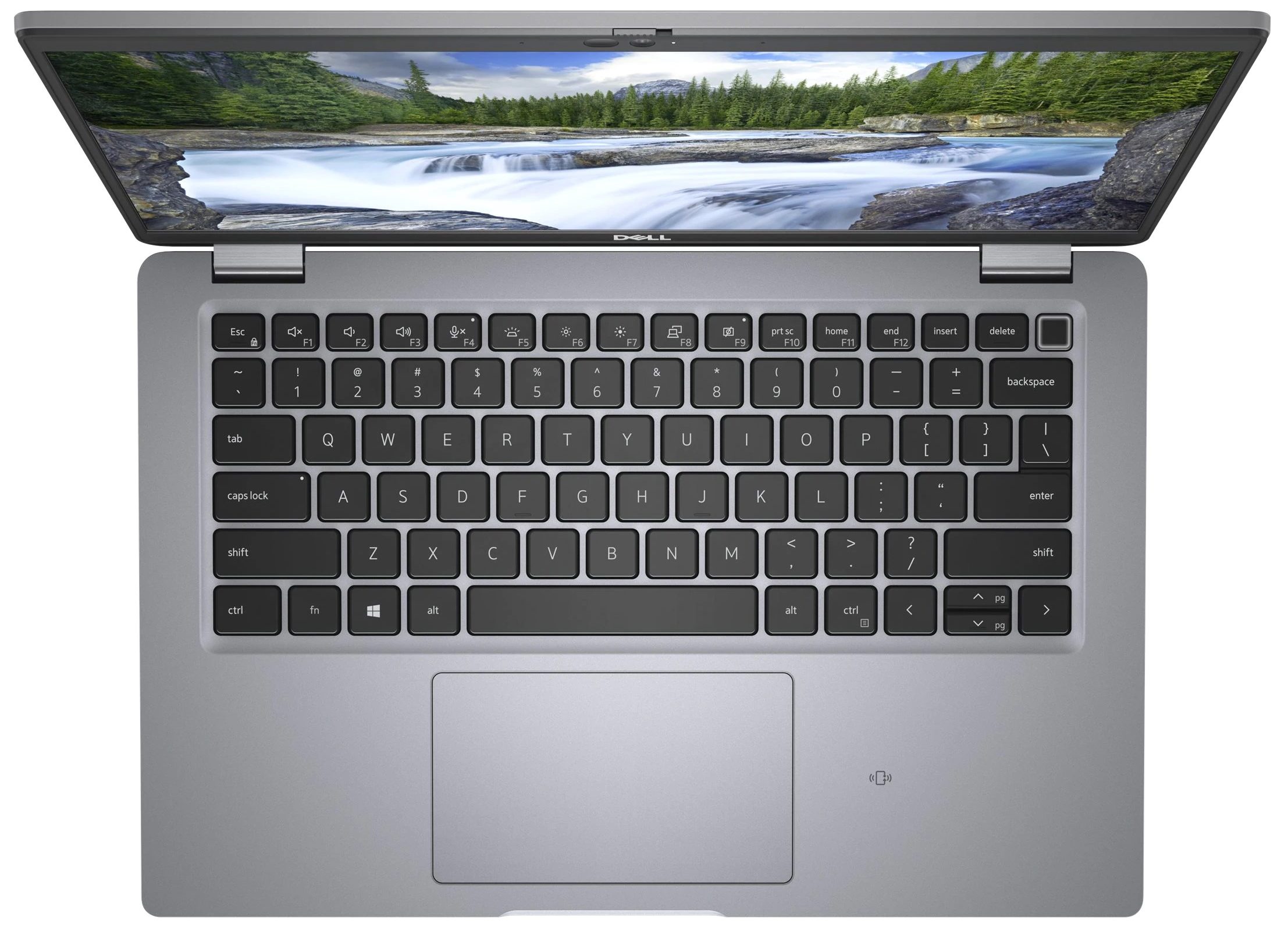
- Fingerprint reader
- Web camera
- Full HD & HD
- Backlit keyboard
- Microphone
- Dual-Array Microphones
- Speakers
- 2x 2W, Stereo Speakers
- Optical drive
- Security Lock slot
- Gifts
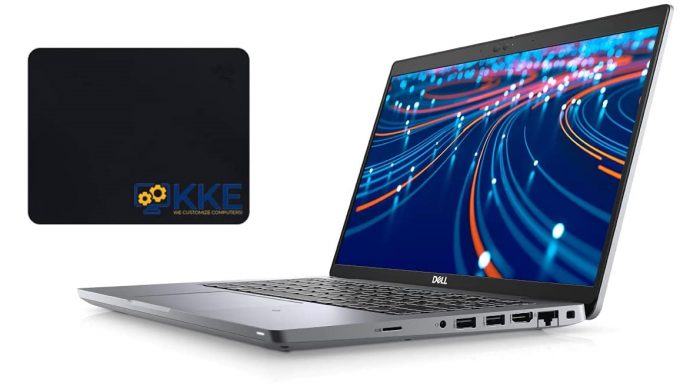
- KKE Mousepad
Portability
Review
Dell Latitude 5420 in-depth review
Secure, stable, and reliable. This is the prerequisite for every single business notebook out there. Regardless of its price tag. After all, its main purpose is to do the job and protect your data. Looks are purely subjective, and you don't really need the most powerful hardware out there.However, this doesn't stop the Latitude 14 5420 to provide some computational performance to its users. Interestingly, the laptop is offered with both Comet Lake-U and Tiger Lake processors. Why? We don't know. What we do know is that the 10nm architecture of Intel introduced a huge boost in performance. Not only when it comes to CPU-intensive loads, but to graphics power as well. So, getting the so-called "11-th Gen" processors would be a priority.In addition to all of the security software and [...]
Read the full review
Pros
- Well-populated I/O
- Up to 64 GB of RAM in dual-channel
- Fingerprint reader embedded in the power button + optional IR face recognition
- Wi-Fi 6, PCIe x4, Thunderbolt 4
- No PWM (AUO 5NG4M-B156HAN)
- Comfortable keyboard with a backlight
- Two days worth of battery
Cons
- 53% sRGB coverage (AUO 5NG4M-B156HAN)
- Gets warm during extreme loads
Disassembly, maintenance and upgrade options
Thankfully, the Latitude 14 5420 offers up to 64GB of dual-channel via two SODIMM slots.Check out all Dell Latitude 14 5420 prices and configurations in our Specs System or read more in our In-Depth review.1. Remove the bottom plate and battery To get this notebook open, you need to undo all 8 Phillips-head screws. Then, carefully pry the bottom panel with a plastic tool, and remove it from the chassis.2. Battery Dell did a good job in the battery department by supplying a 63Wh unit inside.3. Мemory and storage Thankfully, you can take advantage of up to 64GB of DD[...]
Read more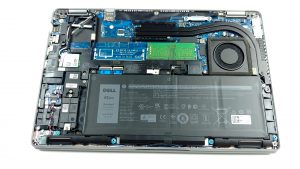


![[August 2026] Amazon Global: Top 10 Best-Selling Laptops – Apple MacBook Neo Dominates the Charts as Budget and Mid-Range Windows Portables Fight for Volume](https://laptopmedia.com/wp-content/uploads/2026/09/Best-Selling-Laptops-GLOBAL-Top-10-400x225.jpg)
![[August 2026] Best-Selling Laptop Brands on Amazon Global – Apple Dominates Revenue While HP Leads in Model Variety](https://laptopmedia.com/wp-content/uploads/2026/09/GLOBAL-Best-Brands-400x225.jpg)
![[August 2026] Amazon Global: Top 10 Best-Selling Gaming Laptops – HP Victus 15 Captures the Crown as Budget-Friendly Models Dominate the Charts](https://laptopmedia.com/wp-content/uploads/2026/09/Best-Selling-Gaming-Laptops-GLOBAL-Top-10-400x225.jpg)
![[August 2026] Best-Selling Laptop Brands on Amazon Japan – Apple Dominates Market Share and Revenue Led by Strong Unit Sales](https://laptopmedia.com/wp-content/uploads/2026/09/CO.JP-Best-Brands-1-400x225.jpg)
![[August 2026] Best-Selling Laptop Brands on Amazon USA – Apple Dominates Market Revenue and Volume Despite Lower Model Diversity](https://laptopmedia.com/wp-content/uploads/2026/09/COM-Best-Brands-1-400x225.jpg)