Dell Latitude 5455
- Date Published: 06 Mar 2025
- Qualcomm Snapdragon X Plus X1P-64-100
- Qualcomm SD X Adreno X1-85 3.8 TFLOPS
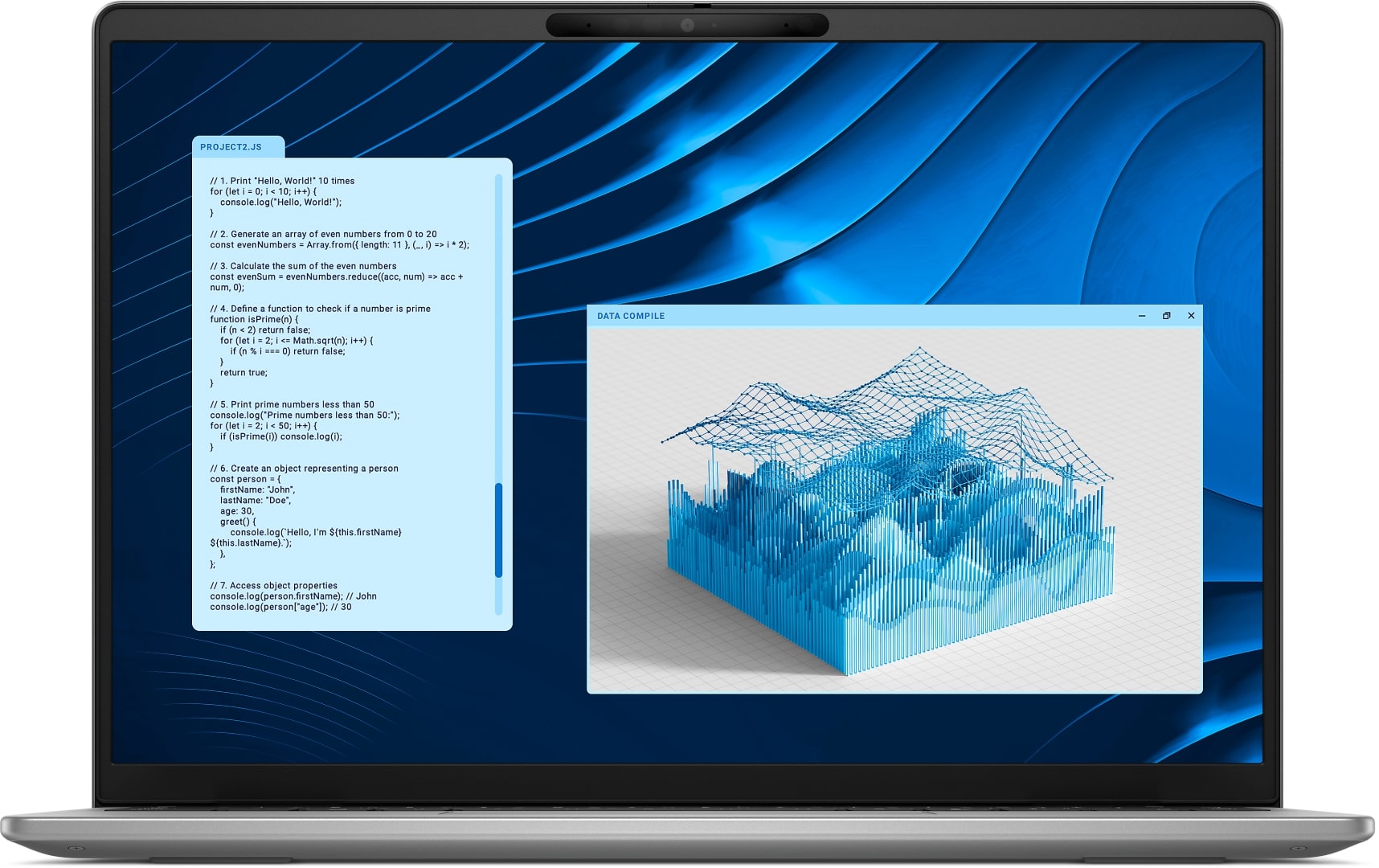
- 14.0”, WUXGA (1920 x 1200), IPS
- 512GB SSD
- 16GB RAM
- 1.53 kg (3.4 lbs)
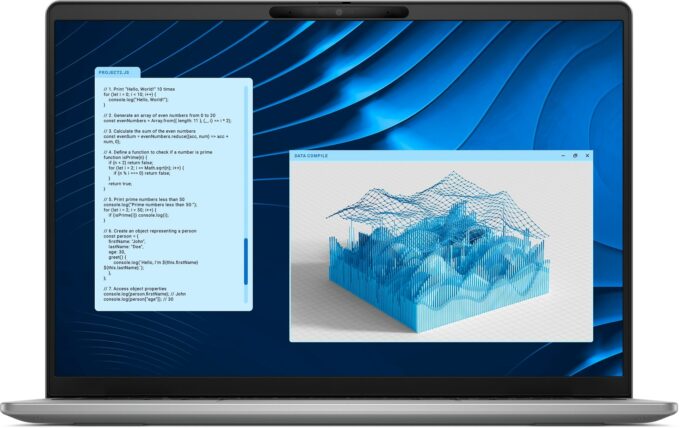
Specs
- Display
- HDD/SSD
- 512GB SSD
- M.2 Slot
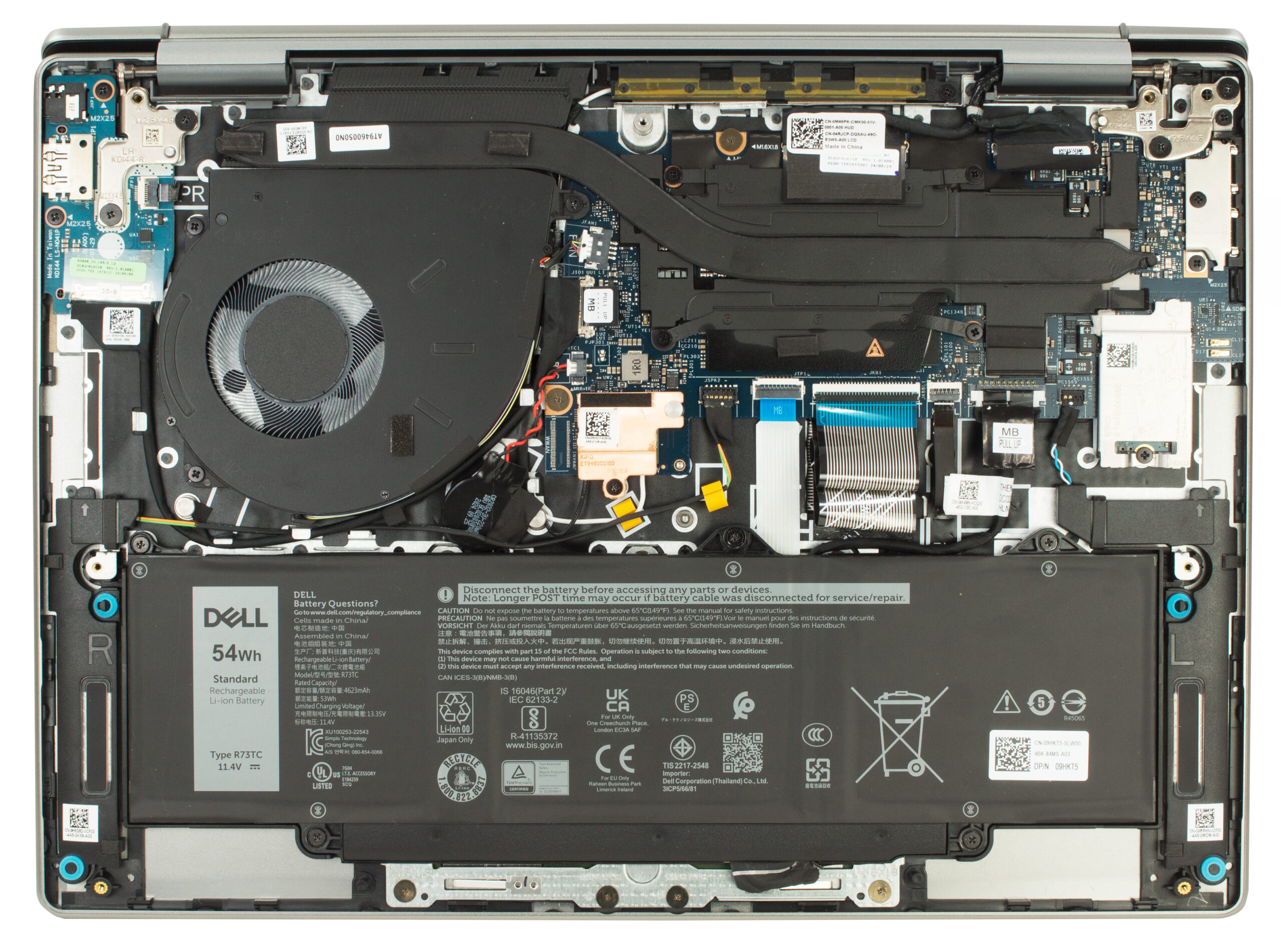
- 1x 2230 M.2 NVMe PCIe 4.0 x4 See photo
- RAM
- 16GB RAM
- OS
- Windows 11 Pro
- Dimensions
- 314 x 223.75 x 17.9 mm (12.36" x 8.81" x 0.70")
- Weight
- 1.53 kg (3.4 lbs)
- Ports and connectivity
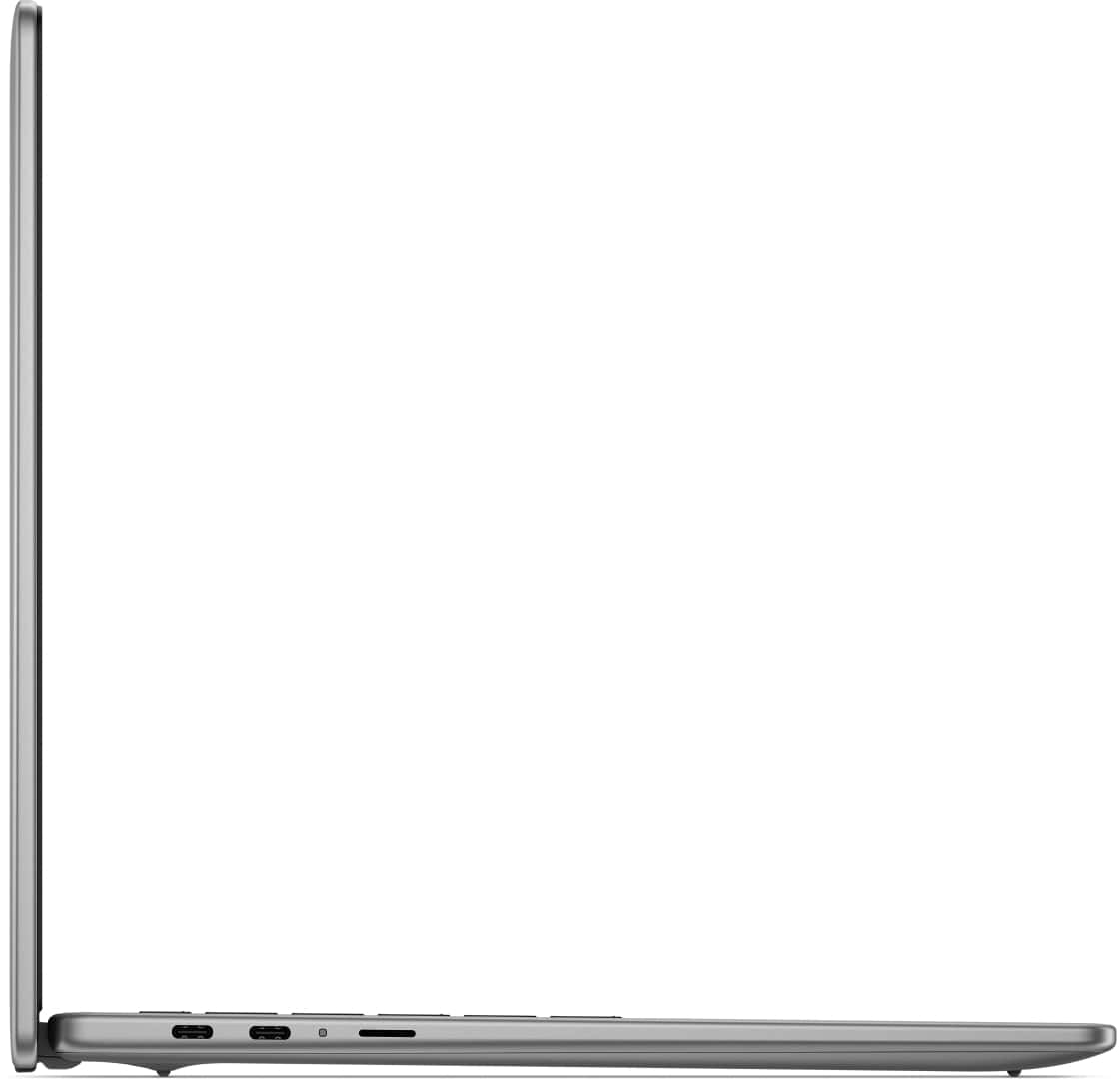
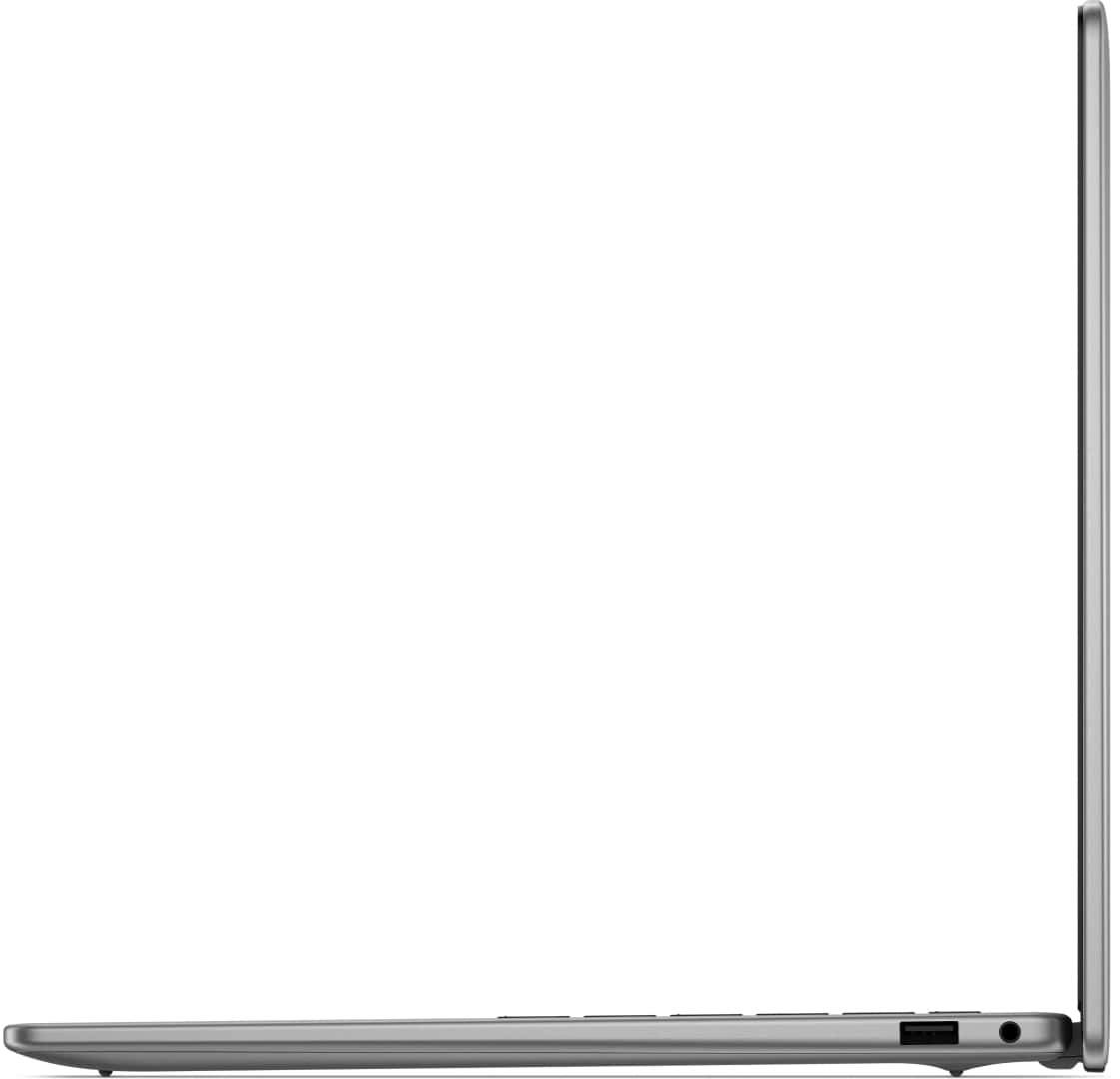
- 1x USB Type-A
- 3.2 Gen 1 (5 Gbps)
- 2x USB Type-C
- 4.0, Power Delivery (PD), DisplayPort
- Card Reader
- microSD (microSD, microSDHC, microSDXC)
- Ethernet LAN
- Wi-Fi
- Wi-Fi 7
- Bluetooth
- 5.4
- Audio jack
- 3.5mm Combo Jack
- Features
- Fingerprint reader
- Web camera
- FHD IR with support for Windows Hello Face Authentication
- Backlit keyboard
- Microphone
- 2x Microphones
- Speakers
- 2x top firing premium speakers + 2x bottom firing premium speakers, Qualcomm Aqstic Speaker Max
- Security Lock slot
Portability
Review
Dell Latitude 5455 in-depth review
Imagine a laptop that you charge on Monday morning and potentially don't need to plug in again until Wednesday afternoon. That's not a fantasy; it's the reality offered by the new Dell Latitude 5455, powered by Qualcomm's energy-sipping Snapdragon X Plus processor. With over 22 hours of battery life in our tests, this sleek, sustainably built machine immediately sets a new benchmark for mobile endurance, all wrapped in an elegant "Titan Grey" aluminum chassis that feels as premium as it looks.But does this incredible longevity come with significant trade-offs elsewhere? Beyond its marathon battery and modern connectivity, how does the display hold up, and what are the real-world implications of its ARM-based architecture for performance and software compatibility? Join us as we dive de[...]
Read the full review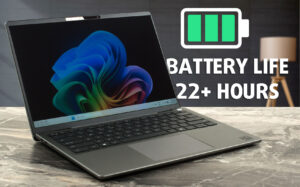
Pros
- Astonishing, class-leading battery life (22+ hours)
- Elegant, minimalist design with premium, sustainable aluminum construction
- Impressively thin and lightweight, highly portable
- Solid build quality with good fingerprint resistance
- Comfortable keyboard with backlight and integrated fingerprint reader
- Physical webcam privacy shutter and advanced IR camera features
- Dual USB4 40Gbps ports with Power Delivery and DisplayPort 2.1
- Cutting-edge Wi-Fi 7 connectivity
- PWM-free display backlight for comfortable viewing
- Meets Copilot+ AI PC requirements with integrated NPU
- Good sound quality
Cons
- Severely limited display color gamut (only 50% sRGB), unsuitable for color-sensitive work
- Mediocre color accuracy
- ARM-based architecture leads to very limited gaming performance and potential software compatibility issues
- Minimalist port selection (no native HDMI or Ethernet)
- Only one USB Type-A port
- SSD speeds on the 512GB model are somewhat limited compared to higher capacities
Disassembly, maintenance and upgrade options
Step 1: Opening the Dell Latitude 5455Power off the laptop and disconnect it from any power source. Place it on a clean, static-free surface. Using a JIS №0 screwdriver, unscrew the seven screws securing the bottom panel. Note that the two outer screws near the hinges are captive - they stay attached to the panel, which helps prevent losing them during disassembly. Insert a thin plastic pry tool between the bottom panel and the chassis near one of the hinge areas. Gently work your way around the edges, releasing the internal clips without applying excessive force. Once all[...]
Read more

![[June 2026] Best-Selling Laptop Brands on Amazon Global – Apple’s Unrivaled Dominance in Units and Revenue](https://laptopmedia.com/wp-content/uploads/2026/07/GLOBAL-Best-Brands-400x225.jpg)
![[June 2026] Amazon Global: Top 10 Best-Selling Laptops – Apple’s New MacBook Neo Storms to #1, Reshaping the Market with Affordability](https://laptopmedia.com/wp-content/uploads/2026/07/Best-Selling-Laptops-GLOBAL-Top-10-400x225.jpg)
![[June 2026] Amazon Global: Top 10 Best-Selling Gaming Laptops – Acer’s Nitro V 16S AI Dominates Sales, While ASUS Leads Overall Revenue](https://laptopmedia.com/wp-content/uploads/2026/07/Best-Selling-Gaming-Laptops-GLOBAL-Top-10-400x225.jpg)
![[June 2026] Global Ranking of Best-Selling Laptop GPUs on Amazon – NVIDIA RTX 5060 is the Top-Selling Dedicated GPU](https://laptopmedia.com/wp-content/uploads/2026/07/Best-Selling-GPUs-GLOBAL-Top-10-400x225.jpg)
![[June 2026] Global Ranking of Best-Selling Laptop CPUs on Amazon – Apple M5 Dominates, AMD Ryzen 7 260 Gets Solid Premium Share](https://laptopmedia.com/wp-content/uploads/2026/07/Best-Selling-CPUs-GLOBAL-Top-10-400x225.jpg)