Dell Latitude 7400 (2-in-1)
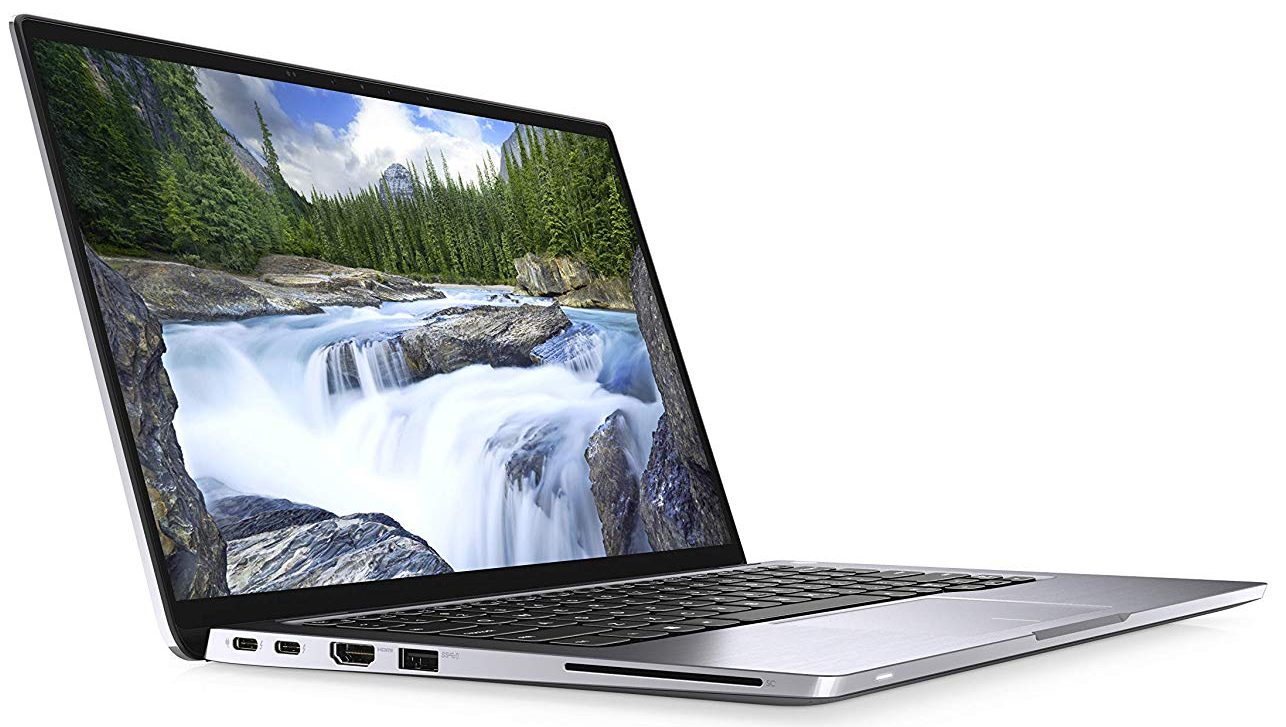
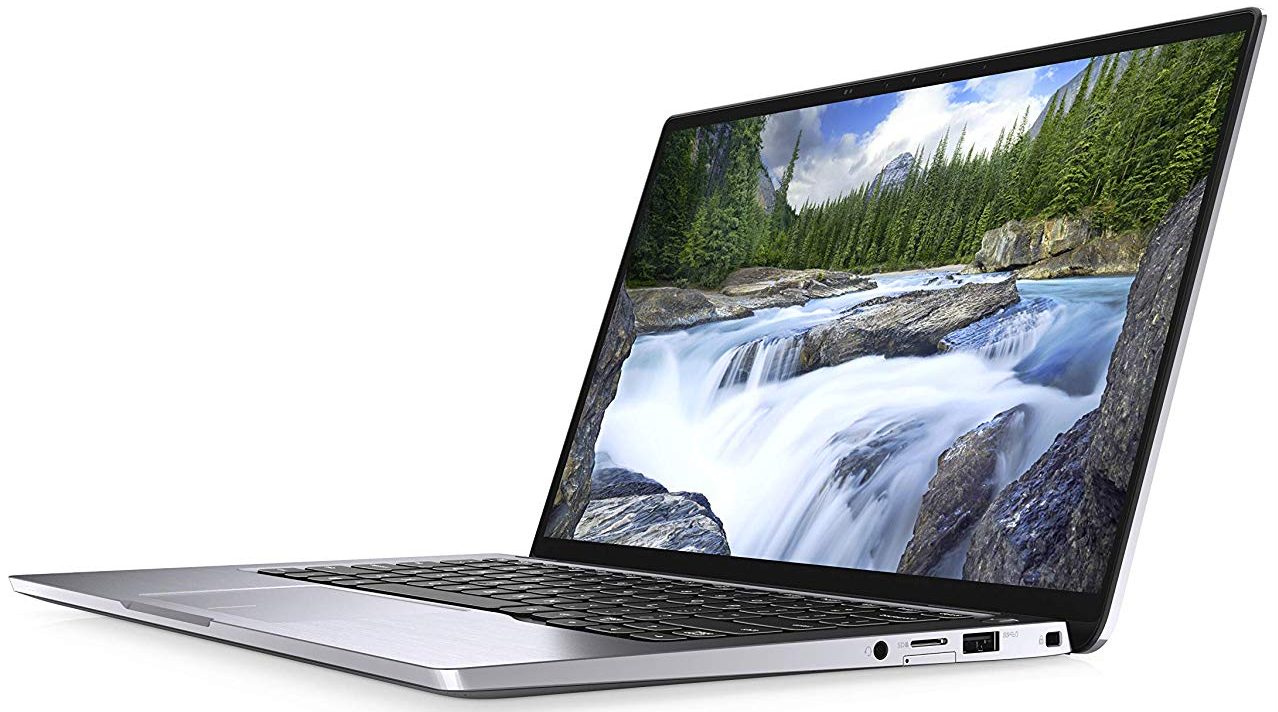
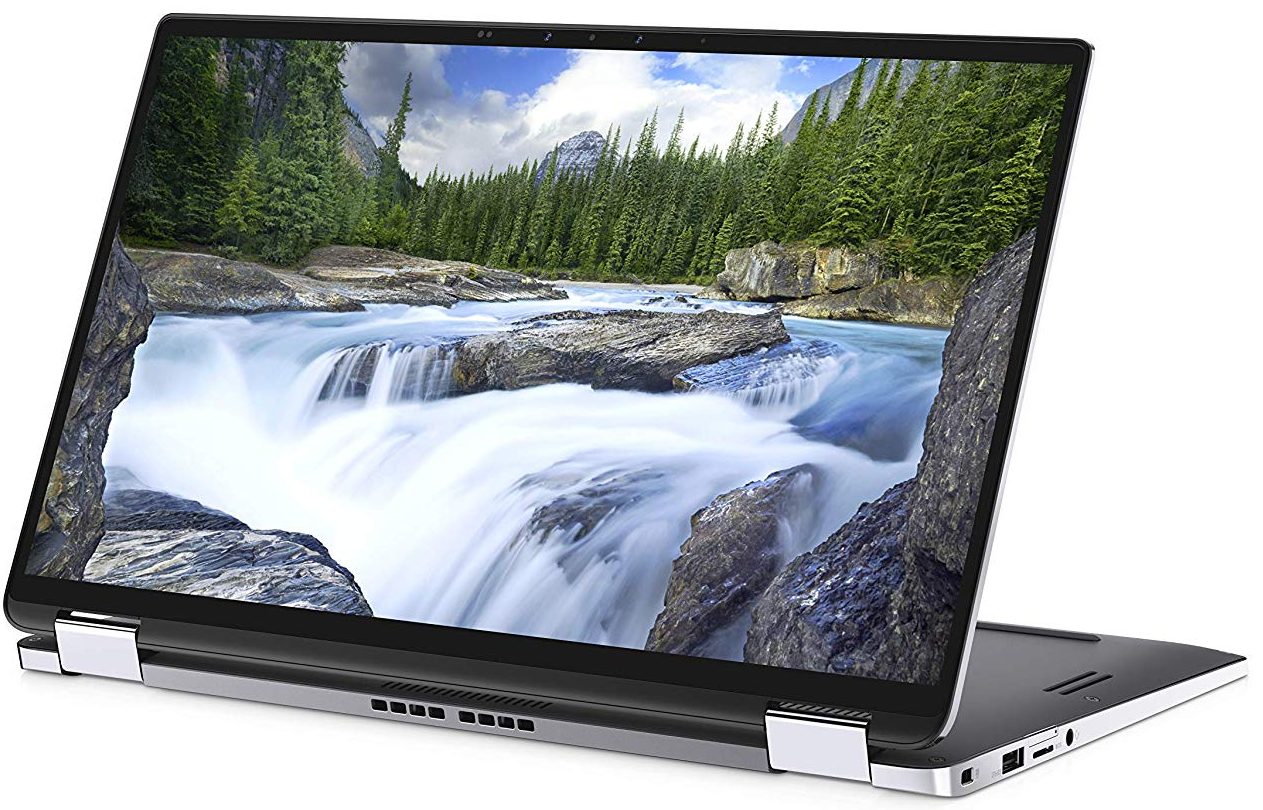
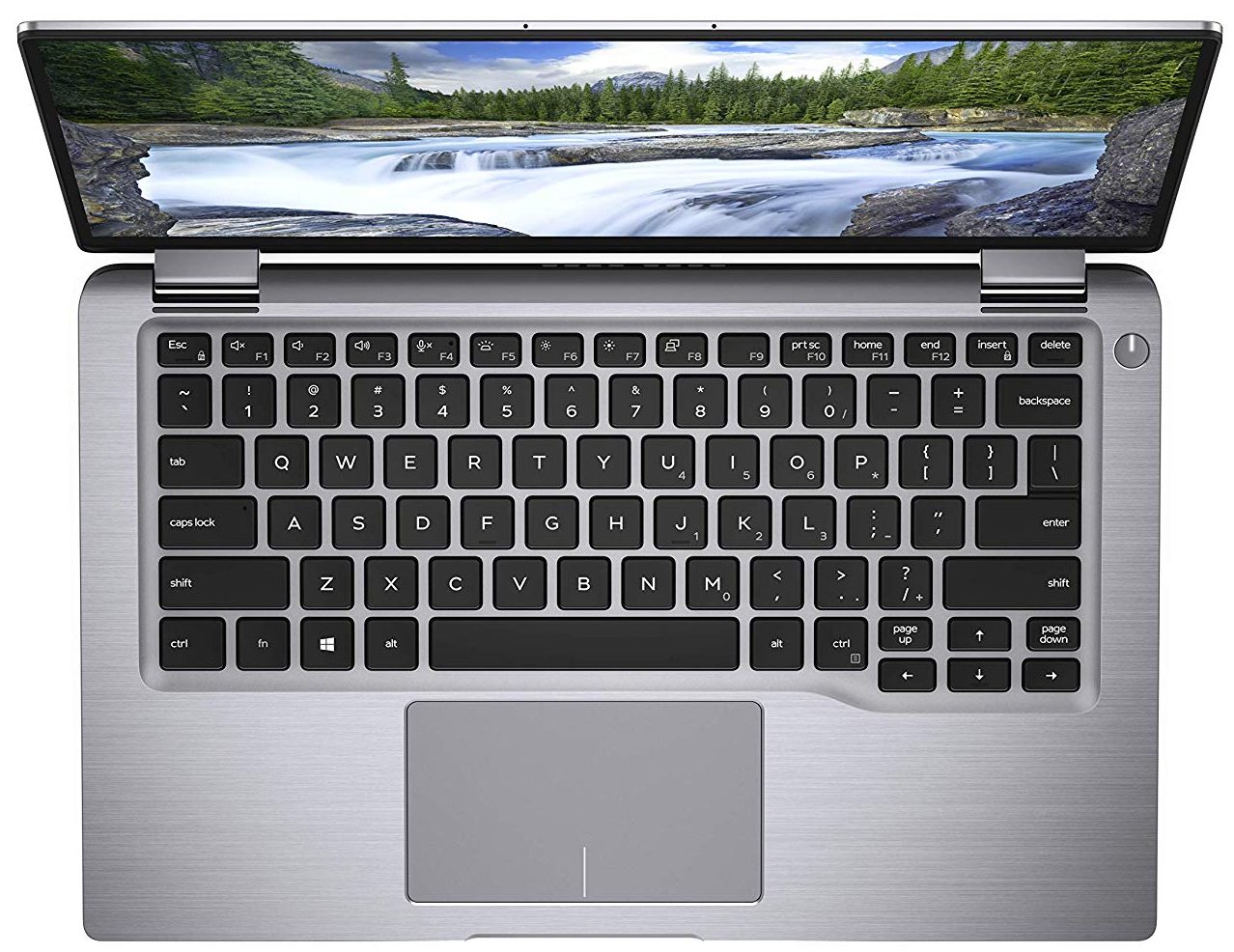
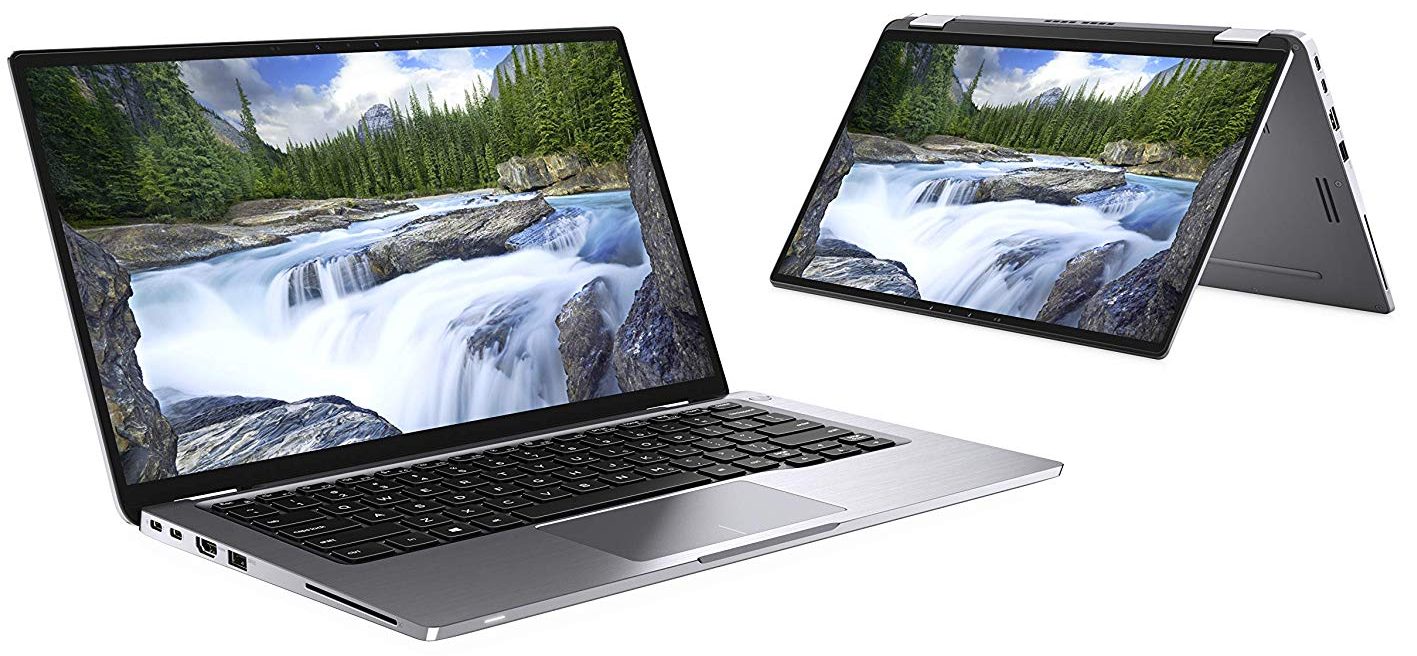
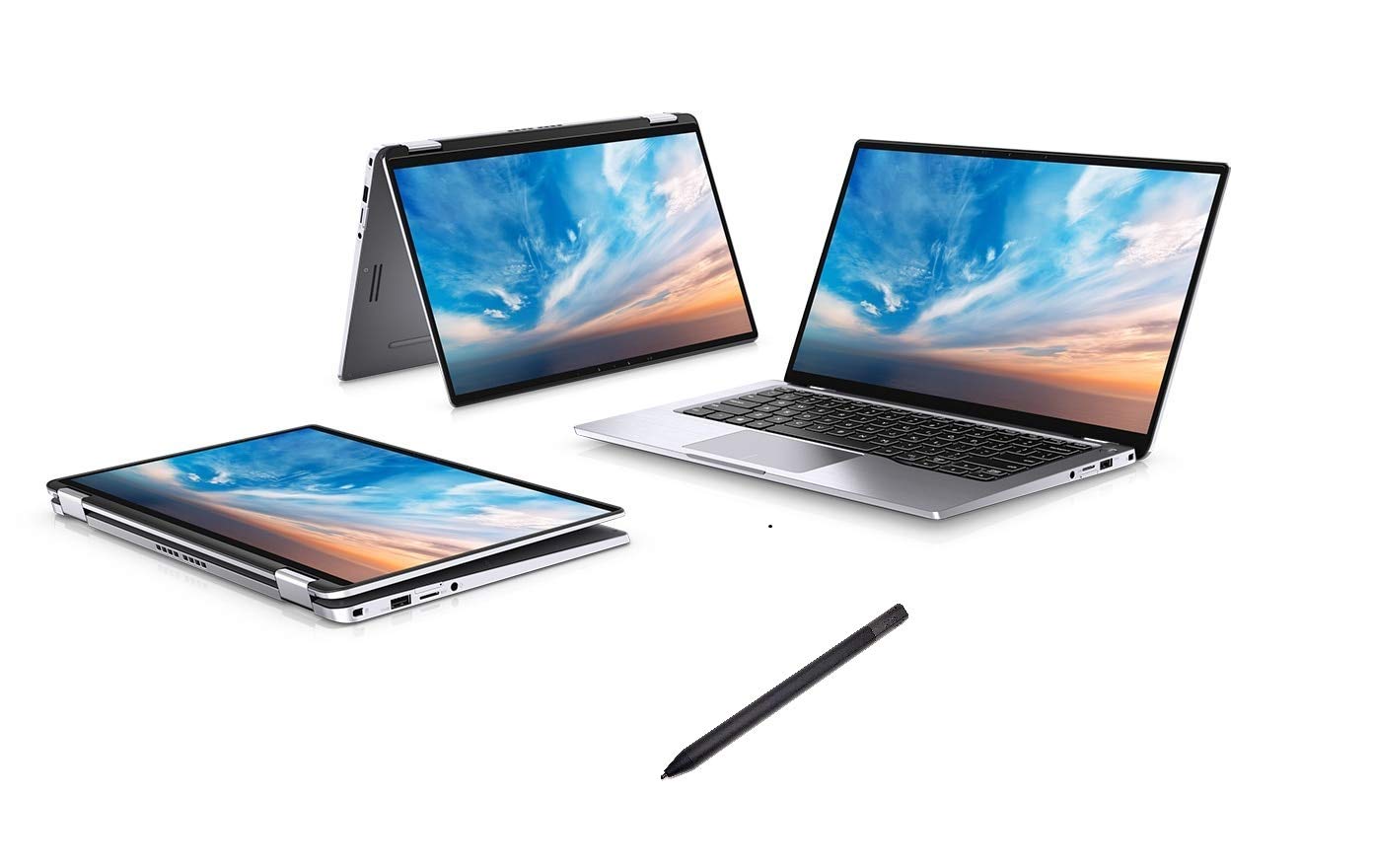
- Date Published: 31 Oct 2019
- Intel Core i7-8665U
- Intel UHD Graphics 620
- 14.0”, Full HD (1920 x 1080), IPS
- 2000GB SSD
- 16GB LPDDR3, 2133 MHz
- 1.36 kg (3 lbs)

Specs

- HDD/SSD
- 2TB PCIe NVMe SSD
- M.2 Slot
- 1x 2280 PCIe NVMe 3.0 x4
- RAM
- 16GB LPDDR3, 2133 MHz
- OS
- Windows 10 Pro
- Body Material
- Aluminum
- Dimensions
- 319.7 x 199.9 x 14.9 mm (12.59" x 7.87" x 0.59")
- Weight
- 1.36 kg (3 lbs)
- Ports and connectivity
- 2x USB Type-A
- 3.2 Gen 1 (5 Gbps), Sleep and Charge
- 2x USB Type-C
- 3.2 Gen 1 (5 Gbps), Thunderbolt 3
- HDMI
- 1.4
- Card Reader
- mSD, mSDHC, mSDXC
- Wi-Fi
- 802.11ac
- Bluetooth
- 5.0
- Audio jack
- 3.5 mm combo
- Optional Smart Card Reader
- Micro SIM Card Reader
- Features
- Web camera
- Microphone
- Speakers
- 2x 2W Speakers
- Optical drive
- Security Lock slot
- Gifts
- Active Stylus Pen
Portability
Review
Dell Latitude 7400 (2-in-1) in-depth review
Dell's Latitude series is a viable challenger in the business laptop world. Not only they offer great security enhancements, but also a wide range of devices, basically suiting every pocket. Today, we have the Latitude 7400 2-in-1 laying around our office, and we gave it our usual treatment.It is an astonishingly sexy little machine built entirely out of aluminum. There are some interesting features inside, including the ExpressSign-in, which works with a specially developed proximity sensor, which wakes up the laptop when you are around and automatically unlocks the laptop with the IR face recognition system. Of course, we didn't take Dell's word for that and we tested it, so you'll see the results shortly.Powering the laptop, there is up to a Core i7-8665U processor with the int[...]
Read the full review
Pros
- Stylish and strong all-aluminum design and Gorilla Glass 5 screen protection
- Covers 95% of sRGB colors (SHP14A2) and has a great color accuracy when our Gaming and Web design profile is present
- Great battery life
- Detects your presence and unlocks the laptop automatically, when it sees your face, without you needing to touch anything
- Two Thunderbolt 3.0 ports, a MicroSD card reader and an optional LTE card slot
- Supports PCIe x4 M.2 SSDs
- Doesn't use aggressive PWM for brightness adjustment (SHP14A2)
Cons
- Premium price tag
- Memory is soldered to the motherboard
- Get's really warm under heavy load
Disassembly, maintenance and upgrade options
Despite its fancy look, the Latitude 7400 2-in-1 is pretty easy to get inside of. However, you won't be able to upgrade much - be warned.Check out all Dell Latitude 7400 2-in-1 prices and configurations in our Specs System or read more in our In-Depth review.1. Remove the bottom plate If you want to get inside the Latitude 7400 2-in-1, there are 10 Phillips-head screws that stay attached to the panel after you unscrew them (similarly to the other Latitude devices). After you do that, start prying the bottom panel from the back - around the hinges. Then, lift the backside of the [...]
Read more


![[June 2026] Best-Selling Laptop Brands on Amazon Global – Apple’s Unrivaled Dominance in Units and Revenue](https://laptopmedia.com/wp-content/uploads/2026/07/GLOBAL-Best-Brands-400x225.jpg)
![[June 2026] Amazon Global: Top 10 Best-Selling Laptops – Apple’s New MacBook Neo Storms to #1, Reshaping the Market with Affordability](https://laptopmedia.com/wp-content/uploads/2026/07/Best-Selling-Laptops-GLOBAL-Top-10-400x225.jpg)
![[June 2026] Amazon Global: Top 10 Best-Selling Gaming Laptops – Acer’s Nitro V 16S AI Dominates Sales, While ASUS Leads Overall Revenue](https://laptopmedia.com/wp-content/uploads/2026/07/Best-Selling-Gaming-Laptops-GLOBAL-Top-10-400x225.jpg)
![[June 2026] Global Ranking of Best-Selling Laptop GPUs on Amazon – NVIDIA RTX 5060 is the Top-Selling Dedicated GPU](https://laptopmedia.com/wp-content/uploads/2026/07/Best-Selling-GPUs-GLOBAL-Top-10-400x225.jpg)
![[June 2026] Global Ranking of Best-Selling Laptop CPUs on Amazon – Apple M5 Dominates, AMD Ryzen 7 260 Gets Solid Premium Share](https://laptopmedia.com/wp-content/uploads/2026/07/Best-Selling-CPUs-GLOBAL-Top-10-400x225.jpg)
