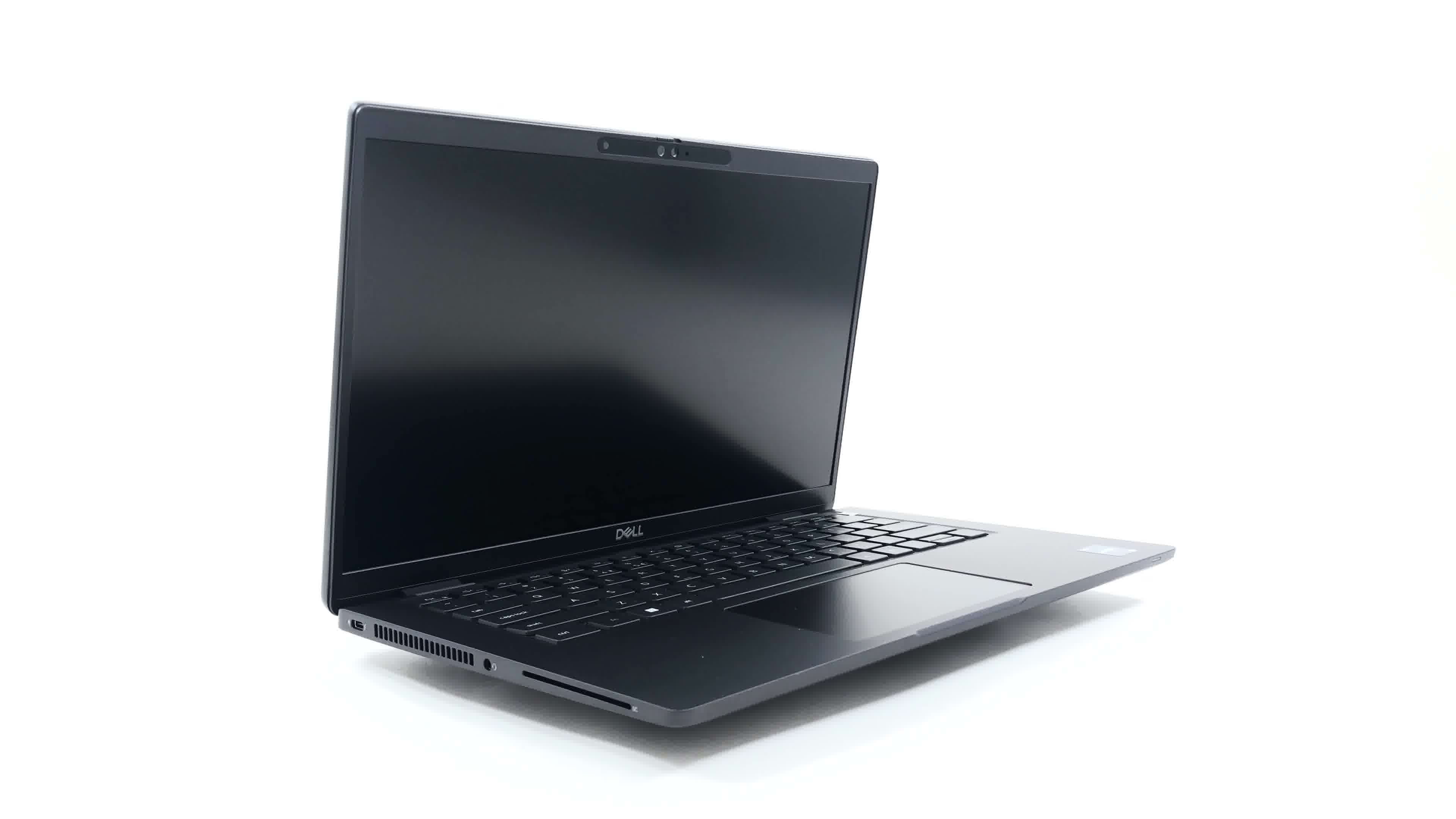
Dell Latitude 7430

- Date Published: 27 Oct 2022
- Intel Core i7-1265U
- Intel Iris Xe Graphics G7 (96EU)
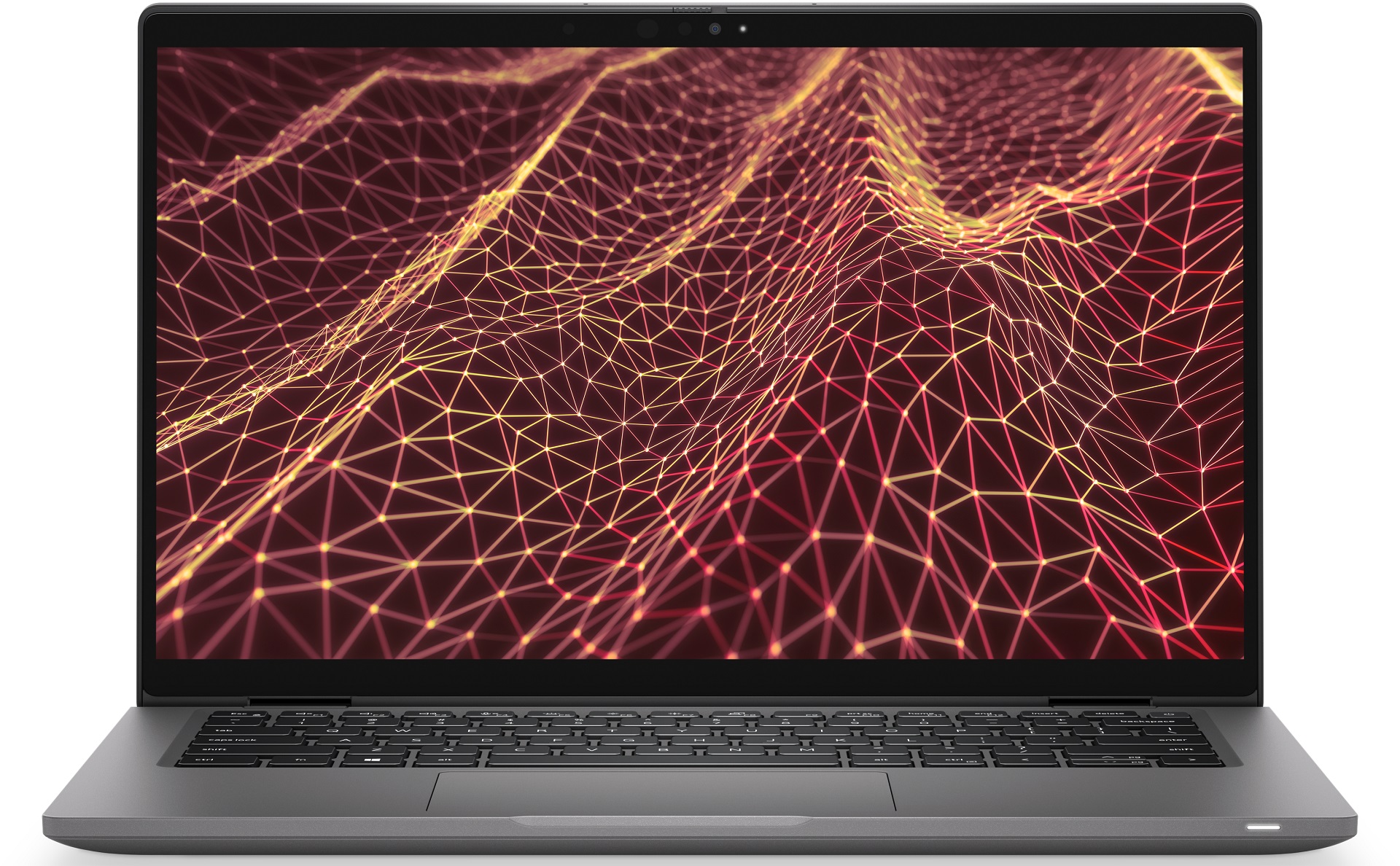
- 14.0”, Full HD (1920 x 1080), IPS
- 1000GB SSD
- 32GB DDR4
- 1.22 kg (2.7 lbs)
Specs

- HDD/SSD
- 1TB SSD
- M.2 Slot
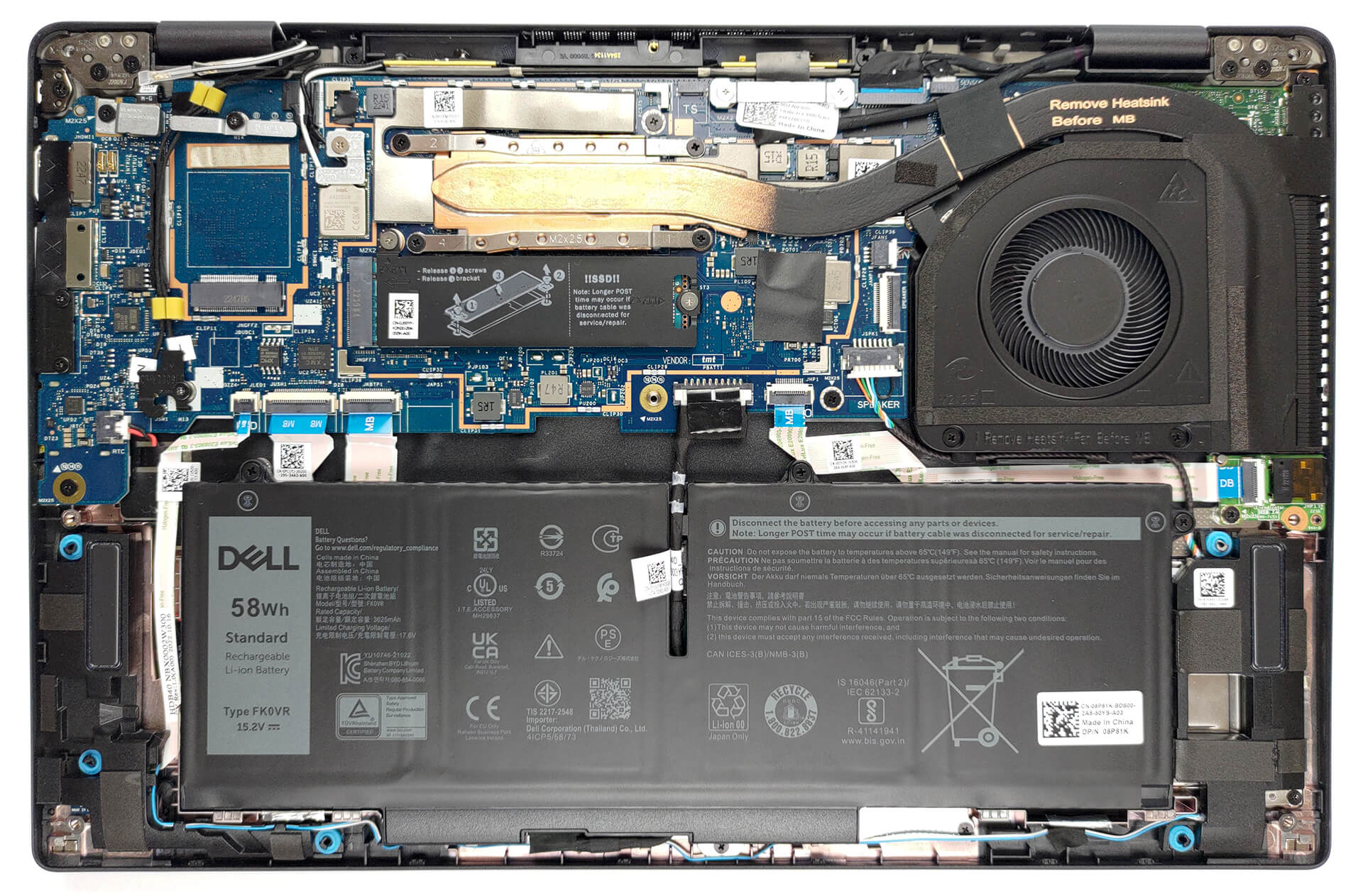
- 1x 2280 PCIe NVMe 4.0 x4 See photo
- RAM
- 32GB DDR4
- OS
- Windows 11 Pro
- Body Material
- Aluminum, Carbon
- Dimensions
- 321.35 x 208.69 x 16.90 - 20.08 mm (12.65" x 8.22" x 0.67")
- Weight
- 1.22 kg (2.7 lbs)
- Ports and connectivity
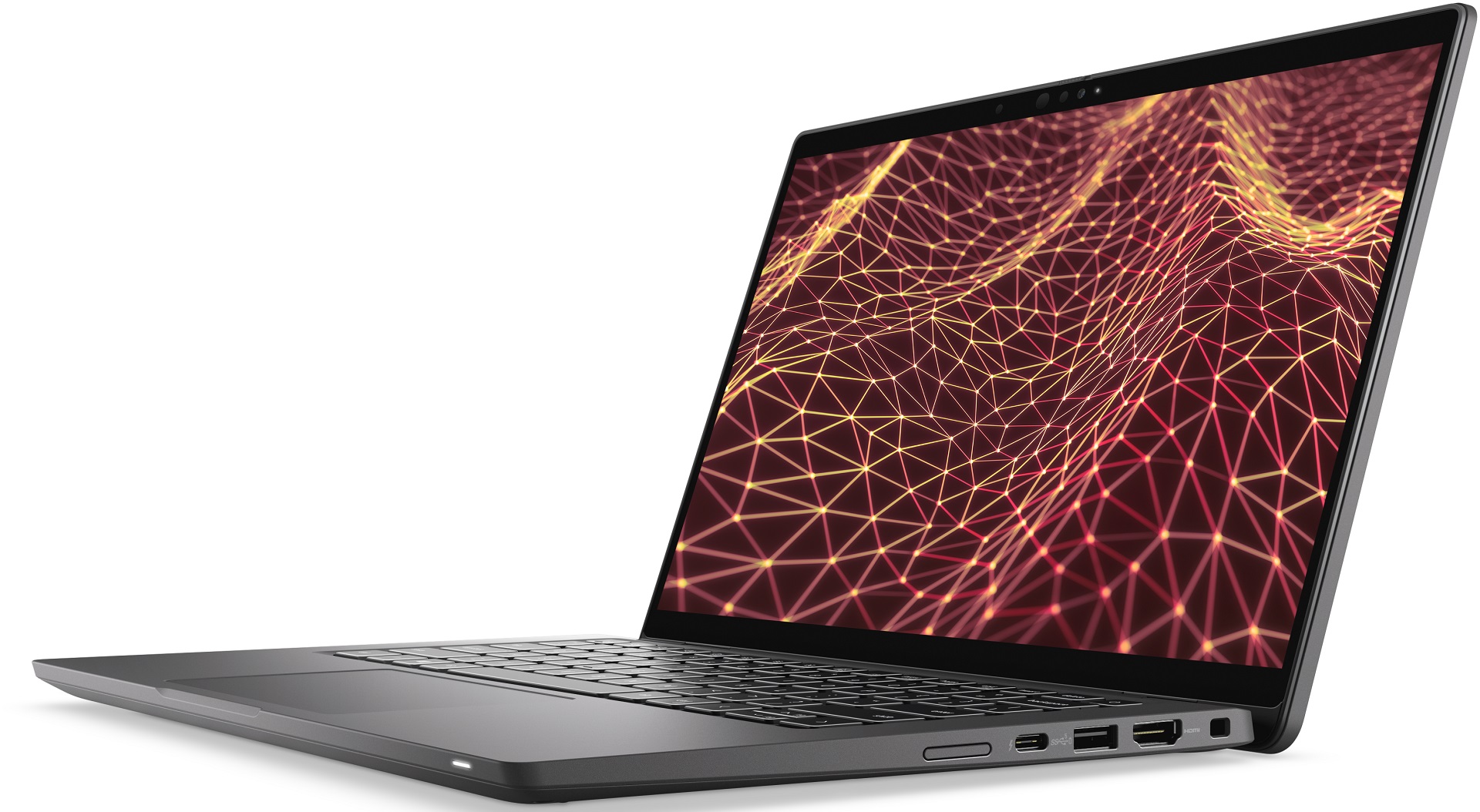
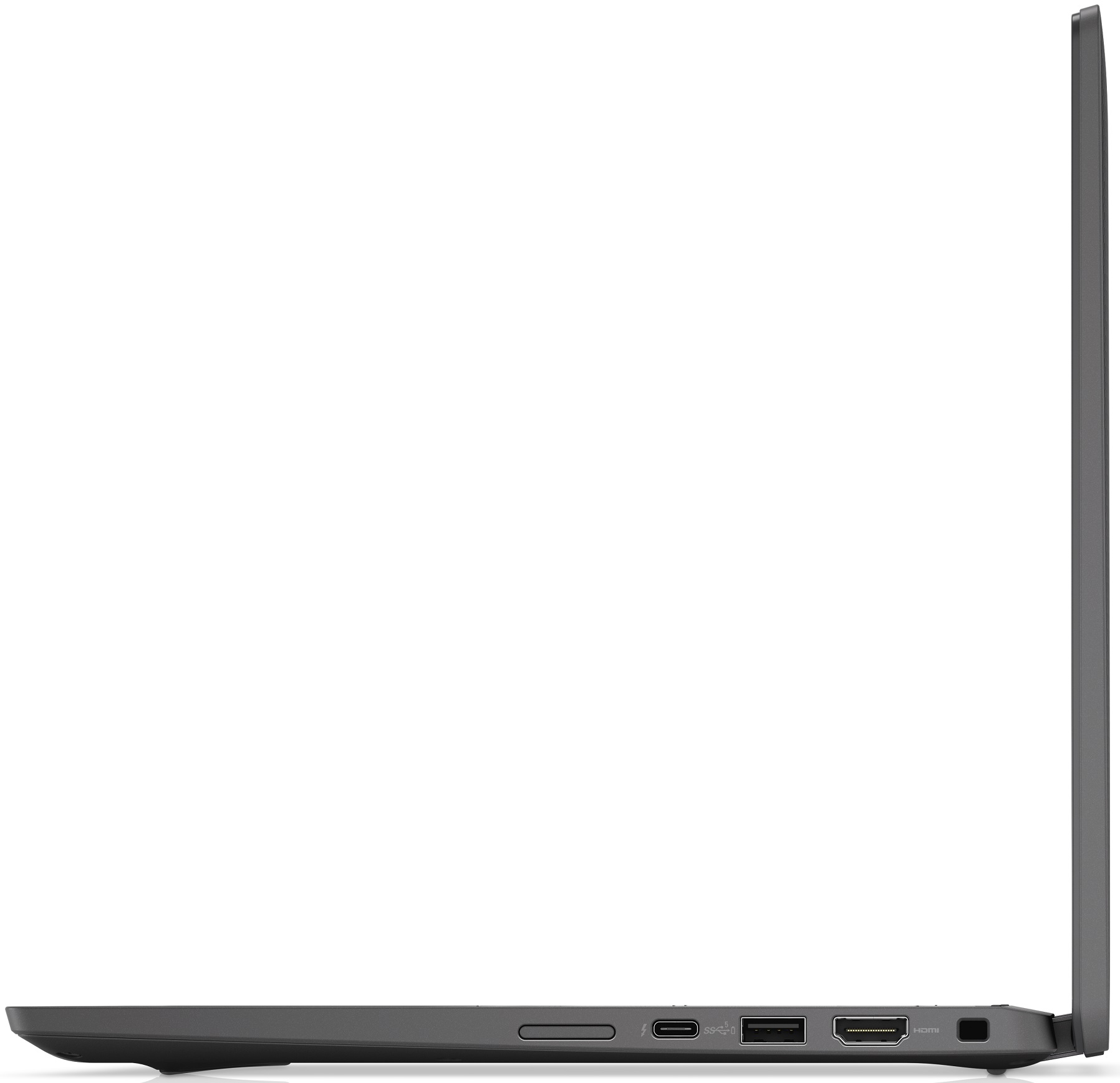
- 1x USB Type-A
- 3.2 Gen 1 (5 Gbps), Sleep and Charge
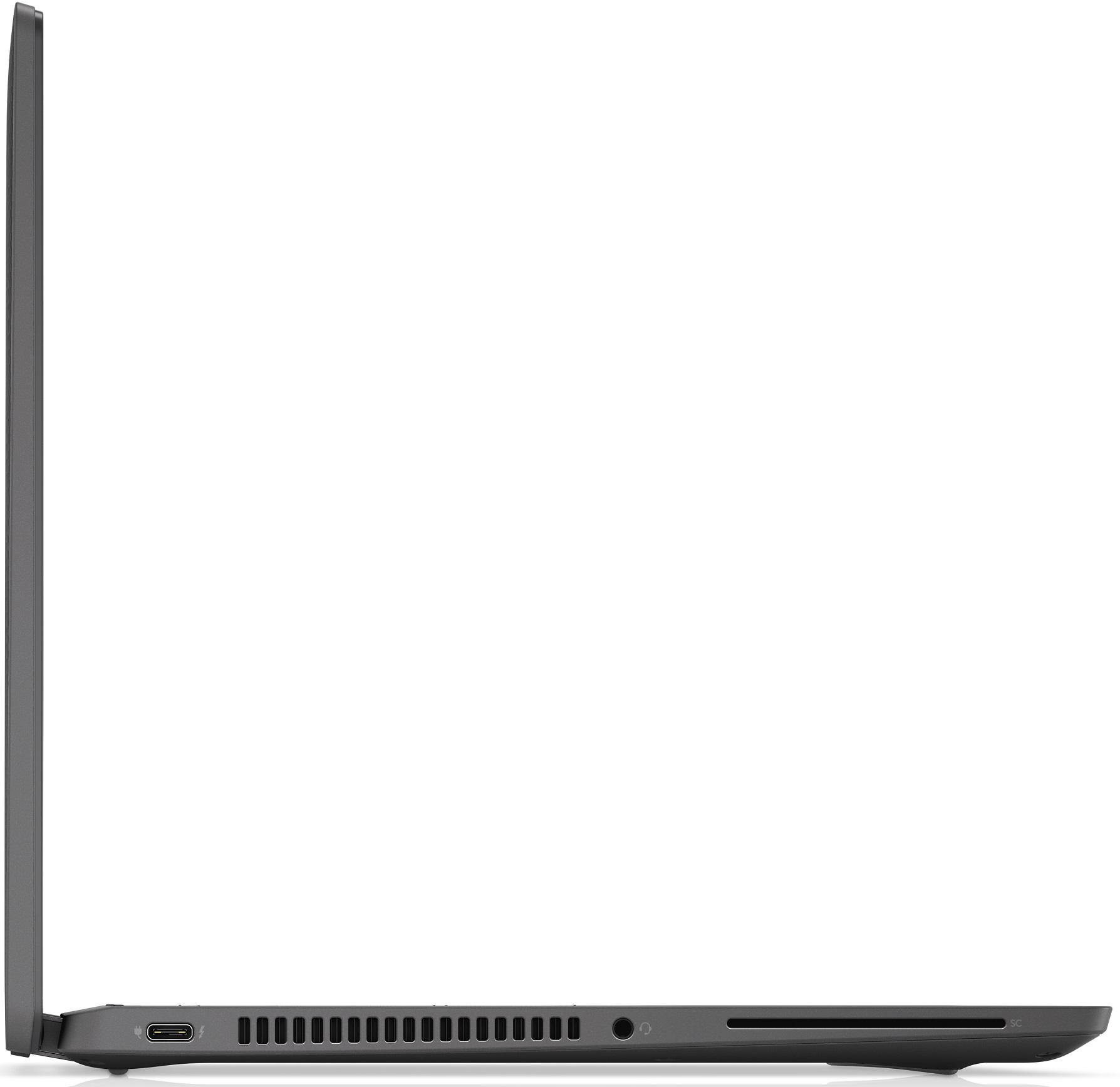
- 2x USB Type-C
- 4.0, Thunderbolt 4, Power Delivery (PD), DisplayPort
- HDMI
- 2.0
- Wi-Fi
- 802.11ax
- Bluetooth
- 5.2
- Audio jack
- 3.5mm Combo Jack
- Features
- Fingerprint reader
- Web camera
- HD / FHD
- Backlit keyboard
- Microphone
- Dual-Array Microphones
- Speakers
- 2x 2.5W Stereo Speakers
- Optical drive
- Security Lock slot
- Wedge Lock
Portability
Review
Dell Latitude 7430 in-depth review
The time of dominance in the business market is long gone for old boys Lenovo and Dell. ASUS now creates great devices, while some underdogs like Dynabook and Fujitsu are producing some very convincing notebooks.BUT! Today is about one laptop - the Dell Latitude 14 7430. It is a premium business device, aimed at serious people, who want to do their work in the most efficient and secure way.In terms of hardware, you can choose between high-performance and almost this high-performance, but with more battery life. We are talking about Intel's 28W and 15W Alder Lake processors.Another great news is the fact that you won't find a TN panel option with the Latitude 14 7430. Instead, you can pick from a 1080p IPS unit, or a 4K IPS one. As always, Dell gives you two choices regarding t[...]
Read the full review
Pros
- A ton of security software + a human-detecting proximity sensor
- No PWM (LG 0HXCK-140WFH (LGD068D))
- Wi-Fi 6 support, optional 5G connectivity, and an optional Smart Card reader
- Choice of carbon and aluminum for build materials
- Comfortable keyboard
- Optional fingerprint reader and IR face recognition systems
- Wide I/O, including two Thunderbolt 4 connectors
Cons
- Premium price tag
- Worse battery life than last year
- Covers 50% of sRGB colors (LG 0HXCK-140WFH (LGD068D))
- Memory is soldered to the motherboard
Disassembly, maintenance and upgrade options
The situation regarding Dell Latitude 14 7430's memory is a bit boring. You can't upgrade it post-purchase, but the maximum capacity is 32GB. Interestingly, the memory type is DDR4 for the 15W processors and LPDDR5 for the 28W CPUs.Check out all Dell Latitude 14 7430 prices and configurations in our Specs System, or read more in our In-Depth review.1. Remove the bottom plate To open this device, you need to undo 8 captive Phillips-head screws. Then, pry the bottom panel with a plastic tool, starting from the hinge gaps.2. Remove the battery Inside, we get a 58Wh battery p[...]
Read more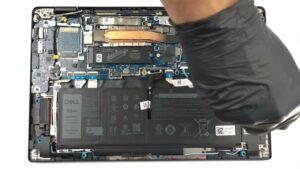


![[June 2026] Best-Selling Laptop Brands on Amazon Global – Apple’s Unrivaled Dominance in Units and Revenue](https://laptopmedia.com/wp-content/uploads/2026/07/GLOBAL-Best-Brands-400x225.jpg)
![[June 2026] Amazon Global: Top 10 Best-Selling Laptops – Apple’s New MacBook Neo Storms to #1, Reshaping the Market with Affordability](https://laptopmedia.com/wp-content/uploads/2026/07/Best-Selling-Laptops-GLOBAL-Top-10-400x225.jpg)
![[June 2026] Amazon Global: Top 10 Best-Selling Gaming Laptops – Acer’s Nitro V 16S AI Dominates Sales, While ASUS Leads Overall Revenue](https://laptopmedia.com/wp-content/uploads/2026/07/Best-Selling-Gaming-Laptops-GLOBAL-Top-10-400x225.jpg)
![[June 2026] Global Ranking of Best-Selling Laptop GPUs on Amazon – NVIDIA RTX 5060 is the Top-Selling Dedicated GPU](https://laptopmedia.com/wp-content/uploads/2026/07/Best-Selling-GPUs-GLOBAL-Top-10-400x225.jpg)
![[June 2026] Global Ranking of Best-Selling Laptop CPUs on Amazon – Apple M5 Dominates, AMD Ryzen 7 260 Gets Solid Premium Share](https://laptopmedia.com/wp-content/uploads/2026/07/Best-Selling-CPUs-GLOBAL-Top-10-400x225.jpg)