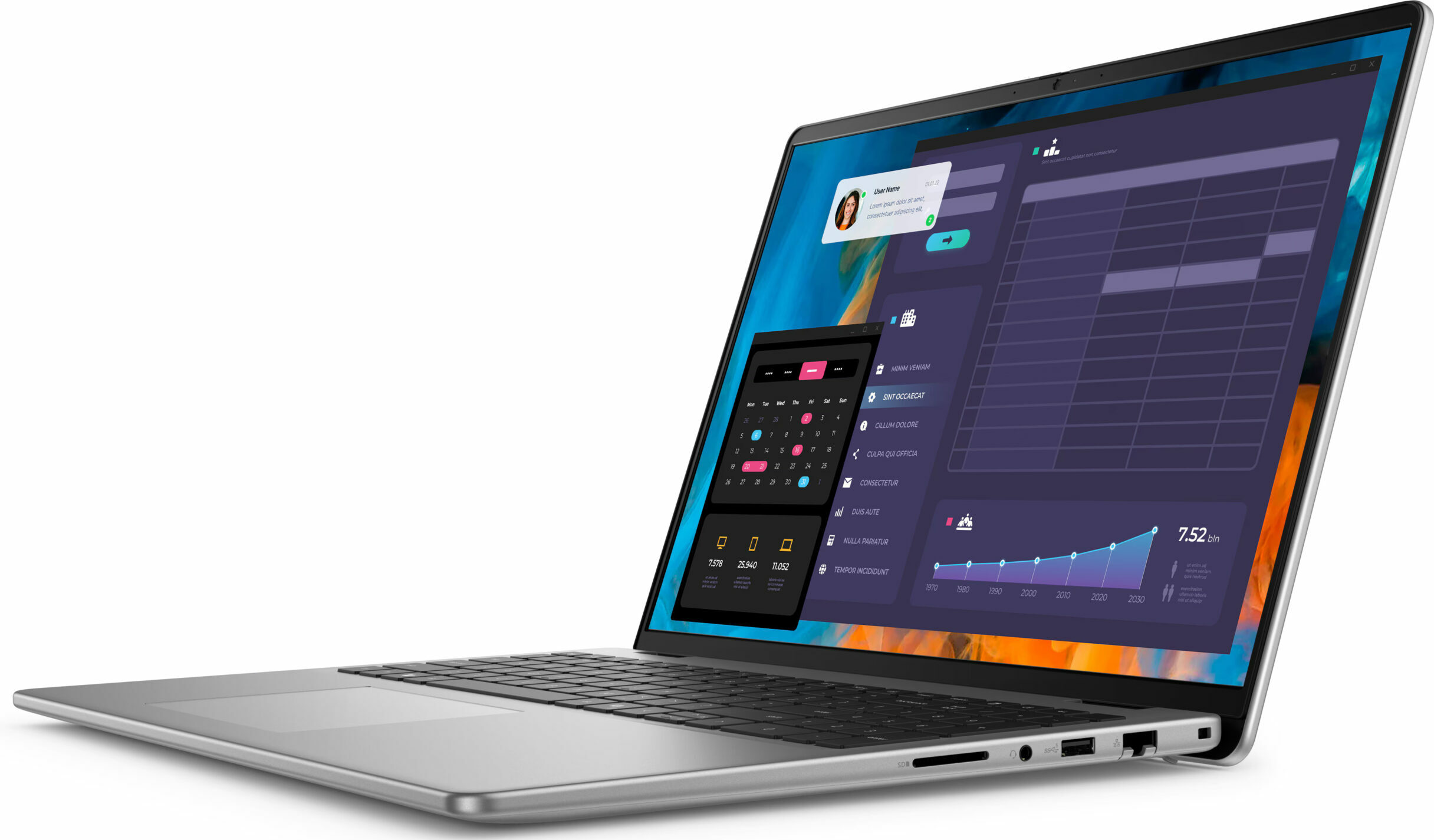
Dell Vostro 16 5640

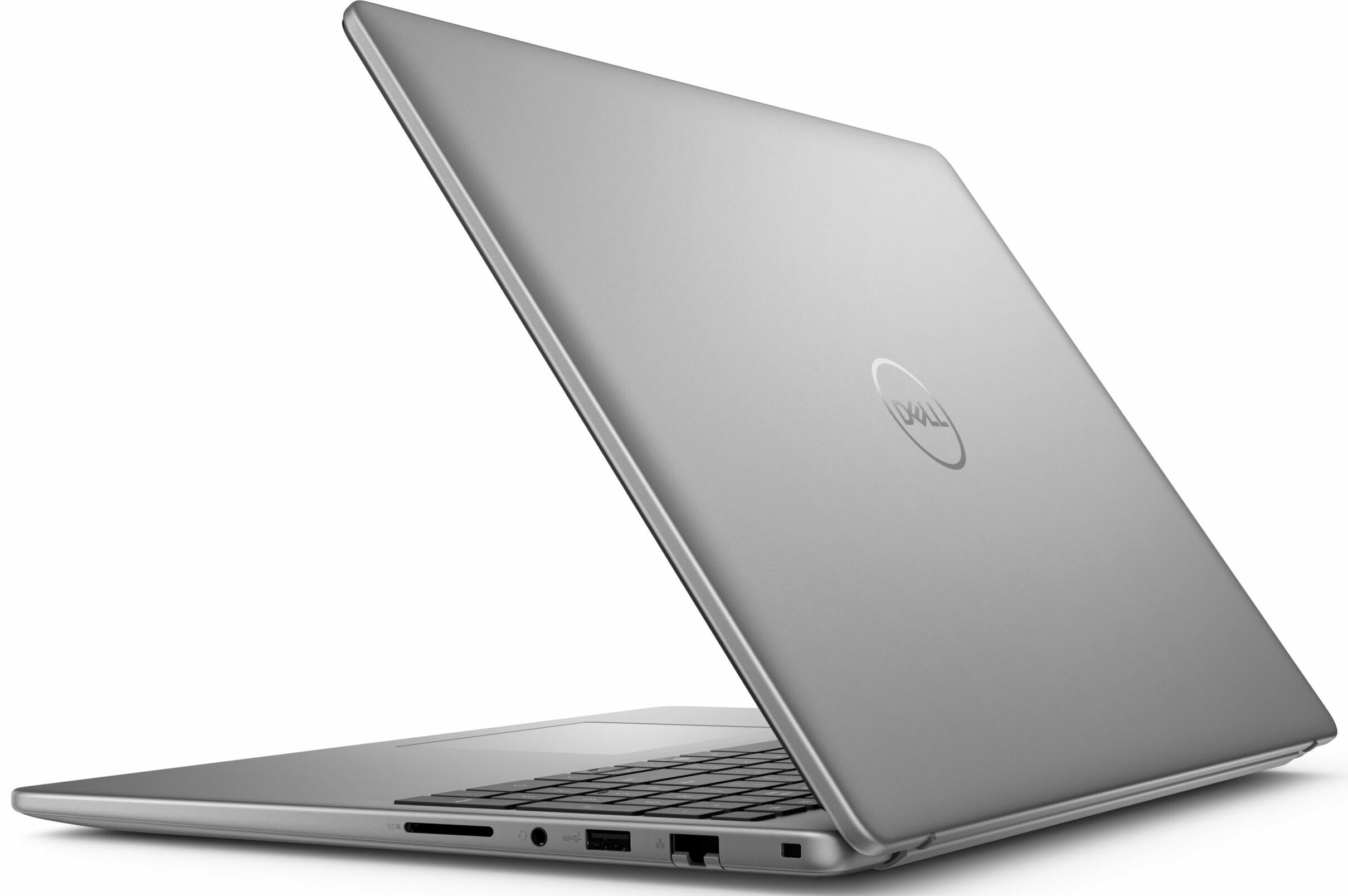

- Date Published: 09 Jun 2026
- Intel Core 7 150U
- Intel Iris Xe Graphics G7 (96EU)
- 16.0”, WUXGA (1920 x 1200), IPS
- 512GB SSD
- 16GB RAM
- 1.87 kg (4.1 lbs)

Specs
- Display

- HDD/SSD
- 512GB SSD
- M.2 Slot
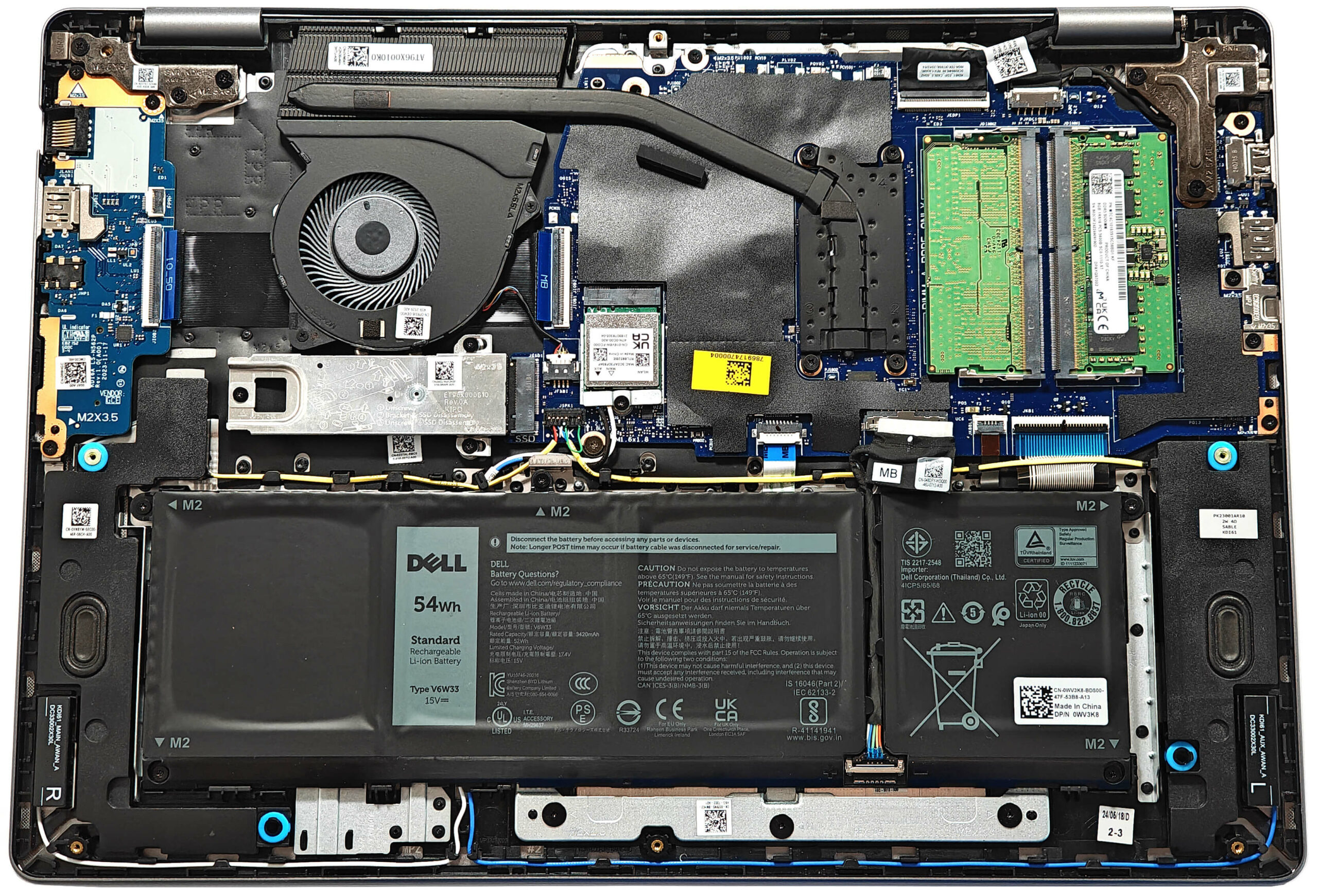
- 1x 2230 / 2280 M.2 NVMe PCIe 4.0 x4 See photo
- RAM
- 16GB RAM
- OS
- No OS
- Body Material
- Plastic / Polycarbonate, Aluminum
- Dimensions
- 356.78 x 249.52 x 16.18 – 17.37 mm (14.05" x 9.82" x 0.64")
- Weight
- 1.87 kg (4.1 lbs)
- Ports and connectivity
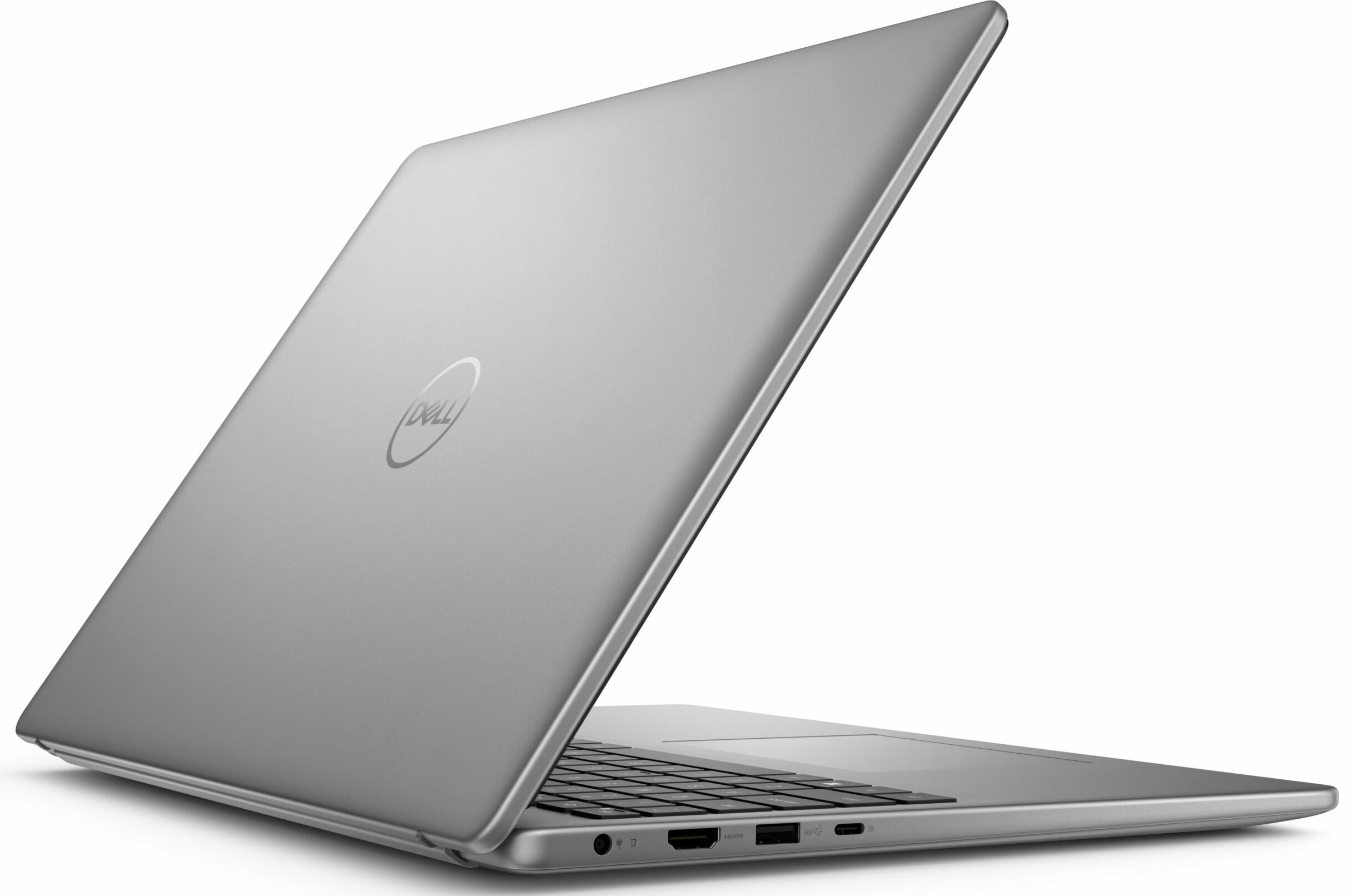
- 2x USB Type-A
- 3.2 Gen 1 (5 Gbps)
- 1x USB Type-C
- 3.2 Gen 2 (10 Gbps), Power Delivery (PD)
- HDMI
- 1.4
- Card Reader
- SD (SD, SDHC, SDXC)
- Ethernet LAN
- 10, 100, 1000 Mbit/s
- Wi-Fi
- Wi-Fi 6E
- Bluetooth
- 5.3
- Audio jack
- 3.5mm Combo Jack
- Features
- Fingerprint reader
- Web camera
- FHD
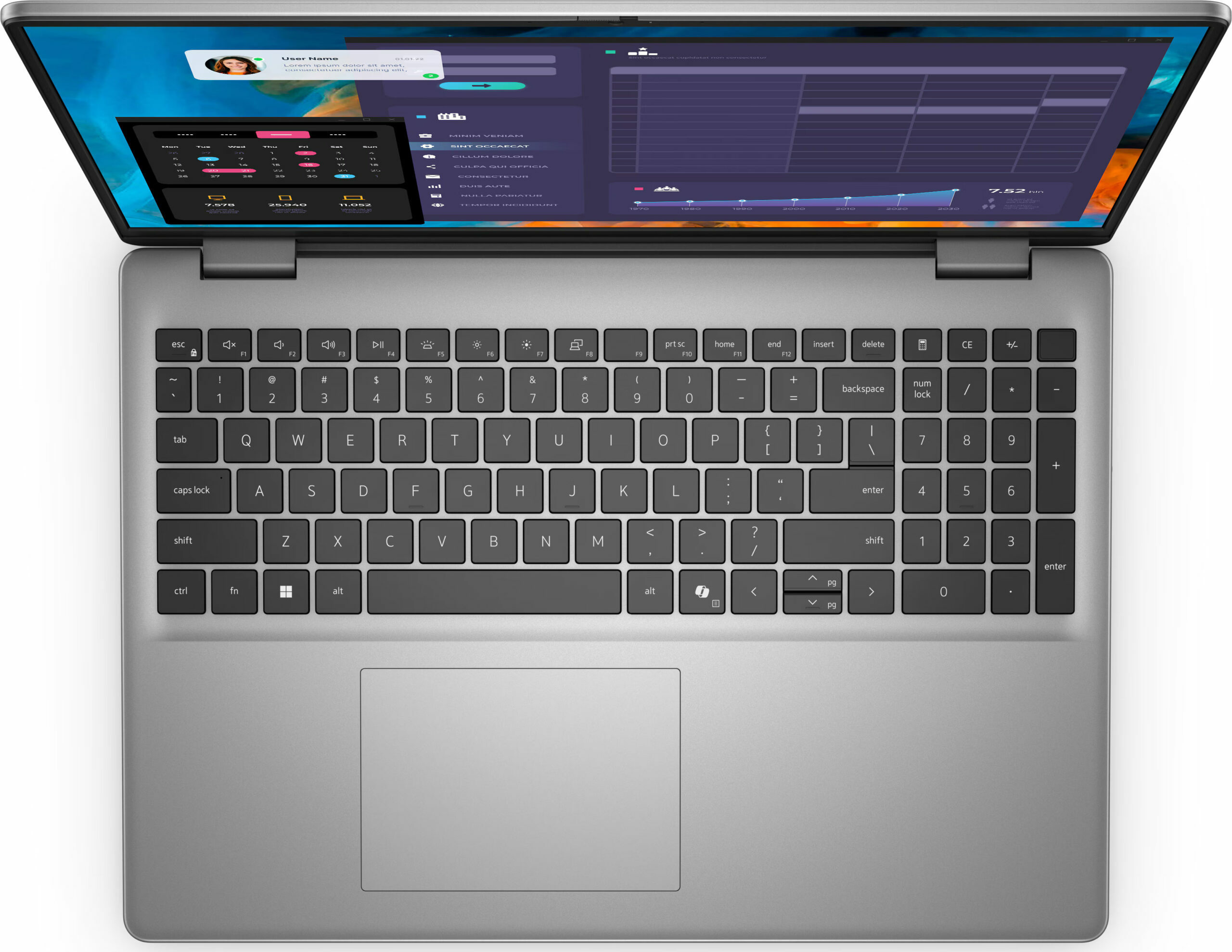
- Backlit keyboard
- Microphone
- Dual Array Microphones
- Speakers
- 2x 2.5W Stereo Speakers
- Security Lock slot
- Wedge Lock
Portability
Review
Dell Vostro 16 5640 in-depth review
The Dell Vostro 5640 looks like a typical daily driver or a standard office machine. It's powered by Raptor Lake-U / Refresh CPU options which are based on the Alder Lake architecture. The port selection is decent while the upgradability is above the average. Since that's a 16-incher, there is enough space on the main body for a full-sized keyboard with a NumPad.When it comes to security, everything looks good thanks to the Lock slot, the dTPM 2.0 chip, the privacy shutter, and the optional fingerprint reader. Given the price tag of this device, we aren't surprised that Wi-Fi 7 isn't on board.The base display is a 1200p 60Hz unit but if you want a crisper image, you can opt for a 1600p panel with a 120Hz refresh rate.You can check the prices and configurations in our Specs Syst[...]
Read the full review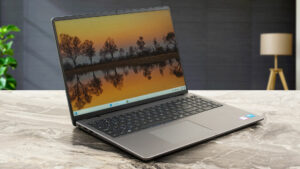
Pros
- The overall performance seems enough for normal work
- The built quality looks fine for the most part
- Lid with a lever design
- Decent input devices
- No PWM (BOE0A34)
- Wide viewing angles (BOE0A34)
- 3x USB ports + SD Card slot + LAN
- Good battery life (~ 8 hours of videos)
- 1080p Web camera with a privacy shutter
- Fingerprint reader (optional)
- The CPU can sustain 3.10 GHz / 2.42 GHz P and E-core clock in short loads
- 2x SODIMMs + replaceable Wi-Fi 6 card
- The fan isn't too noisy during max CPU stress
- Decently fast 2230 SSD (Samsung BM9C1)
Cons
- Just one M.2 slot
- Low sRGB coverage and max brightness (BOE0A34)
- Low CPU clocks in long processor stress
- High CPU temperature (94°C) in short loads
Disassembly, maintenance and upgrade options
Opening the Device Hint: Ensure the laptop is powered off and disconnected from any power source before starting.Undo the eight Phillips-head screws on the bottom panel of the laptop. Note that the two screws in the top corners are captive and will lift up the bottom panel once unscrewed. Pop the zones behind the hinges using a lever tool. Fully pry the back using a thin plastic tool. Pop the sides and the front to completely remove the bottom panel.More info: Here’s how the bottom plate looks on the inside.Battery Removal Caution: Handle the battery with c[...]
Read more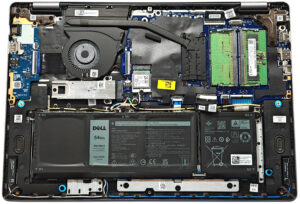


![[June 2026] Best-Selling Laptop Brands on Amazon Global – Apple’s Unrivaled Dominance in Units and Revenue](https://laptopmedia.com/wp-content/uploads/2026/07/GLOBAL-Best-Brands-400x225.jpg)
![[June 2026] Amazon Global: Top 10 Best-Selling Laptops – Apple’s New MacBook Neo Storms to #1, Reshaping the Market with Affordability](https://laptopmedia.com/wp-content/uploads/2026/07/Best-Selling-Laptops-GLOBAL-Top-10-400x225.jpg)
![[June 2026] Amazon Global: Top 10 Best-Selling Gaming Laptops – Acer’s Nitro V 16S AI Dominates Sales, While ASUS Leads Overall Revenue](https://laptopmedia.com/wp-content/uploads/2026/07/Best-Selling-Gaming-Laptops-GLOBAL-Top-10-400x225.jpg)
![[June 2026] Global Ranking of Best-Selling Laptop GPUs on Amazon – NVIDIA RTX 5060 is the Top-Selling Dedicated GPU](https://laptopmedia.com/wp-content/uploads/2026/07/Best-Selling-GPUs-GLOBAL-Top-10-400x225.jpg)
![[June 2026] Global Ranking of Best-Selling Laptop CPUs on Amazon – Apple M5 Dominates, AMD Ryzen 7 260 Gets Solid Premium Share](https://laptopmedia.com/wp-content/uploads/2026/07/Best-Selling-CPUs-GLOBAL-Top-10-400x225.jpg)