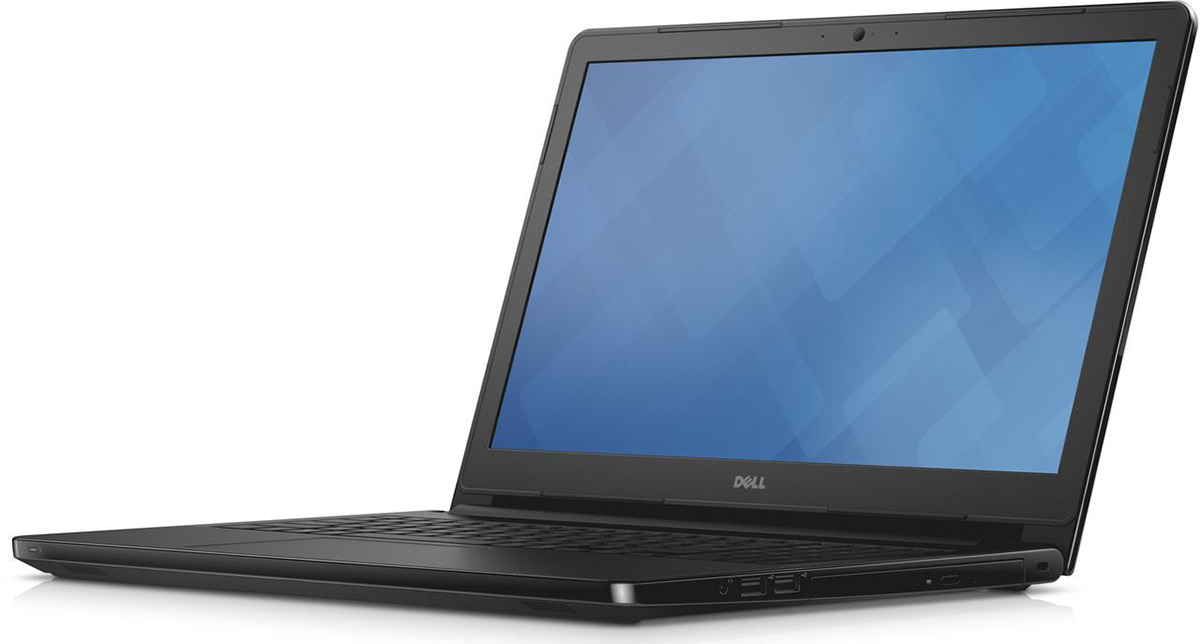
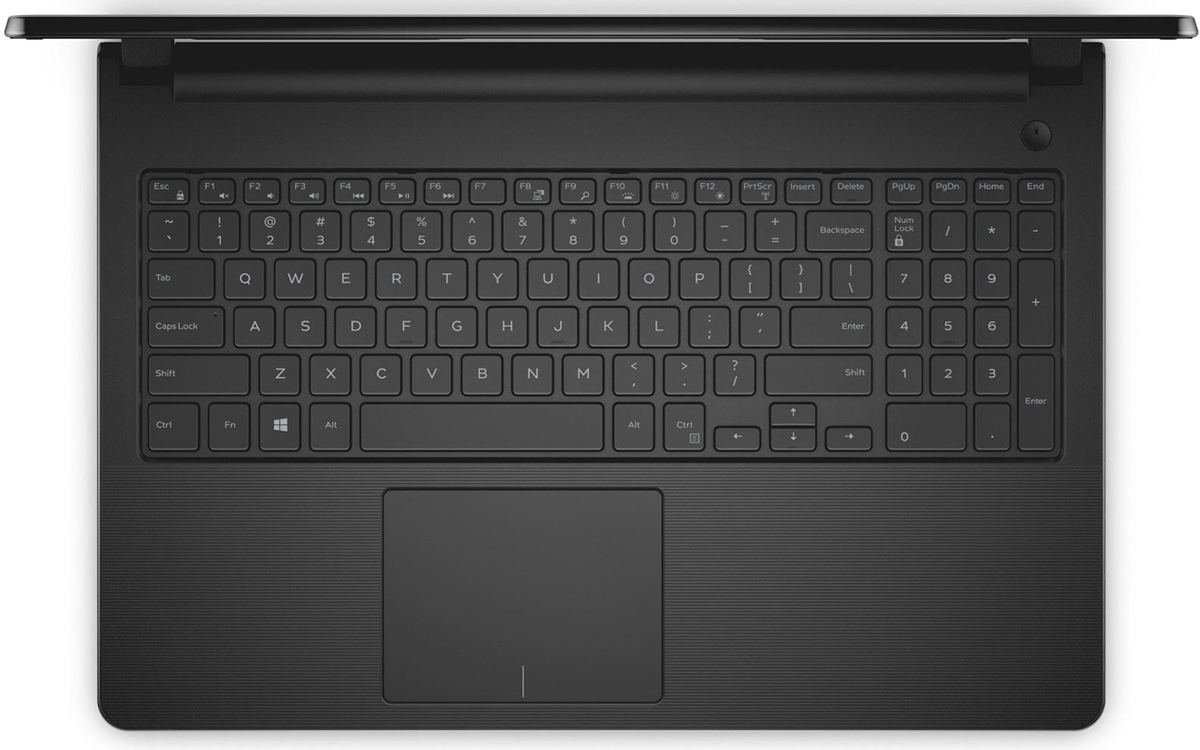
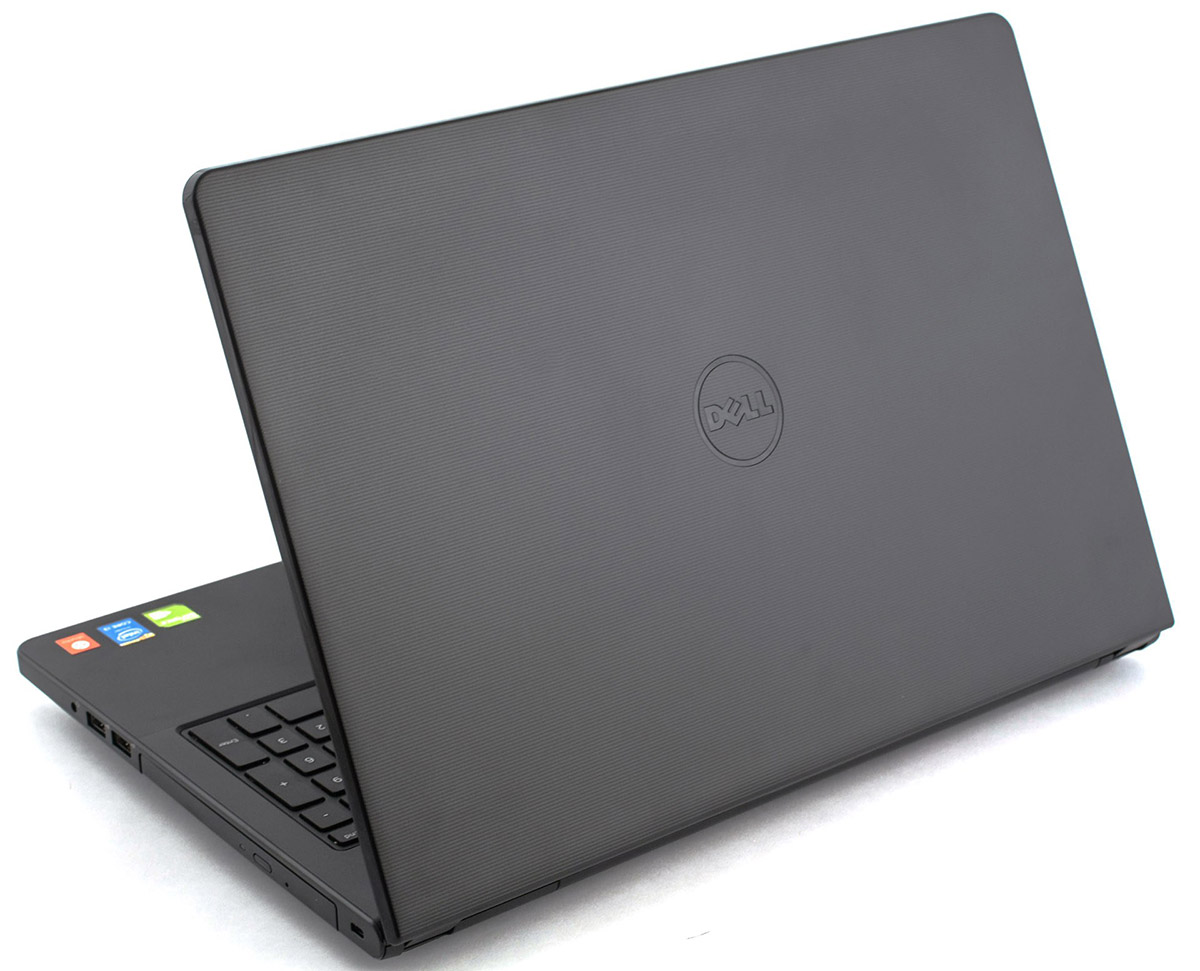
Dell Vostro 3558


- Date Published: 04 Oct 2025
- Intel Core i3-4005U
- Intel HD Graphics 4400
- 15.6”, HD (1366 x 768), TN
- 500GB HDD
- 4GB RAM
- 2.24 kg (4.9 lbs)

Review
Dell Vostro 3558 in-depth review
Dell have sent out some mixed signals about its small business Vostro series. There have been a few reports of company reps saying the series will be discontinued, with some devices remaining available in select markets. It is now clear that the Vostro series is here to stay - a few models are available for purchase in Europe. One of the new devices belongs to the affordable 3000 series – the 15-inch Vostro 3558. In this review we will take a closer look at this new offering from Dell.The Vostro 3558 (15 3000) features a 15.6” screen and an all-plastic build. It is an entry-level device and comes with energy efficient, ultra-low voltage Intel Pentium, Celeron, Core i3 or Core i5 CPU, up to 16GB RAM, integrated Intel HD Graphics or discrete NVIDIA GeForce 820M GPU, and up to 1TB HDD. Si[...]
Read the full review
Pros
- Nice clean looks
- Sturdy build
- No throttling or excessive heat under high load
- Good specs for the price
Cons
- Not a very comfortable trackpad
- Just 57% coverage of the sRGB color gamut
DISPLAY: 15.6-inch, 1366 x 768, TN
- Name
- BOE NT156WHM-N42
- Diagonal
- 15.6"
- Pixel density
- 100.45 ppi
- Refresh rate
- 60 Hz
- Brightness
- 247 cd/m2
- sRGB
- 49%
- Panel Type
- TN
- Resolution
- 1366 x 768
- Becomes "Retina" from
- 34 inches (87 cm)
- Contrast
- 300:1
- dE Color Checker
- 8.2 3.5

Buy our profiles for BOE NT156WHM-N42
In addition to receiving efficient and health-friendly profiles, by buying LaptopMedia's products you also support the development of our labs, where we test devices in order to produce the most objective reviews possible.

Office Work / Web Design
If your field is office work or web design, or you just want your monitor's color set to be as accurate as possible for the Internet color space, this profile will prove to be useful.

Gaming and Movie Nights
We developed this profile especially for games and movies. It makes fine nuances in dark scenes easier to discern during long sessions in front of the display.

Health-Guard
This profile reduces the negative impact of Pulse-Width Modulation (PWM) and the Blue Light spectrum, while keeping colors perceptually accurate for this panel.



![[June 2026] Best-Selling Laptop Brands on Amazon Global – Apple’s Unrivaled Dominance in Units and Revenue](https://laptopmedia.com/wp-content/uploads/2026/07/GLOBAL-Best-Brands-400x225.jpg)
![[June 2026] Amazon Global: Top 10 Best-Selling Laptops – Apple’s New MacBook Neo Storms to #1, Reshaping the Market with Affordability](https://laptopmedia.com/wp-content/uploads/2026/07/Best-Selling-Laptops-GLOBAL-Top-10-400x225.jpg)
![[June 2026] Amazon Global: Top 10 Best-Selling Gaming Laptops – Acer’s Nitro V 16S AI Dominates Sales, While ASUS Leads Overall Revenue](https://laptopmedia.com/wp-content/uploads/2026/07/Best-Selling-Gaming-Laptops-GLOBAL-Top-10-400x225.jpg)
![[June 2026] Global Ranking of Best-Selling Laptop GPUs on Amazon – NVIDIA RTX 5060 is the Top-Selling Dedicated GPU](https://laptopmedia.com/wp-content/uploads/2026/07/Best-Selling-GPUs-GLOBAL-Top-10-400x225.jpg)
![[June 2026] Global Ranking of Best-Selling Laptop CPUs on Amazon – Apple M5 Dominates, AMD Ryzen 7 260 Gets Solid Premium Share](https://laptopmedia.com/wp-content/uploads/2026/07/Best-Selling-CPUs-GLOBAL-Top-10-400x225.jpg)
