Dell Vostro 3591
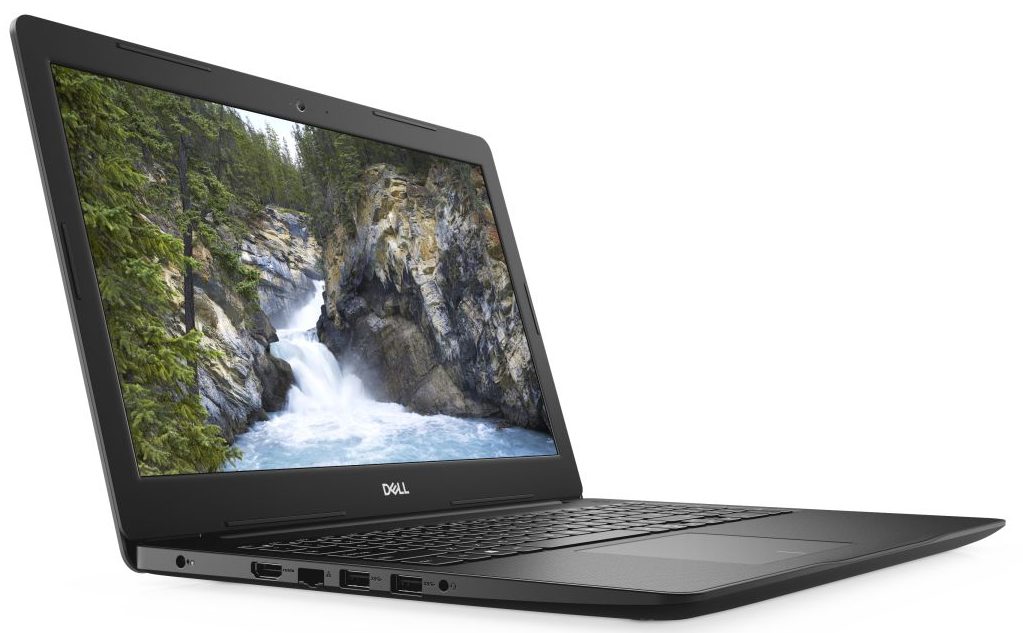
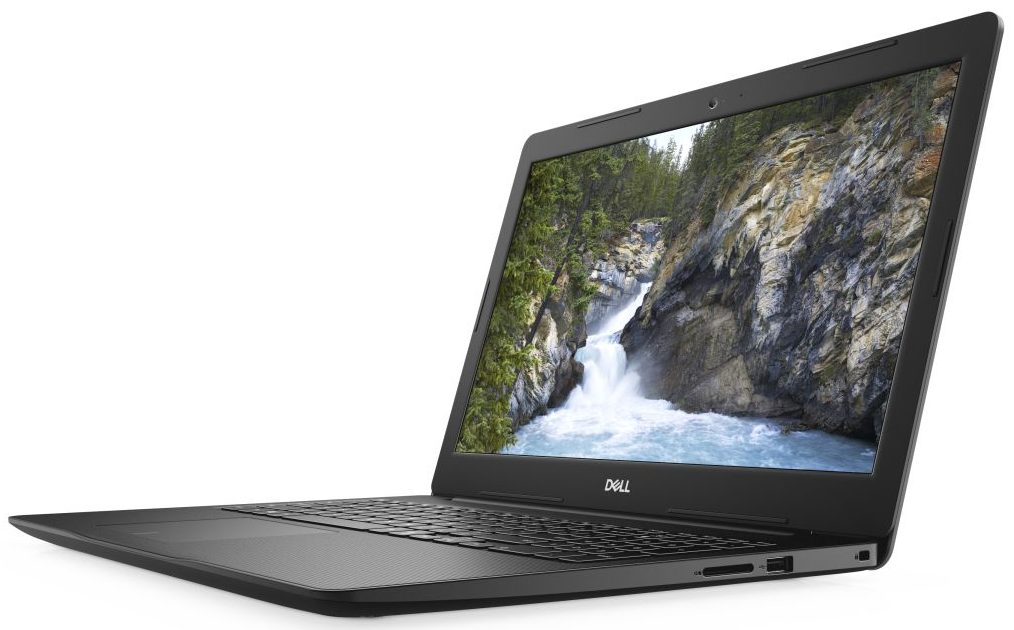
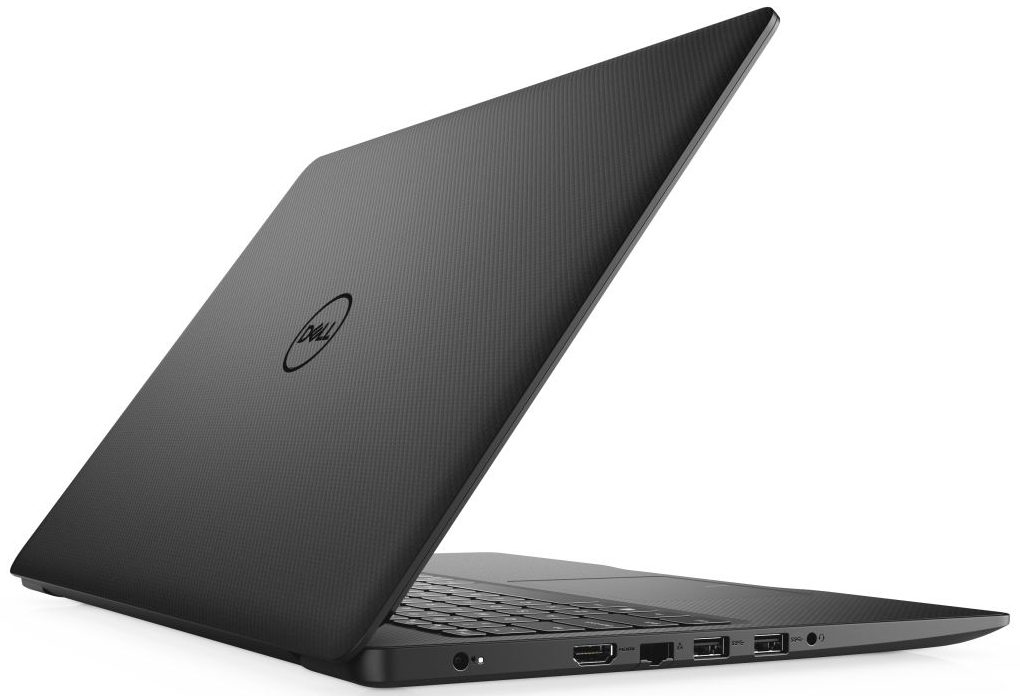
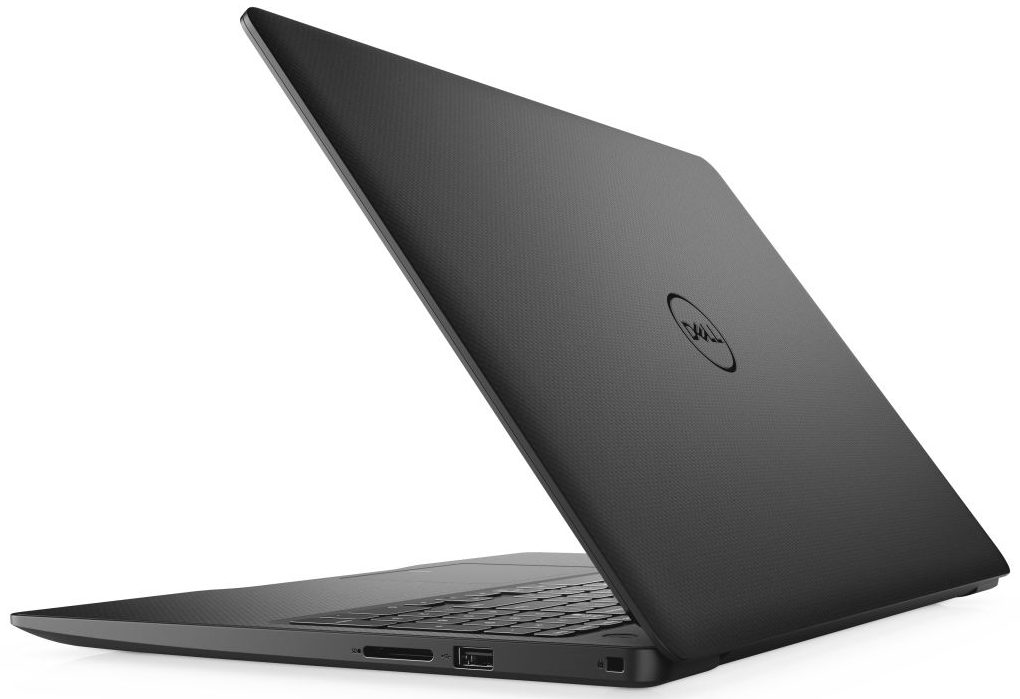
- Date Published: 07 Nov 2024
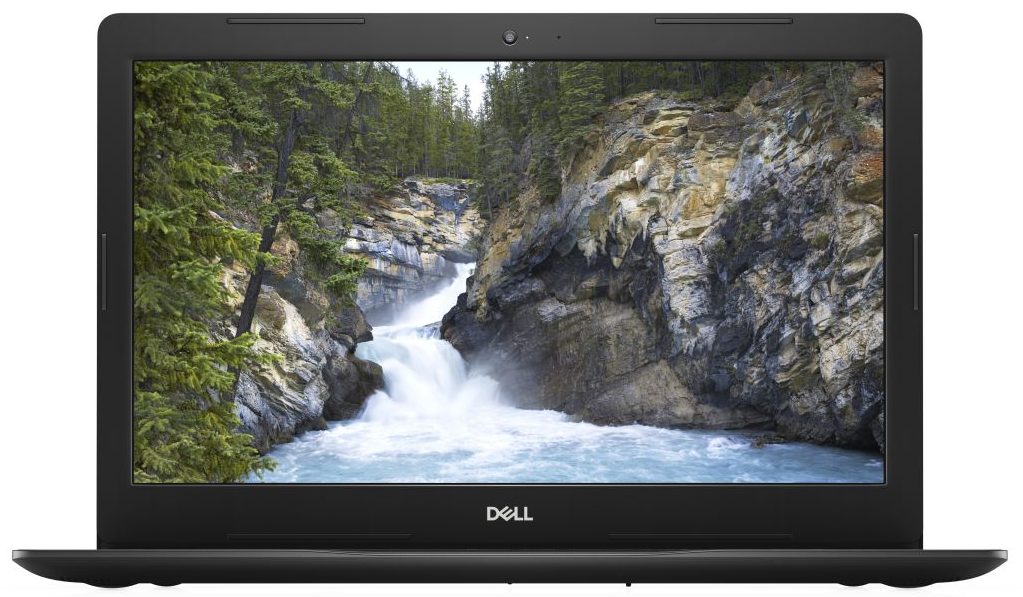
- Intel Core i5-1035G1
- Intel UHD Graphics
- 15.6”, Full HD (1920 x 1080), TN
- 512GB SSD
- 8GB RAM
- 2.15 kg (4.7 lbs)
Specs
- Display

- HDD/SSD
- 512GB SSD
- RAM
- 8GB RAM
- OS
- No OS
- Dimensions
- 380 x 258 x 22.70 mm (14.96" x 10.16" x 0.89")
- Weight
- 2.15 kg (4.7 lbs)
- Ports and connectivity
- 1x USB Type-A
- 2.0
- 2x USB Type-A
- 3.2 Gen 1 (5 Gbps)
- HDMI
- Card Reader
- SD
- Ethernet LAN
- 10, 100, 1000 Mbit/s
- Wi-Fi
- 802.11ac
- Bluetooth
- 5.0
- Audio jack
- 3.5 mm combo
- Features
- Fingerprint reader
- Web camera
- HD
- Backlit keyboard
- Microphone
- Speakers
- 2x 2W
- Security Lock slot
Portability
Review
Dell Vostro 3591 in-depth review
Forget about XPS 15 and its sky-high price tag. If you need a business machine, and you are on a strict budget, the Vostro 15 3591 might just be the right device for you. Indeed, you have to give up on some stuff, like an IPS display, a Thunderbolt connector, and of course - powerful hardware.However, despite the budget-friendly price tag, this notebook comes with some decent processors. Yes, they are 15W ones, but they are also part of the Ice Lake 10nm processor family of Intel, so we expect good battery life, low temperatures, and quite the power (for 15W chips, of course). Additionally, you have the option to configure the machine with a GeForce MX230 dedicated GPU with 2GB of GDDR5 memory. Again - a low power solution that gives you some CUDA cores, should you work with light 3D [...]
Read the full review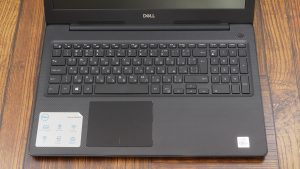
Pros
- Budget-friendly price tag
- SD card, PCIe x4 M.2 drives and two RAM SODIMM slots
- Ice Lake processors onboard
- Lacks PWM for brightness adjustment (BOE F5KW1-NT15N41)
Cons
- Dated plastic body
- Covers only 49% of sRGB (BOE F5KW1-NT15N41)
- Poor viewing angles and low contrast ratio (BOE F5KW1-NT15N41)
- Inconsistend key feedback
- Lacks a USB Type-C port
- Unremarkable battery life
Disassembly, maintenance and upgrade options
A dated look of a 2020 device is nothing uncommon. In order to keep the budget low-enough, manufacturers use well-polished several generations-old chassis. However, inside we find an Ice Lake processor with some decent upgradability options - take a look.Check out all Dell Vostro 3591 prices and configurations in our Specs System or read more in our In-Depth review.1. Remove the bottom plate Getting inside of this laptop is fairly easy. It requires a Phillips screwdriver, as well as a plastic pry tool. First, you need to unscrew all 10 of the screws, holding the bottom plate ont[...]
Read more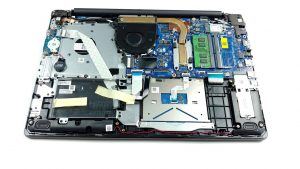


![[June 2026] Best-Selling Laptop Brands on Amazon Global – Apple’s Unrivaled Dominance in Units and Revenue](https://laptopmedia.com/wp-content/uploads/2026/07/GLOBAL-Best-Brands-400x225.jpg)
![[June 2026] Amazon Global: Top 10 Best-Selling Laptops – Apple’s New MacBook Neo Storms to #1, Reshaping the Market with Affordability](https://laptopmedia.com/wp-content/uploads/2026/07/Best-Selling-Laptops-GLOBAL-Top-10-400x225.jpg)
![[June 2026] Amazon Global: Top 10 Best-Selling Gaming Laptops – Acer’s Nitro V 16S AI Dominates Sales, While ASUS Leads Overall Revenue](https://laptopmedia.com/wp-content/uploads/2026/07/Best-Selling-Gaming-Laptops-GLOBAL-Top-10-400x225.jpg)
![[June 2026] Global Ranking of Best-Selling Laptop GPUs on Amazon – NVIDIA RTX 5060 is the Top-Selling Dedicated GPU](https://laptopmedia.com/wp-content/uploads/2026/07/Best-Selling-GPUs-GLOBAL-Top-10-400x225.jpg)
![[June 2026] Global Ranking of Best-Selling Laptop CPUs on Amazon – Apple M5 Dominates, AMD Ryzen 7 260 Gets Solid Premium Share](https://laptopmedia.com/wp-content/uploads/2026/07/Best-Selling-CPUs-GLOBAL-Top-10-400x225.jpg)
