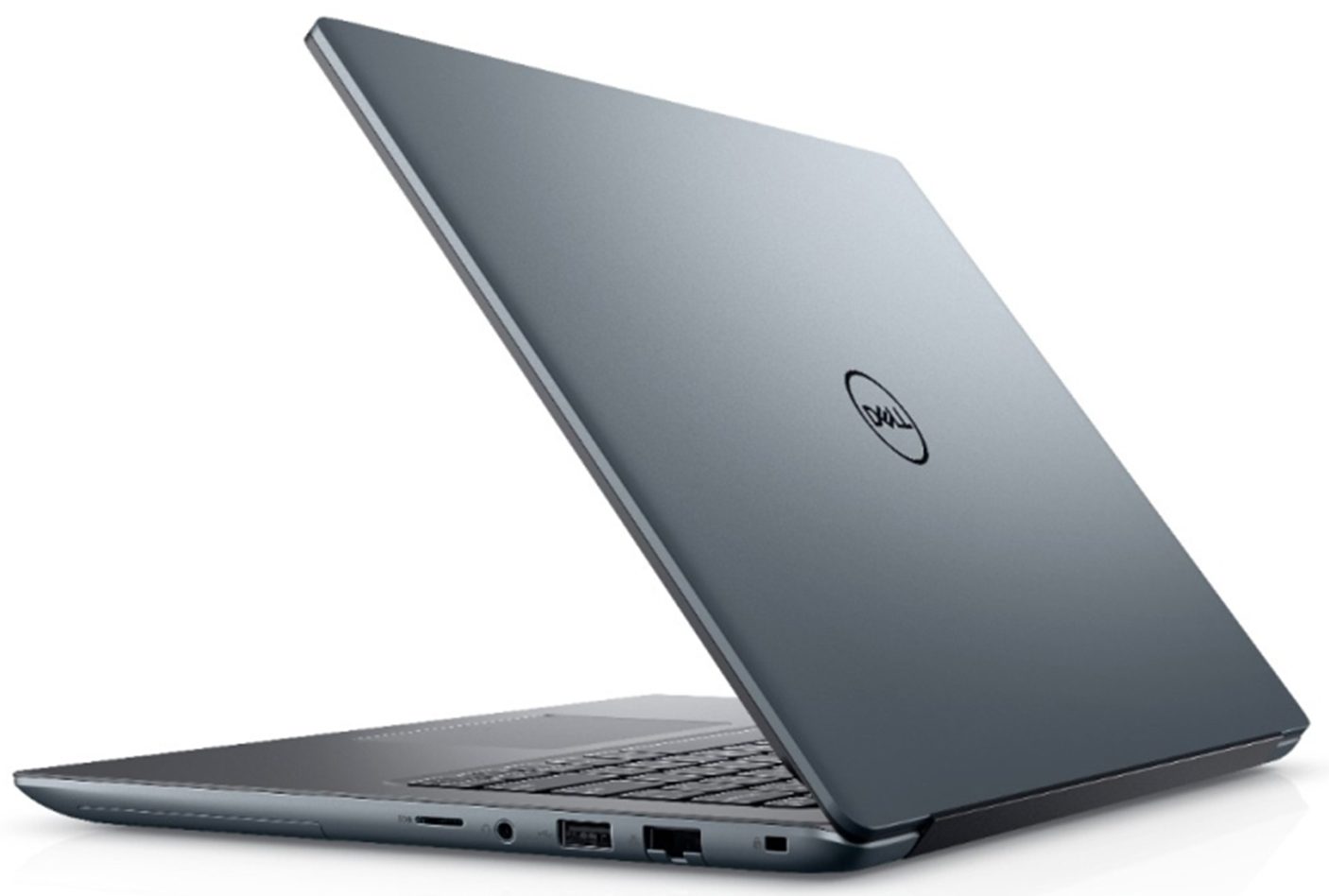
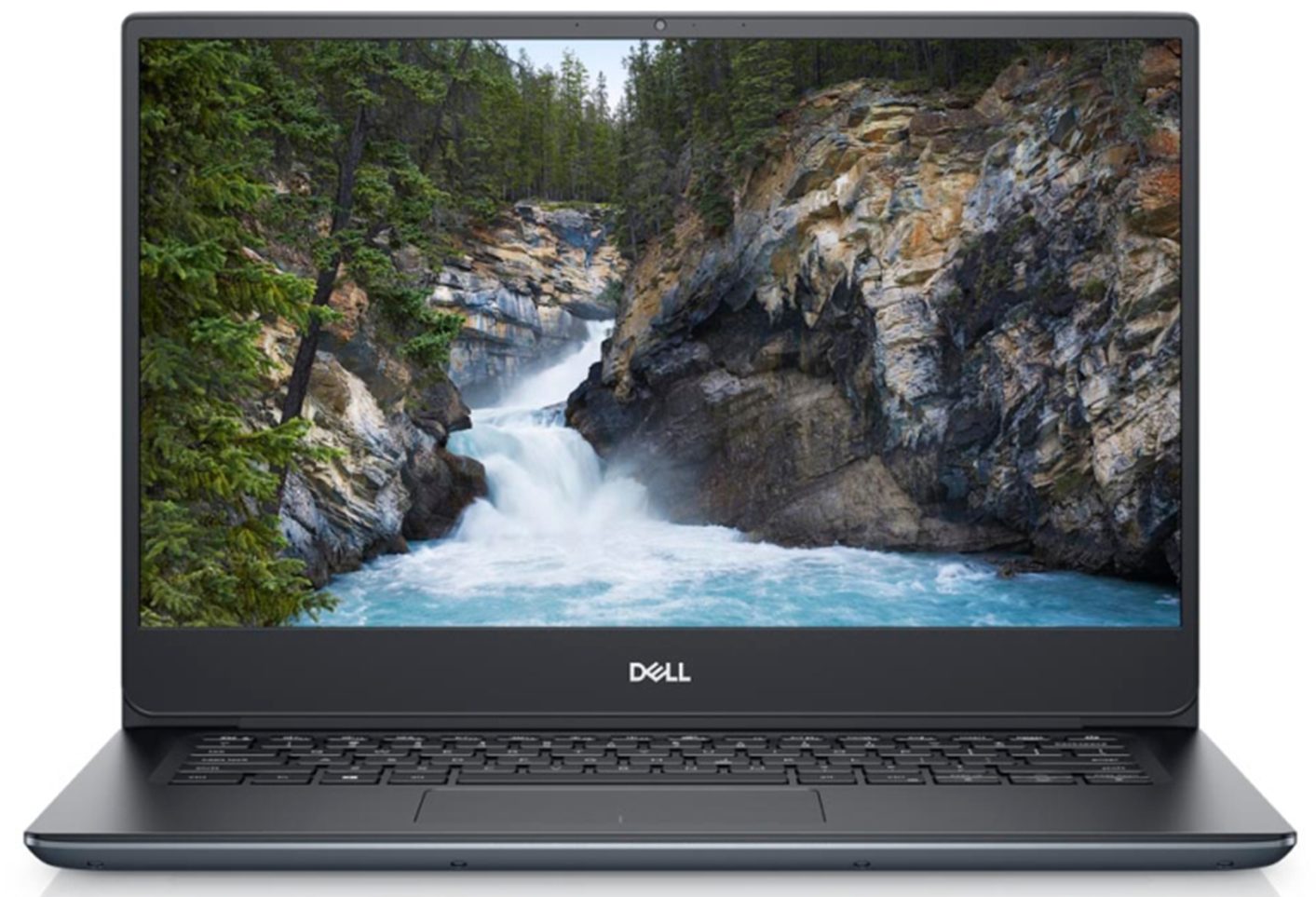
Dell Vostro 5490
- Date Published: 10 Oct 2019
- Intel Core i7-10510U
- NVIDIA GeForce MX250 (25W)
- 14.0”, Full HD (1920 x 1080), TN
- 256GB SSD
- 8GB (2x 4096MB) - DDR4, 2666MHz
- 1.49 kg (3.3 lbs)
Specs
- Display
- HDD/SSD
- 256GB SSD NVMe
- M.2 Slot
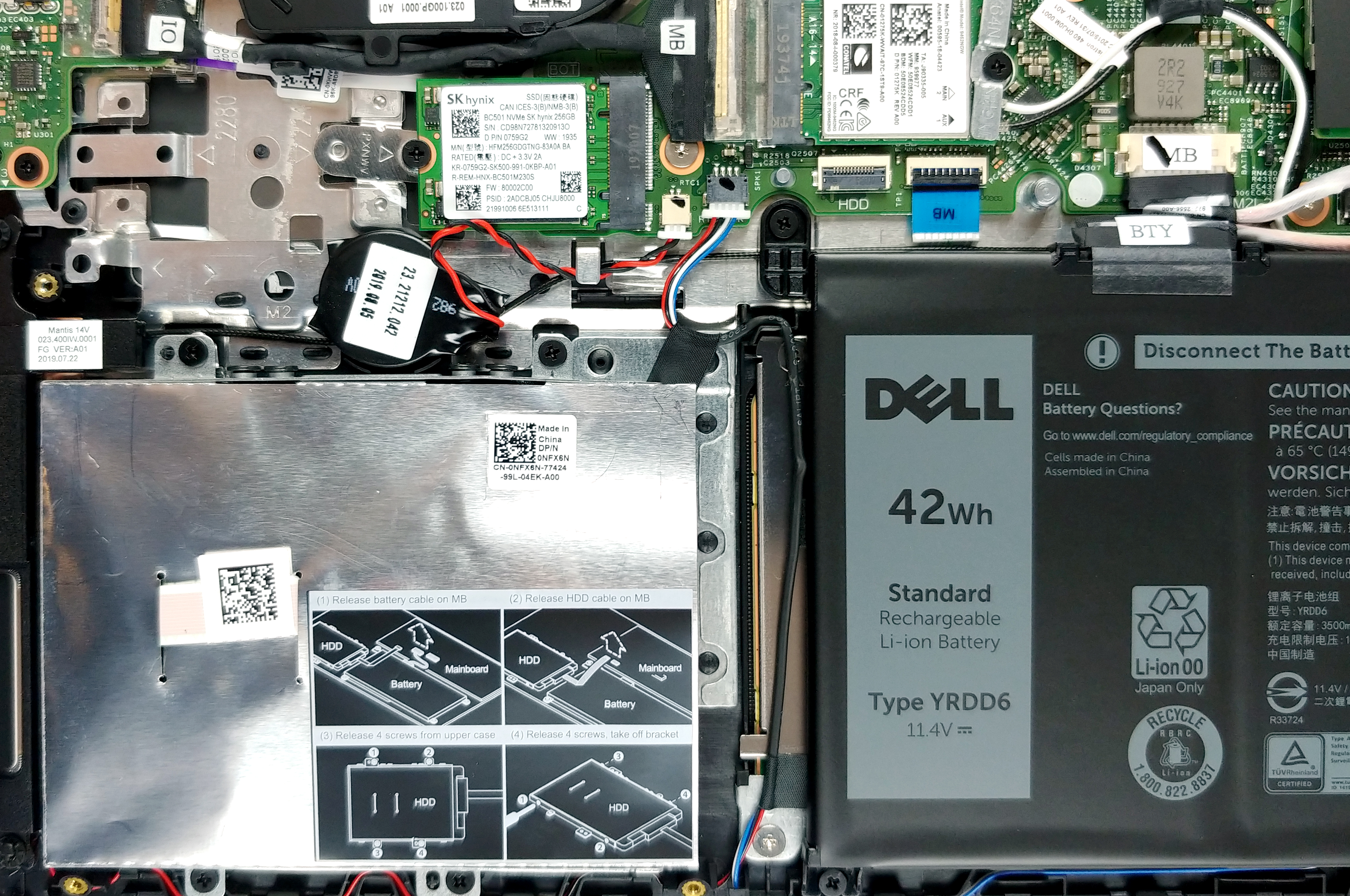
- 1x 2280 PCIe NVMe 3.0 x4 See photo
- RAM
- 8GB (2x 4096MB) - DDR4, 2666MHz
- OS
- Windows 10 Pro
- Body Material
- Plastic / Polycarbonate, Aluminum
- Dimensions
- 321.7 x 227.6 x 17.9 mm (12.67" x 8.96" x 0.70")
- Weight
- 1.49 kg (3.3 lbs)
- Ports and connectivity
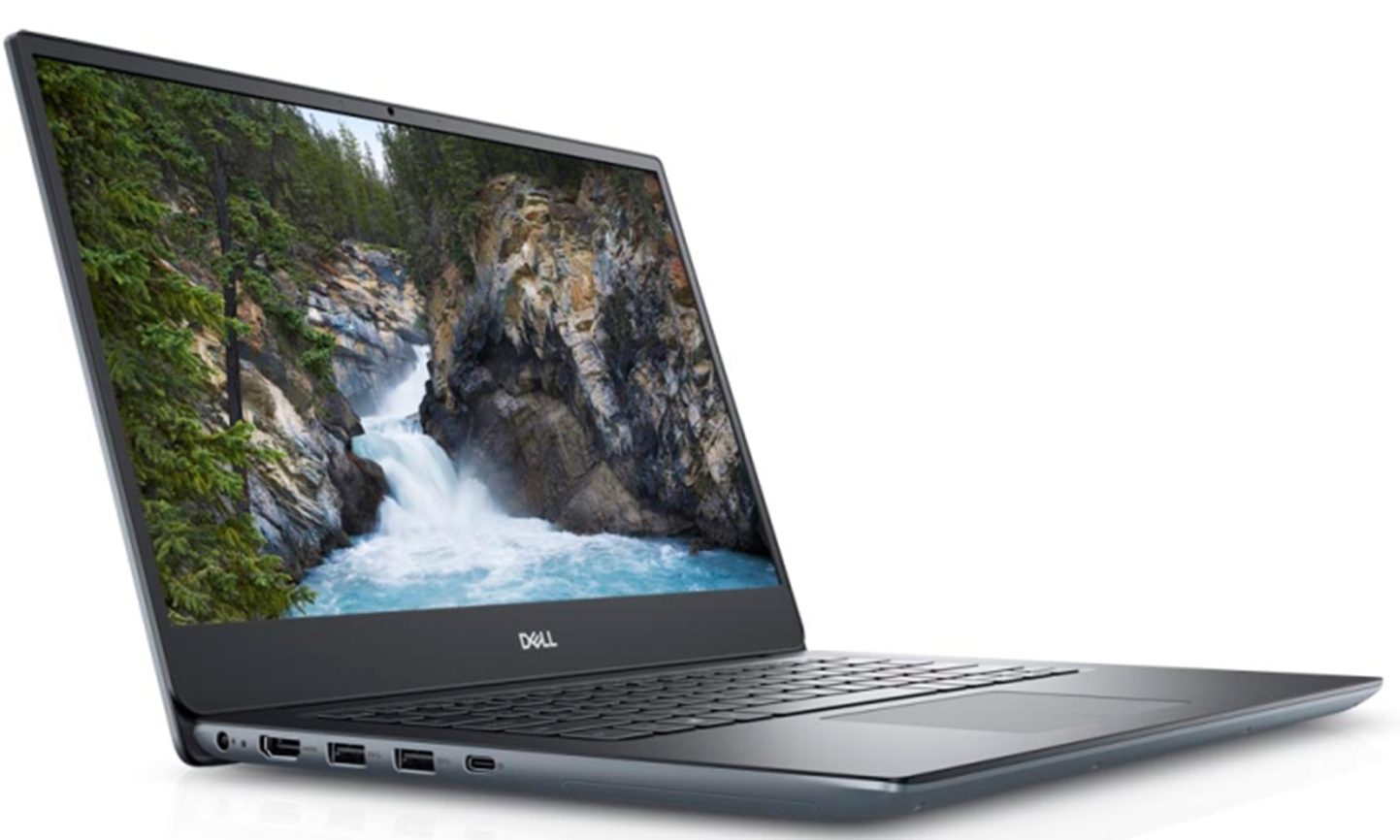
- 1x USB Type-A
- 2.0
- 2x USB Type-A
- 3.2 Gen 1 (5 Gbps)
- 1x USB Type-C
- 3.2 Gen 1 (5 Gbps), Power Delivery (PD), DisplayPort
- HDMI
- 1.4b
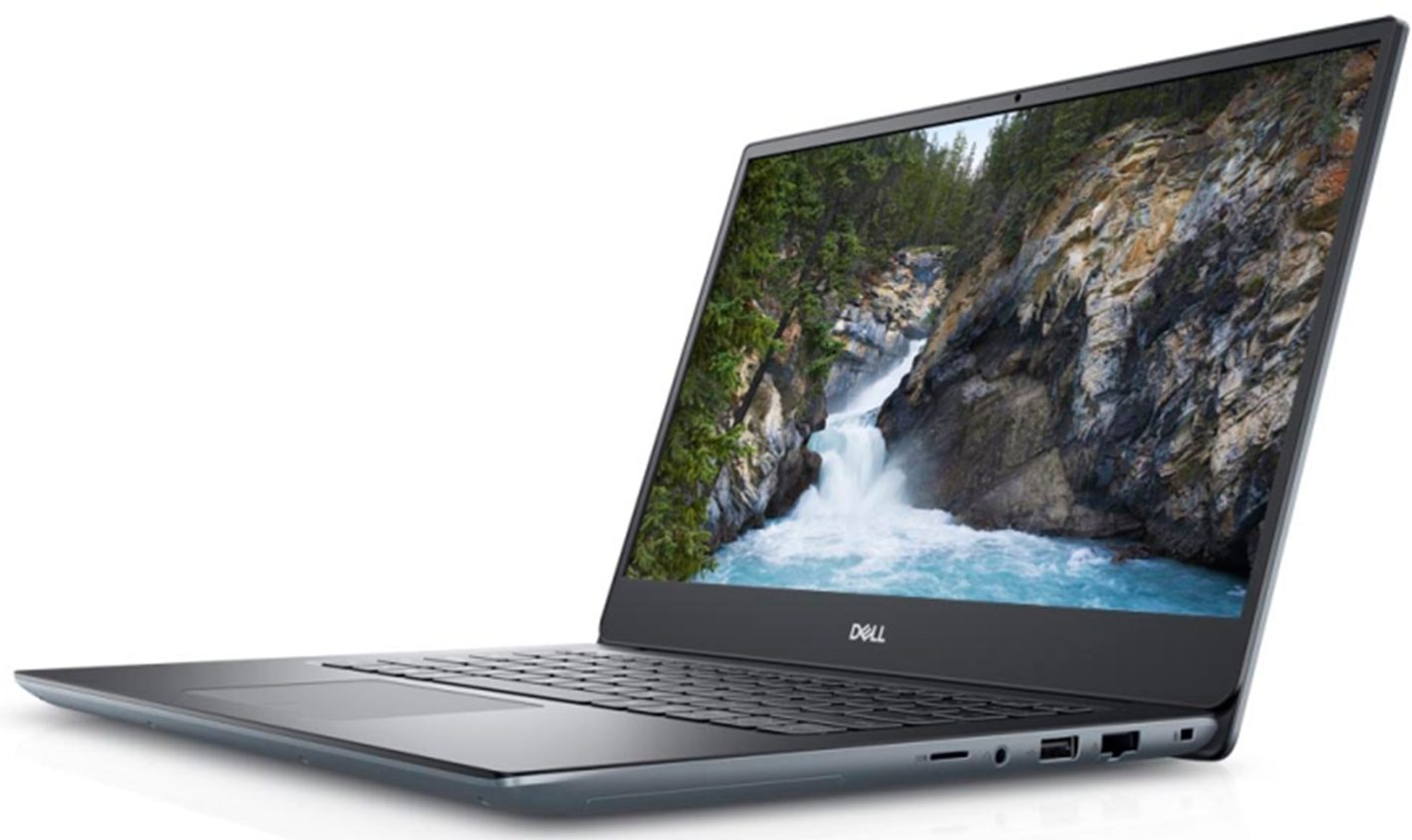
- Card Reader
- SD, SDHC, SDXC
- Wi-Fi
- 802.11ac
- Bluetooth
- 5.0
- Audio jack
- 3.5 mm combo
- Features
- Fingerprint reader
- Web camera
- HD
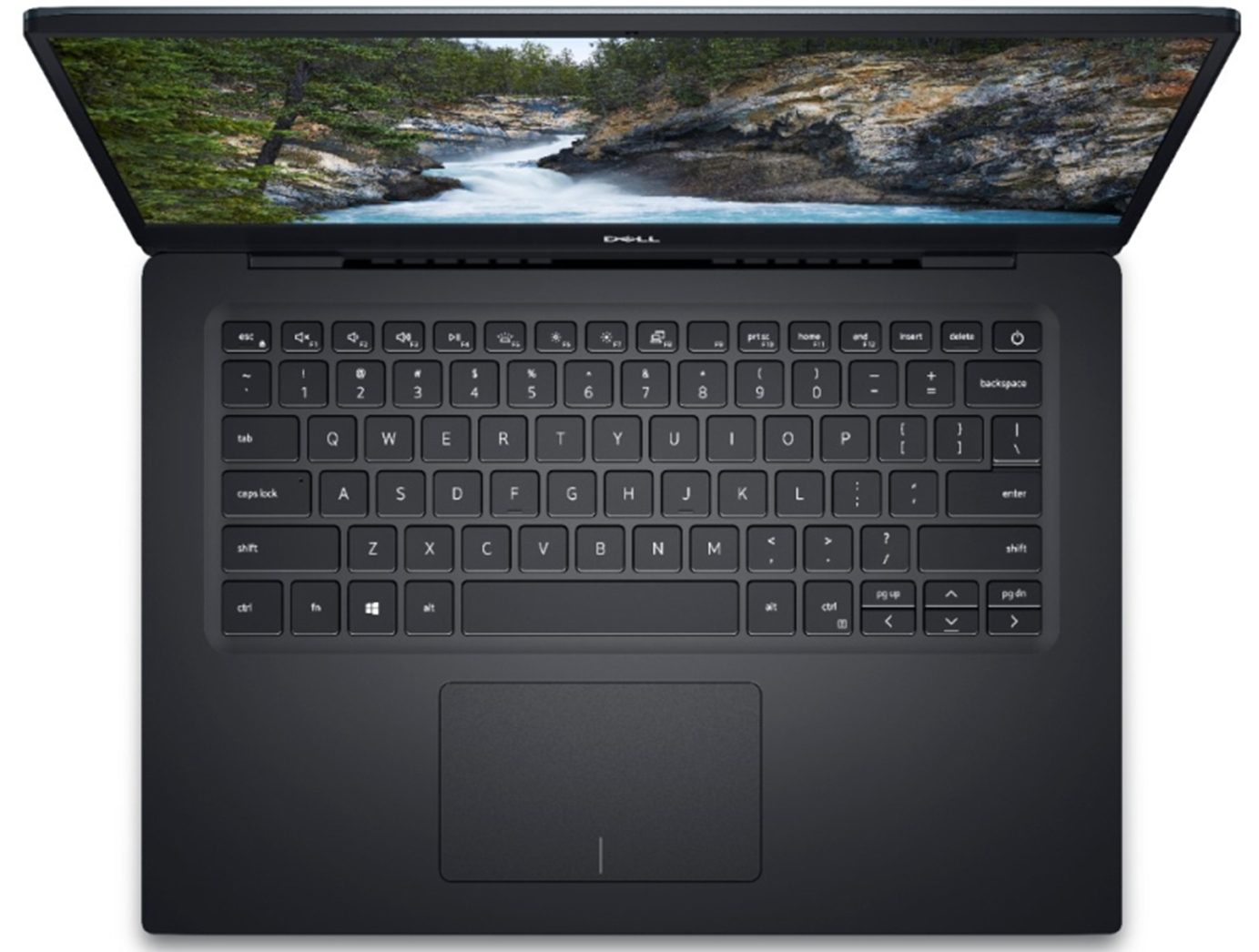
- Backlit keyboard
- Optical drive
- Security Lock slot
Portability
Review
Dell Vostro 5490 in-depth review
Maybe you remember the Vostro 5590? We tried it out recently, and it was a heck of a deal! Great looks, good performance, and versatility - both at a good price. Well, nowhere is its smaller brother. Since we've tested the big one with only the integrated graphics card, now we've decided to max out the Vostro 5490 in terms of computational and graphics performance.Currently, the max out configuration includes the Core i7-10510U in a combination with the GeForce MX250 (25W). All of this is hidden inside of a chassis that resembles the more premium XPS (and previously Precision) brands of Dell. So, to put it clearly, this notebook is not a budget offering by any means, but more like a compromise between quality and cost-efficiency.You can check the prices and configurations in our S[...]
Read the full review
Pros
- Minimal stylish looks
- Nice performance/efficiency ratio + 25W GeForce MX250
- Good battery life
- Supports PCIe x4 SSDs
- Good contrast ratio and comfortable viewing angles
- Doesn't use aggressive PWM to adjust its brightness
- Wide upgradability options
Cons
- We got some driver issues with the touchpad
- Lacks Thunderbolt connection
- Covers only 54% of sRGB
- Gets warm on the outside while under pressure
Disassembly, maintenance and upgrade options
A laptop that keeps your budget from flying off to the moon, but yet looks like it ... comes from the moon. Yep, this is the Vostro 5490.Check out all Dell Vostro 5490 prices and configurations in our Specs System or read more in our In-Depth review.1. Remove the bottom plate This laptop's bottom panel is held in place by 9 Phillips-head screws. After that start the prying process from the hinge side or the front side, where you can see some little creases.2. Battery When you are inside, first unplug the battery connector. By the way, it has a 42Wh capacity and you can re[...]
Read more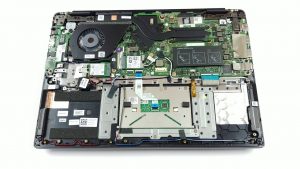


![[June 2026] Best-Selling Laptop Brands on Amazon Global – Apple’s Unrivaled Dominance in Units and Revenue](https://laptopmedia.com/wp-content/uploads/2026/07/GLOBAL-Best-Brands-400x225.jpg)
![[June 2026] Amazon Global: Top 10 Best-Selling Laptops – Apple’s New MacBook Neo Storms to #1, Reshaping the Market with Affordability](https://laptopmedia.com/wp-content/uploads/2026/07/Best-Selling-Laptops-GLOBAL-Top-10-400x225.jpg)
![[June 2026] Amazon Global: Top 10 Best-Selling Gaming Laptops – Acer’s Nitro V 16S AI Dominates Sales, While ASUS Leads Overall Revenue](https://laptopmedia.com/wp-content/uploads/2026/07/Best-Selling-Gaming-Laptops-GLOBAL-Top-10-400x225.jpg)
![[June 2026] Global Ranking of Best-Selling Laptop GPUs on Amazon – NVIDIA RTX 5060 is the Top-Selling Dedicated GPU](https://laptopmedia.com/wp-content/uploads/2026/07/Best-Selling-GPUs-GLOBAL-Top-10-400x225.jpg)
![[June 2026] Global Ranking of Best-Selling Laptop CPUs on Amazon – Apple M5 Dominates, AMD Ryzen 7 260 Gets Solid Premium Share](https://laptopmedia.com/wp-content/uploads/2026/07/Best-Selling-CPUs-GLOBAL-Top-10-400x225.jpg)