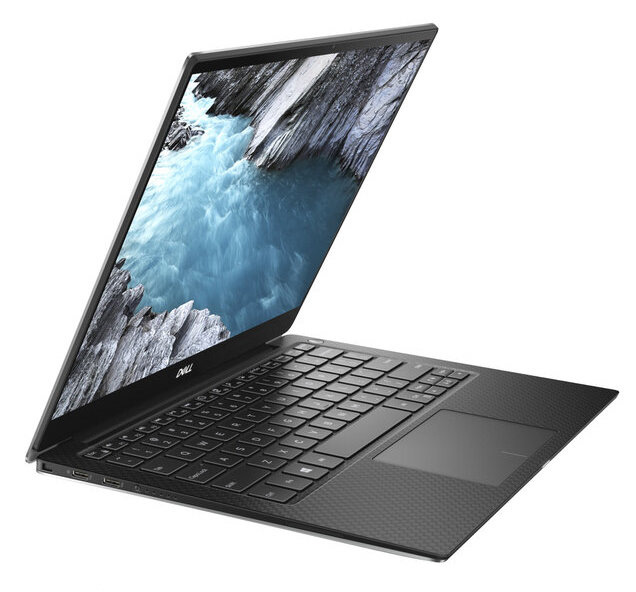
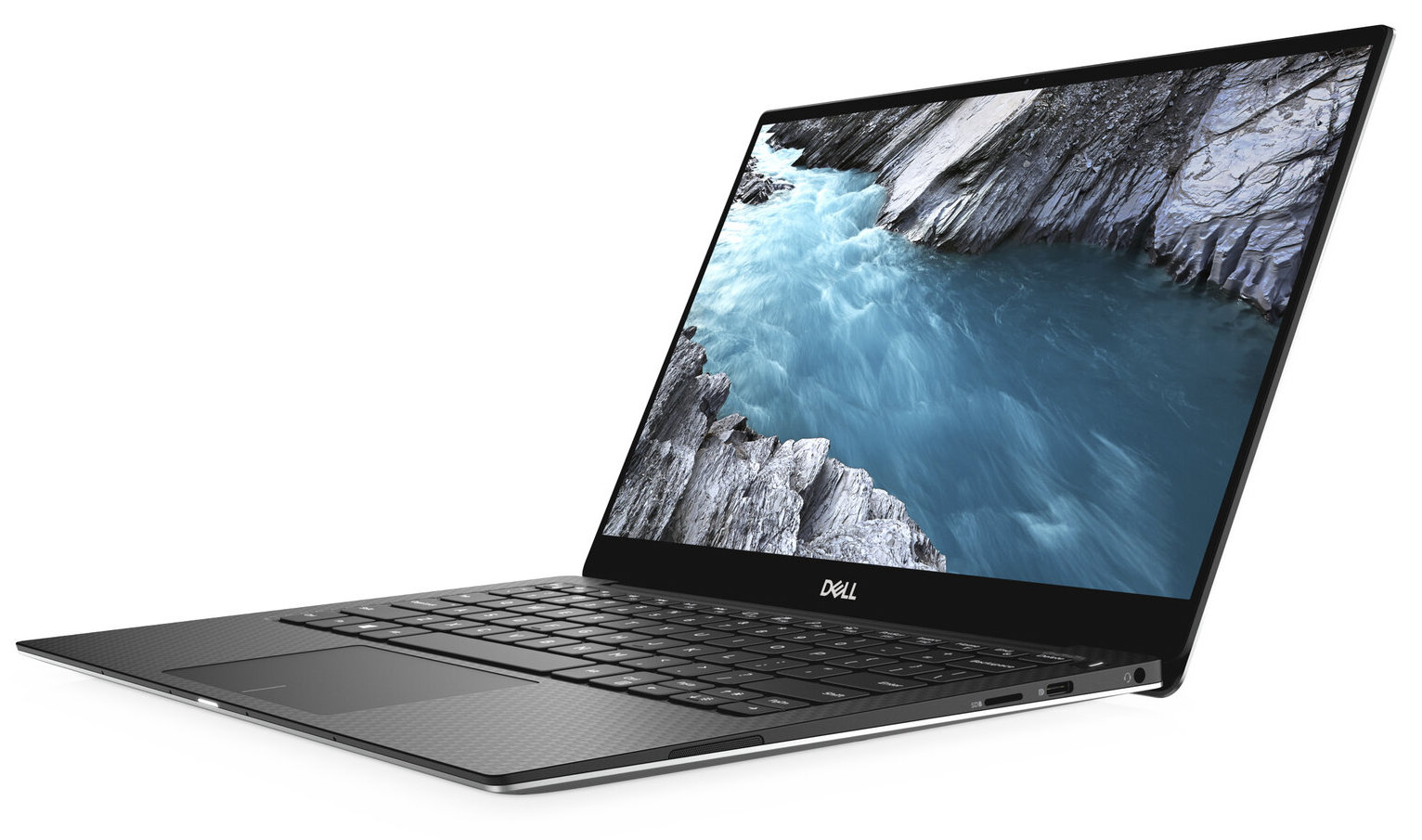
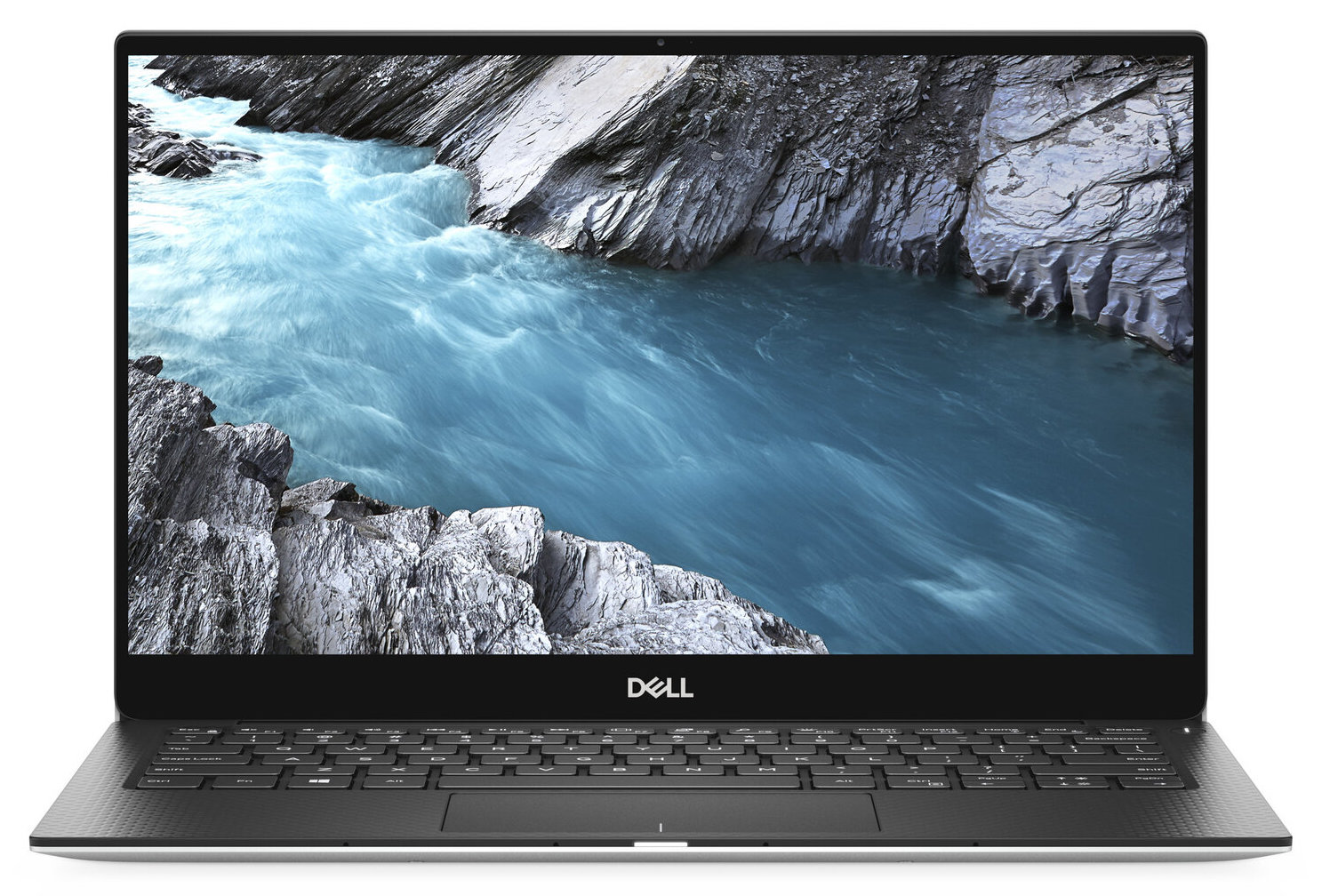
Dell XPS 13 9380
- Date Published: 30 Apr 2019
- Intel Core i5-8265U
- Intel UHD Graphics 620
- 13.3”, Full HD (1920 x 1080), IPS
- 256GB SSD
- 8GB LPDDR3
- 1.27 kg (2.8 lbs)
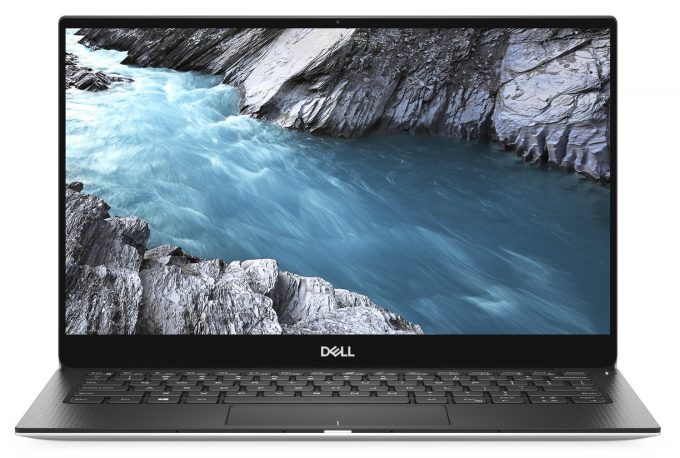
Specs
- HDD/SSD
- 256GB SSD
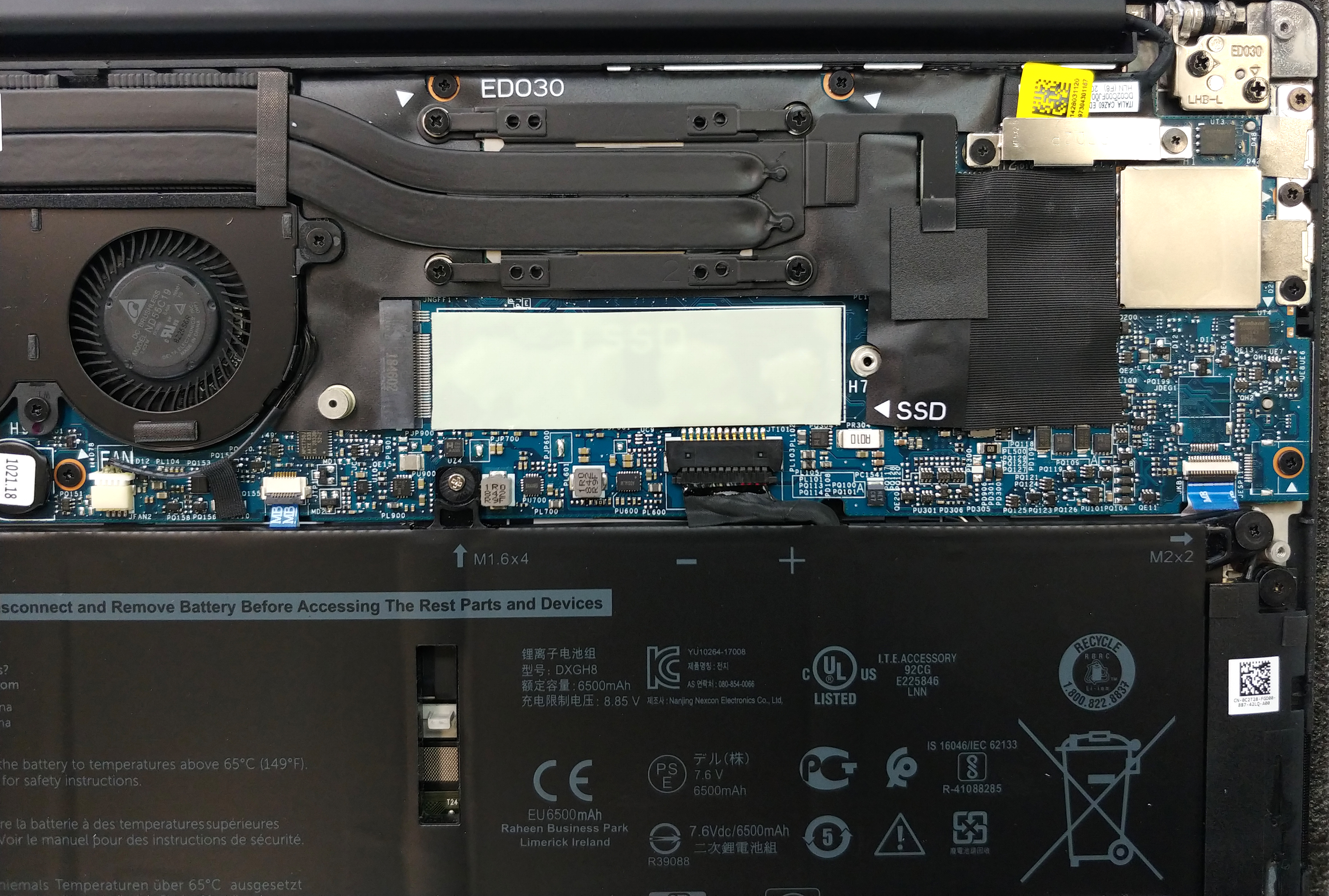
- M.2 Slot
- 1x M.2 SSD PCIe Gen 3x4 NVMe slot See photo
- RAM
- 8GB LPDDR3
- OS
- Windows 10 Pro
- Body Material
- Aluminum, Carbon
- Dimensions
- 302 x 199 x 7.8 - 11.63 mm (11.89" x 7.83" x 0.31")
- Weight
- 1.27 kg (2.8 lbs)
- Ports and connectivity
- 2x USB Type-C
- 3.2 Gen 2 (10 Gbps), Thunderbolt 3, Power Delivery (PD), DisplayPort, HDMI
- 1x USB Type-C
- 3.2 Gen 2 (10 Gbps), Power Delivery (PD), DisplayPort
- Card Reader
- microSD (mSD/mSDHC/mSDXC)
- Wi-Fi
- 802.11ac (2x2)
- Bluetooth
- 4.2
- Audio jack
- 3.5mm audio jack
- Features
- Fingerprint reader
- Web camera
- 720p@30fps
- Backlit keyboard
- Microphone
- Digital-array microphones
- Speakers
- 2x 2W
- Optical drive
- Security Lock slot
Portability
Review
Dell XPS 13 9380 in-depth review
Welcome, to the higher tier of the business notebook market. This is a place home to Apple MacBook Pros, Dell XPS, Lenovo ThinkPad X1 Carbons and more chosen premium level devices. This is a very delicate area of the market because when you are ready to give that large of a buck you have a lot to desire. So, we have to be extra harsh on today's device - the Dell XPS 13 9380.Actually, it is not a lot different from its predecessor - the XPS 13 9370, as externally it looks exactly the same. However, the change lays in the internals - newer CPUs (Intel Whiskey Lake) a more orthodox camera position. However, if you are not very familiar with what Dell XPS 13 9380 has to offer, feel free to roam around our in-depth review of this notebook.You can check the prices and configurations in [...]
Read the full review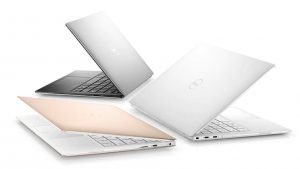
Pros
- Astonishing battery life
- Very thin profile
- Satisfactory input devices (the keyboard is backlit)
- Very high contrast, 94% sRGB coverage and accurate default settings (AUO B133HAN06VG6 (AUO5B2D))
- Doesn't use PWM for brightness adjusment and reaches above 400 nits (AUO B133HAN06VG6 (AUO5B2D))
- Charges via Type-C
- Supports Thunderbolt
- Blazing fast performance
Cons
- Needs a dongle to expand the I/O
- Gets pretty hot
- Lowers its maximum brightness on battery power
Disassembly, maintenance and upgrade options
Dell XPS 13 9380 is the last of the 9000 series XPS devices. After that, we see a rebranding in the number part of the name of these notebooks. Now let's see what's inside a premium ultrabook, shall we?Check out all Dell XPS 13 9380 prices and configurations in our Specs System or read more in our In-Depth review.1. Remove the bottom plate Dell XPS 13 9380's backplate is held in place by 8 Torx-head screws (T5). After you unscrew them be very careful with the prying process since the material underneath it is pretty fragile.2. Battery XPS 13 9380's battery covers half of [...]
Read more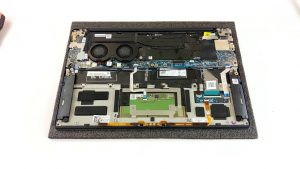


![[August 2026] Best-Selling Laptop Brands on Amazon Japan – Apple Dominates Market Share and Revenue Led by Strong Unit Sales](https://laptopmedia.com/wp-content/uploads/2026/09/CO.JP-Best-Brands-1-400x225.jpg)
![[August 2026] Best-Selling Laptop Brands on Amazon USA – Apple Dominates Market Revenue and Volume Despite Lower Model Diversity](https://laptopmedia.com/wp-content/uploads/2026/09/COM-Best-Brands-1-400x225.jpg)
![[August 2026] Amazon Germany: Top 8 Best-Selling Gaming Laptops – Acer Dominates the Market as the Premium Nitro V 17 AI Takes the #1 Spot](https://laptopmedia.com/wp-content/uploads/2026/09/Best-Selling-Gaming-Laptops-DE-Top-10-1-400x225.jpg)
![[August 2026] Best-Selling Laptop Brands on Amazon France – Apple Dominates Revenue Despite Lenovo and HP Leading in Catalog Breadth and Volume](https://laptopmedia.com/wp-content/uploads/2026/09/FR-Best-Brands-1-400x225.jpg)
![[August 2026] Amazon Italy: Top 10 Best-Selling Laptops – Apple MacBook Neo Claims the Crown as Budget and Mid-Range Windows Machines Dominate Volume](https://laptopmedia.com/wp-content/uploads/2026/09/Best-Selling-Laptops-IT-Top-10-400x225.jpg)