Dell XPS 16 9640


- Date Published: 26 Feb 2025
- Intel Core Ultra 7 155H
- NVIDIA GeForce RTX 4060 (Laptop, 50W)
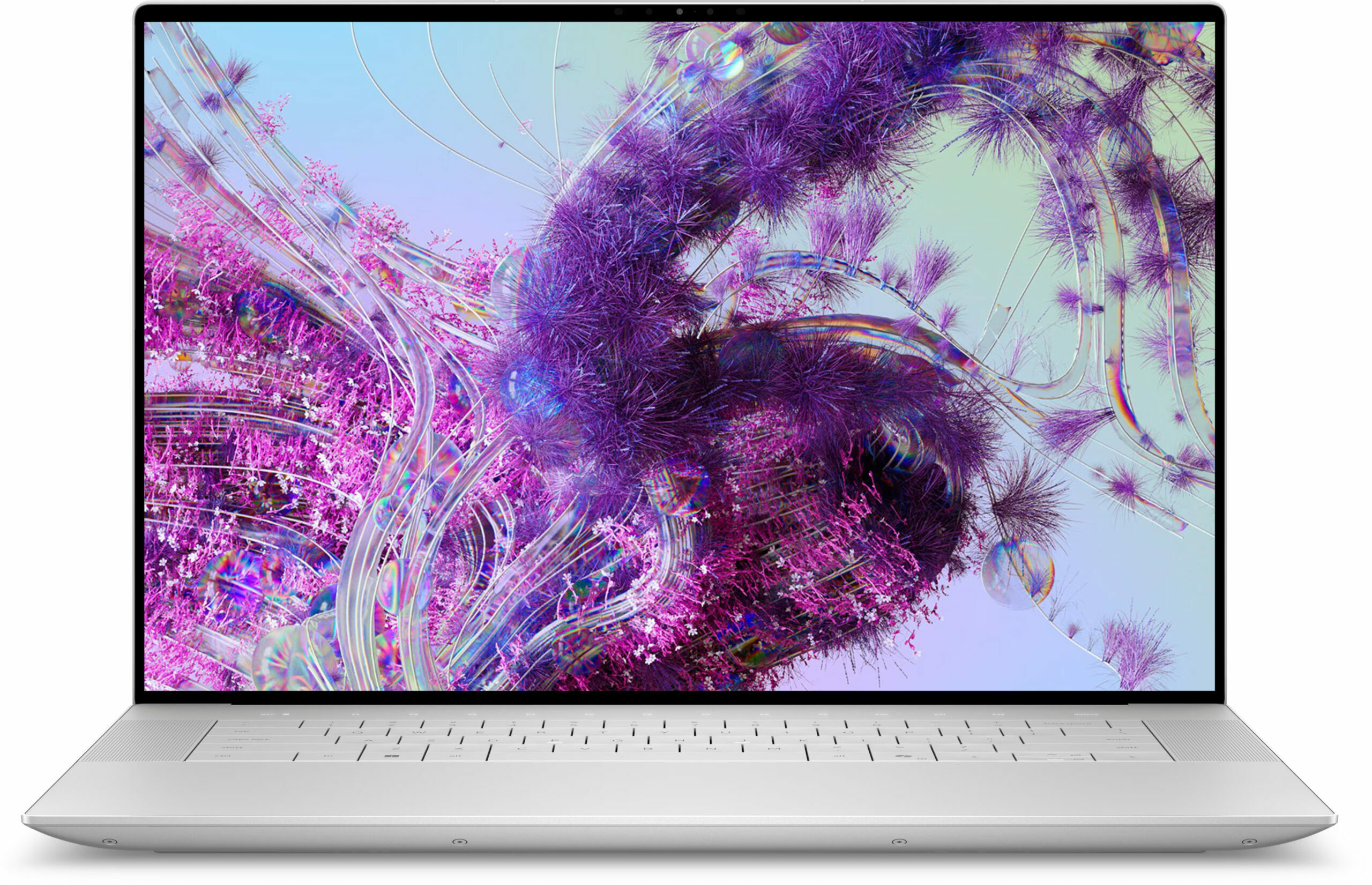
- 16.3″, 4K+ (3840 x 2400), 90 Hz, OLED
- 1000GB SSD
- 32GB RAM
- 2.13 kg (4.7 lbs)
Specs
- HDD/SSD
- 1000GB SSD
- M.2 Slot
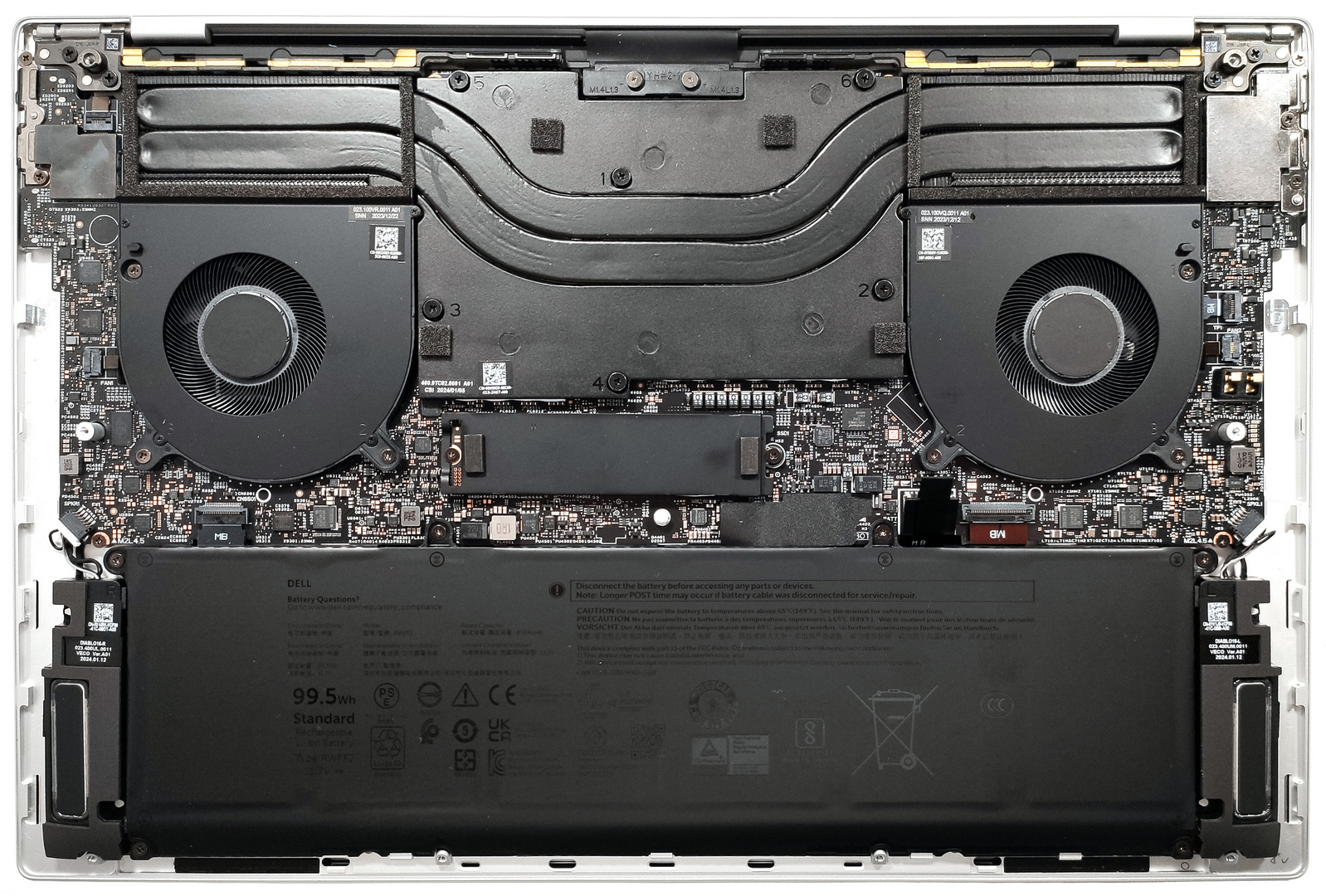
- 1x 2280 M.2 NVMe PCIe 4.0 x4 See photo
- RAM
- 32GB RAM
- OS
- Windows 11 Home
- Body Material
- Aluminum
- Dimensions
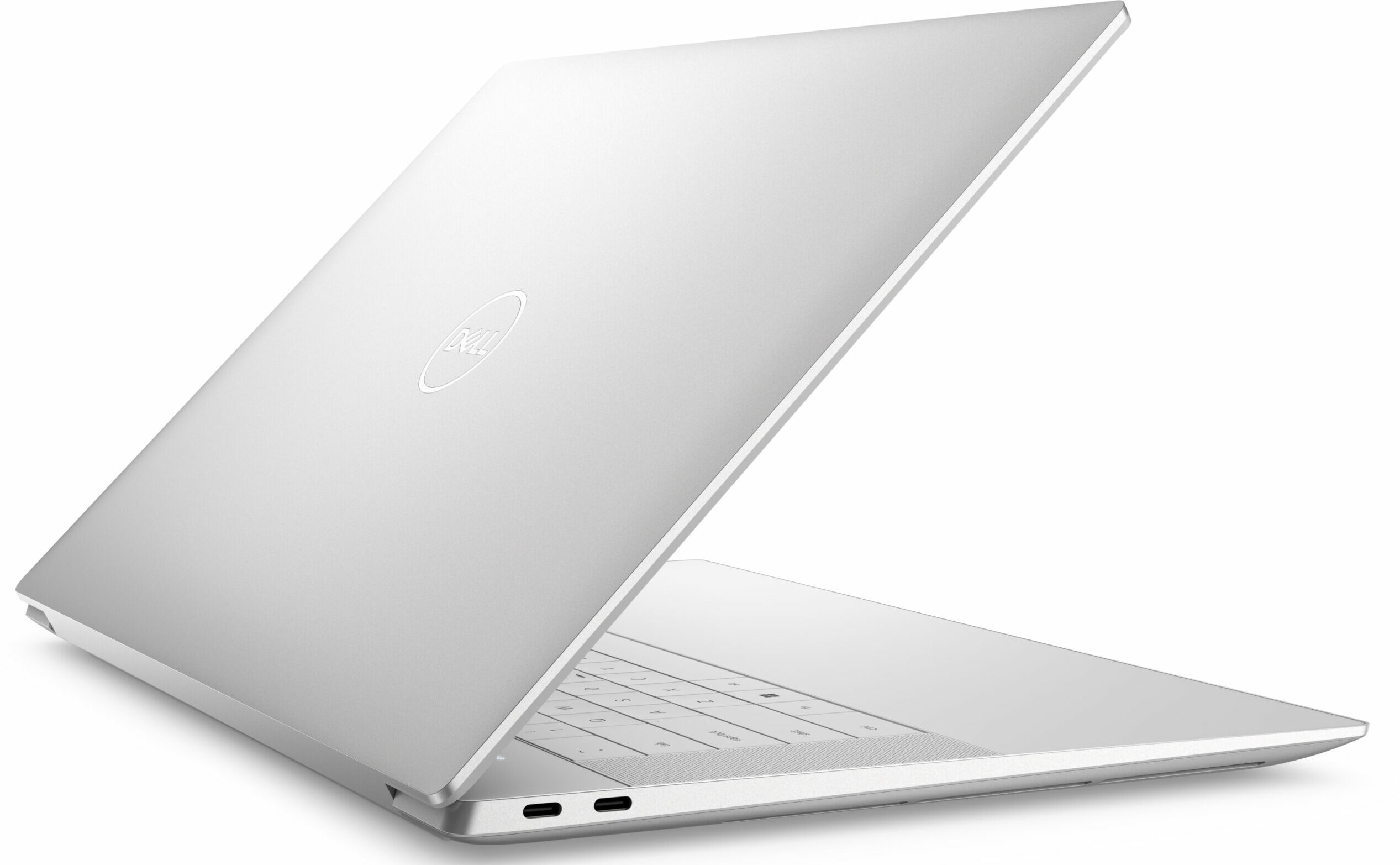
- 358.18 x 240.05 x 18.70 mm (14.10" x 9.45" x 0.74")
- Weight
- 2.13 kg (4.7 lbs)
- Ports and connectivity
- 3x USB Type-C
- 4.0, Thunderbolt 4, Power Delivery (PD), DisplayPort
- Card Reader
- microSD (microSD, microSDHC, microSDXC)
- Ethernet LAN
- Wi-Fi
- 802.11be
- Bluetooth
- 5.4
- Audio jack
- 3.5mm Combo Jack
- Features
- Fingerprint reader
- Web camera
- FHD with Windows Hello Face Authentication
- Backlit keyboard
- Microphone
- Dual Microphone Array with Waves MaxxVoice
- Speakers
- 2x 3W Woofers + 2x 2W Tweeters Stereo Speakers
- Security Lock slot
Portability
Review
Dell XPS 16 9640 in-depth review
The XPS 13 9340 and XPS 14 9440 are great compact machines that offer powerful hardware, modern design, and great battery life. The bigger Dell XPS 16 9640 is no different. Once again, this machine is powered by 28W Intel Meteor Lake CPUs and the most powerful chip for the series is the Intel Core Ultra 9 185H. This time around, you can opt for punchier NVIDIA Ada Lovelace GPUs, you can go as high as GeForce RTX 4070. The latter is also tied with vapor chamber cooling and faster (soldered) memory while the not-so-powerful siblings rely on RAM with lower frequency and normal thermal system. Speaking of which, this notebook can be found without dGPU but the iGPU-only models are combined with just 16GB RAM and this amount can be too low for some users. Unfortunately, if you need more memory, [...]
Read the full review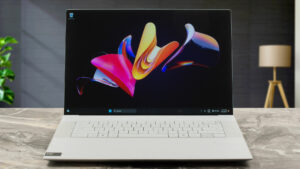
Pros
- Elegant design
- Thin and compact for what it is
- Very high P and E core clocks during full processor stress
- The fans aren't loud
- Premium and solid build quality
- PWM-free (Sharp 17TDN-LQ163N1)
- High max brightness + very good contrast ratio and 100% sRGB coverage (Sharp 17TDN-LQ163N1)
- Great color accuracy with our "Design and Gaming" profile (Sharp 17TDN-LQ163N1)
- Has three Thunderbolt 4 ports
- Jaw-dropping battery life
- Comfortable keyboard
- Has a fingerprint reader and IR camera
- Great CPU and GPU performance
Cons
- Poor upgradability
- High price
- Invisible touchpad
Disassembly, maintenance and upgrade options
Opening the DeviceUndo the 8 Torx-head screws securing the bottom panel. Pop the bottom panel in the top two corners behind the hinge cover. Lift the middle section of the rear vent, which is part of the bottom plate. Hold the base with a finger on the left or right side and pop the central zone. Pry the sides and front with a thin plastic tool to remove the bottom panel.More info: Here's how the bottom plate looks on the inside.Battery RemovalPull out the battery connector from the mainboard. Undo the 6 Phillips-head screws securing the batte[...]
Read more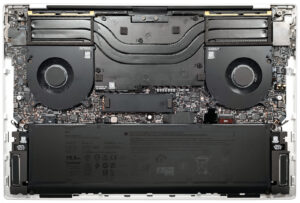


![[June 2026] Best-Selling Laptop Brands on Amazon Global – Apple’s Unrivaled Dominance in Units and Revenue](https://laptopmedia.com/wp-content/uploads/2026/07/GLOBAL-Best-Brands-400x225.jpg)
![[June 2026] Amazon Global: Top 10 Best-Selling Laptops – Apple’s New MacBook Neo Storms to #1, Reshaping the Market with Affordability](https://laptopmedia.com/wp-content/uploads/2026/07/Best-Selling-Laptops-GLOBAL-Top-10-400x225.jpg)
![[June 2026] Amazon Global: Top 10 Best-Selling Gaming Laptops – Acer’s Nitro V 16S AI Dominates Sales, While ASUS Leads Overall Revenue](https://laptopmedia.com/wp-content/uploads/2026/07/Best-Selling-Gaming-Laptops-GLOBAL-Top-10-400x225.jpg)
![[June 2026] Global Ranking of Best-Selling Laptop GPUs on Amazon – NVIDIA RTX 5060 is the Top-Selling Dedicated GPU](https://laptopmedia.com/wp-content/uploads/2026/07/Best-Selling-GPUs-GLOBAL-Top-10-400x225.jpg)
![[June 2026] Global Ranking of Best-Selling Laptop CPUs on Amazon – Apple M5 Dominates, AMD Ryzen 7 260 Gets Solid Premium Share](https://laptopmedia.com/wp-content/uploads/2026/07/Best-Selling-CPUs-GLOBAL-Top-10-400x225.jpg)