Dell XPS 9720

- Date Published: 26 Apr 2023
- Intel Core i7-12700H
- NVIDIA GeForce RTX 3060 (Laptop, 90W)
- 17.0”, UHD+ (3840 x 2400), IPS
- 1000GB SSD
- 36GB DDR5
- 2.57 kg (5.7 lbs)
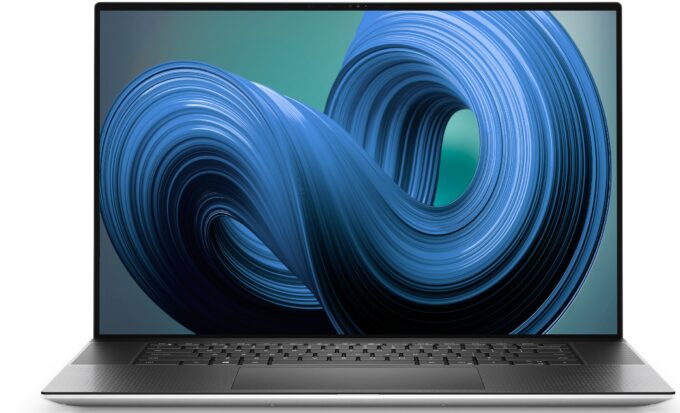
Review
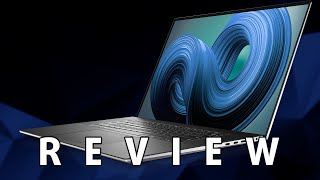
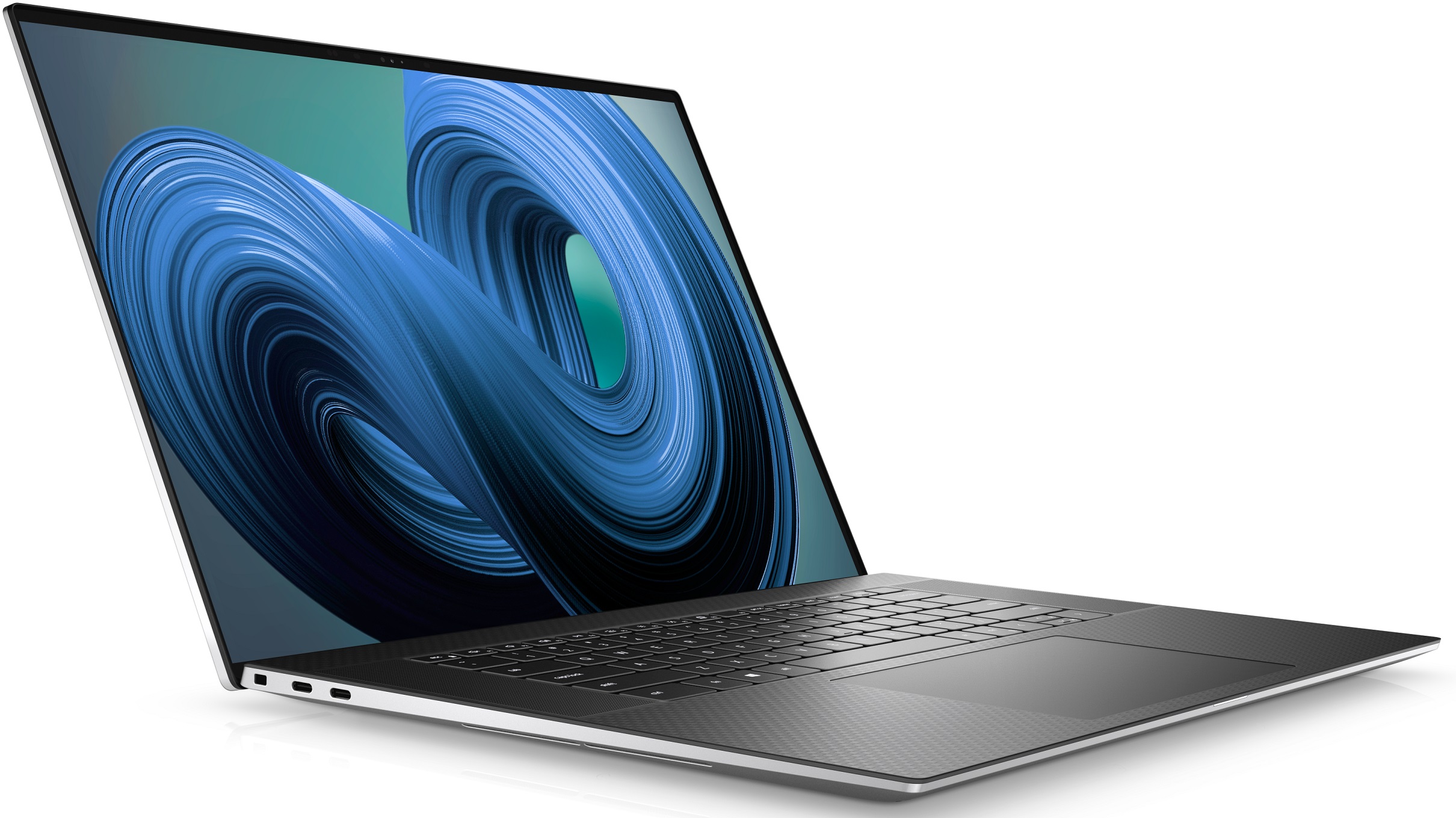
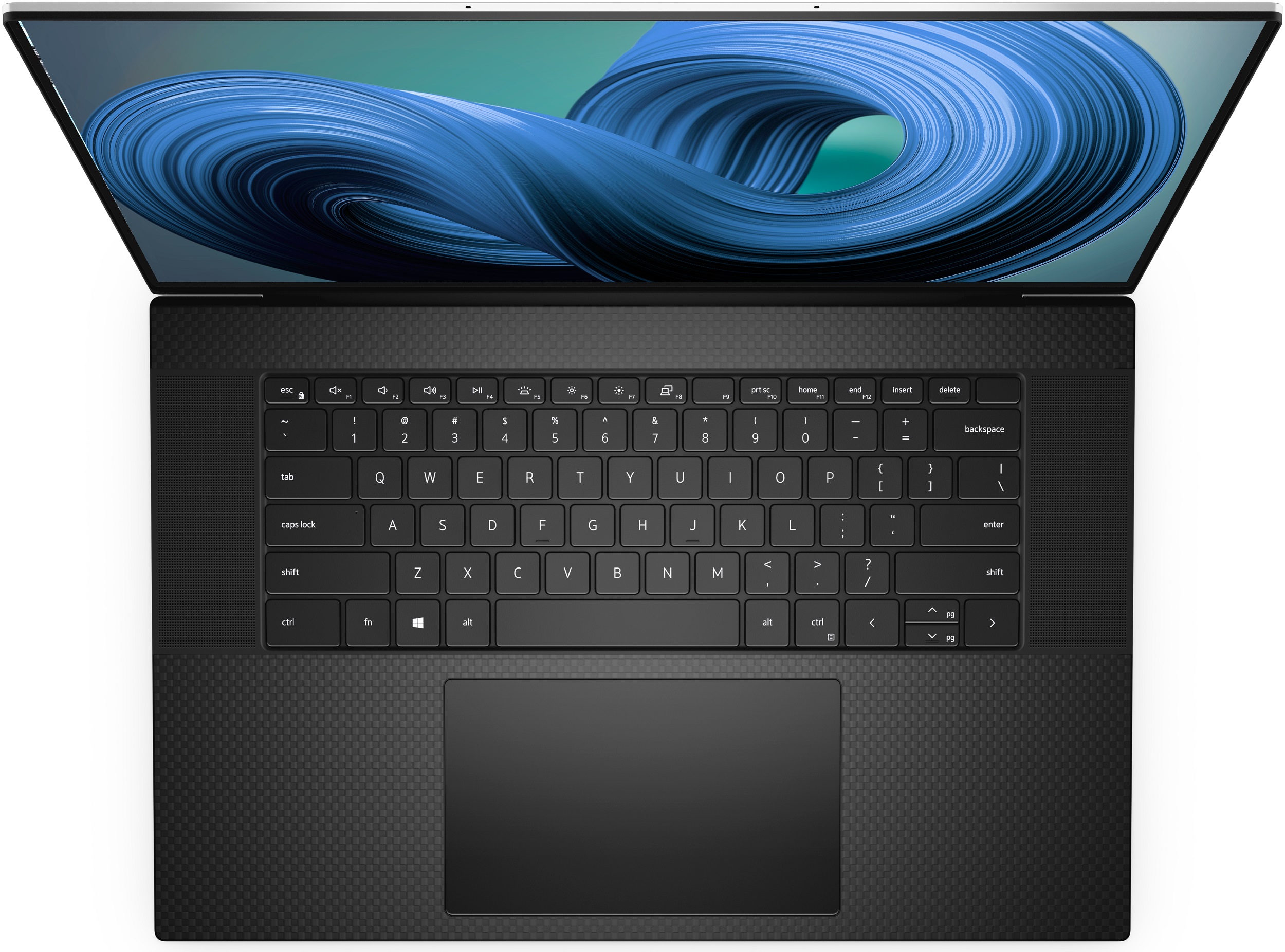
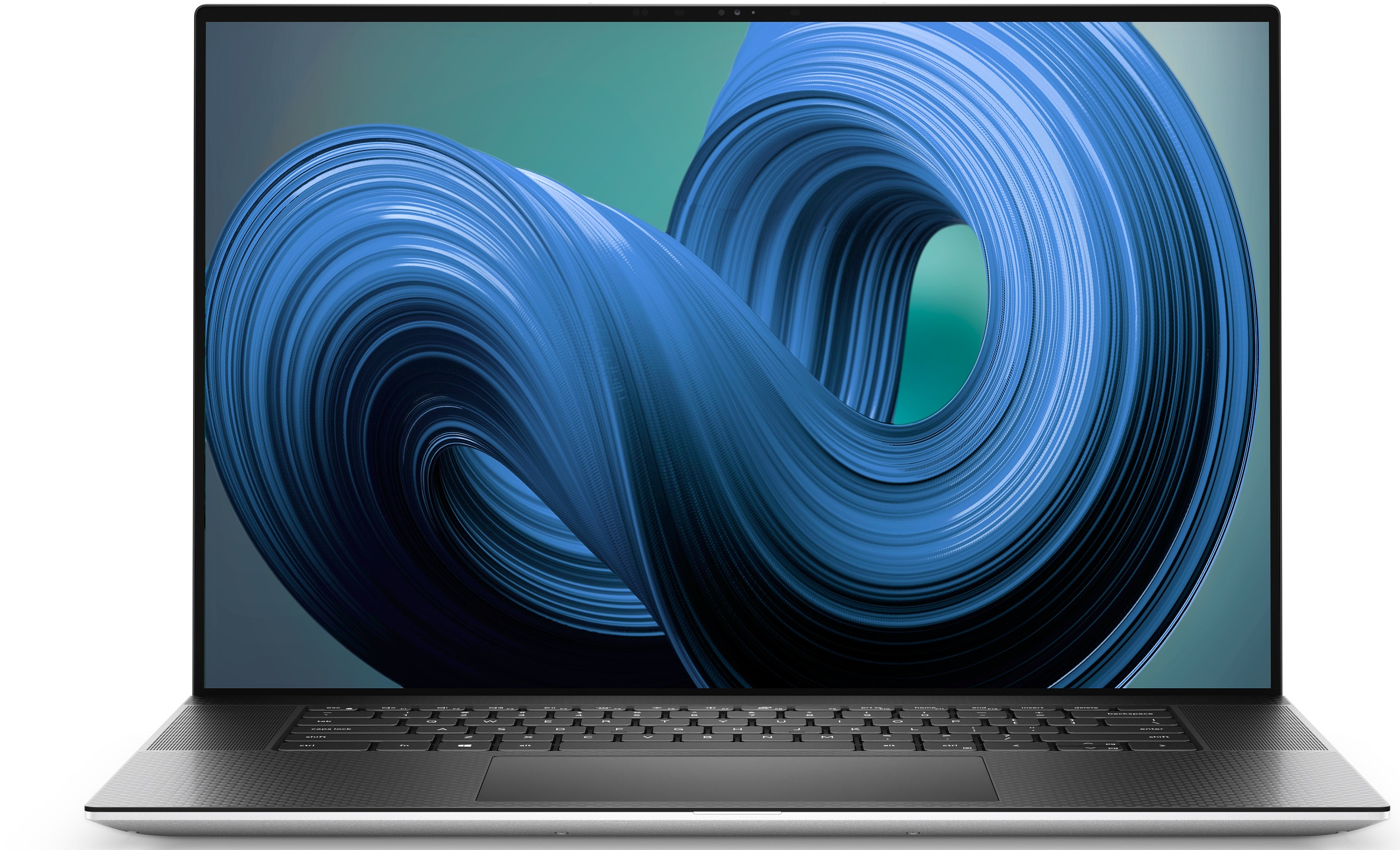
Dell XPS 9720 in-depth review
Without a doubt, the XPS series is the most recognizable PC notebook on the market. It is revered as the main MacBook rival, not only because of its slim form factor but also because of the surprisingly powerful hardware it comes with.All of this comes at a time when we mark a huge resurgence in Dell's laptop quality, and we happen to recommend the brand more and more lately. On the other hand, the XPS 15 from last year happened to be a bit of a flop, compared to its 17-inch brother. Now, we got ourselves the latest XPS 17 9720, and we hope that it will build on the somewhat mixed success of its predecessor.Weirdly, the laptop is largely unchanged on the outside. However, the insides now incorporate Intel's 12th Gen Alder Lake processors, as well as the usual suspects - RTX Ampere[...]
Read the full review
Pros
- Strong body build of carbon fiber and aluminum
- Virtually bezel-less screen
- 600+ nits maximum brightness, 100% sRGB coverage (Sharp VRX73-LQ170N1 (SHP1518))
- Accurate color representation with our Gaming and Web design profile (Sharp VRX73-LQ170N1 (SHP1518))
- Thin and light
- Boasts up to Core i9-12900HK processor
- Easy upgrade and maintenance
- Great keyboard, touchpad, and speakers
- Fingerprint reader embedded in the power button and optional IR face recognition system
- Four Thunderbolt 4 connectors, USB Type-C charging, and an SD card reader (+ tiny dongle inside the box)
Cons
- Can't handle top trim CPUs
- Pricey
Disassembly, maintenance and upgrade options
Despite its slim profile, the XPS 17 9720 offers a great amount of upgradeability.Check out all Dell XPS 17 9720 prices and configurations in our Specs System or read more in our In-Depth review.1. Remove the bottom plate You need to undo 8 Torx-head screws to access this laptop's internals. After that, pry the bottom panel with a plastic tool and lift it away from the chassis. Be careful because the metal edges are really sharp.2. Battery Inside, we see a 97Wh battery pack. To continue with the teardown process, unplug the battery connector from the motherboard. And if y[...]
Read more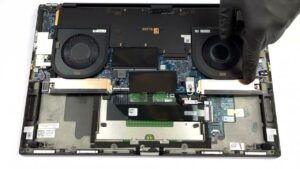


![[June 2026] Best-Selling Laptop Brands on Amazon Global – Apple’s Unrivaled Dominance in Units and Revenue](https://laptopmedia.com/wp-content/uploads/2026/07/GLOBAL-Best-Brands-400x225.jpg)
![[June 2026] Amazon Global: Top 10 Best-Selling Laptops – Apple’s New MacBook Neo Storms to #1, Reshaping the Market with Affordability](https://laptopmedia.com/wp-content/uploads/2026/07/Best-Selling-Laptops-GLOBAL-Top-10-400x225.jpg)
![[June 2026] Amazon Global: Top 10 Best-Selling Gaming Laptops – Acer’s Nitro V 16S AI Dominates Sales, While ASUS Leads Overall Revenue](https://laptopmedia.com/wp-content/uploads/2026/07/Best-Selling-Gaming-Laptops-GLOBAL-Top-10-400x225.jpg)
![[June 2026] Global Ranking of Best-Selling Laptop GPUs on Amazon – NVIDIA RTX 5060 is the Top-Selling Dedicated GPU](https://laptopmedia.com/wp-content/uploads/2026/07/Best-Selling-GPUs-GLOBAL-Top-10-400x225.jpg)
![[June 2026] Global Ranking of Best-Selling Laptop CPUs on Amazon – Apple M5 Dominates, AMD Ryzen 7 260 Gets Solid Premium Share](https://laptopmedia.com/wp-content/uploads/2026/07/Best-Selling-CPUs-GLOBAL-Top-10-400x225.jpg)
