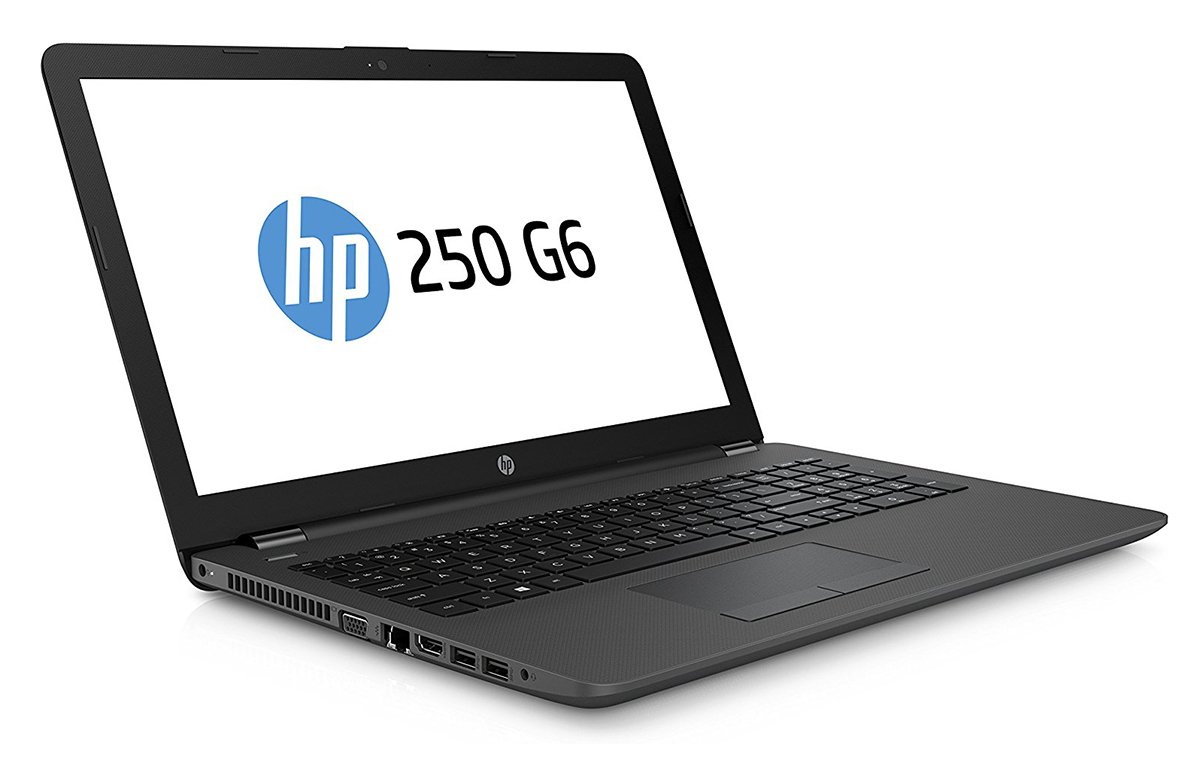
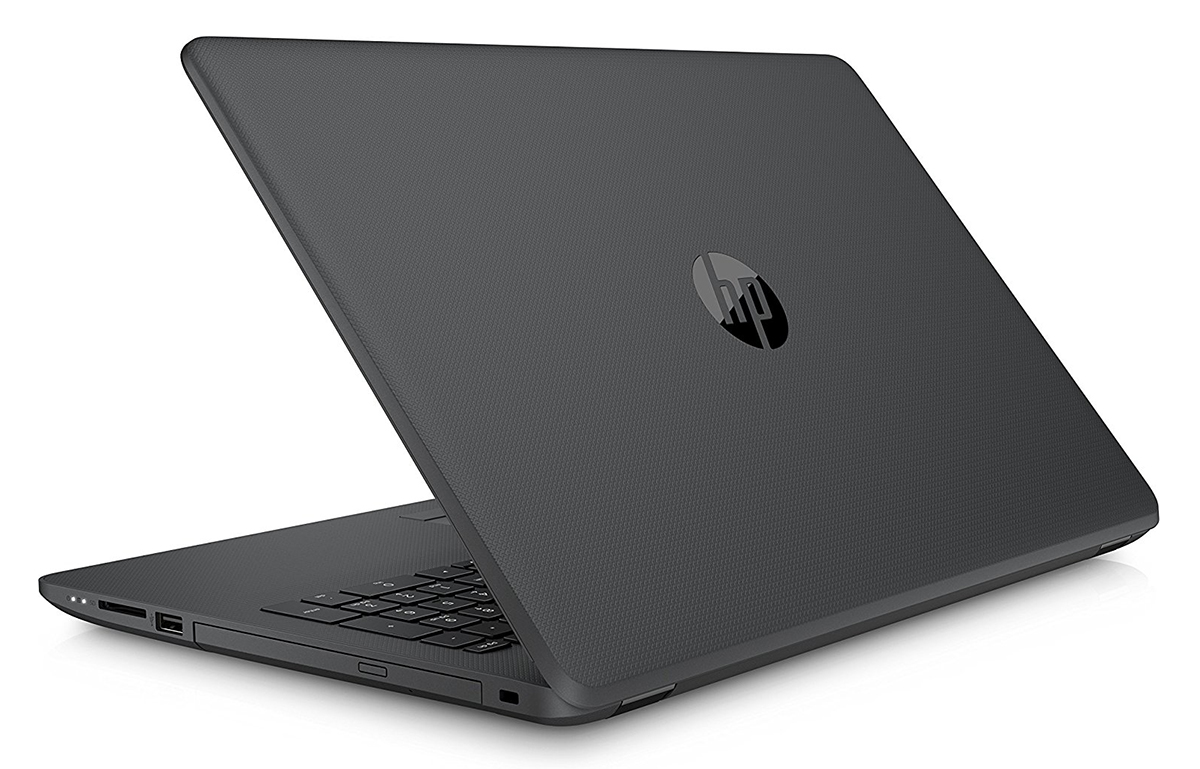
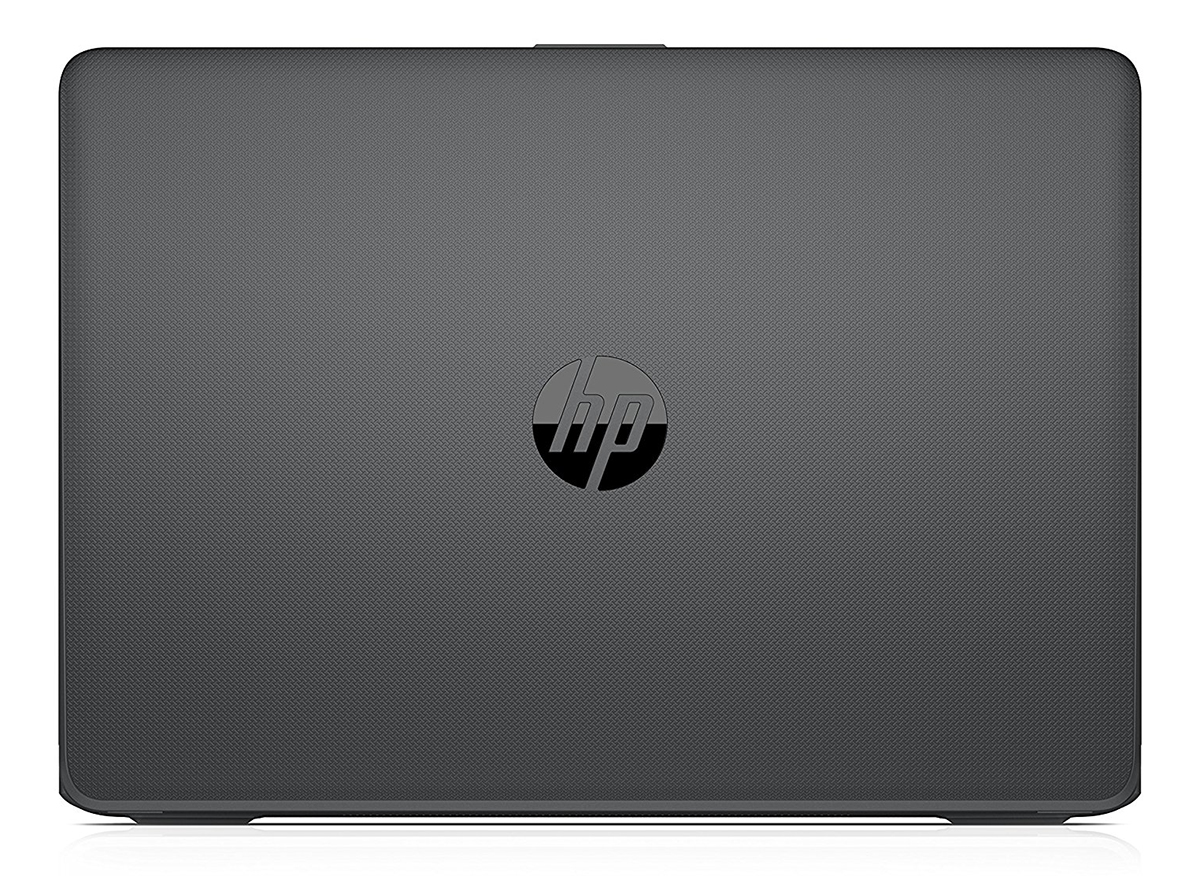
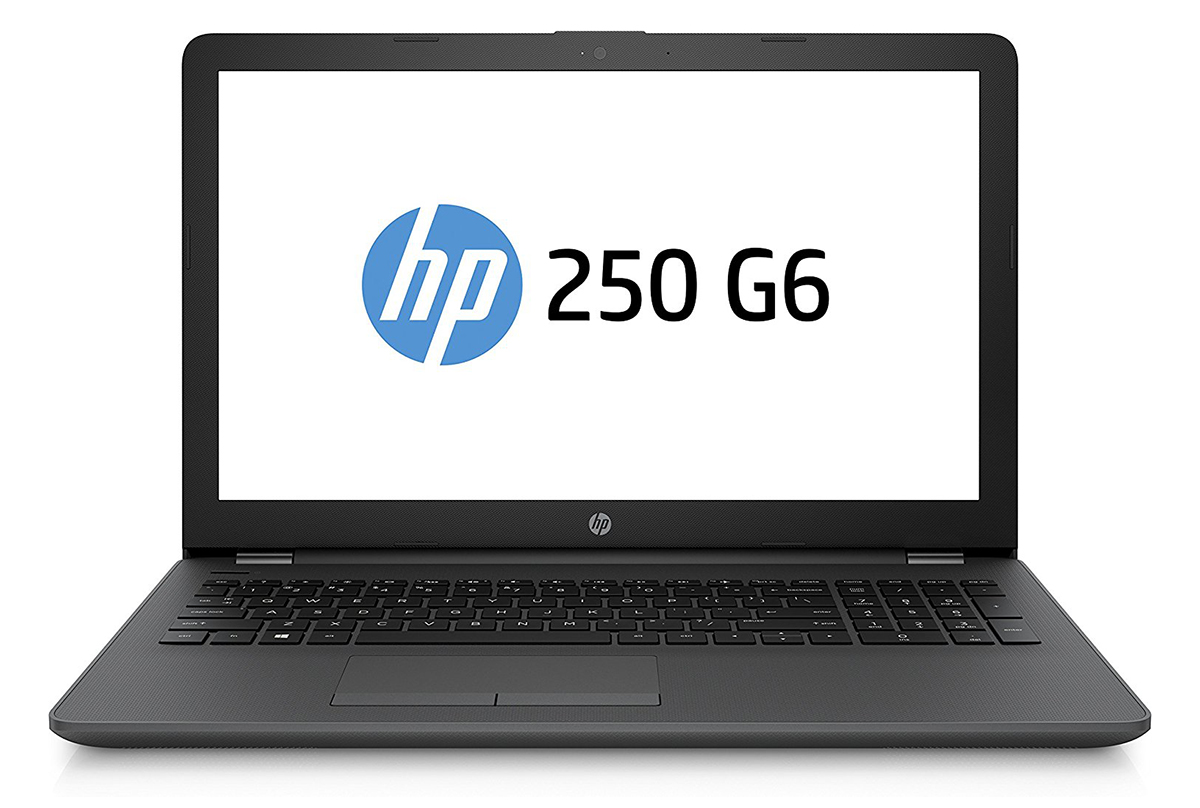
HP 250 G6
- Date Published: 21 Jan 2026
- Intel Core i3-6006U
- Intel HD Graphics 520
- 15.6”, HD (1366 x 768), TN
- 128GB SSD
- 4GB RAM
- 2.10 kg (4.6 lbs)

Specs
- Display
- HDD/SSD
- 128GB SSD
- M.2 Slot
- 1x 2280 SATA M.2 slot (B key) See photo
- RAM
- 4GB RAM
- OS
- DOS
- Body Material
- Plastic / Polycarbonate, Aluminum (Aluminum chassis and plastic cover)
- Dimensions
- 380 x 254 x 24 mm (14.96" x 10.00" x 0.94")
- Weight
- 2.10 kg (4.6 lbs)
- Ports and connectivity
- 3x USB Type-A
- 3.2 Gen 1 (5 Gbps)
- HDMI
- Card Reader
- Ethernet LAN
- Wi-Fi
- 802.11ac
- Bluetooth
- 4.0
- Audio jack
- headphone/microphone
- Features
- Fingerprint reader
- Web camera
- Backlit keyboard
- Microphone
- Speakers
- Security Lock slot
Portability
Review
HP 250 G6 in-depth review
With the complete overhaul of the HP 250 series, the OEM is looking for a larger piece of the pie in the lower-end business segment. And it looks like they deserve some recognition. With a sleek, simple and fairly sturdy chassis packing relatively big battery and excellent input devices, the 250 G6 really does make an impression.Also, the laptop boasts quite the range of configurations going from Intel Celeron and Pentium all the way up to Core i7-7500U. For this review, we got the Core i5-7200U-powered unit with an SSD (M.2 SSDs are supported!), which is priced in the $550-650 range depending on the memory and storage configuration. But how the battery will handle the hardware in reality and is the screen good enough for your daily needs - these are questions we aim to answer in t[...]
Read the full review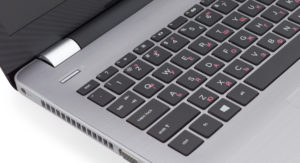
Pros
- Comfortable input devices
- Long battery life
- Relatively affordable
- We didn't detect a convential use of PWM so it's practically safe to use for long periods of time
Cons
- You can insert either M.2 SSD or 2.5-inch HDD, not both
- The screen could still be a bit better (exceptionally low brightness and contrast)


![[August 2026] Global Ranking of Best-Selling Laptop GPUs on Amazon – Apple Reigns Supreme, NVIDIA’s RTX 5060 Tops Dedicated Chart](https://laptopmedia.com/wp-content/uploads/2026/09/Best-Selling-GPUs-GLOBAL-Top-10-400x225.jpg)
![[August 2026] Global Ranking of Best-Selling Laptop CPUs on Amazon – Apple Dominates Both Budget and Premium: A18 Pro and M5 Crush Intel and AMD in August 2026](https://laptopmedia.com/wp-content/uploads/2026/09/Best-Selling-CPUs-GLOBAL-Top-10-400x225.jpg)
![[August 2026] Amazon Global: Top 10 Best-Selling Laptops – Apple MacBook Neo Dominates the Charts as Budget and Mid-Range Windows Portables Fight for Volume](https://laptopmedia.com/wp-content/uploads/2026/09/Best-Selling-Laptops-GLOBAL-Top-10-400x225.jpg)
![[August 2026] Best-Selling Laptop Brands on Amazon Global – Apple Dominates Revenue While HP Leads in Model Variety](https://laptopmedia.com/wp-content/uploads/2026/09/GLOBAL-Best-Brands-400x225.jpg)
![[August 2026] Amazon Global: Top 10 Best-Selling Gaming Laptops – HP Victus 15 Captures the Crown as Budget-Friendly Models Dominate the Charts](https://laptopmedia.com/wp-content/uploads/2026/09/Best-Selling-Gaming-Laptops-GLOBAL-Top-10-400x225.jpg)

