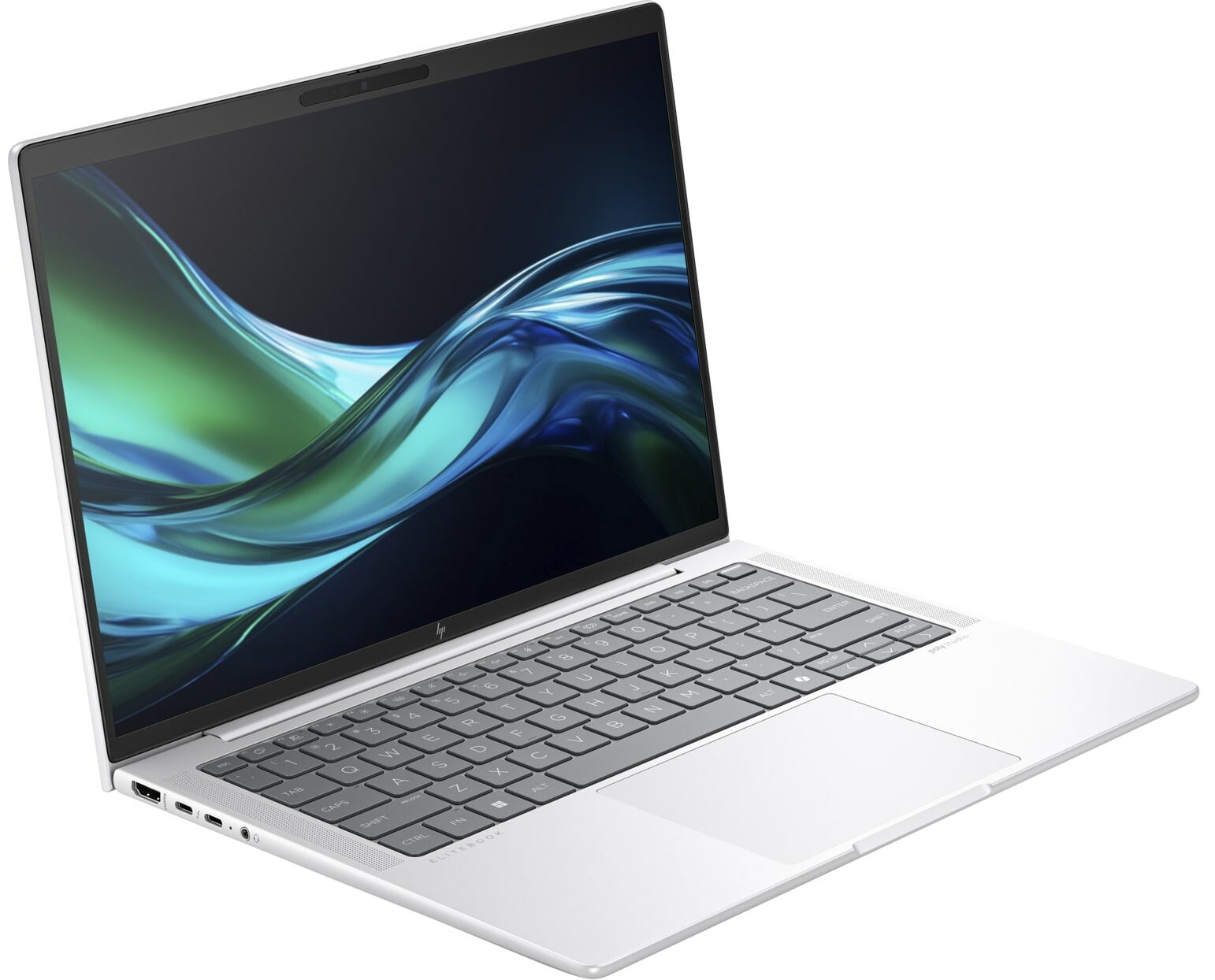
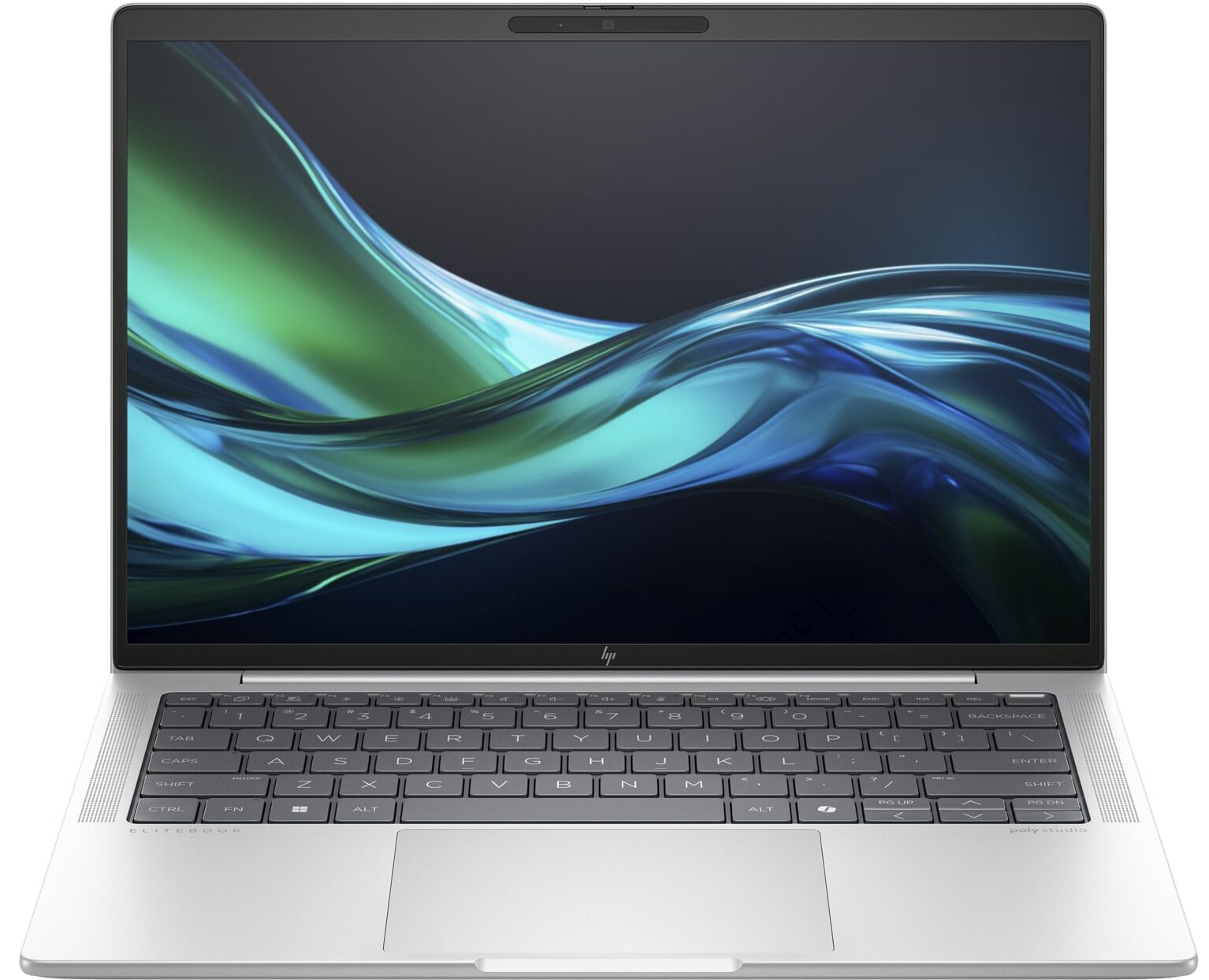
HP EliteBook 1040 G11

- Date Published: 30 Sep 2024
- Intel Core Ultra 7 155H
- Intel Arc (8-Cores)
- 14.0″, 2.8K (2880 x 1800), 120 Hz, OLED
- 512GB SSD
- 32GB RAM
- 1.18 kg (2.6 lbs)
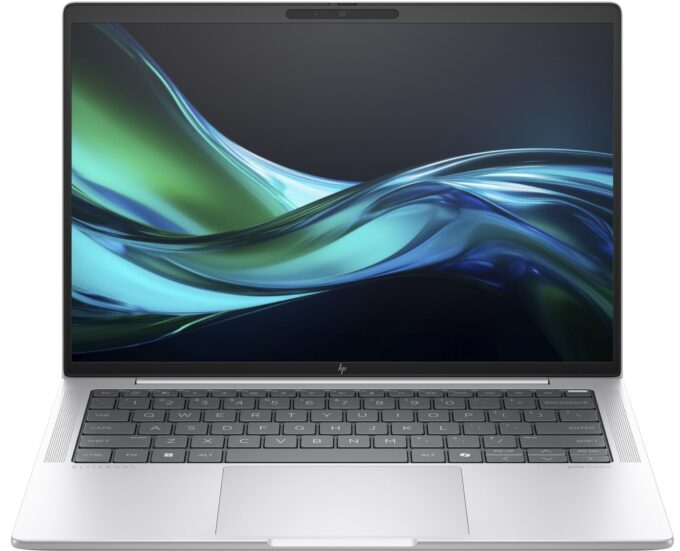
Specs

- HDD/SSD
- 512GB SSD
- M.2 Slot
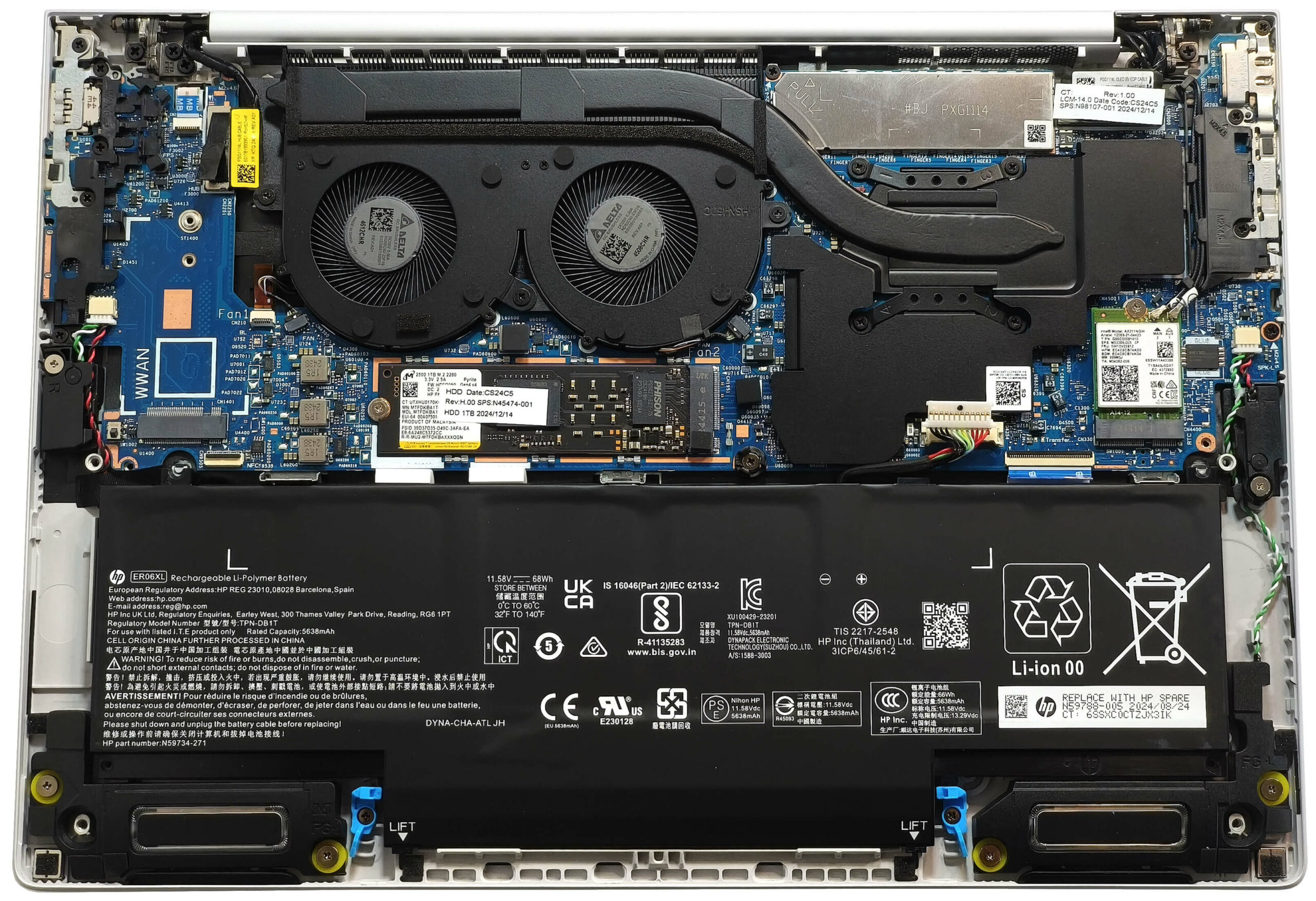
- 1x 2280 M.2 NVMe PCIe 4.0 x4 See photo
- RAM
- 32GB RAM
- OS
- Windows 11 Pro
- Body Material
- Aluminum
- Dimensions
- 313.94 x 219.96 x 10.5 – 14.9 mm (12.36" x 8.66" x 0.41")
- Weight
- 1.18 kg (2.6 lbs)
- Ports and connectivity
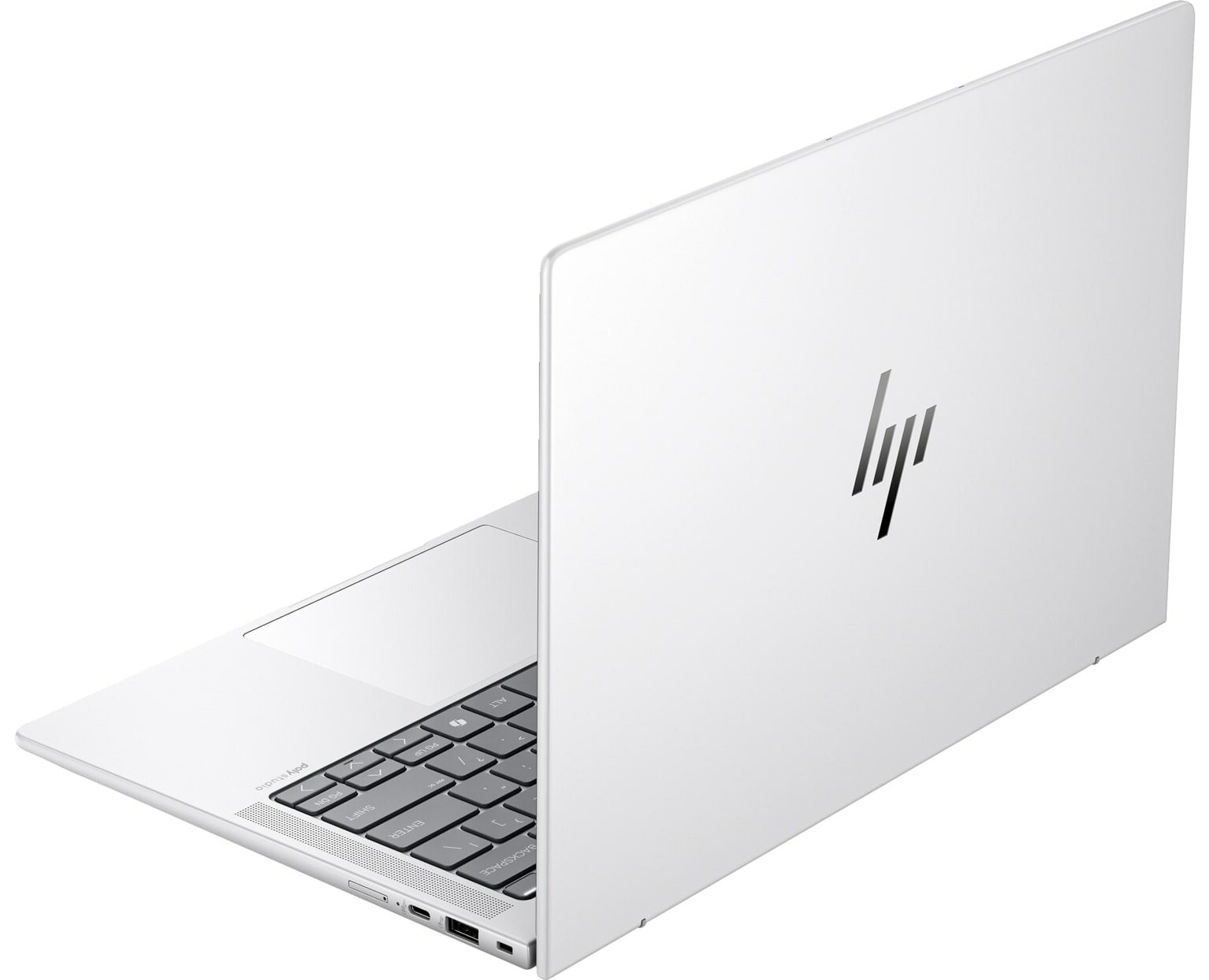
- 1x USB Type-A
- 3.2 Gen 1 (5 Gbps), Sleep and Charge
- 1x USB Type-C
- 3.2 Gen 2 (10 Gbps), Power Delivery (PD), DisplayPort
- 2x USB Type-C
- 4.0, Thunderbolt 4, Power Delivery (PD), DisplayPort
- HDMI
- 2.1
- Card Reader
- Ethernet LAN
- Wi-Fi
- Wi-Fi 6E
- Bluetooth
- 5.3
- Audio jack
- 3.5mm Combo Jack
- Features
- Fingerprint reader
- Web camera
- 5MP IR Camera
- Backlit keyboard
- Microphone
- Dual Array Microphones
- Speakers
- Audio by Poly Studio, quad stereo speakers with discrete amplifiers
- Security Lock slot
- HP Tamper Lock
Portability
Review
HP EliteBook 1040 G11 in-depth review
The EliteBook 1040 G11 is the non-2-in-1 sibling of the HP Elite x360 1040 G11 that we have already reviewed. We were impressed with the x360's performance and anticipate even greater power from the 1040 G11. In short, it is still the same modern-looking machine that could be ordered with 28W or 15W Intel Meteor Lake CPUs. vPro functionality remains optional as well as the NFC, the WWAN card, and the Wi-Fi 7 connectivity. The fingerprint reader will also cost you an additional amount of money. However, all models include a Webcam that supports facial recognition, which is a welcome inclusion.Four of the five available panel options are 60Hz IPS screens, two of which are touch-enabled. The only high-refresh-rate variant is a 120Hz, 2880x1800 OLED display with VVR support. Our laptop fea[...]
Read the full review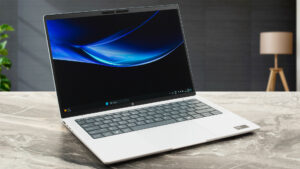
Pros
- Solid metal chassis
- The matte finish is almost fingerprint-proof
- Light and thin (1.18 kg / 10.5 - 14.9 mm)
- The Core Ultra 7 155H sustains ~ 2.15 GHz / 1.80 GHz P and E core clocks in long loads
- Wide viewing angles + 16:10 aspect ratio (SDC4197)
- 400 nits of max brightness in SDR mode + infinite contrast ratio (SDC4197)
- 100% sRGB and DCI-P3 coverage + accurate colors with our "Design and Office" profile (SDC4197)
- 2880 x 1800 120Hz OLED screen with variable refresh rate support (VRR)
- Good keyboard
- Smooth and precise touchpad
- 3x Type-Cs + 1x Type-A ports
- The fans aren't noisy in "Performance" mode during heavy CPU loads
- Long battery battery life with the optional 68Wh capacity (~11 hours of videos)
- 5MP IR Web camera with a privacy shutter
- Fast NVMe (Micron 2500)
- Good sound quality
- NFC, fingerprint reader, vPro, Intel Evo, eSIM, backlit keyboard. Wi-Fi 7 (all are optional)
- Up to 64GB LPDDR5x memory
- Replaceable WWAN and Wi-Fi cards
- HP Sure View privacy screen
- Great iGPU performance
- You can open the lid with one hand
Cons
- Just one M.2 slot + soldered RAM
- Too many optional features
- 97°C CPU temperature in medium loads
Disassembly, maintenance and upgrade options
Opening the HP EliteBook 1040 G11 Hint: Power off the laptop and unplug any cables before proceeding.Undo the four captive Phillips-head screws securing the bottom panel. Use a thin plastic tool to pry the two bottom corners. Begin popping the clips along the front, then work your way around the sides to release the entire bottom cover.More info: The bottom panel gives access to the battery, SSD, Wi-Fi module, and cooling system, while the RAM remains soldered.Battery Removal Caution: Wear gloves and use non-metallic tools to avoid damaging internal components[...]
Read more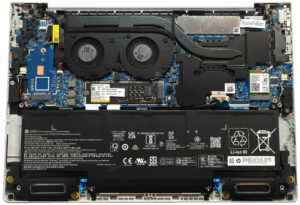


![[June 2026] Best-Selling Laptop Brands on Amazon Global – Apple’s Unrivaled Dominance in Units and Revenue](https://laptopmedia.com/wp-content/uploads/2026/07/GLOBAL-Best-Brands-400x225.jpg)
![[June 2026] Amazon Global: Top 10 Best-Selling Laptops – Apple’s New MacBook Neo Storms to #1, Reshaping the Market with Affordability](https://laptopmedia.com/wp-content/uploads/2026/07/Best-Selling-Laptops-GLOBAL-Top-10-400x225.jpg)
![[June 2026] Amazon Global: Top 10 Best-Selling Gaming Laptops – Acer’s Nitro V 16S AI Dominates Sales, While ASUS Leads Overall Revenue](https://laptopmedia.com/wp-content/uploads/2026/07/Best-Selling-Gaming-Laptops-GLOBAL-Top-10-400x225.jpg)
![[June 2026] Global Ranking of Best-Selling Laptop GPUs on Amazon – NVIDIA RTX 5060 is the Top-Selling Dedicated GPU](https://laptopmedia.com/wp-content/uploads/2026/07/Best-Selling-GPUs-GLOBAL-Top-10-400x225.jpg)
![[June 2026] Global Ranking of Best-Selling Laptop CPUs on Amazon – Apple M5 Dominates, AMD Ryzen 7 260 Gets Solid Premium Share](https://laptopmedia.com/wp-content/uploads/2026/07/Best-Selling-CPUs-GLOBAL-Top-10-400x225.jpg)