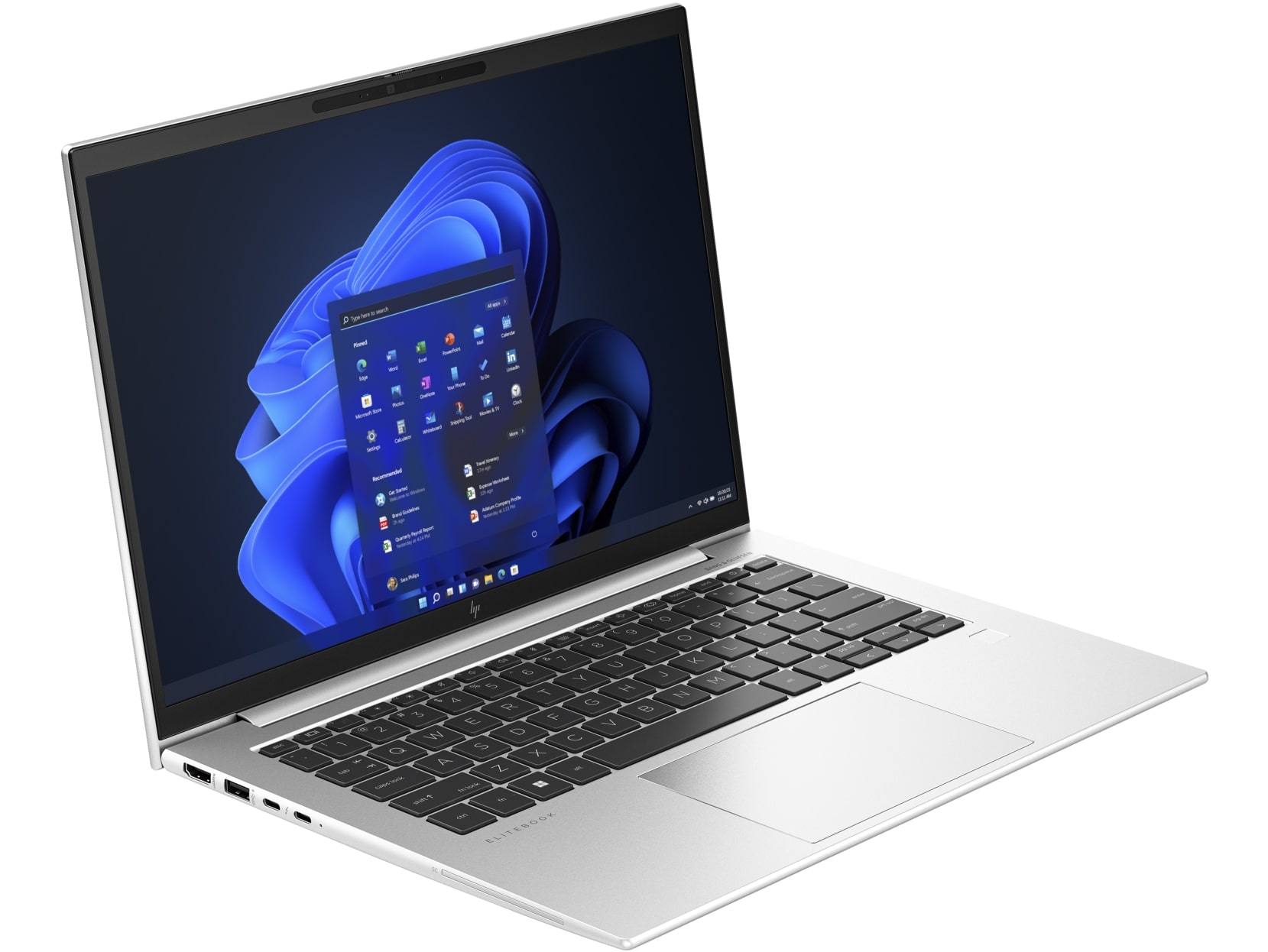
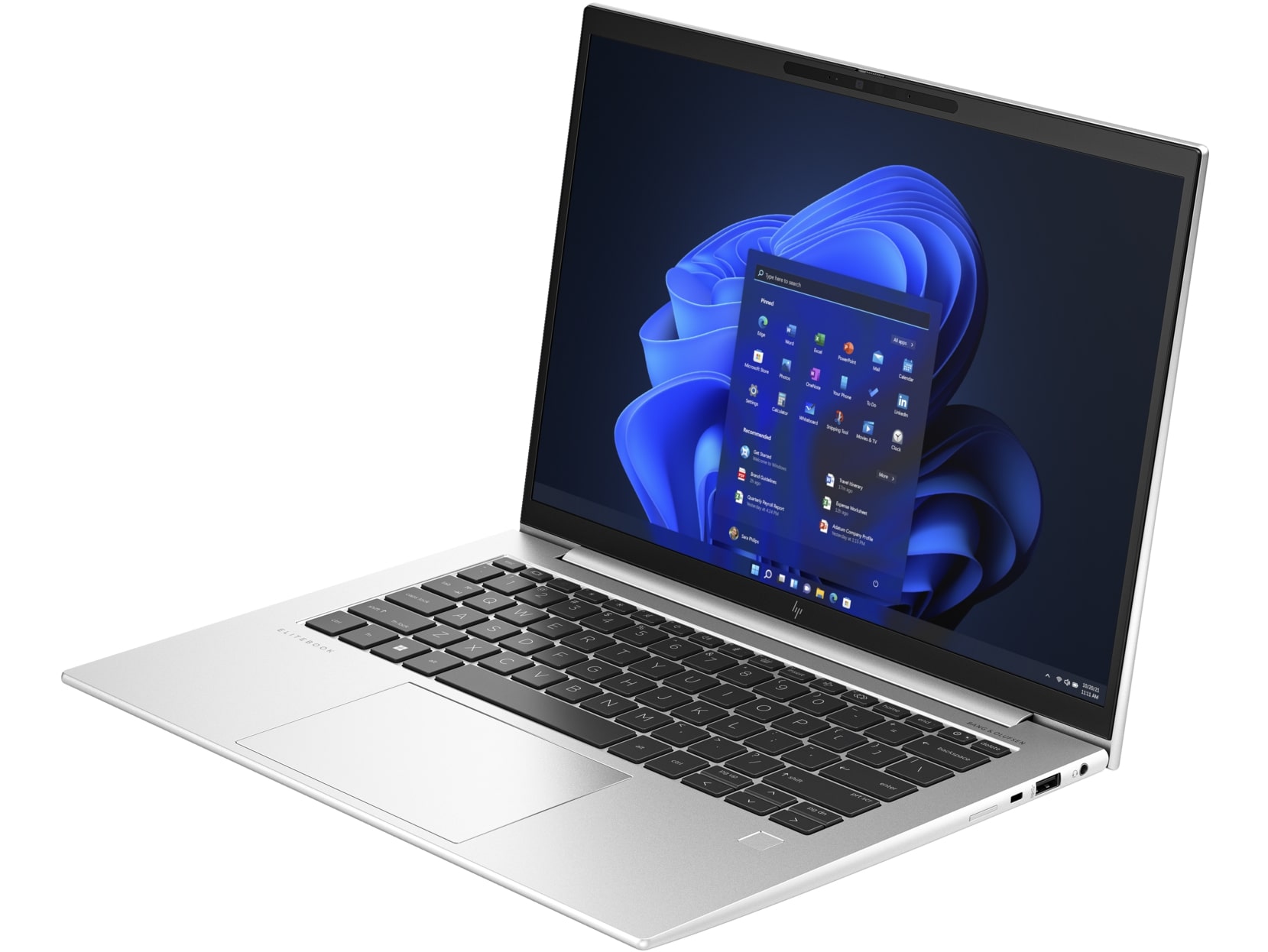
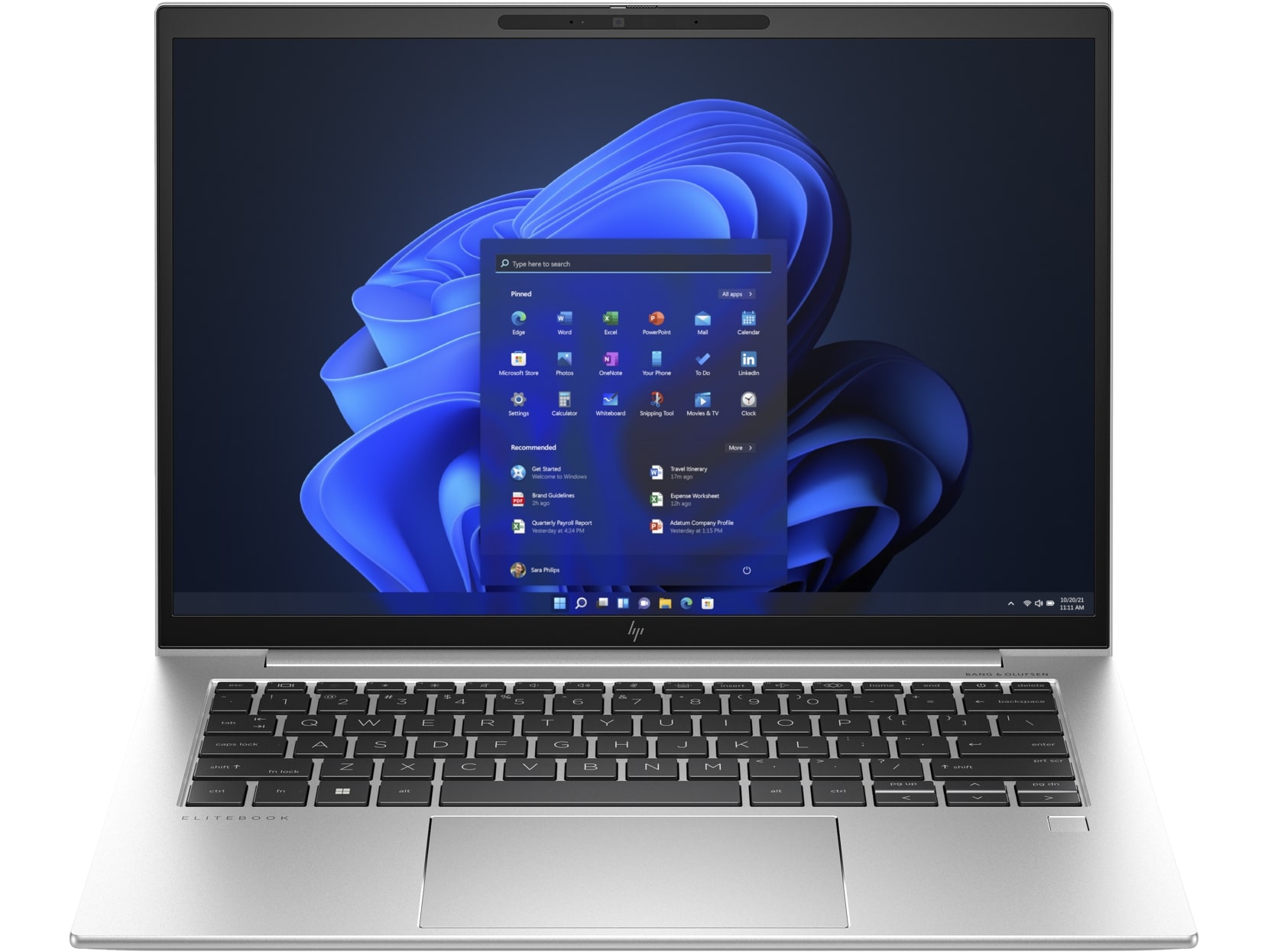
HP EliteBook 840 G10



- Date Published: 19 Jan 2024
- Intel Core i7-1360P
- Intel Iris Xe Graphics G7 (96EU)
- 14.0”, WUXGA (1920 x 1200), IPS
- 4000GB SSD
- 64GB DDR5
- 1.36 kg (3 lbs)
Review
HP EliteBook 840 G10 in-depth review
These days, you can find a lot of small and capable business laptops. One of them is the HP EliteBook 840 G10 which is compact but can be equipped with snappy 13th Gen Intel Raptor Lake P-series CPU options if you need more power. For those who prefer a longer autonomous battery life, the 15W U-series processor models are also available for configuring alongside the Intel Evo certification. There are no dGPU models here but on the bright side, the iGPUs are snappy enough for light gaming (if the memory is in dual-channel mode). For example, our machine can show 95FPS on average in CS:GO on Max details which is a respectable result for an Iris Xe Graphics G7 (96EU).The input devices are very important for an office machine. Here, you can rely on a spill-resistant keyboard and a glass to[...]
Read the full review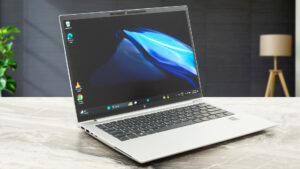
Pros
- Good battery life
- Solid metal build
- 2x SODIMMs for dual-channel memory mode
- Up to date I/O with two Thunderbolt 4 / USB4 connectors
- Offers an NFC sensor (option), Wi-Fi 6E, and Bluetooth 5.3
- No PWM (AUO AUO6DA8)
- 614 nits max brightness and wide viewing angles (AUO AUO6DA8)
- 99% DCI-P3 coverage and great color accuracy thanks to our "Design and Gaming" profile (AUO AUO6DA8)
- 2560x1600 resolution, 120Hz refresh rate, and fast pixel response times (AUO AUO6DA8)
- Comfortable spill-resistant keyboard + accurate glass touchpad
- Optional 5MP IR Web camera for Windows Hello
- Has a privacy shutter
- Good cooling solution
- Has an optional fingerprint scanner, Smartcard Reader, and LTE / 5G connectivity
- A near-quiet fan during 100% CPU loads
- Quality speakers
- Snappy iGPU performance
Cons
- Pricey
- Just one M.2 slot
- High NVMe temperatures during benchmarking
Disassembly, maintenance and upgrade options
Step 1: Opening the HP EliteBook 840 G10Ensure the HP EliteBook 840 G10 is powered off and placed on a soft surface to prevent scratches. Remove the 5 captive Phillips-head screws that secure the bottom panel. Use a plastic pry tool to gently pop open the bottom panel starting from the zone behind the hinge cover, then proceed to detach the panel by working your way around the sides and the front.Step 2: Battery RemovalFirst, disconnect the battery by unplugging its connector from the motherboard. Remove the four Phillips-head screws holding the 51.3Wh battery [...]
Read more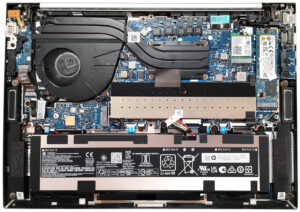


![[June 2026] Best-Selling Laptop Brands on Amazon Global – Apple’s Unrivaled Dominance in Units and Revenue](https://laptopmedia.com/wp-content/uploads/2026/07/GLOBAL-Best-Brands-400x225.jpg)
![[June 2026] Amazon Global: Top 10 Best-Selling Laptops – Apple’s New MacBook Neo Storms to #1, Reshaping the Market with Affordability](https://laptopmedia.com/wp-content/uploads/2026/07/Best-Selling-Laptops-GLOBAL-Top-10-400x225.jpg)
![[June 2026] Amazon Global: Top 10 Best-Selling Gaming Laptops – Acer’s Nitro V 16S AI Dominates Sales, While ASUS Leads Overall Revenue](https://laptopmedia.com/wp-content/uploads/2026/07/Best-Selling-Gaming-Laptops-GLOBAL-Top-10-400x225.jpg)
![[June 2026] Global Ranking of Best-Selling Laptop GPUs on Amazon – NVIDIA RTX 5060 is the Top-Selling Dedicated GPU](https://laptopmedia.com/wp-content/uploads/2026/07/Best-Selling-GPUs-GLOBAL-Top-10-400x225.jpg)
![[June 2026] Global Ranking of Best-Selling Laptop CPUs on Amazon – Apple M5 Dominates, AMD Ryzen 7 260 Gets Solid Premium Share](https://laptopmedia.com/wp-content/uploads/2026/07/Best-Selling-CPUs-GLOBAL-Top-10-400x225.jpg)
