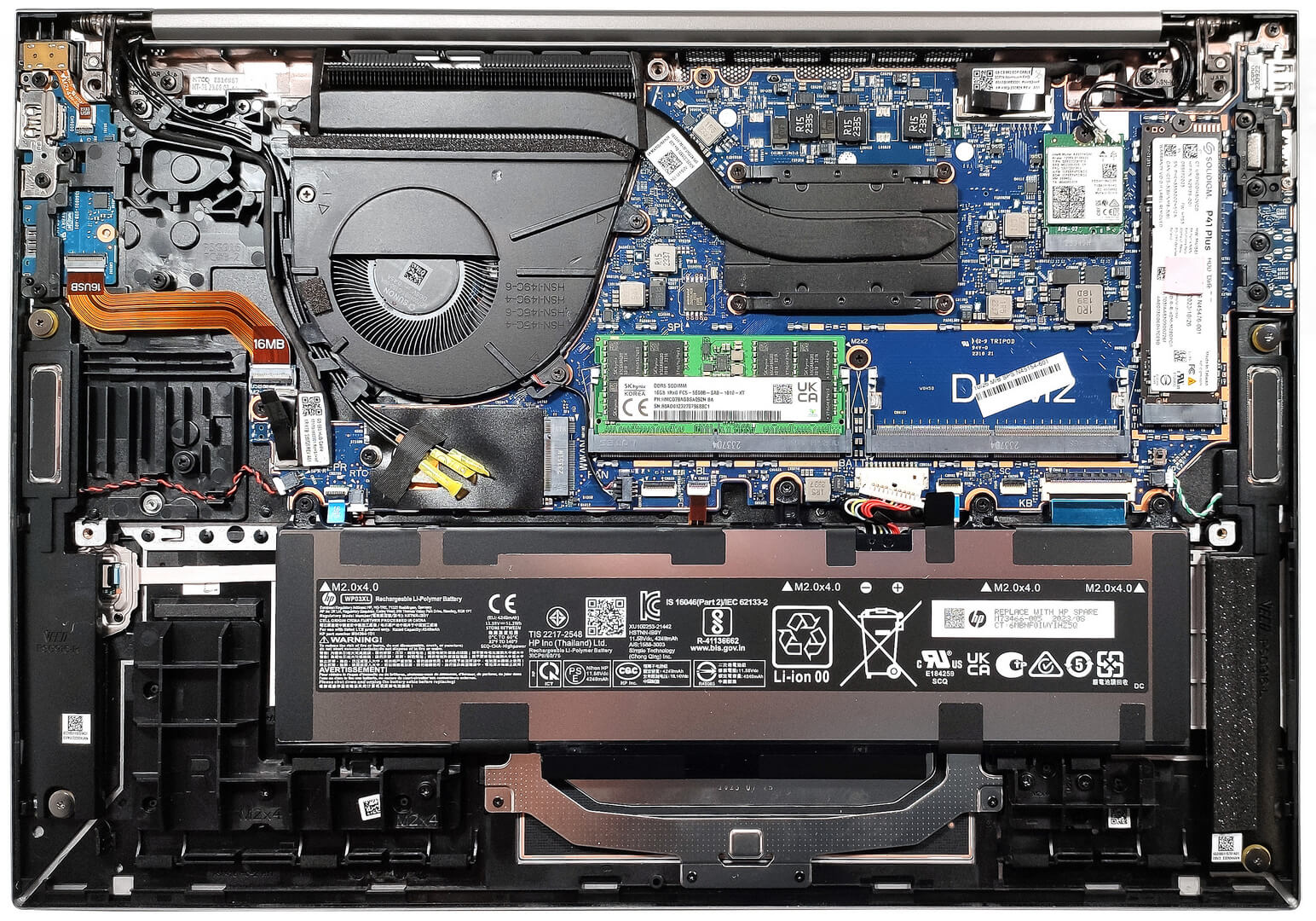
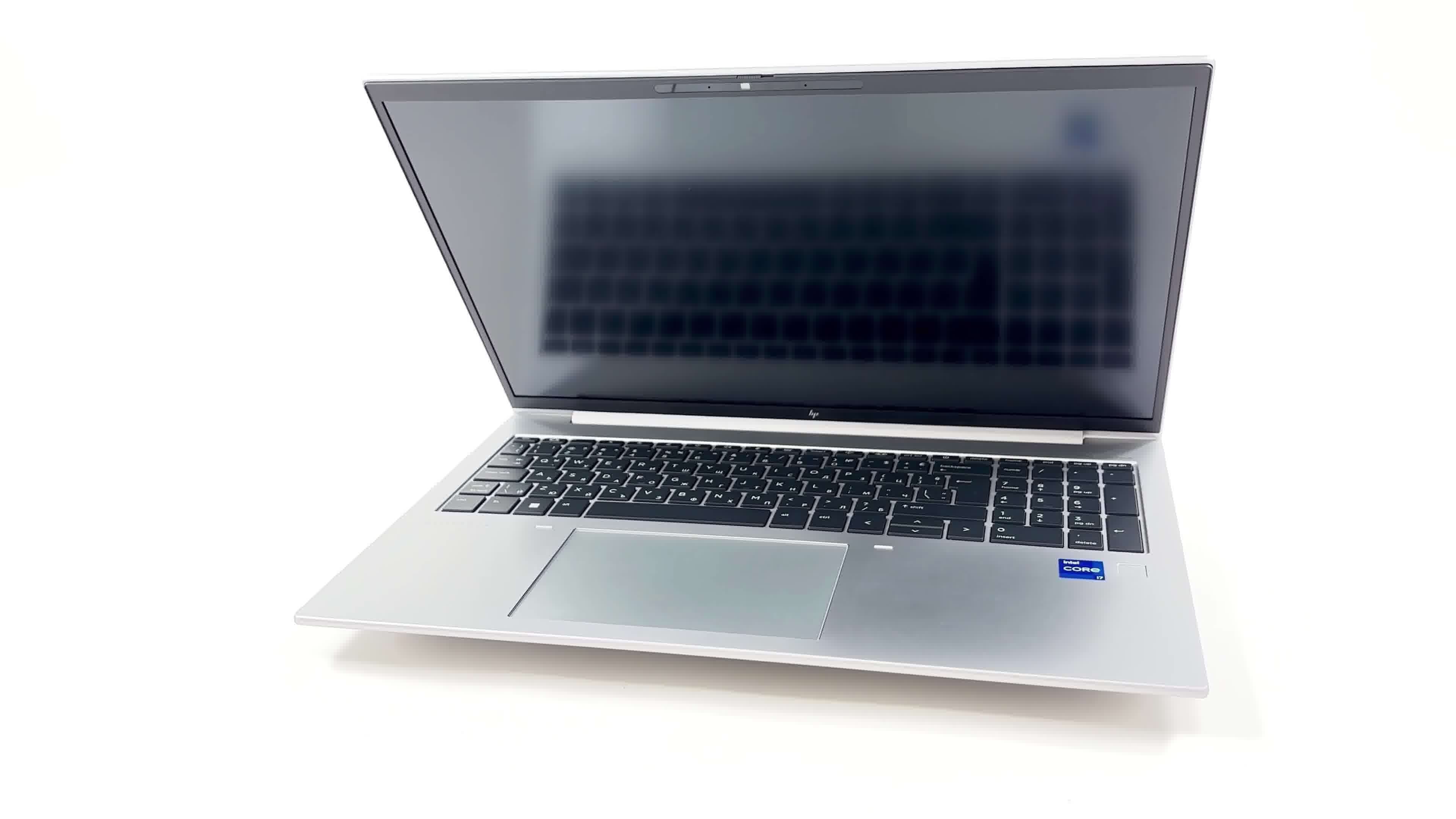
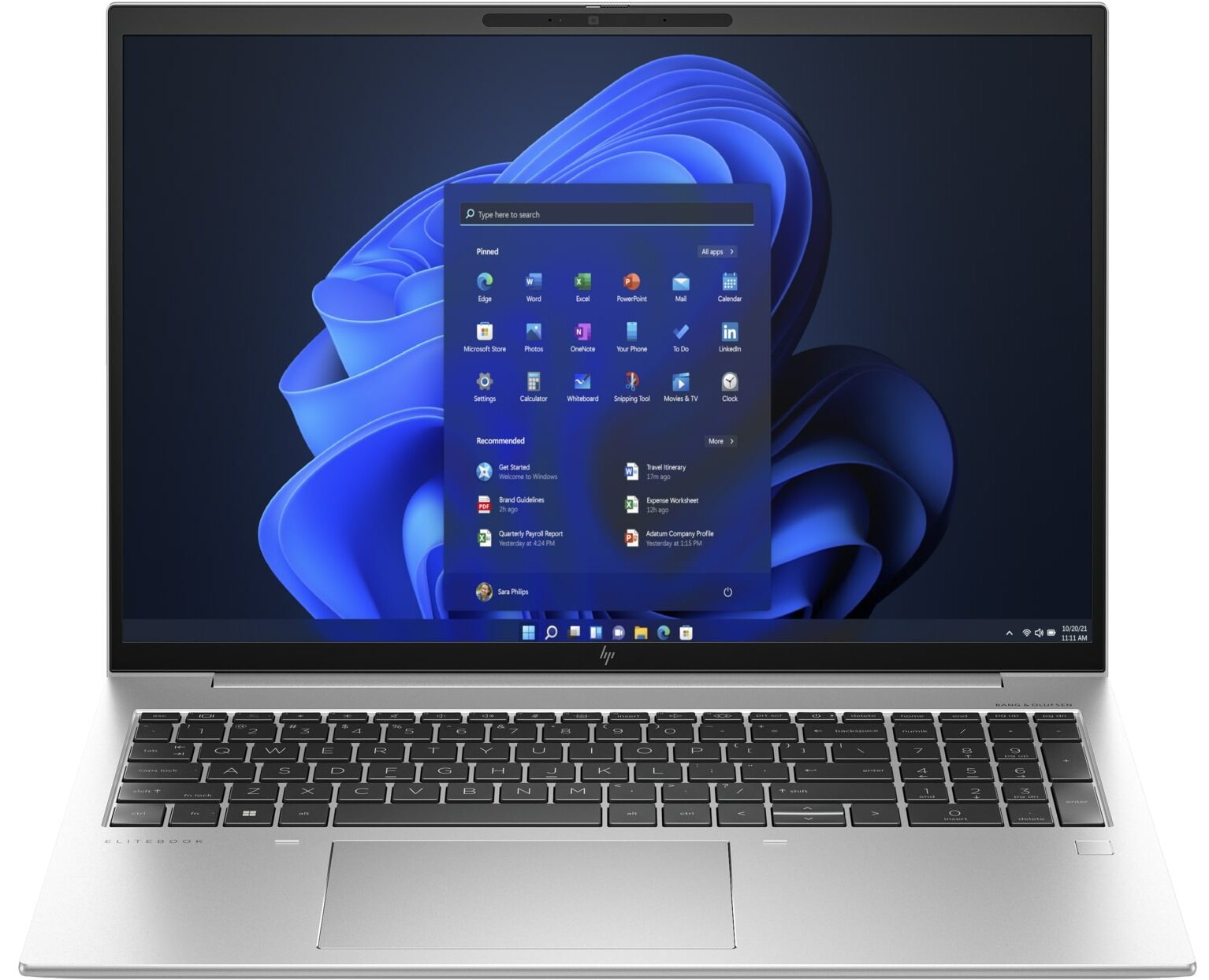
HP EliteBook 860 G10


- Date Published: 20 Dec 2023
- Intel Core i7-1370P
- Intel Iris Xe Graphics G7 (96EU)
- 16.0”, WUXGA (1920 x 1200), IPS
- 2000GB SSD
- 64GB DDR5
- 1.73 kg (3.8 lbs)

Specs
- Display

- HDD/SSD
- 2TB SSD
- M.2 Slot
- 1x 2280 PCIe NVMe 4.0 x4 See photo
- RAM
- 64GB DDR5
- OS
- Windows 11 Pro
- Body Material
- Aluminum
- Dimensions
- 358.64 x 250.95 x 19.2 mm (14.12" x 9.88" x 0.76")
- Weight
- 1.73 kg (3.8 lbs)
- Ports and connectivity
- 1x USB Type-A
- 3.2 Gen 1 (5 Gbps)
- 1x USB Type-A
- 3.2 Gen 1 (5 Gbps), Sleep and Charge
- 2x USB Type-C
- 4.0, Thunderbolt 4, Power Delivery (PD), DisplayPort
- HDMI
- 2.1
- Card Reader
- Ethernet LAN
- Wi-Fi
- 802.11ax
- Bluetooth
- 5.3
- Audio jack
- 3.5mm Combo Jack
- Features
- Fingerprint reader
- Web camera
- 5MP IR camera
- Backlit keyboard
- Microphone
- Dual Array Microphone with AI Noise Reduction
- Speakers
- 4x Stereo Speakers, Bang & Olufsen
- Optical drive
- Security Lock slot
- Nano Lock
- Gifts
- 32GB USB Drive
Portability
Review
HP EliteBook 860 G10 in-depth review
Most modern business devices are universal machines with neutral designs that can be used also for normal daily tasks or even for light gaming. Just like the HP EliteBook 860 G10 which has a big 16:10 display. It's a good choice for people who are often on the go and need a thin and light big-screen notebook.So, you can choose between five display variants - four 1200p IPS units (there are some touchscreens in the mix) and an optional 2.8K OLED panel. In terms of power, we can spot eight CPU options including Raptor Lake U and P-series chips. That's good because if battery life and comfort under load are important for you, a 15W processor is a much better choice compared to a 28W chip. The latter is suitable for users who need more processor power and who will use the notebook mainly w[...]
Read the full review
Pros
- Good battery life
- Thin and light metal chassis
- Comfortable spill-resistant keyboard + smooth touchpad
- Optional IR face recognition camera + fingerprint reader
- 5MP Web camera with a privacy shutter
- Wide viewing angles and good contrast ratio (LG Display LGD0702)
- PWM-free (LG Display LGD0702)
- 2x SODIMMs plus optional WWAN slot
- Good I/O with 2x Thunderbolt 4 ports and optional Smart Card reader
- 8 CPU options
- High processor clocks under full load especially in short and medium stress
- The fan is quiet
Cons
- A bit expensive for what it is
- No SD card slot
- Just one M.2 slot
- The lid could be more solid
- Low sRGB coverage (LG Display LGD0702)
- Most of the goodies are optional
- Our laptop has a QLC NVMe
Disassembly, maintenance and upgrade options
Step 1: Accessing the Internal ComponentsEnsure the HP EliteBook 860 G10 is powered off and placed on a soft, clean surface to prevent scratches or damage. Remove the 5 captive Phillips-head screws from the bottom of the laptop. Use a plastic tool to gently pry the bottom panel off, starting from one of the top two corners.Hint: Be careful when prying to avoid damaging the internal clips or the laptop casing.Step 2: Removing the BatteryDisconnect the battery by unplugging its connector from the motherboard. Remove the four Phillips-head screws securing the [...]
Read more


![[June 2026] Best-Selling Laptop Brands on Amazon Global – Apple’s Unrivaled Dominance in Units and Revenue](https://laptopmedia.com/wp-content/uploads/2026/07/GLOBAL-Best-Brands-400x225.jpg)
![[June 2026] Amazon Global: Top 10 Best-Selling Laptops – Apple’s New MacBook Neo Storms to #1, Reshaping the Market with Affordability](https://laptopmedia.com/wp-content/uploads/2026/07/Best-Selling-Laptops-GLOBAL-Top-10-400x225.jpg)
![[June 2026] Amazon Global: Top 10 Best-Selling Gaming Laptops – Acer’s Nitro V 16S AI Dominates Sales, While ASUS Leads Overall Revenue](https://laptopmedia.com/wp-content/uploads/2026/07/Best-Selling-Gaming-Laptops-GLOBAL-Top-10-400x225.jpg)
![[June 2026] Global Ranking of Best-Selling Laptop GPUs on Amazon – NVIDIA RTX 5060 is the Top-Selling Dedicated GPU](https://laptopmedia.com/wp-content/uploads/2026/07/Best-Selling-GPUs-GLOBAL-Top-10-400x225.jpg)
![[June 2026] Global Ranking of Best-Selling Laptop CPUs on Amazon – Apple M5 Dominates, AMD Ryzen 7 260 Gets Solid Premium Share](https://laptopmedia.com/wp-content/uploads/2026/07/Best-Selling-CPUs-GLOBAL-Top-10-400x225.jpg)