- Date Published: 30 May 2026
- Intel Core i5-8250U
- Intel UHD Graphics 620
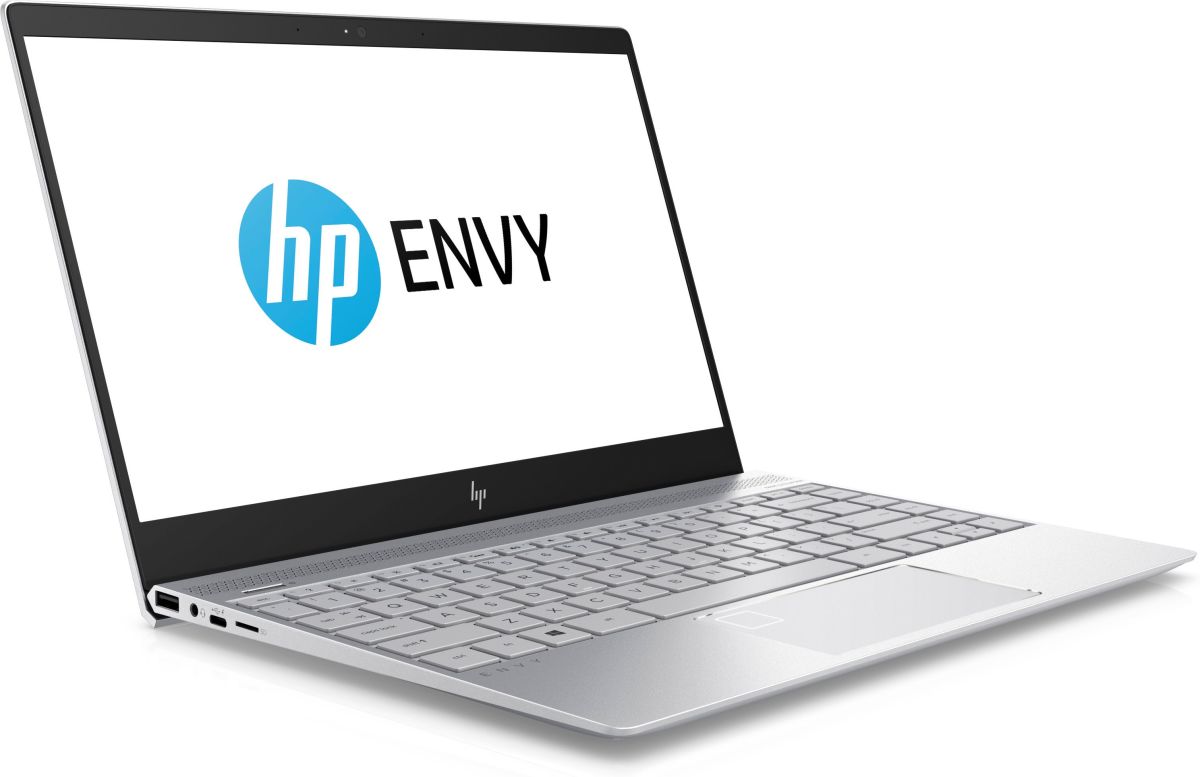
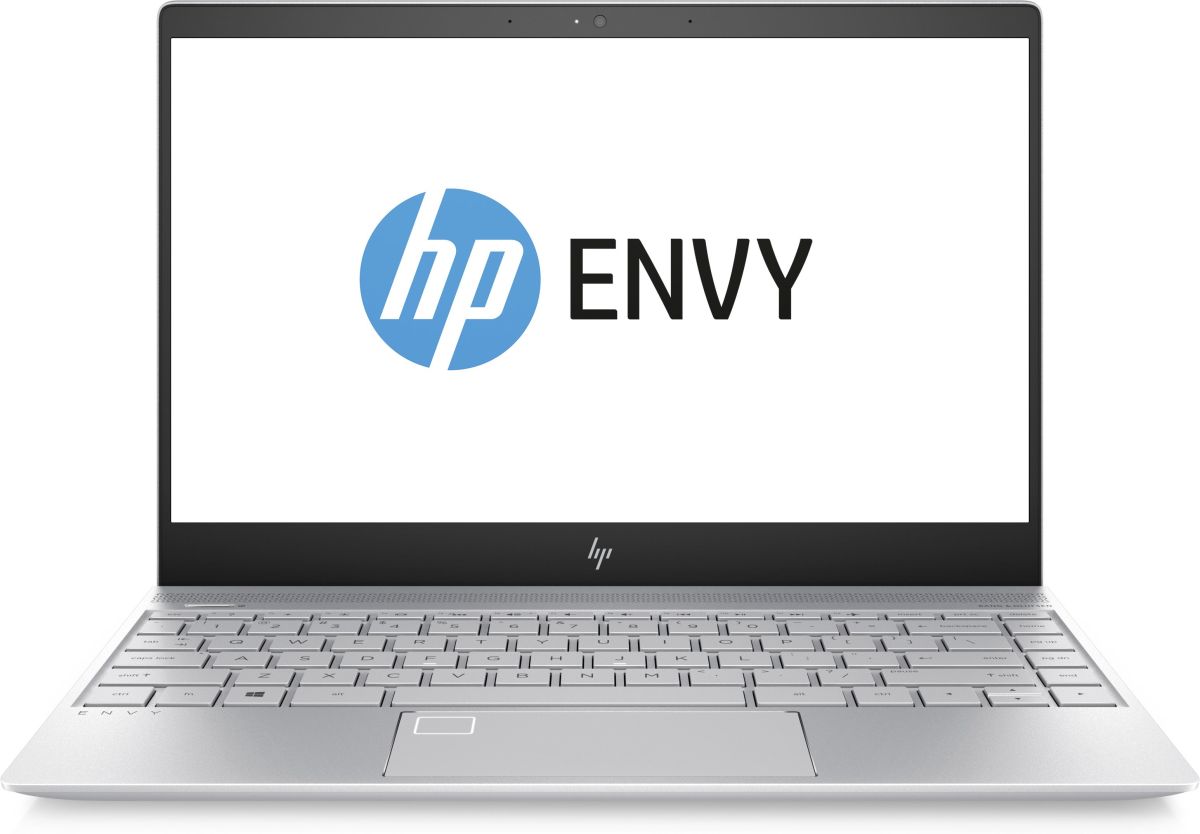
- 13.3”, Full HD (1920 x 1080), IPS
- 256GB SSD
- 8GB RAM
- 1.38 kg (3 lbs)
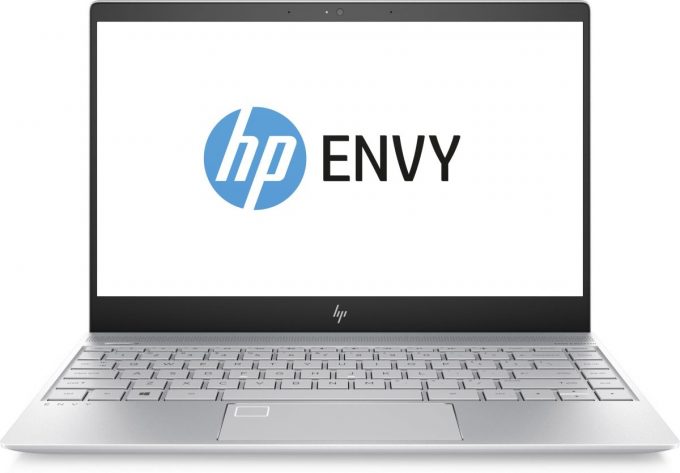
Specs

- HDD/SSD
- 256GB SSD
- RAM
- 8GB RAM
- OS
- Windows 10 Home
- Body Material
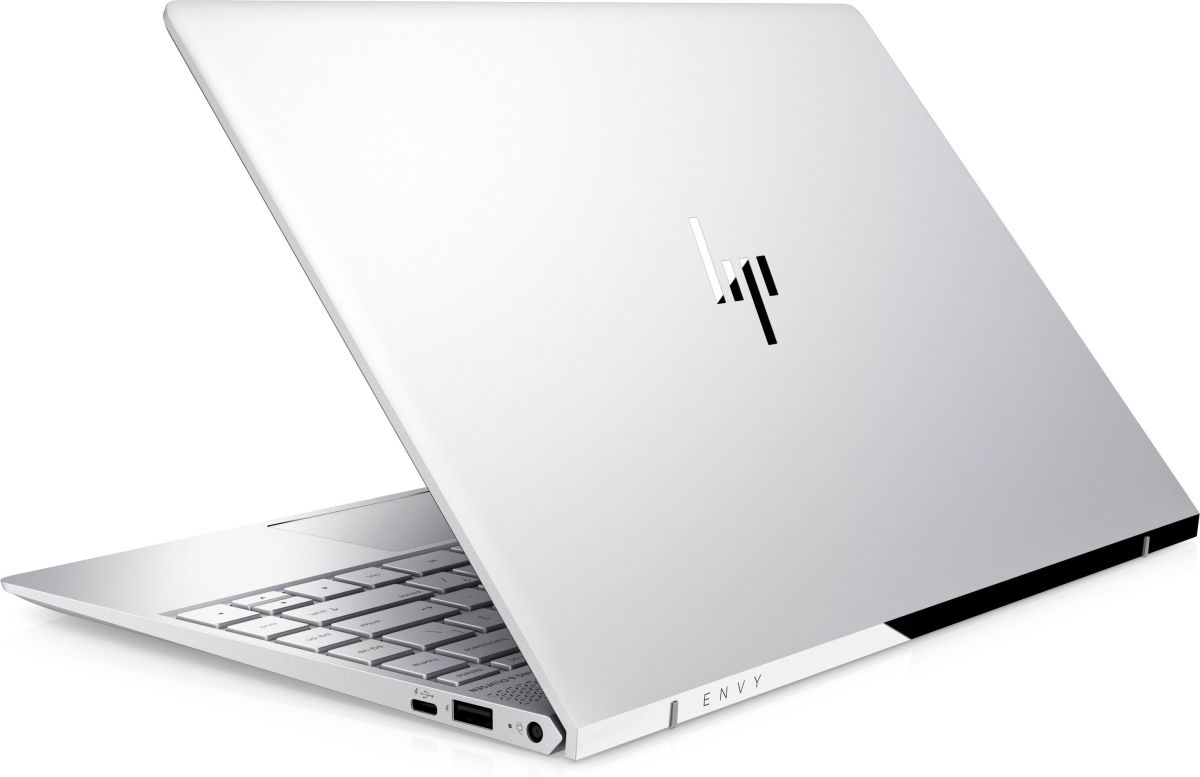
- Aluminum
- Dimensions
- 305 x 216 x 13.9 mm (12.01" x 8.50" x 0.55")
- Weight
- 1.38 kg (3 lbs)
- Ports and connectivity
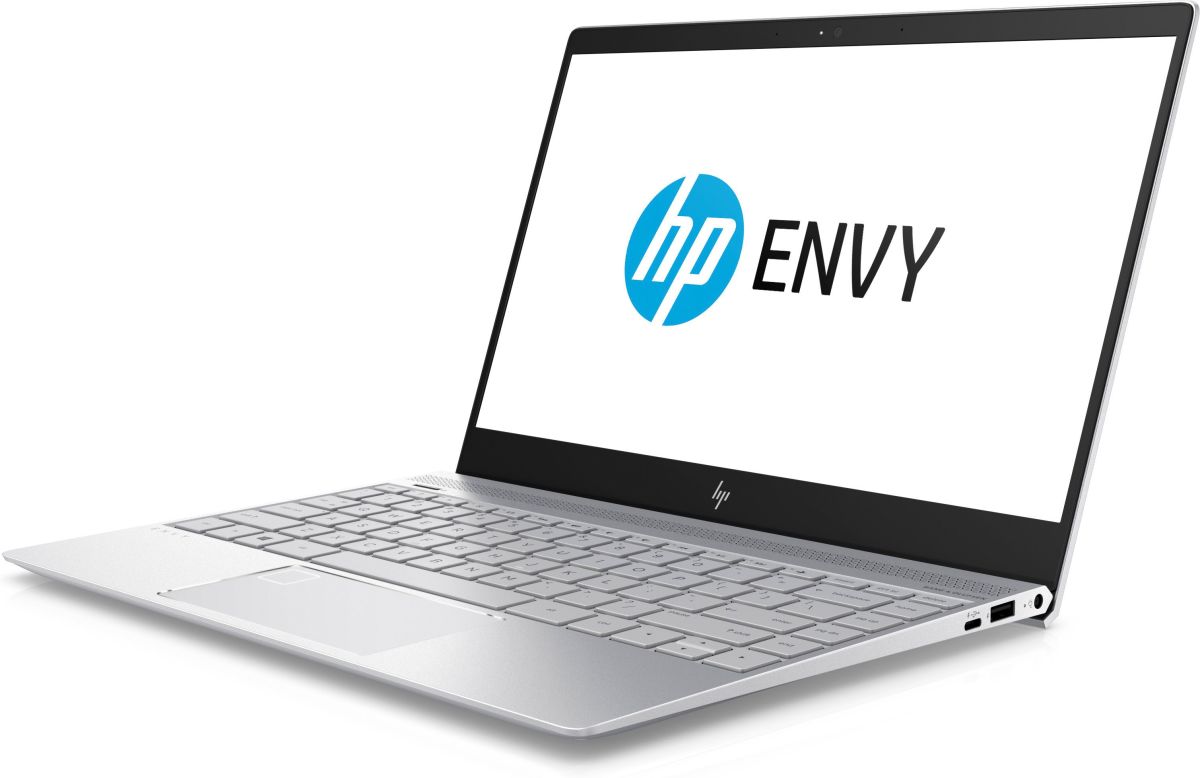
- 1x USB Type-A
- 3.2 Gen 1 (5 Gbps)
- 1x USB Type-A
- 3.2 Gen 1 (5 Gbps), Sleep and Charge
- 2x USB Type-C
- 3.2 Gen 1 (5 Gbps), Power Delivery (PD), DisplayPort, Sleep and Charge
- Card Reader
- MicroSD
- Ethernet LAN
- Wi-Fi
- 802.11ac (2x2)
- Bluetooth
- 4.2
- Audio jack
- 3.5 mm combo
- Features
- Fingerprint reader
- Web camera
- HD
- Backlit keyboard
- Microphone
- Dual-Array Digital Microphone
- Speakers
- 4x Speakers, Bang & Olufsen
- Security Lock slot
Portability
Review
HP ENVY 13 in-depth review
The Envy lineup sits between the budget HP notebooks and the high-end Spectre ones... at least in terms of pricing. But with the updated Envy series, HP sets the bar pretty high for the mid-range and upper mid-range laptops with an excellent aluminum build that fits the higher-end spectrum of the market, solid input devices and portable chassis.Starting at under $1 000, the notebook can easily go against Acer's budget 14-inch notebooks and ASUS' ZenBook UX310, although the latter packs considerably more horsepower, especially in the graphics department. Still, if design is one of your top priorities along with portability, the Envy 13 delivers in both aspects with its "Micro Edge" slim bezel design, chamfered edges and surprisingly good I/O setup for such a compact 13-inch device. [...]
Read the full review
Pros
- Lightweight and portable
- Unconventional, appealing and simplistic design
- Excellent input devices
- A good set of I/O including two USB-C 3.1 connectors supporting DisplayPort
- Decent IPS display with wide sRGB coverage and high contrast
- Long battery life
Cons
- Glossy finish and insufficient maximum brightness for comfortable work outdoors
- Build quality could be better (a bit too flexible)
- Display uses aggressive PWM from 0 to 99% brightness (our Health-Guard profile fixes that)


![[June 2026] Best-Selling Laptop Brands on Amazon Global – Apple’s Unrivaled Dominance in Units and Revenue](https://laptopmedia.com/wp-content/uploads/2026/07/GLOBAL-Best-Brands-400x225.jpg)
![[June 2026] Amazon Global: Top 10 Best-Selling Laptops – Apple’s New MacBook Neo Storms to #1, Reshaping the Market with Affordability](https://laptopmedia.com/wp-content/uploads/2026/07/Best-Selling-Laptops-GLOBAL-Top-10-400x225.jpg)
![[June 2026] Amazon Global: Top 10 Best-Selling Gaming Laptops – Acer’s Nitro V 16S AI Dominates Sales, While ASUS Leads Overall Revenue](https://laptopmedia.com/wp-content/uploads/2026/07/Best-Selling-Gaming-Laptops-GLOBAL-Top-10-400x225.jpg)
![[June 2026] Global Ranking of Best-Selling Laptop GPUs on Amazon – NVIDIA RTX 5060 is the Top-Selling Dedicated GPU](https://laptopmedia.com/wp-content/uploads/2026/07/Best-Selling-GPUs-GLOBAL-Top-10-400x225.jpg)
![[June 2026] Global Ranking of Best-Selling Laptop CPUs on Amazon – Apple M5 Dominates, AMD Ryzen 7 260 Gets Solid Premium Share](https://laptopmedia.com/wp-content/uploads/2026/07/Best-Selling-CPUs-GLOBAL-Top-10-400x225.jpg)
