- Date Published: 09 Jul 2026
- Intel Core Ultra 9 285H
- NVIDIA GeForce RTX 5070 (Laptop, 8GB GDDR7)
- 16.0″, WUXGA (1920 x 1200), 144 Hz, IPS
- 4000GB SSD
- 64GB RAM
- 2.43 kg (5.4 lbs)
Review
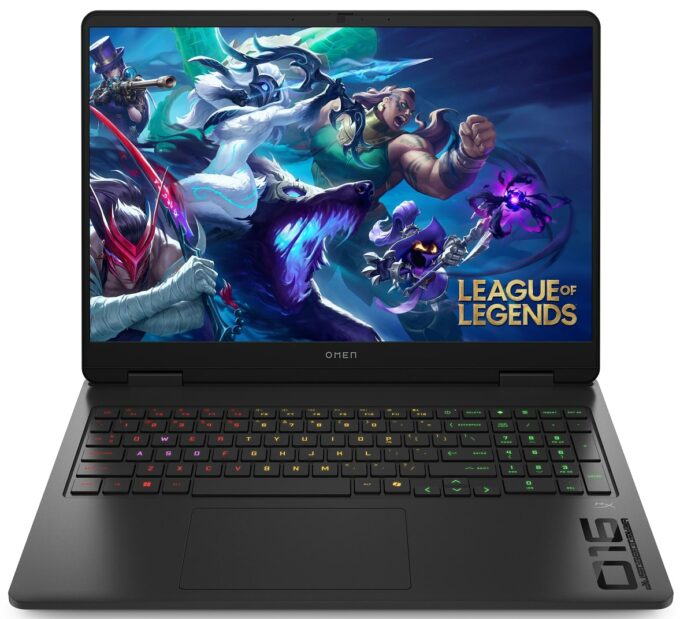
HP OMEN 16 in-depth review
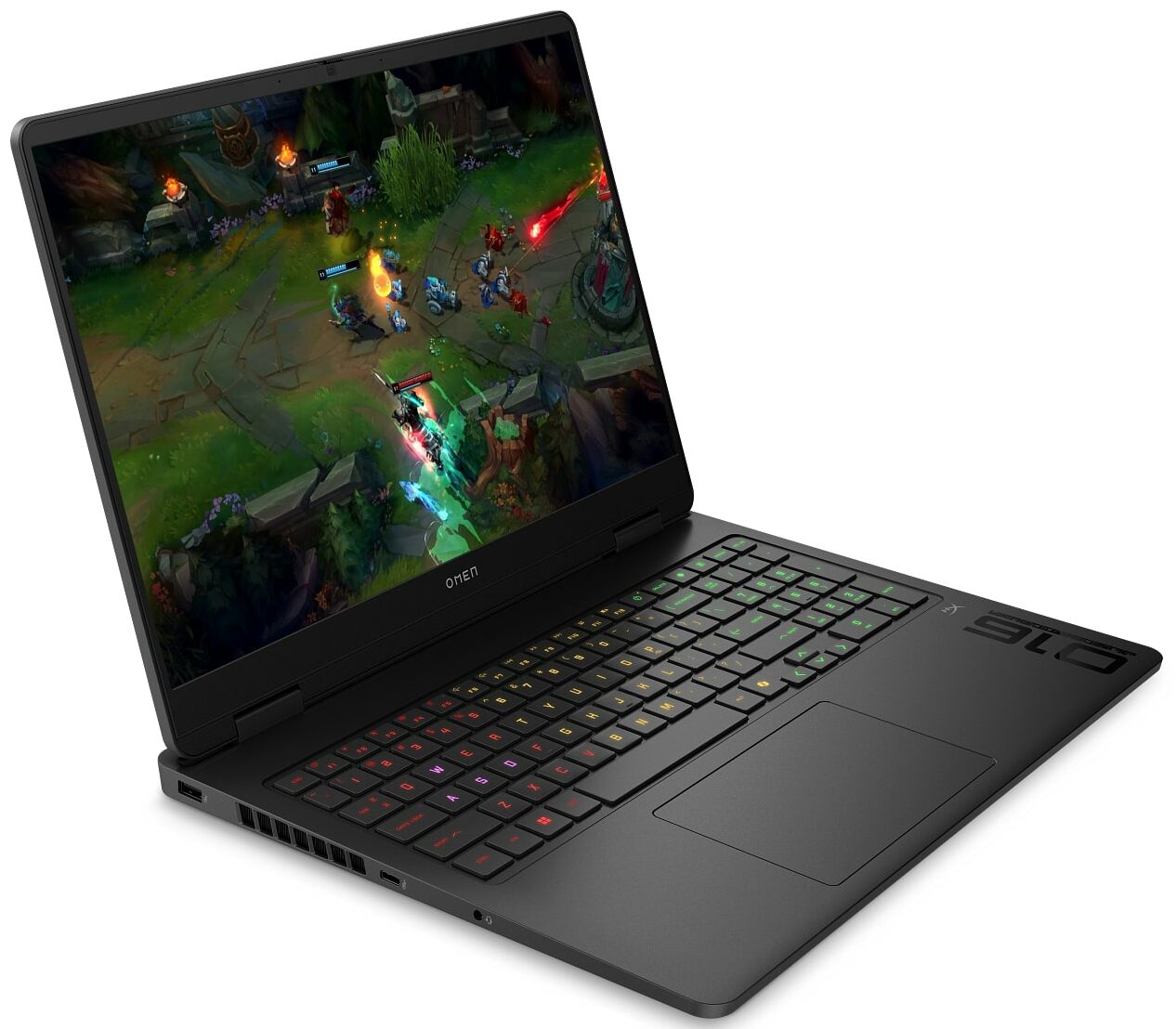
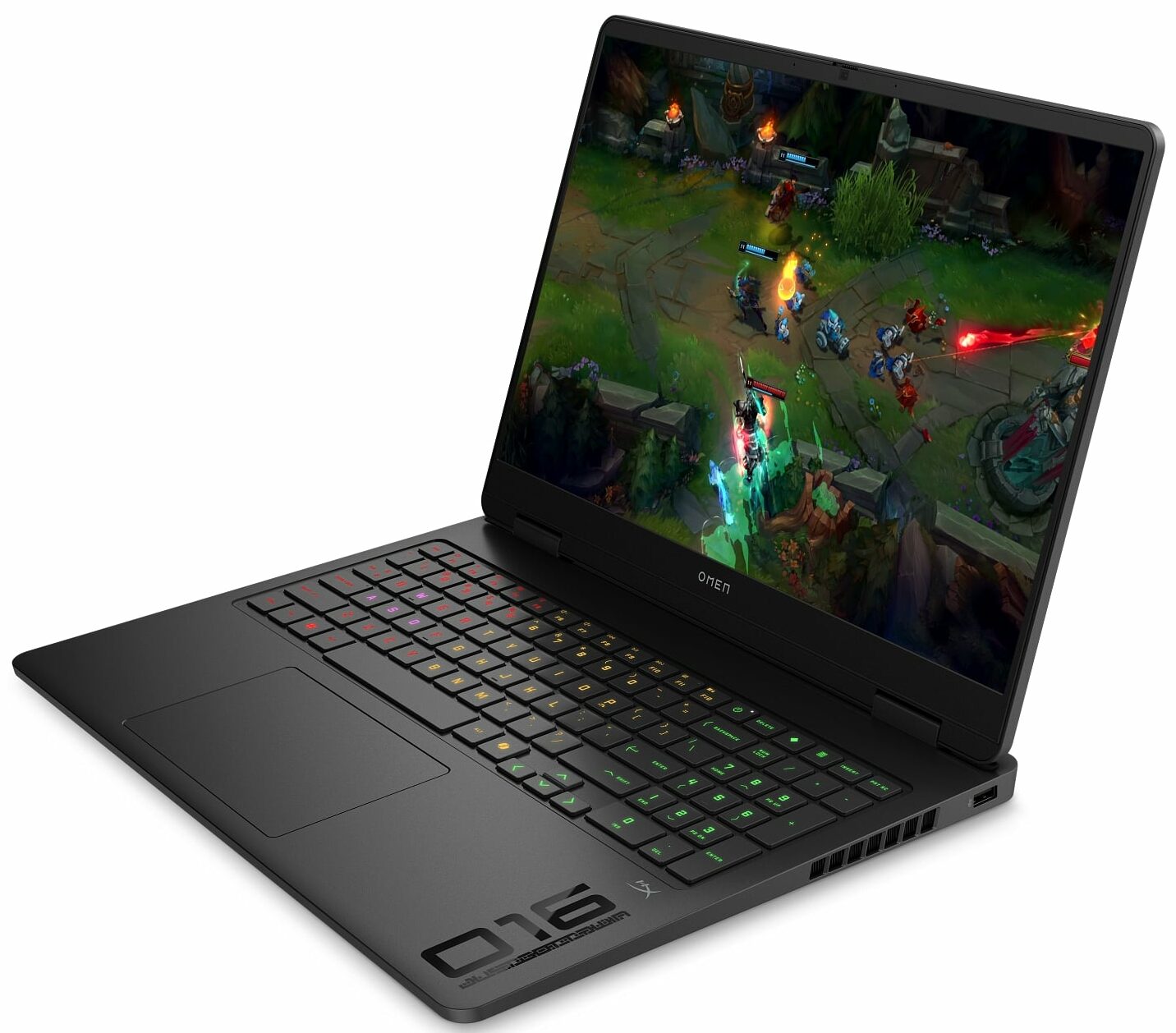
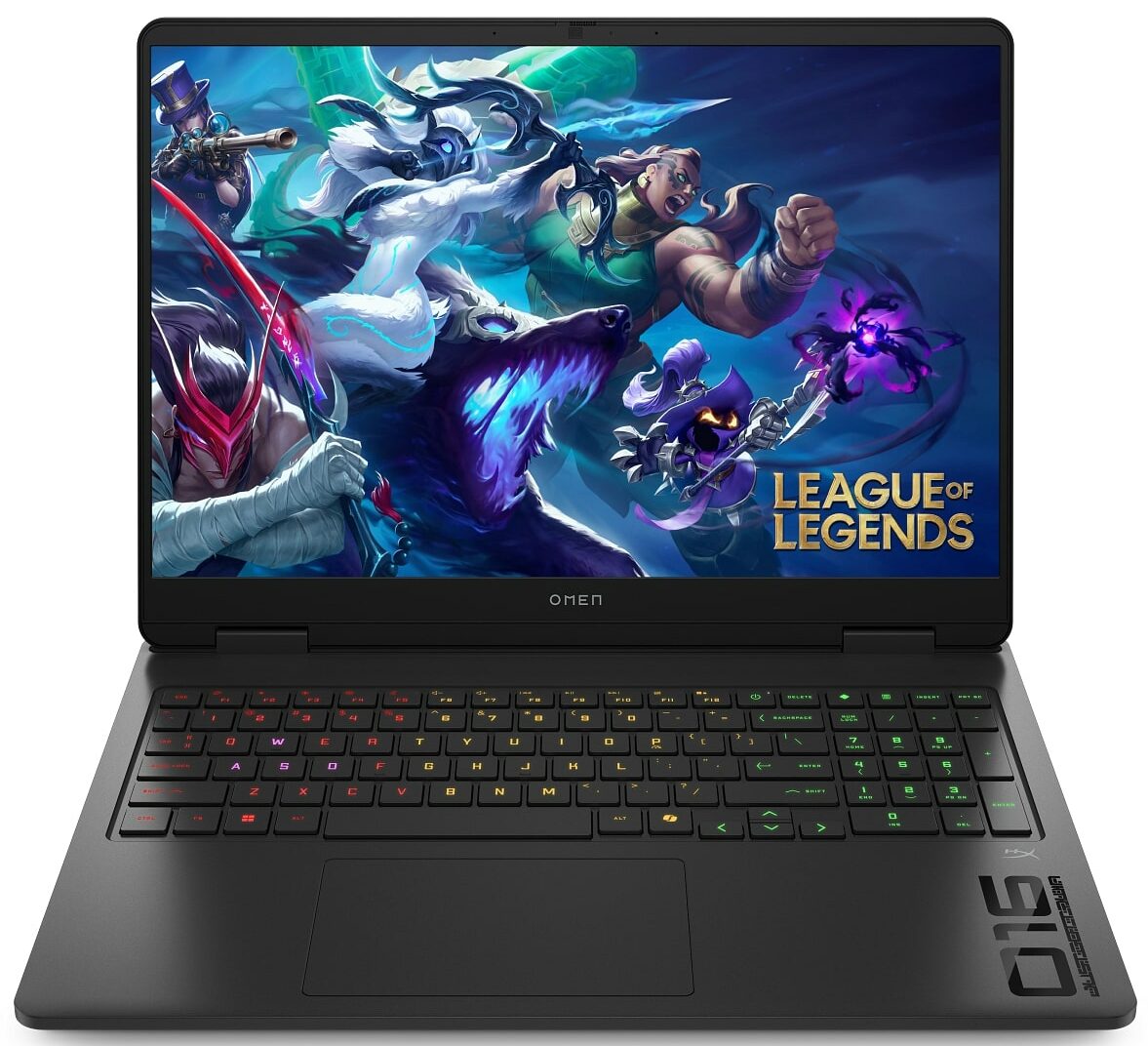
The HP OMEN 16 (16-am0000, 2025) enters the gaming arena quietly. It trades the aggressive, LED-drenched aesthetic of many competitors for a clean, minimalist "Ceramic White" finish that looks just as good in a boardroom as it does on a desk. But don't mistake its subtle design for weakness. Underneath that professional exterior lies a potent combination of an Intel Core 7 processor and an NVIDIA RTX 5070. While it promises high-end gaming performance, our testing revealed its true superpower lies in an unexpected area: astonishing efficiency. Can a laptop this powerful really be an all-day travel companion, and what compromises did HP make to achieve it? We put the new OMEN 16 to the test to find out.TESTED CONFIGURATION:- Intel Core 7 240H - NVIDIA GeForce RTX 5070 - 32GB R[...]
Read the full review
Pros
- Exceptional battery life for a gaming laptop (8.5+ hours)
- Excellent GPU thermal management and performance stability
- Fantastic upgradeability with two RAM and two M.2 2280 slots
- Clean, professional design with a fingerprint-resistant finish
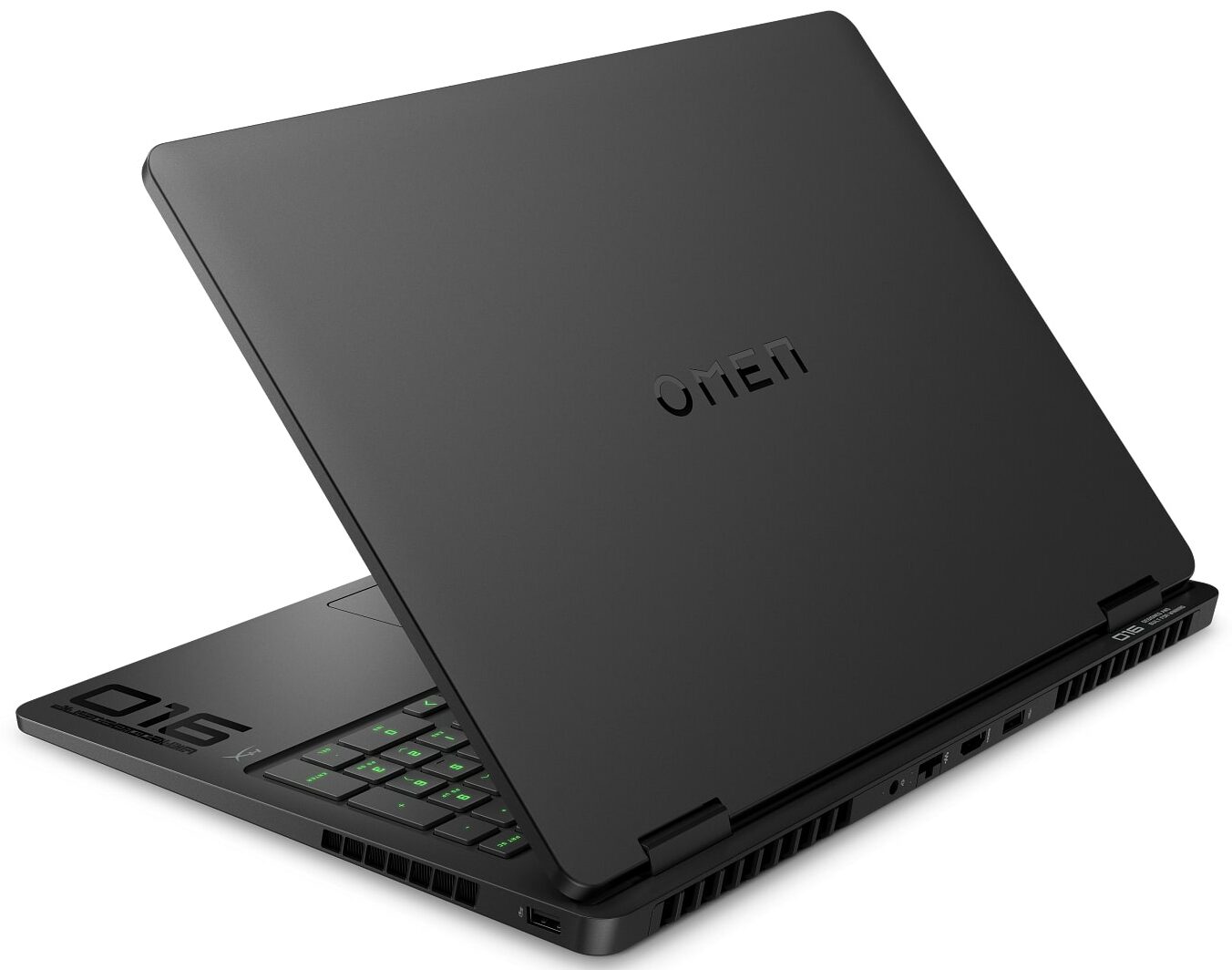
- Practical rear-port layout for cable management
- Physical privacy shutter for the webcam
Cons
- Base model display has very poor color coverage (52% sRGB)
- CPU runs very hot under sustained heavy load
- Half-height up and down arrow keys
- Fans can be audible even at idle
Disassembly, maintenance and upgrade options
Step 1: Opening the HP OMEN 16 (16-am0000)Power off the laptop and place it on a soft, clean surface. Undo the 6 screws securing the bottom panel. 4 of them remain captive in the cover. Carefully lift the bottom panel away from the chassis.More info: The internal layout is clean and practical, with the battery at the front, the upgradeable components in the middle, and the cooling system covering the top half. There is also an additional thermal pad on the inside of the bottom cover that makes contact with the cooling assembly. Step 2: Battery Removal[...]
Read more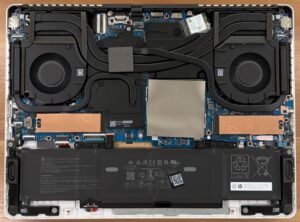


![[June 2026] Best-Selling Laptop Brands on Amazon Global – Apple’s Unrivaled Dominance in Units and Revenue](https://laptopmedia.com/wp-content/uploads/2026/07/GLOBAL-Best-Brands-400x225.jpg)
![[June 2026] Amazon Global: Top 10 Best-Selling Laptops – Apple’s New MacBook Neo Storms to #1, Reshaping the Market with Affordability](https://laptopmedia.com/wp-content/uploads/2026/07/Best-Selling-Laptops-GLOBAL-Top-10-400x225.jpg)
![[June 2026] Amazon Global: Top 10 Best-Selling Gaming Laptops – Acer’s Nitro V 16S AI Dominates Sales, While ASUS Leads Overall Revenue](https://laptopmedia.com/wp-content/uploads/2026/07/Best-Selling-Gaming-Laptops-GLOBAL-Top-10-400x225.jpg)
![[June 2026] Global Ranking of Best-Selling Laptop GPUs on Amazon – NVIDIA RTX 5060 is the Top-Selling Dedicated GPU](https://laptopmedia.com/wp-content/uploads/2026/07/Best-Selling-GPUs-GLOBAL-Top-10-400x225.jpg)
![[June 2026] Global Ranking of Best-Selling Laptop CPUs on Amazon – Apple M5 Dominates, AMD Ryzen 7 260 Gets Solid Premium Share](https://laptopmedia.com/wp-content/uploads/2026/07/Best-Selling-CPUs-GLOBAL-Top-10-400x225.jpg)
