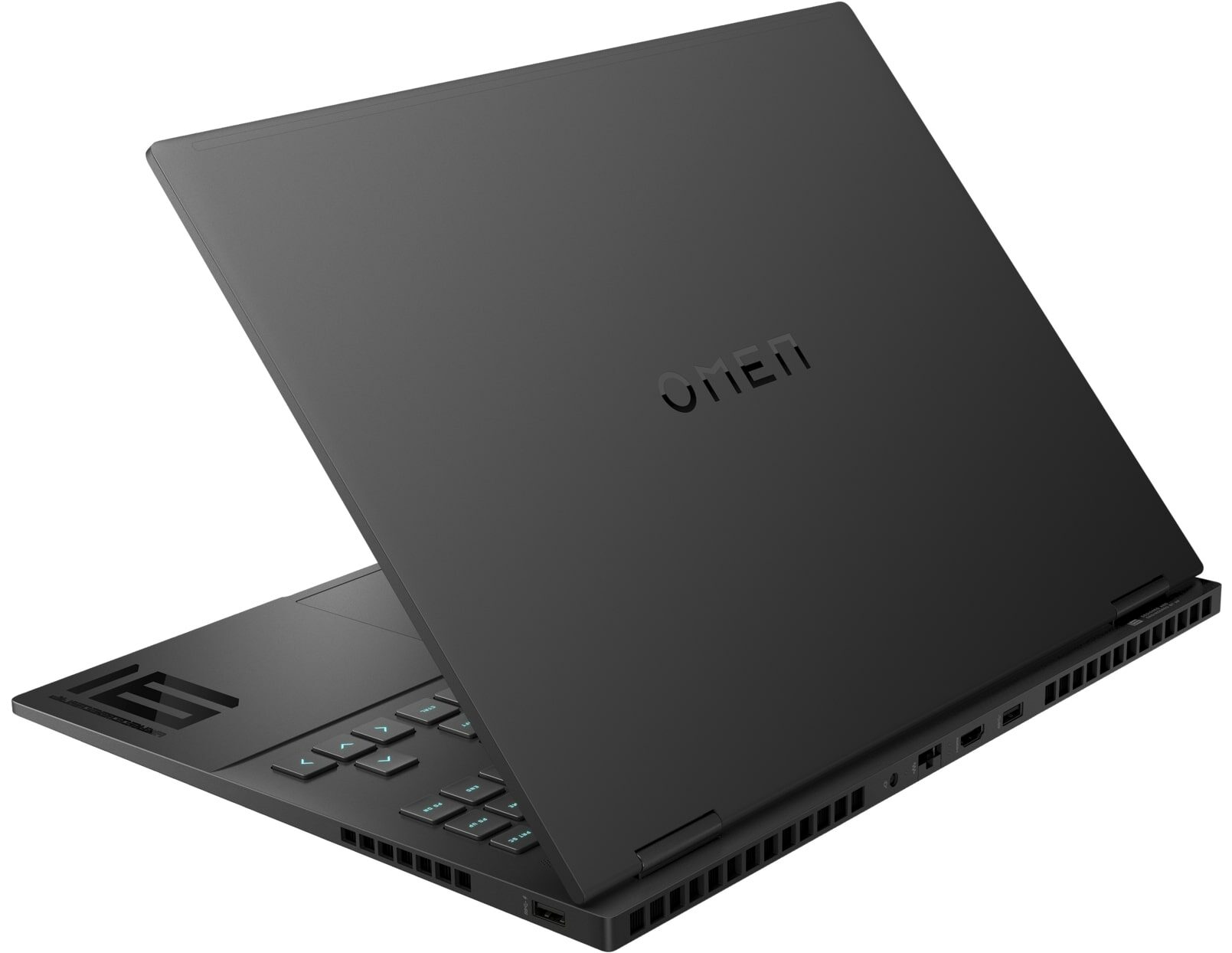
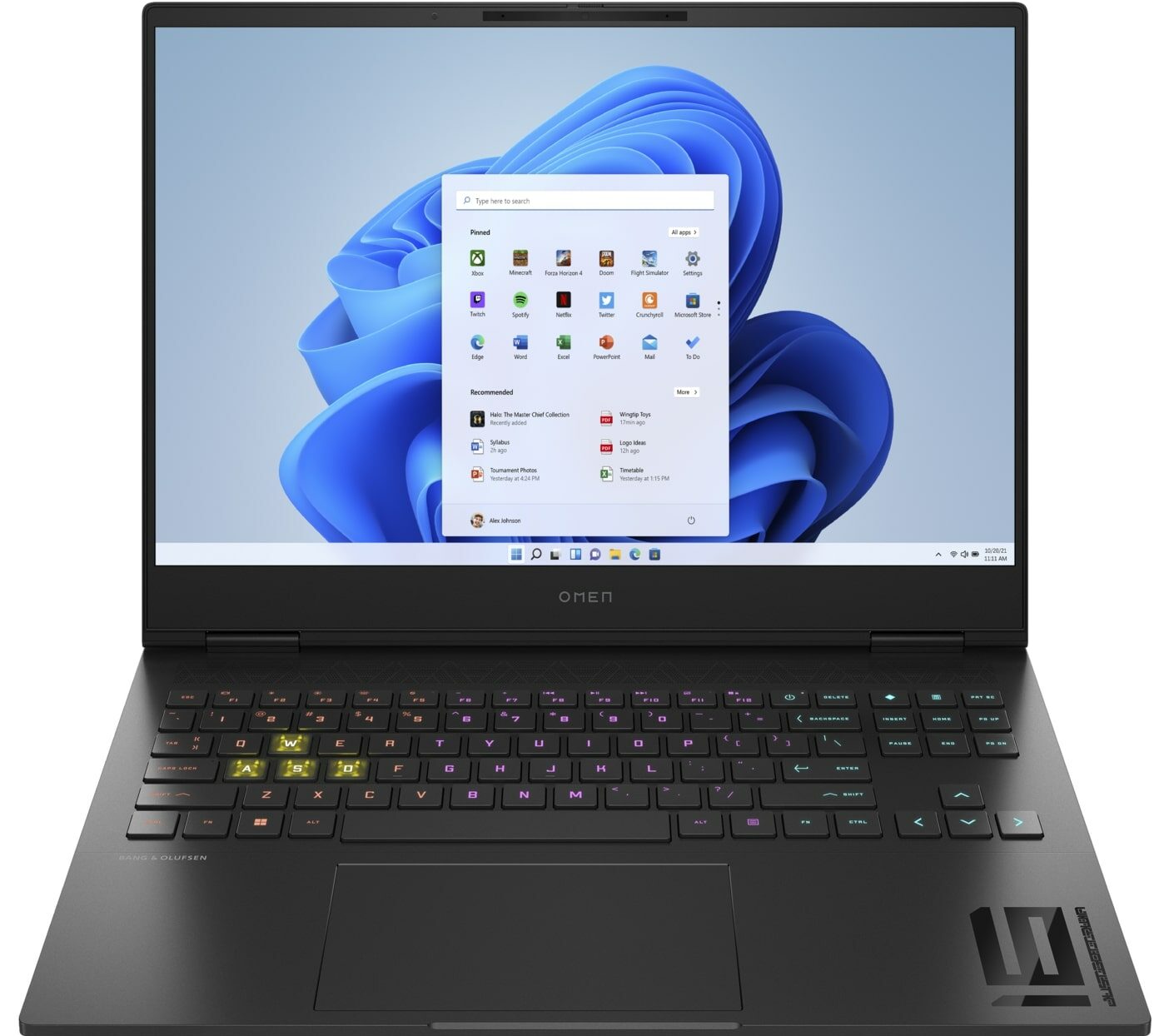
HP OMEN Transcend 16


- Date Published: 01 Jul 2024
- Intel Core i7-13700HX
- NVIDIA GeForce RTX 4070 (Laptop, 130W)
- 16.1″, QHD (2560 x 1600), 240 Hz, IPS
- 2000GB SSD
- 64GB RAM
- 2.09 kg (4.6 lbs)
Specs
- HDD/SSD
- 2000GB SSD
- M.2 Slot
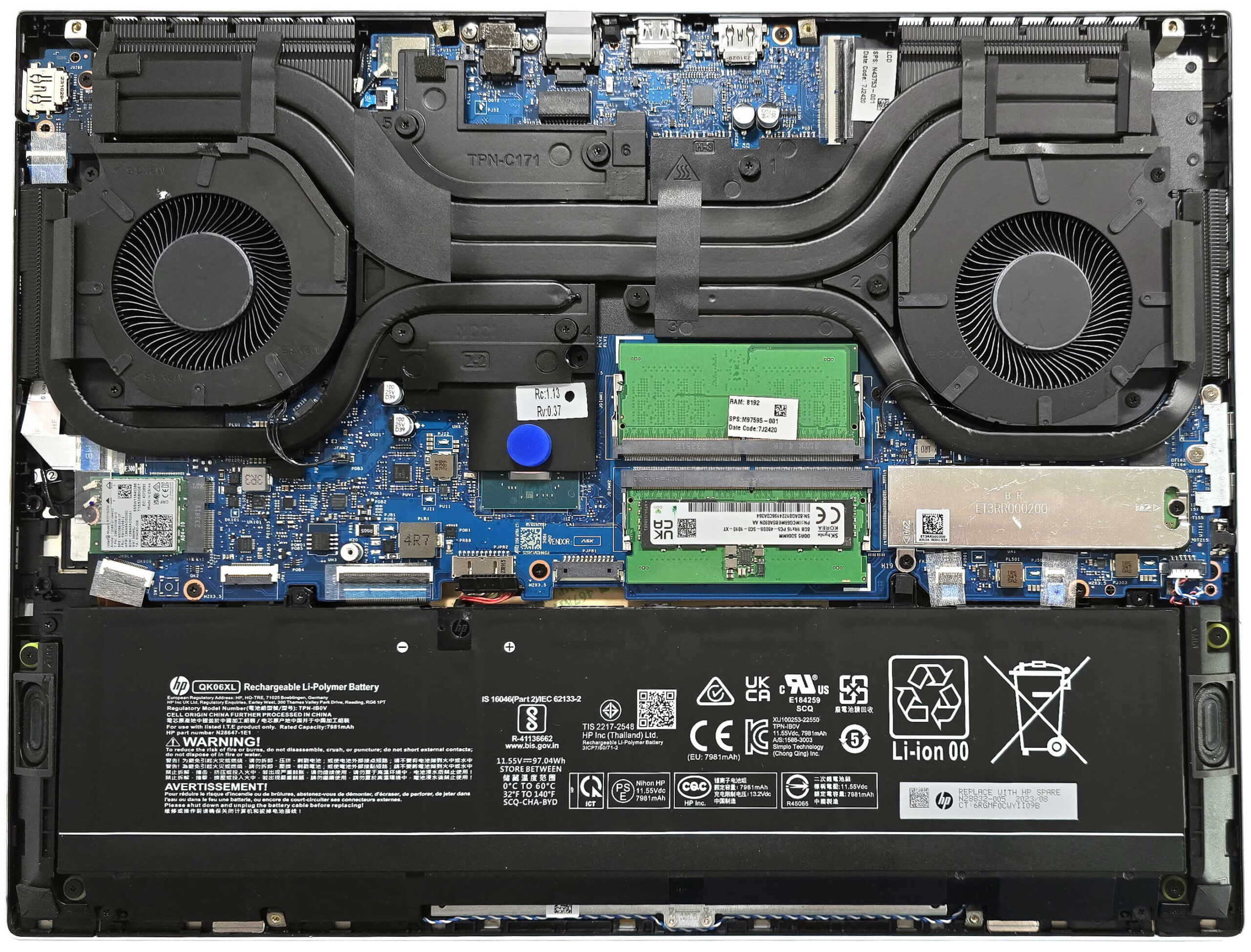
- 1x 2280 M.2 NVMe PCIe 4.0 x4 See photo
- RAM
- 64GB RAM
- OS
- Windows 11 Home
- Body Material
- Aluminum, Magnesium alloy
- Dimensions
- 356.61 x 268.98 x 19.9 mm (14.04" x 10.59" x 0.78")
- Weight
- 2.09 kg (4.6 lbs)
- Ports and connectivity
- 1x USB Type-A
- 3.2 Gen 1 (5 Gbps)
- 1x USB Type-A
- 3.2 Gen 1 (5 Gbps), Sleep and Charge
- 2x USB Type-C
- 4.0, Thunderbolt 4, Power Delivery (PD), DisplayPort, Sleep and Charge
- HDMI
- 2.1
- Card Reader
- Ethernet LAN
- 10, 100, 1000 Mbit/s
- Wi-Fi
- 802.11ax
- Bluetooth
- 5.3
- Audio jack
- 3.5mm Combo Jack
- Features
- Fingerprint reader
- Web camera
- FHD with Temporal Noise Reduction
- Backlit keyboard
- Microphone
- Dual Array Digital Microphones
- Speakers
- Dual Stereo Speakers, Bang & Olufsen
- Gifts
- Microsoft 365 Personal, Dockztorm Hub
Portability
Review
HP OMEN Transcend 16 in-depth review
The HP OMEN Transcend 16 (16-u0000) is very similar to the Transcend 16 (u1000) but the latter is based on 14th gen Raptor Lake HX CPUs while the former relies on 13th gen chips. The 16-u0000 model is also suprecharged with NVIDIA Ada Lovelace graphics cards and the most powerful one for this HP series is the RTX 4070. The upgradability is decent - the single M.2 slot is the trade-off here. Still, the port selection is modern and the connectivity is okay - Wi-Fi 6E + Bluetooth 5.3.This thin 16-incher can be found with three different 16:10 IPS displays. The base one is a 1200p 165Hz model, followed by two 1600p 240Hz units. The top dog has the upper hand thanks to the mini-LED technology and the HDR capabilities. Thumbs up - MUX switch, G-SYNC, and Advanced Optimus are also on board. [...]
Read the full review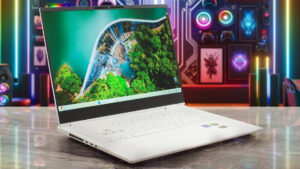
Pros
- Metal build
- Compact for a 16-incher - 19.9 mm / 2.09 kg
- Big cooling solution
- High CPU clocks especially in short and medium loads - 3.50 GHz / 2.80 GHz for the P and E cores
- Wide viewing angles and good contrast ratio of 1530:1 (CMN1625)
- Fast panel (7.7 ms pixel response times) + 451 nits of max brightness (CMN1625)
- 95% sRGB coverage + accurate colors with our "Design and Gaming" profile (CMN1625)
- 2x SODIMMs
- Comfortable input devices
- Modern I/O with 2x Thunderbolt 4 ports
- Good battery life given the powerful hardware (10+ hours of videos)
- The Omen Gaming Hub app is full of useful extras
- Advanced Optimus, G-Sync, and a MUX switch
- CPU undervolt option
- 1080p IR Web camera with a privacy shutter
- Good audio quality
- 180-degree hinge
Cons
- Just one M.2 slot
- Spongy lid
- Unimpressive GPU clock after 30 minutes of gaming
Disassembly, maintenance and upgrade options
Opening the DeviceUndo the 6 Phillips-head screws on the bottom panel. Insert a thin plastic tool horizontally between the main body and the bottom plate, starting from either the back or the front. Pop the sides to release the bottom panel.More info: Here's how the bottom plate looks on the inside.Battery RemovalUnplug the battery connector from the mainboard. Undo the 6 Phillips-head screws securing the battery to the chassis. One of the screws has a rubber cap on top, which needs to be unglued before removal.Note: This model is equipped with a[...]
Read more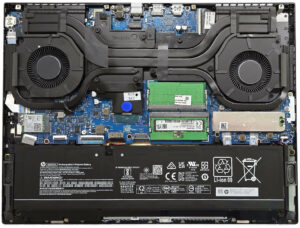


![[June 2026] Best-Selling Laptop Brands on Amazon Global – Apple’s Unrivaled Dominance in Units and Revenue](https://laptopmedia.com/wp-content/uploads/2026/07/GLOBAL-Best-Brands-400x225.jpg)
![[June 2026] Amazon Global: Top 10 Best-Selling Laptops – Apple’s New MacBook Neo Storms to #1, Reshaping the Market with Affordability](https://laptopmedia.com/wp-content/uploads/2026/07/Best-Selling-Laptops-GLOBAL-Top-10-400x225.jpg)
![[June 2026] Amazon Global: Top 10 Best-Selling Gaming Laptops – Acer’s Nitro V 16S AI Dominates Sales, While ASUS Leads Overall Revenue](https://laptopmedia.com/wp-content/uploads/2026/07/Best-Selling-Gaming-Laptops-GLOBAL-Top-10-400x225.jpg)
![[June 2026] Global Ranking of Best-Selling Laptop GPUs on Amazon – NVIDIA RTX 5060 is the Top-Selling Dedicated GPU](https://laptopmedia.com/wp-content/uploads/2026/07/Best-Selling-GPUs-GLOBAL-Top-10-400x225.jpg)
![[June 2026] Global Ranking of Best-Selling Laptop CPUs on Amazon – Apple M5 Dominates, AMD Ryzen 7 260 Gets Solid Premium Share](https://laptopmedia.com/wp-content/uploads/2026/07/Best-Selling-CPUs-GLOBAL-Top-10-400x225.jpg)