HP Pavilion 15 (15-cs3)
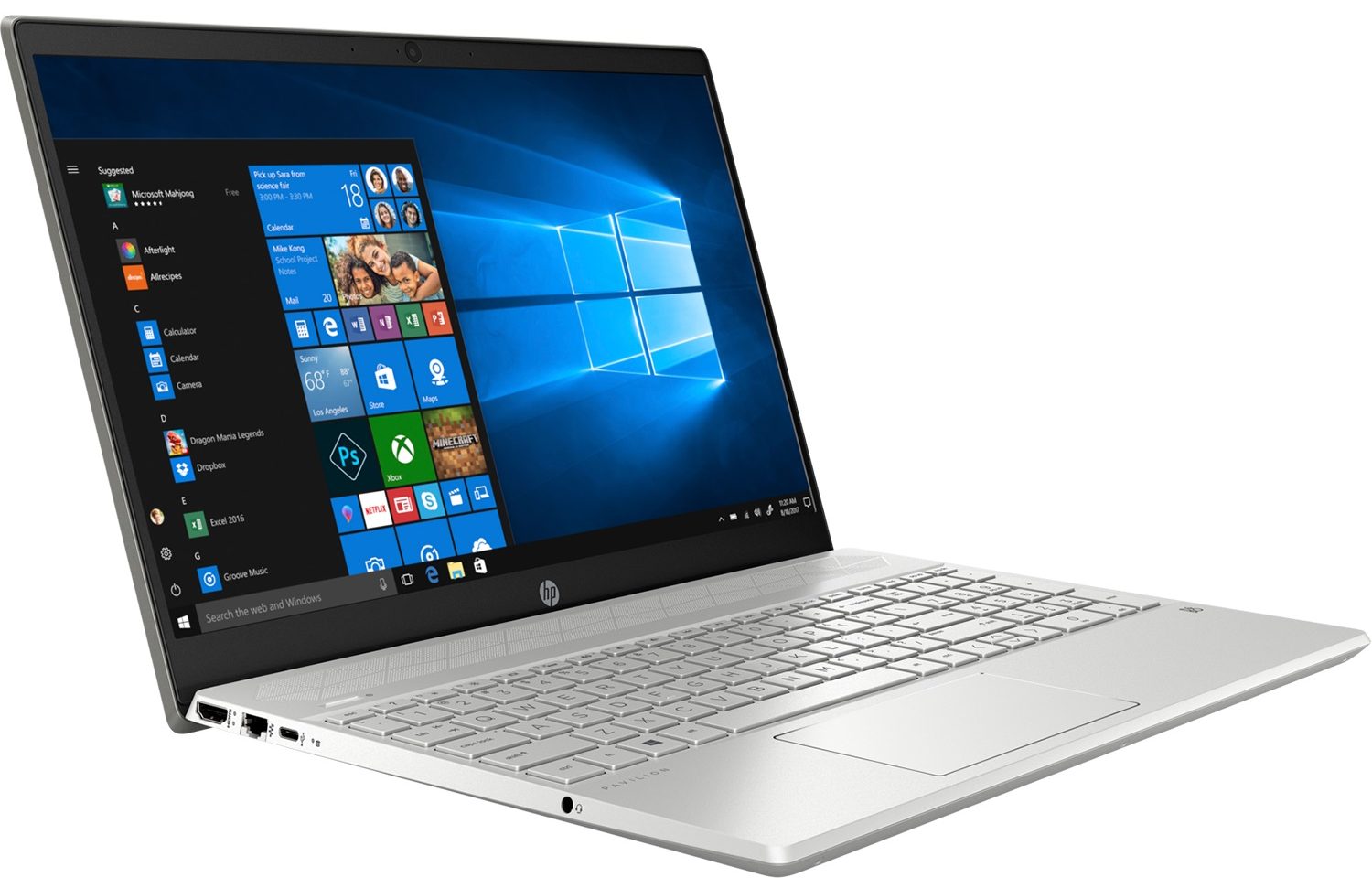
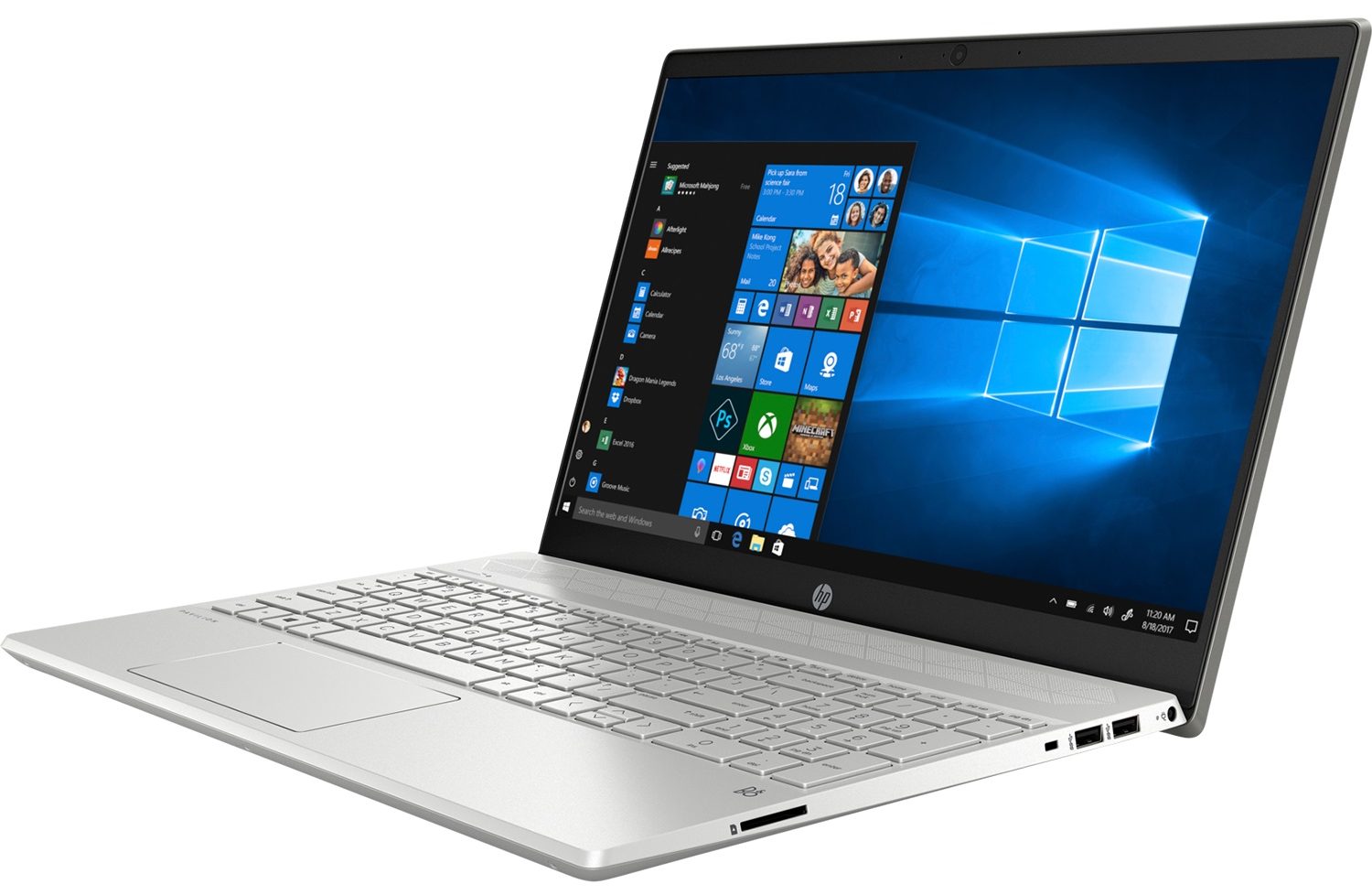
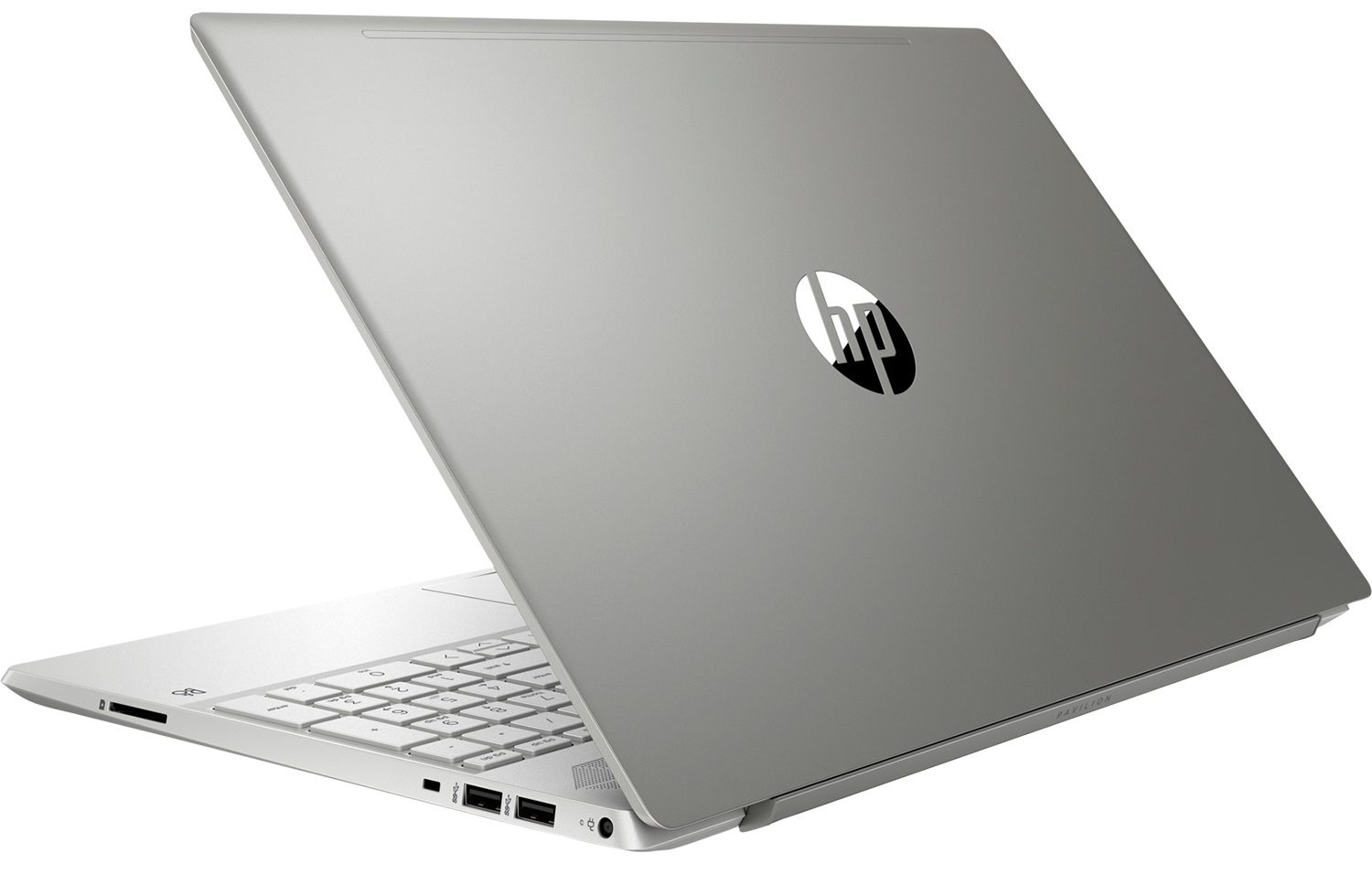

- Date Published: 27 Apr 2020
- Intel Core i5-1035G1
- Intel UHD Graphics G1
- 15.6”, Full HD (1920 x 1080), IPS
- 512GB SSD
- 12GB DDR4
- 1.85 kg (4.1 lbs)
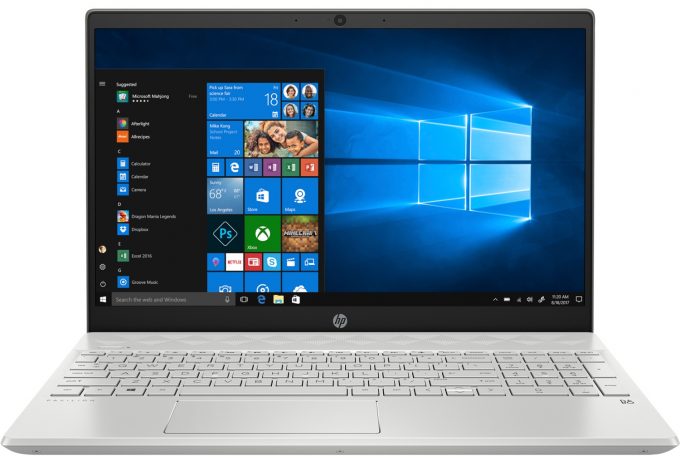
Specs

- HDD/SSD
- 512GB PCIe NVMe SSD
- RAM
- 12GB DDR4
- OS
- Windows 10 Home
- Body Material
- Plastic / Polycarbonate, Aluminum
- Dimensions
- 361 x 245 x 17 mm (14.21" x 9.65" x 0.67")
- Weight
- 1.85 kg (4.1 lbs)
- Ports and connectivity
- 1x USB Type-C
- 3.2 Gen 1 (5 Gbps)
- 2x USB Type-A
- 3.2 Gen 1 (5 Gbps)
- HDMI
- 1.4b
- Card Reader
- SD
- Ethernet LAN
- 10/100/1000 Mbit/s
- Wi-Fi
- 802.11ax
- Bluetooth
- 4.2
- Audio jack
- 3.5 mm combo
- Features
- Web camera
- Backlit keyboard
- Microphone
- Speakers
- Optical drive
Portability
Review
HP Pavilion 15 (15-cs3) in-depth review
With its Pavilion 15-cs2000, HP showed a true all-rounder in terms of daily computing. It was strong enough in our view so that we gave it an Editor's choice award, ourselves. Now, that we have the newer Pavilion 15 (15-cs3000) with us, we are eager to put it through our testing and see if the changes made by HP build on top of the strong base, or it actually makes it worse.Let's start by saying that the new model is now equipped with the 10nm Ice Lake processors from Intel. Currently, you can pick from the Core i5-1035G1 or the Core i7-1065G7. Not only you can take advantage of the improved integrated graphics of these processors, but you can also choose a version of the Pavilion 15 (15-cs3000) that includes the 4GB iteration of the GeForce MX250. Of course, we are talking about the [...]
Read the full review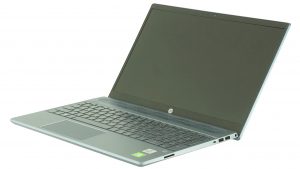
Pros
- Upgradability is on point
- GeForce MX250 and Ice Lake CPUs at a good price
- Decent keyboard
- Its display doesn't use PWM to adjust its brightness levels
- Fits NVMe drives and has an SD card slot
Cons
- Covers only 52% of sRGB
- Its predecessor is essentially the same laptop but at a lower cost
Disassembly, maintenance and upgrade options
While HP has done some job polishing the chassis and body of this laptop, the changes remain barely visible to the naked eye. On the inside, however, the device comes practically unchanged in terms of layout and even some hardware installed.Check out all HP Pavilion 15 (15-cs3000) prices and configurations in our Specs System or read more in our In-Depth review.1. Remove the bottom plate On the inside, this notebook is an exact same copy of its predecessor. So is the bottom panel, which requires the removal of the two back feet in order to access all three hidden screws. You can[...]
Read more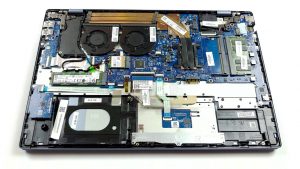


![[June 2026] Best-Selling Laptop Brands on Amazon Global – Apple’s Unrivaled Dominance in Units and Revenue](https://laptopmedia.com/wp-content/uploads/2026/07/GLOBAL-Best-Brands-400x225.jpg)
![[June 2026] Amazon Global: Top 10 Best-Selling Laptops – Apple’s New MacBook Neo Storms to #1, Reshaping the Market with Affordability](https://laptopmedia.com/wp-content/uploads/2026/07/Best-Selling-Laptops-GLOBAL-Top-10-400x225.jpg)
![[June 2026] Amazon Global: Top 10 Best-Selling Gaming Laptops – Acer’s Nitro V 16S AI Dominates Sales, While ASUS Leads Overall Revenue](https://laptopmedia.com/wp-content/uploads/2026/07/Best-Selling-Gaming-Laptops-GLOBAL-Top-10-400x225.jpg)
![[June 2026] Global Ranking of Best-Selling Laptop GPUs on Amazon – NVIDIA RTX 5060 is the Top-Selling Dedicated GPU](https://laptopmedia.com/wp-content/uploads/2026/07/Best-Selling-GPUs-GLOBAL-Top-10-400x225.jpg)
![[June 2026] Global Ranking of Best-Selling Laptop CPUs on Amazon – Apple M5 Dominates, AMD Ryzen 7 260 Gets Solid Premium Share](https://laptopmedia.com/wp-content/uploads/2026/07/Best-Selling-CPUs-GLOBAL-Top-10-400x225.jpg)
