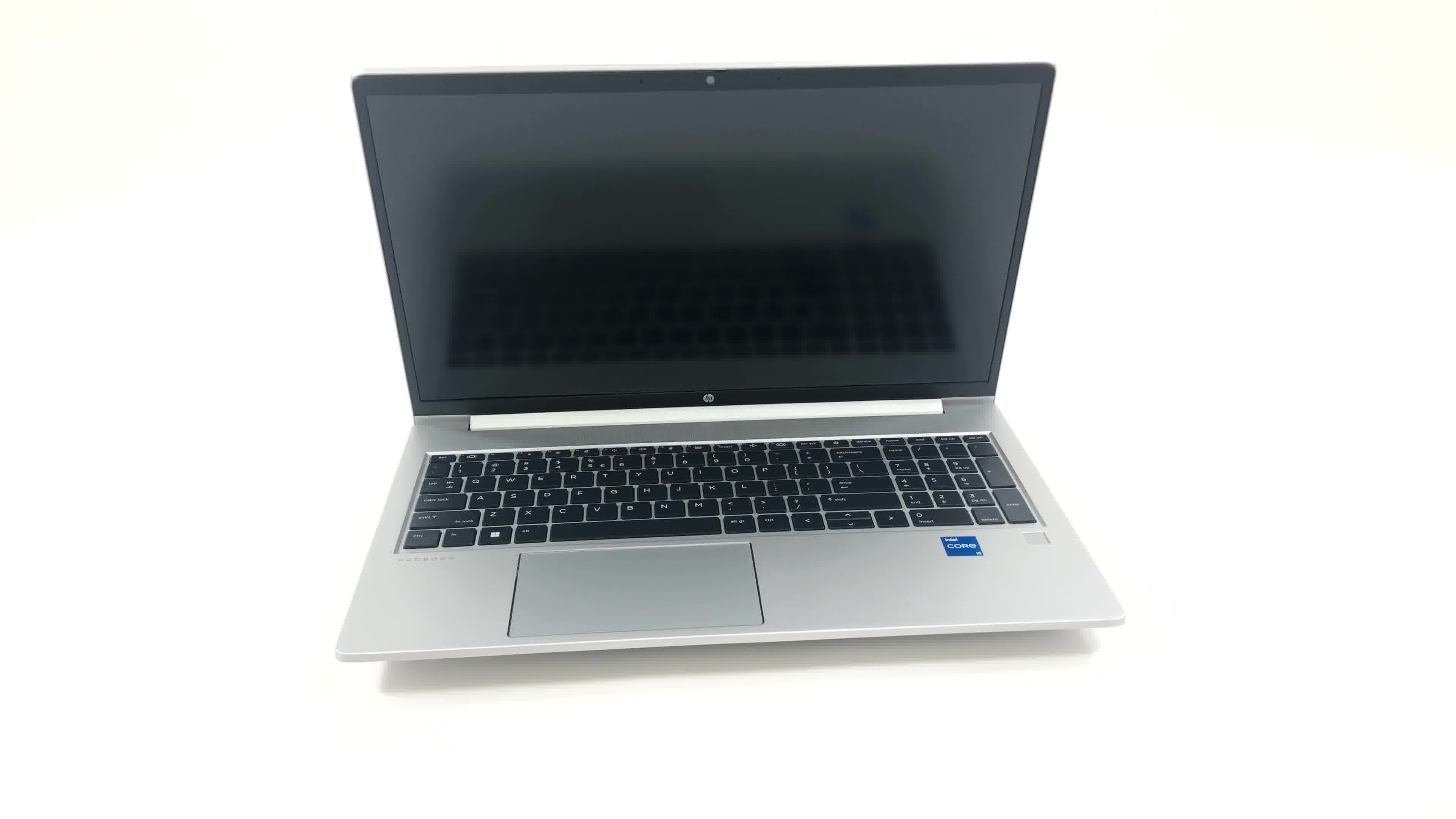
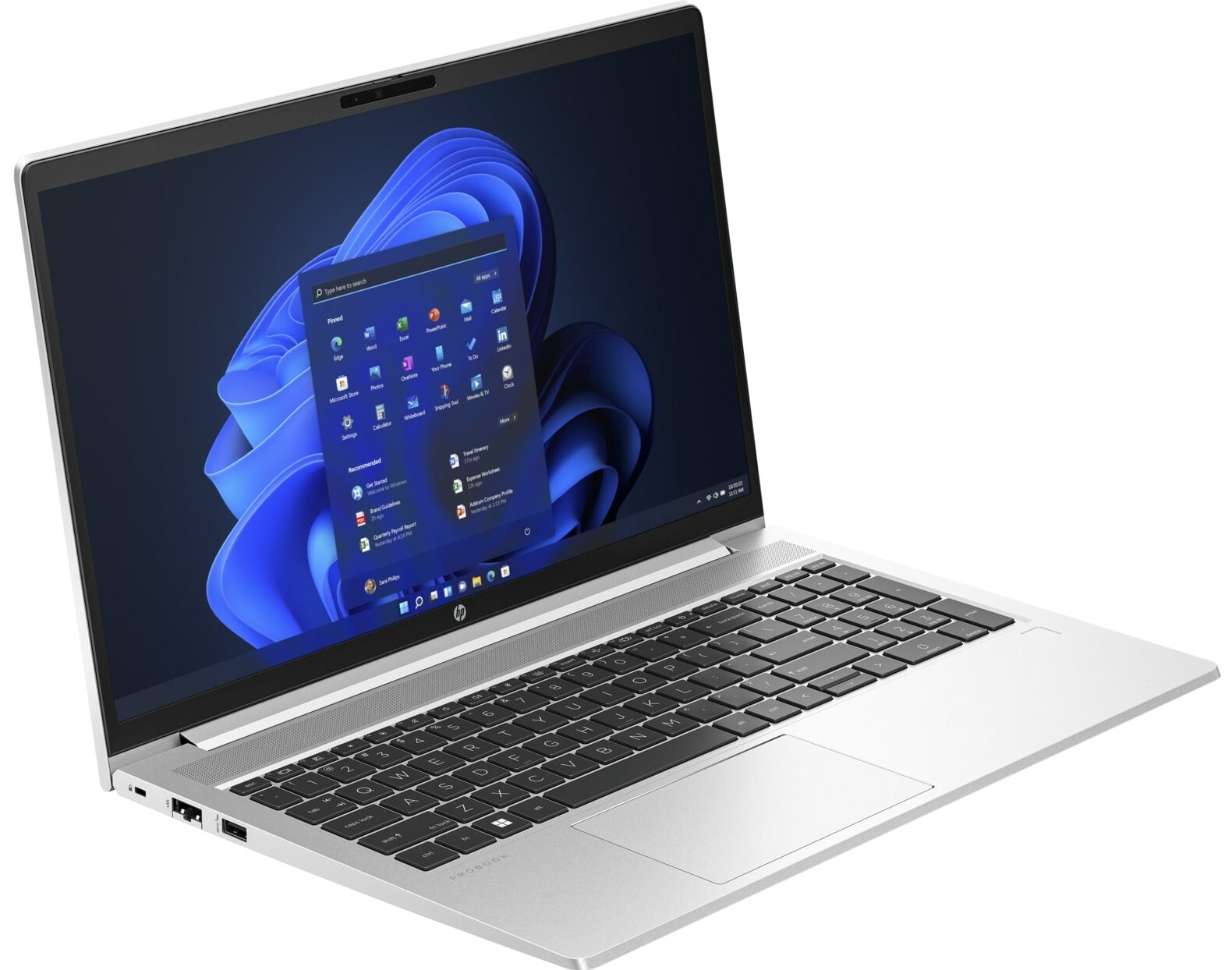
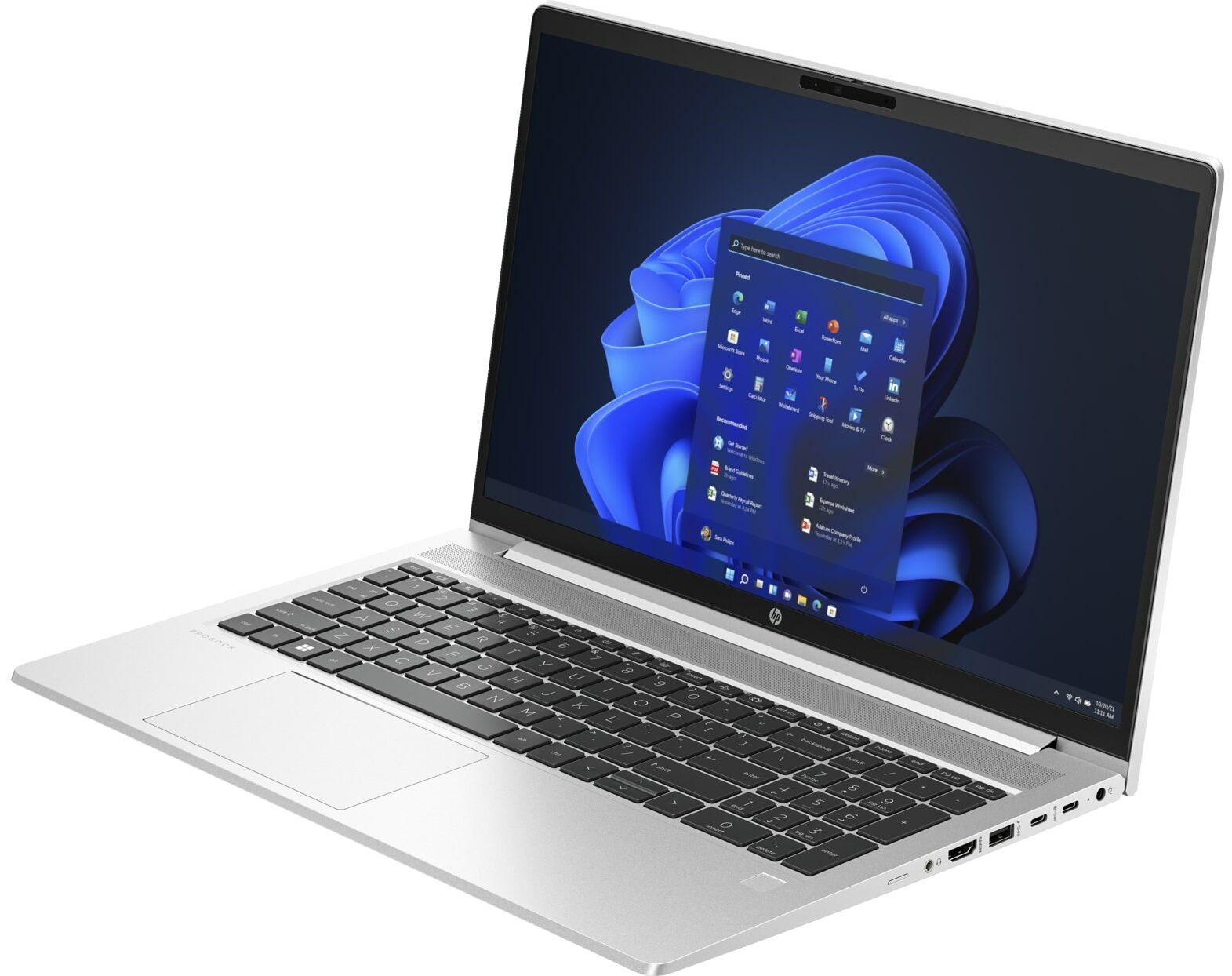
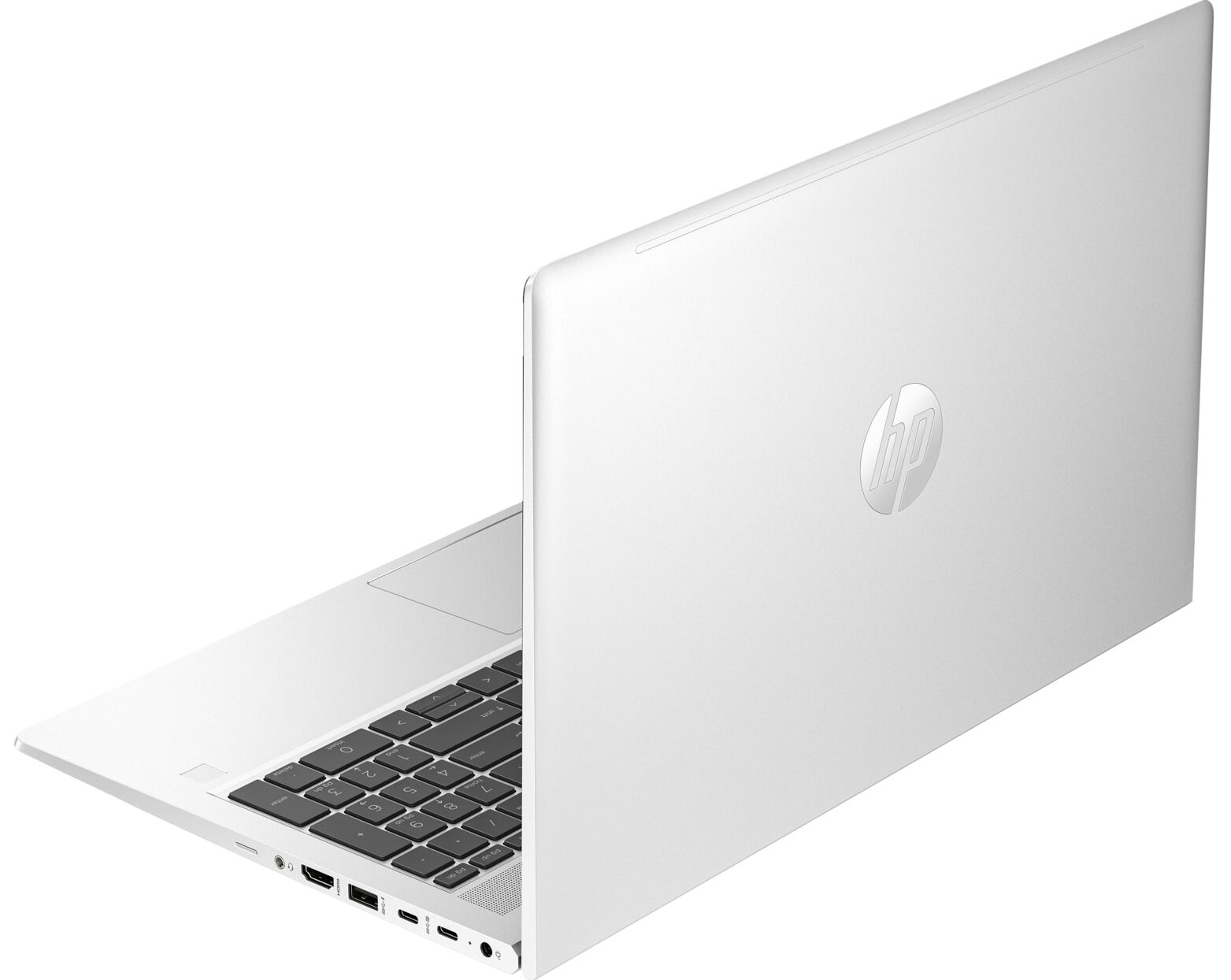
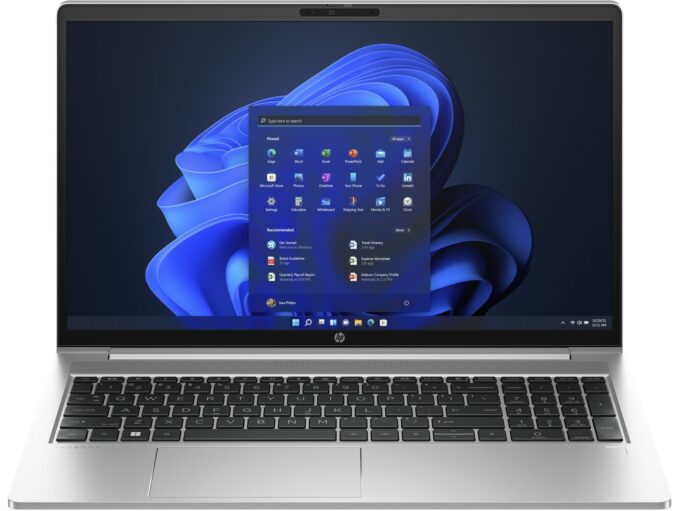
HP ProBook 450 G10


- Date Published: 01 Dec 2023
- Intel Core i7-1355U
- Intel Iris Xe Graphics G7 (96EU)
- 15.6”, Full HD (1920 x 1080), IPS
- 512GB SSD
- 16GB DDR4
- 1.78 kg (3.9 lbs)
Specs

- HDD/SSD
- 512GB SSD
- M.2 Slot
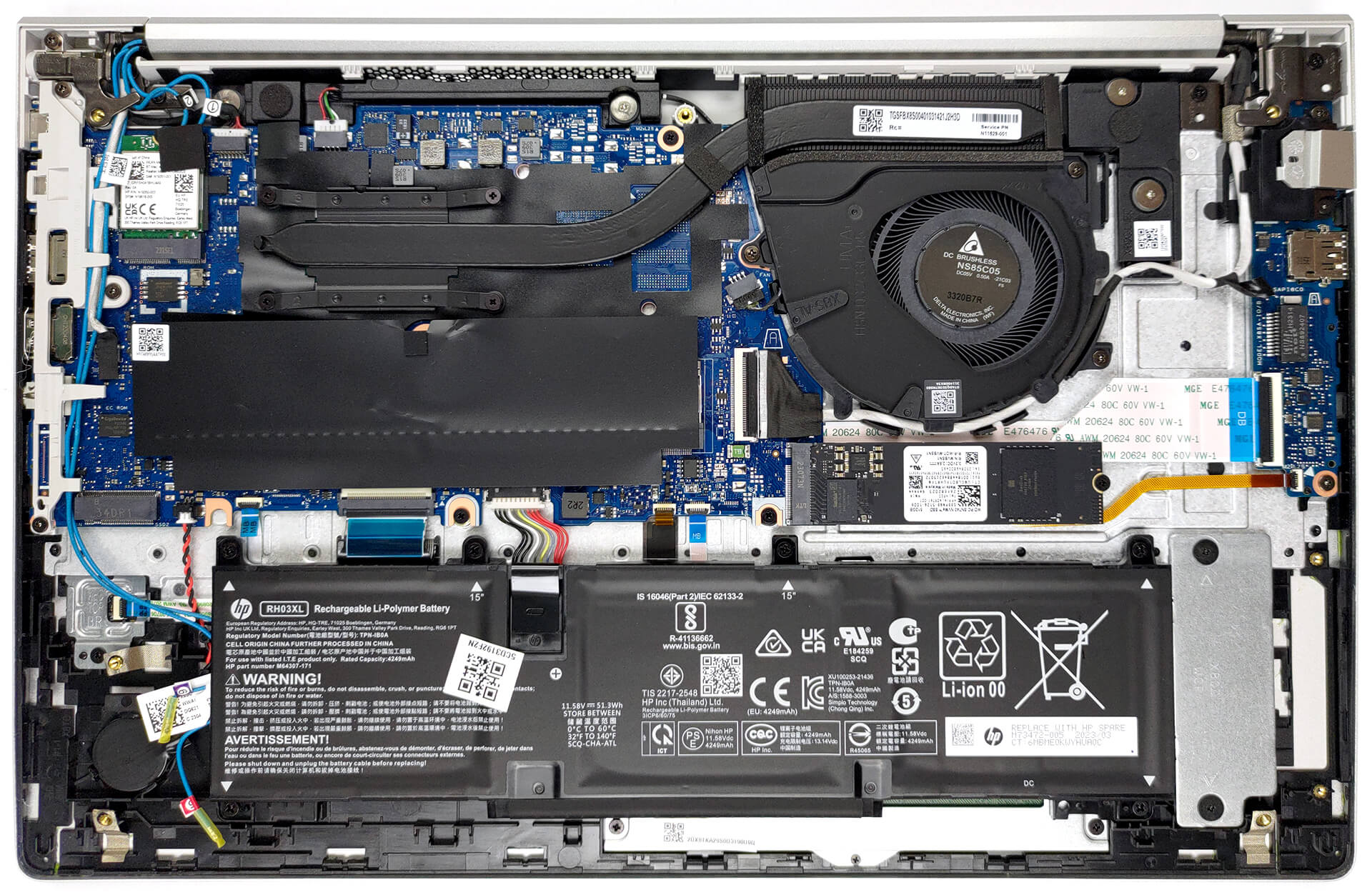
- 1x 2280 M.2 NVMe PCIe 4.0 x4 1x 2260 M.2 NVMe PCIe 4.0 x4 See photo
- RAM
- 16GB DDR4
- OS
- Windows 11 Pro
- Dimensions
- 359.15 x 233.68 x 19.81 mm (14.14" x 9.20" x 0.78")
- Weight
- 1.78 kg (3.9 lbs)
- Ports and connectivity
- USB Type-A
- 3.2 Gen 1 (5 Gbps)
- 1x USB Type-A
- 3.2 Gen 1 (5 Gbps), Sleep and Charge
- 2x USB Type-C
- 3.2 Gen 2 (10 Gbps), Power Delivery (PD), DisplayPort
- HDMI
- 2.1
- Card Reader
- Ethernet LAN
- 10, 100, 1000 Mbit/s
- Wi-Fi
- 802.11ax
- Bluetooth
- 5.3
- Audio jack
- 3.5mm Combo Jack
- Features
- Fingerprint reader
- Web camera
- HD
- Backlit keyboard
- Microphone
- Dual Microphone Array
- Speakers
- 2x Stereo Speakers
- Optical drive
- Security Lock slot
Portability
Review
HP ProBook 450 G10 in-depth review
HP has been producing one of the most stable and cost-efficient business notebooks on the market - the ProBook 400 series. Today, we mark the debut of the 10th generation of this product with the HP ProBook 450 G10.Considering the changes seen up and down the field, it might seem a little disappointing that this machine did not get a design revamp. To be honest, though, the old one had nothing wrong with it, so we should cut HP some slack.Ultimately, this means that the G10 is a minor refresh over the G9, with the most prominent change being the switch to Raptor Lake CPUs. With that said, there are plenty of options, starting from the Processor U300, going through the U-series, and heading up to the Intel Core i7-1360P, which is a tiny beast by itself.Moreover, the company now[...]
Read the full review
Pros
- Its keyboard is backlit, spill-resistant, and great for typing
- Optional fingerprint reader and IR face recognition
- Good contrast ratio and comfortable viewing angles (AUO AUO3DA3)
- 2x SODIMM + optional two M.2 PCIe slots for storage
- Doesn't use PWM (AUO AUO3DA3)
- 2x Thunderbolt 4
- Extremely quiet during load
- Good battery life
Cons
- Covers only 54% of sRGB (AUO AUO3DA3)
- Lacks an SD card reader
Disassembly, maintenance and upgrade options
1. Unscrewing the Back Panel To begin disassembling the HP ProBook 450 G10, first undo the five Phillips-head screws on the back. You will need a Phillips-head screwdriver for this task.2. Removing the Back Panel Once the screws are undone, use a plastic pry tool to detach the bottom panel. Start from the gap at the back for an easier and safer removal.Caution: Be careful during this process to avoid damaging the device.3. Disconnecting the Battery The laptop comes with a 51.3Wh battery pack. To remove it, unplug it from the motherboard and undo the six Phillips-head s[...]
Read more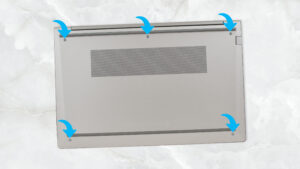


![[June 2026] Best-Selling Laptop Brands on Amazon Global – Apple’s Unrivaled Dominance in Units and Revenue](https://laptopmedia.com/wp-content/uploads/2026/07/GLOBAL-Best-Brands-400x225.jpg)
![[June 2026] Amazon Global: Top 10 Best-Selling Laptops – Apple’s New MacBook Neo Storms to #1, Reshaping the Market with Affordability](https://laptopmedia.com/wp-content/uploads/2026/07/Best-Selling-Laptops-GLOBAL-Top-10-400x225.jpg)
![[June 2026] Amazon Global: Top 10 Best-Selling Gaming Laptops – Acer’s Nitro V 16S AI Dominates Sales, While ASUS Leads Overall Revenue](https://laptopmedia.com/wp-content/uploads/2026/07/Best-Selling-Gaming-Laptops-GLOBAL-Top-10-400x225.jpg)
![[June 2026] Global Ranking of Best-Selling Laptop GPUs on Amazon – NVIDIA RTX 5060 is the Top-Selling Dedicated GPU](https://laptopmedia.com/wp-content/uploads/2026/07/Best-Selling-GPUs-GLOBAL-Top-10-400x225.jpg)
![[June 2026] Global Ranking of Best-Selling Laptop CPUs on Amazon – Apple M5 Dominates, AMD Ryzen 7 260 Gets Solid Premium Share](https://laptopmedia.com/wp-content/uploads/2026/07/Best-Selling-CPUs-GLOBAL-Top-10-400x225.jpg)