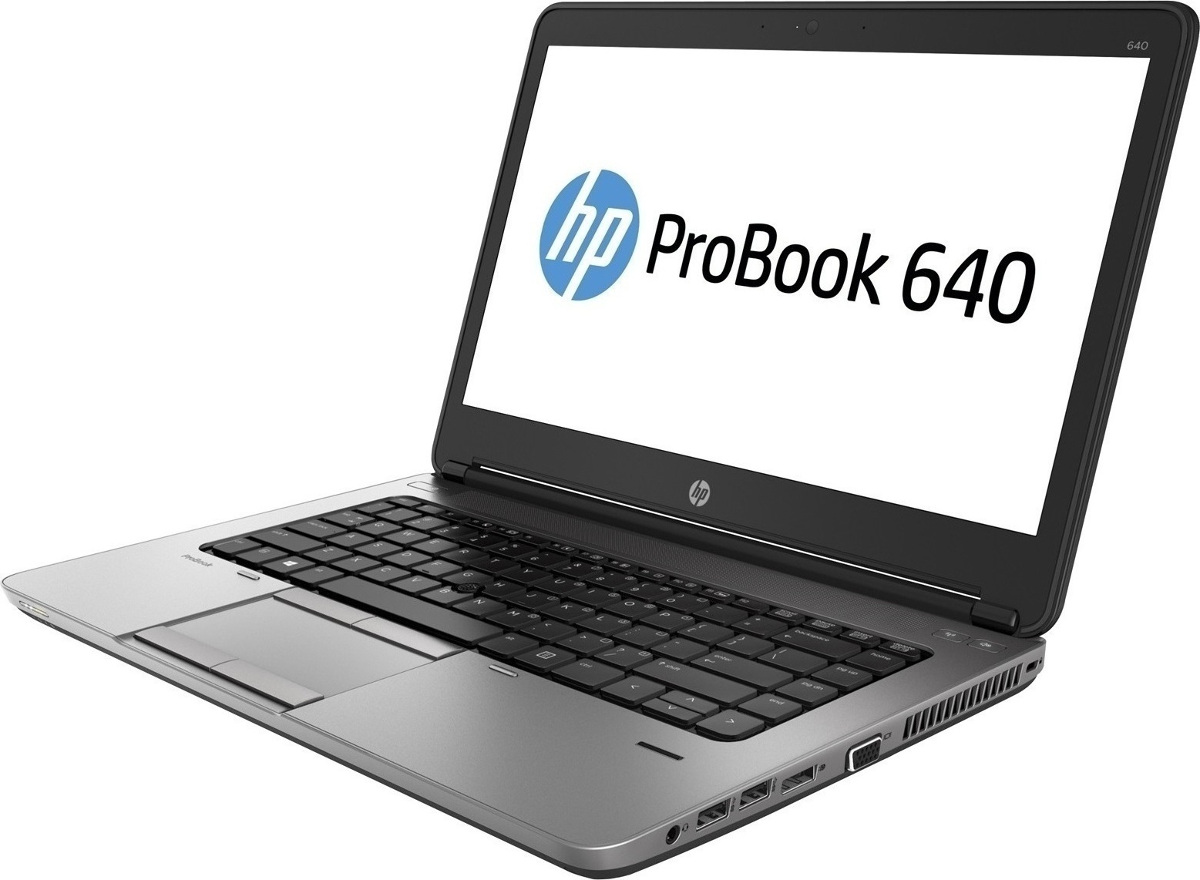
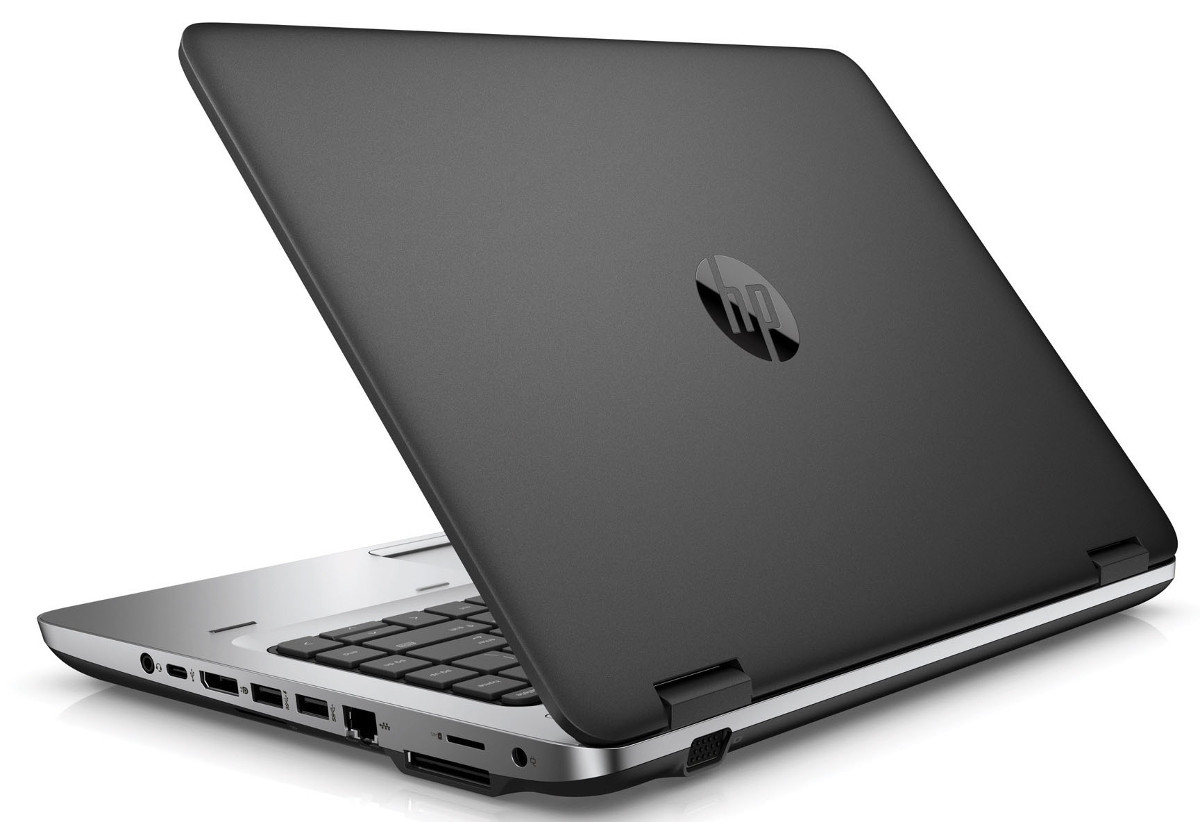
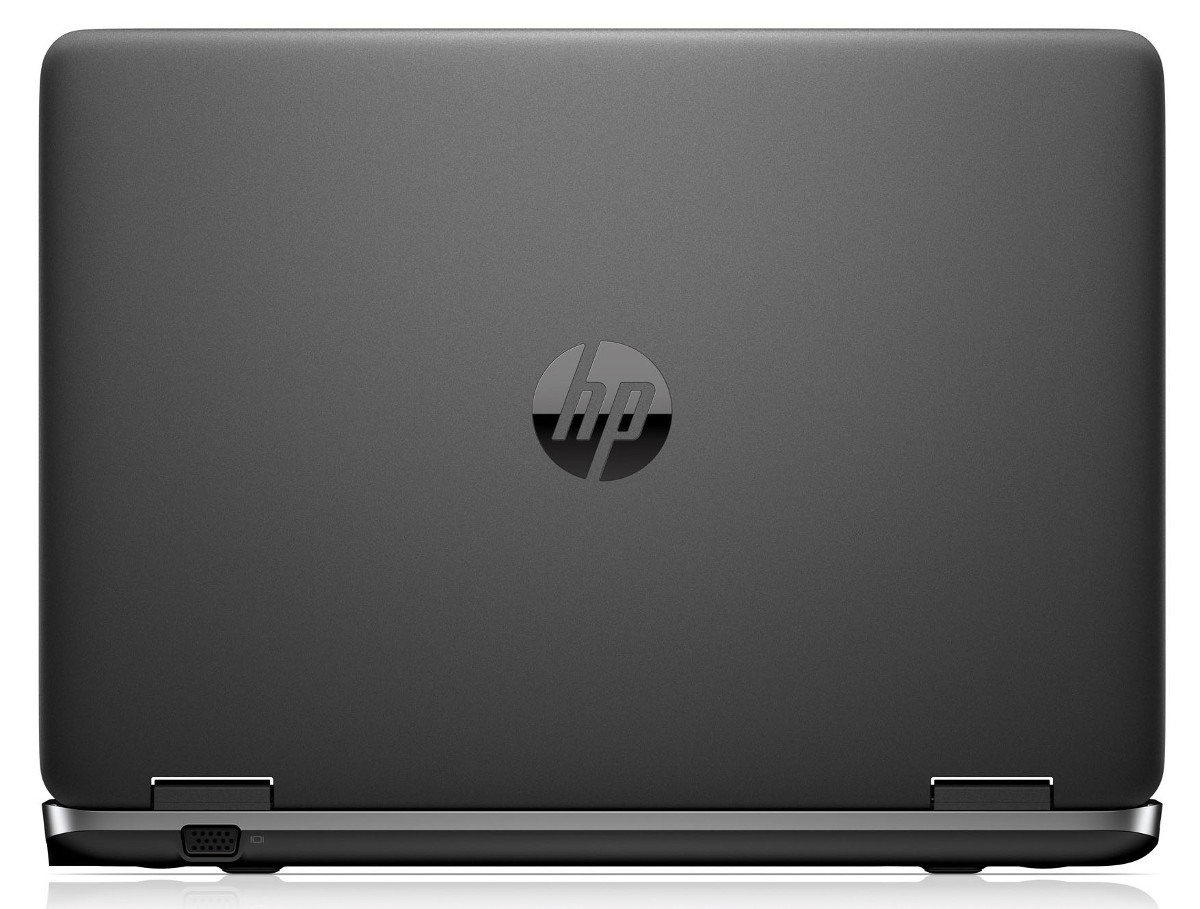
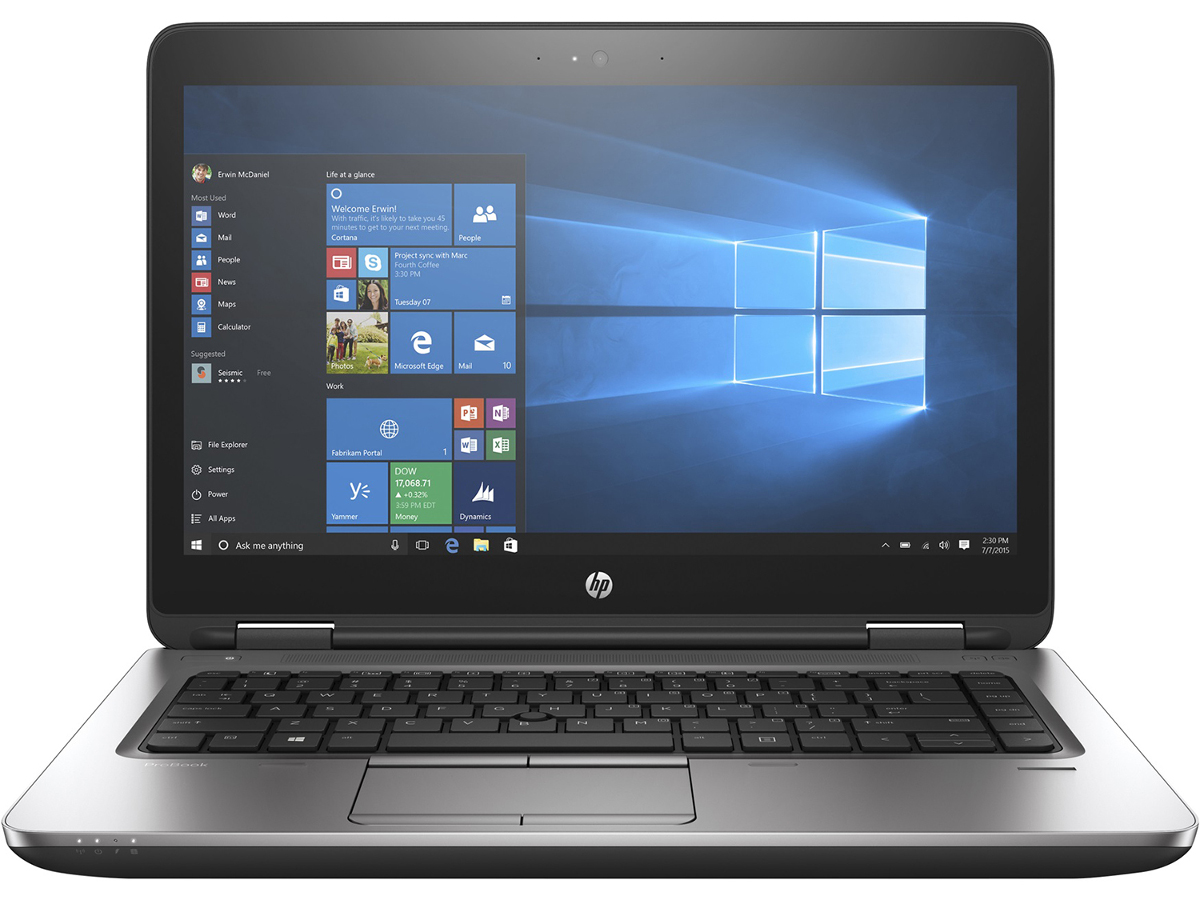
HP ProBook 640 G3
- Date Published: 28 Feb 2019
- Intel Core i5-7200U
- Intel HD Graphics 620
- 14.0”, Full HD (1920 x 1080), TN
- 256GB SSD
- 8GB DDR4, 2133MHz
- 1.95 kg (4.3 lbs)
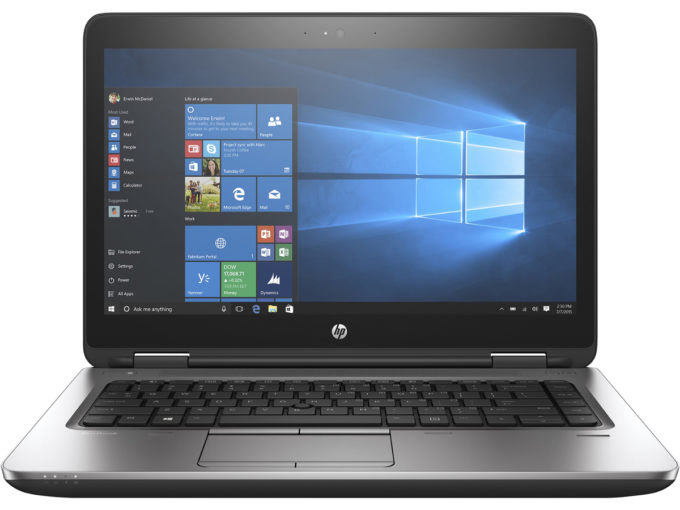
Specs
- Display

- HDD/SSD
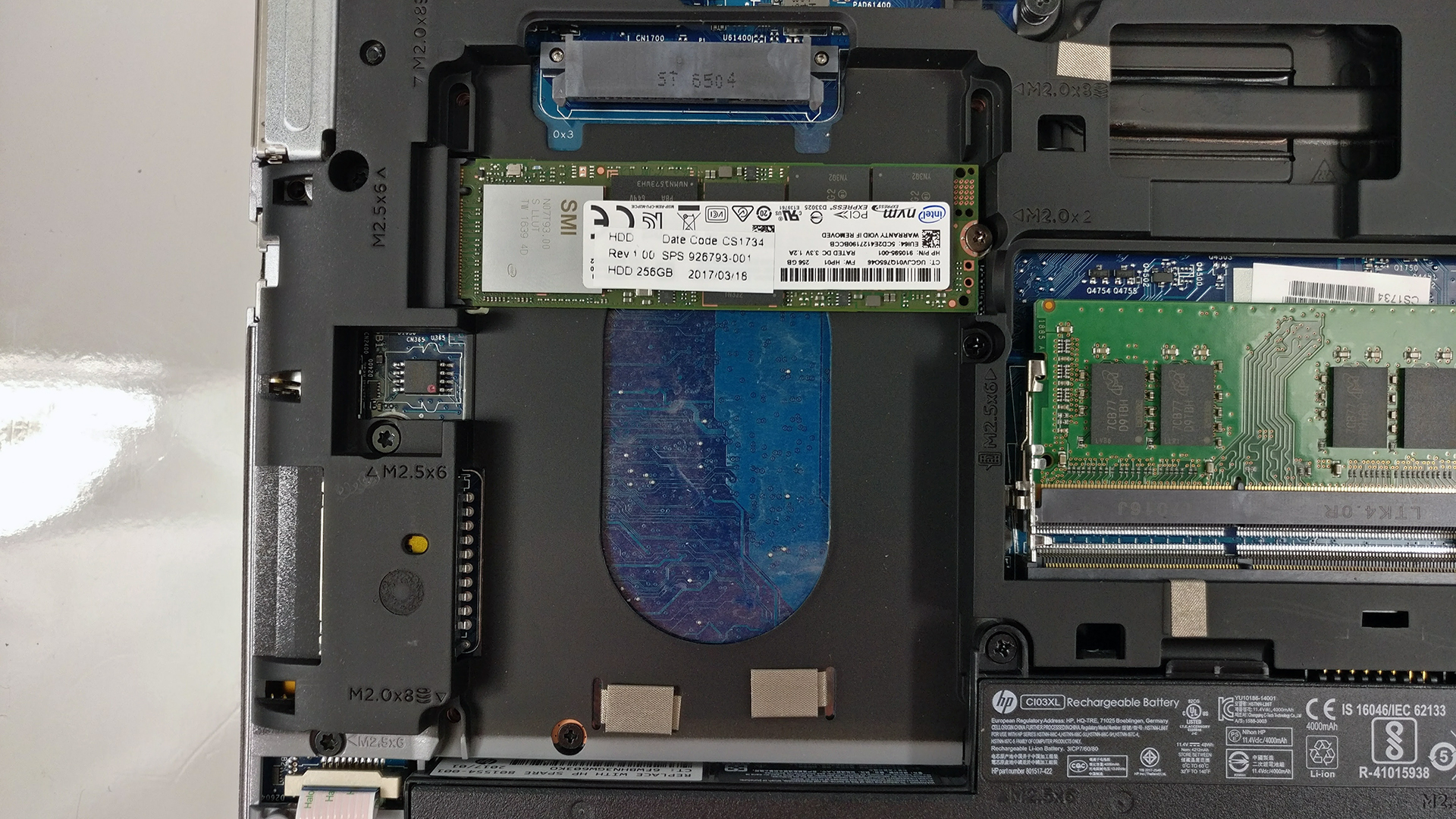
- 256GB SSD NVMe
- M.2 Slot
- 1x 2280 PCIe NVMe (M key) See photo
- RAM
- 8GB DDR4, 2133MHz
- OS
- Windows 10 Pro
- Dimensions
- 340 x 237 x 27 mm (13.39" x 9.33" x 1.06")
- Weight
- 1.95 kg (4.3 lbs)
- Ports and connectivity
- 1x USB Type-C
- 3.2 Gen 1 (5 Gbps)
- 1x USB Type-A
- 3.2 Gen 1 (5 Gbps)
- 1x USB Type-A
- 3.2 Gen 1 (5 Gbps)
- DisplayPort
- Card Reader
- SD, SDHC, SDXC
- Ethernet LAN
- 10, 100, 1000 Mbit/s
- Wi-Fi
- 802.11 a/b/g/n/ac (2x2)
- Bluetooth
- 4.2
- Audio jack
- 3.5 mm jack
- 1 docking connector
- Features
- Web camera
- 720p
- Backlit keyboard
- Microphone
- Speakers
- Optical drive
- Security Lock slot
Portability
Review
HP ProBook 640 G3 in-depth review
Looking at the new HP ProBook 640 G3 reminds us of the good old ProBook 440 G3 that we reviewed a while back which is probably a good thing until you look at the price tag. The pricier ProBook 640 G3 offers little improvement and a tad more features than its more affordable alternative but most of you wouldn't really notice the difference. That's why we would like to help you out with your purchase and see if the notebook is worth your hard-earned money.The ProBook 640 G3 aims at the more conventional business user looking for a reliable solution without the needless distractions. It offers the standard hardware like Intel Core i5-7200U CPU, integrated Intel HD Graphics 620 GPU, 8GB of DDR4-2400 RAM, 256GB M.2 PCIe NVMe SSD and a 14-inch Full HD TN panel. Also, the notebook doesn't[...]
Read the full review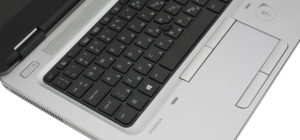
Pros
- Good build quality
- Great input devices
- The display has high brightness and decent sRGB coverage for a TN panel
- Outstanding battery life
- Plenty of I/O, including 4GB LTE connectivity
Cons
- Display with limited viewing angles, extremely low contrast and inaccurate color reproduction (our profiles take care of the latter)
- Aggressive PWM (200 Hz) (our Health-Guard profile fixes that)
- A bit hefty for a 14-incher
- Pricier than the competition
- The M.2 SSD obstructs the insertion of a 2.5-inch HDD/SSD and vice versa


![[June 2026] Best-Selling Laptop Brands on Amazon Global – Apple’s Unrivaled Dominance in Units and Revenue](https://laptopmedia.com/wp-content/uploads/2026/07/GLOBAL-Best-Brands-400x225.jpg)
![[June 2026] Amazon Global: Top 10 Best-Selling Laptops – Apple’s New MacBook Neo Storms to #1, Reshaping the Market with Affordability](https://laptopmedia.com/wp-content/uploads/2026/07/Best-Selling-Laptops-GLOBAL-Top-10-400x225.jpg)
![[June 2026] Amazon Global: Top 10 Best-Selling Gaming Laptops – Acer’s Nitro V 16S AI Dominates Sales, While ASUS Leads Overall Revenue](https://laptopmedia.com/wp-content/uploads/2026/07/Best-Selling-Gaming-Laptops-GLOBAL-Top-10-400x225.jpg)
![[June 2026] Global Ranking of Best-Selling Laptop GPUs on Amazon – NVIDIA RTX 5060 is the Top-Selling Dedicated GPU](https://laptopmedia.com/wp-content/uploads/2026/07/Best-Selling-GPUs-GLOBAL-Top-10-400x225.jpg)
![[June 2026] Global Ranking of Best-Selling Laptop CPUs on Amazon – Apple M5 Dominates, AMD Ryzen 7 260 Gets Solid Premium Share](https://laptopmedia.com/wp-content/uploads/2026/07/Best-Selling-CPUs-GLOBAL-Top-10-400x225.jpg)