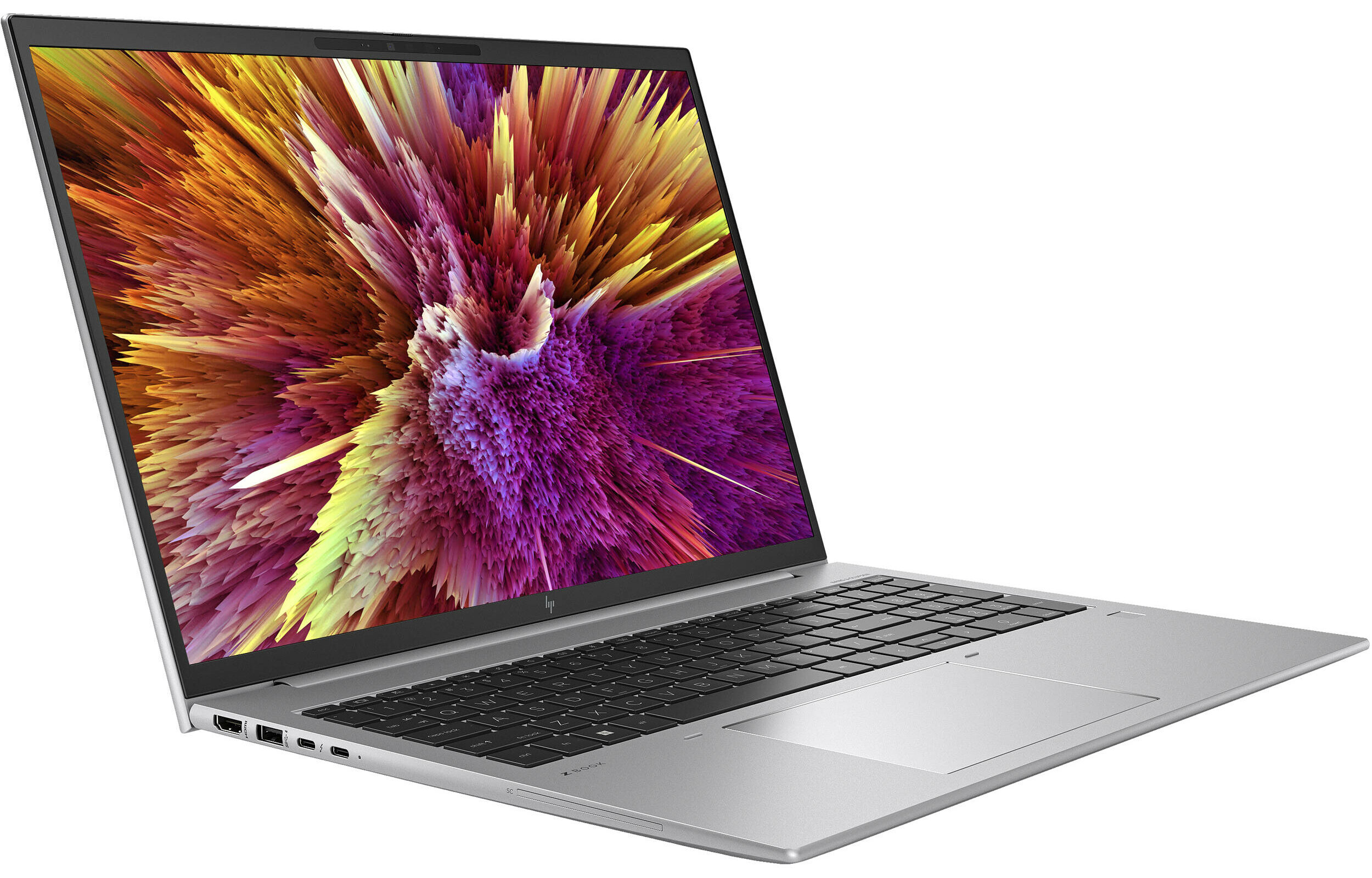
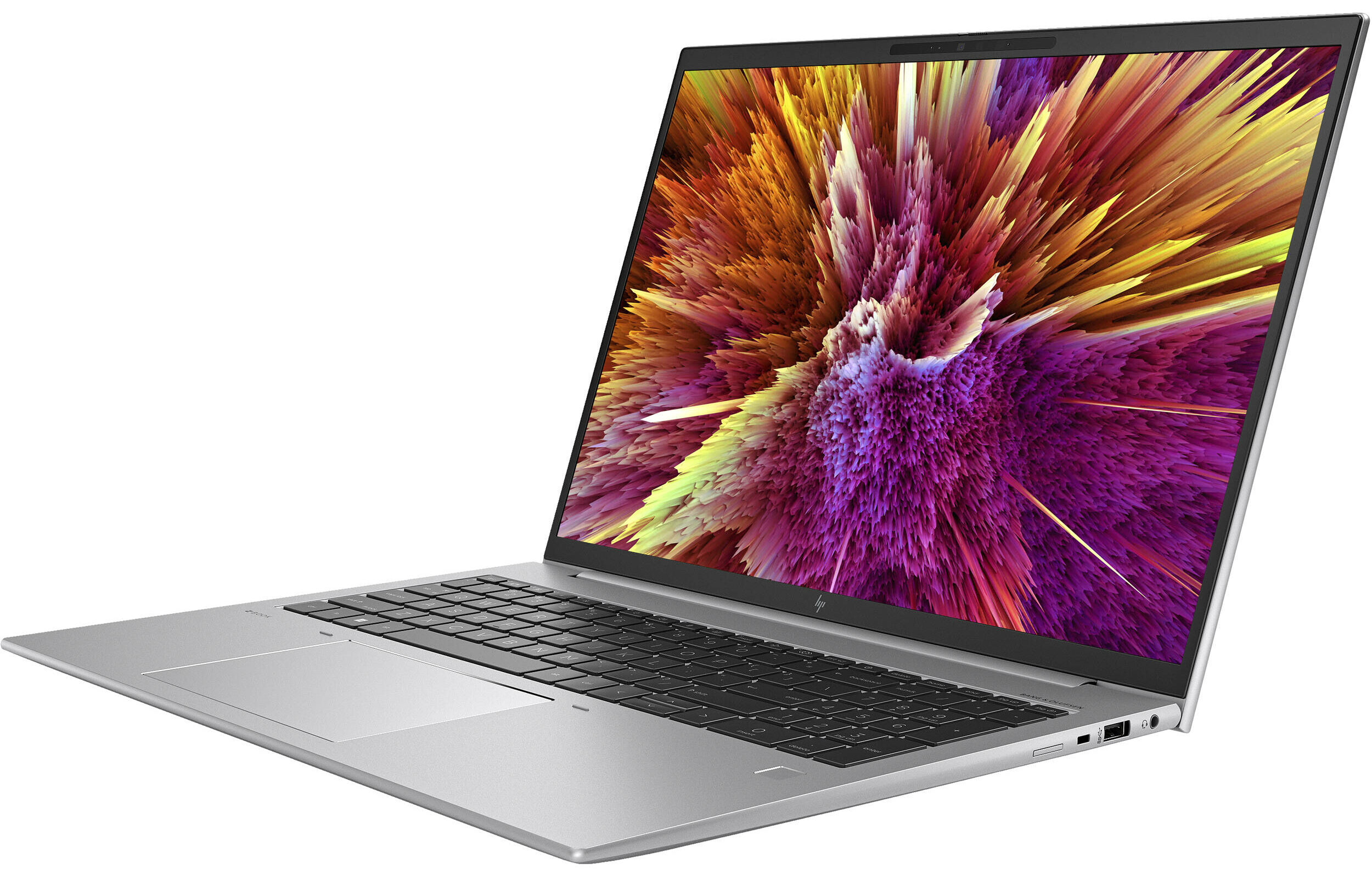
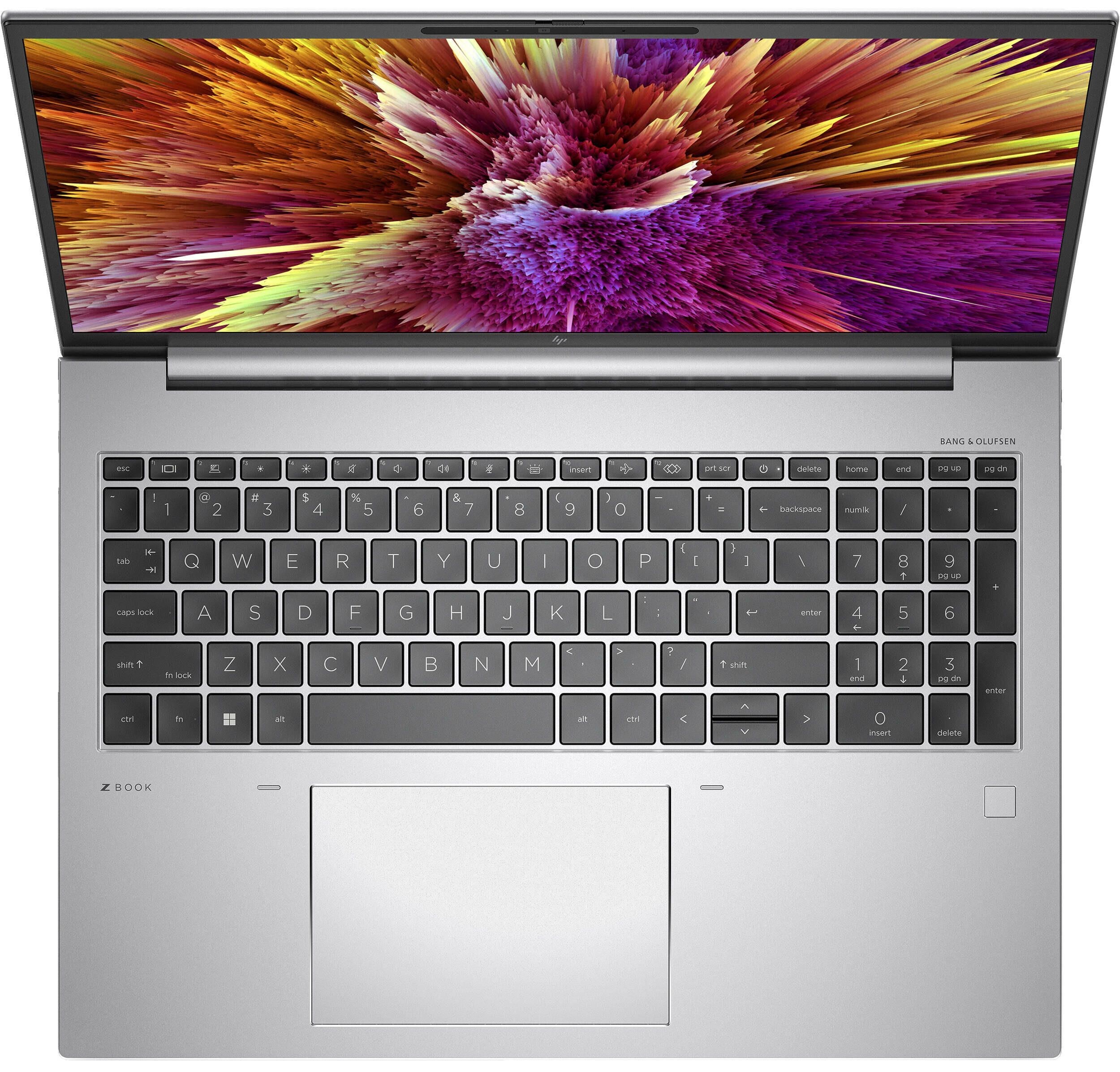
HP ZBook Firefly 16 G10
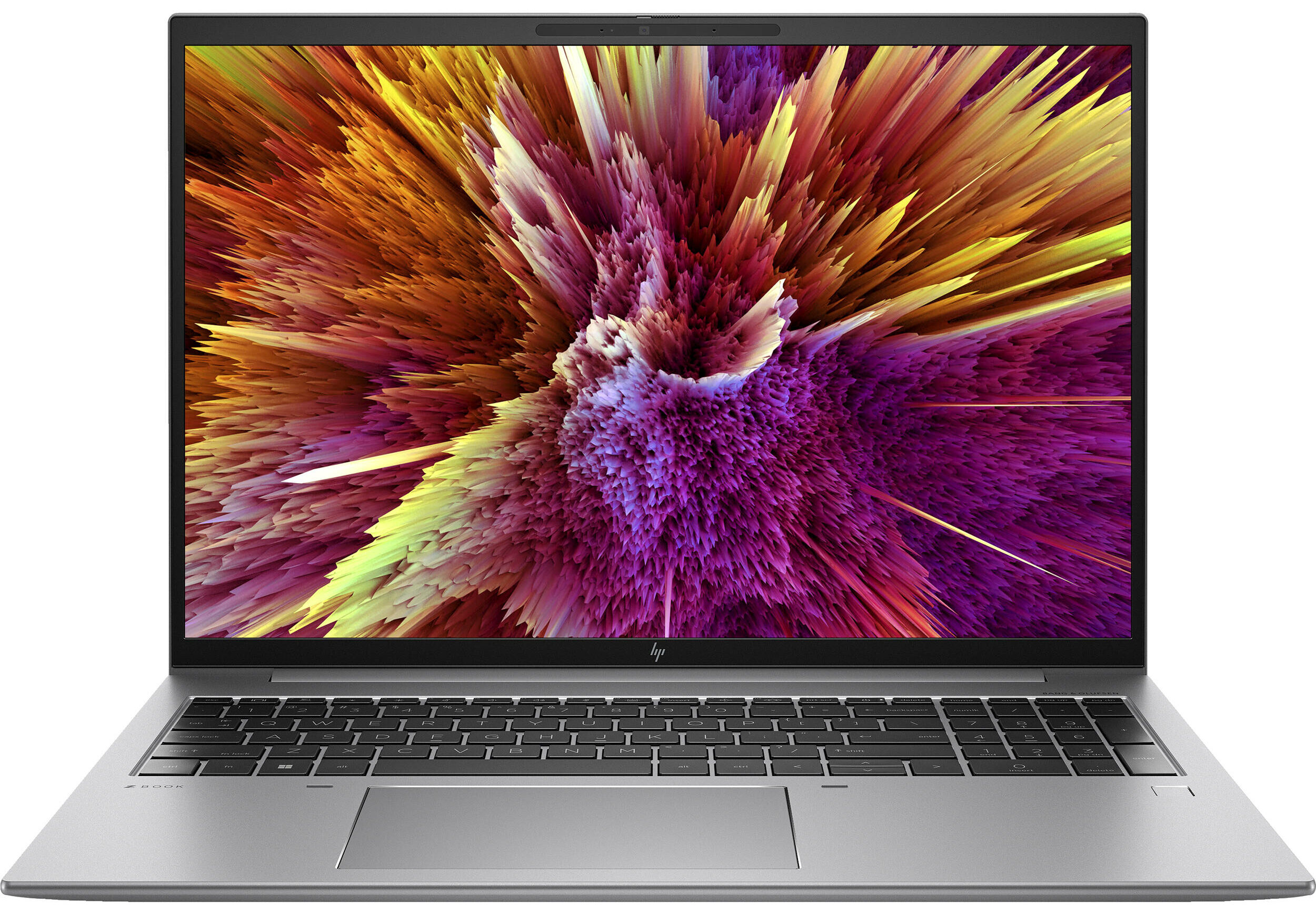
- Date Published: 17 Jul 2024
- Intel Core i7-1355U
- NVIDIA RTX A500 (Laptop, 30W)
- 16.0”, WUXGA (1920 x 1200), IPS
- 2000GB SSD
- 64GB RAM
- 1.72 kg (3.8 lbs)
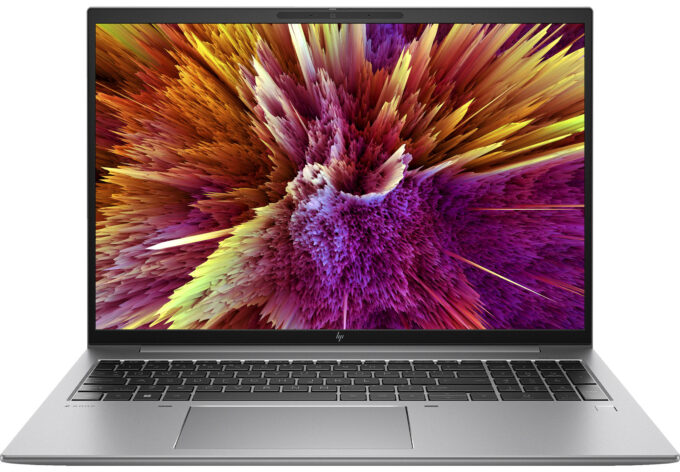
Specs
- Display

- HDD/SSD
- 2000GB SSD
- M.2 Slot
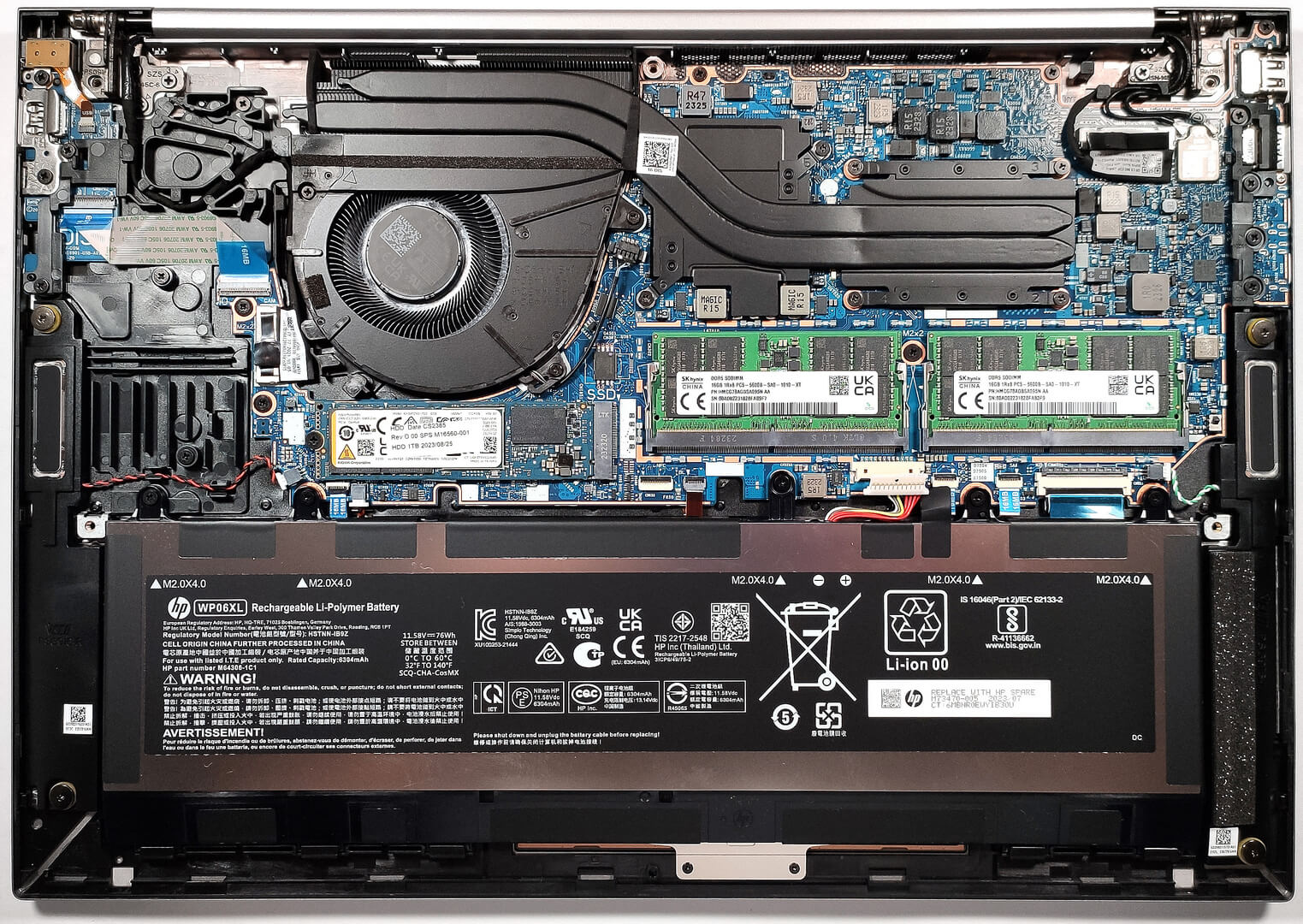
- 1x 2280 M.2 NVMe PCIe 4.0 x4 See photo
- RAM
- 64GB RAM
- OS
- Windows 11 Pro
- Body Material
- Aluminum
- Dimensions
- 368.7 x 250.9 x 19.9 mm (14.52" x 9.88" x 0.78")
- Weight
- 1.72 kg (3.8 lbs)
- Ports and connectivity
- 1x USB Type-A
- 3.2 Gen 1 (5 Gbps)
- 1x USB Type-A
- 3.2 Gen 1 (5 Gbps), Sleep and Charge
- 2x USB Type-C
- 4.0, Thunderbolt 4, Power Delivery (PD), DisplayPort, Sleep and Charge
- HDMI
- 2.0b
- Card Reader
- Ethernet LAN
- Wi-Fi
- 802.11ax
- Bluetooth
- 5.3
- Audio jack
- 3.5mm Combo Jack
- Features
- Fingerprint reader
- Web camera
- 5MP Webcam
- Backlit keyboard
- Microphone
- World Facing dual array digital microphones
- Speakers
- 2x Stereo Speakers, Bang & Olufsen
- Security Lock slot
- Gifts
- G2 Universal Dock
Portability
Review
HP ZBook Firefly 16 G10 in-depth review
HP is a company that offers a large amount of workstations in almost any price category. Some of them are really impressive like the HP ZBook Studio 16 G10 which is portable, pricey, and powerful. This time around we will show you the HP ZBook Firefly 16 G10. The price of this one is also on the high side but at least the device can attract future buyers with good portability for a 16-inch laptop, metal build, and tons of CPU options.Yep, you can choose among eight processor variants including 15W and 28W Raptor Lake U and P models. In terms of power, all looks good, at least at first sight. There is a dGPU pro-grade NVIDIA RTX model for the ones who need such a chip for graphics-heavy tasks. Display-wise, the top panel is an OLED variant with a 2880x1800 resolution. If you don't need [...]
Read the full review
Pros
- Many CPU options
- No PWM (BOE BOE0A4F)
- The spill-resistant keyboard is great for typing
- Wi-Fi 6 and optional LTE support plus optional fingerprint reader and IR Web camera
- Modern I/O with Thunderbolt 4 ports
- Good portability for a 16-incher
- Type-C charging
- 94% sRGB coverage + wide viewing angles and high maximum brightness (BOE BOE0A4F)
- Quiet during CPU-intensive tasks
- Low CPU temperatures under heavy loads
- High P and E core clock in short and medium stress
- Long battery life
- 2x SODIMM slots
Cons
- High price
- Unimpressive processor frequencies and power limit under 100% stress
- The performance isn't workstation grade
- No SD card reader
- Only one M.2 slot
Disassembly, maintenance and upgrade options
Opening the LaptopUndo the 5 captive Phillips-head screws on the bottom panel of the laptop. Pry the bottom panel starting from one of the top corners, near the hinge, using a plastic pry tool. Carefully continue to pop the bottom plate away from the chassis, working your way around the edges.Caution: Be gentle to avoid damaging the internal components or the clips that hold the bottom panel in place.Removing the BatteryDisconnect the battery connector from the mainboard by gently pulling it out with a plastic tool. Undo the five Phillips-head screws that s[...]
Read more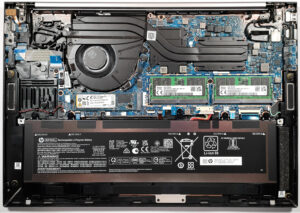


![[June 2026] Best-Selling Laptop Brands on Amazon Global – Apple’s Unrivaled Dominance in Units and Revenue](https://laptopmedia.com/wp-content/uploads/2026/07/GLOBAL-Best-Brands-400x225.jpg)
![[June 2026] Amazon Global: Top 10 Best-Selling Laptops – Apple’s New MacBook Neo Storms to #1, Reshaping the Market with Affordability](https://laptopmedia.com/wp-content/uploads/2026/07/Best-Selling-Laptops-GLOBAL-Top-10-400x225.jpg)
![[June 2026] Amazon Global: Top 10 Best-Selling Gaming Laptops – Acer’s Nitro V 16S AI Dominates Sales, While ASUS Leads Overall Revenue](https://laptopmedia.com/wp-content/uploads/2026/07/Best-Selling-Gaming-Laptops-GLOBAL-Top-10-400x225.jpg)
![[June 2026] Global Ranking of Best-Selling Laptop GPUs on Amazon – NVIDIA RTX 5060 is the Top-Selling Dedicated GPU](https://laptopmedia.com/wp-content/uploads/2026/07/Best-Selling-GPUs-GLOBAL-Top-10-400x225.jpg)
![[June 2026] Global Ranking of Best-Selling Laptop CPUs on Amazon – Apple M5 Dominates, AMD Ryzen 7 260 Gets Solid Premium Share](https://laptopmedia.com/wp-content/uploads/2026/07/Best-Selling-CPUs-GLOBAL-Top-10-400x225.jpg)