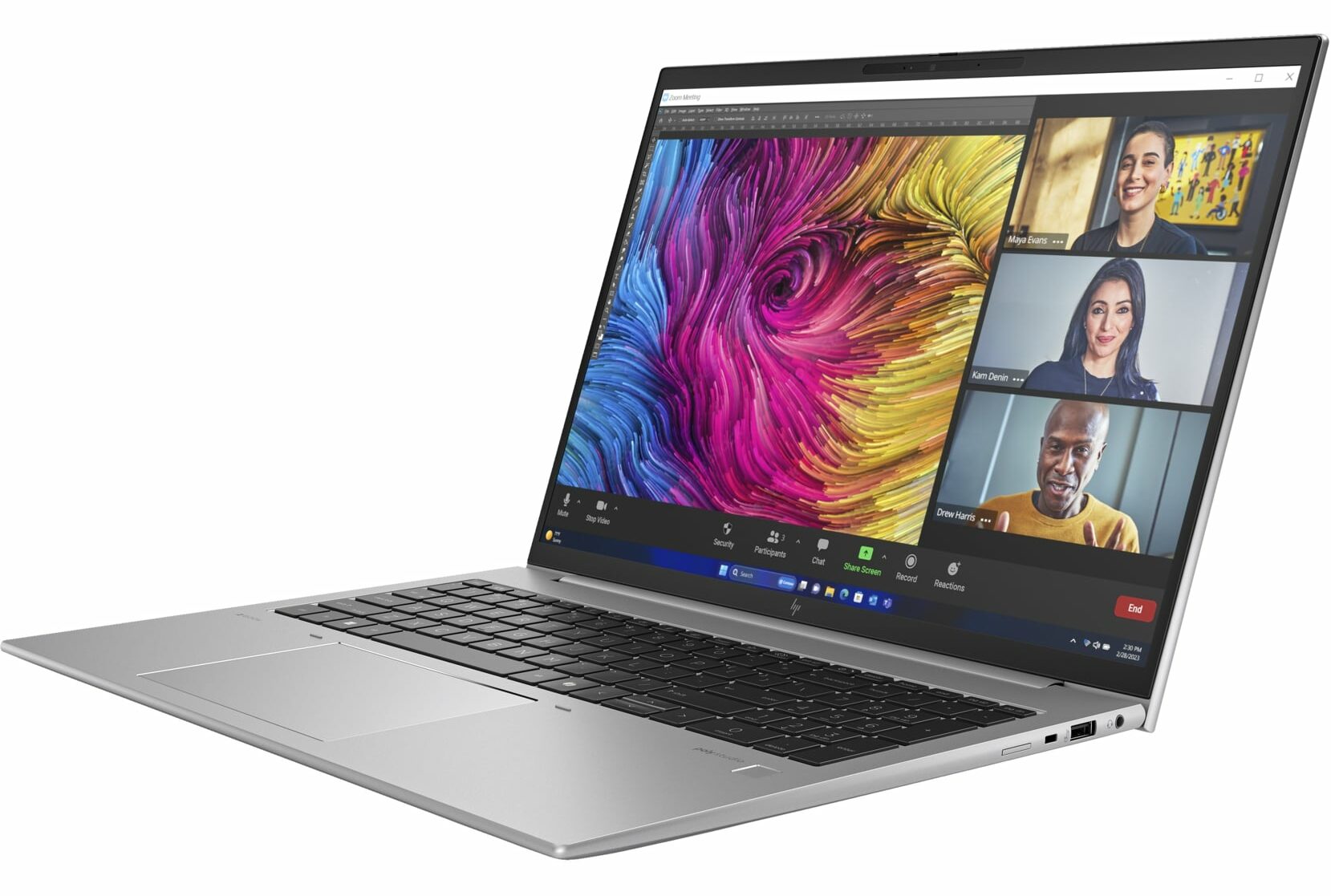
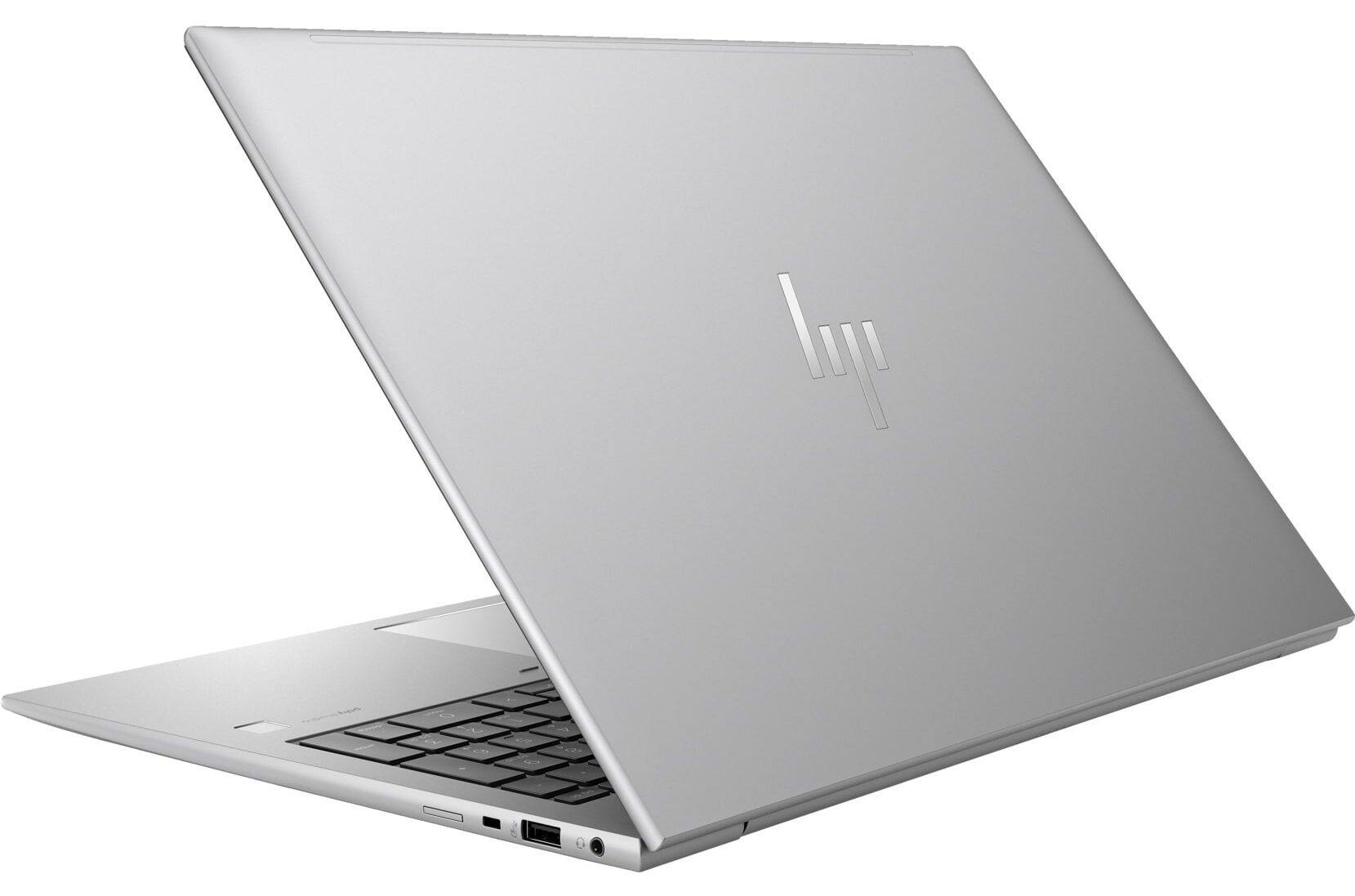
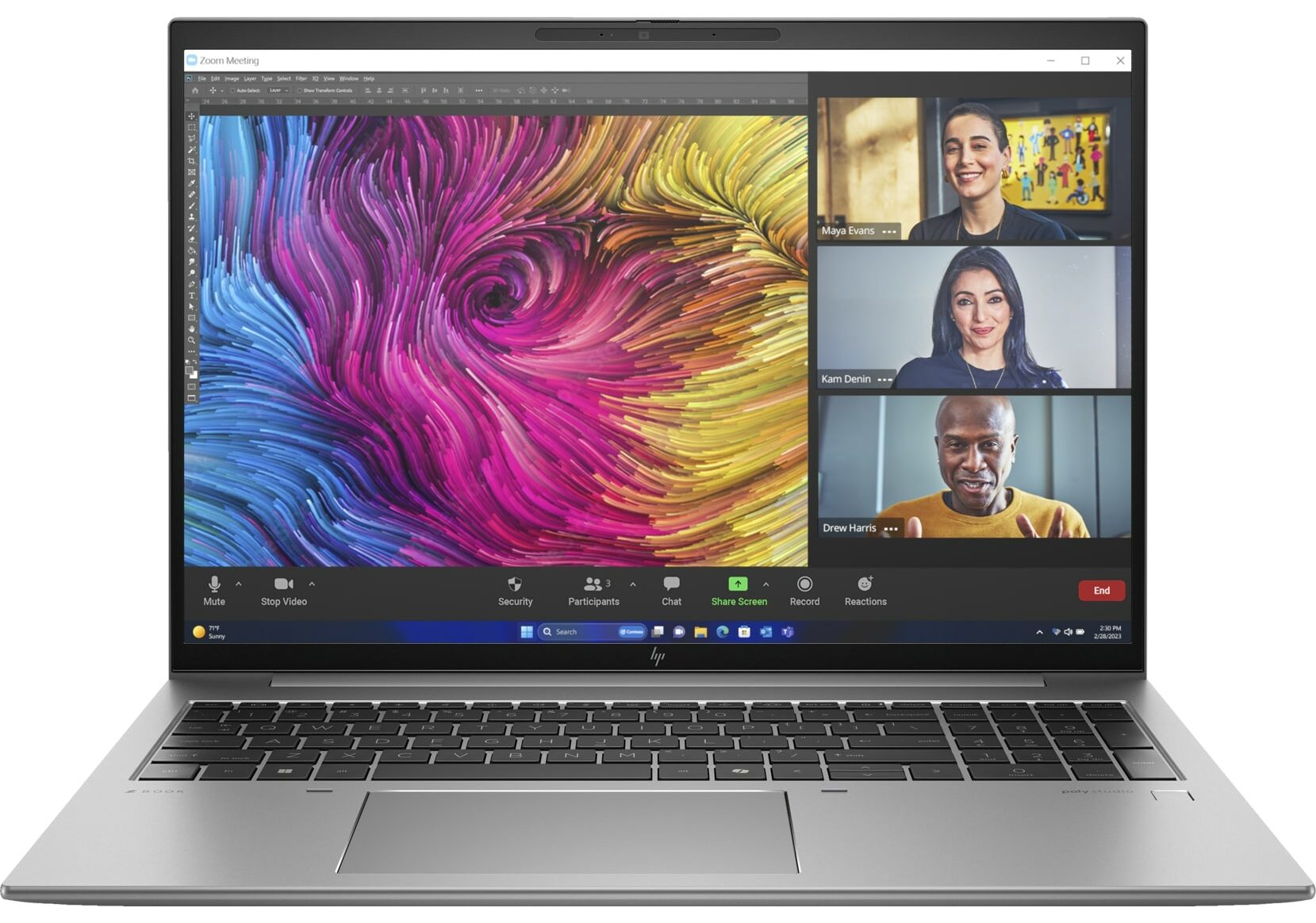
HP ZBook Firefly 16 G11

- Date Published: 04 Mar 2025
- Intel Core Ultra 7 165H
- NVIDIA RTX A500 (Laptop, 35W)
- 16.0”, WUXGA (1920 x 1200), IPS
- 1000GB SSD
- 32GB RAM
- 1.80 kg (4 lbs)
Review
HP ZBook Firefly 16 G11 in-depth review
While the ZBook Firefly 16 G11 lacks the big cooling system and powerful professional-grade GPUs of the ZBook Power 16 G11, it offers a lighter design and similar Meteor Lake CPU options. Unlike its "Power" counterpart, the Firefly 16 G11 has fewer dedicated GPU choices, with the 35W NVIDIA RTX A500 being the only optional graphics card.The main question that remains is whether this machine can handle long heavy workloads, given its single-fan, dual-heat-pipe cooling system. While it's not a basic system, we hoped for a more robust thermal solution.Still, you get a device with a good port selection, two SODIMMs, and above-average built quality. You can opt for an optional high-end OLED screen with 2880 x 1800 resolution and 120Hz refresh rate. HP mentions a full DCI-P3 coverage reg[...]
Read the full review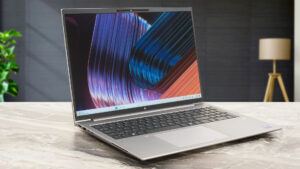
Pros
- All-metal chassis
- Feels snappy for normal home or office tasks
- Good comfort during long loads
- The matte finish is almost smudge-proof
- The Core Ultra 7 155H sustains ~ 2.92 GHz / 2.42 GHz P and E core clocks in short loads
- Wide viewing angles + 16:10 aspect ratio (BOE0C31)
- 327 nits of max brightness (BOE0C31)
- PWM-free (BOE0C31)
- Comfortable spill-resistant keyboard
- Smooth glass touchpad
- 2x Thunderbolt 4 + 2x Type-A ports
- The fans are quiet in "High Performance" mode during max CPU stress
- Long battery battery life given the H-series CPU and the modest 56Wh capacity (~11 hours and a half of videos)
- 5MP Web camera with a privacy shutter
- Fast NVMe (WD PC SN810 SDCPNRY-1T00-1006)
- Lid with a lever design
- LPWAN (Low-power WAN)
- SmartCard reader, NFC, fingerprint reader, IR Web camera, vPro, Intel Evo, Nano SIM card slot, backlit keyboard (all are optional)
Cons
- Seems too expensive for what it is
- No Wi-Fi 7
- Lid with a lever design that lacks rubber feet
- Just one M.2 slot
- The CPU clocks in long loads are too low for a workstation (1.75 GHz / 1.01 GHz for the P and E cores)
Disassembly, maintenance and upgrade options
Opening the Device Hint: Ensure the laptop is powered off and disconnected from any power source before starting.Undo the five captive Phillips-head screws on the bottom panel of the laptop. Use a lever tool to pop the two areas close to the top two corners, creating gaps in these sections. Insert a thin plastic tool to gently pop the edges. Be cautious as the hinge cover feels spongy; press with a finger where the spudger is to stabilize. Fully pry the rear panel using the thin plastic tool, ensuring you do not snap any internal clips. Proceed to pop the sides and the[...]
Read more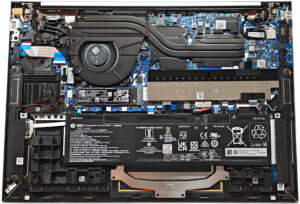
DISPLAY: 16.0-inch, 1920 x 1200, IPS
- Name
- BOE0C31
- Diagonal
- 16.0"
- Pixel density
- 141.51 ppi
- Brightness
- 334 cd/m2
- sRGB
- 50%
- Panel Type
- IPS
- Resolution
- 1920 x 1200
- Becomes "Retina" from
- 24 inches (62 cm)
- Contrast
- 1160:1
- dE Color Checker
- 5.1 4.2

Buy our profiles for BOE0C31
In addition to receiving efficient and health-friendly profiles, by buying LaptopMedia's products you also support the development of our labs, where we test devices in order to produce the most objective reviews possible.

Office Work
Office Work should be used mostly by users who spend most of the time looking at pieces of text, tables or just surfing. This profile aims to deliver better distinctness and clarity by keeping a flat gamma curve (2.20), native color temperature and perceptually accurate colors.

Design and Gaming
This profile is aimed at designers who work with colors professionally, and for games and movies as well. Design and Gaming takes display panels to their limits, making them as accurate as possible in the sRGB IEC61966-2-1 standard for Web and HDTV, at white point D65.

Health-Guard
Health-Guard eliminates the harmful Pulse-Width Modulation (PWM) and reduces the negative Blue Light which affects our eyes and body. Since it’s custom tailored for every panel, it manages to keep the colors perceptually accurate. Health-Guard simulates paper so the pressure on the eyes is greatly reduced.



![[August 2026] Global Ranking of Best-Selling Laptop GPUs on Amazon – Apple Reigns Supreme, NVIDIA’s RTX 5060 Tops Dedicated Chart](https://laptopmedia.com/wp-content/uploads/2026/09/Best-Selling-GPUs-GLOBAL-Top-10-400x225.jpg)
![[August 2026] Global Ranking of Best-Selling Laptop CPUs on Amazon – Apple Dominates Both Budget and Premium: A18 Pro and M5 Crush Intel and AMD in August 2026](https://laptopmedia.com/wp-content/uploads/2026/09/Best-Selling-CPUs-GLOBAL-Top-10-400x225.jpg)
![[August 2026] Amazon Global: Top 10 Best-Selling Laptops – Apple MacBook Neo Dominates the Charts as Budget and Mid-Range Windows Portables Fight for Volume](https://laptopmedia.com/wp-content/uploads/2026/09/Best-Selling-Laptops-GLOBAL-Top-10-400x225.jpg)
![[August 2026] Best-Selling Laptop Brands on Amazon Global – Apple Dominates Revenue While HP Leads in Model Variety](https://laptopmedia.com/wp-content/uploads/2026/09/GLOBAL-Best-Brands-400x225.jpg)
![[August 2026] Amazon Global: Top 10 Best-Selling Gaming Laptops – HP Victus 15 Captures the Crown as Budget-Friendly Models Dominate the Charts](https://laptopmedia.com/wp-content/uploads/2026/09/Best-Selling-Gaming-Laptops-GLOBAL-Top-10-400x225.jpg)
