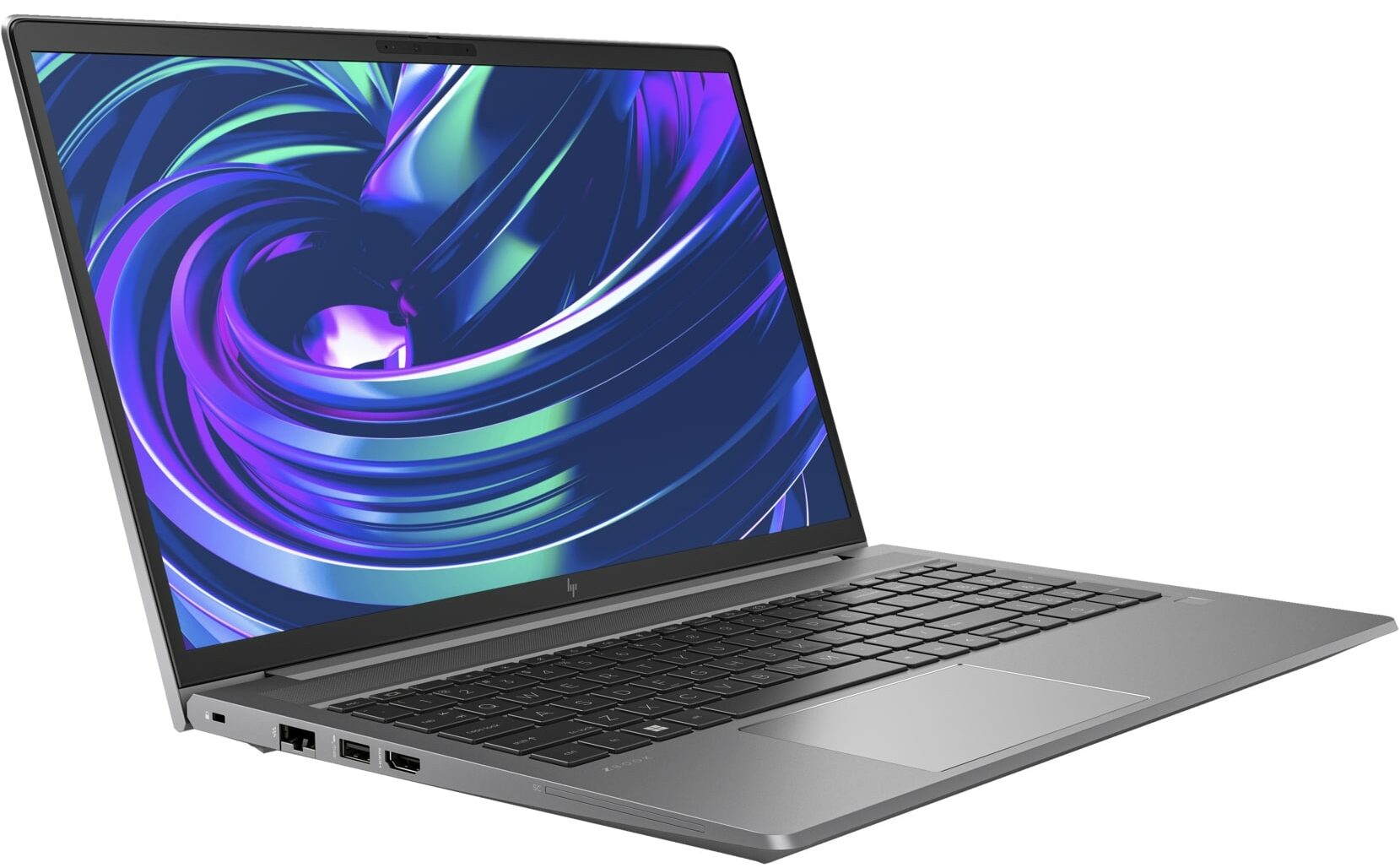
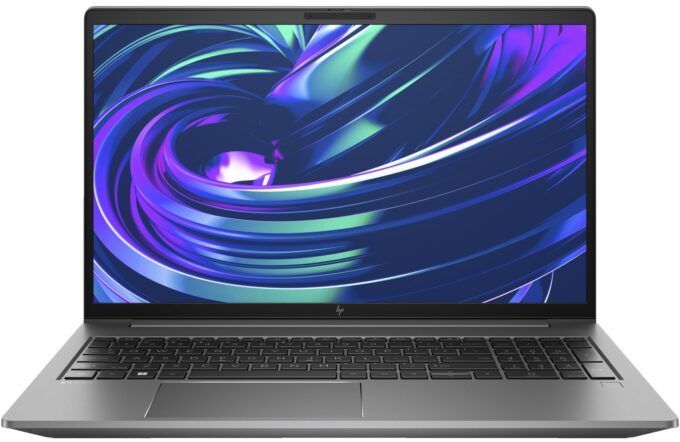
HP ZBook Power G10






- Date Published: 22 May 2025
- Intel Core i9-13900H
- NVIDIA RTX A500 (Laptop)
- 15.6”, Full HD (1920 x 1080), IPS
- 1000GB SSD
- 32GB RAM
- 2.00 kg (4.4 lbs)
Specs

- HDD/SSD
- 1000GB SSD
- M.2 Slot
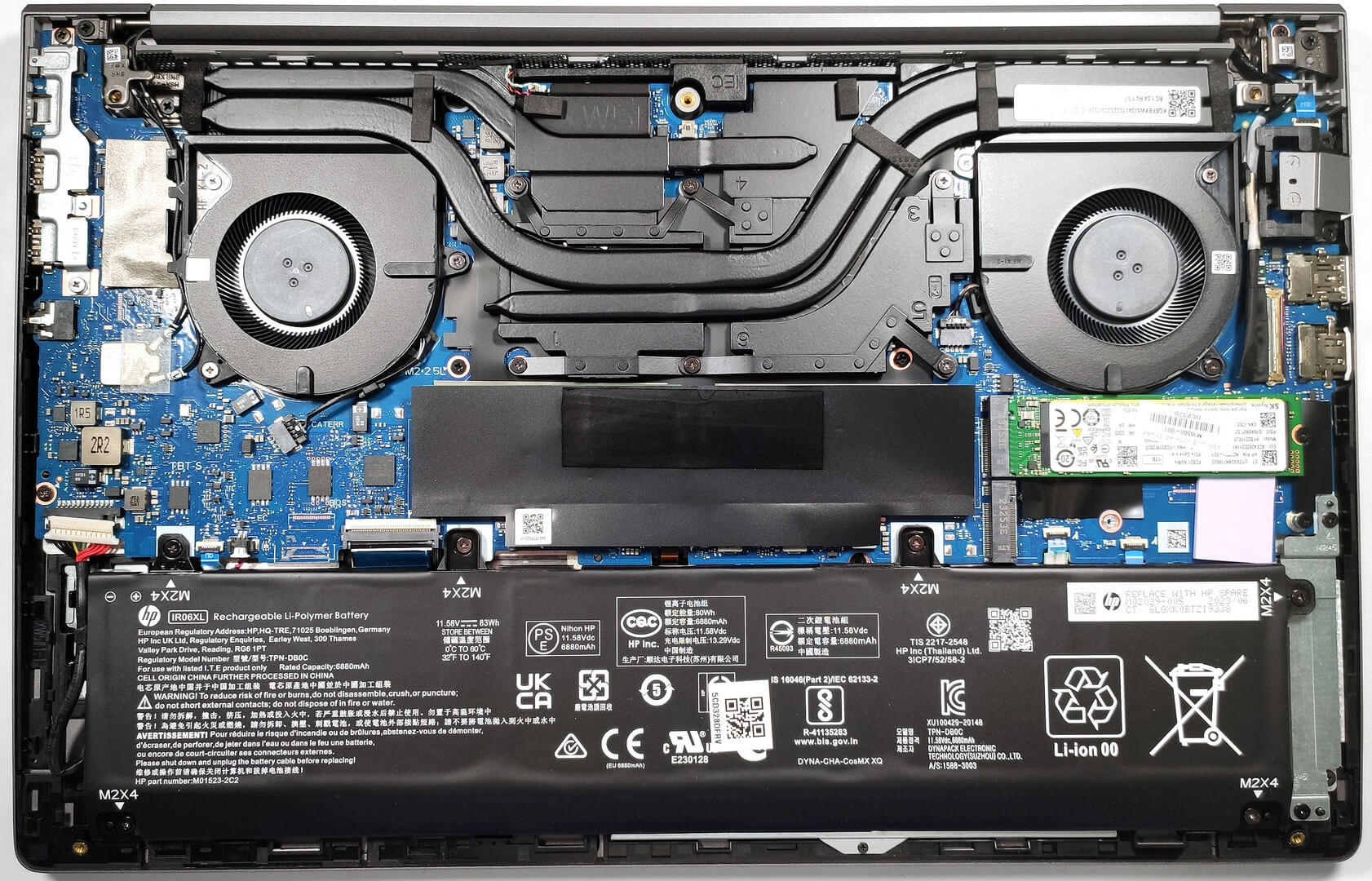
- 2x 2280 M.2 NVMe PCIe 4.0 x4 See photo
- RAM
- 32GB RAM
- OS
- Windows 11 Home
- Body Material
- Aluminum
- Dimensions
- 359.41 x 233.93 x 22.86 mm (14.15" x 9.21" x 0.90")
- Weight
- 2.00 kg (4.4 lbs)
- Ports and connectivity
- 2x USB Type-A
- 3.2 Gen 1 (5 Gbps)
- 1x USB Type-A
- 3.2 Gen 1 (5 Gbps), Sleep and Charge
- 1x USB Type-C
- 4.0, Thunderbolt 4, Power Delivery (PD), DisplayPort
- HDMI
- 2.1
- Card Reader
- Ethernet LAN
- 10, 100, 1000 Mbit/s
- Wi-Fi
- 802.11ax
- Bluetooth
- 5.2
- Audio jack
- 3.5mm Combo Jack
- Features
- Fingerprint reader
- Web camera
- 5MP IR auto tracking camera
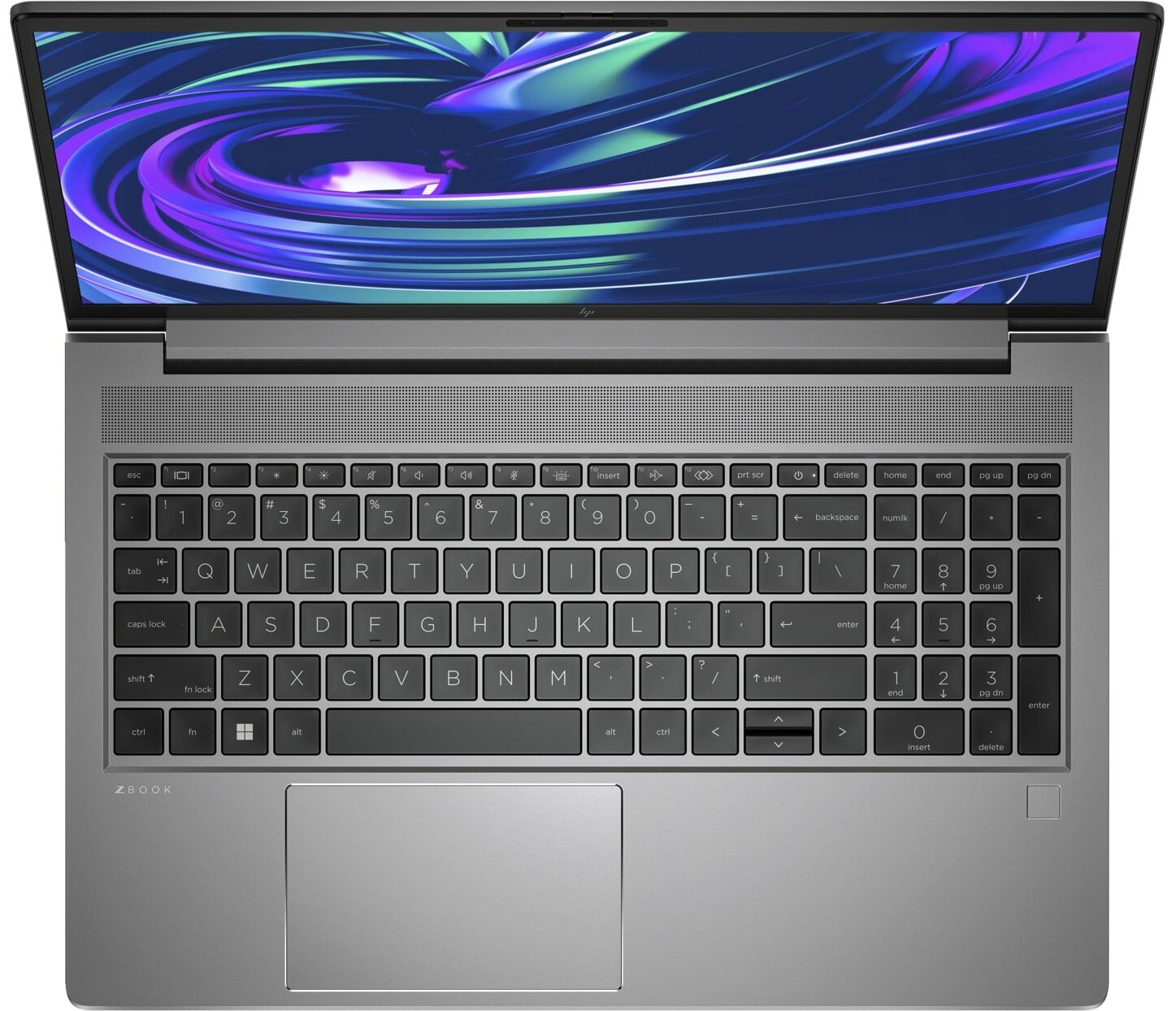
- Backlit keyboard
- Microphone
- Dual Array Digital Microphones
- Speakers
- 2x Stereo Speakers, HP Audio
- Security Lock slot
- Nano Security Lock
Portability
Review
HP ZBook Power G10 in-depth review
The price category of the HP ZBook Power G10 is described as "affordable" by the manufacturer. Interestingly, the configuration in front of us is pricey, just like the HP ZBook Studio 16 G10. However, the latter is a great workstation that surprises us positively and now it's time to see if the HP ZBook Power G10 is able to do the same.Here, we have a bit different approach in terms of design and features compared to the Zbook Studio sibling. The panel is a more conventional unit with a 16:9 aspect ratio and a 15.6-inch size. The device is a bit thicker and heavier, but instead of two huge front-firing speakers around the keyboard, we can see a board with a NumPad which can be a dealbreaker for some people.We have no complaints regarding the specs of the machine - you can choose am[...]
Read the full review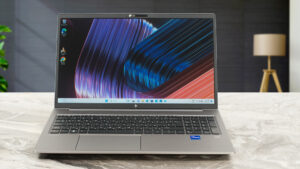
Pros
- Great metal build
- Comfortable input devices
- 2x SODIMM slots + 2x M.2 Gen 4 slots
- No PWM (AUO AUO3DA3)
- Good I/O + Smart card reader
- Optional IR face recognition + optional fingerprint reader
- The speakers produce sound of very good quality
- Silent cooling solution
- Can be used for gaming
Cons
- Expensive
- The 3D rendering performance isn't great
- Low sRGB color coverage (AUO AUO3DA3)
- Most goodies are optional
Disassembly, maintenance and upgrade options
Step 1: Accessing the HP ZBook Power G10 InternalsEnsure the HP ZBook Power G10 is powered off and placed on a soft, clean surface to avoid scratches or damage. Undo the 5 Philips-head screws that secure the bottom panel of the laptop. Employ a plastic pry tool to gently lift the bottom panel, starting from the area between the two hinges at the back.Hint: Approach this step with the precision and care of an archaeologist to avoid any damage to the internal components.Step 2: Battery RemovalDisconnect the battery connector to ensure a safe disassembly environm[...]
Read more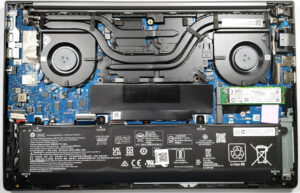


![[June 2026] Best-Selling Laptop Brands on Amazon Global – Apple’s Unrivaled Dominance in Units and Revenue](https://laptopmedia.com/wp-content/uploads/2026/07/GLOBAL-Best-Brands-400x225.jpg)
![[June 2026] Amazon Global: Top 10 Best-Selling Laptops – Apple’s New MacBook Neo Storms to #1, Reshaping the Market with Affordability](https://laptopmedia.com/wp-content/uploads/2026/07/Best-Selling-Laptops-GLOBAL-Top-10-400x225.jpg)
![[June 2026] Amazon Global: Top 10 Best-Selling Gaming Laptops – Acer’s Nitro V 16S AI Dominates Sales, While ASUS Leads Overall Revenue](https://laptopmedia.com/wp-content/uploads/2026/07/Best-Selling-Gaming-Laptops-GLOBAL-Top-10-400x225.jpg)
![[June 2026] Global Ranking of Best-Selling Laptop GPUs on Amazon – NVIDIA RTX 5060 is the Top-Selling Dedicated GPU](https://laptopmedia.com/wp-content/uploads/2026/07/Best-Selling-GPUs-GLOBAL-Top-10-400x225.jpg)
![[June 2026] Global Ranking of Best-Selling Laptop CPUs on Amazon – Apple M5 Dominates, AMD Ryzen 7 260 Gets Solid Premium Share](https://laptopmedia.com/wp-content/uploads/2026/07/Best-Selling-CPUs-GLOBAL-Top-10-400x225.jpg)