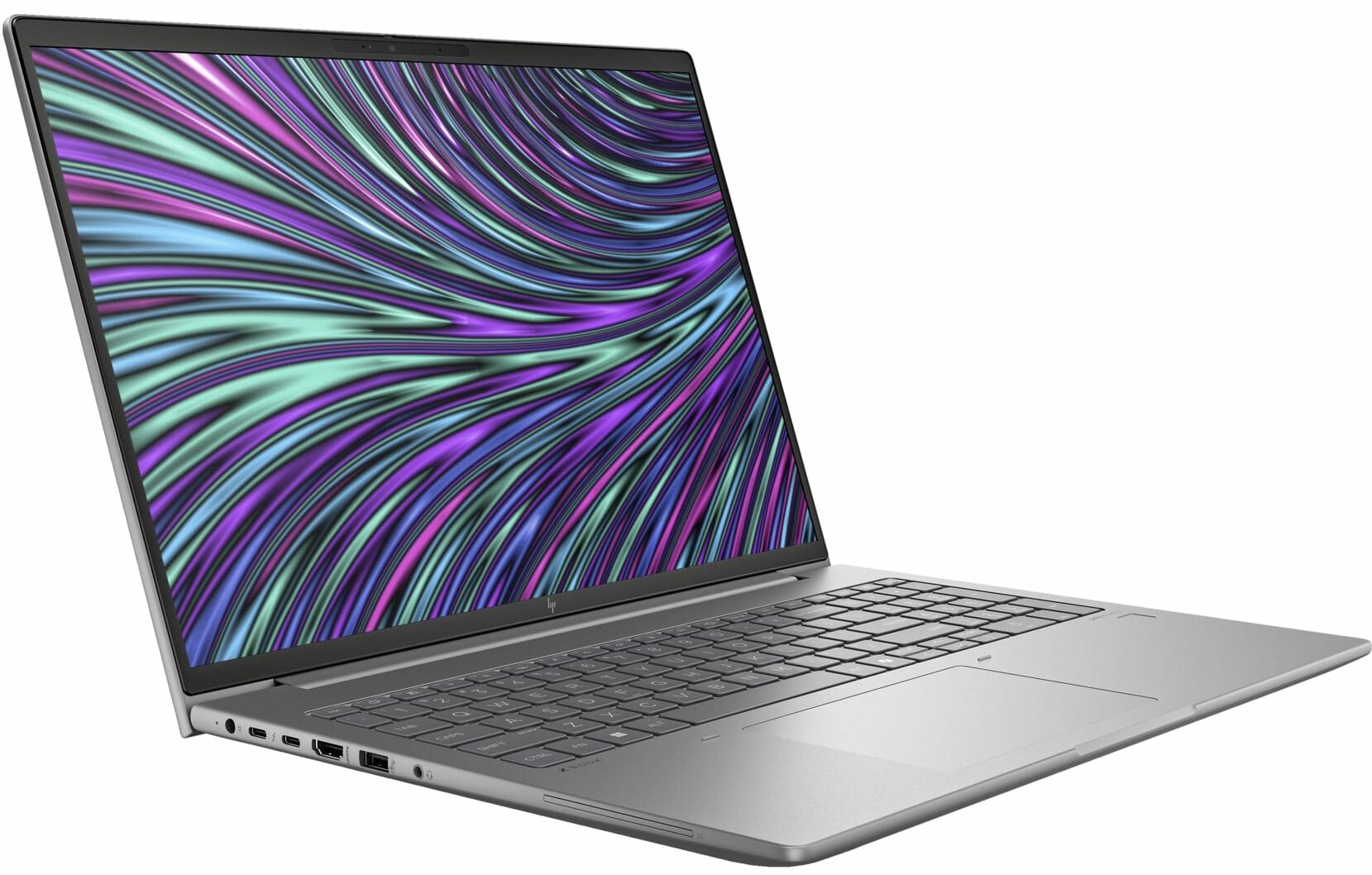
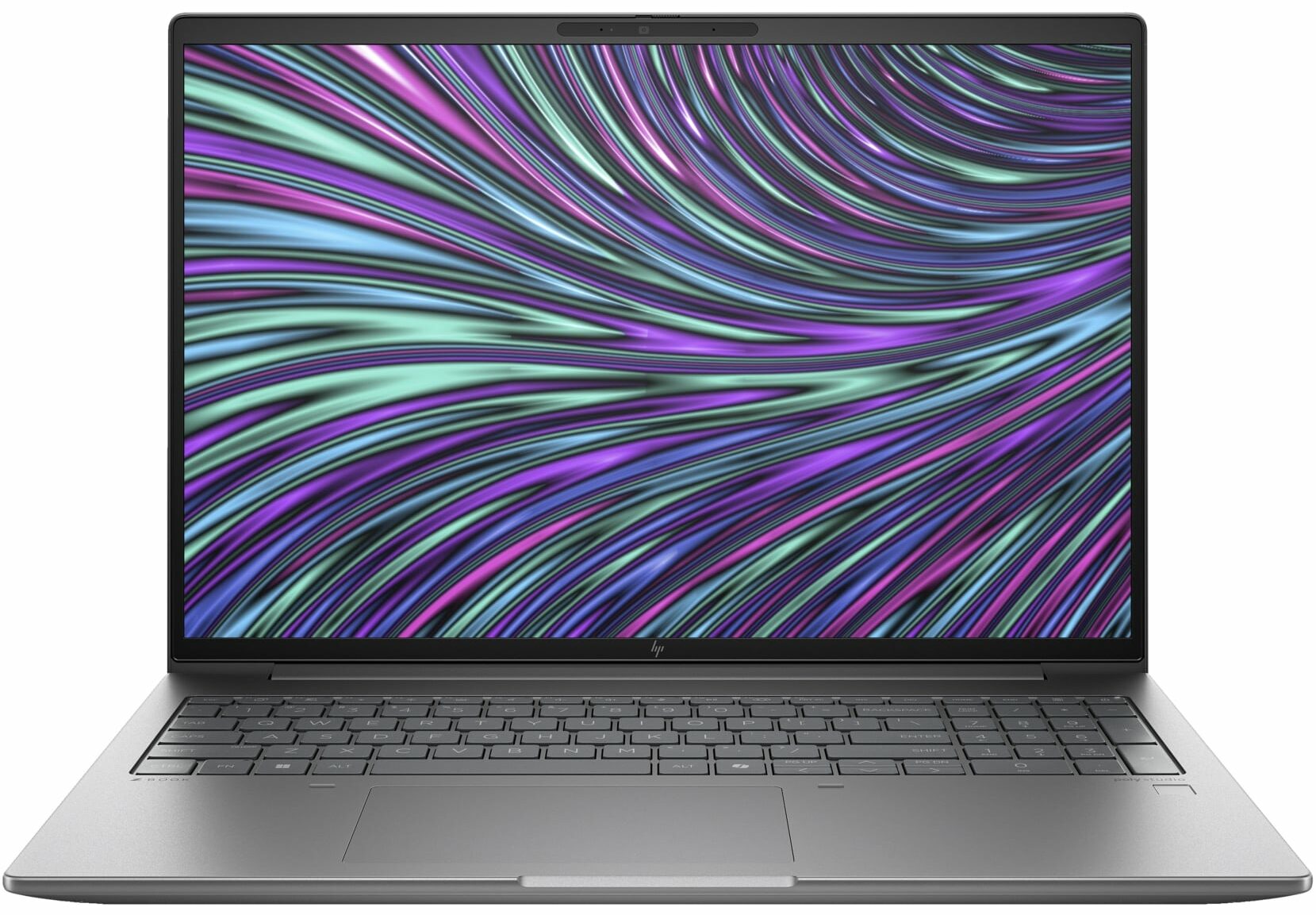
HP ZBook Power G11
- Date Published: 08 Oct 2024
- Intel Core Ultra 9 185H
- NVIDIA RTX 1000 Ada Generation
- 16.0”, WUXGA (1920 x 1200), IPS
- 1000GB SSD
- 32GB RAM
- 2.12 kg (4.7 lbs)
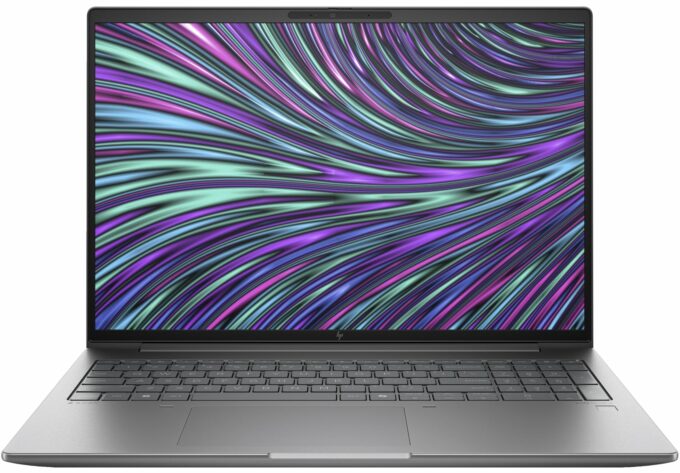
Specs
- Display

- HDD/SSD
- 1000GB SSD
- M.2 Slot
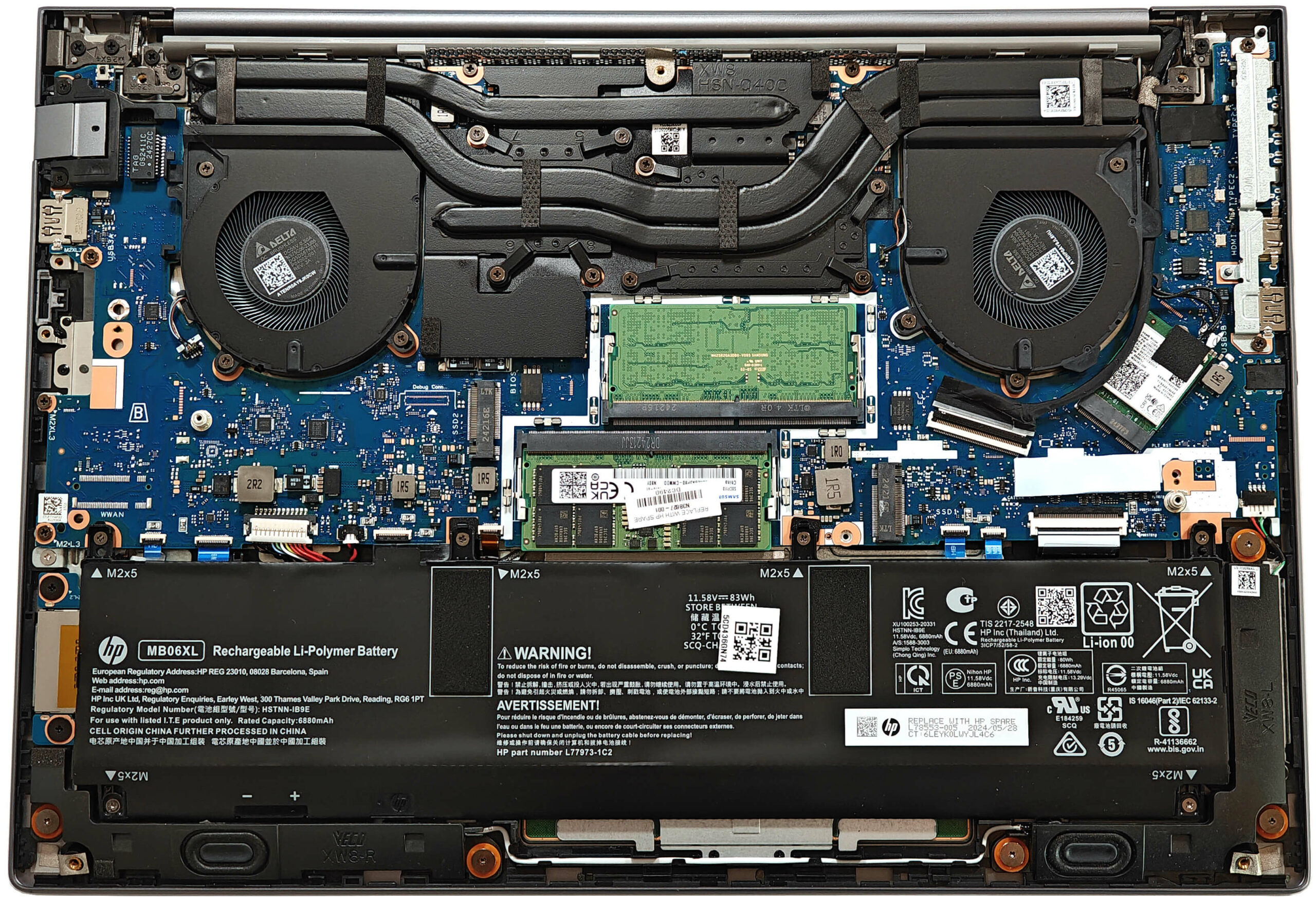
- 2x 2280 M.2 NVMe PCIe 4.0 x4 See photo
- RAM
- 32GB RAM
- OS
- Windows 11 Pro
- Body Material
- Aluminum
- Dimensions
- 359.41 x 250.95 x 22.9 mm (14.15" x 9.88" x 0.90")
- Weight
- 2.12 kg (4.7 lbs)
- Ports and connectivity
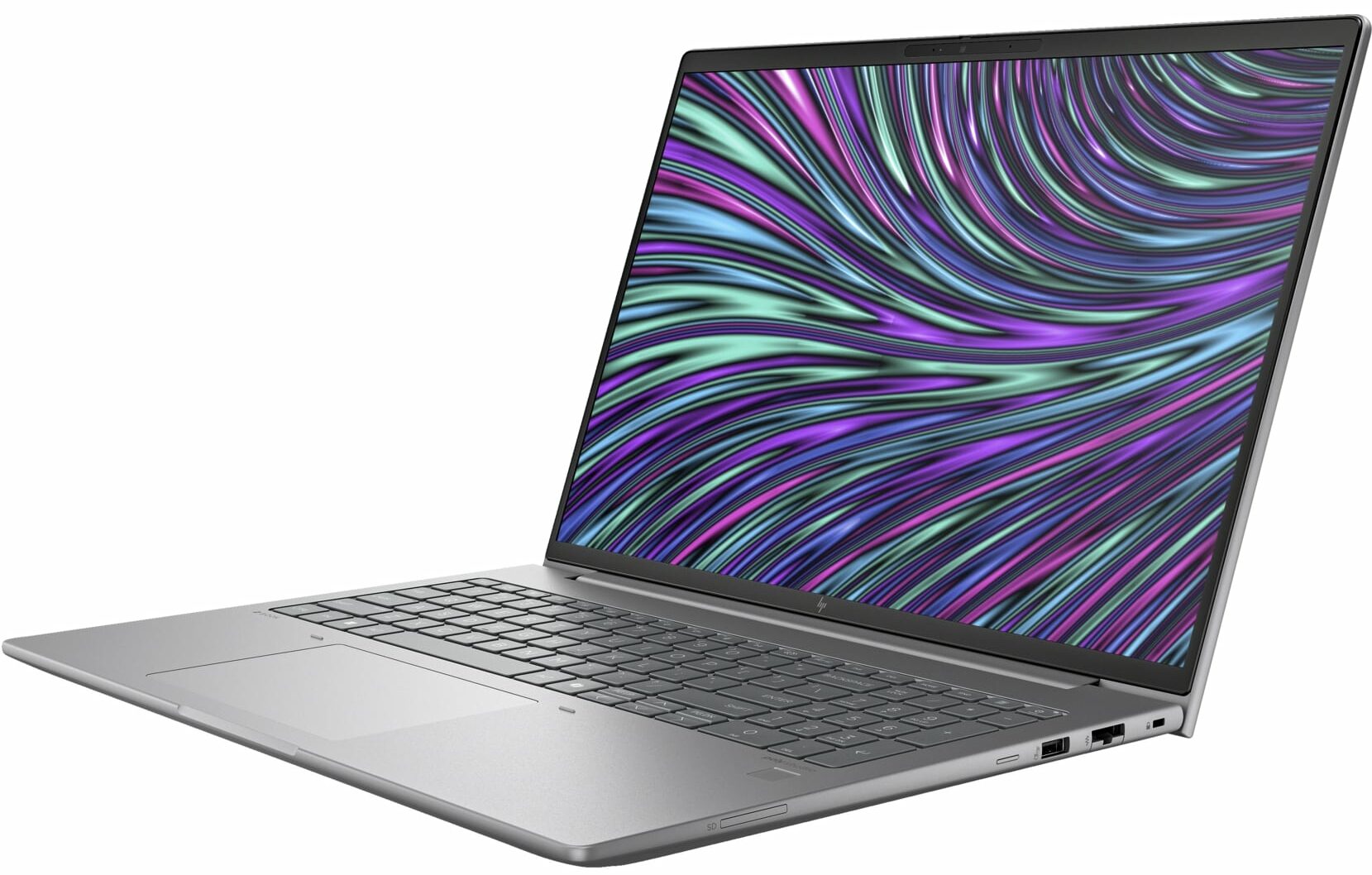
- 1x USB Type-A
- 3.2 Gen 1 (5 Gbps)
- 1x USB Type-A
- 3.2 Gen 1 (5 Gbps), Sleep and Charge
- 2x USB Type-C
- 4.0, Thunderbolt 4, Power Delivery (PD), DisplayPort
- HDMI
- 2.1
- Card Reader
- SD (SD, SDHC, SDXC)
- Ethernet LAN
- 10, 100, 1000 Mbit/s
- Wi-Fi
- 802.11ax
- Bluetooth
- 5.3
- Audio jack
- 3.5mm Combo Jack
- Features
- Fingerprint reader
- Web camera
- FHD camera / 5 MP IR camera
- Backlit keyboard
- Microphone
- HP World Facing Microphone dual array digital microphones
- Speakers
- Audio by Poly Studio, dual stereo speakers
- Security Lock slot
- Nano Security Lock
Portability
Review
HP ZBook Power G11 in-depth review
The ZBook Power 16 G11 offers new CPU options and an updated design compared to the G10 model. The latest version is powered by 28W Intel Meteor Lake-H CPUs which are more efficient than the Raptor Lake-H chips that can be found inside the previous-gen sibling. The dGPUs are expectedly pro-grade NVIDIA RTX Ada Generation chips with modest power limits for lower noise during heavy loads.This device is meant for continuous workloads like AI tasks, 3D rendering, CAD, etc. That's why HP has fitted a pretty sizable thermal system with quiet fans but more on that later. Display-wise, you get tons of choices including four 1200p screens (one of them has touch capabilities) and the most expensive model is a 120Hz 1600p unit. There is also a panel that offers the HP Sure View Reflect integrated[...]
Read the full review
Pros
- Solid all-aluminum chassis
- Very good overall performance
- The comfort during long loads is on-point
- The matte finish is almost fingerprint-proof
- The Core Ultra 7 155H maintains ~ 3.24 GHz / 2.68 GHz P and E core clocks even in long loads
- Wide viewing angles + 16:10 aspect ratio (CMN1636)
- 486 nits of max brightness +1670:1 contrast ratio (CMN1636)
- PWM-free (CMN1636)
- 98% sRGB coverage + accurate colors with our "Design and Gaming" profile (CMN1636)
- Comfortable spill-resistant keyboard
- Accurate touchpad
- 2x Thunderbolt 4 + 2x Type-A ports
- The fans are quiet in "High Performance" mode during max CPU / GPU stress
- Very long battery battery life given the powerful internals (~17 hours of videos)
- Web camera with a privacy shutter
- Snappy and well-cooled NVMe (SAMSUNG MZVL21T0HCLR-00BH1)
- Each RAM stick is additionally cooled by two thermal pads
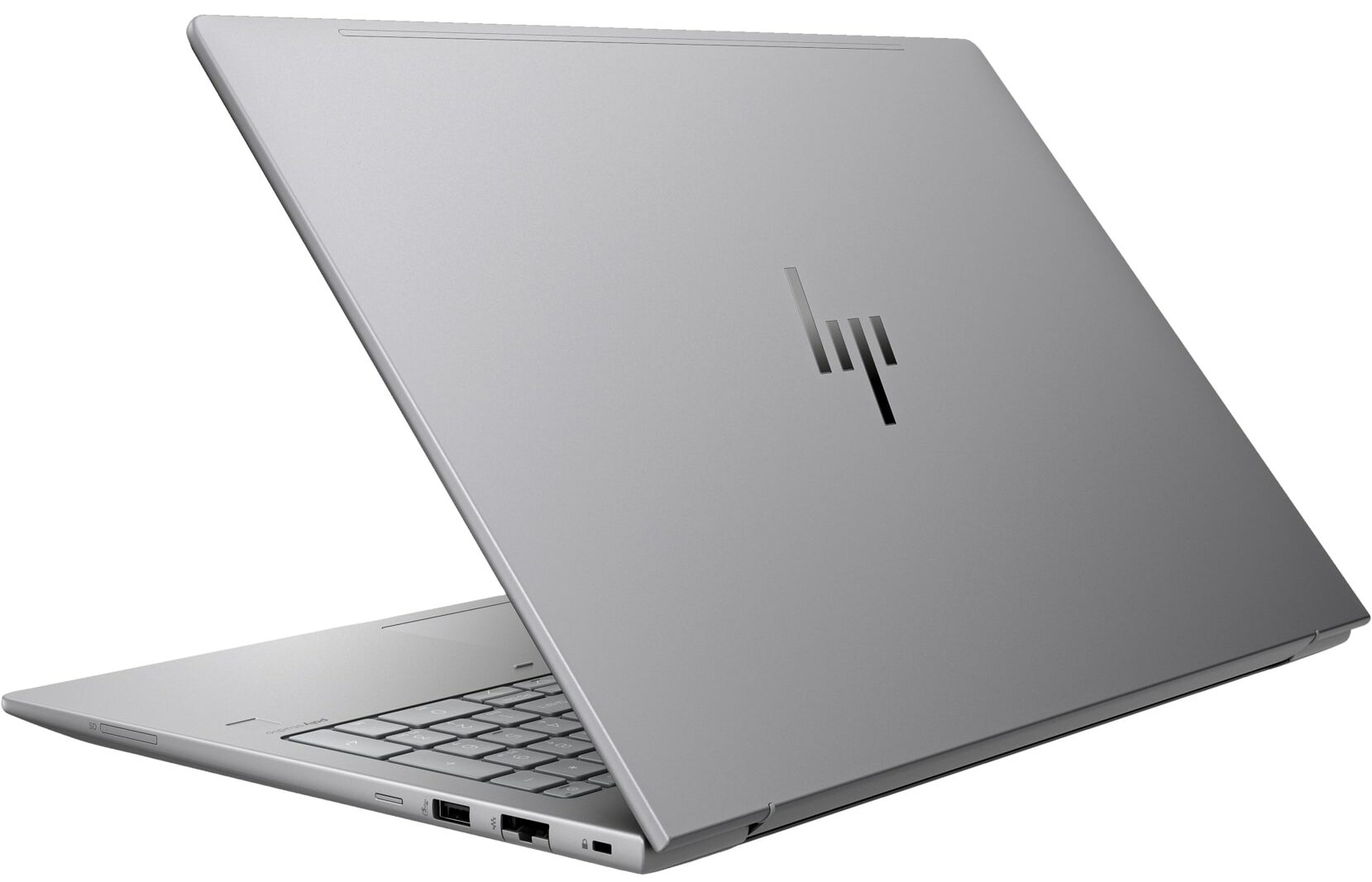
- Lid with a lever design
- LPWAN (Low-power WAN)
- SmartCard reader, SD card reader, NFC, fingerprint reader, 5MP IR Web camera, vPro, Nano SIM card slot, backlit keyboard (all are optional)
Cons
- Too many optional features given the end price
- No Wi-Fi 7
Disassembly, maintenance and upgrade options
Opening the Device Hint: Ensure the laptop is powered off and disconnected from any power source before starting.Undo the five Phillips-head screws on the bottom of the laptop. Note that the screws on the bottom are not captive. Use a thin plastic tool to pry the back behind the hinge cover. Once the clips are released, raise the plate near the upper two edges to create gaps in these sections. Pop the gaps created and then pry the sides and the front of the laptop to fully remove the back cover.More info: The inside of the bottom plate houses a cooling pad for the[...]
Read more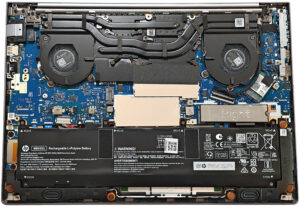


![[June 2026] Best-Selling Laptop Brands on Amazon Global – Apple’s Unrivaled Dominance in Units and Revenue](https://laptopmedia.com/wp-content/uploads/2026/07/GLOBAL-Best-Brands-400x225.jpg)
![[June 2026] Amazon Global: Top 10 Best-Selling Laptops – Apple’s New MacBook Neo Storms to #1, Reshaping the Market with Affordability](https://laptopmedia.com/wp-content/uploads/2026/07/Best-Selling-Laptops-GLOBAL-Top-10-400x225.jpg)
![[June 2026] Amazon Global: Top 10 Best-Selling Gaming Laptops – Acer’s Nitro V 16S AI Dominates Sales, While ASUS Leads Overall Revenue](https://laptopmedia.com/wp-content/uploads/2026/07/Best-Selling-Gaming-Laptops-GLOBAL-Top-10-400x225.jpg)
![[June 2026] Global Ranking of Best-Selling Laptop GPUs on Amazon – NVIDIA RTX 5060 is the Top-Selling Dedicated GPU](https://laptopmedia.com/wp-content/uploads/2026/07/Best-Selling-GPUs-GLOBAL-Top-10-400x225.jpg)
![[June 2026] Global Ranking of Best-Selling Laptop CPUs on Amazon – Apple M5 Dominates, AMD Ryzen 7 260 Gets Solid Premium Share](https://laptopmedia.com/wp-content/uploads/2026/07/Best-Selling-CPUs-GLOBAL-Top-10-400x225.jpg)