Huawei MateBook 14s

- Date Published: 20 Jan 2026
- Intel Core i5-11300H
- Intel Iris Xe Graphics G7 (80EU)
- 14.2”, WQXGA (2560 x 1680), 90 Hz, IPS
- 512GB SSD
- 16GB RAM
- 1.43 kg (3.2 lbs)
Specs

- HDD/SSD
- 512GB SSD
- M.2 Slot
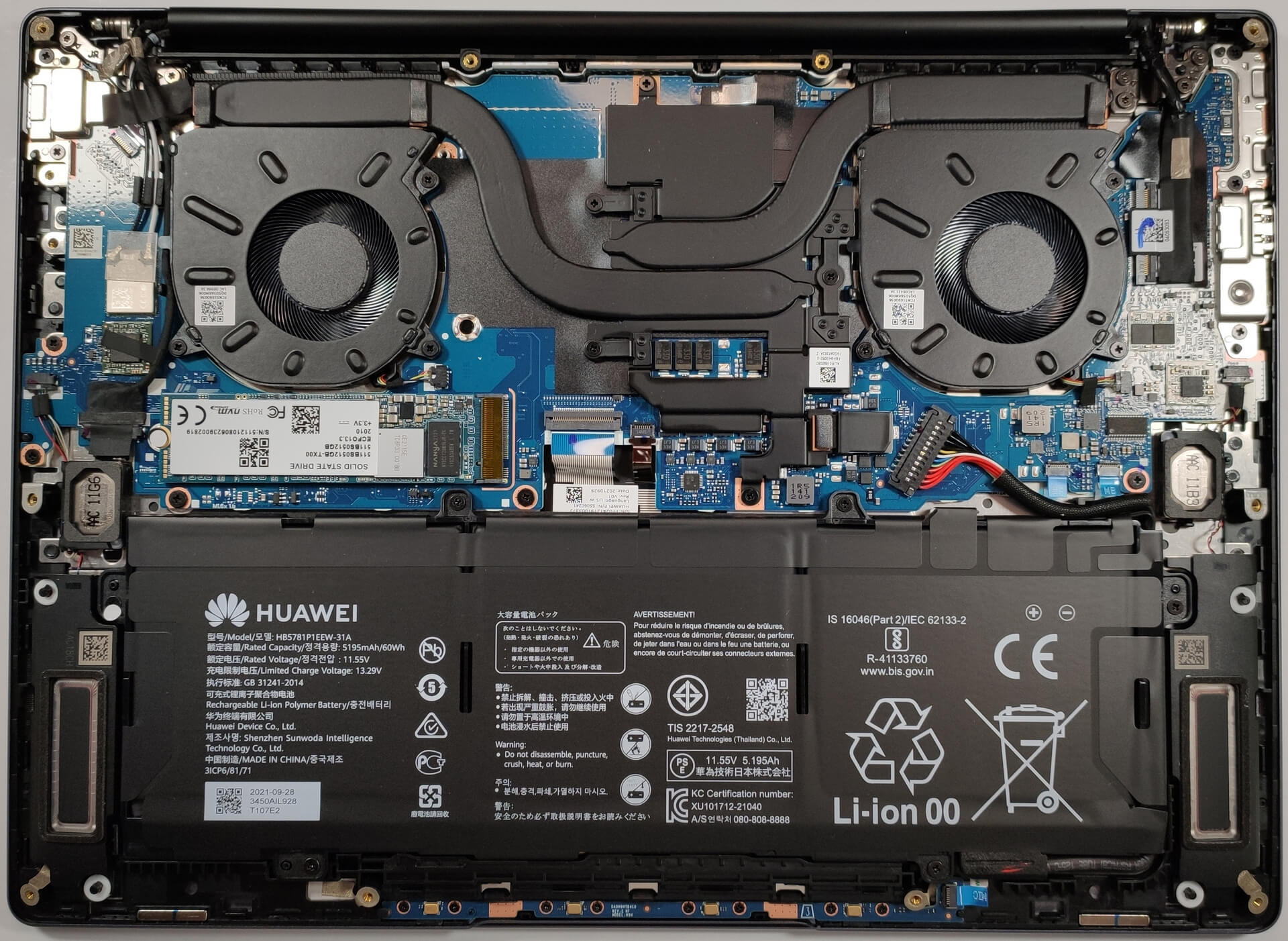
- 1x 2280 NVMe slot See photo
- RAM
- 16GB RAM
- OS
- Windows 11 Home
- Body Material
- Aluminum
- Dimensions
- 313.82 x 229.76 x 16.7 mm (12.36" x 9.05" x 0.66")
- Weight
- 1.43 kg (3.2 lbs)
- Ports and connectivity
- 1x USB Type-A
- 3.2 Gen 1 (5 Gbps)
- 2x USB Type-C
- Power Delivery (PD), DisplayPort
- HDMI
- Card Reader
- Ethernet LAN
- Wi-Fi
- 802.11ax
- Bluetooth
- 5.1
- Audio jack
- 3.5mm Combo Jack
- Features
- Fingerprint reader
- Web camera
- HD
- Backlit keyboard
- Microphone
- 4x Microphones
- Speakers
- 4x Speakers
- Security Lock slot
Portability
Review
Huawei MateBook 14s in-depth review
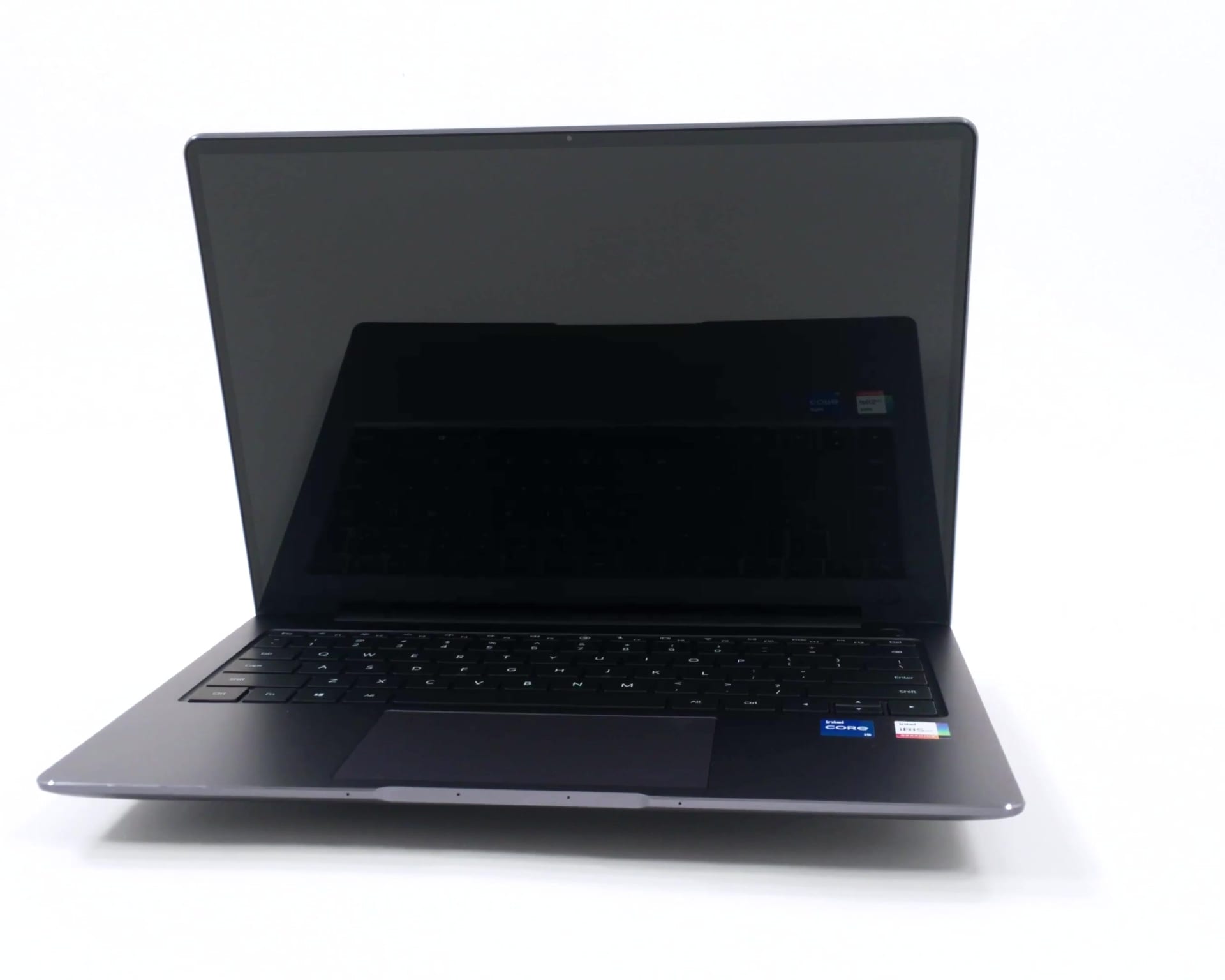
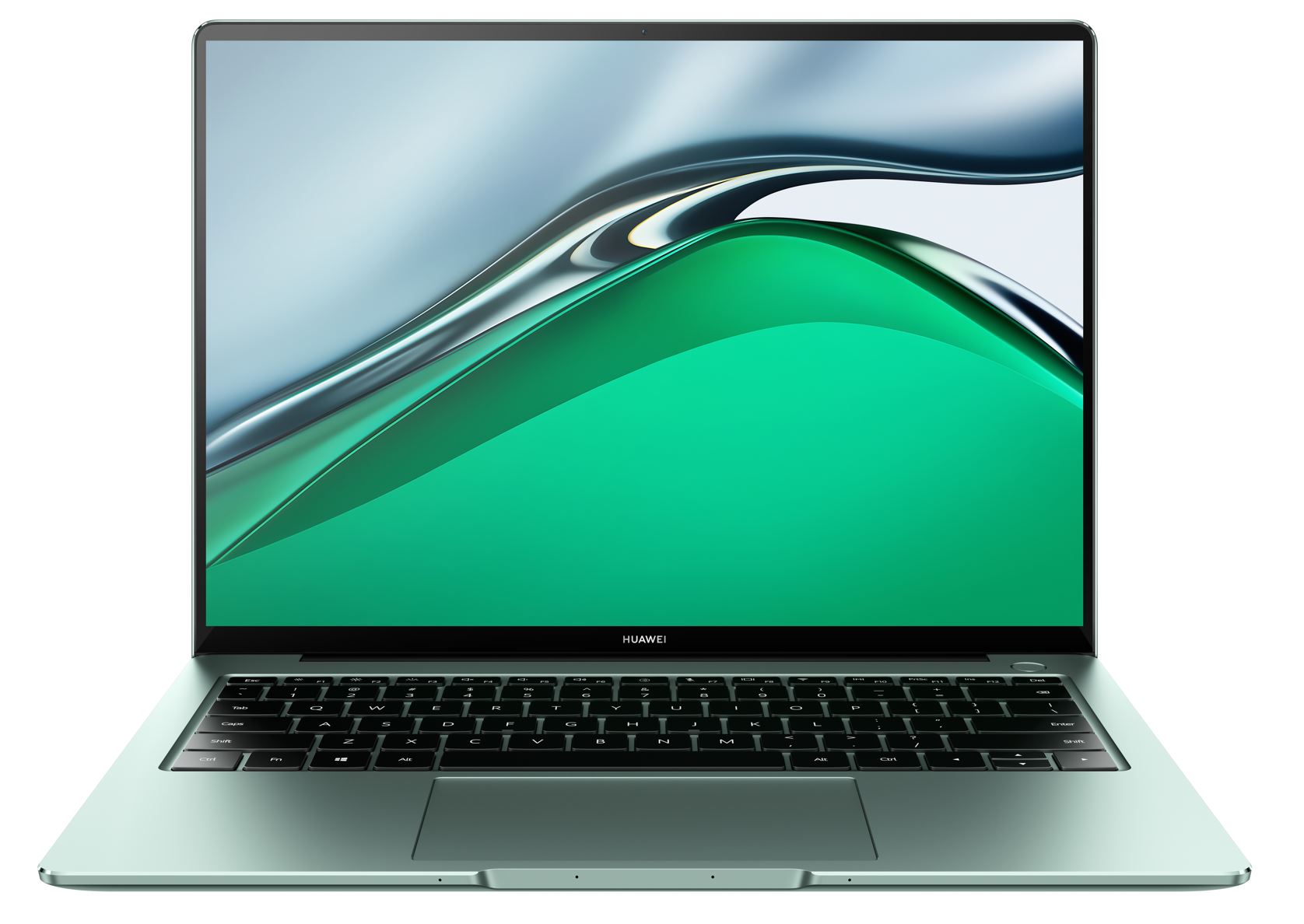
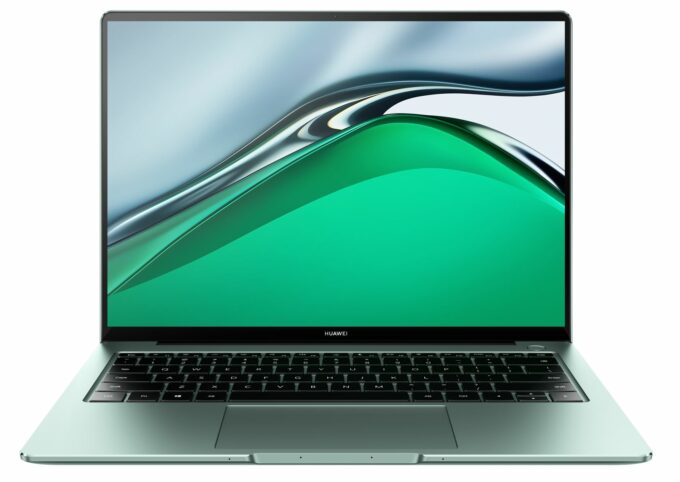
How about a 35W CPU fitted in a laptop with a 16.7 mm profile? The Huawei MateBook 14s is a compact and stylish device that can be configured with Intel Tiger Lake H35 CPUs. This means its cooling solution should be under great stress during load because of the device's slimness.If we put the hardware specs aside, this machine looks modern and reminds us of some Apple laptops but overall, the design is neat and up to date. Interestingly, the Huawei MateBook 14s is riding the new wave when it comes to displays - its panel has a 3:2 aspect ratio which can be appreciated by a lot of users that are using their devices for Web browsing or office documents. Oh, yes, and this display has a touch functionality which is a handy extra when someone is lazy enough not to use a mouse or the trackpa[...]
Read the full review
Pros
- Snappy performance
- Fingerprint reader
- Comfortable keyboard and touchpad
- Great battery life
- Hi-res 90Hz touchscreen with 3:2 aspect ratio (TL142GDXP02-0 (TMX1420))
- Has comfortable viewing angles and good sRGB color coverage (TL142GDXP02-0 (TMX1420))
- PWM-free display (TL142GDXP02-0 (TMX1420))
Cons
- Soldered RAM
- The CPU throttles below its base clock during heavy stress
- Only the top-end configuration comes with Thunderbolt 4 support
- Modest I/O
Disassembly, maintenance and upgrade options
In this article, we'll show you how to open the Huawei MateBook 14s which is a good light and portable device.Check out all Huawei MateBook 14s prices and configurations in our Specs System or read more in our In-Depth review.1. Remove the bottom plate Removing the bottom plate is simple – you have to unscrew 10 Torx-head screws. Then, you have to pop the bottom plate with a plastic pry tool.2. Battery The battery capacity is 60Wh which sounds just fine for a compact device like this one.3. Мemory and storage The device has one M.2 slot for fast NVMe drives. Unfort[...]
Read more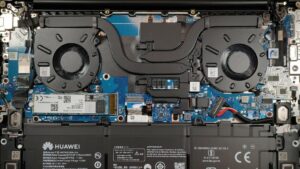


![[June 2026] Best-Selling Laptop Brands on Amazon Global – Apple’s Unrivaled Dominance in Units and Revenue](https://laptopmedia.com/wp-content/uploads/2026/07/GLOBAL-Best-Brands-400x225.jpg)
![[June 2026] Amazon Global: Top 10 Best-Selling Laptops – Apple’s New MacBook Neo Storms to #1, Reshaping the Market with Affordability](https://laptopmedia.com/wp-content/uploads/2026/07/Best-Selling-Laptops-GLOBAL-Top-10-400x225.jpg)
![[June 2026] Amazon Global: Top 10 Best-Selling Gaming Laptops – Acer’s Nitro V 16S AI Dominates Sales, While ASUS Leads Overall Revenue](https://laptopmedia.com/wp-content/uploads/2026/07/Best-Selling-Gaming-Laptops-GLOBAL-Top-10-400x225.jpg)
![[June 2026] Global Ranking of Best-Selling Laptop GPUs on Amazon – NVIDIA RTX 5060 is the Top-Selling Dedicated GPU](https://laptopmedia.com/wp-content/uploads/2026/07/Best-Selling-GPUs-GLOBAL-Top-10-400x225.jpg)
![[June 2026] Global Ranking of Best-Selling Laptop CPUs on Amazon – Apple M5 Dominates, AMD Ryzen 7 260 Gets Solid Premium Share](https://laptopmedia.com/wp-content/uploads/2026/07/Best-Selling-CPUs-GLOBAL-Top-10-400x225.jpg)