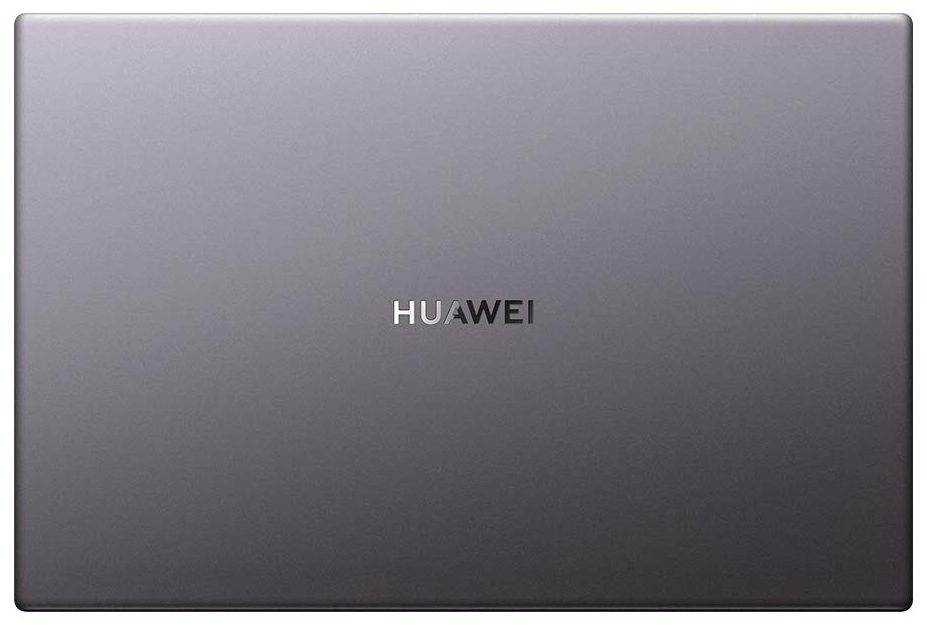
Huawei MateBook D 14


- Date Published: 28 May 2025
- Intel Core i5-10210U
- NVIDIA GeForce MX250 (25W)
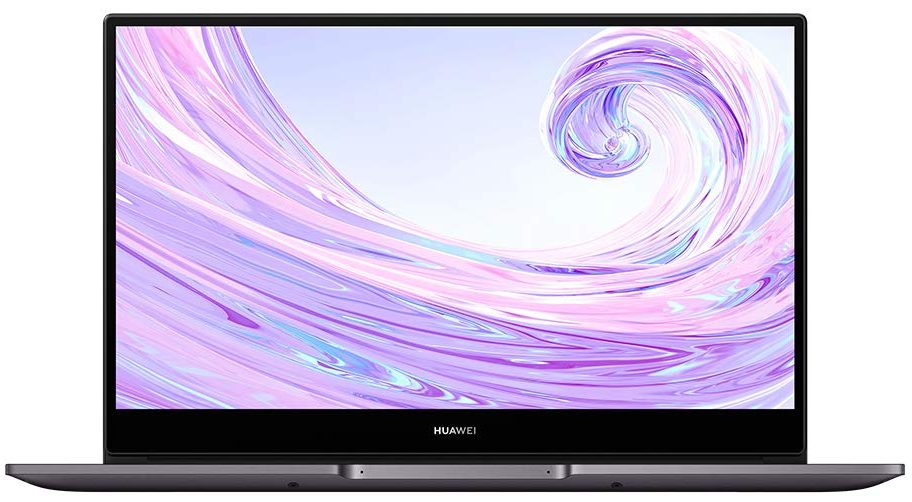
- 14.0”, Full HD (1920 x 1080), IPS
- 512GB SSD
- 8GB RAM
- 1.38 kg (3 lbs)

Specs

- HDD/SSD
- 512GB SSD
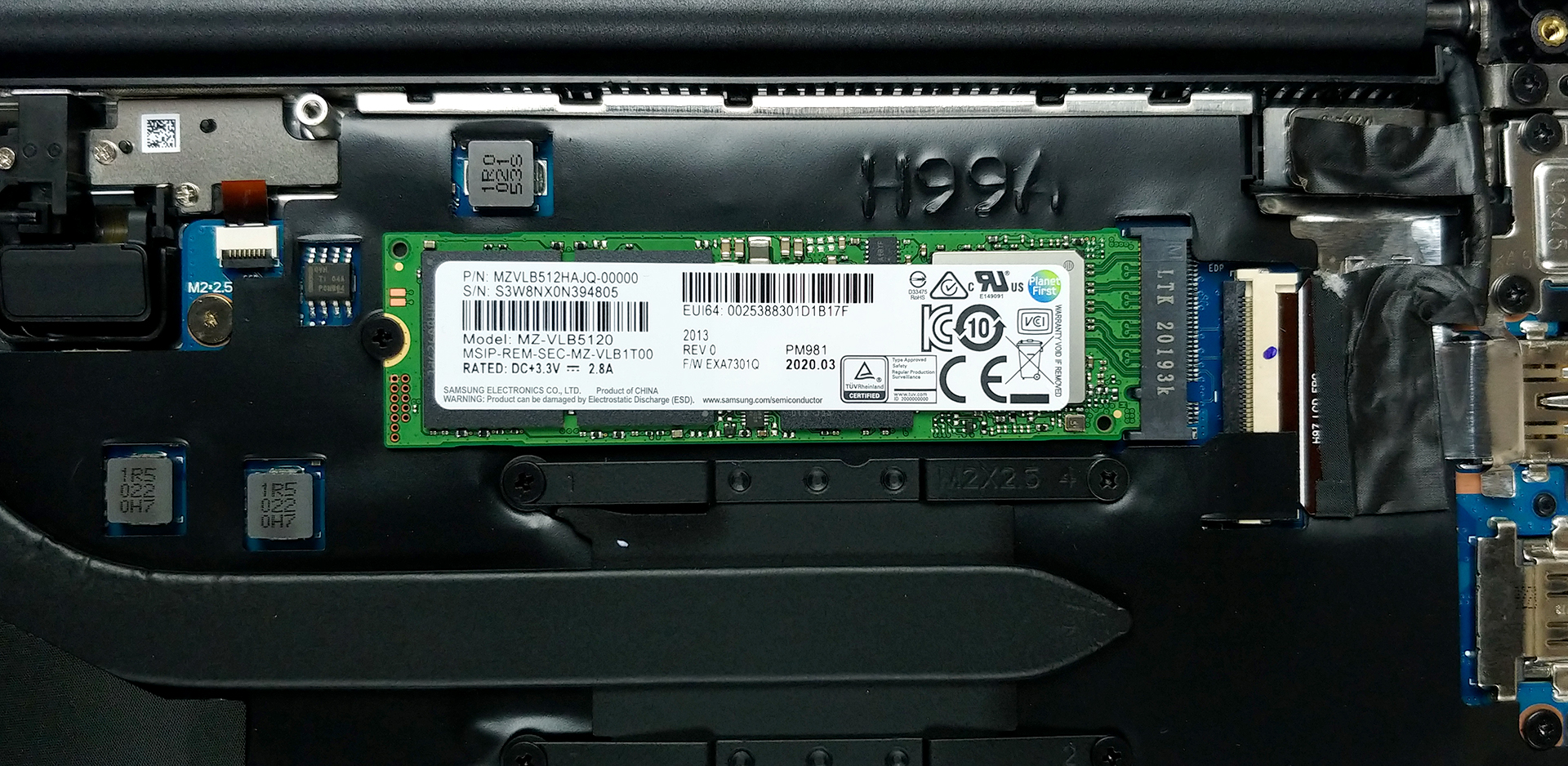
- M.2 Slot
- 1x 2280 PCIe NVMe 3.0 x4 See photo
- RAM
- 8GB RAM
- OS
- Windows 10 Home
- Body Material
- Plastic / Polycarbonate, Aluminum
- Dimensions
- 322.5 x 214.8 x 15.9 mm (12.70" x 8.46" x 0.63")
- Weight
- 1.38 kg (3 lbs)
- Ports and connectivity
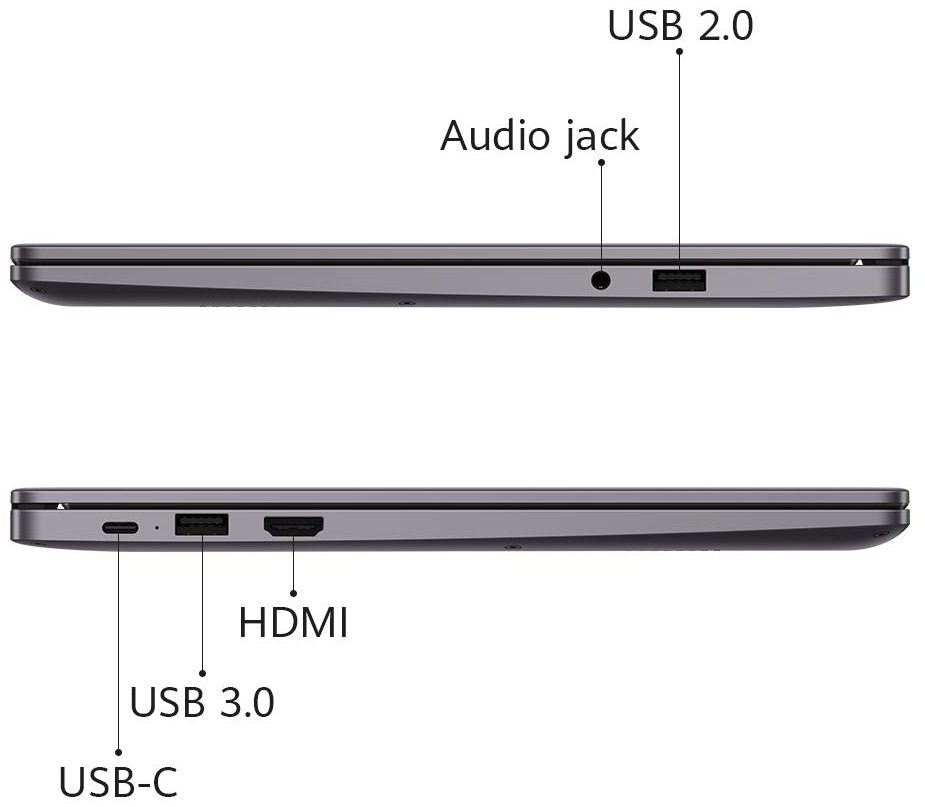
- 1x USB Type-A
- 2.0
- 1x USB Type-A
- 3.2 Gen 1 (5 Gbps)
- 1x USB Type-C
- 3.2 Gen 1 (5 Gbps)
- HDMI
- Card Reader
- Wi-Fi
- 802.11ac
- Bluetooth
- 5.0
- Audio jack
- 3.5 mm combo
- Features
- Fingerprint reader
- Web camera
- HD
- Backlit keyboard
- Microphone
- Speakers
- 2 Speakers
- Security Lock slot
Portability
Review
Huawei MateBook D 14 in-depth review
Finally, we are going to write a review, regarding a Huawei device. We've gotten many requests, but we were never able to snatch a MateBook before. With that said, the first Huawei notebook for us is the MateBook D 14 (2020) - a 14-inch machine, which boasts a 1080p IPS panel, and a cool feature like the Huawei Share, where you use the NFC of your Huawei smartphone to connect it to your notebook (in a similar fashion like the Apple devices).Also, the notebook is fairly inexpensive, especially given the hardware it packs. Our unit came with the Ryzen 7 3700U (although there are Ryzen 4000U and Intel variants), 8GB of RAM, and a 512GB NVMe SSD. This is actually a pretty good setup for office work, school, and even some light programming.Now, let's see what we found inside the box, a[...]
Read the full review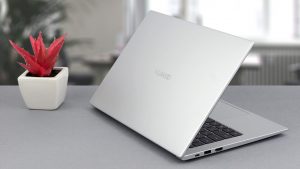
Pros
- Snappy experience
- PCIe x4 support and a fingerprint reader on board
- Doesn't use aggressive PWM for brightness adjustment (BOE NV140FHM-N63)
- Great battery life
- ErgoLift hinge and NumberPad 2.0 support
Cons
- RAM is soldered to the motherboard
- Terrible camera location
- Covers 53% of the sRGB color gamut (BOE NV140FHM-N63)
Disassembly, maintenance and upgrade options
Budget offering, that doesn't really shine with great upgradability.Check out all Huawei MateBook D 14 (2020) prices and configurations in our Specs System or read more in our In-Depth review.1. Remove the bottom plate Getting inside of this device is as easy as undoing 10 Torx-head screws. After you do that, just pry the panel away with a plastic tool, starting from the back, and making your way around the device.2. Battery And what powers the notebook when you're away from the plug? A 56Wh battery pack.3. Memory and storage As a typical ultrabook, the memory is s[...]
Read more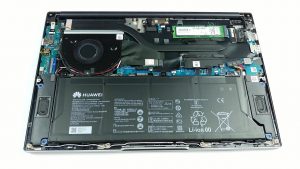


![[June 2026] Best-Selling Laptop Brands on Amazon Global – Apple’s Unrivaled Dominance in Units and Revenue](https://laptopmedia.com/wp-content/uploads/2026/07/GLOBAL-Best-Brands-400x225.jpg)
![[June 2026] Amazon Global: Top 10 Best-Selling Laptops – Apple’s New MacBook Neo Storms to #1, Reshaping the Market with Affordability](https://laptopmedia.com/wp-content/uploads/2026/07/Best-Selling-Laptops-GLOBAL-Top-10-400x225.jpg)
![[June 2026] Amazon Global: Top 10 Best-Selling Gaming Laptops – Acer’s Nitro V 16S AI Dominates Sales, While ASUS Leads Overall Revenue](https://laptopmedia.com/wp-content/uploads/2026/07/Best-Selling-Gaming-Laptops-GLOBAL-Top-10-400x225.jpg)
![[June 2026] Global Ranking of Best-Selling Laptop GPUs on Amazon – NVIDIA RTX 5060 is the Top-Selling Dedicated GPU](https://laptopmedia.com/wp-content/uploads/2026/07/Best-Selling-GPUs-GLOBAL-Top-10-400x225.jpg)
![[June 2026] Global Ranking of Best-Selling Laptop CPUs on Amazon – Apple M5 Dominates, AMD Ryzen 7 260 Gets Solid Premium Share](https://laptopmedia.com/wp-content/uploads/2026/07/Best-Selling-CPUs-GLOBAL-Top-10-400x225.jpg)