Inside Huawei MateBook D 14 (2020) – disassembly and upgrade options
Budget offering, that doesn’t really shine with great upgradability.
Check out all Huawei MateBook D 14 (2020) prices and configurations in our Specs System or read more in our In-Depth review.
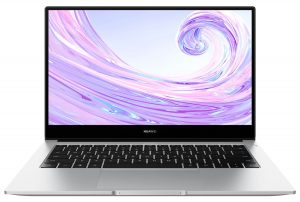
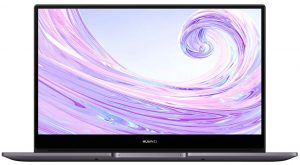
1. Remove the bottom plate
Getting inside of this device is as easy as undoing 10 Torx-head screws. After you do that, just pry the panel away with a plastic tool, starting from the back, and making your way around the device.
2. Battery
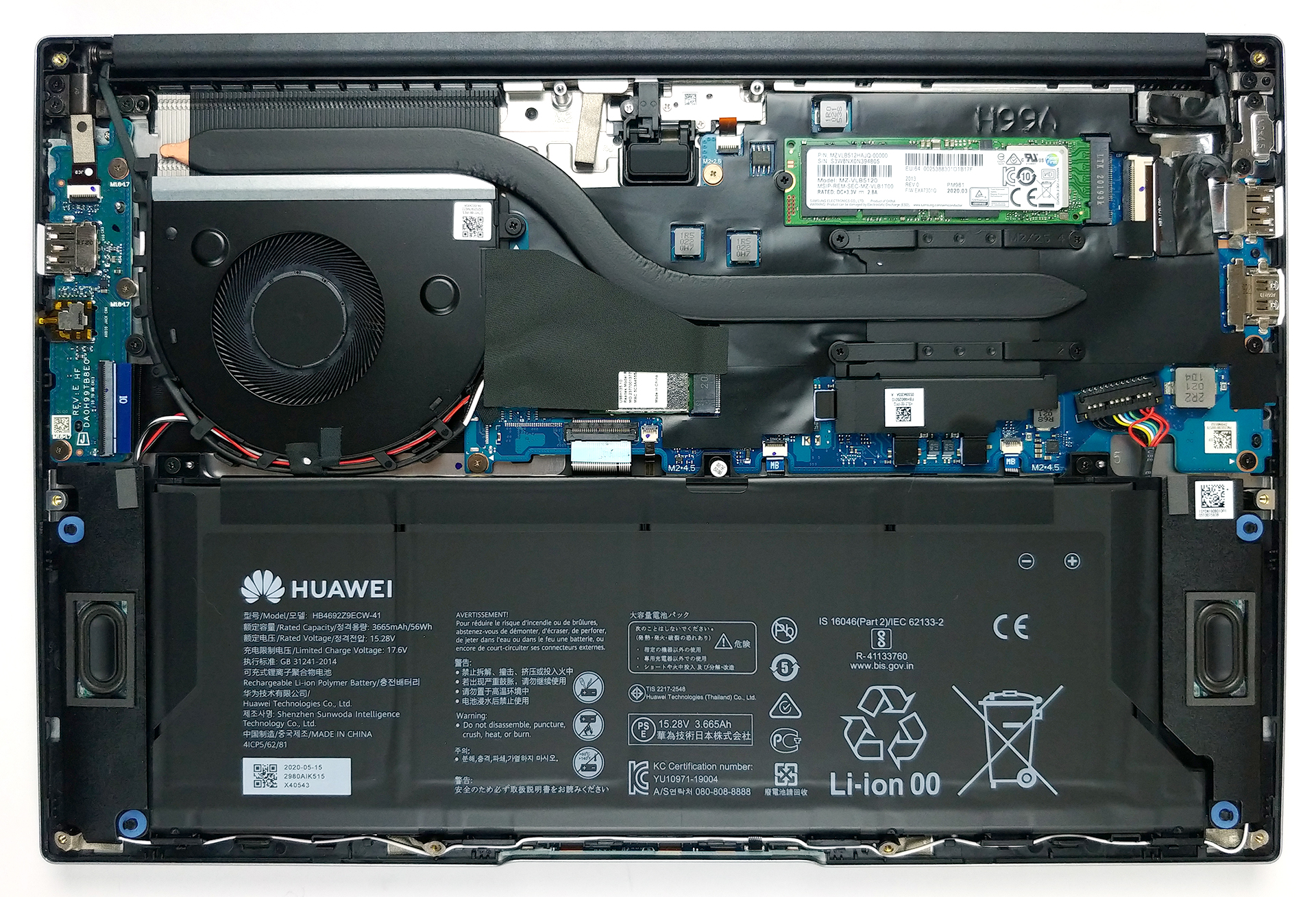
And what powers the notebook when you’re away from the plug? A 56Wh battery pack.
3. Memory and storage
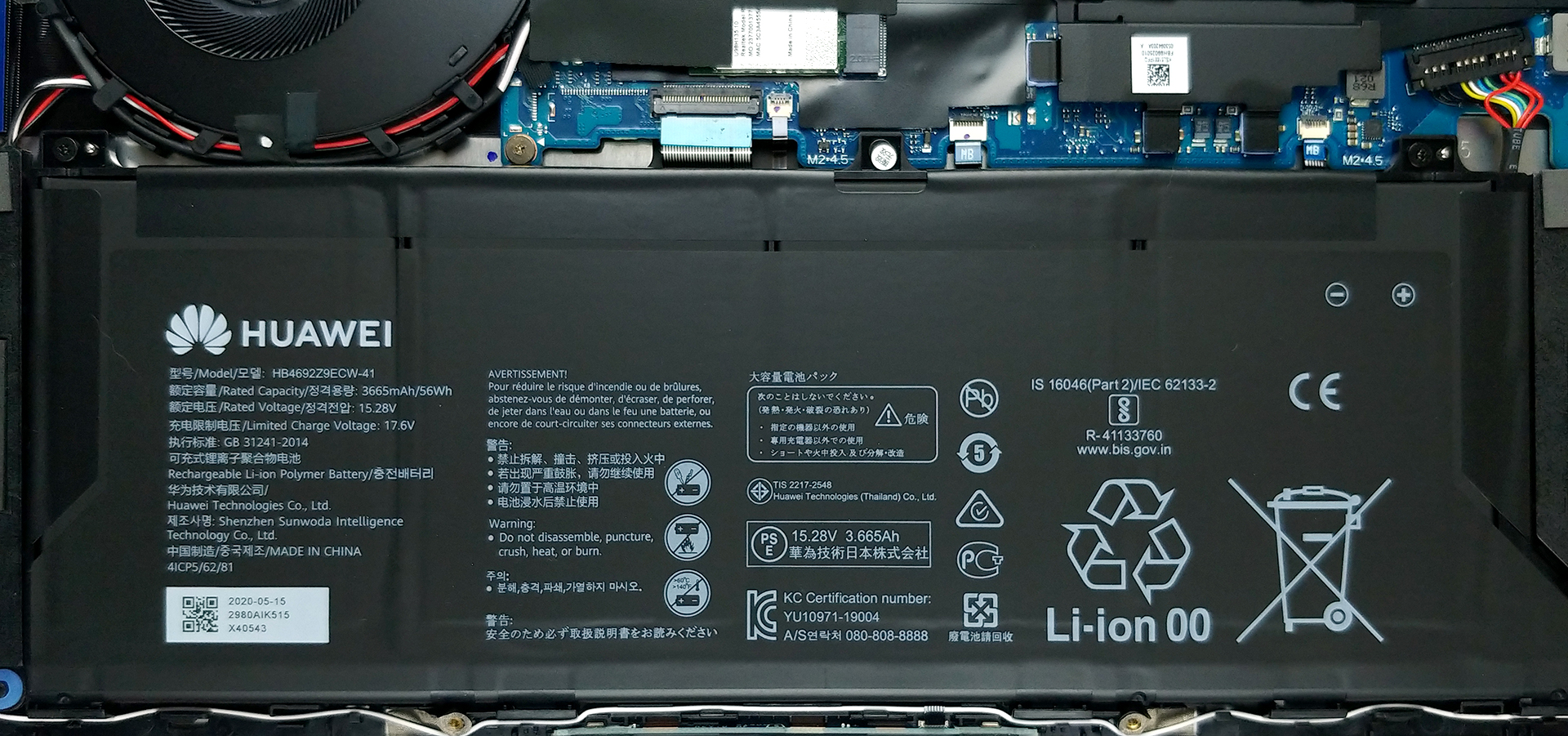
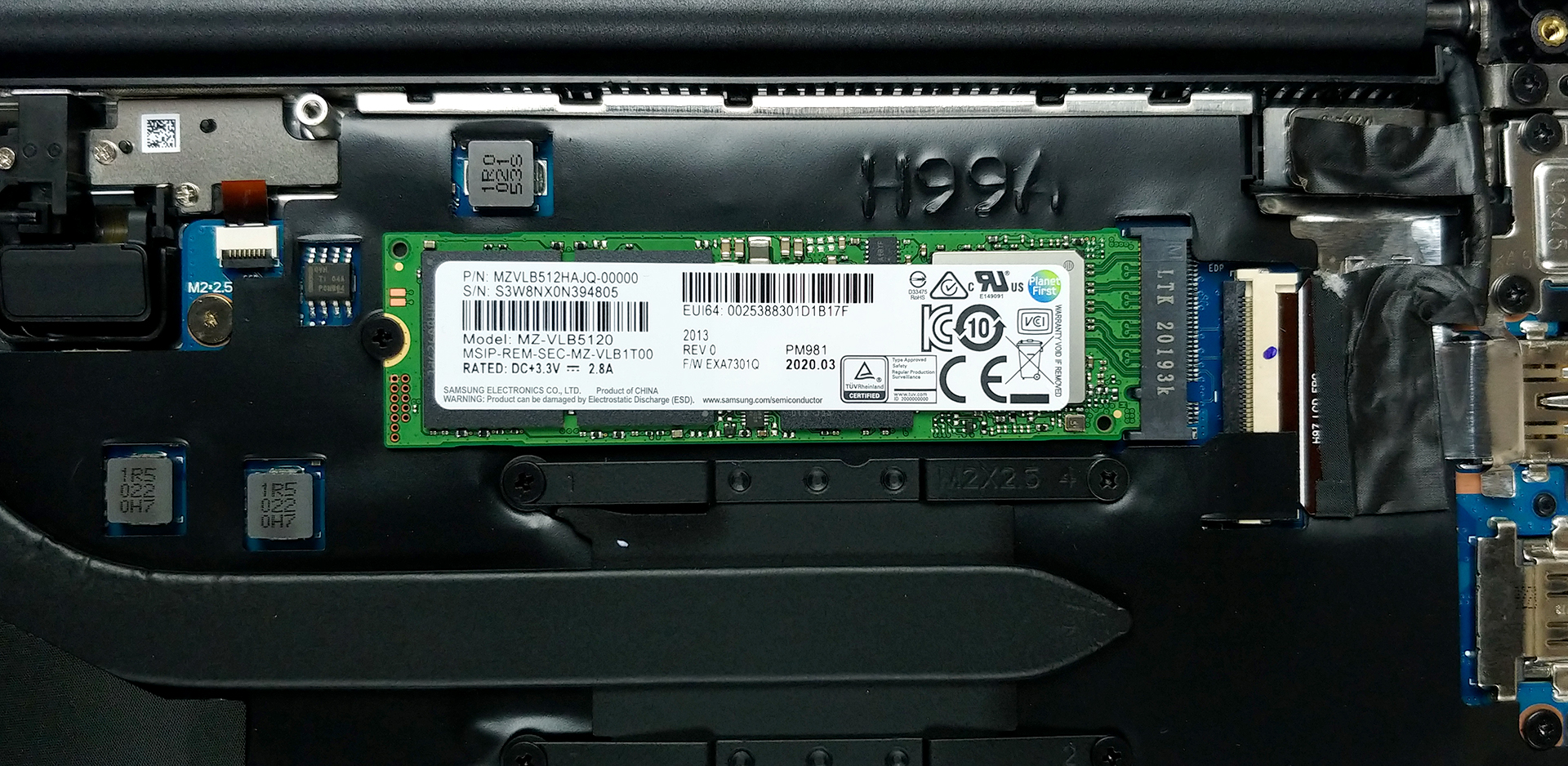
As a typical ultrabook, the memory is soldered to the motherboard, and it comes in two variants – 8GB and 16GB. Thankfully, there is an M.2 NVMe slot for storage upgrades.
4. Cooling system
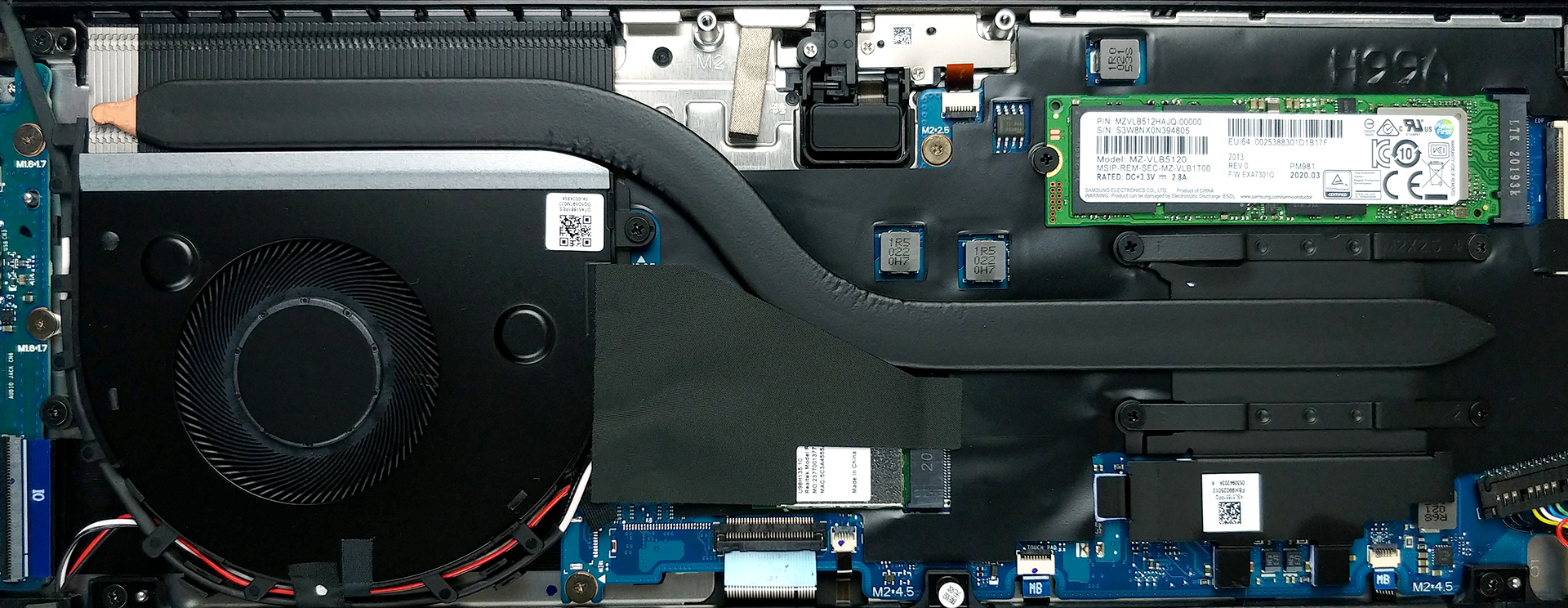
Inside, we can see that Huawei has taken care of the thermals. There is one rather long and thick heat pipe, that leads to a formidable heat spreader. Then, the heat is blown away by the fan. By the way, you can see where the pop-up camera hides, just where the heat pipe makes its first 90-degree turn.
Check out all Huawei MateBook D 14 (2020) prices and configurations in our Specs System or read more in our In-Depth review.
 Author: Alex Iliev

![[June 2026] Best-Selling Laptop Brands on Amazon Global – Apple’s Unrivaled Dominance in Units and Revenue](https://laptopmedia.com/wp-content/uploads/2026/07/GLOBAL-Best-Brands-400x225.jpg)
![[June 2026] Amazon Global: Top 10 Best-Selling Laptops – Apple’s New MacBook Neo Storms to #1, Reshaping the Market with Affordability](https://laptopmedia.com/wp-content/uploads/2026/07/Best-Selling-Laptops-GLOBAL-Top-10-400x225.jpg)
![[June 2026] Amazon Global: Top 10 Best-Selling Gaming Laptops – Acer’s Nitro V 16S AI Dominates Sales, While ASUS Leads Overall Revenue](https://laptopmedia.com/wp-content/uploads/2026/07/Best-Selling-Gaming-Laptops-GLOBAL-Top-10-400x225.jpg)
![[June 2026] Global Ranking of Best-Selling Laptop GPUs on Amazon – NVIDIA RTX 5060 is the Top-Selling Dedicated GPU](https://laptopmedia.com/wp-content/uploads/2026/07/Best-Selling-GPUs-GLOBAL-Top-10-400x225.jpg)
![[June 2026] Global Ranking of Best-Selling Laptop CPUs on Amazon – Apple M5 Dominates, AMD Ryzen 7 260 Gets Solid Premium Share](https://laptopmedia.com/wp-content/uploads/2026/07/Best-Selling-CPUs-GLOBAL-Top-10-400x225.jpg)

A 2.mve slot, does this mean you could possible add another 8gb of ram? Or what does this mean? I’ve looked online but can’t find an explanation that makes sende to a not so very tech savvy person such as myself.
No, but you can change the SSD. Specifically an M.2 NVMe drive.
Camera can physically be removed?