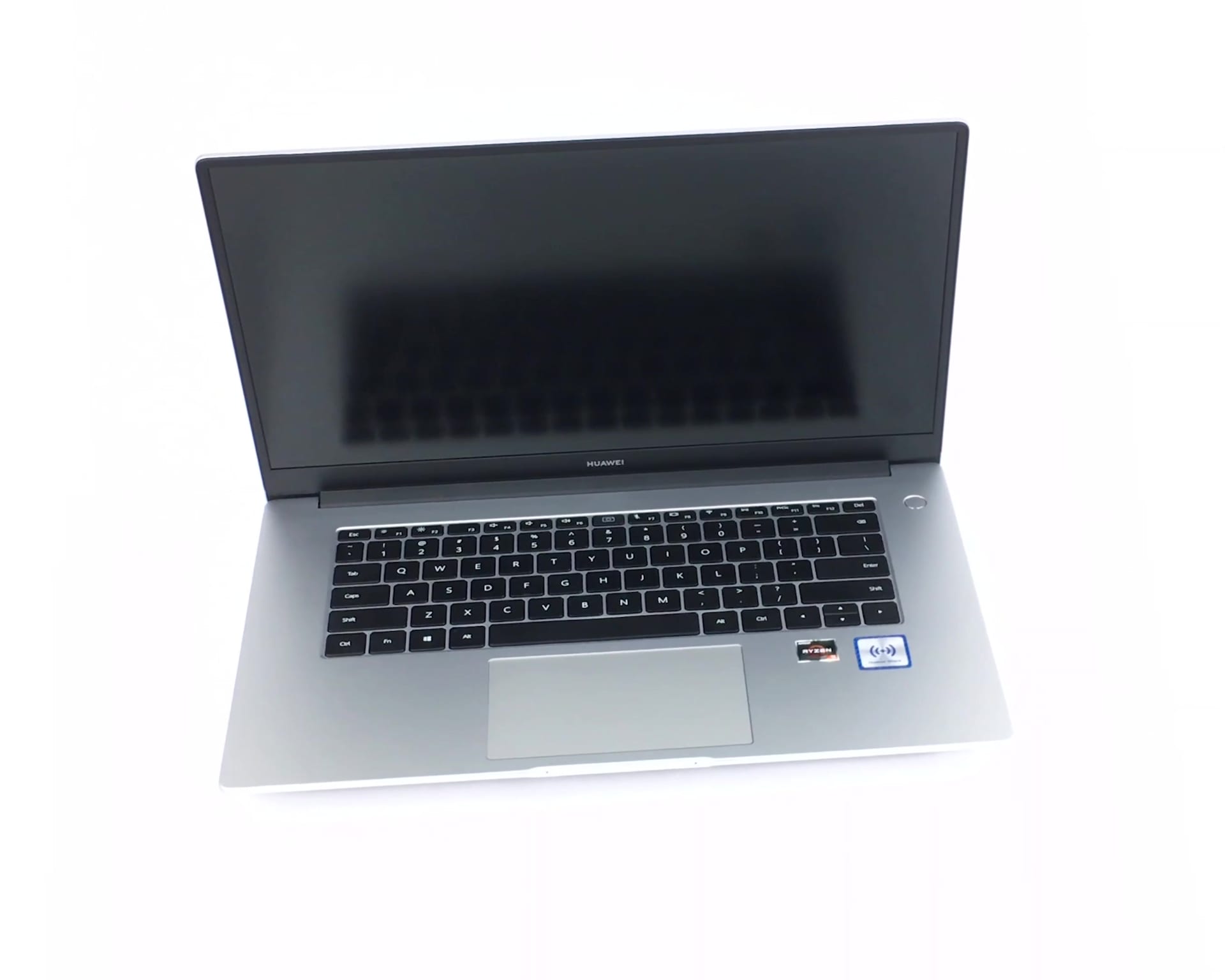
Huawei MateBook D 15

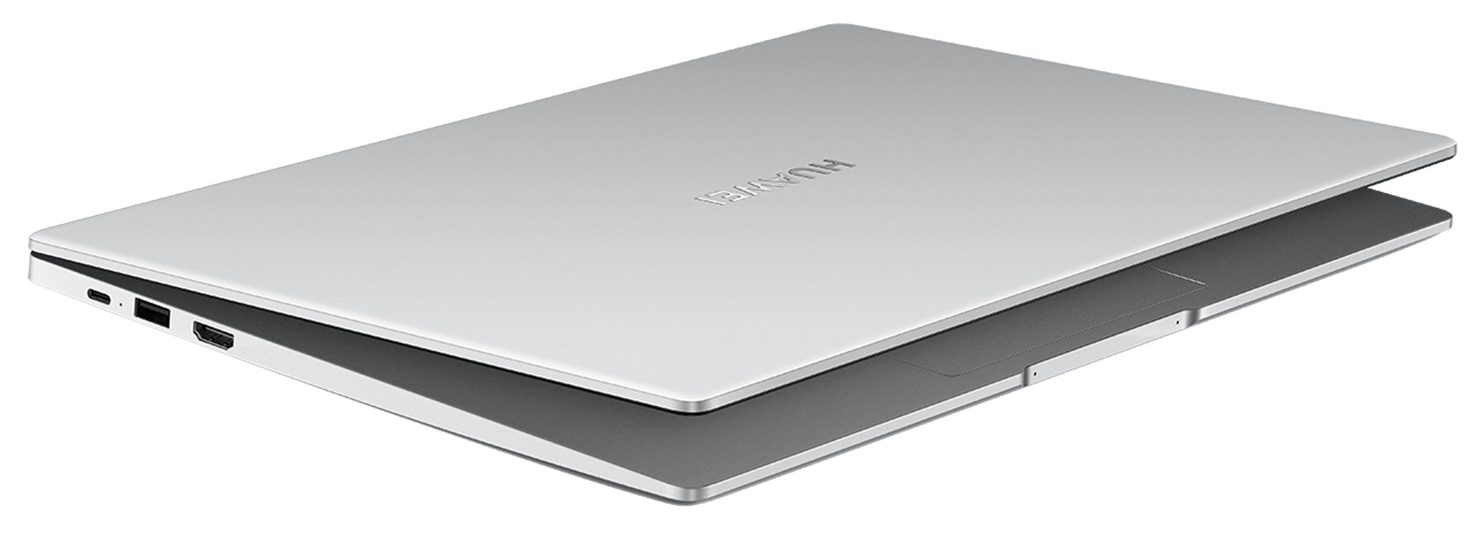
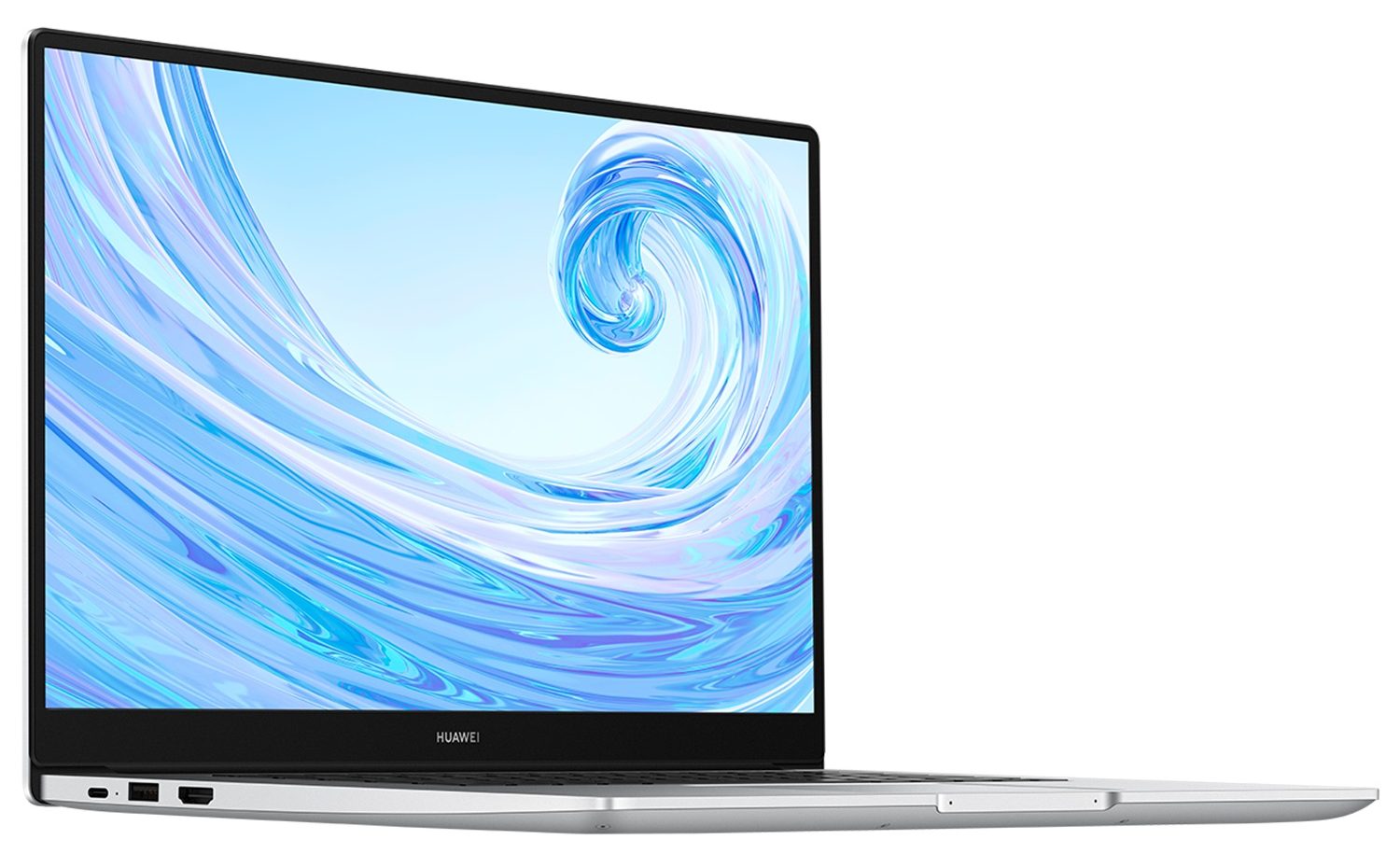
- Date Published: 11 Sep 2025
- Intel Core i5-10210U
- Intel UHD Graphics
- 15.6”, Full HD (1920 x 1080), IPS
- 512GB SSD
- 16GB RAM
- 1.53 kg (3.4 lbs)

Specs

- HDD/SSD
- 512GB SSD
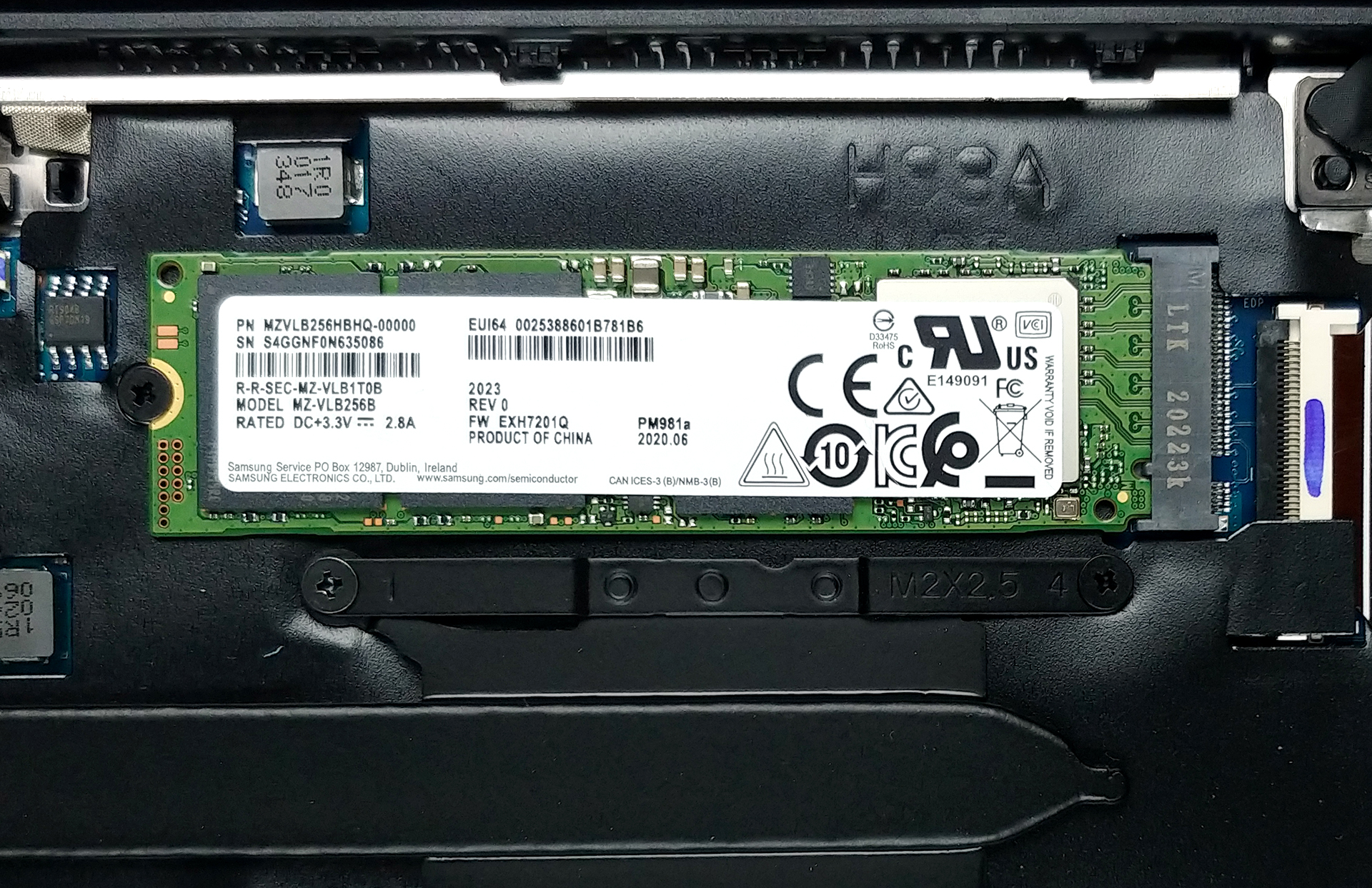
- M.2 Slot
- 1x 2280 PCIe NVMe 3.0 x4 See photo
- RAM
- 16GB RAM
- OS
- Windows 10 Home
- Body Material
- Aluminum
- Dimensions
- 357.8 x 229.9 x 16.9 mm (14.09" x 9.05" x 0.67")
- Weight
- 1.53 kg (3.4 lbs)
- Ports and connectivity
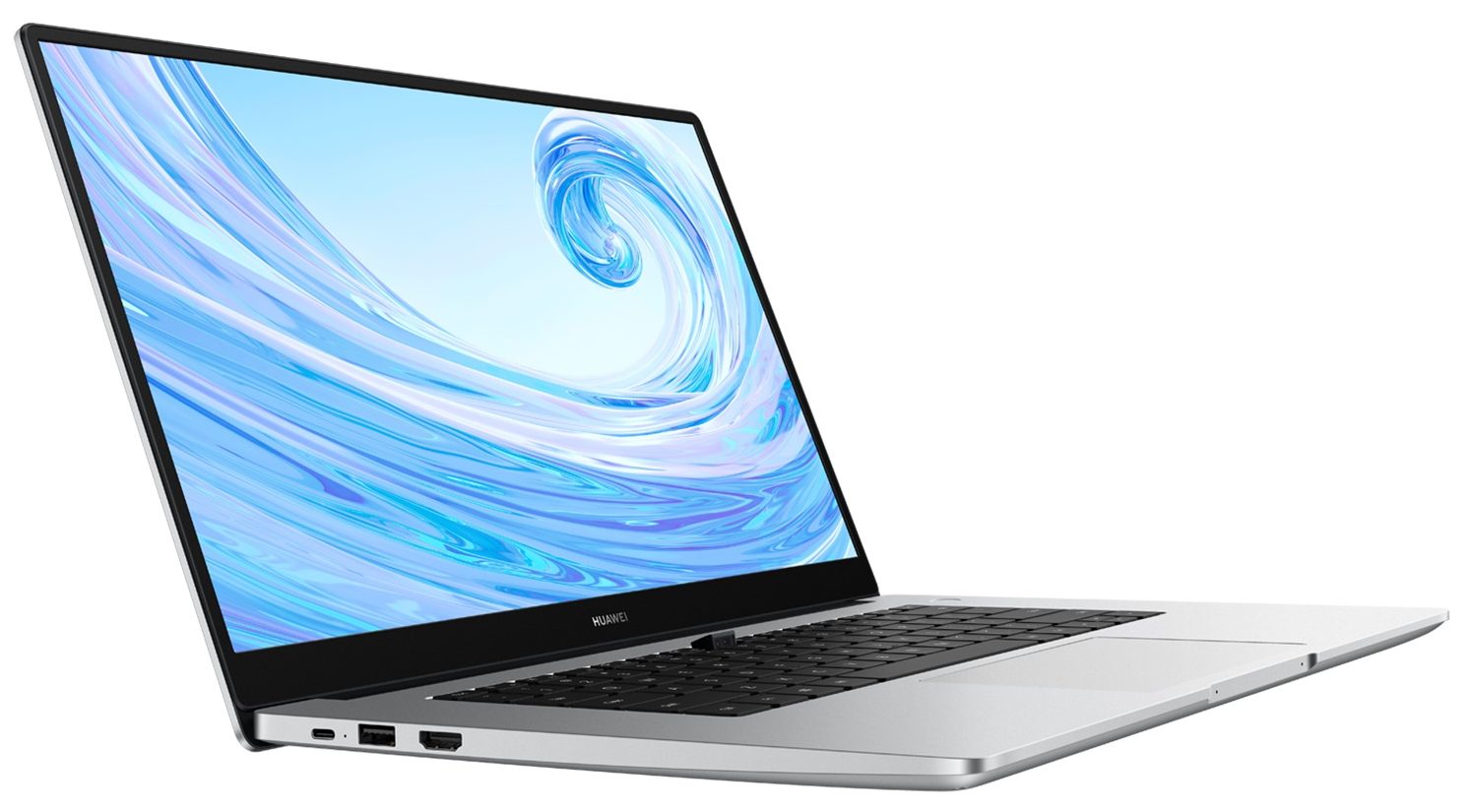
- 2x USB Type-A
- 2.0
- 1x USB Type-A
- 3.2 Gen 1 (5 Gbps)
- 1x USB Type-C
- HDMI
- Card Reader
- Wi-Fi
- 802.11ac
- Bluetooth
- 5.0
- Audio jack
- 3.5 mm combo
- Features
- Fingerprint reader
- Web camera
- HD
- Backlit keyboard
- Microphone
- 2x Microphones
- Speakers
- 2x 2W Speakers
- Security Lock slot
Portability
Review
Huawei MateBook D 15 in-depth review
Just like the other manufacturers, Huawei is bringing new devices on the market every year. Expectedly, these machines are equipped with modern hardware. The same goes for the device that we're going to review today - the Huawei MateBook D 15 (2020). This one looks and feels like the 2020 AMD version from the outside, but the new things are hidden under the shell. The Intel version of MateBook D 15 comes with Tiger Lake-UP3 CPU like the Intel Core i5-1135G7 or with some other Comet Lake-U processors. Because this is a thin and light device, it has soldered memory which isn't good if you want to upgrade the laptop after some time.On the bright side, the notebооk isn't expensive and it has a clean and good-looking design. For some of us, it may look a bit like some Apple devices out the[...]
Read the full review
Pros
- Decent performance and thermals
- Aluminum built, despite the low price
- A quiet experience in Balanced mode
- Optional fingerprint reader
Cons
- Soldered memory
- Lacks an SD card reader and a Thunderbolt port
Disassembly, maintenance and upgrade options
Quite a lot of storage options, and no memory upgrades.Check out all Huawei MateBook D 15 (2020) prices and configurations in our Specs System or read more in our In-Depth review.1. Remove the bottom plate Prior to getting inside of the machine, you need to undo 10 Torx-head screws. Then just pop the bottom panel with a plastic tool, and that's it.2. Battery Interestingly, instead of the 56Wh unit, we saw on the 14-inch model, there is a 42Wh pack on this device.3. Memory and storage Here, we see two storage options. There is an M.2 PCIe x4 slot, which is currently[...]
Read more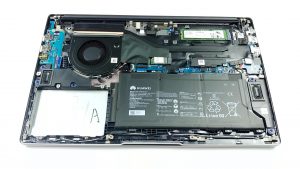


![[June 2026] Best-Selling Laptop Brands on Amazon Global – Apple’s Unrivaled Dominance in Units and Revenue](https://laptopmedia.com/wp-content/uploads/2026/07/GLOBAL-Best-Brands-400x225.jpg)
![[June 2026] Amazon Global: Top 10 Best-Selling Laptops – Apple’s New MacBook Neo Storms to #1, Reshaping the Market with Affordability](https://laptopmedia.com/wp-content/uploads/2026/07/Best-Selling-Laptops-GLOBAL-Top-10-400x225.jpg)
![[June 2026] Amazon Global: Top 10 Best-Selling Gaming Laptops – Acer’s Nitro V 16S AI Dominates Sales, While ASUS Leads Overall Revenue](https://laptopmedia.com/wp-content/uploads/2026/07/Best-Selling-Gaming-Laptops-GLOBAL-Top-10-400x225.jpg)
![[June 2026] Global Ranking of Best-Selling Laptop GPUs on Amazon – NVIDIA RTX 5060 is the Top-Selling Dedicated GPU](https://laptopmedia.com/wp-content/uploads/2026/07/Best-Selling-GPUs-GLOBAL-Top-10-400x225.jpg)
![[June 2026] Global Ranking of Best-Selling Laptop CPUs on Amazon – Apple M5 Dominates, AMD Ryzen 7 260 Gets Solid Premium Share](https://laptopmedia.com/wp-content/uploads/2026/07/Best-Selling-CPUs-GLOBAL-Top-10-400x225.jpg)