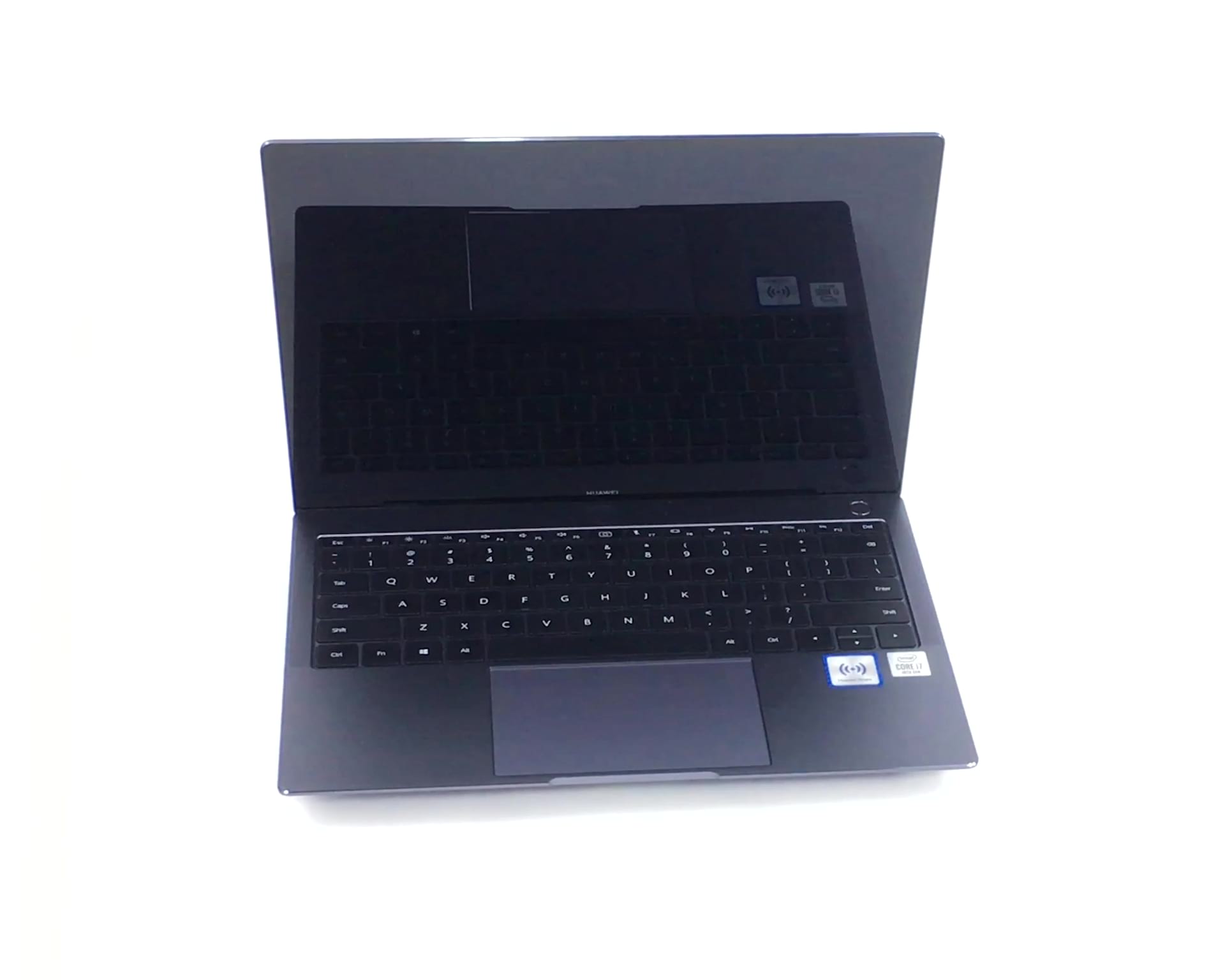
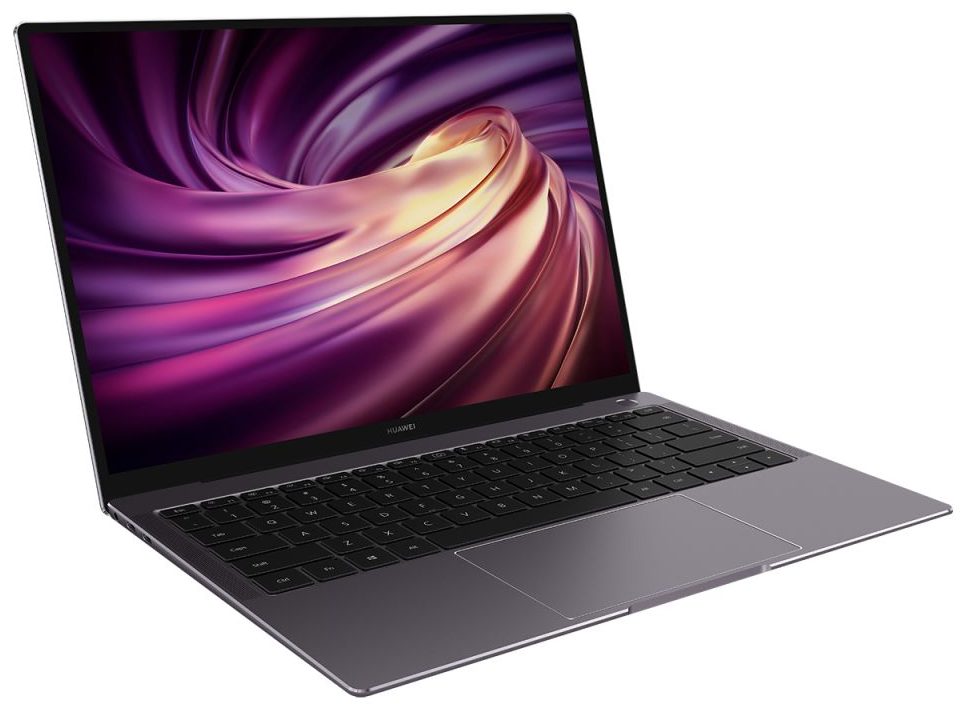
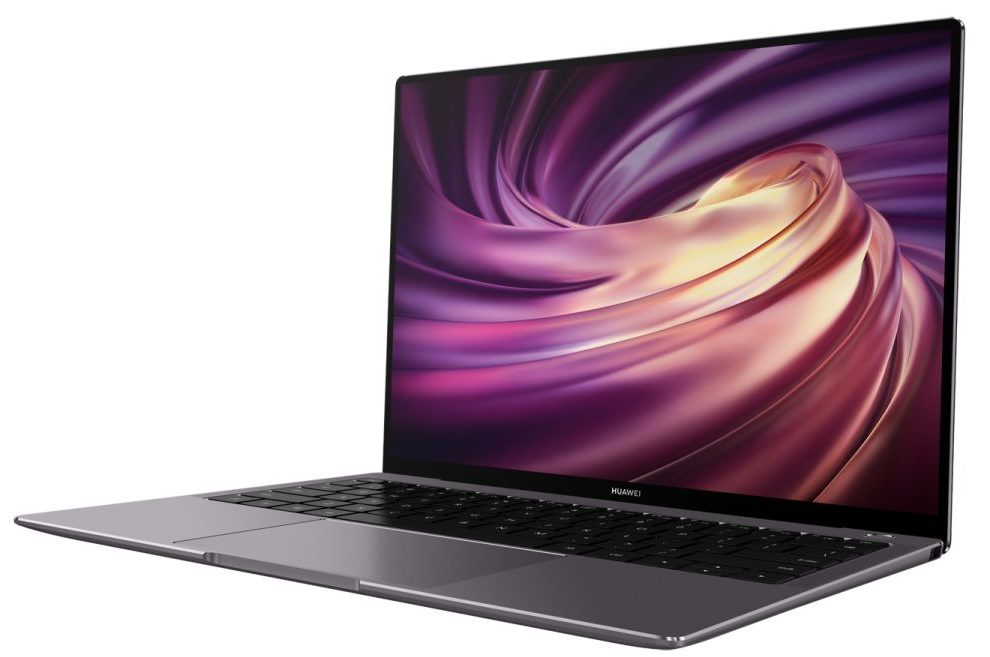
Huawei MateBook X Pro

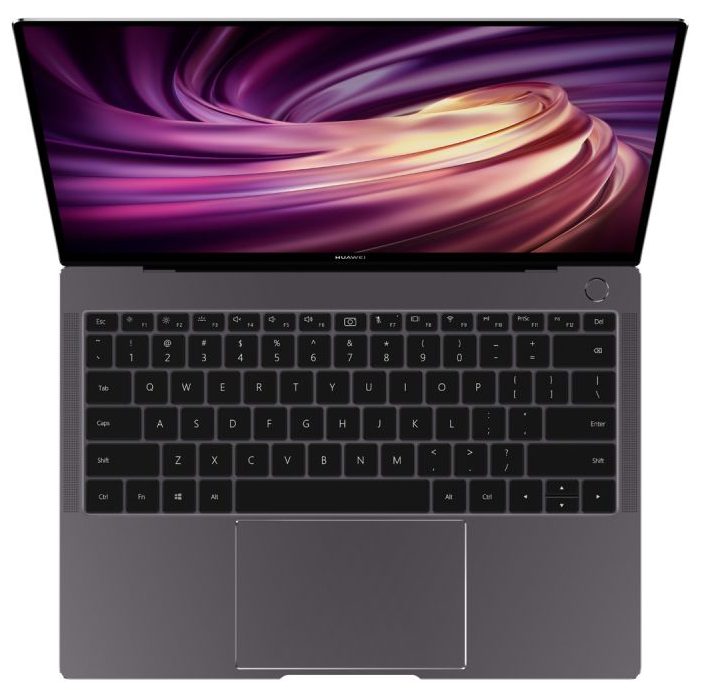
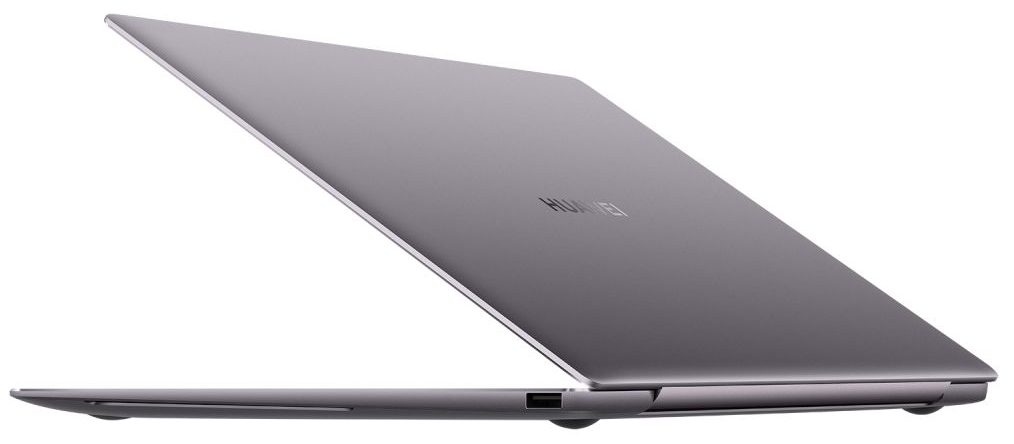
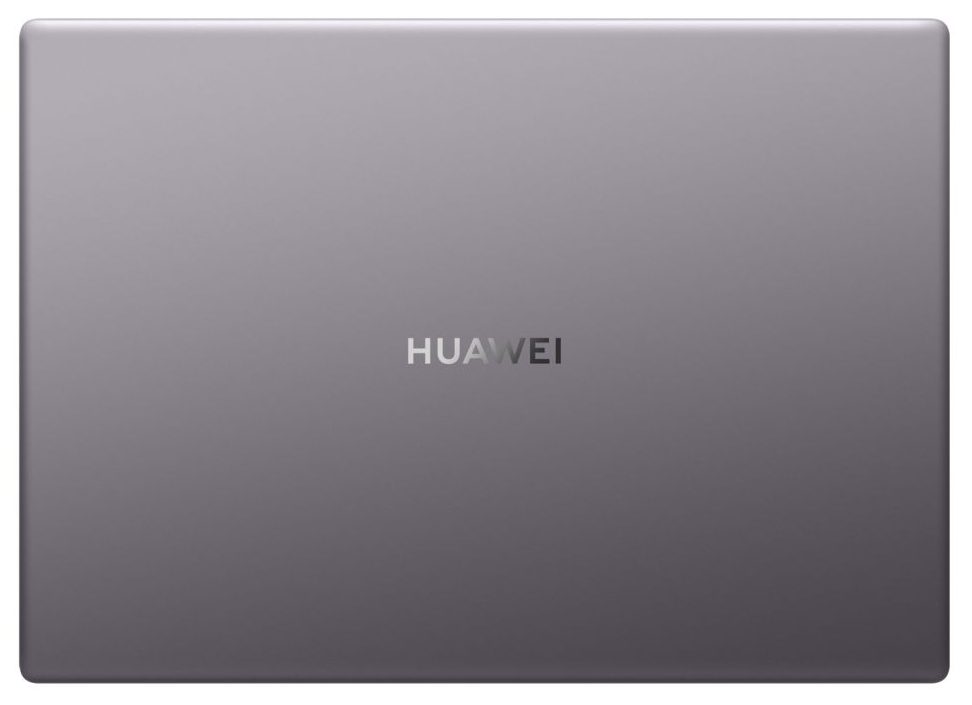
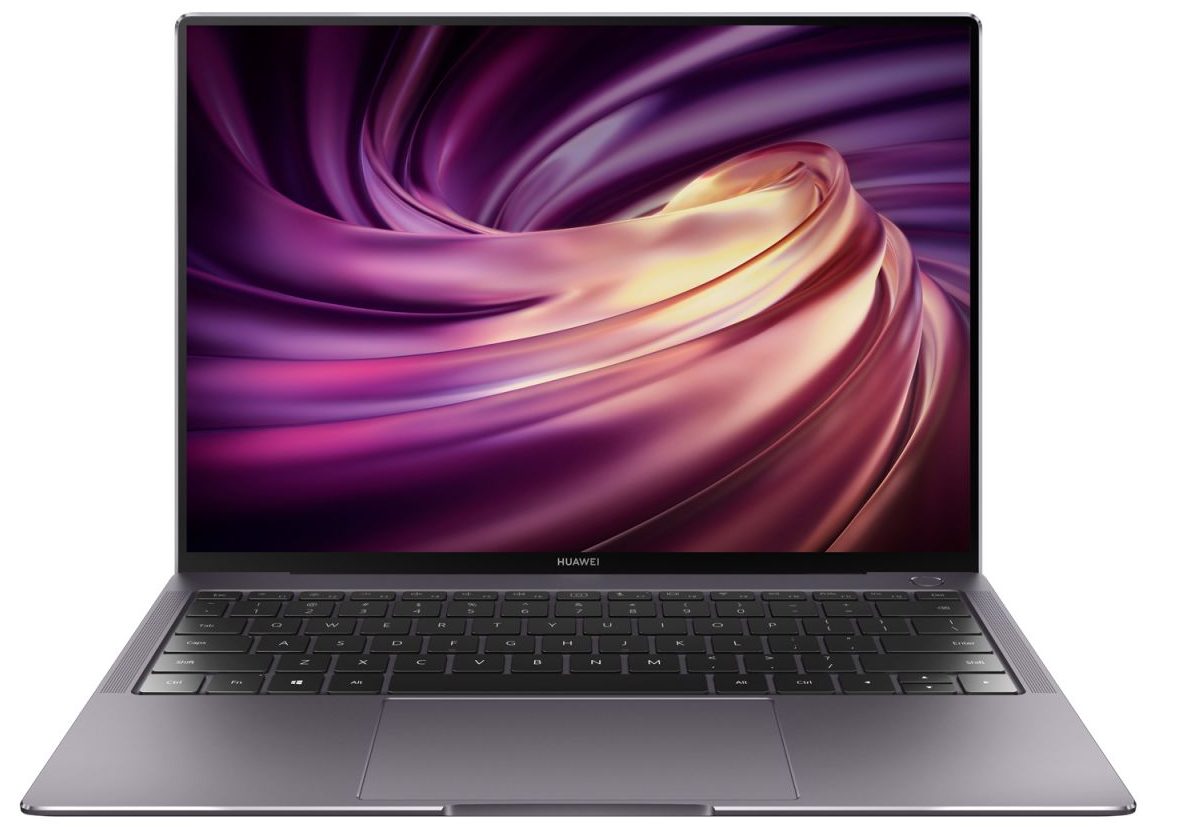
- Date Published: 23 Dec 2020
- Intel Core i7-10510U
- NVIDIA GeForce MX250 (10W)
- 13.9”, 3K (3000 x 2000), IPS
- 1000GB SSD
- 16GB LPDDR3
- 1.33 kg (2.9 lbs)

Specs
- Display

- HDD/SSD
- 1TB SSD
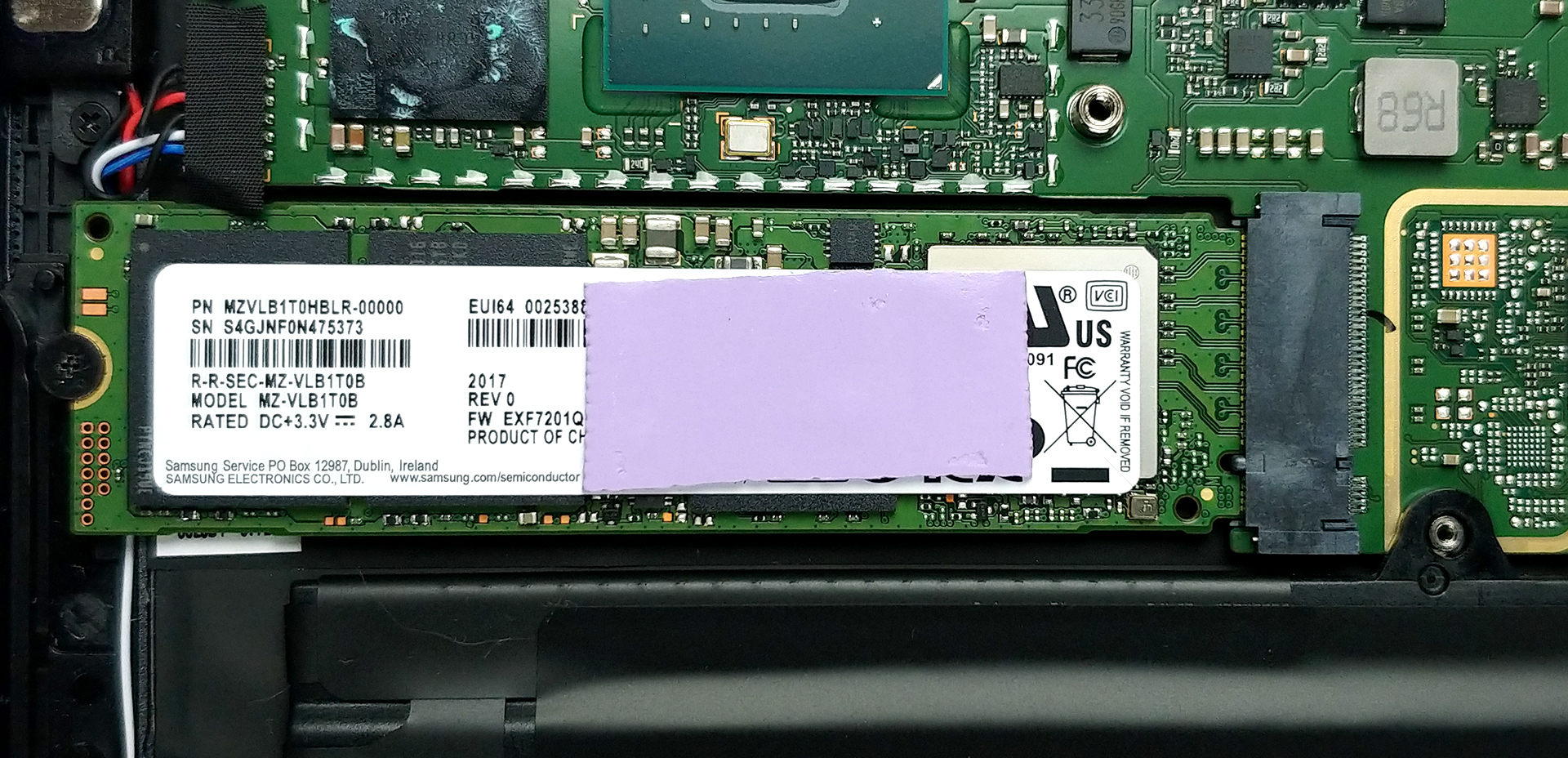
- M.2 Slot
- 1x 2280 PCIe NVMe 3.0 x4 See photo
- RAM
- 16GB LPDDR3
- OS
- Windows 10 Pro
- Body Material
- Aluminum
- Dimensions
- 304 x 217 x 14.6 mm (11.97" x 8.54" x 0.57")
- Weight
- 1.33 kg (2.9 lbs)
- Ports and connectivity
- 1x USB Type-A
- 3.2 Gen 1 (5 Gbps)
- 2x USB Type-C
- DisplayPort, Sleep and Charge
- Card Reader
- Wi-Fi
- 802.11ac
- Bluetooth
- 5.0
- Audio jack
- 3.5 mm combo
- Features
- Fingerprint reader
- Web camera
- Backlit keyboard
- Microphone
- 4x Microphones
- Speakers
- 4x Speakers
- Optical drive
- Security Lock slot
Portability
Review
Huawei MateBook X Pro in-depth review
A laptop from Huawei that bares the popular Pro moniker. It is thin, light, and incredibly good-looking. And like its 13-inc cousin, the MateBook 13 (2020), this notebook is incredibly similar to the MacBook Air (and Pro), both on the inside, and out. Nevertheless, this laptop comes with a 3:2 screen aspect ratio with a 3K resolution (3000x2000p), so if you are a professional, or you just need the vertical real estate, you're definitely going to love it.Interestingly, Huawei felt comfortable enough to offer the device with a GeForce MX250 graphics card. Although we are talking about the 10W variant, still, adding more heat sources, results in the need for a better cooling setup.Before we dig into the performance stats and take the notebook apart, let's take a quick look at its des[...]
Read the full review
Pros
- Very good build quality paired with thin and light chassis
- Excellent IPS-NEO panel that covers 97% of sRGB
- Our Gaming and Web design profile makes the colors on this laptop very accurate
- Doesn't use PWM to adjust its brightness levels
- Decent battery life
Cons
- Lacks a Thunderbolt connector and an SD card reader
- No RAM upgradability post-purchase
- Bizarre cooling solution
Disassembly, maintenance and upgrade options
Notably, this laptop had one major downside - the cooling. Let's take a closer look, and see what is it all about.Check out all Huawei MateBook X Pro (2020) prices and configurations in our Specs System or read more in our In-Depth review.1. Remove the bottom plate Taking this notebook's bottom panel away is a simple job. Just undo all 8 Torx-head screws, pry it with a plastic tool, starting from the cutouts on the sides and you're done.2. Cooling system It is inside, where we see really questionable decisions from Huawei. First, we can take a look at the cooling solution[...]
Read more


![[June 2026] Best-Selling Laptop Brands on Amazon Global – Apple’s Unrivaled Dominance in Units and Revenue](https://laptopmedia.com/wp-content/uploads/2026/07/GLOBAL-Best-Brands-400x225.jpg)
![[June 2026] Amazon Global: Top 10 Best-Selling Laptops – Apple’s New MacBook Neo Storms to #1, Reshaping the Market with Affordability](https://laptopmedia.com/wp-content/uploads/2026/07/Best-Selling-Laptops-GLOBAL-Top-10-400x225.jpg)
![[June 2026] Amazon Global: Top 10 Best-Selling Gaming Laptops – Acer’s Nitro V 16S AI Dominates Sales, While ASUS Leads Overall Revenue](https://laptopmedia.com/wp-content/uploads/2026/07/Best-Selling-Gaming-Laptops-GLOBAL-Top-10-400x225.jpg)
![[June 2026] Global Ranking of Best-Selling Laptop GPUs on Amazon – NVIDIA RTX 5060 is the Top-Selling Dedicated GPU](https://laptopmedia.com/wp-content/uploads/2026/07/Best-Selling-GPUs-GLOBAL-Top-10-400x225.jpg)
![[June 2026] Global Ranking of Best-Selling Laptop CPUs on Amazon – Apple M5 Dominates, AMD Ryzen 7 260 Gets Solid Premium Share](https://laptopmedia.com/wp-content/uploads/2026/07/Best-Selling-CPUs-GLOBAL-Top-10-400x225.jpg)