Lenovo Flex 3 (11″)

- Date Published: 05 Dec 2017
- Intel Celeron N2840
- Intel HD Graphics (Bay Trail)
- 11.6”, HD (1366 x 768), TN
- 500GB HDD
- 4GB DDR3L, 1600 MHz
- 1.40 kg (3.1 lbs)
Specs
- Display
- HDD/SSD
- 500GB HDD, 5400 rpm
- RAM
- 4GB DDR3L, 1600 MHz
- OS
- Windows 10 Home
- Body Material
- Plastic, Metal hinges
- Dimensions
- 299 x 208 x 22.8 mm (11.77" x 8.19" x 0.90")
- Weight
- 1.40 kg (3.1 lbs)
- Ports and connectivity
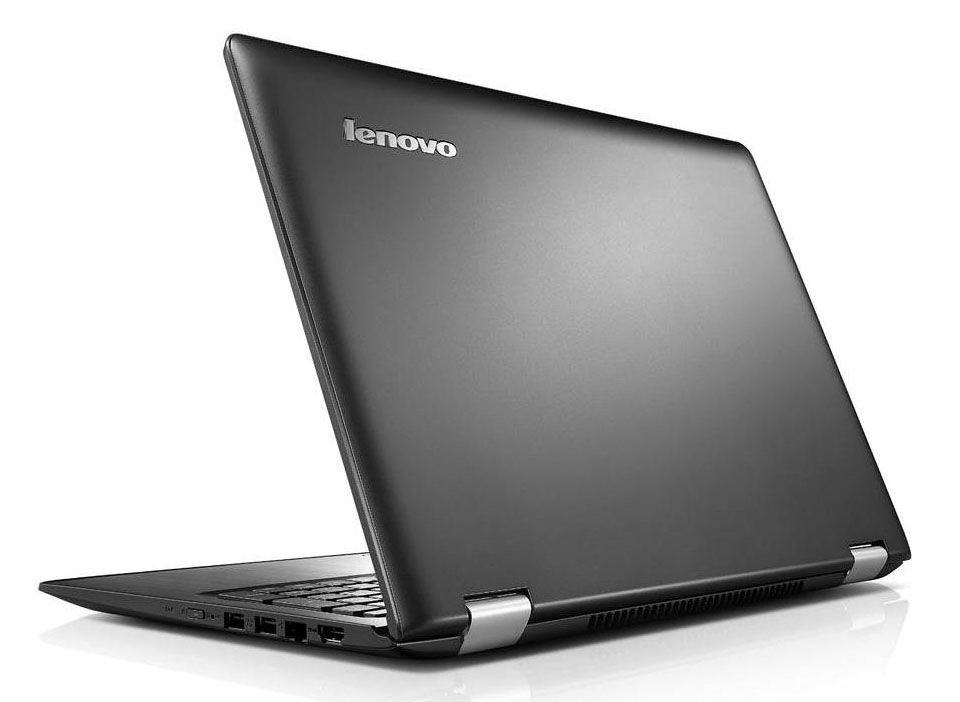
- 1x USB Type-A
- 3.2 Gen 1 (5 Gbps)
- 2x USB Type-A
- 2.0
- HDMI
- Card Reader
- SD
- Ethernet LAN
- Wi-Fi
- 802.11ac
- Bluetooth
- 4.0
- Audio jack
- headphone/microphone
- Features
- Fingerprint reader
- Web camera
- Microphone
- Speakers
- Optical drive
- Security Lock slot
Portability
Review
Lenovo Flex 3 (11″) in-depth review
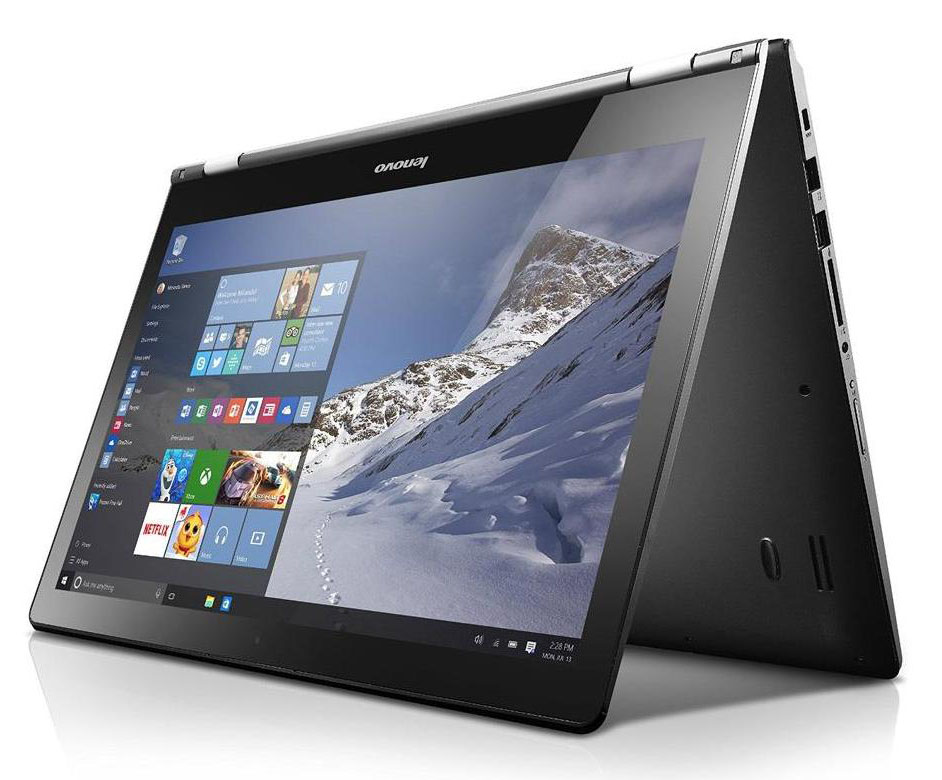
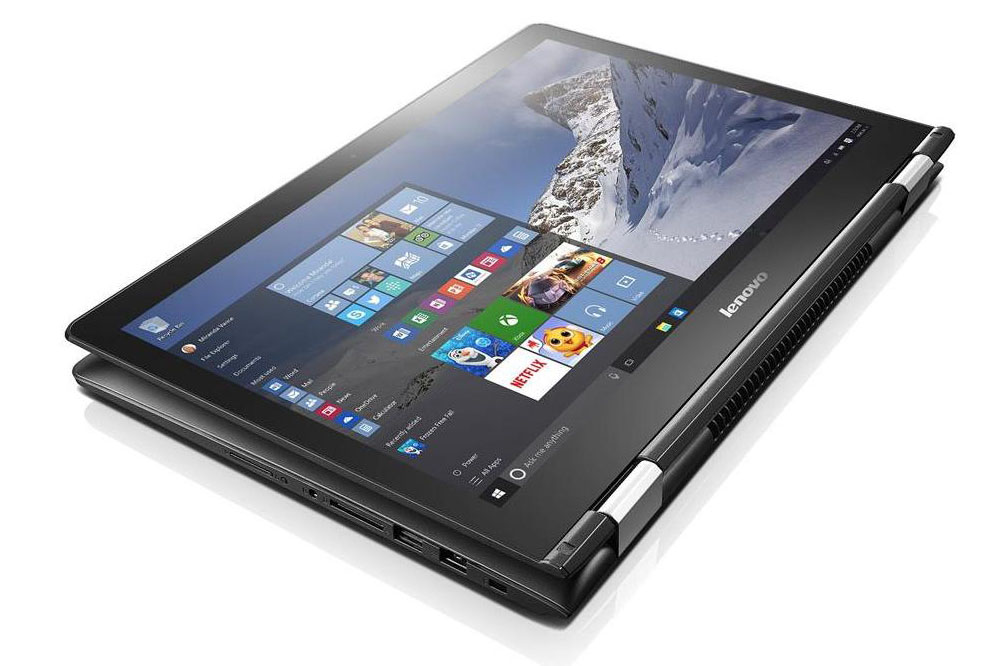
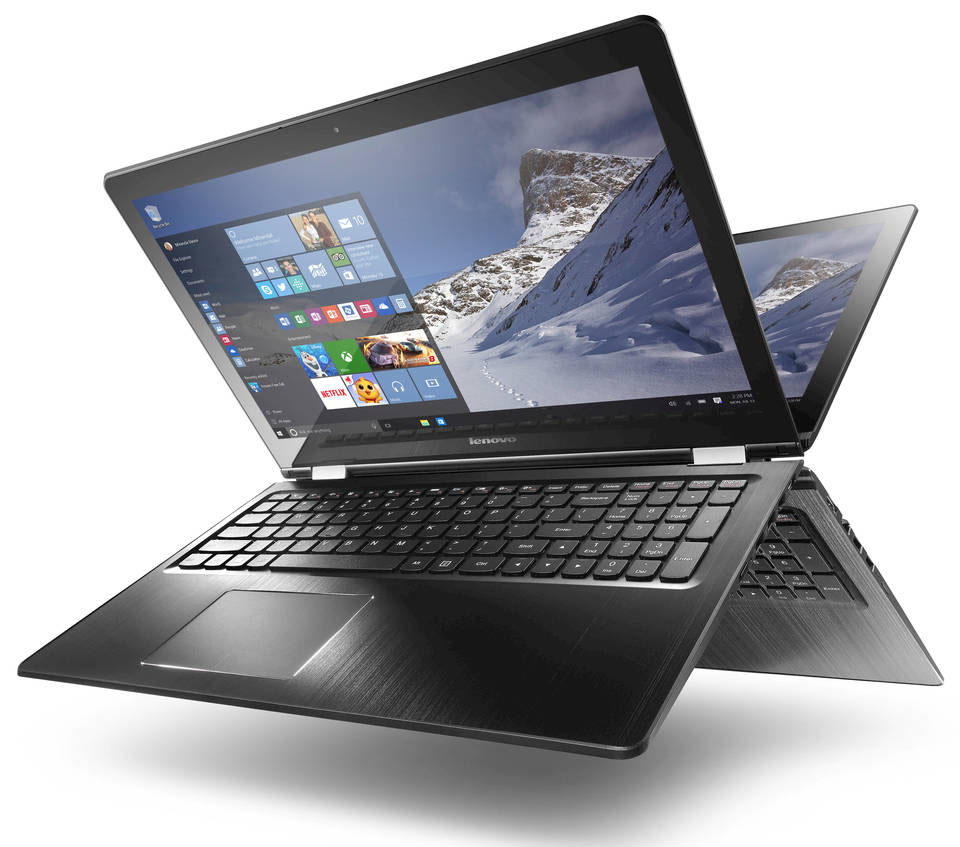
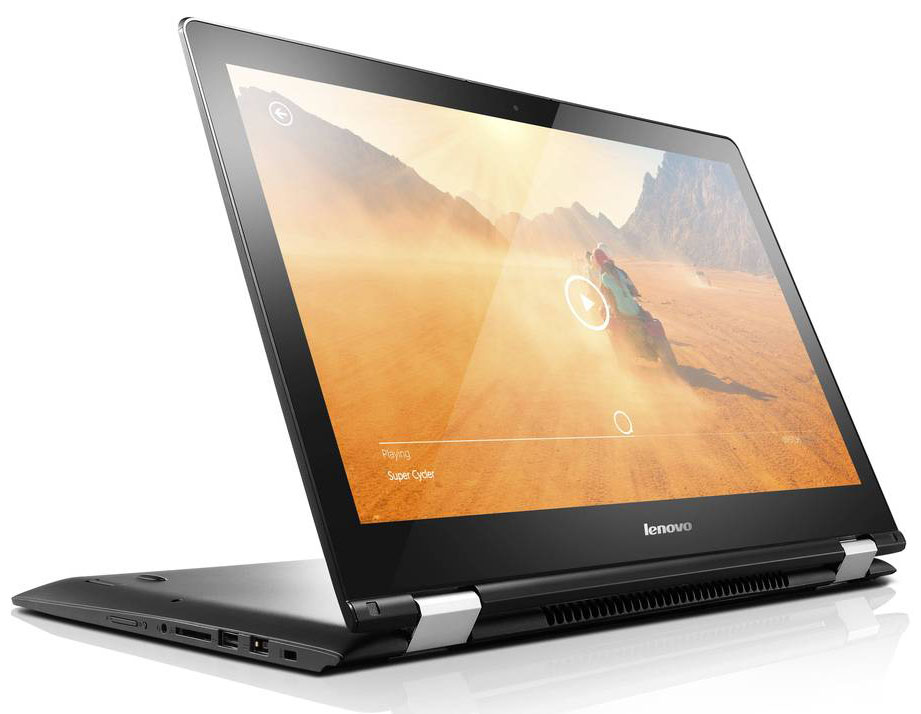
Until now the Lenovo Flex series consisted of touchscreen notebooks with 300-degree hinges that allowed you to use them in three modes - as a notebook, tent, or as a tablet with kickstand, also known as kiosk mode. The new Flex 3 series features full 360-degree hinge that can rotate the screen all the way back to get into tablet mode just like Lenovo's hit Yoga series. This can be useful if you just want to lay back and browse through some websites by just turning the device around.In addition to the new hinge there is a new very affordable 11-inch Flex 3 model along with the 14 and 15-inch ones. Although it is a really cheap and affordable device, it does have a pretty good build for its price, again proving the dedication of Lenovo to make quality devices. It might not have powerfu[...]
Read the full review
Pros
- Great design
- Hinge rotating 360-degree
- Variety of ports for the form factor
Cons
- Uncomfortable in tablet mode
- Low color gamut coverage of the TN panel


![[June 2026] Best-Selling Laptop Brands on Amazon Global – Apple’s Unrivaled Dominance in Units and Revenue](https://laptopmedia.com/wp-content/uploads/2026/07/GLOBAL-Best-Brands-400x225.jpg)
![[June 2026] Amazon Global: Top 10 Best-Selling Laptops – Apple’s New MacBook Neo Storms to #1, Reshaping the Market with Affordability](https://laptopmedia.com/wp-content/uploads/2026/07/Best-Selling-Laptops-GLOBAL-Top-10-400x225.jpg)
![[June 2026] Amazon Global: Top 10 Best-Selling Gaming Laptops – Acer’s Nitro V 16S AI Dominates Sales, While ASUS Leads Overall Revenue](https://laptopmedia.com/wp-content/uploads/2026/07/Best-Selling-Gaming-Laptops-GLOBAL-Top-10-400x225.jpg)
![[June 2026] Global Ranking of Best-Selling Laptop GPUs on Amazon – NVIDIA RTX 5060 is the Top-Selling Dedicated GPU](https://laptopmedia.com/wp-content/uploads/2026/07/Best-Selling-GPUs-GLOBAL-Top-10-400x225.jpg)
![[June 2026] Global Ranking of Best-Selling Laptop CPUs on Amazon – Apple M5 Dominates, AMD Ryzen 7 260 Gets Solid Premium Share](https://laptopmedia.com/wp-content/uploads/2026/07/Best-Selling-CPUs-GLOBAL-Top-10-400x225.jpg)
