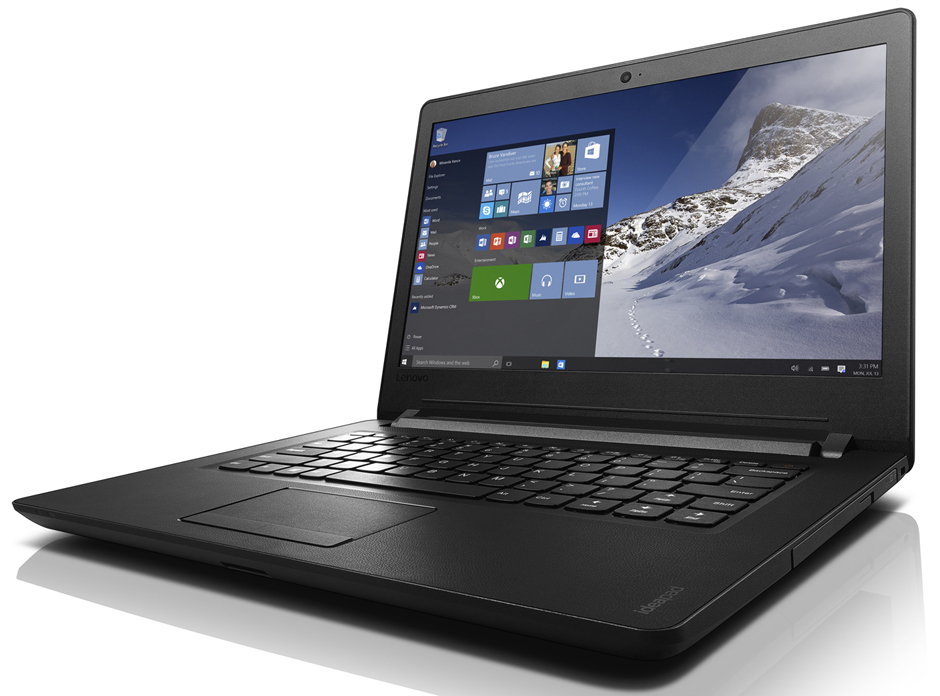
Lenovo Ideapad 110 14
- Date Published: 26 Jan 2019
- Intel Celeron N3060
- Intel HD Graphics 400 (Braswell)
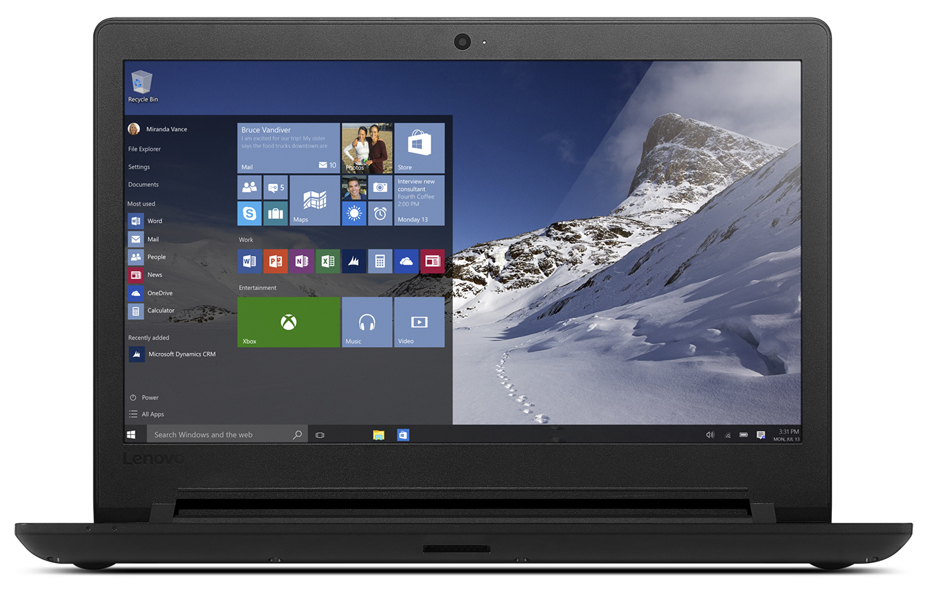
- 14.0”, HD (1366 x 768), TN
- 500GB HDD
- 2GB DDR3
- 2.00 kg (4.4 lbs)
Specs
- Display
- HDD/SSD
- 500GB HDD, 5400 rpm
- RAM
- 2GB DDR3
- OS
- Windows 10 Home
- Body Material
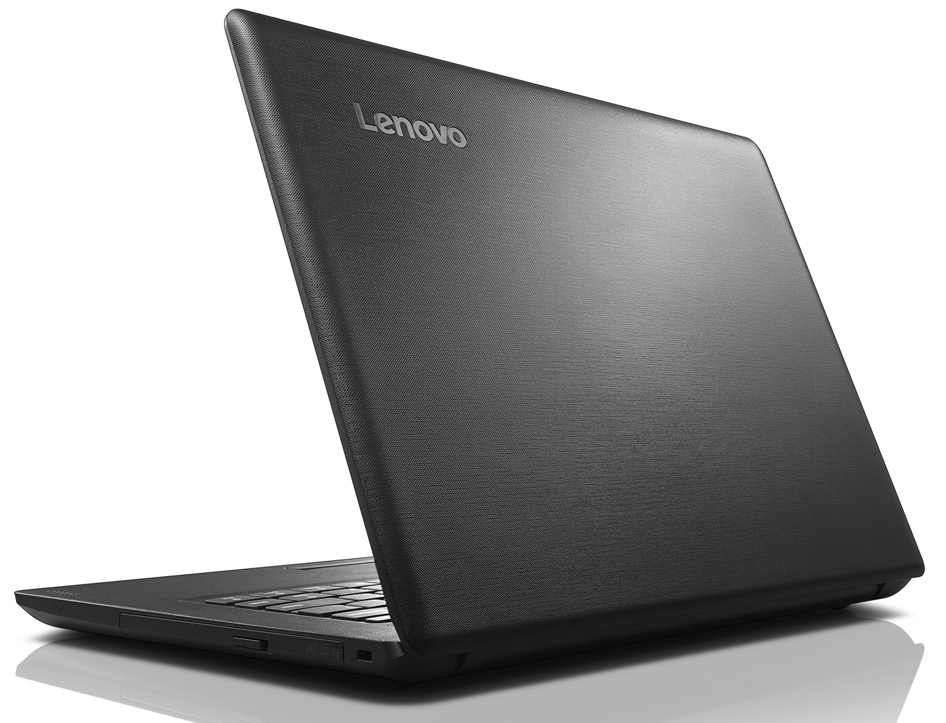
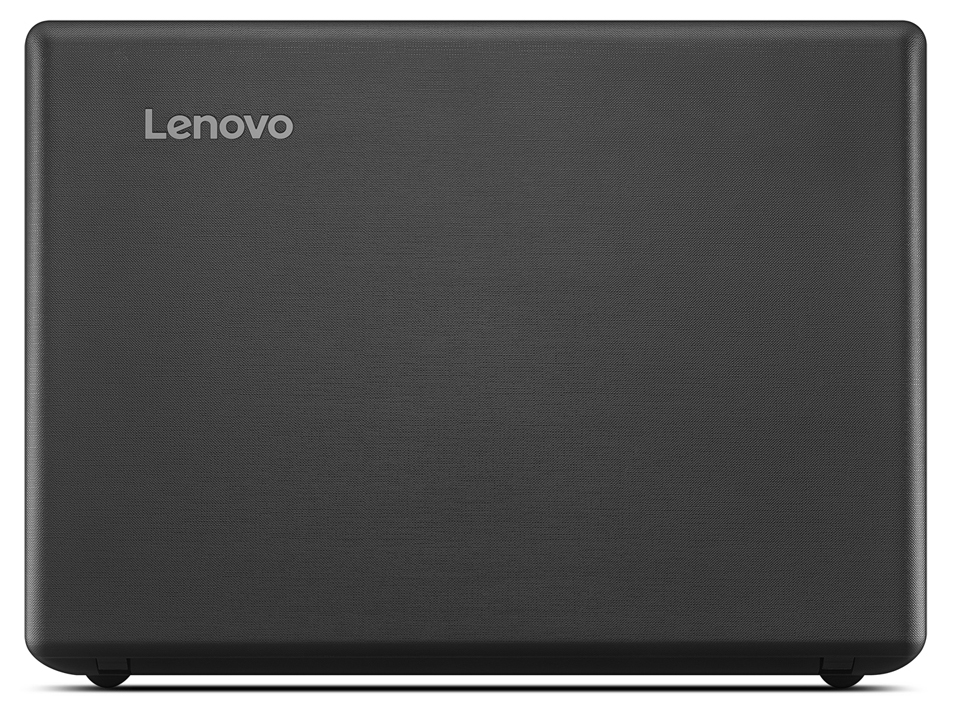
- Polycarbonate, ABS Plastic
- Dimensions
- 340 x 245 x 23 mm (13.39" x 9.65" x 0.91")
- Weight
- 2.00 kg (4.4 lbs)
- Ports and connectivity
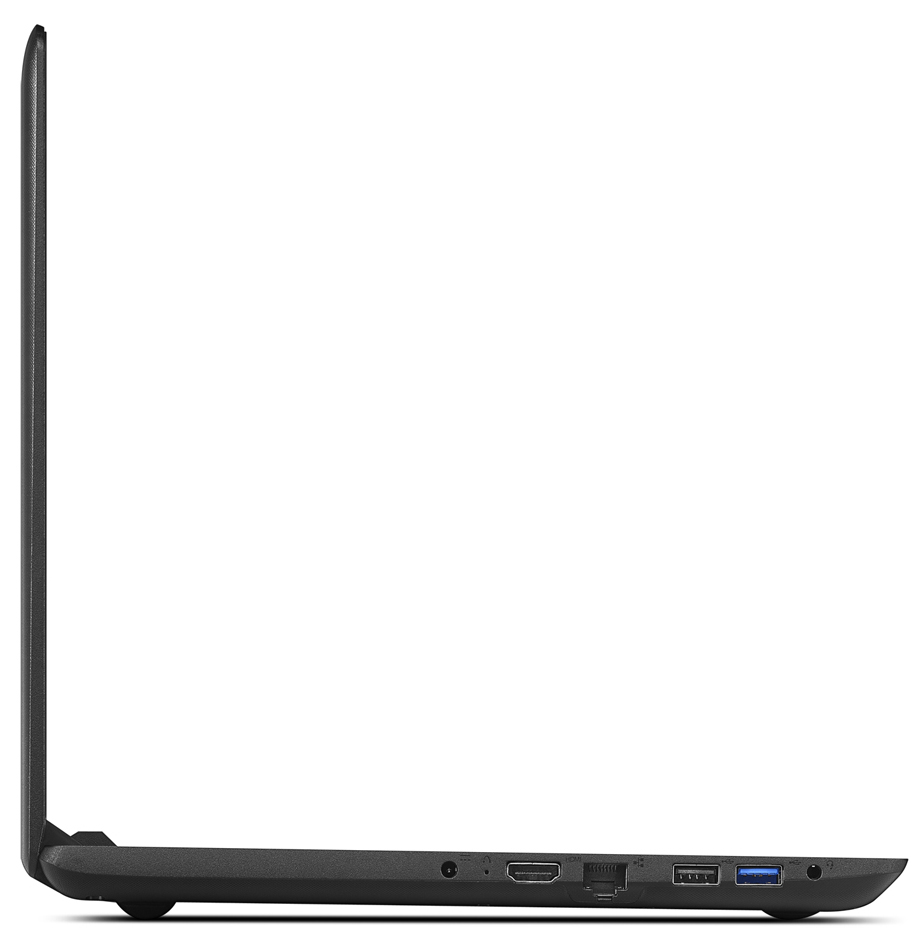
- 1x USB Type-A
- 3.2 Gen 1 (5 Gbps)
- 1x USB Type-A
- 2.0
- HDMI
- Card Reader
- Ethernet LAN
- 10, 100 Mbit/s
- Wi-Fi
- 802.11ac
- Bluetooth
- 4.0
- Audio jack
- 3.5mm combo audio jack
- Features
- Fingerprint reader
- Web camera
- 0.3 MP
- Backlit keyboard
- Microphone
- monaural
- Speakers
- 1 x 1.5W stereo speaker
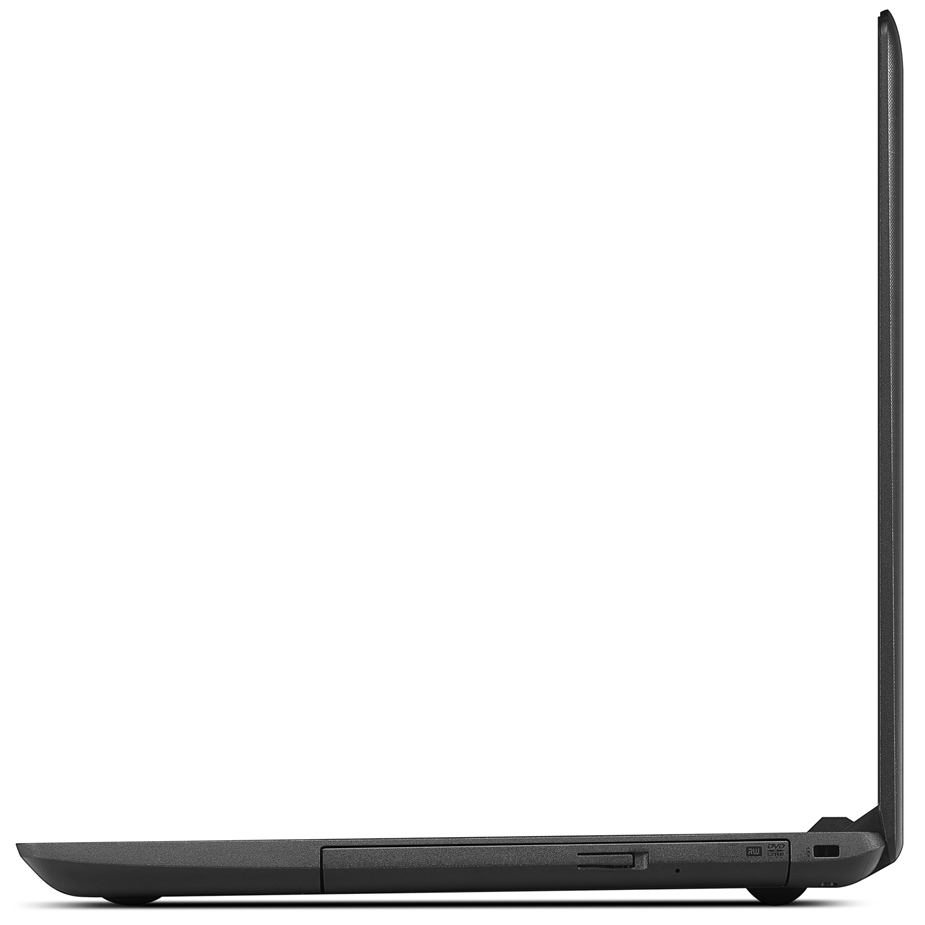
- Optical drive
- Security Lock slot
Portability
Review
Lenovo Ideapad 110 14 in-depth review
A year after we've reviewed the Ideapad 100 from Lenovo, we get to play around with the refreshed Ideapad 110 lineup, which hasn't changed much in most aspects but receives a slightly re-designed chassis, a new updated processor and a lot better maintenance procedure that doesn't require the keyboard to come off.With the Ideapad 100 and Ideapad 110 being almost identical with little changes under the hood, it will be interesting to see how this has reflected on the user experience as a whole. Does the updated CPU maintain lower or at least the same temperatures as before due to the fan-less cooling design, does the display still have PWM and does it improve the overall picture quality and is there any battery improvements? We find out in the detailed review below.You can fi[...]
Read the full review
Pros
- The build quality isn't necessarily bad
- Easy maintenance
- The display uses high-frequency (mostly harmless) PWM at 40 kHz from 0 to 99% brightness
Cons
- The surface is a big fingerprint magnet
- Spongy keyboard
- Below average battery life


![[June 2026] Best-Selling Laptop Brands on Amazon Global – Apple’s Unrivaled Dominance in Units and Revenue](https://laptopmedia.com/wp-content/uploads/2026/07/GLOBAL-Best-Brands-400x225.jpg)
![[June 2026] Amazon Global: Top 10 Best-Selling Laptops – Apple’s New MacBook Neo Storms to #1, Reshaping the Market with Affordability](https://laptopmedia.com/wp-content/uploads/2026/07/Best-Selling-Laptops-GLOBAL-Top-10-400x225.jpg)
![[June 2026] Amazon Global: Top 10 Best-Selling Gaming Laptops – Acer’s Nitro V 16S AI Dominates Sales, While ASUS Leads Overall Revenue](https://laptopmedia.com/wp-content/uploads/2026/07/Best-Selling-Gaming-Laptops-GLOBAL-Top-10-400x225.jpg)
![[June 2026] Global Ranking of Best-Selling Laptop GPUs on Amazon – NVIDIA RTX 5060 is the Top-Selling Dedicated GPU](https://laptopmedia.com/wp-content/uploads/2026/07/Best-Selling-GPUs-GLOBAL-Top-10-400x225.jpg)
![[June 2026] Global Ranking of Best-Selling Laptop CPUs on Amazon – Apple M5 Dominates, AMD Ryzen 7 260 Gets Solid Premium Share](https://laptopmedia.com/wp-content/uploads/2026/07/Best-Selling-CPUs-GLOBAL-Top-10-400x225.jpg)
