Lenovo IdeaPad Flex 5 14
_000041.jpg)

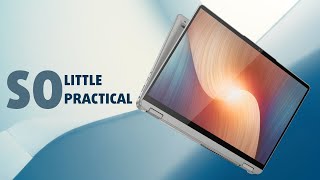
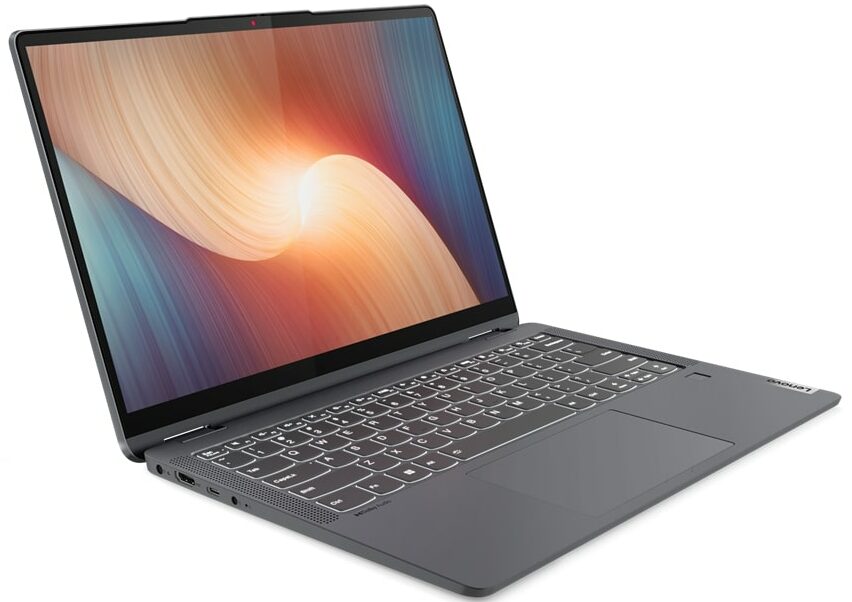
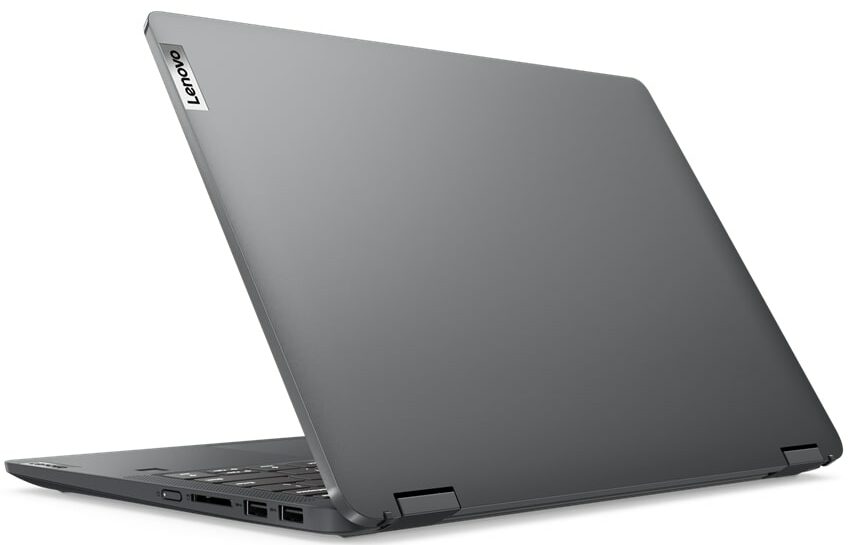

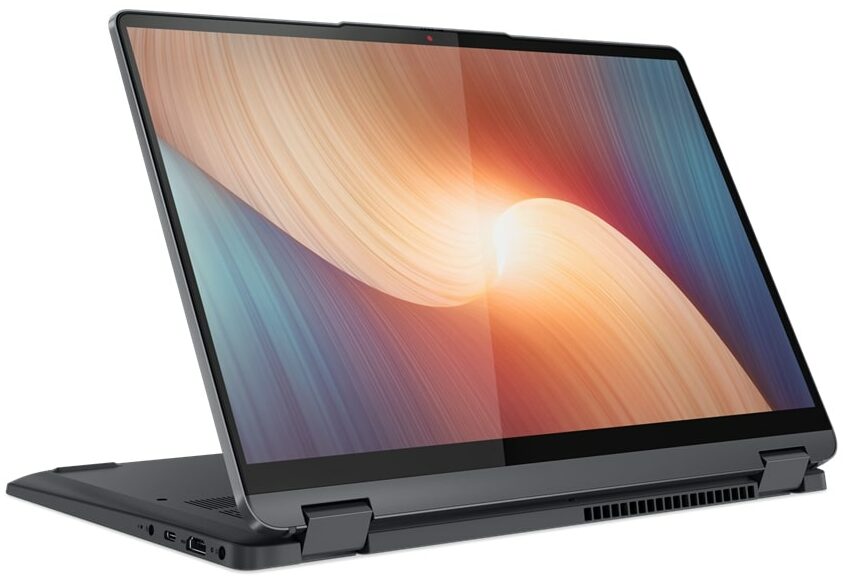
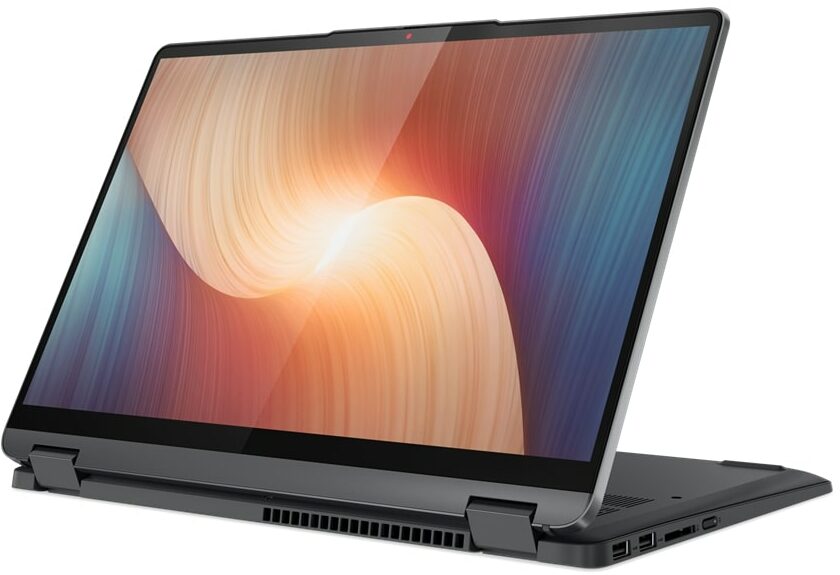

- Date Published: 29 Nov 2022
- AMD Ryzen 7 5700U
- AMD Radeon RX Vega 8 (R4000/5000, 15W)
- 14.0″, 2.2K (2240 x 1400), IPS
- 2000GB SSD
- 16GB LPDDR4x
- 1.55 kg (3.4 lbs)

Review
Lenovo IdeaPad Flex 5 14 in-depth review
Lenovo produces a lot of machines that focus on affordability. In fact, it was once the brand's identity. Now, its notebooks are a combination of high-quality materials, powerful hardware, and again - competitive pricing.One such machine is the IdeaPad Flex 5 (14", 2022). It comes in an AMD and an Intel option. Frankly, we had the former, which may provide a hint of disappointment on everyone's faces, once you take a look at the specs sheet.Yes, while Lenovo has picked the latest and greatest from Intel, the Team Red solution only features the rebranded Zen 2 chips, maxing out with the Ryzen 7 5700U. However, we have to remind you that they were kind of ahead of their time, and can still offer a ton of performance to the table.Not only do you get some performance potential, bu[...]
Read the full review
Pros
- 13-hour battery life
- 16:10 aspect ratio
- Fantastic cooling
- Comfortable input devices
- No PWM (LEN140WUXGA (LEN9125))
- SD card reader
- Fingerprint reader
Cons
- Soldered memory
- 54% sRGB coverage (LEN140WUXGA (LEN9125))
- Older processors (although still pretty powerful)
Disassembly, maintenance and upgrade options
Getting inside this device is not a hard job. However, there is not much to do there, besides accessing the M.2 storage slot.Check out all Lenovo IdeaPad Flex 5 (14", 2022) prices and configurations in our Specs System, or read more in our In-Depth review.1. Remove the bottom plate To open this device, you need to undo 9 Torx-head screws. Then, pry the bottom panel with a plastic tool, and remove it from the chassis.2. Remove the battery This device comes with a 52.5Wh battery pack. To remove it, unplug the connector from the motherboard, and undo the three Phillips-head [...]
Read more


![[June 2026] Best-Selling Laptop Brands on Amazon Global – Apple’s Unrivaled Dominance in Units and Revenue](https://laptopmedia.com/wp-content/uploads/2026/07/GLOBAL-Best-Brands-400x225.jpg)
![[June 2026] Amazon Global: Top 10 Best-Selling Laptops – Apple’s New MacBook Neo Storms to #1, Reshaping the Market with Affordability](https://laptopmedia.com/wp-content/uploads/2026/07/Best-Selling-Laptops-GLOBAL-Top-10-400x225.jpg)
![[June 2026] Amazon Global: Top 10 Best-Selling Gaming Laptops – Acer’s Nitro V 16S AI Dominates Sales, While ASUS Leads Overall Revenue](https://laptopmedia.com/wp-content/uploads/2026/07/Best-Selling-Gaming-Laptops-GLOBAL-Top-10-400x225.jpg)
![[June 2026] Global Ranking of Best-Selling Laptop GPUs on Amazon – NVIDIA RTX 5060 is the Top-Selling Dedicated GPU](https://laptopmedia.com/wp-content/uploads/2026/07/Best-Selling-GPUs-GLOBAL-Top-10-400x225.jpg)
![[June 2026] Global Ranking of Best-Selling Laptop CPUs on Amazon – Apple M5 Dominates, AMD Ryzen 7 260 Gets Solid Premium Share](https://laptopmedia.com/wp-content/uploads/2026/07/Best-Selling-CPUs-GLOBAL-Top-10-400x225.jpg)
