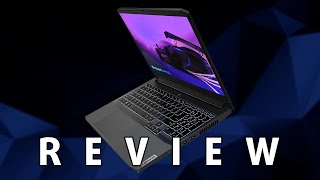
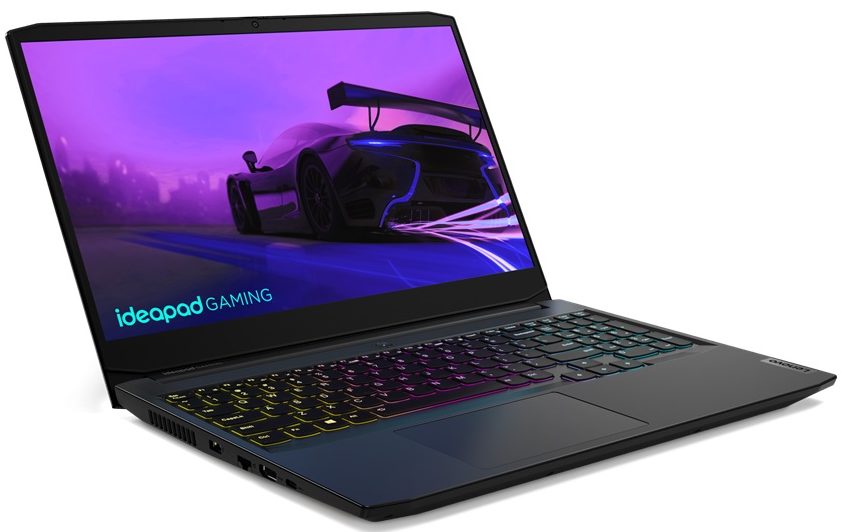
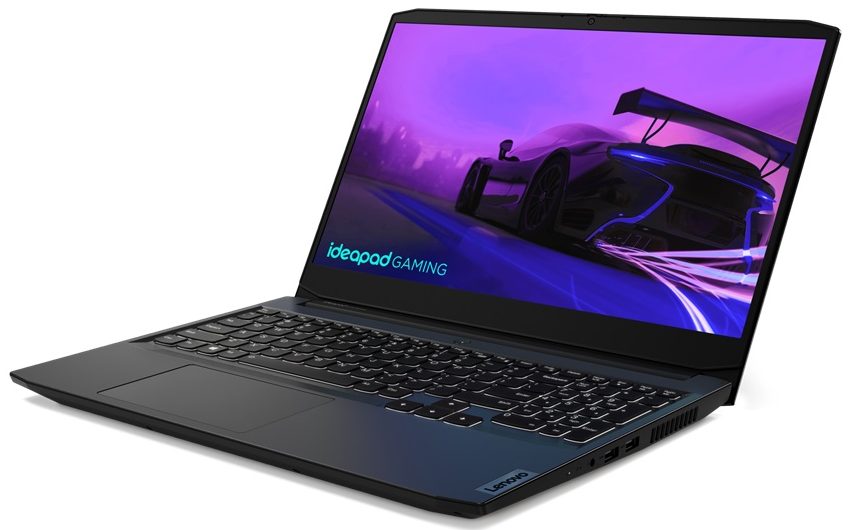
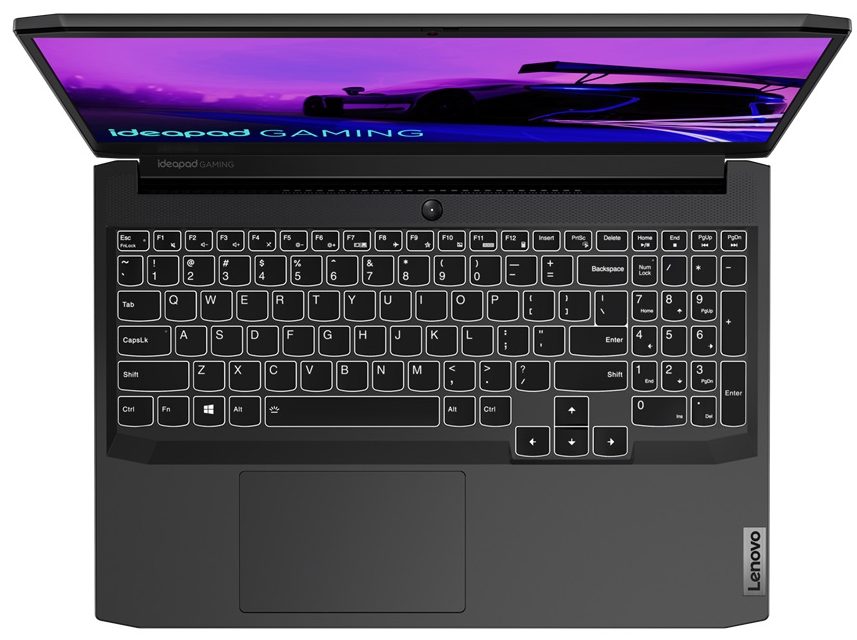
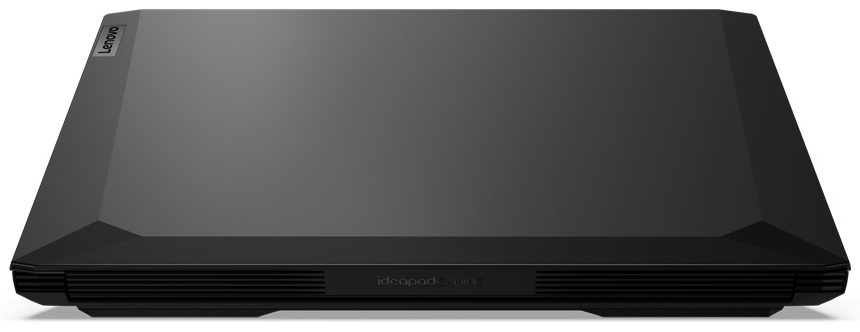
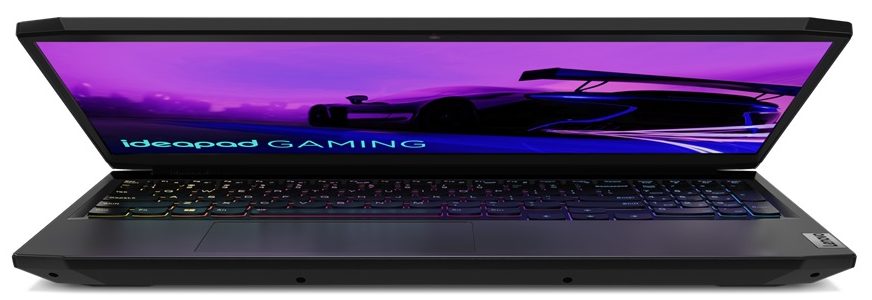
Lenovo IdeaPad Gaming 3i 15
- Date Published: 21 Nov 2023
- Intel Core i5-11300H
- NVIDIA GeForce GTX 1650 (Laptop)
- 15.6”, Full HD (1920 x 1080), 120 Hz, IPS
- 4000GB SSD
- 64GB DDR4
- 2.25 kg (5 lbs)
Review
Lenovo IdeaPad Gaming 3i 15 in-depth review
Pretty much every manufacturer is trying to bring the power of gaming to the masses. Ultimately, there are two ways to do that. Either you make one of your existing notebooks less powerful, and cheaper to make, or you make an entirely new product. In the case of Lenovo, they chose the second option two years ago, and they have ever since tried to perfect their product.Now, it is available in both Intel and AMD configurations, with the former being designated by an "i" inside of the name. Hence, the laptop for review today is the Lenovo IdeaPad Gaming 3i (15", 2021). It is the result of marrying the Legion brand with the IdeaPad name, and last year, we saw a big improvement. However, some things needed to be changed, and today we hope we can see them.First of all, let's mention the[...]
Read the full review
Pros
- Great price/performance ratio
- Sleek design and lid, which is easy to open
- Great keyboard with an optional RGB backlight
- Two M.2 slots (or one M.2 + 2.5-inch SATA)
- The display doesn't flicker at any brightness level (LEN156FHD (LEN9052))
- 2.5-inch SATA drive mounting accessories inside the box
Cons
- Lacks an SD card reader and Thunderbolt support
- Covers only 53% of sRGB (LEN156FHD (LEN9052))
- GPU gets quite toasty
- Battery discharges during gaming in Performance mode
Disassembly, maintenance and upgrade options
The IdeaPad Gaming 3i (15", 2021) is decent in many aspects, and one of them is upgradability.Check out all Lenovo IdeaPad Gaming 3i (15", 2021) prices and configurations in our Specs System or read more in our In-Depth review.1. Remove the bottom plate To access this laptop's internals, you need to undo 10 Phillips-head screws. Once you do that, pry the bottom panel with a plastic tool and remove it from the chassis.2. Battery Inside, you will find a battery with a 45Wh capacity. Before you continue, unplug the battery connector from the motherboard.3. Мemory and s[...]
Read more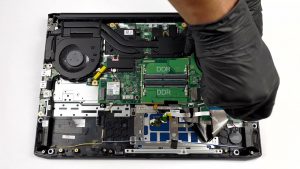


![[June 2026] Best-Selling Laptop Brands on Amazon Global – Apple’s Unrivaled Dominance in Units and Revenue](https://laptopmedia.com/wp-content/uploads/2026/07/GLOBAL-Best-Brands-400x225.jpg)
![[June 2026] Amazon Global: Top 10 Best-Selling Laptops – Apple’s New MacBook Neo Storms to #1, Reshaping the Market with Affordability](https://laptopmedia.com/wp-content/uploads/2026/07/Best-Selling-Laptops-GLOBAL-Top-10-400x225.jpg)
![[June 2026] Amazon Global: Top 10 Best-Selling Gaming Laptops – Acer’s Nitro V 16S AI Dominates Sales, While ASUS Leads Overall Revenue](https://laptopmedia.com/wp-content/uploads/2026/07/Best-Selling-Gaming-Laptops-GLOBAL-Top-10-400x225.jpg)
![[June 2026] Global Ranking of Best-Selling Laptop GPUs on Amazon – NVIDIA RTX 5060 is the Top-Selling Dedicated GPU](https://laptopmedia.com/wp-content/uploads/2026/07/Best-Selling-GPUs-GLOBAL-Top-10-400x225.jpg)
![[June 2026] Global Ranking of Best-Selling Laptop CPUs on Amazon – Apple M5 Dominates, AMD Ryzen 7 260 Gets Solid Premium Share](https://laptopmedia.com/wp-content/uploads/2026/07/Best-Selling-CPUs-GLOBAL-Top-10-400x225.jpg)
