Lenovo IdeaPad Pro 5
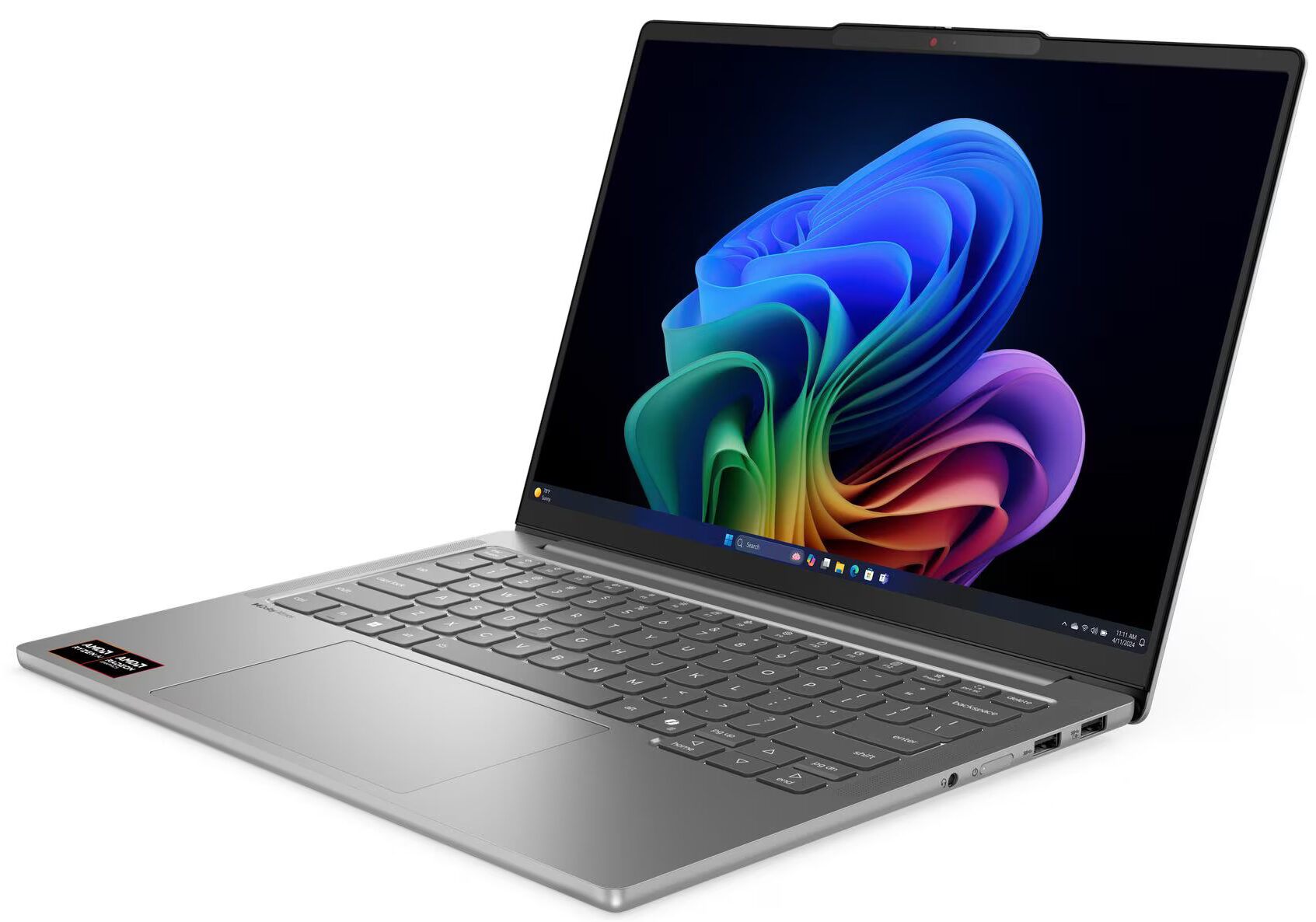
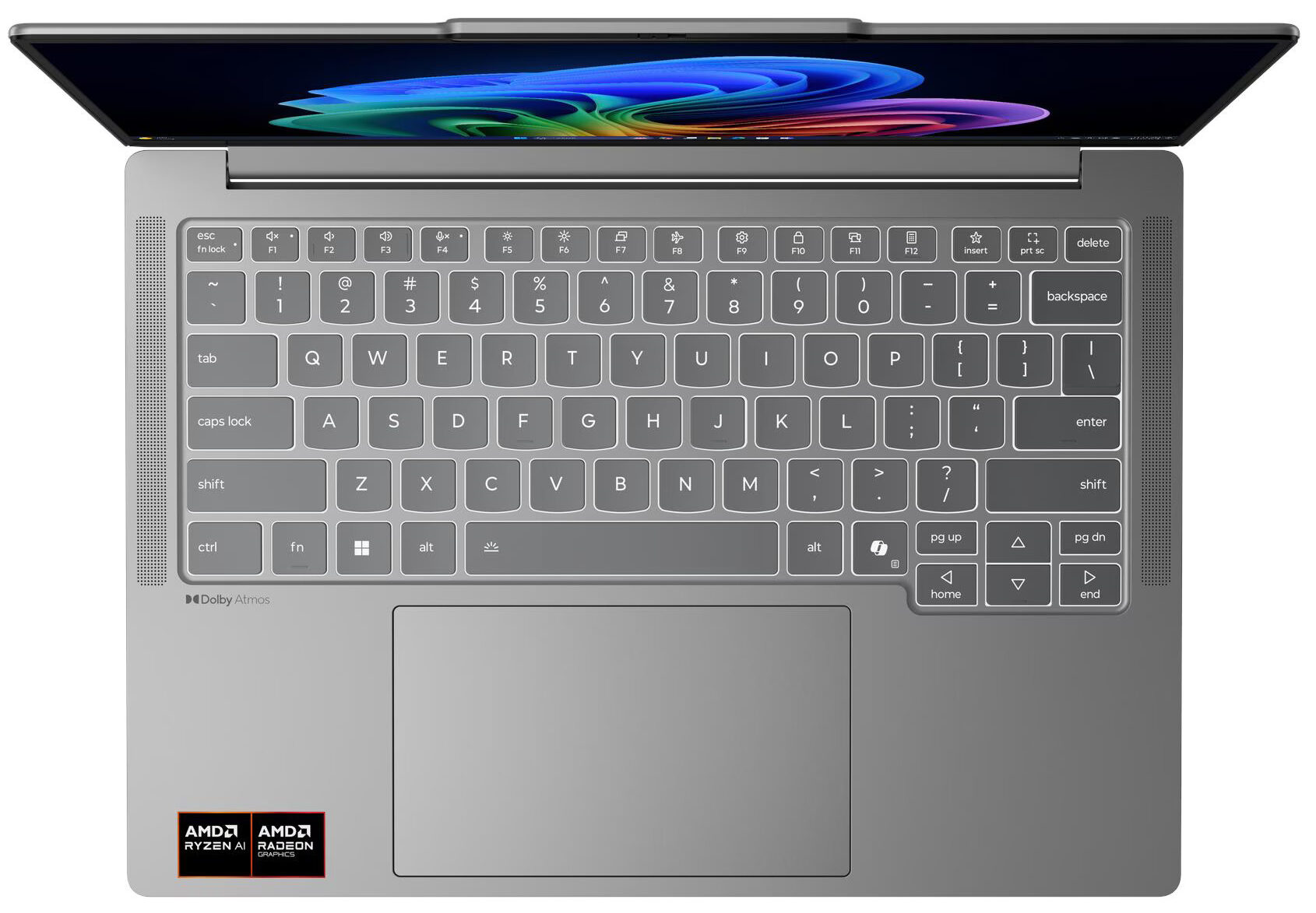
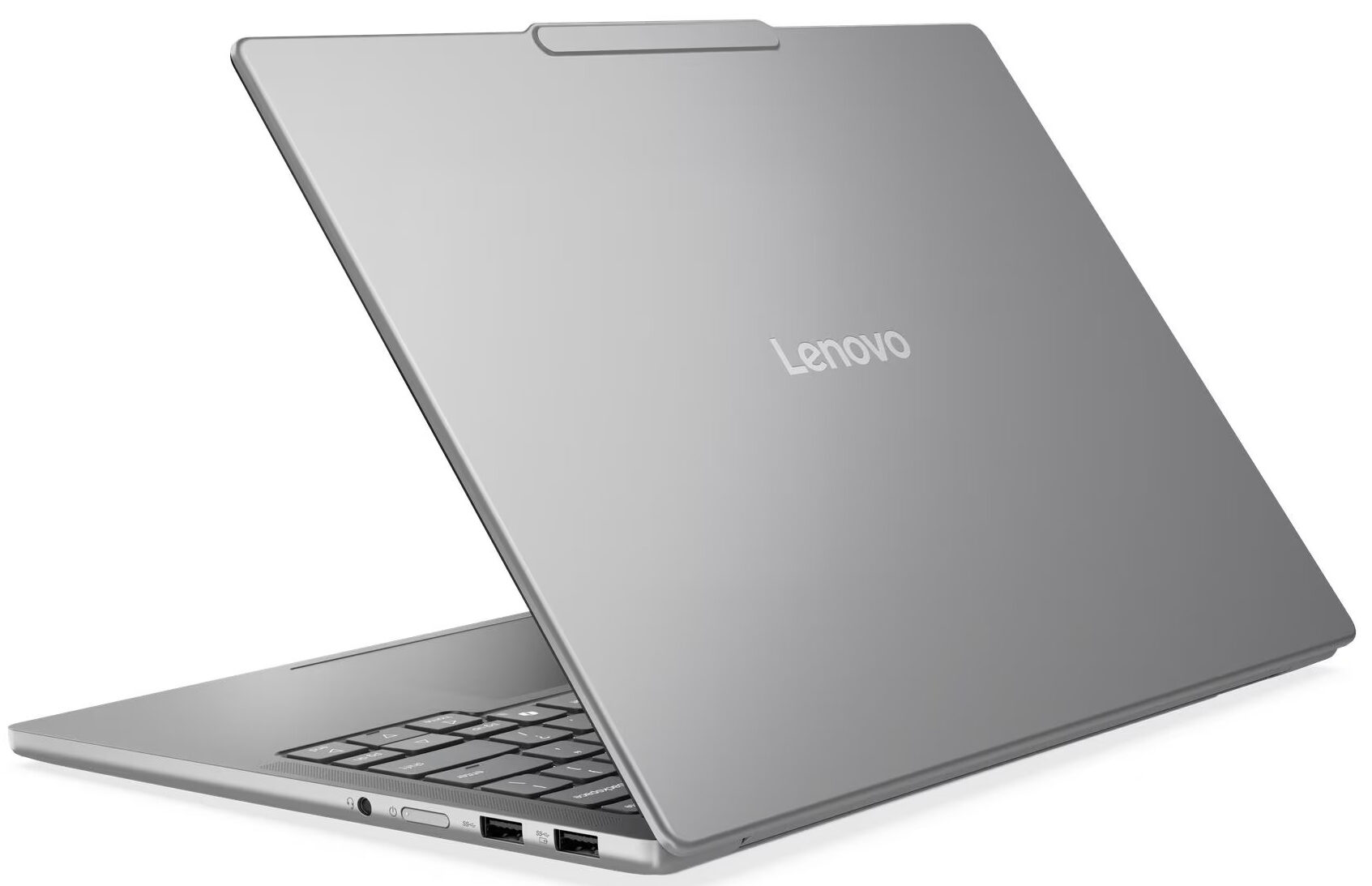
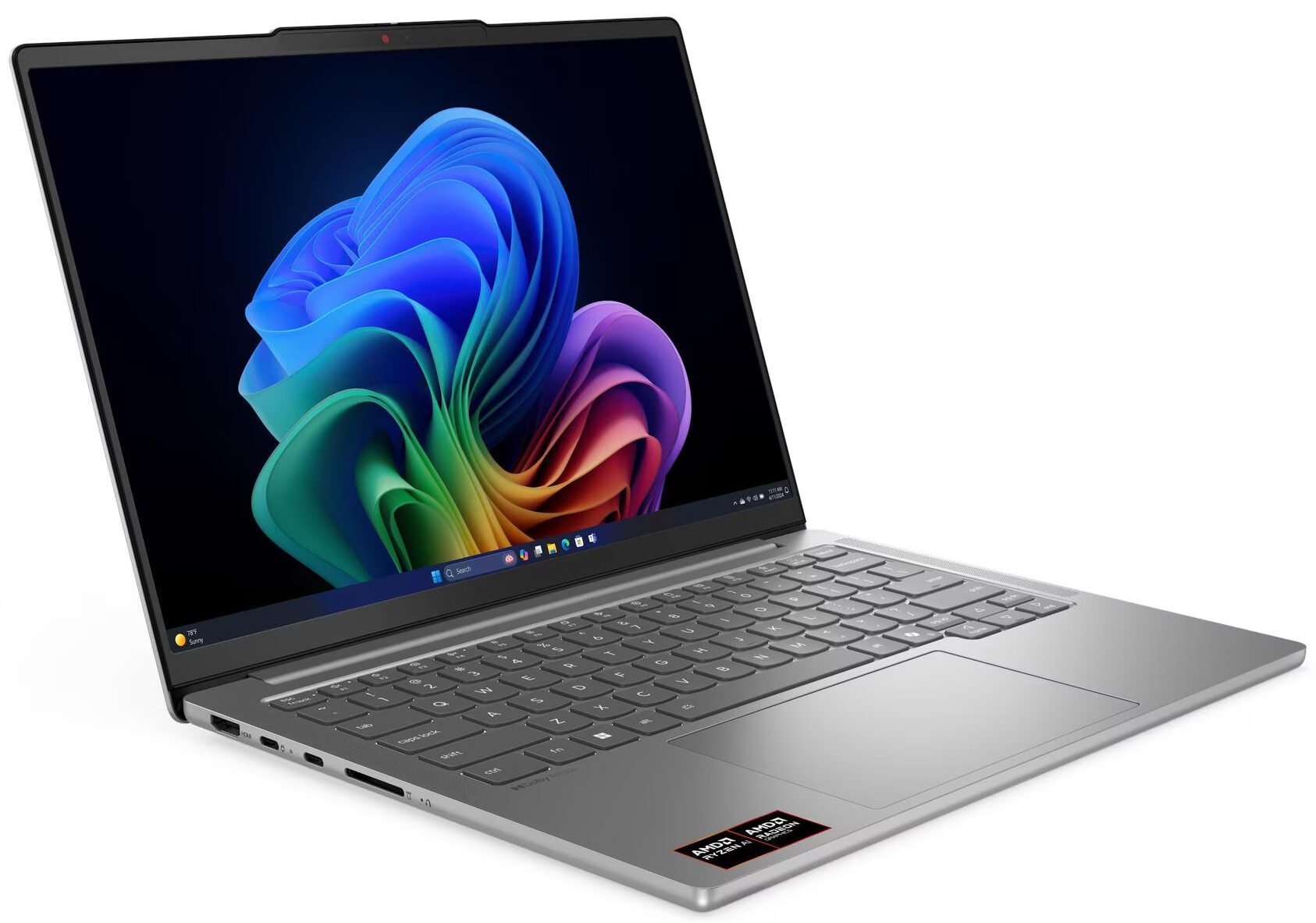
- Date Published: 30 May 2026
- AMD Ryzen AI 5 340
- AMD Radeon 840M
- 14.0″, 2.8K (2880 x 1800), 120 Hz, OLED
- 1000GB SSD
- 24GB RAM
- 1.39 kg (3.1 lbs)
Review
Lenovo IdeaPad Pro 5 in-depth review
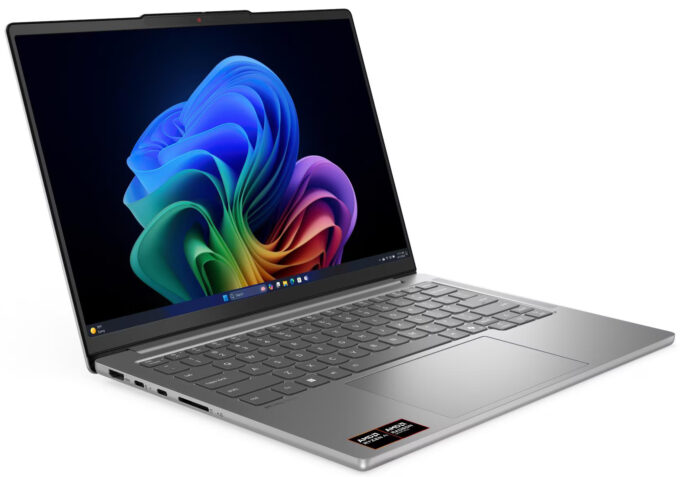
The Lenovo IdeaPad Pro 5 (14", Gen 10) arrives with a mission: to democratize the premium laptop experience. It packs features usually reserved for flagship devices - like a stunning 120Hz OLED display, an all-metal chassis, and powerful Ryzen AI processors—into a machine that remains surprisingly affordable. It’s a laptop that tries to do it all, balancing creative power, portability, and endurance in a sleek 14-inch package. But does this ambitious mix of high-end specs and mid-range pricing result in a perfect all-rounder, or are there hidden compromises lurking beneath its polished surface? We put it through its paces to find out.You can check the prices and configurations in our Specs System: https://laptopmedia.com/series/lenovo-ideapad-pro-5-14-gen-10/Specs, Driver[...]
Read the full review
Pros
- Stunning 2.8K 120Hz OLED display with 100% DCI-P3 coverage
- Excellent sustained performance and thermal management
- Fantastic battery life (nearly 14 hours)
- Two M.2 SSD slots for storage expansion
- Premium all-aluminium build quality
- Comprehensive port selection including USB4 and SD card reader
Cons
- Soldered RAM limits future upgrades
- Highly reflective glossy screen
- SSD can run hot under heavy load
- No built-in Ethernet port
Disassembly, maintenance and upgrade options
Before you start: Shut the laptop down, unplug the charger and peripherals, and hold the power button for a few seconds to discharge residual power. Work on a clean, non-conductive surface and, if possible, use an anti-static wrist strap. Opening the bottom panelPlace the laptop upside down with the rear vents facing away from you. Using a Torx T5 screwdriver, undo the nine screws that secure the aluminium bottom panel. Insert a thin plastic pry tool near one of the top corners between the panel and the chassis. Carefully twist the tool to release [...]
Read more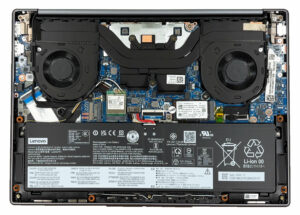


![[June 2026] Best-Selling Laptop Brands on Amazon Global – Apple’s Unrivaled Dominance in Units and Revenue](https://laptopmedia.com/wp-content/uploads/2026/07/GLOBAL-Best-Brands-400x225.jpg)
![[June 2026] Amazon Global: Top 10 Best-Selling Laptops – Apple’s New MacBook Neo Storms to #1, Reshaping the Market with Affordability](https://laptopmedia.com/wp-content/uploads/2026/07/Best-Selling-Laptops-GLOBAL-Top-10-400x225.jpg)
![[June 2026] Amazon Global: Top 10 Best-Selling Gaming Laptops – Acer’s Nitro V 16S AI Dominates Sales, While ASUS Leads Overall Revenue](https://laptopmedia.com/wp-content/uploads/2026/07/Best-Selling-Gaming-Laptops-GLOBAL-Top-10-400x225.jpg)
![[June 2026] Global Ranking of Best-Selling Laptop GPUs on Amazon – NVIDIA RTX 5060 is the Top-Selling Dedicated GPU](https://laptopmedia.com/wp-content/uploads/2026/07/Best-Selling-GPUs-GLOBAL-Top-10-400x225.jpg)
![[June 2026] Global Ranking of Best-Selling Laptop CPUs on Amazon – Apple M5 Dominates, AMD Ryzen 7 260 Gets Solid Premium Share](https://laptopmedia.com/wp-content/uploads/2026/07/Best-Selling-CPUs-GLOBAL-Top-10-400x225.jpg)
