Lenovo IdeaPad Pro 5i
_000044.jpg)

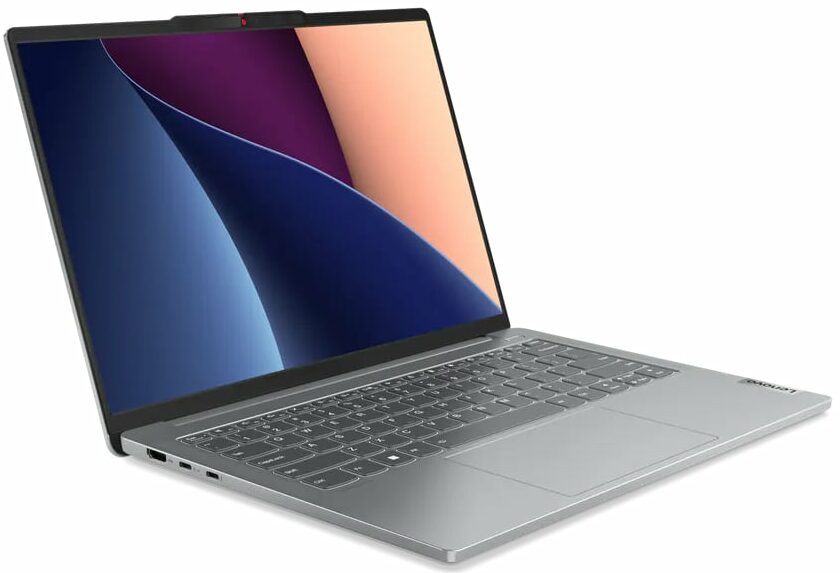


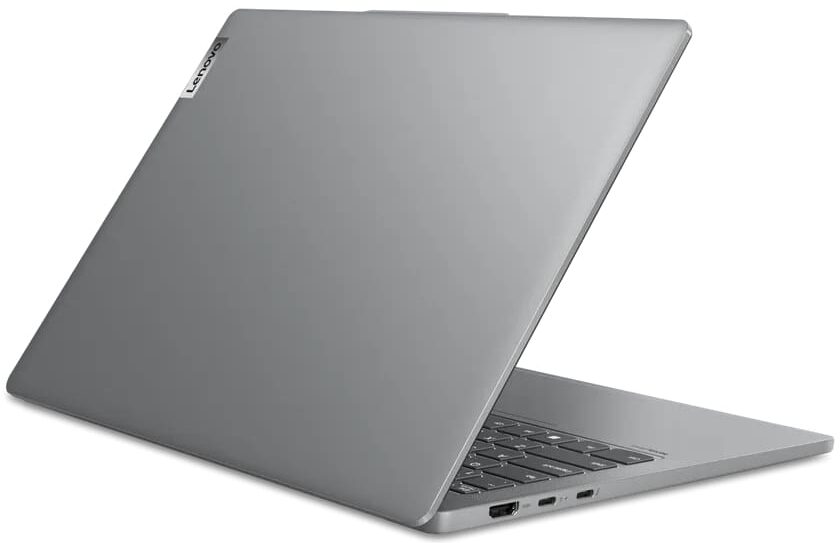

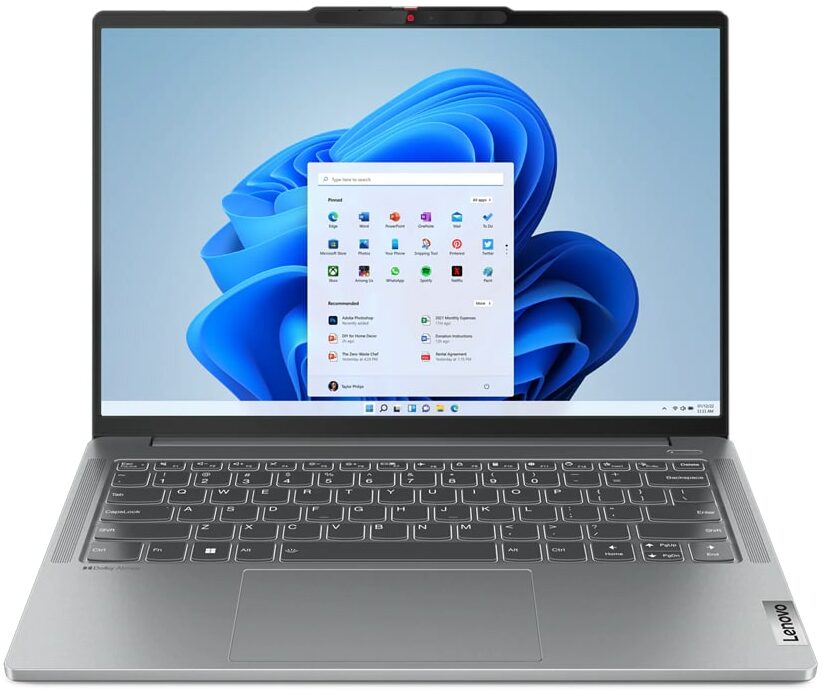
- Date Published: 19 Mar 2025
- Intel Core i7-13700H
- NVIDIA GeForce RTX 3050 (Laptop, 60W, 6GB)
- 14.0″, 2.2K (2240 x 1400), IPS
- 512GB SSD
- 16GB RAM
- 1.46 kg (3.2 lbs)
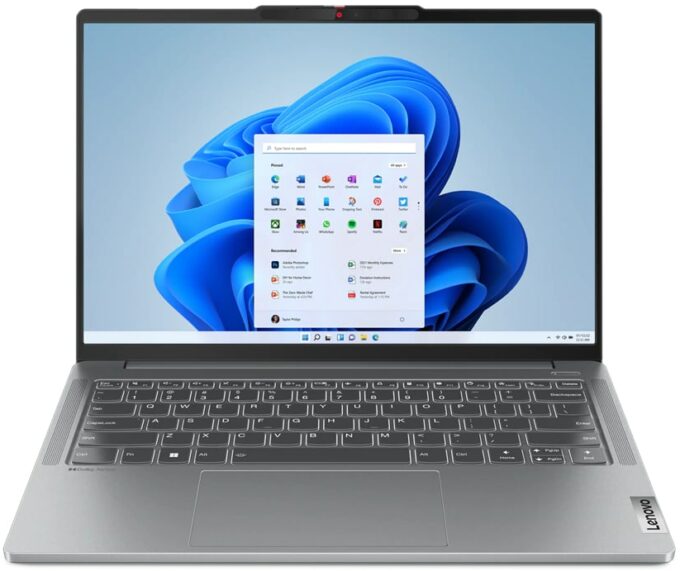
Review
Lenovo IdeaPad Pro 5i in-depth review
The IdeaPad devices are a step-down compared to Legion siblings but in most cases, their price / performance ratio is good. The Lenovo IdeaPad Pro 5i (14, Gen 8) is an interesting machine. The manufacturer is marketing its creation as a multipurpose device that can be used for work, creative projects, or gaming.That's why Lenovo has chosen the 6GB version of the RTX 3050 instead of the good "old" 4GB variant because, for content creation, a bigger VRAM is always a welcomed extra. Still, this GPU isn't the best one for such a purpose, but if your budget is tight, why not? On the other hand, the laptop can be configured with powerful Intel Raptor Lake-H CPUs and you can choose between two IPS displays. The base one is a 2.2K 60Hz model while the optional variant is a 2.8K 120Hz unit. The[...]
Read the full review
Pros
- Great battery life
- Aluminum build
- Capable cooling
- Adequate I/O
- No PWM (LEN140WQ+ (LEN8AAA))
- Full sRGB and 85% DCI-P3 coverage (LEN140WQ+ (LEN8AAA))
- 120Hz refresh rate and 1800p resolution (LEN140WQ+ (LEN8AAA))
- SD card reader
- Good comfort under load
- Has a 1080p IR Web camera with a privacy shutter
- The CPU can maintain high clocks and power limits during long heavy loads
Cons
- Soldered memory and just one M.2 slot
- The chassis rigidity could be better
- Lacks a fingerprint reader
Disassembly, maintenance and upgrade options
Step 1: Accessing the Internal ComponentsEnsure the Lenovo IdeaPad Pro 5i (14, Gen 8) is powered off and placed on a soft, clean surface to prevent scratches or damage. Remove the 6 Torx-head screws from the bottom of the laptop. Use a spudger to gently lift the back of the laptop, then employ a thin plastic tool to pry the bottom plate off, starting from one of the top two corners.Hint: Be careful when prying to avoid damaging the internal clips or the laptop casing.Step 2: Removing the BatteryDisconnect the battery by unplugging its connector from the mother[...]
Read more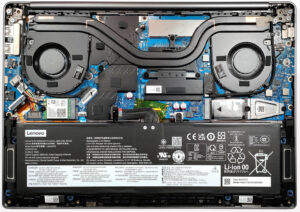


![[June 2026] Best-Selling Laptop Brands on Amazon Global – Apple’s Unrivaled Dominance in Units and Revenue](https://laptopmedia.com/wp-content/uploads/2026/07/GLOBAL-Best-Brands-400x225.jpg)
![[June 2026] Amazon Global: Top 10 Best-Selling Laptops – Apple’s New MacBook Neo Storms to #1, Reshaping the Market with Affordability](https://laptopmedia.com/wp-content/uploads/2026/07/Best-Selling-Laptops-GLOBAL-Top-10-400x225.jpg)
![[June 2026] Amazon Global: Top 10 Best-Selling Gaming Laptops – Acer’s Nitro V 16S AI Dominates Sales, While ASUS Leads Overall Revenue](https://laptopmedia.com/wp-content/uploads/2026/07/Best-Selling-Gaming-Laptops-GLOBAL-Top-10-400x225.jpg)
![[June 2026] Global Ranking of Best-Selling Laptop GPUs on Amazon – NVIDIA RTX 5060 is the Top-Selling Dedicated GPU](https://laptopmedia.com/wp-content/uploads/2026/07/Best-Selling-GPUs-GLOBAL-Top-10-400x225.jpg)
![[June 2026] Global Ranking of Best-Selling Laptop CPUs on Amazon – Apple M5 Dominates, AMD Ryzen 7 260 Gets Solid Premium Share](https://laptopmedia.com/wp-content/uploads/2026/07/Best-Selling-CPUs-GLOBAL-Top-10-400x225.jpg)
