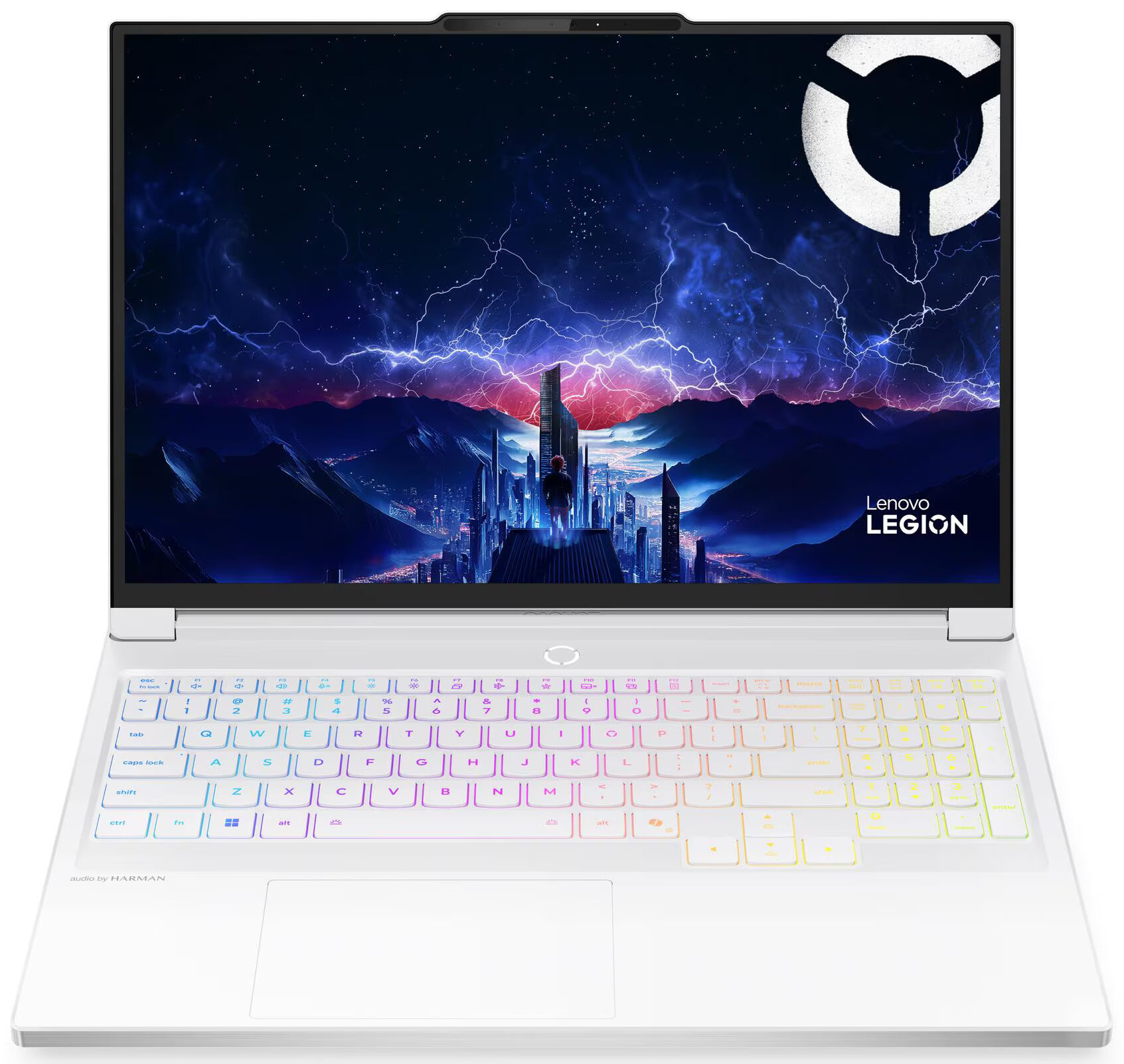
Lenovo Legion 7i

- Date Published: 16 Oct 2025
- Intel Core Ultra 9 275HX
- NVIDIA GeForce RTX 5070 (Laptop, 8GB GDDR7)
- 16.0", WQXGA (2560 x 1600), 240 Hz, OLED
- 2000GB SSD
- 96GB RAM
- 2.00 kg (4.4 lbs)
Review
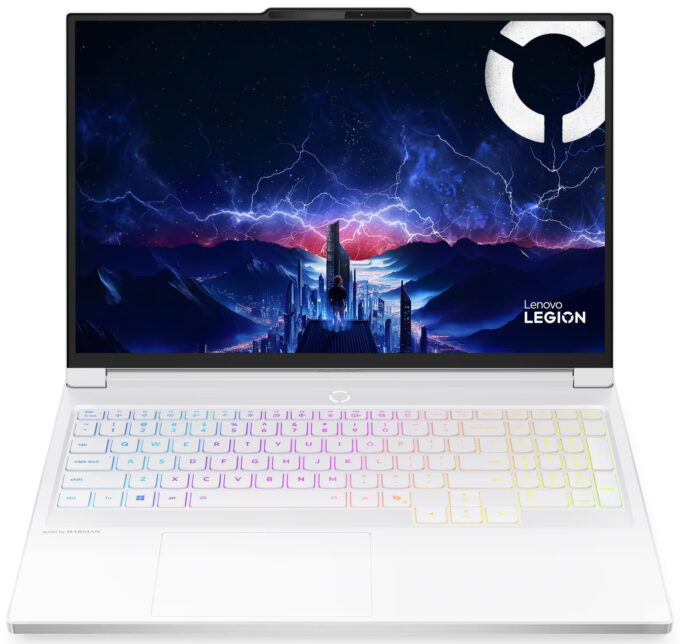
Lenovo Legion 7i in-depth review
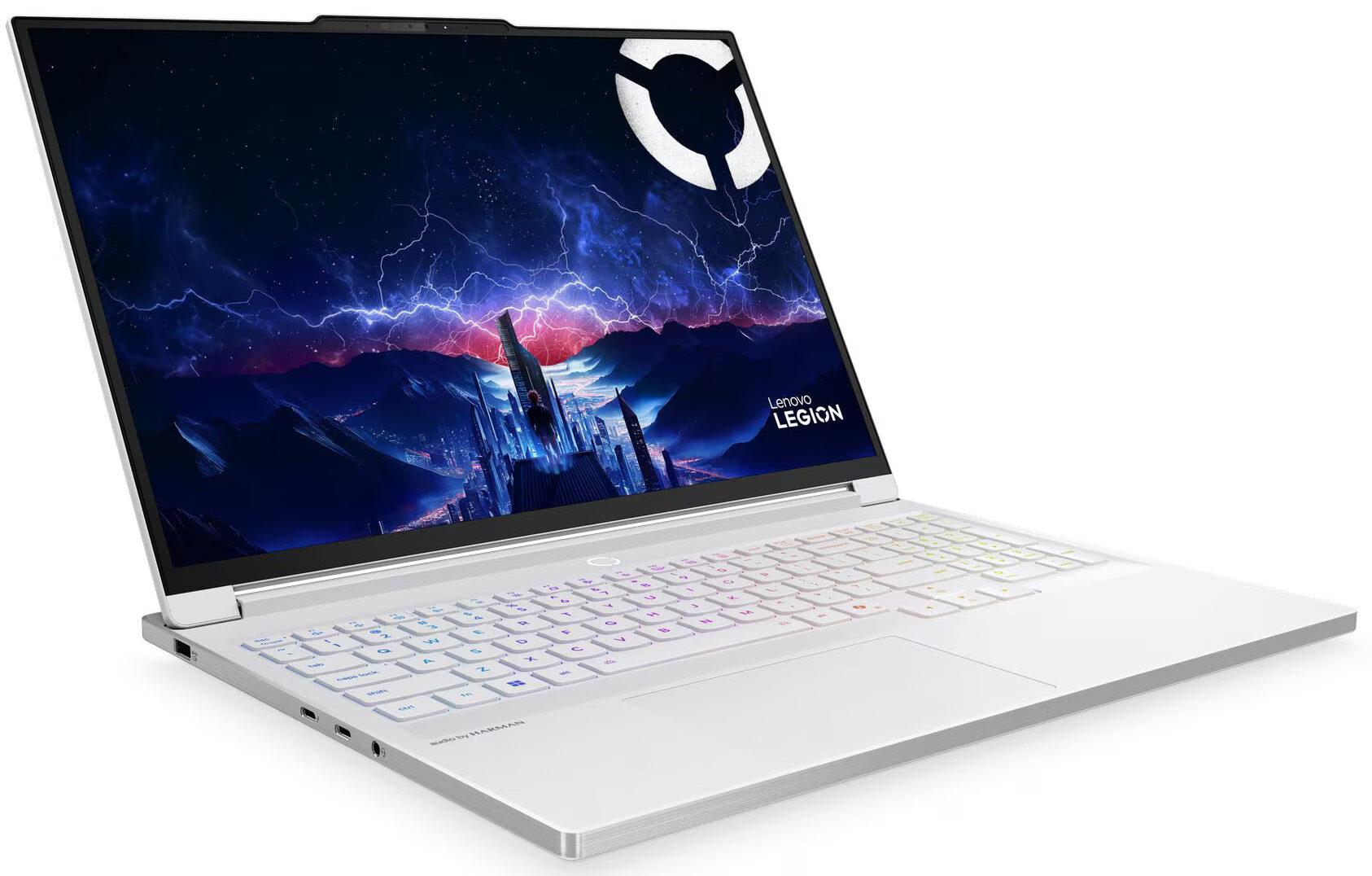
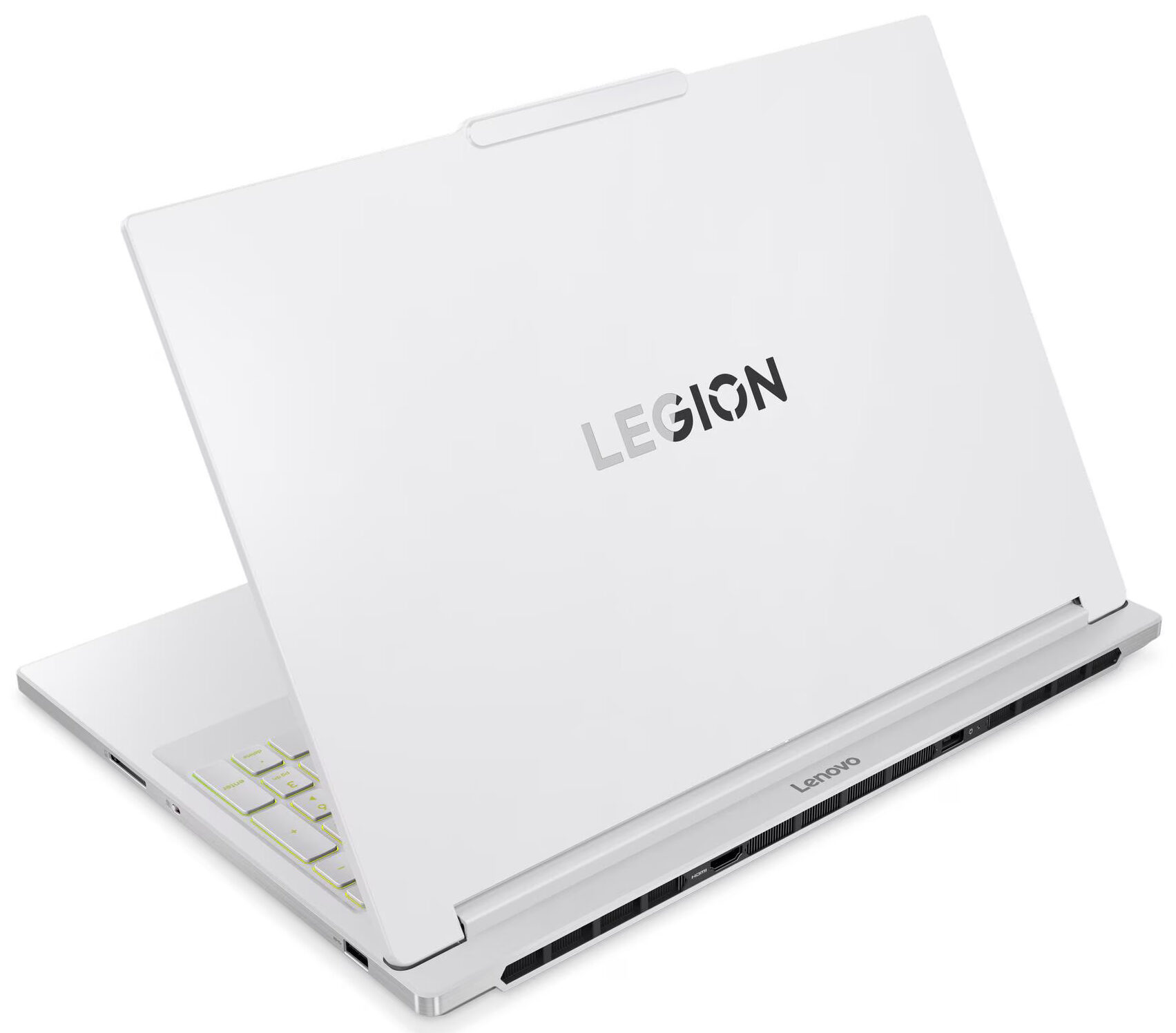
The Lenovo Legion 7i (16", Gen 10) is, without a doubt, one of the most beautiful gaming laptops we have ever seen. Its stunningly thin, light, and elegant all-aluminium design feels more like a high-end ultrabook than a powerful gaming rig. We were initially in awe of its form factor, but that awe quickly turned to concern. Can a chassis this slim truly handle the heat generated by its high-performance components? The answer, unfortunately, is the central story of this laptop. It's a tale of a breathtaking design that comes at a direct and significant cost to both performance and endurance.You can check the prices and configurations in our Specs System: https://laptopmedia.com/series/lenovo-legion-7i-16-gen-10/Specs, Drivers, What's in the boxDrivers All drivers and[...]
Read the full review
Pros
- Stunningly thin, light, and elegant all-aluminium design
- Breathtaking 240Hz OLED display with 100% DCI-P3 coverage
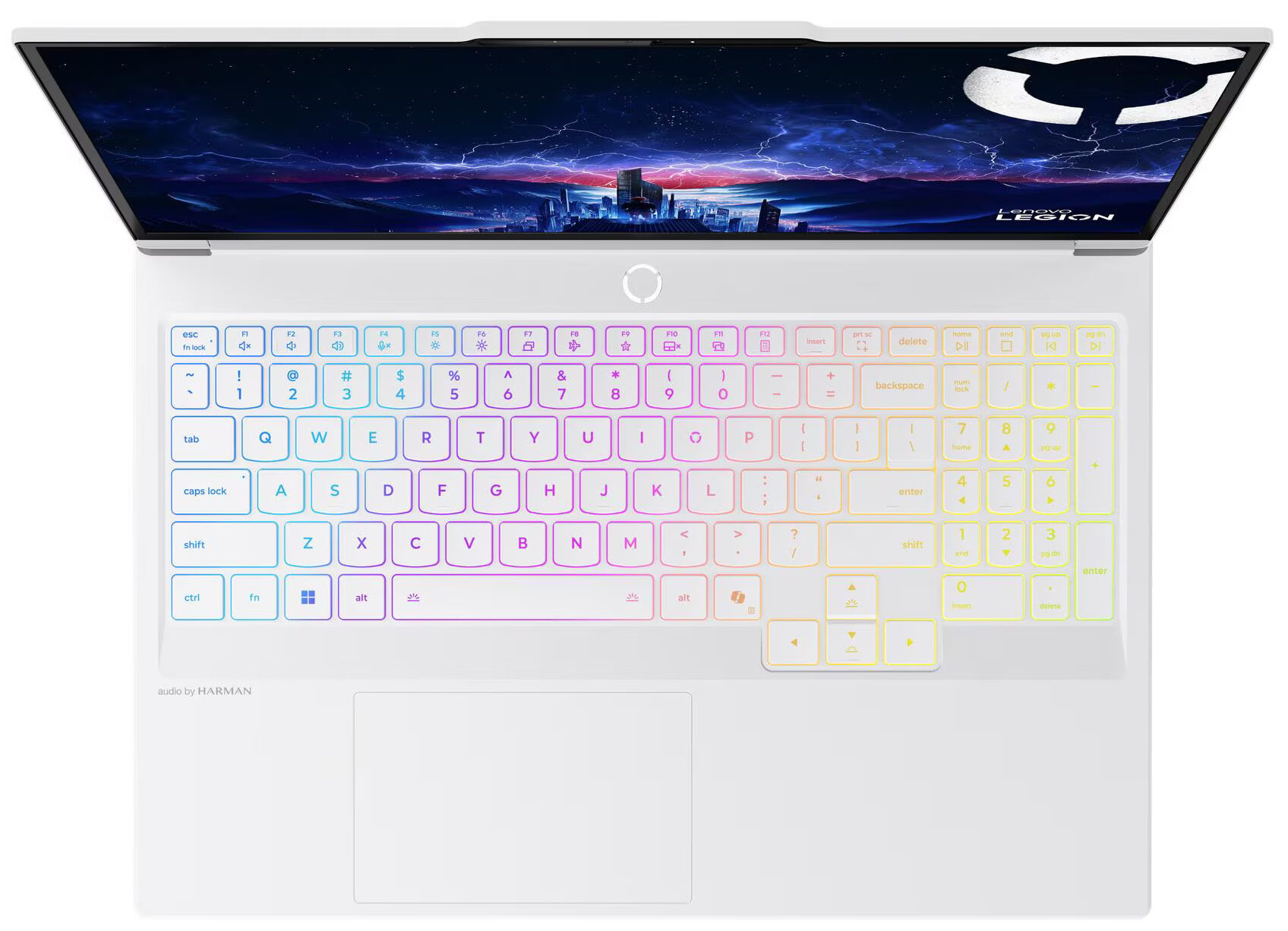
- Excellent keyboard with a great layout and full-sized arrow keys
- Fantastic upgradeability with two RAM and two M.2 slots
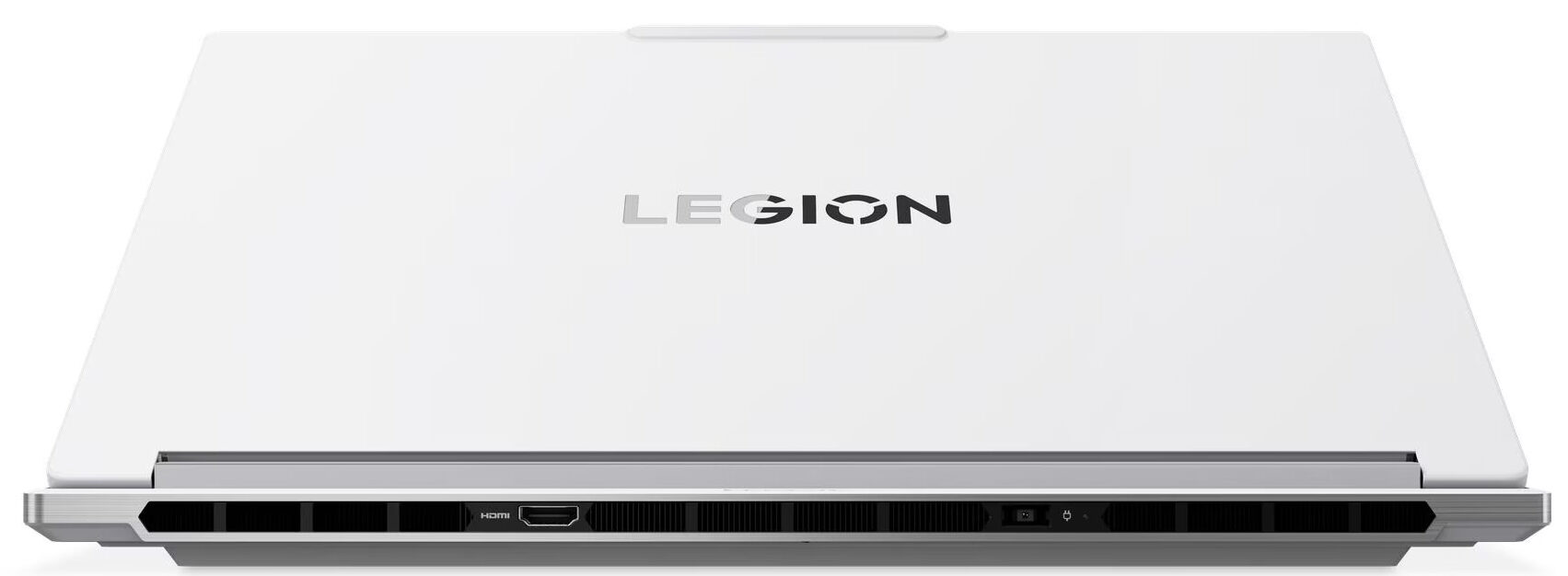
- Great future-proof port selection including Thunderbolt 4 and Wi-Fi 7
- Premium build quality and fingerprint-resistant finish
Cons
- Throttled CPU and GPU performance due to slim design
- Very poor battery life, one of the worst in its class
- Highly reflective glossy screen
- Runs hot under sustained load
Disassembly, maintenance and upgrade options
Before you start: Shut the laptop down completely, unplug the charger and all peripherals, and hold the power button for a few seconds to discharge residual power. Work on a clean, non-conductive surface and, if possible, use an anti-static wrist strap. Opening the bottom panelPlace the laptop upside down with the rear vents facing away from you. Undo all visible screws that secure the bottom panel to the chassis. Keep track of their positions and lengths for easier reassembly. Insert a thin plastic pry tool between the bottom plate and the base near [...]
Read more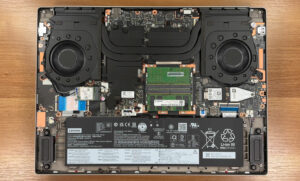


![[June 2026] Best-Selling Laptop Brands on Amazon Global – Apple’s Unrivaled Dominance in Units and Revenue](https://laptopmedia.com/wp-content/uploads/2026/07/GLOBAL-Best-Brands-400x225.jpg)
![[June 2026] Amazon Global: Top 10 Best-Selling Laptops – Apple’s New MacBook Neo Storms to #1, Reshaping the Market with Affordability](https://laptopmedia.com/wp-content/uploads/2026/07/Best-Selling-Laptops-GLOBAL-Top-10-400x225.jpg)
![[June 2026] Amazon Global: Top 10 Best-Selling Gaming Laptops – Acer’s Nitro V 16S AI Dominates Sales, While ASUS Leads Overall Revenue](https://laptopmedia.com/wp-content/uploads/2026/07/Best-Selling-Gaming-Laptops-GLOBAL-Top-10-400x225.jpg)
![[June 2026] Global Ranking of Best-Selling Laptop GPUs on Amazon – NVIDIA RTX 5060 is the Top-Selling Dedicated GPU](https://laptopmedia.com/wp-content/uploads/2026/07/Best-Selling-GPUs-GLOBAL-Top-10-400x225.jpg)
![[June 2026] Global Ranking of Best-Selling Laptop CPUs on Amazon – Apple M5 Dominates, AMD Ryzen 7 260 Gets Solid Premium Share](https://laptopmedia.com/wp-content/uploads/2026/07/Best-Selling-CPUs-GLOBAL-Top-10-400x225.jpg)
