Lenovo Legion Pro 7i
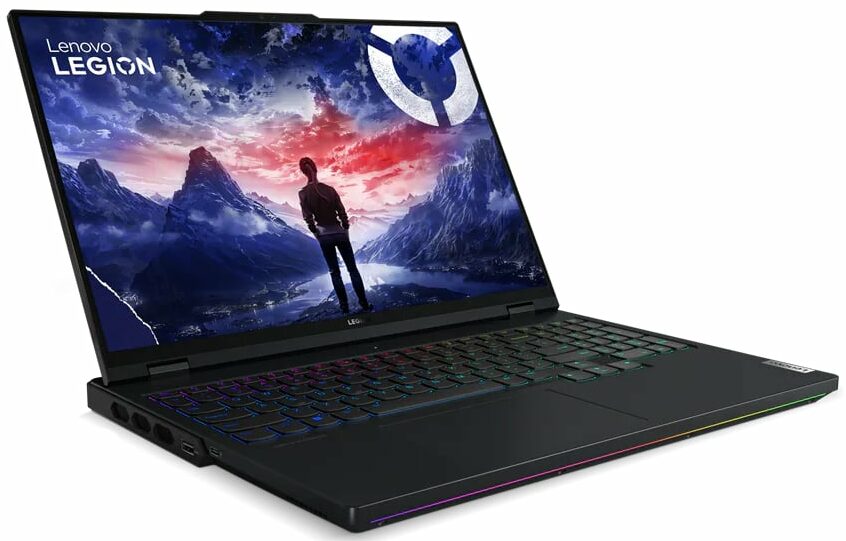
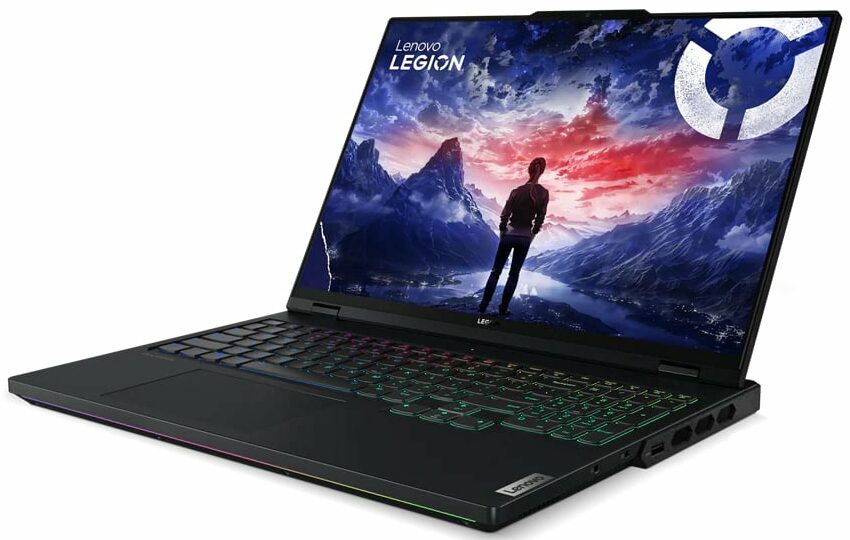

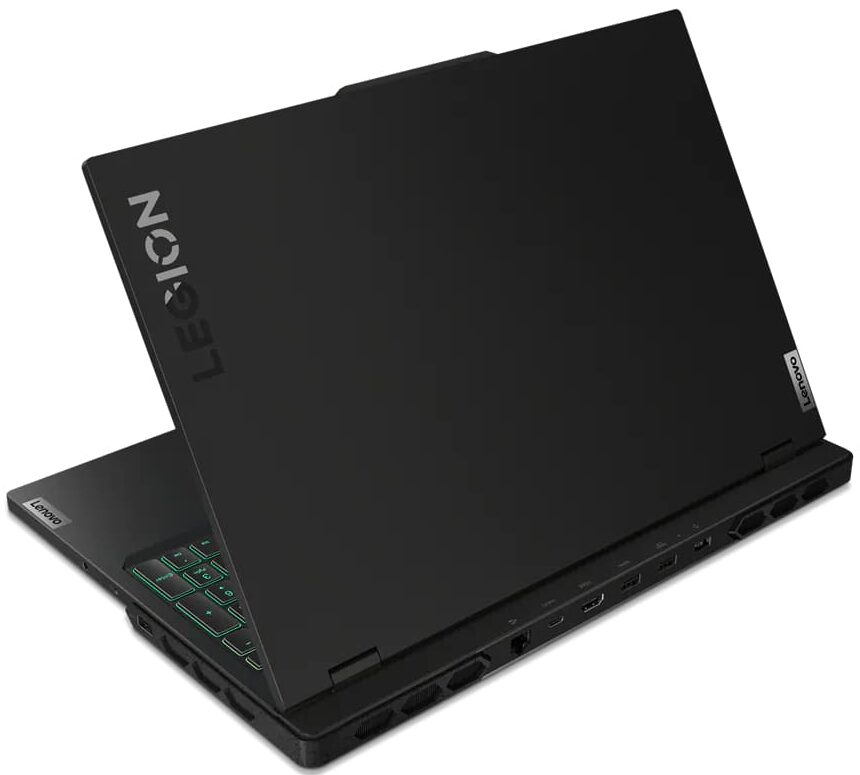

- Date Published: 10 May 2024
- Intel Core i9-14900HX
- NVIDIA GeForce RTX 4090 (Laptop, 175W)
- 16.0", WQXGA (2560 x 1600), 240 Hz, IPS
- 2000GB SSD
- 64GB RAM
- 2.62 kg (5.8 lbs)
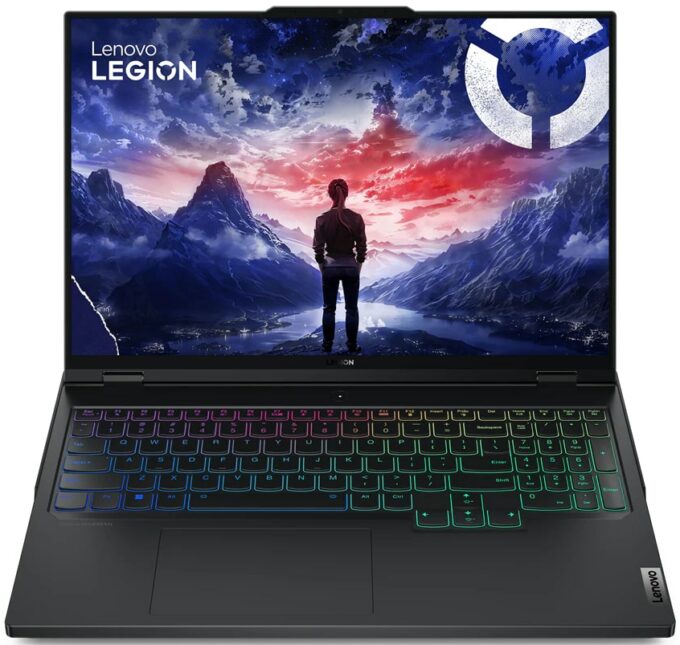
Review
Lenovo Legion Pro 7i in-depth review
Just like MSI and their Vector 16 HX A13V, Lenovo shows to the world that you don't have to buy a huge 17 or 18-inch laptop to fully utilize the power of a 175W GeForce RTX 4080 or 4090. The Legion Pro 7i (16″, Gen 9) is 16-incher that offers high-end hardware. The Core i9-14900HX is the only CPU option for the series. That's a 24-core beast that dissipates a lot of heat during full loads. That's why you'll find a huge vapor chamber thermal system under the hood. GPU-wise, you can choose between the two most powerful NVIDIA Ada Lovelace graphics cards with hefty TGPs. Expectedly for such a device, the upgradability is on point, you also get tons of ports and Wi-Fi 6E + Bluetooth 5.3 for connectivity.As always, the display is very important for a gaming machine. There is just one panel [...]
Read the full review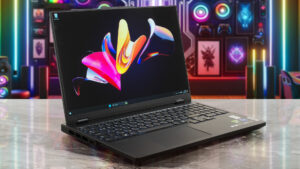
Pros
- Good battery life for such powerful hardware
- Great performance
- Stable aluminum build
- Potent vapor chamber cooling solution
- 6 USB ports
- PWM-free
- High Max Brightness - 492 nits (BOE0C8B)
- 100% sRGB and 99% DCI-P3 coverage + great color accuracy when our "Design and Gaming" profile is applied (BOE0C8B)
- 240Hz refresh rate, 1600p resolution, and snappy (7.6 ms) pixel response times (BOE0C8B)
- The fans aren't too noisy during gaming
- Optional 1080p Web camera with an E-shutter
- The CPU and the GPU can sustain impressive clocks and power limits during full loads
- Comfortable keyboard
- Supports NVIDIA G-SYNC and Advanced Optimus
- MUX switch
- CPU OC / undervolt function
- High-performance SSD (SKHynix HFS001TEJ9X115N)
Cons
- Four of the USB ports are just 5Gbps
- Lacks thermal pads for memory cooling
- High NVMe temperatures during benchmarking
Disassembly, maintenance and upgrade options
Step 1: Opening the Lenovo Legion Pro 7i Gen 9Ensure the device is powered off and placed on a clean, flat surface. Remove the 10 Phillips-head screws from the bottom of the laptop. Flip the laptop and use a thin plastic tool to pop the zones around the plastic shrouds of the four vents on the sides and back. Insert the plastic tool between the base and the bottom panel, lift up until you hear a pop sound, and repeat this process for all sides. Pry the middle of the rear, turn over the device, slightly raise the back of the panel, pry the mid and front sections of the pla[...]
Read more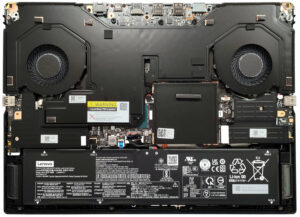
DISPLAY: 16.0-inch, 2560 x 1600, IPS
- Name
- BOE NE160QDM-NZB (BOE0C8B)
- Diagonal
- 16.0"
- Pixel density
- 188.68 ppi
- Brightness
- 492 cd/m2
- sRGB
- 100%
- Panel Type
- IPS
- Resolution
- 2560 x 1600
- Becomes "Retina" from
- 18 inches (46 cm)
- Contrast
- 1340:1
- dE Color Checker
- 1.7 1.0

Buy our profiles for BOE NE160QDM-NZB (BOE0C8B)
In addition to receiving efficient and health-friendly profiles, by buying LaptopMedia's products you also support the development of our labs, where we test devices in order to produce the most objective reviews possible.

Office Work
Office Work should be used mostly by users who spend most of the time looking at pieces of text, tables or just surfing. This profile aims to deliver better distinctness and clarity by keeping a flat gamma curve (2.20), native color temperature and perceptually accurate colors.

Design and Gaming
This profile is aimed at designers who work with colors professionally, and for games and movies as well. Design and Gaming takes display panels to their limits, making them as accurate as possible in the sRGB IEC61966-2-1 standard for Web and HDTV, at white point D65.

Health-Guard
Health-Guard eliminates the harmful Pulse-Width Modulation (PWM) and reduces the negative Blue Light which affects our eyes and body. Since it’s custom tailored for every panel, it manages to keep the colors perceptually accurate. Health-Guard simulates paper so the pressure on the eyes is greatly reduced.



![[August 2026] Global Ranking of Best-Selling Laptop GPUs on Amazon – Apple Reigns Supreme, NVIDIA’s RTX 5060 Tops Dedicated Chart](https://laptopmedia.com/wp-content/uploads/2026/09/Best-Selling-GPUs-GLOBAL-Top-10-400x225.jpg)
![[August 2026] Global Ranking of Best-Selling Laptop CPUs on Amazon – Apple Dominates Both Budget and Premium: A18 Pro and M5 Crush Intel and AMD in August 2026](https://laptopmedia.com/wp-content/uploads/2026/09/Best-Selling-CPUs-GLOBAL-Top-10-400x225.jpg)
![[August 2026] Amazon Global: Top 10 Best-Selling Laptops – Apple MacBook Neo Dominates the Charts as Budget and Mid-Range Windows Portables Fight for Volume](https://laptopmedia.com/wp-content/uploads/2026/09/Best-Selling-Laptops-GLOBAL-Top-10-400x225.jpg)
![[August 2026] Best-Selling Laptop Brands on Amazon Global – Apple Dominates Revenue While HP Leads in Model Variety](https://laptopmedia.com/wp-content/uploads/2026/09/GLOBAL-Best-Brands-400x225.jpg)
![[August 2026] Amazon Global: Top 10 Best-Selling Gaming Laptops – HP Victus 15 Captures the Crown as Budget-Friendly Models Dominate the Charts](https://laptopmedia.com/wp-content/uploads/2026/09/Best-Selling-Gaming-Laptops-GLOBAL-Top-10-400x225.jpg)
