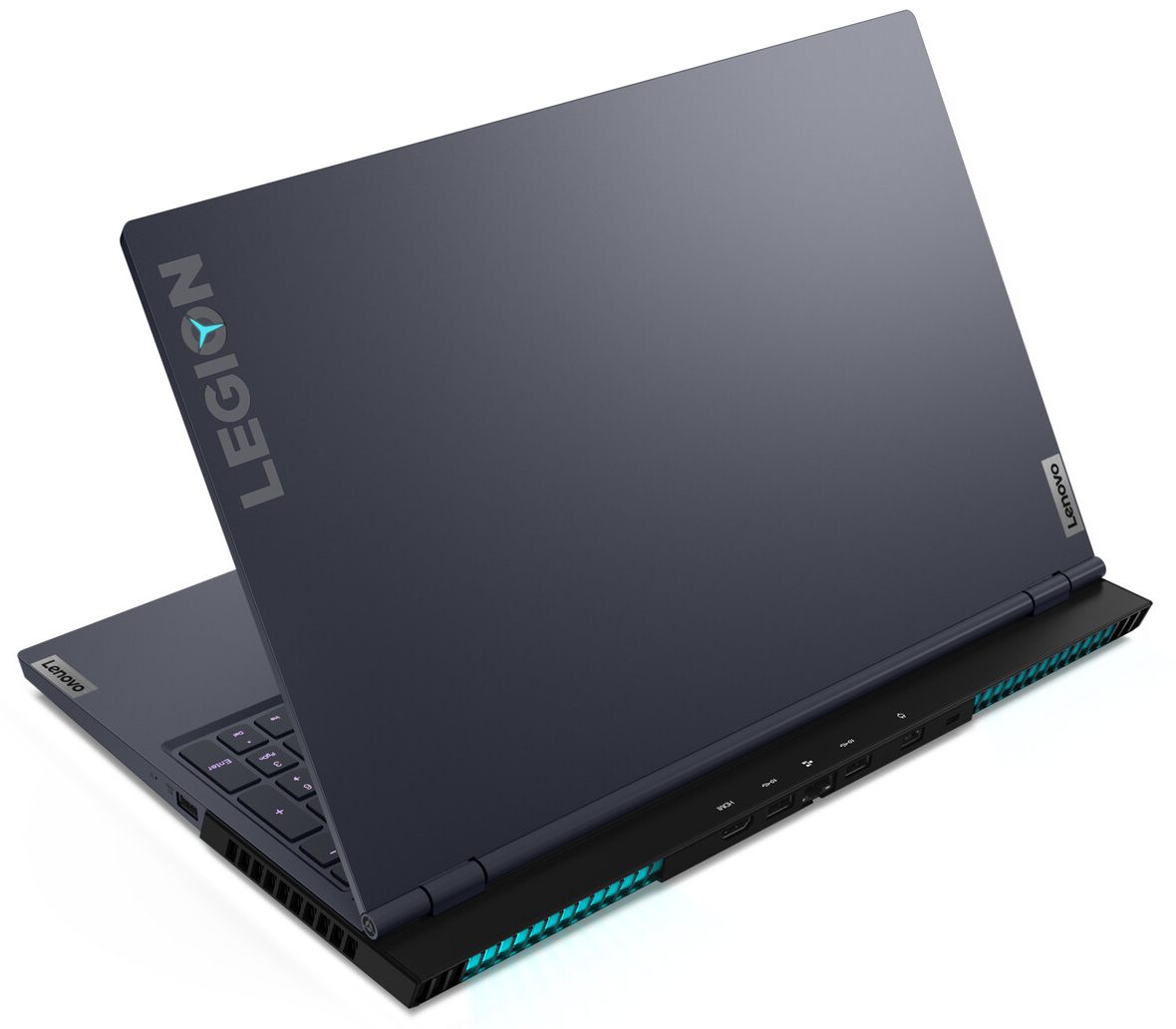
Lenovo Legion 7 15

- Date Published: 07 Feb 2021
- Intel Core i9-10980HK
- NVIDIA GeForce RTX 2080 SUPER Max-Q (90W)
- 15.6”, Full HD (1920 x 1080), 240 Hz, IPS
- 1500GB SSD
- 32GB DDR4, 2933 MHz
- 2.25 kg (5 lbs)
Review
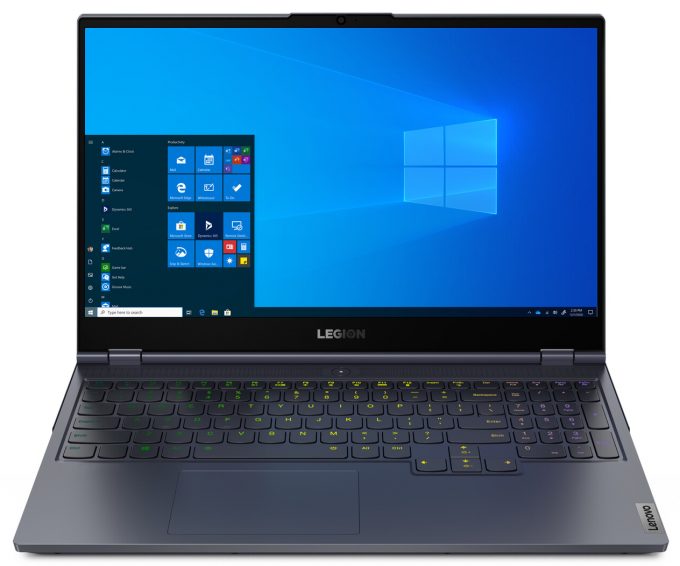
Lenovo Legion 7 15 in-depth review
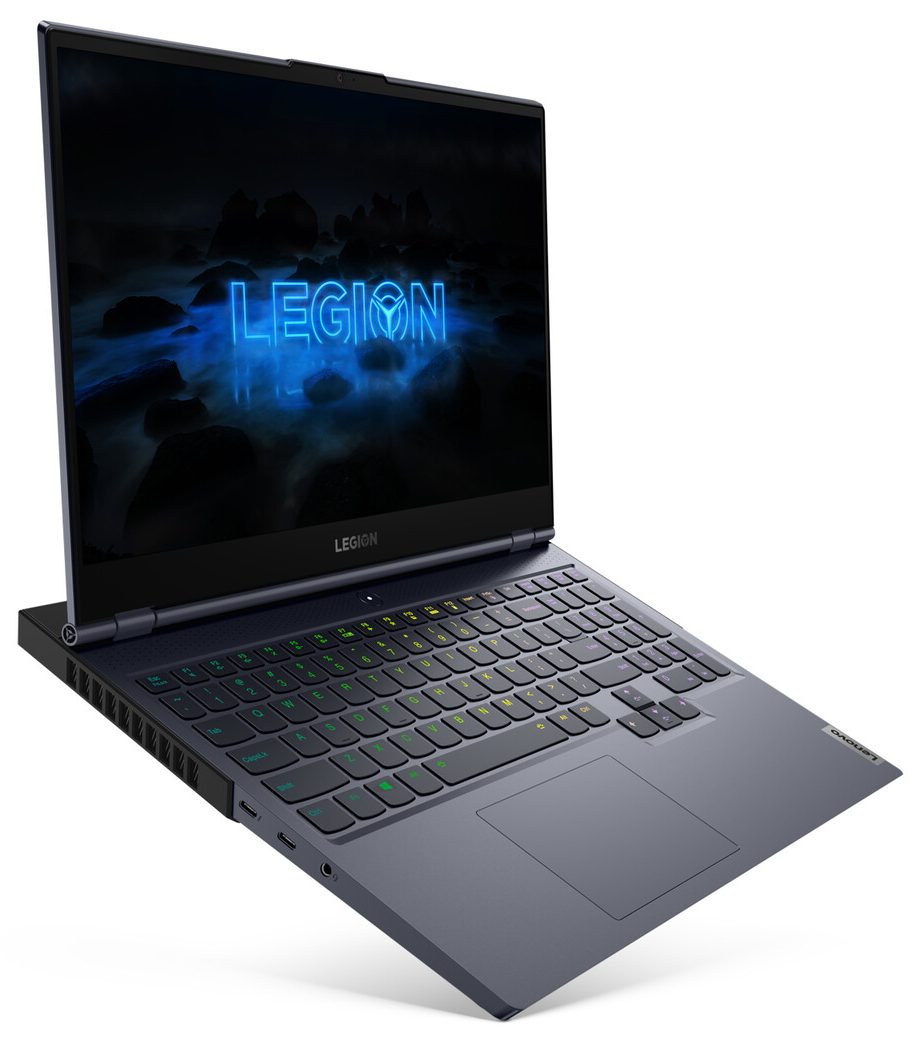
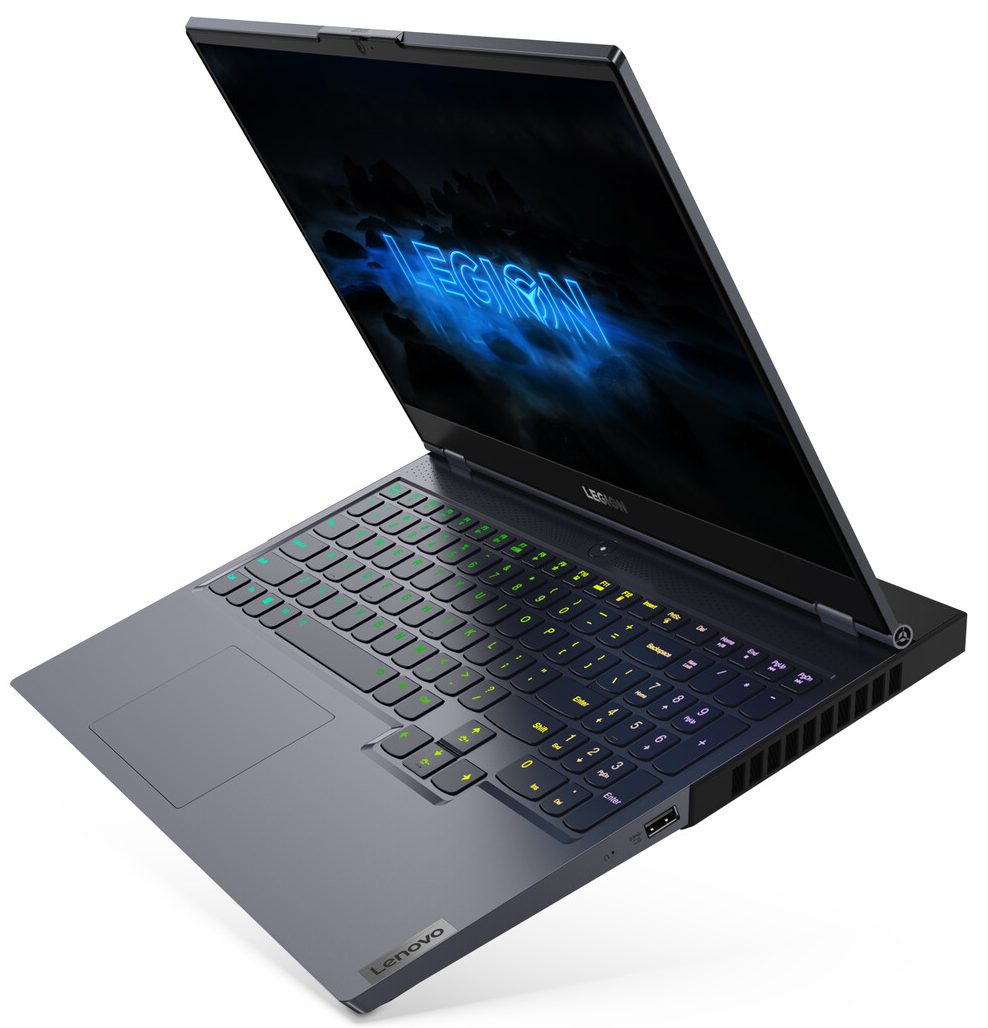
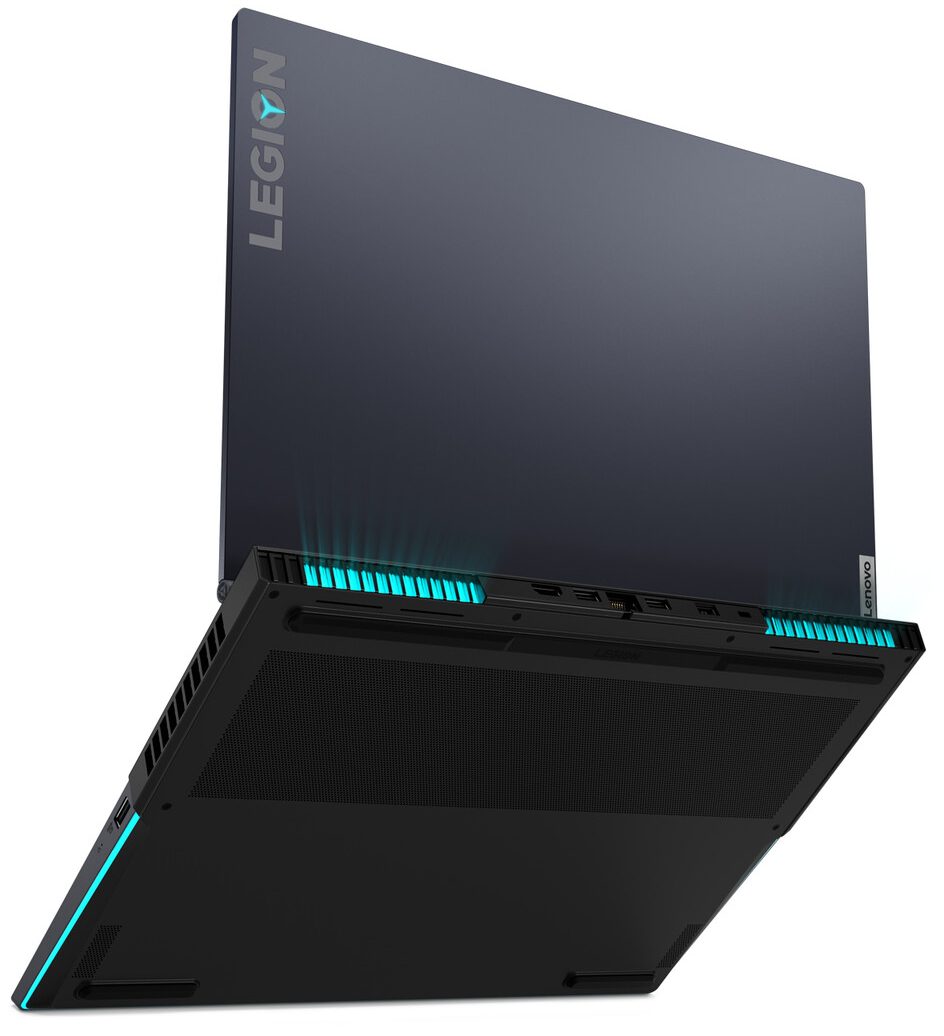
Once again, Lenovo is trying to make our life easier. By scrapping the previous naming system, they have introduced a more simple, and easier to remember one - like the Legion 5 and Legion 7. Today, we have the more premium of the two - the Legion 7 (15). Apart from the name, there is little more that has changed in comparison to the Legion Y740. Largely, the design remains the same, but there are some neat little tunes here and there, but let's save that for later.What is more important here is the hardware. Lenovo is offering you a choice of pretty much the entire Comet Lake-H series of processors. This includes the Core i5-10300H, which is quite honestly should be purchased if you are very tight on the budget. Then, there is the six-core Core i7-10750H, and the monstrous Core i7-10[...]
Read the full review
Pros
- Aluminum design and good build quality
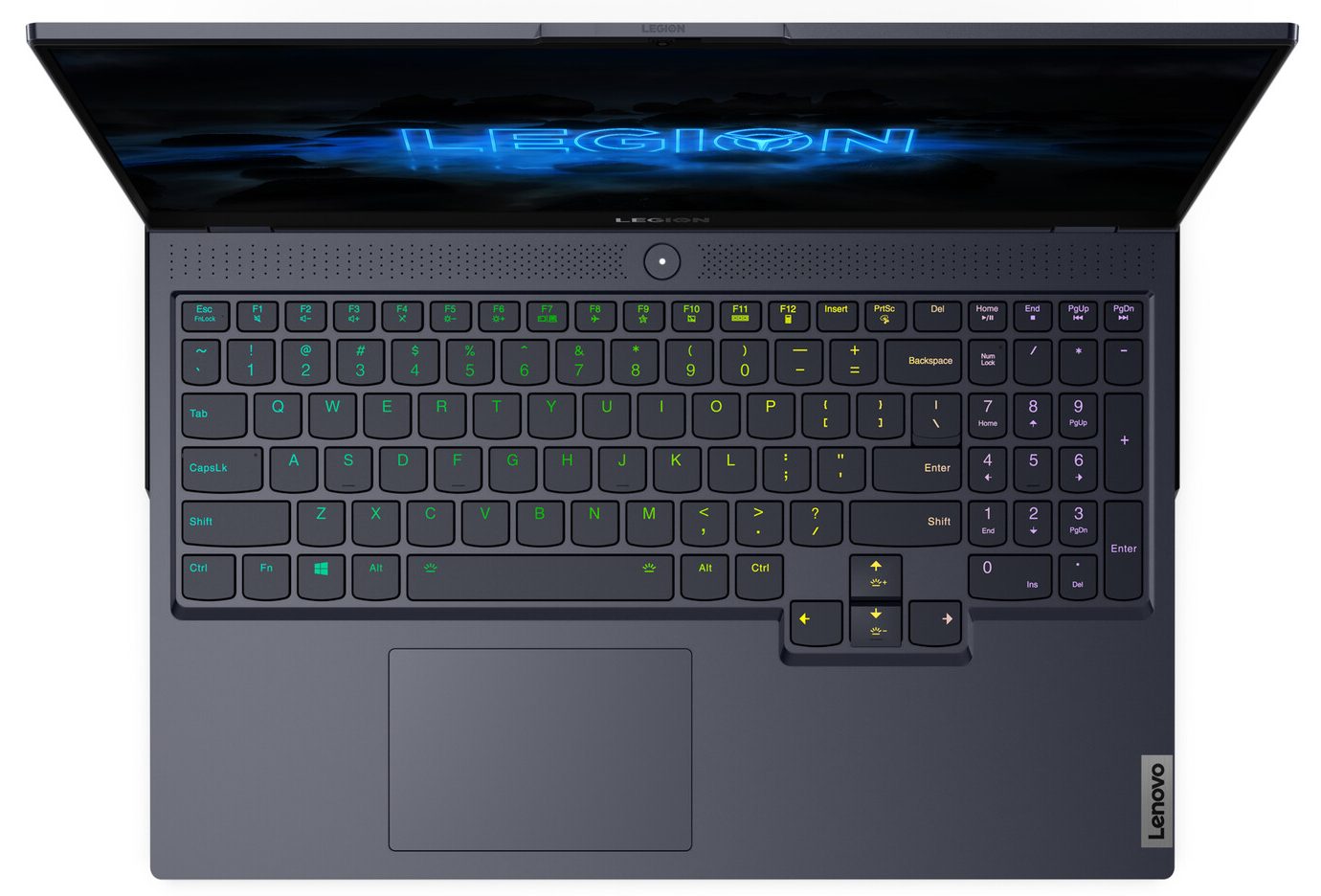
- Large arrow keys, RGB backlight, and clicky feedback.
- Thunderbolt certification and two M.2 slots with RAID 0 support
- The display doesn't flicker at any brightness level (BOE NV156FHM-NY6)
- 570 nits of maximum brightness, comfortable viewing angles and good contrast ratio (BOE NV156FHM-NY6)
- The 144Hz unit has quick response times and covers roughly 130% of sRGB (BOE NV156FHM-NY6)
- Handles the beefy hardware pretty well
Cons
- Lacks an SD card reader
- Gets quite warm on the outside
Disassembly, maintenance and upgrade options
This year's Legion 7 introduces many new features - the 10th Gen Comet Lake-H processors, NVIDIA RTX Super graphics cards and something interesting under the bonnet.Check out all Lenovo Legion 7 (15) prices and configurations in our Specs System or read more in our In-Depth review.1. Remove the bottom plate To get inside this device, you need to remove 10 Phillips-head screws. Then you need to pry your way around the base, starting from either of the front corners.2. Battery Thankfully, the battery has an 80Wh capacity, which supports what Lenovo calls the Rapid Charge Pr[...]
Read more


![[June 2026] Best-Selling Laptop Brands on Amazon Global – Apple’s Unrivaled Dominance in Units and Revenue](https://laptopmedia.com/wp-content/uploads/2026/07/GLOBAL-Best-Brands-400x225.jpg)
![[June 2026] Amazon Global: Top 10 Best-Selling Laptops – Apple’s New MacBook Neo Storms to #1, Reshaping the Market with Affordability](https://laptopmedia.com/wp-content/uploads/2026/07/Best-Selling-Laptops-GLOBAL-Top-10-400x225.jpg)
![[June 2026] Amazon Global: Top 10 Best-Selling Gaming Laptops – Acer’s Nitro V 16S AI Dominates Sales, While ASUS Leads Overall Revenue](https://laptopmedia.com/wp-content/uploads/2026/07/Best-Selling-Gaming-Laptops-GLOBAL-Top-10-400x225.jpg)
![[June 2026] Global Ranking of Best-Selling Laptop GPUs on Amazon – NVIDIA RTX 5060 is the Top-Selling Dedicated GPU](https://laptopmedia.com/wp-content/uploads/2026/07/Best-Selling-GPUs-GLOBAL-Top-10-400x225.jpg)
![[June 2026] Global Ranking of Best-Selling Laptop CPUs on Amazon – Apple M5 Dominates, AMD Ryzen 7 260 Gets Solid Premium Share](https://laptopmedia.com/wp-content/uploads/2026/07/Best-Selling-CPUs-GLOBAL-Top-10-400x225.jpg)
