Lenovo ThinkBook 13s
- Date Published: 23 Apr 2020
- Intel Core i7-8665U
- Intel UHD Graphics 620
- 13.3”, Full HD (1920 x 1080), IPS
- 1000GB SSD
- 32GB DDR4
- 1.32 kg (2.9 lbs)
Specs

- HDD/SSD
- 1TB PCIe SSD
- RAM
- 32GB DDR4
- OS
- Windows 10 Pro
- Body Material
- Aluminum
- Dimensions
- 308 x 216 x 15.9 mm (12.13" x 8.50" x 0.63")
- Weight
- 1.32 kg (2.9 lbs)
- Ports and connectivity
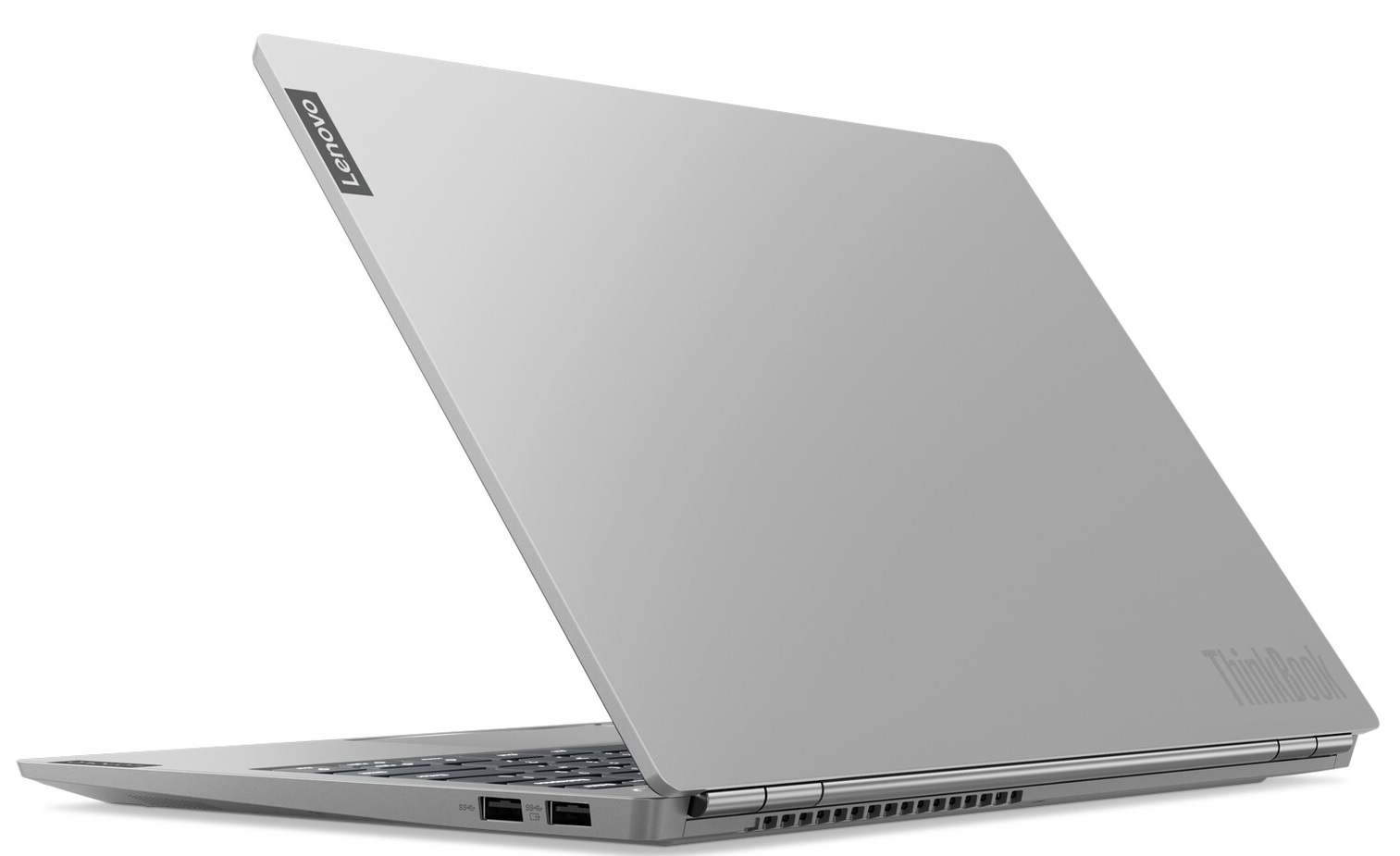
- 1x USB Type-C
- 3.2 Gen 2 (10 Gbps), Power Delivery (PD), DisplayPort
- 1x USB Type-A
- 3.2 Gen 1 (5 Gbps), Sleep and Charge
- 1x USB Type-A
- 3.2 Gen 1 (5 Gbps)
- HDMI
- 1.4b
- Card Reader
- Ethernet LAN
- Wi-Fi
- 802.11ac/ax
- Bluetooth
- 5.0
- Audio jack
- 3.5 Combo Jack
- Features
- Fingerprint reader
- Web camera
- HD
- Backlit keyboard
- Microphone
- Dual Array Digital Microphone
- Speakers
- 2x 2W, Dolby Audio
- Optical drive
- Security Lock slot
Portability
Review
Lenovo ThinkBook 13s in-depth review
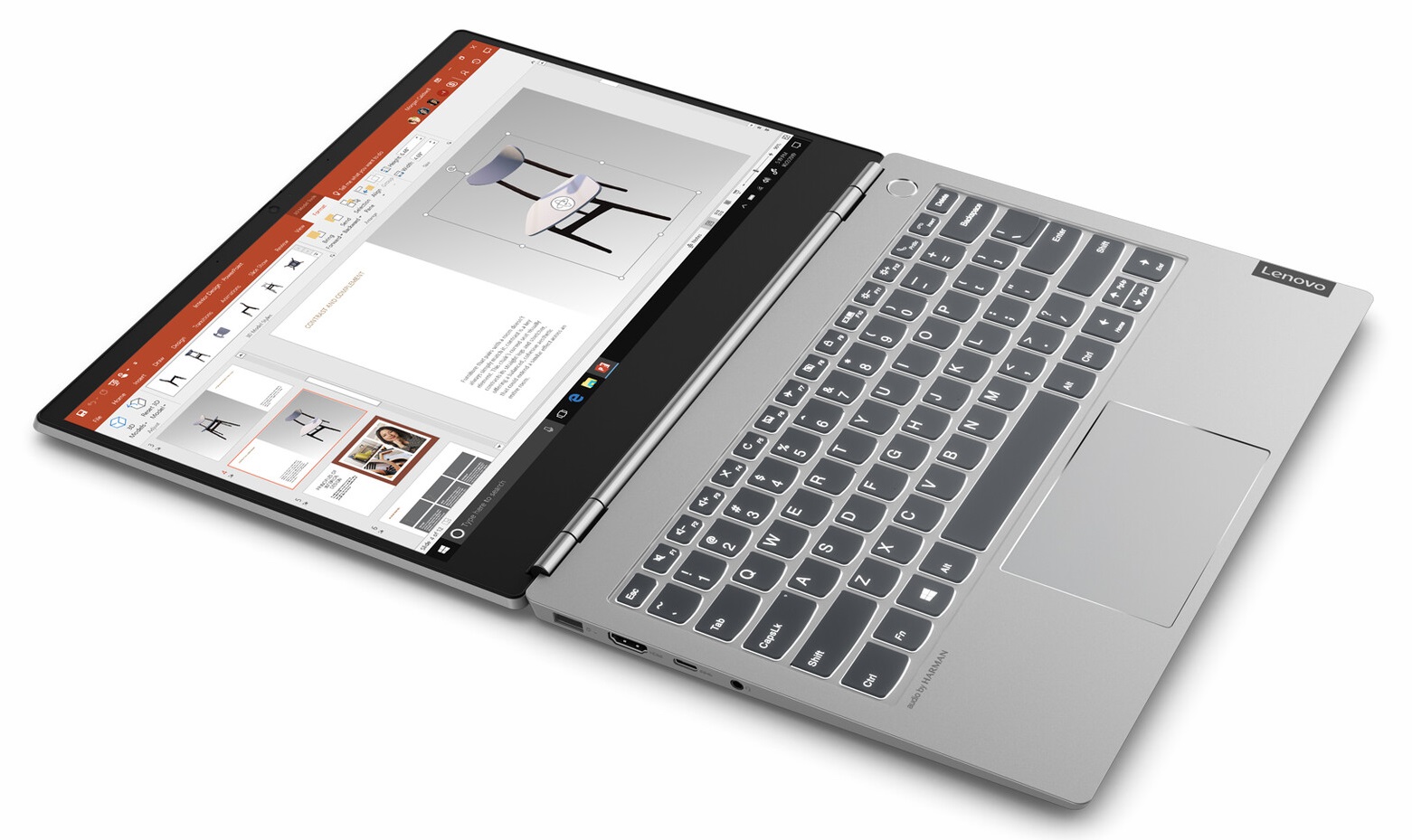
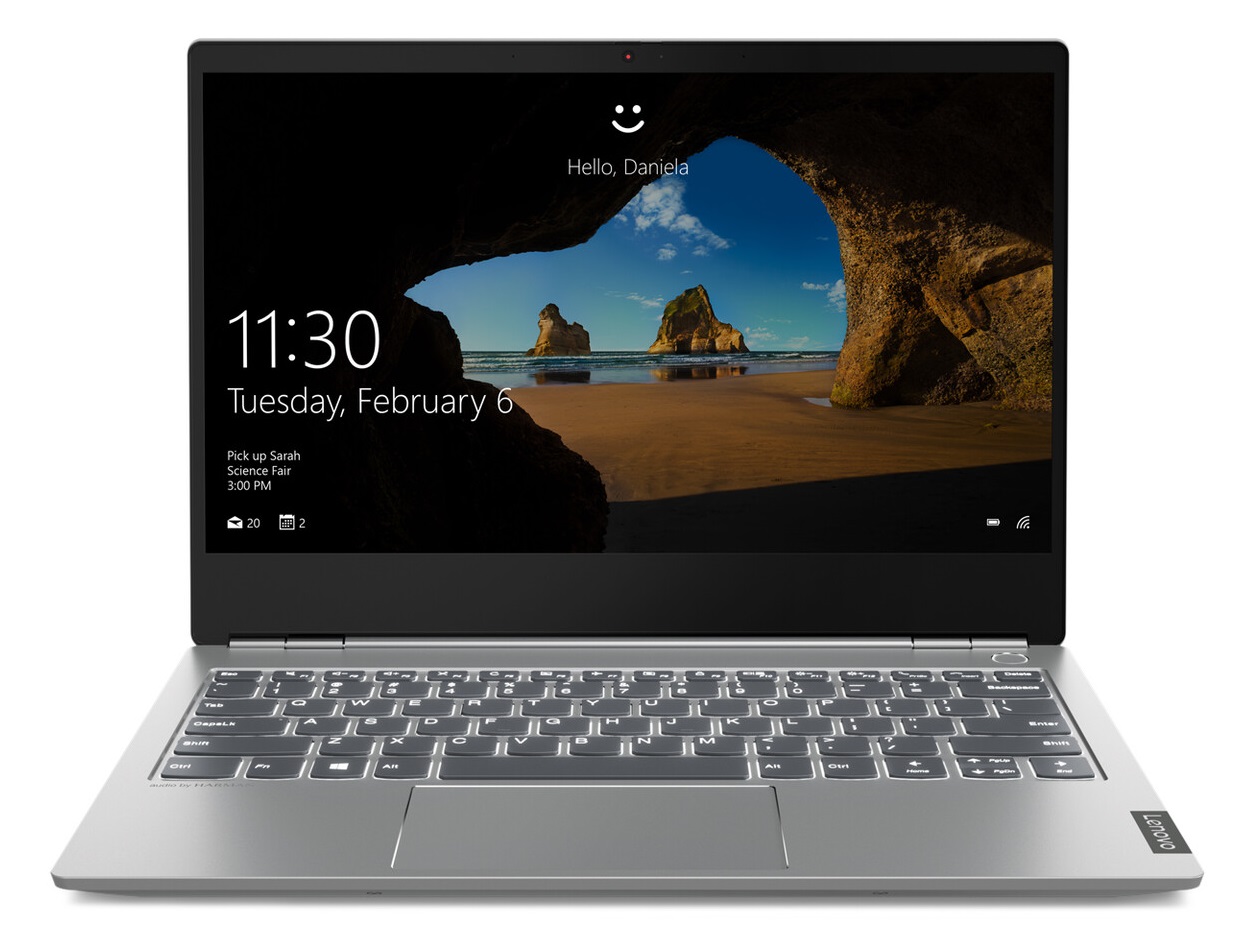
Imagine what would happen if you took a 13-inch ThinkPad and crossbreed it with a fancy Ideapad like the 730S. Well, there is no need for fantasizing anymore - Lenovo has finally made a sleek, astonishingly looking ThinkPad-inspired device, and has called it - the ThinkBook.So, honestly, there are not many devices that give you the vibe of the ThinkBook 13s. Despite it bearing the name... well, half of the name of a ThinkPad, it looks a lot more like a MacBook or something. It makes us very happy when we see manufacturers actually doing something new and interesting. So in terms of the hardware, it is incorporating Whiskey Lake CPUs and optionally - a Radeon 540X.You can check the prices and configurations in our Specs System: https://laptopmedia.com/series/lenovo-thinkbook-13s/ [...]
Read the full review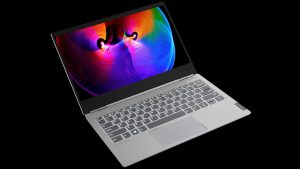
Pros
- Premium all aluminum build
- Doesn't use PWM to adjust screen brightness (AUO B133HAN05.9)
- Covers 97% of sRGB and with our Gaming and Web design profile, the colors become extremely accurate (dE<1.0) (AUO B133HAN05.9)
- Great battery life
- Fast and accurate fingerprint reader
- Doesn't break a sweat under heavy load
Cons
- No SD card reader and Thunderbolt support
- No USB Type-C charging
Disassembly, maintenance and upgrade options
The ThinkBook 13s is a new addition to the Lenovo family. It looks like an interesting prospect that would sit somewhere between the ThinkPad and the Ideapad series. In this article, you're going to see how to get access to the internals and how to eventually upgrade the device.Check out all Lenovo ThinkBook 13s prices and configurations in our Specs System, or read our In-Depth review.1. Remove the bottom plate Lenovo has given 9 Torx screws (T5) the job of securing the bottom plate in place. Indeed, the Torxes are a little harder to find than the regular Phillips screwdriver t[...]
Read more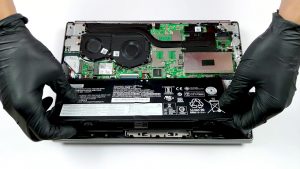


![[June 2026] Best-Selling Laptop Brands on Amazon Global – Apple’s Unrivaled Dominance in Units and Revenue](https://laptopmedia.com/wp-content/uploads/2026/07/GLOBAL-Best-Brands-400x225.jpg)
![[June 2026] Amazon Global: Top 10 Best-Selling Laptops – Apple’s New MacBook Neo Storms to #1, Reshaping the Market with Affordability](https://laptopmedia.com/wp-content/uploads/2026/07/Best-Selling-Laptops-GLOBAL-Top-10-400x225.jpg)
![[June 2026] Amazon Global: Top 10 Best-Selling Gaming Laptops – Acer’s Nitro V 16S AI Dominates Sales, While ASUS Leads Overall Revenue](https://laptopmedia.com/wp-content/uploads/2026/07/Best-Selling-Gaming-Laptops-GLOBAL-Top-10-400x225.jpg)
![[June 2026] Global Ranking of Best-Selling Laptop GPUs on Amazon – NVIDIA RTX 5060 is the Top-Selling Dedicated GPU](https://laptopmedia.com/wp-content/uploads/2026/07/Best-Selling-GPUs-GLOBAL-Top-10-400x225.jpg)
![[June 2026] Global Ranking of Best-Selling Laptop CPUs on Amazon – Apple M5 Dominates, AMD Ryzen 7 260 Gets Solid Premium Share](https://laptopmedia.com/wp-content/uploads/2026/07/Best-Selling-CPUs-GLOBAL-Top-10-400x225.jpg)
