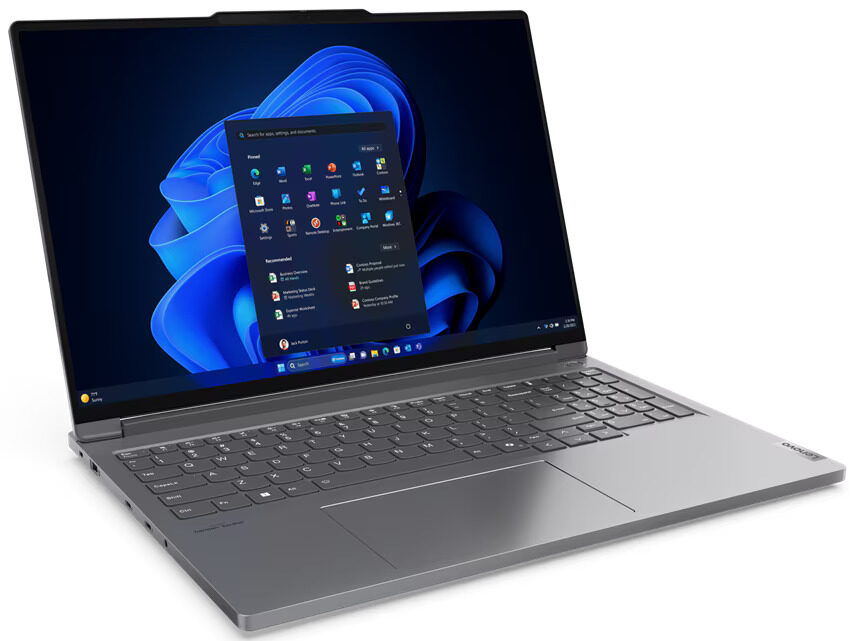
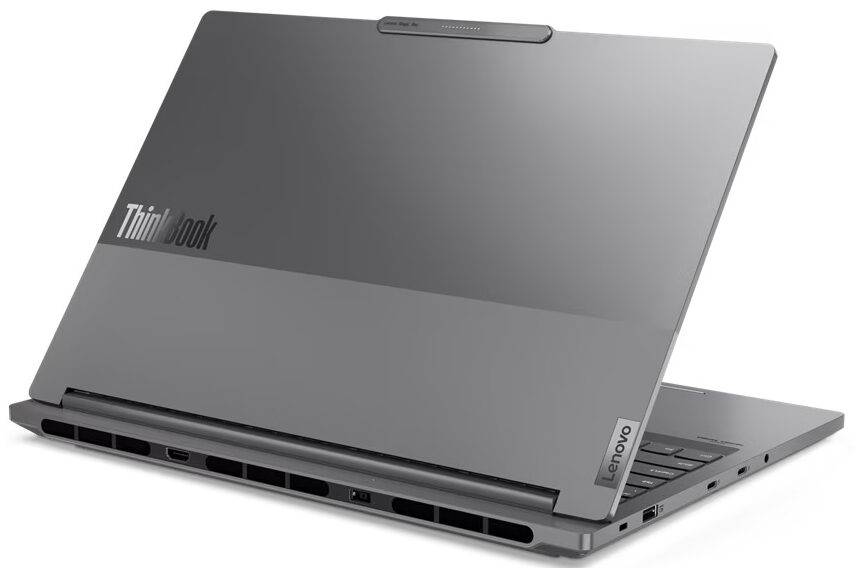
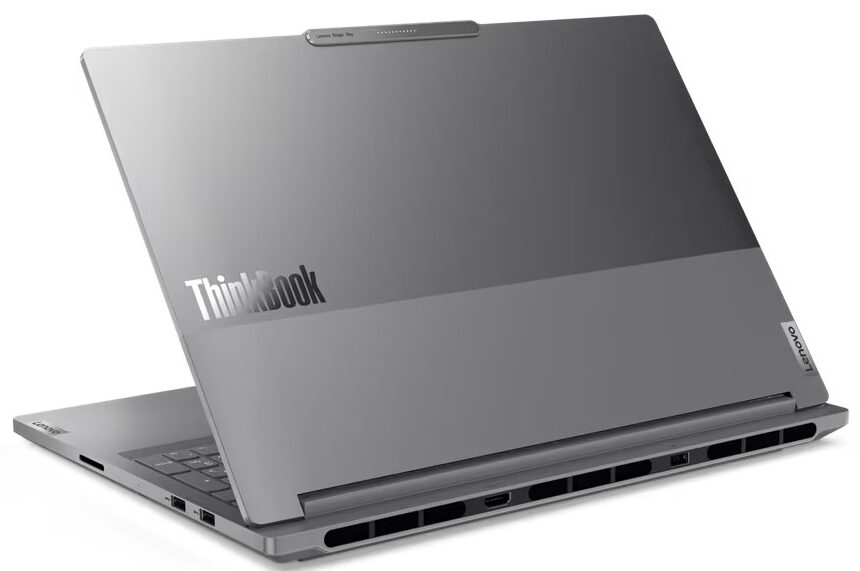
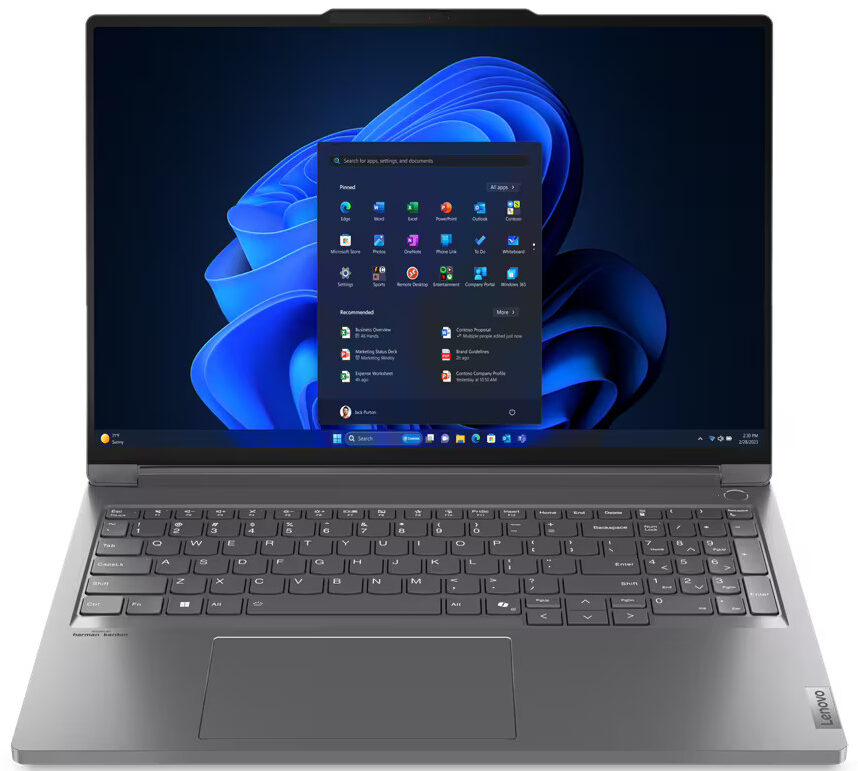
Lenovo ThinkBook 16p Gen 5

- Date Published: 18 Feb 2025
- Intel Core i7-14650HX
- NVIDIA GeForce RTX 4060 (Laptop, 140W)
- 16.0", WQXGA (2560 x 1600), IPS
- 1000GB SSD
- 32GB RAM
- 2.20 kg (4.9 lbs)
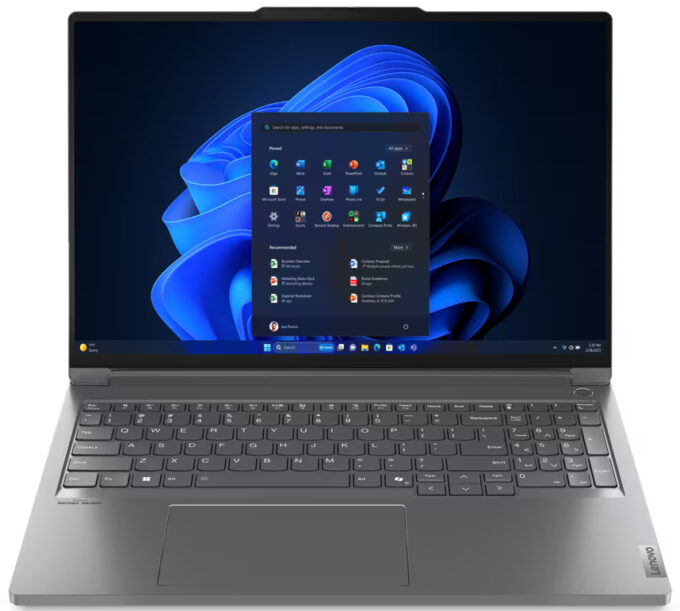
Review
Lenovo ThinkBook 16p Gen 5 in-depth review
If you are a hybrid worker or content creator who travels a lot and needs a powerful big-screen laptop that doesn't weigh a ton, your options are kind of limited. Not all hope is lost since devices like the Lenovo ThinkBook 16p Gen 5 (16") exist. This one has a sub-20 mm profile but you can order it with a 55W Intel Core i9-14900HX and a GeForce RTX 4060 (just like we did). MUX switch is also onboard.You can choose from two IPS panels. The base display is okay for a non-gaming notebook - 1600p 60Hz unit. The optional model is way more interesting because of the higher 2000p resolution and the 165Hz refresh rate. This variant is tied with G-SYNC and Advanced Optimus capabilities. It looks like gamers in the office should be happy.The machine is rich in security features such as an I[...]
Read the full review
Pros
- Solid aluminum chassis
- Great overall performance given the thin profile
- The fans aren't too noisy under full CPU loads in "Extreme Performance" mode
- 408 nits of max brightness (CSO1626)
- Comfortable viewing angles + 16:10 aspect ratio (CSO1626)
- 100% sRGB and 99% DCI-P3 coverage + accurate colors with our "Design and Gaming" profile (CSO1626)
- PWM-free (CSO1626)
- Good audio quality
- IR Web camera with privacy shutter
- Modern port selection with 5x USB ports and an SD card reader
- The i9-14900HX can maintain high P-core and E-core clocks in long loads (~3.06 GHz / 2.55 GHz)
- The RTX 4060 can sustain a stable 2640 MHz core clock during gaming
- Comfortable backlit keyboard + big and smooth glass touchpad
- 2x SODIMMs + 2x M.2 Gen 4 slots
- The bottom panel is easy to open
- Snappy NVMe (SAMSUNG MZVL21T0HCLR-00BL2)
- Fingerprint reader
- MUX switch
- G-Sync + Advanced Optimus (for the RTX 4060-based models with 2000p screen)
Cons
- Short battery life
Disassembly, maintenance and upgrade options
Opening the DeviceUndo eight Torx-head screws on the bottom of the notebook. The two bottom corners will be slightly raised; start prying from the front. Work your way around the sides and the rear to fully detach the bottom panel.More info: Here's how the bottom plate looks on the inside.Battery RemovalUnplug the battery connector from the motherboard. Undo the six Phillips-head screws that secure the battery to the chassis. Lift and remove the 80Wh battery.Note: The battery capacity is sufficient for around 4 hours and 30 minutes of video playb[...]
Read more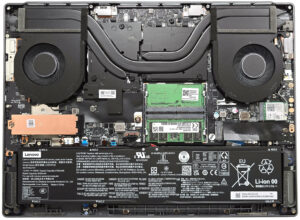


![[June 2026] Best-Selling Laptop Brands on Amazon Global – Apple’s Unrivaled Dominance in Units and Revenue](https://laptopmedia.com/wp-content/uploads/2026/07/GLOBAL-Best-Brands-400x225.jpg)
![[June 2026] Amazon Global: Top 10 Best-Selling Laptops – Apple’s New MacBook Neo Storms to #1, Reshaping the Market with Affordability](https://laptopmedia.com/wp-content/uploads/2026/07/Best-Selling-Laptops-GLOBAL-Top-10-400x225.jpg)
![[June 2026] Amazon Global: Top 10 Best-Selling Gaming Laptops – Acer’s Nitro V 16S AI Dominates Sales, While ASUS Leads Overall Revenue](https://laptopmedia.com/wp-content/uploads/2026/07/Best-Selling-Gaming-Laptops-GLOBAL-Top-10-400x225.jpg)
![[June 2026] Global Ranking of Best-Selling Laptop GPUs on Amazon – NVIDIA RTX 5060 is the Top-Selling Dedicated GPU](https://laptopmedia.com/wp-content/uploads/2026/07/Best-Selling-GPUs-GLOBAL-Top-10-400x225.jpg)
![[June 2026] Global Ranking of Best-Selling Laptop CPUs on Amazon – Apple M5 Dominates, AMD Ryzen 7 260 Gets Solid Premium Share](https://laptopmedia.com/wp-content/uploads/2026/07/Best-Selling-CPUs-GLOBAL-Top-10-400x225.jpg)
