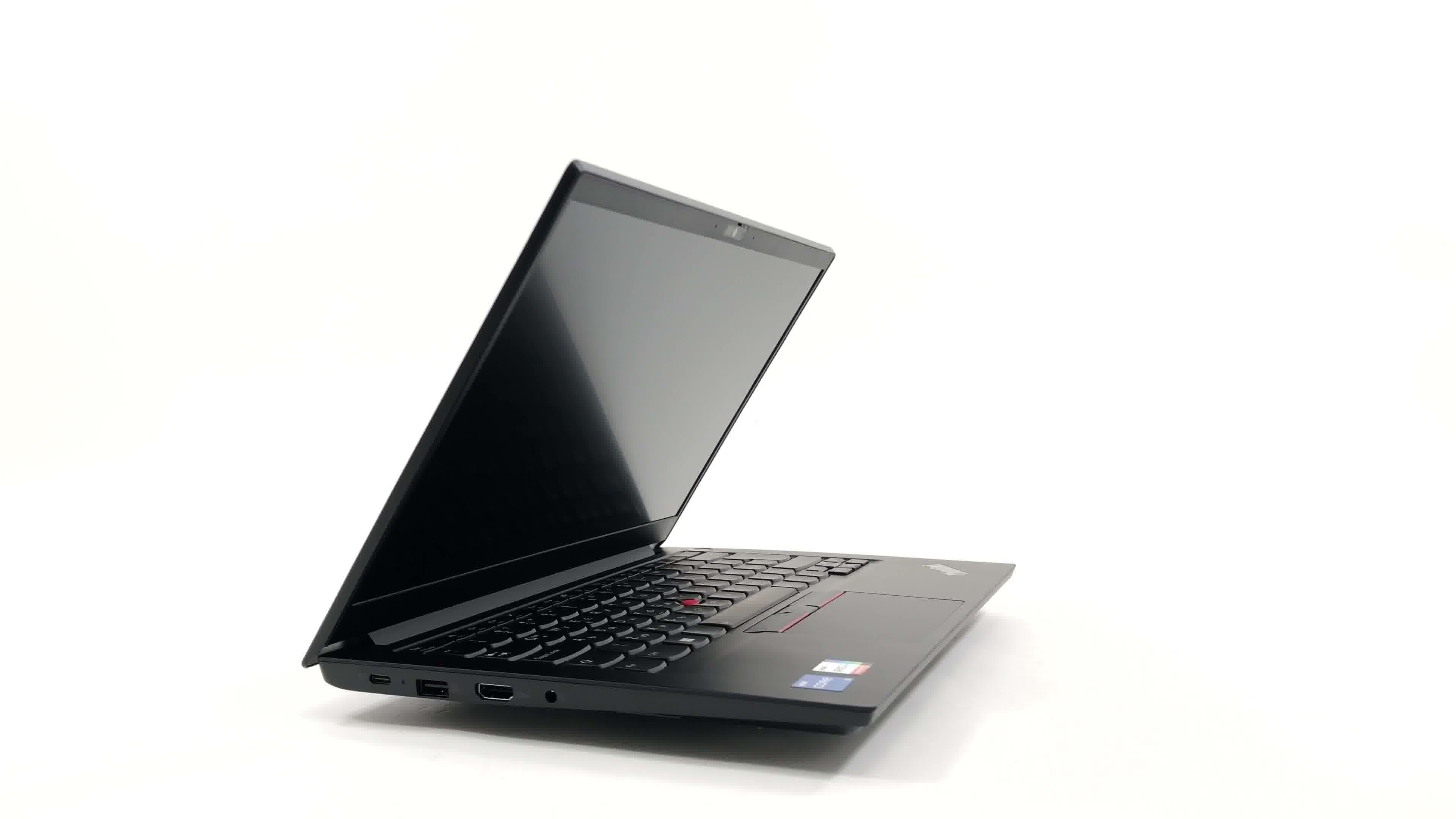
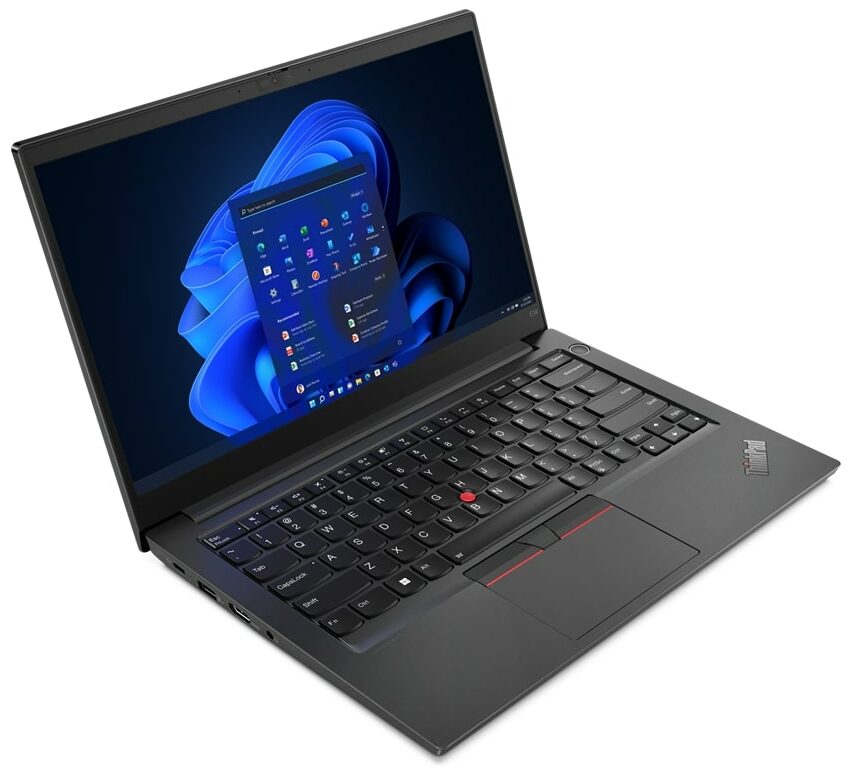
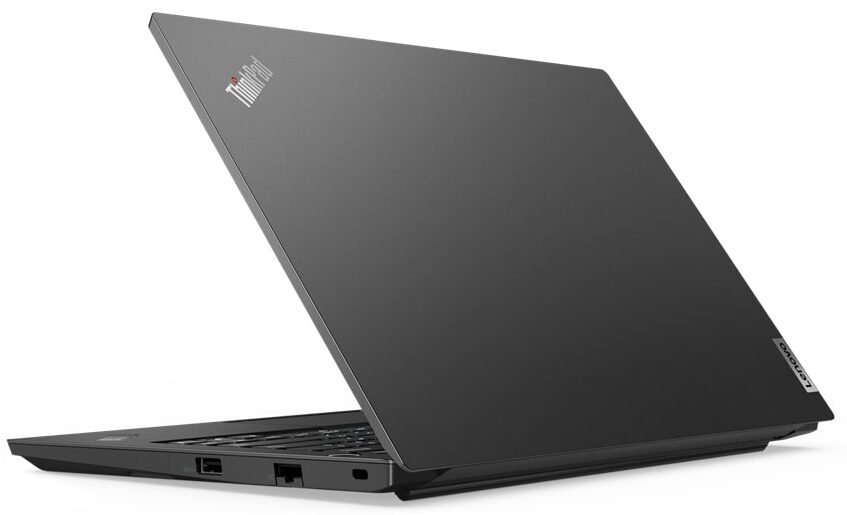
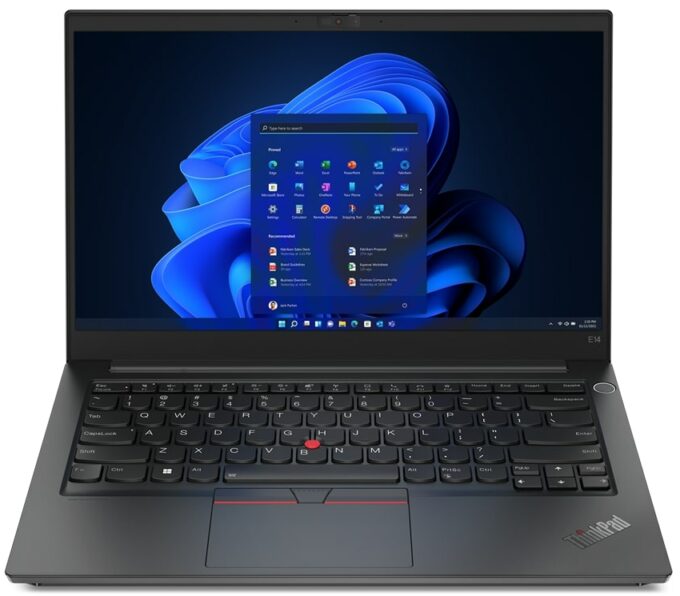
Lenovo ThinkPad E14 Gen 4



- Date Published: 20 May 2026
- Intel Core i5-1235U
- Intel Iris Xe Graphics G7 (80EU)
- 14.0”, Full HD (1920 x 1080), TN
- 512GB SSD
- 16GB RAM
- 1.59 kg (3.5 lbs)
Review
Lenovo ThinkPad E14 Gen 4 in-depth review
The ThinkPad E-series is Lenovo's cleanest business notebook. It has a no-nonsense design and has all of the necessary features you need - nothing too fancy, nor too complicated.Since mobile computing has gone a long way, whatever configuration you pick, you will receive a lot of power. There is the AMD option, which features last year's updated processors. Also, you can get the Intel model - the one we got. It can be equipped with either Alder Lake-U or Alder Lake-P CPUs, depending on the amount of raw horsepower you need.In addition to the decent performance, you can expect a great security package. On the surface, it has a Kensington lock slot, while the insides hide a TPM 2.0 security chip. It can be either a firmware or a dedicated one.We were almost too excited to see th[...]
Read the full review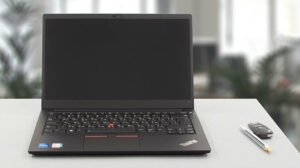
Pros
- Its keyboard is backlit, spill-resistant, and great for typing
- Optional fingerprint reader and IR face recognition
- Good contrast ratio and comfortable viewing angles (Innolux N140HCA-EAE)
- Supports dual PCIe x4 SSDs, and some models feature a WiFi 6 card
- Doesn't use PWM (Innolux N140HCA-EAE)
- Charges via Thunderbolt 4
- Great performance
Cons
- Covers only 53% of sRGB (Innolux N140HCA-EAE)
- Lacks an SD card reader
Disassembly, maintenance and upgrade options
The Lenovo ThinkPad E14 Gen 4 is a business notebook that offers essential upgradeability.Check out all Lenovo ThinkPad E14 Gen 4 prices and configurations in our Specs System, or read more in our In-Depth review.1. Remove the bottom plate To access this notebook's internals, you need to undo 7 captive Phillips-head screws. Then, pry the bottom panel with a plastic tool.2. Remove the battery Our configuration features a 57Wh battery pack. It lasts for nearly 10 hours of Web browsing, or about 8 hours of video playback. To remove it, undo the 5 Phillips-head screws that ho[...]
Read more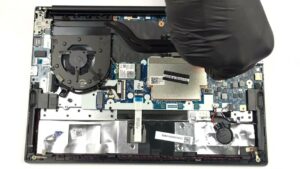


![[July 2026] Global Ranking of Best-Selling Laptop GPUs on Amazon – RTX 5060 Dominate Premium, Intel Still Rules Budget](https://laptopmedia.com/wp-content/uploads/2026/08/Best-Selling-GPUs-GLOBAL-Top-10-400x225.jpg)
![[July 2026] Global Ranking of Best-Selling Laptop CPUs on Amazon – Apple Dominates Premium, Intel Holds Overall Crown](https://laptopmedia.com/wp-content/uploads/2026/08/Best-Selling-CPUs-GLOBAL-Top-10-400x225.jpg)
![[July 2026] Amazon Canada: Top 10 Best-Selling Laptops – Apple MacBook Neo Dominates the Market to Claim the #1 Spot](https://laptopmedia.com/wp-content/uploads/2026/08/Best-Selling-Laptops-CA-Top-10-2-400x225.jpg)
![[July 2026] Best-Selling Laptop Brands on Amazon Japan – HP and Lenovo Dominate Units and Revenue Amid Fierce Competition](https://laptopmedia.com/wp-content/uploads/2026/08/CO.JP-Best-Brands-2-400x225.jpg)
![[July 2026] Amazon Italy: Top 10 Best-Selling Laptops – Apple MacBook Neo Claims the #1 Spot Amid Budget-Friendly Dominance](https://laptopmedia.com/wp-content/uploads/2026/08/Best-Selling-Laptops-IT-Top-10-400x225.jpg)
