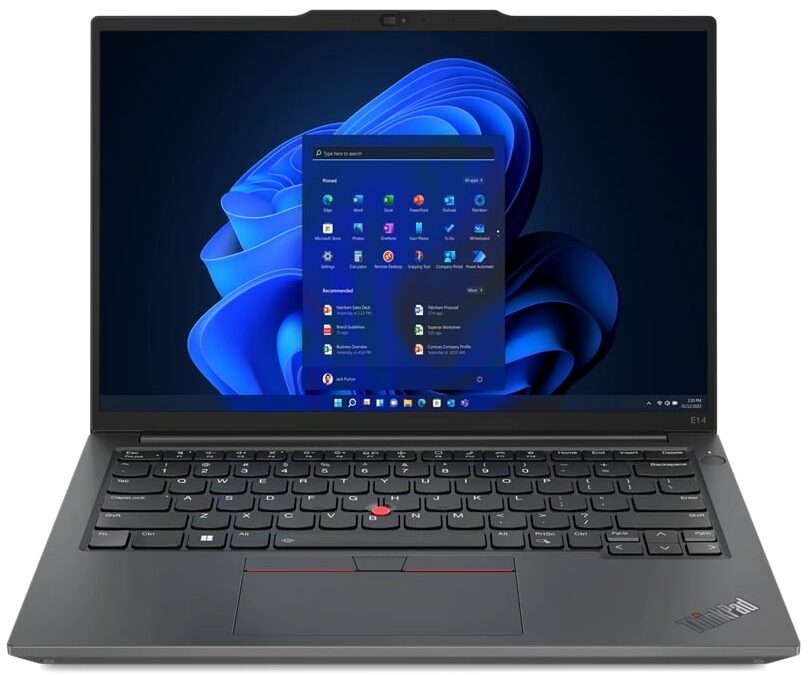
Lenovo ThinkPad E14 Gen 5


- Date Published: 19 Nov 2025
- Intel Core i7-1355U
- Intel Iris Xe Graphics G7 (96EU)
- 14.0”, WUXGA (1920 x 1200), IPS
- 4000GB SSD
- 32GB RAM
- 1.41 kg (3.1 lbs)

Specs
- Display

- HDD/SSD
- 4000GB SSD
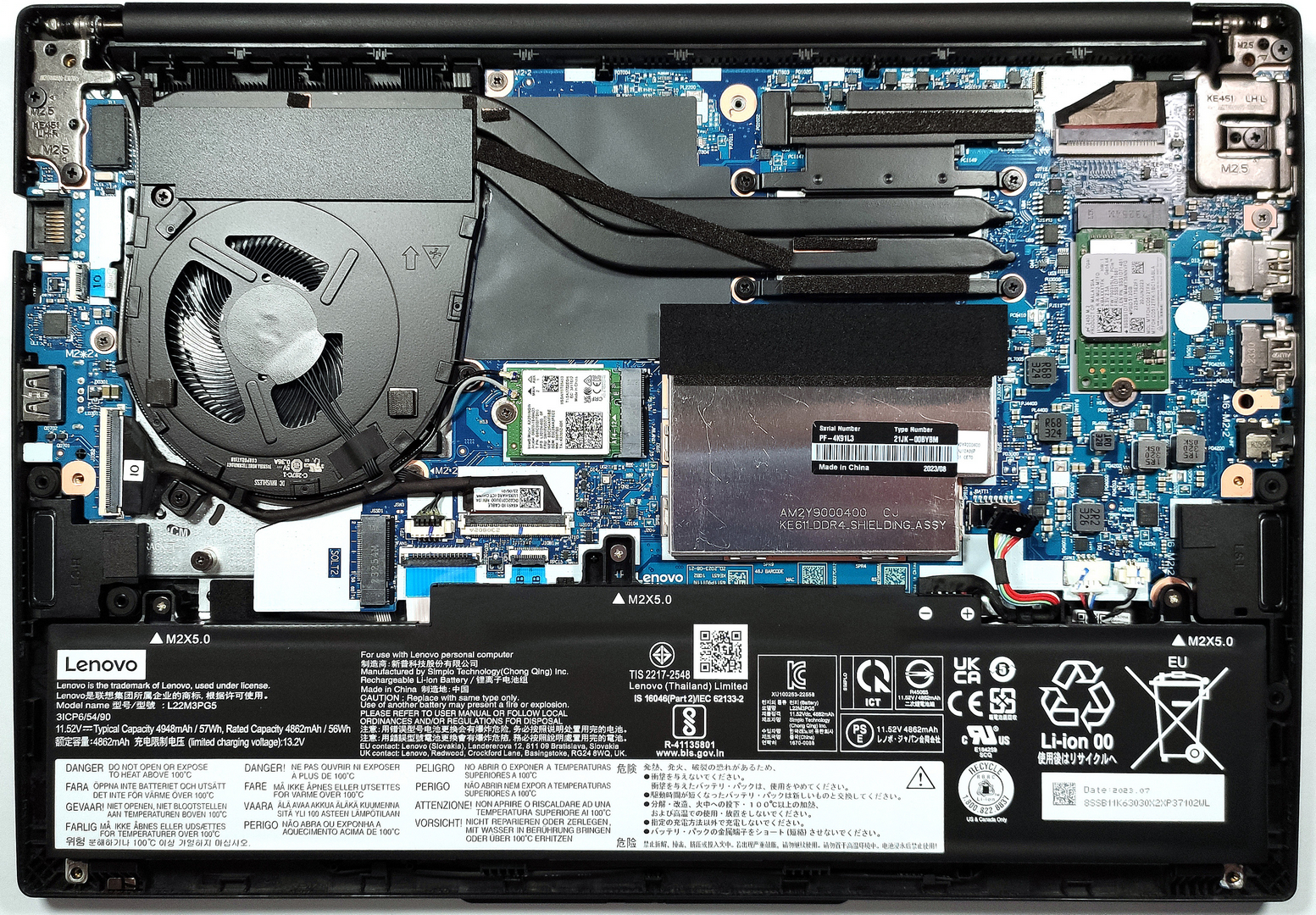
- M.2 Slot
- 1x 2242 M.2 NVMe PCIe 4.0 x4 + 1x 2242 M.2 NVMe PCIe 3.0 x4 See photo
- RAM
- 32GB RAM
- OS
- Windows 11 Home
- Body Material
- Plastic / Polycarbonate, Aluminum
- Dimensions
- 313 x 219.3 x 17.99 mm (12.32" x 8.63" x 0.71")
- Weight
- 1.41 kg (3.1 lbs)
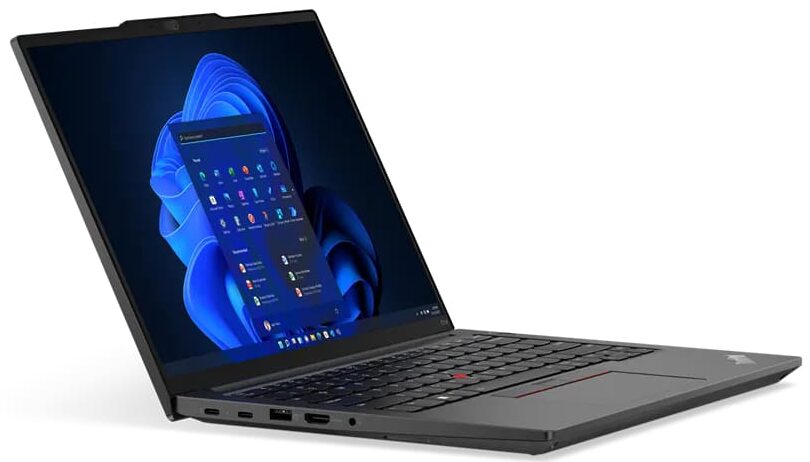
- Ports and connectivity
- 1x USB Type-A
- 2.0
- 1x USB Type-A
- 3.2 Gen 1 (5 Gbps), Sleep and Charge
- 1x USB Type-C
- 3.2 Gen 2 (10 Gbps), Power Delivery (PD), DisplayPort
- 1x USB Type-C
- 4.0, Thunderbolt 4, Power Delivery (PD), DisplayPort
- HDMI
- 2.0 (4K@60Hz)
- Card Reader
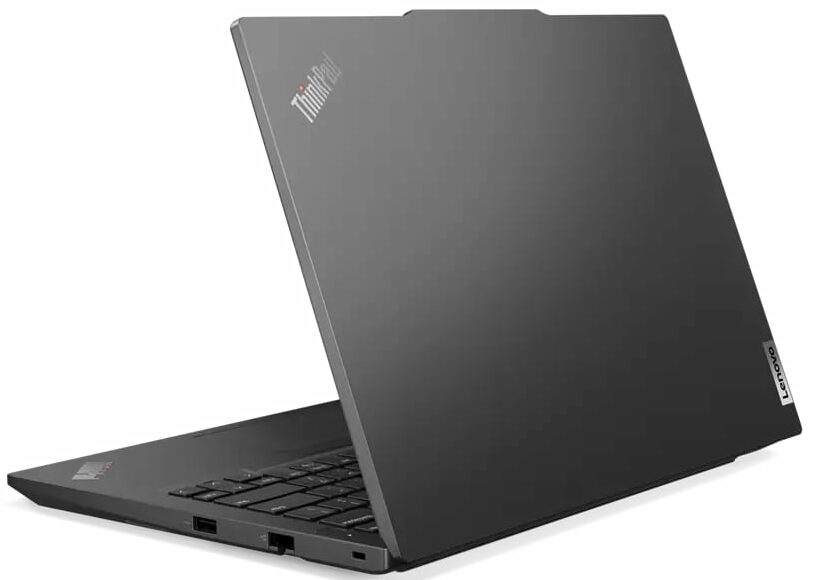
- Ethernet LAN
- 10, 100, 1000 Mbit/s
- Wi-Fi
- 802.11ax
- Bluetooth
- 5.1
- Audio jack
- 3.5mm Combo Jack
- Features
- Fingerprint reader
- Web camera
- HD / FHD with Privacy Shutter, Fixed Focus
- Backlit keyboard
- Microphone
- Dual Microphone Array, Dolby Voice
- Speakers
- 2x 2W Stereo Speakers, Dolby Atmos
- Security Lock slot
- Kensington Nano Lock
Portability
Review
Lenovo ThinkPad E14 Gen 5 in-depth review
The Lenovo ThinkPad E14 Gen 5 (Intel) is a pure business device that isn't too pricey. Here, you aren't going to find fancy features such as WWAN, SIM Card slot, or NFC. All the essential functions are part of the package - Wi-Fi 6 (or optional 6E), dTPM 2.0 secure chip for passwords and data encryption, a Nano Security Slot, and a privacy shutter for the Web camera.The device comes with nine CPU options including 13th Gen Raptor Lake U, P, and H-series processors. The top variant is the Core i7-13700H which should be a serious challenge for the cooling considering the compact dimensions of the laptop. There is an optional iGPU - NVIDIA GeForce MX550. Display-wise, we can see two 1200p IPS models (one of them is a touchscreen unit) and the most expensive variant is a 2.2K model. All pa[...]
Read the full review
Pros
- Good comfort under load
- 1x SODIMM for dual-channel RAM + 2x M.2 slots
- PWM-free display (BOE NV140WUM-N43 (LEN403D))
- 16:10 IPS panel with wide viewing angles and good contrast ratio (BOE NV140WUM-N43 (LEN403D))
- Optional IR face recognition + Fingerprint reader
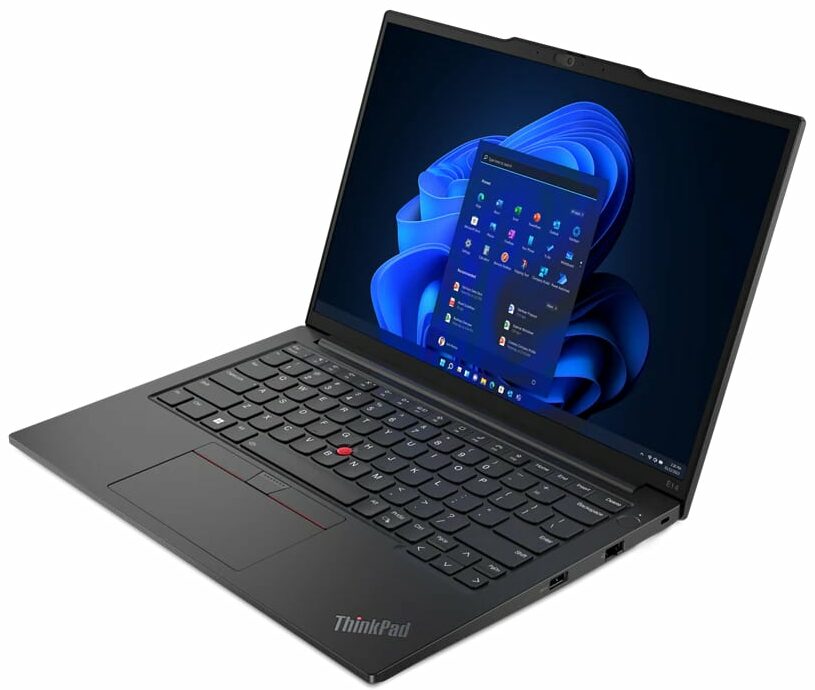
- Comfortable spill-resistant keyboard
- Good I/O + Thunderbolt 4
- High P and E core clock under any kind of stress
- Nine CPU options
- Sturdy build
- Long battery life
- Fair price
Cons
- One of the M.2 slots is for Gen 3 SSDs
- Part of the memory is soldered
- The touchpad could be better
- Covers only 50% of the sRGB color gamut (BOE NV140WUM-N43 (LEN403D))
Disassembly, maintenance and upgrade options
Opening the LaptopUndo the 7 captive Phillips-head screws on the bottom panel of the laptop. Use a plastic pry tool to gently separate the bottom panel from the chassis, starting from one of the top corners.Caution: Be gentle to avoid damaging the internal components or the clips that hold the bottom panel in place.Removing the BatteryDisconnect the battery connector from the motherboard by gently pulling it out with a plastic tool. Undo the three Phillips-head screws that secure the battery to the base. Lift the battery out of its compartment.More info[...]
Read more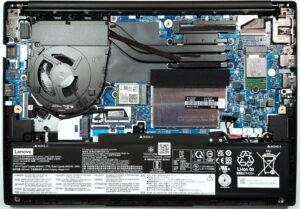


![[June 2026] Best-Selling Laptop Brands on Amazon Global – Apple’s Unrivaled Dominance in Units and Revenue](https://laptopmedia.com/wp-content/uploads/2026/07/GLOBAL-Best-Brands-400x225.jpg)
![[June 2026] Amazon Global: Top 10 Best-Selling Laptops – Apple’s New MacBook Neo Storms to #1, Reshaping the Market with Affordability](https://laptopmedia.com/wp-content/uploads/2026/07/Best-Selling-Laptops-GLOBAL-Top-10-400x225.jpg)
![[June 2026] Amazon Global: Top 10 Best-Selling Gaming Laptops – Acer’s Nitro V 16S AI Dominates Sales, While ASUS Leads Overall Revenue](https://laptopmedia.com/wp-content/uploads/2026/07/Best-Selling-Gaming-Laptops-GLOBAL-Top-10-400x225.jpg)
![[June 2026] Global Ranking of Best-Selling Laptop GPUs on Amazon – NVIDIA RTX 5060 is the Top-Selling Dedicated GPU](https://laptopmedia.com/wp-content/uploads/2026/07/Best-Selling-GPUs-GLOBAL-Top-10-400x225.jpg)
![[June 2026] Global Ranking of Best-Selling Laptop CPUs on Amazon – Apple M5 Dominates, AMD Ryzen 7 260 Gets Solid Premium Share](https://laptopmedia.com/wp-content/uploads/2026/07/Best-Selling-CPUs-GLOBAL-Top-10-400x225.jpg)