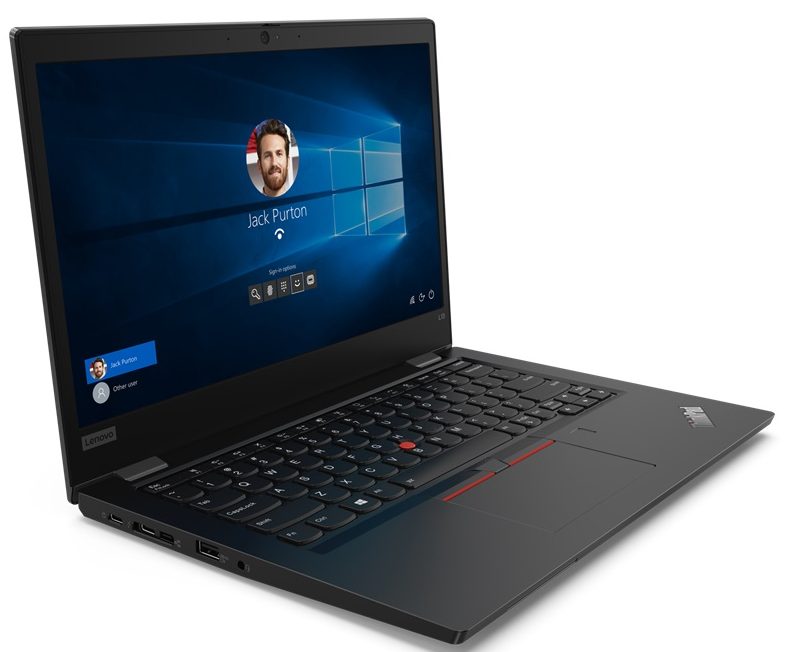
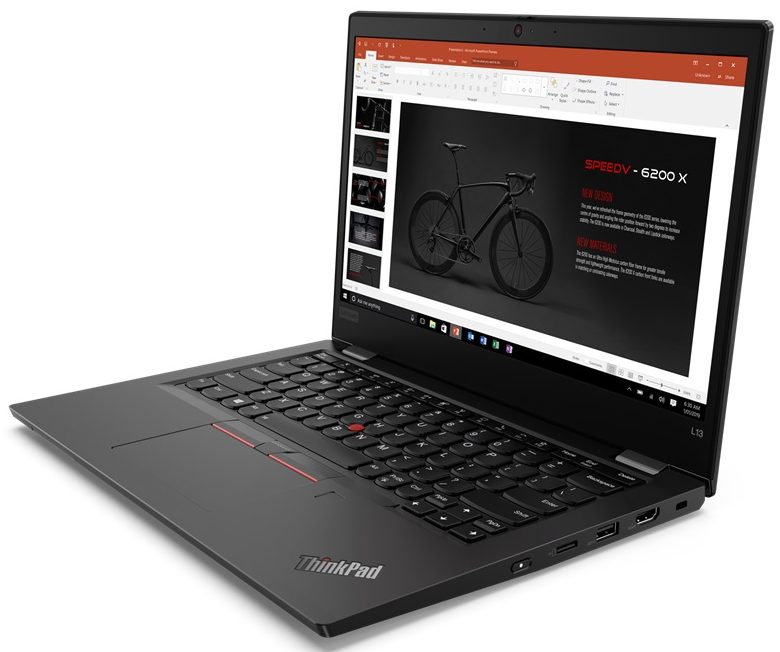
Lenovo ThinkPad L13 Gen 2
- Date Published: 21 Jul 2025
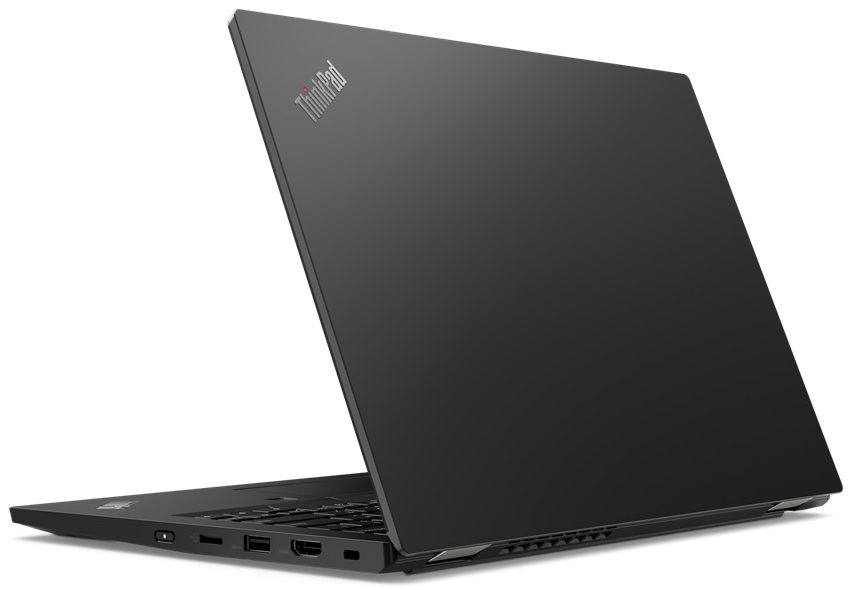
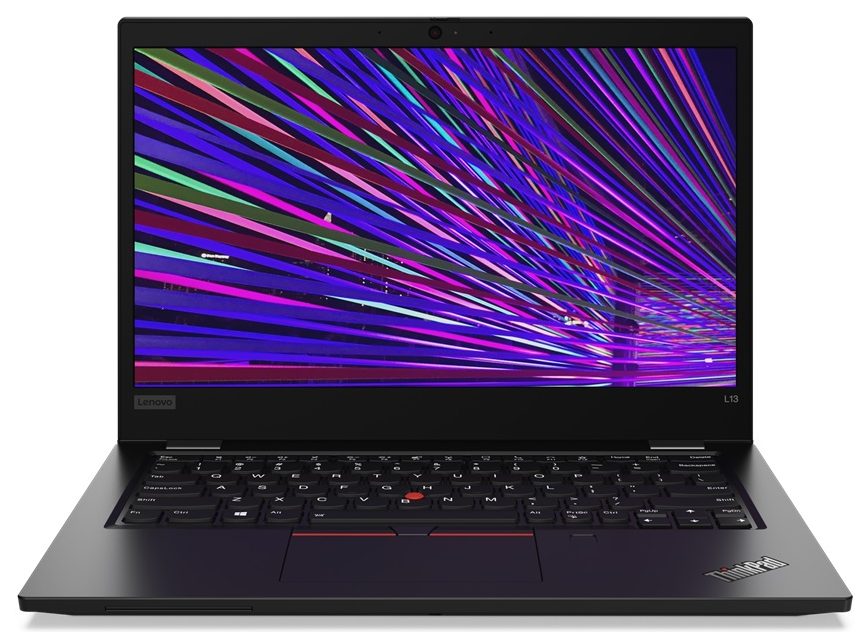
- Intel Core i7-1185G7
- Intel Iris Xe Graphics G7 (96EU)
- 13.3”, Full HD (1920 x 1080), IPS
- 512GB SSD
- 16GB RAM
- 1.39 kg (3.1 lbs)
Specs

- HDD/SSD
- 512GB SSD
- M.2 Slot
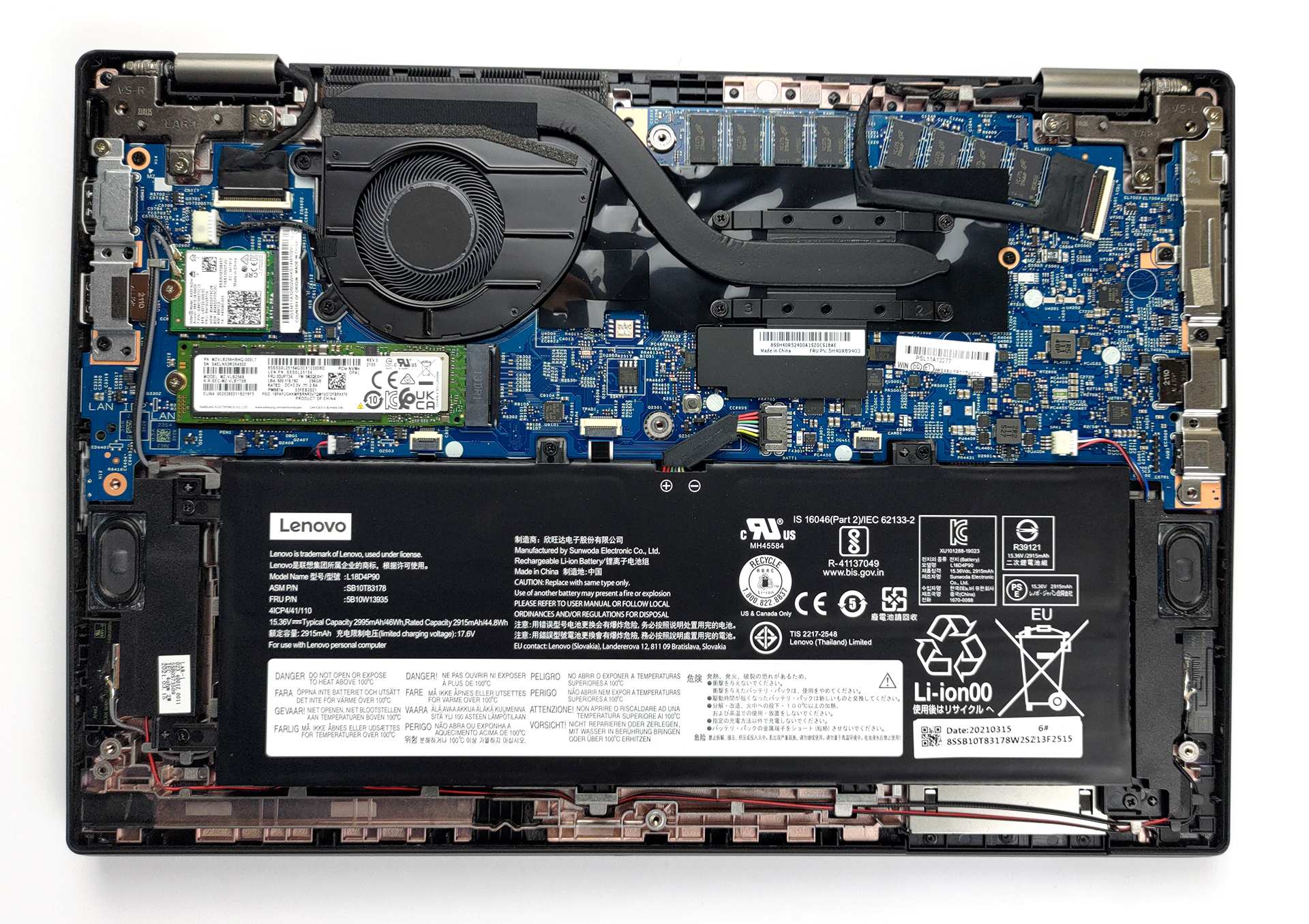
- 1x M.2 NVMe slot See photo
- RAM
- 16GB RAM
- OS
- Windows 10 Pro
- Body Material
- Plastic / Polycarbonate, Aluminum, Glass Fiber
- Dimensions
- 311.5 x 219 x 17.6 mm (12.26" x 8.62" x 0.69")
- Weight
- 1.39 kg (3.1 lbs)
- Ports and connectivity
- 2x USB Type-A
- 3.2 Gen 1 (5 Gbps)
- 1x USB Type-C
- 3.2 Gen 2 (10 Gbps), Power Delivery (PD), DisplayPort
- 1x USB Type-C
- Thunderbolt 4, Power Delivery (PD), DisplayPort
- HDMI
- 2.0
- Card Reader
- MicroSD
- Wi-Fi
- 802.11ac/ax
- Bluetooth
- 5.0
- Audio jack
- 3.5mm Combo Jack
- Features
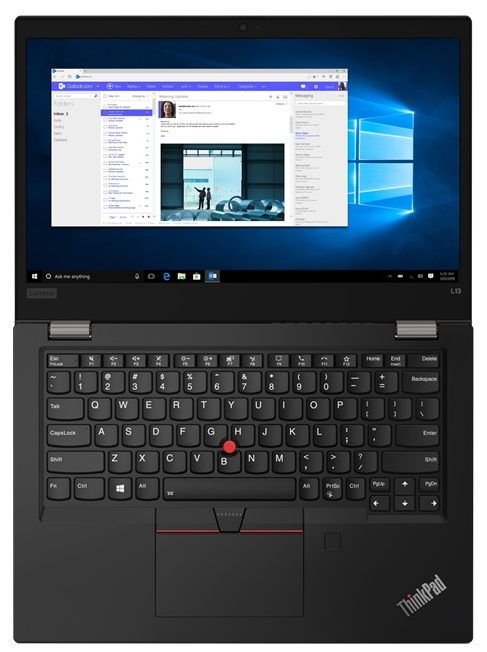
- Fingerprint reader
- Web camera
- HD
- Backlit keyboard
- Microphone
- Dual Array Microphone
- Speakers
- 2x 2W, Dolby Audio
- Security Lock slot
- Side Docking Connector
Portability
Review
Lenovo ThinkPad L13 Gen 2 in-depth review
Ladies and gentlemen, today we have another business device. It's the ThinkPad L13 Gen 2 and looks like a typical ThinkPad - robust, industrial, and stable. Some people might get pretty annoyed by the similarity between most devices of this series, but at the end of the day it comes down to brand recognition.Interestingly, there is a "CO2 Compensated" sticker on the palm rest area of the device. This reveals Lenovo's intentions and efforts in decreasing its carbon footprint by running different projects. Ultimately, they offer business consumers the chance to participate and therefore compensate for their carbon footprint.Back to the laptop, it comes equipped with the entire Tiger Lake lineup. Ultimately, this means that your ThinkPad won't be a slouch. Well, just on paper. On the[...]
Read the full review
Pros
- Doesn't use aggressive PWM for brightness adjustment (Chi Mei N133HCE-EAA)
- Decent battery life
- Premium build quality
- Great keyboard
- IR face recognition + fingerprint reader
- Thunderbolt 4 connector, MicroSD card reader
Cons
- Soldered RAM
- Covers 54% of sRGB (Chi Mei N133HCE-EAA)
- Dated looks
Disassembly, maintenance and upgrade options
Traditionally, the L-series of Lenovo's ThinkPad is pretty easy to disassemble. However, the upgrade options are disappointing.Check out all Lenovo ThinkPad L13 Gen 2 prices and configurations in our Specs System or read more in our In-Depth review.1. Remove the bottom plate To take this laptop apart, you need to undo 9 captive Phillips-head screws. Then, the procedure is as easy as prying the bottom panel with a plastic tool.2. Battery The battery inside has a 46Wh capacity.3. Мemory and storage What we don't like seeing on business notebooks is soldered memory. U[...]
Read more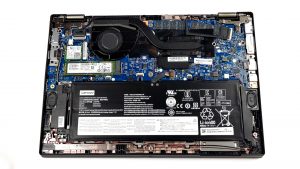


![[June 2026] Best-Selling Laptop Brands on Amazon Global – Apple’s Unrivaled Dominance in Units and Revenue](https://laptopmedia.com/wp-content/uploads/2026/07/GLOBAL-Best-Brands-400x225.jpg)
![[June 2026] Amazon Global: Top 10 Best-Selling Laptops – Apple’s New MacBook Neo Storms to #1, Reshaping the Market with Affordability](https://laptopmedia.com/wp-content/uploads/2026/07/Best-Selling-Laptops-GLOBAL-Top-10-400x225.jpg)
![[June 2026] Amazon Global: Top 10 Best-Selling Gaming Laptops – Acer’s Nitro V 16S AI Dominates Sales, While ASUS Leads Overall Revenue](https://laptopmedia.com/wp-content/uploads/2026/07/Best-Selling-Gaming-Laptops-GLOBAL-Top-10-400x225.jpg)
![[June 2026] Global Ranking of Best-Selling Laptop GPUs on Amazon – NVIDIA RTX 5060 is the Top-Selling Dedicated GPU](https://laptopmedia.com/wp-content/uploads/2026/07/Best-Selling-GPUs-GLOBAL-Top-10-400x225.jpg)
![[June 2026] Global Ranking of Best-Selling Laptop CPUs on Amazon – Apple M5 Dominates, AMD Ryzen 7 260 Gets Solid Premium Share](https://laptopmedia.com/wp-content/uploads/2026/07/Best-Selling-CPUs-GLOBAL-Top-10-400x225.jpg)